- Cloud Email
How to Set Up Email Signatures Company-Wide in Microsoft 365
11 Mar, 2026
£272.50 inc. VAT
AI-generated summary
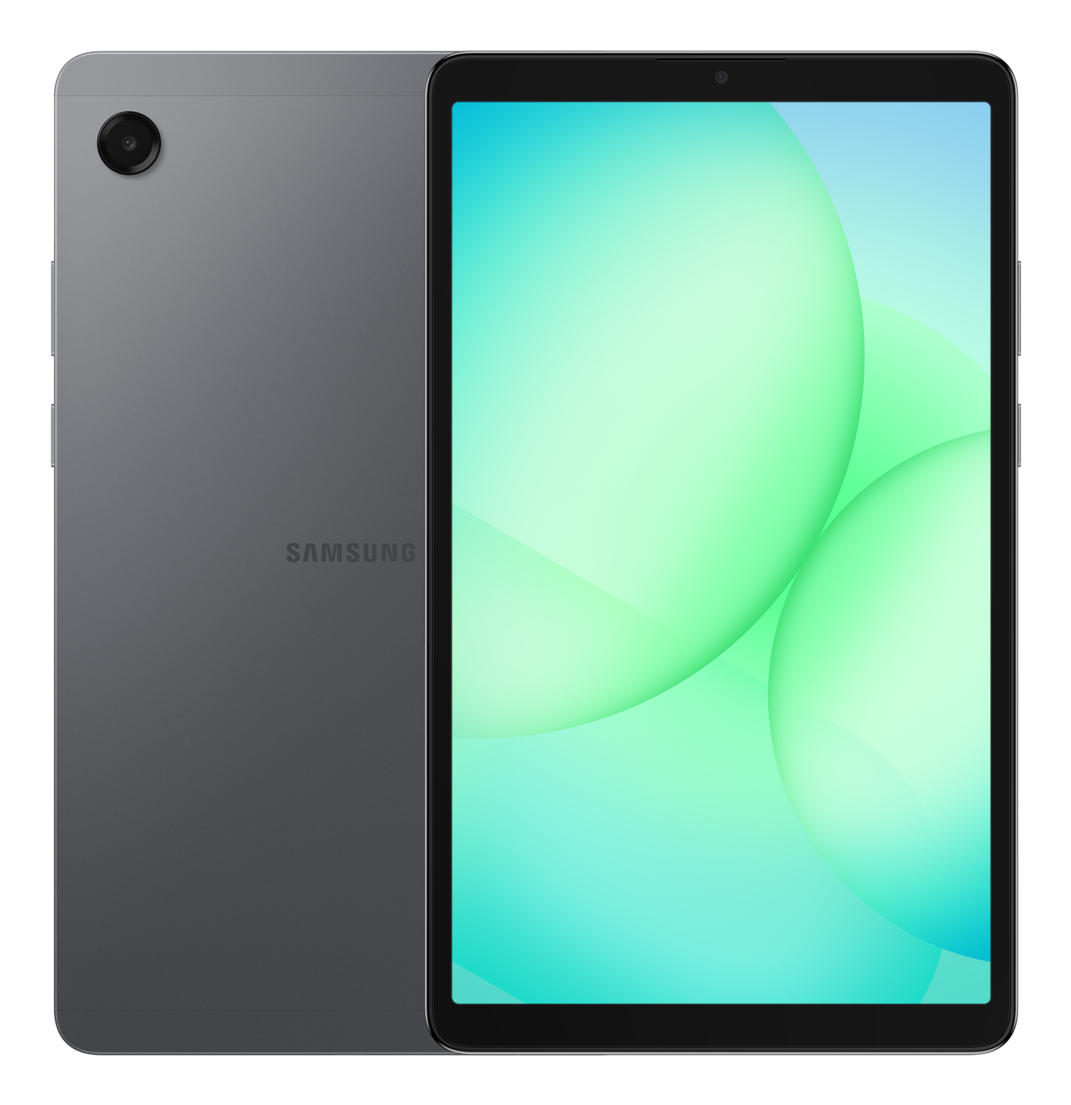
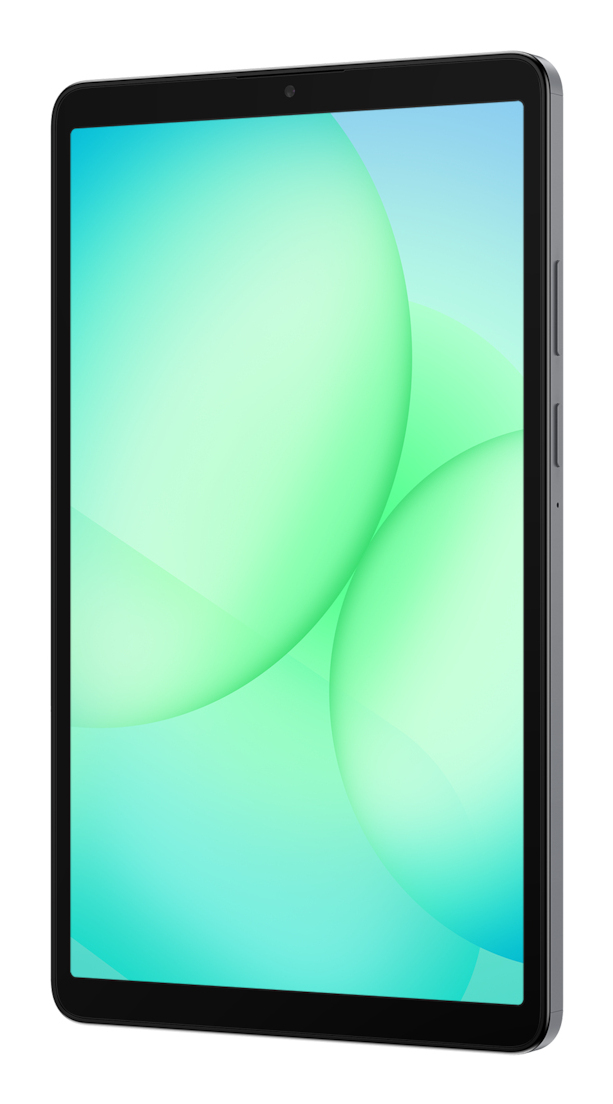
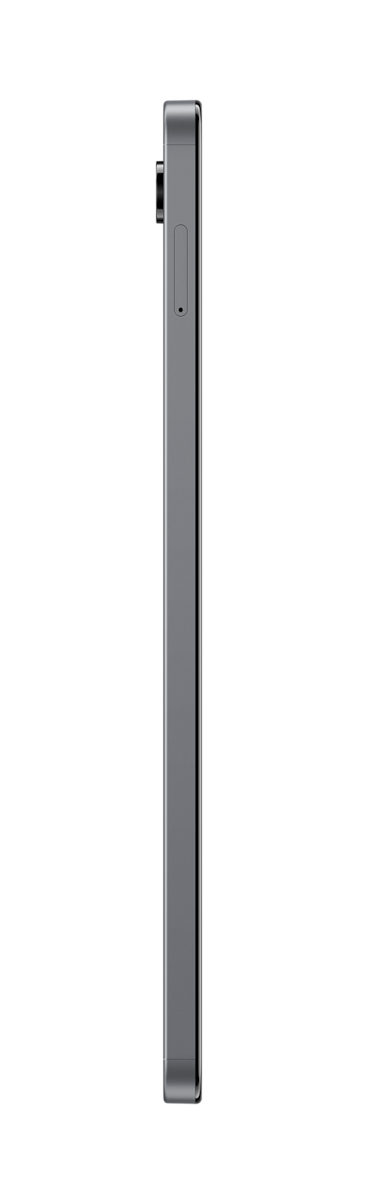
For £227 ex-VAT, the Samsung Galaxy Tab A11 (8.7") is a sensible buy for low-stakes business use: field workers who need a cheap “always-on” screen for email, web forms, basic document viewing, and light admin work. The 4G LTE is the big convenience factor—if you’re in places where Wi‑Fi is patchy, it avoids the whole “we’ll connect later” problem. Samsung’s software is also pretty easy to live with day to day, especially if you’re already in the Android ecosystem.
That said, I wouldn’t buy it for teams that need a lot of performance headroom or long-term heavy use. The small 8.7" size is fine for reading and forms, but it’s not great for spreadsheets, long PDFs, or day-long typing—people will end up needing a keyboard or a bigger screen. Also, with an “A‑series” tablet, you should expect it to feel slower than pricier business models over time, so if your use cases are multi-tasking-heavy or you’re standardising for years of service, it may be poor value.
**Who should buy:** small businesses and mobile teams needing a budget LTE tablet mainly for content consumption and straightforward web/app work. **Who shouldn’t:** anyone expecting workstation-like productivity, intensive apps, or a multi-year upgrade path without compromise.
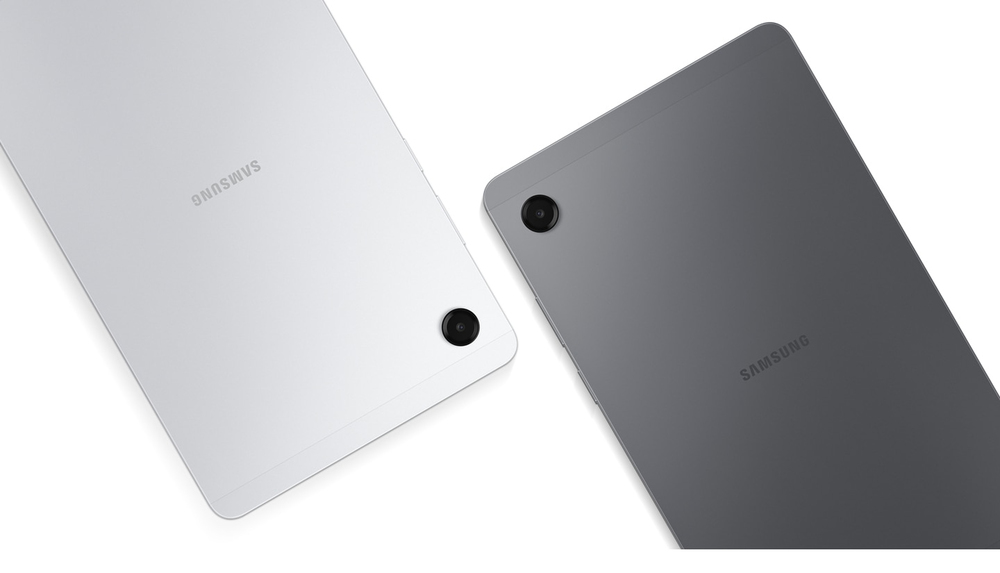
Modern, sleek and refined
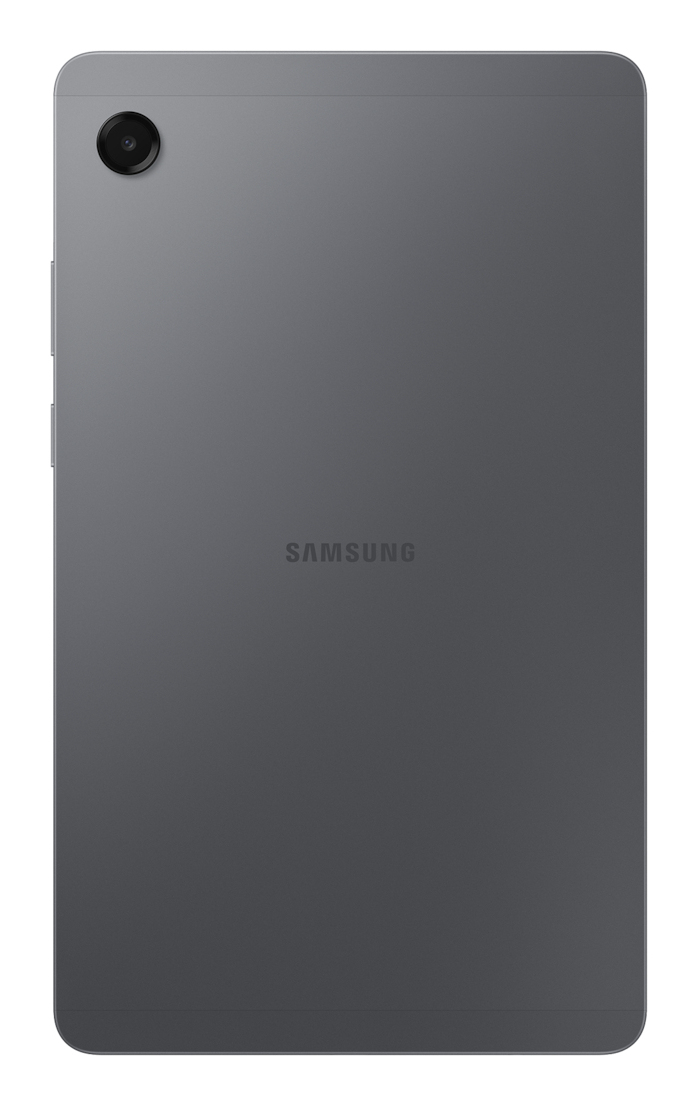
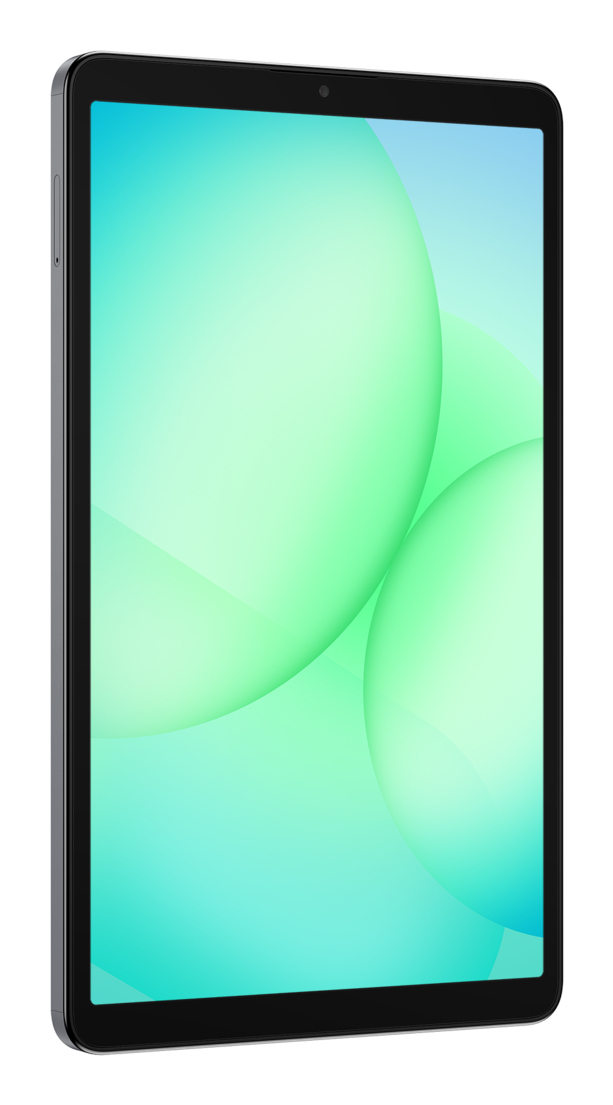
Inspired by the iconic Galaxy S Series, the new Galaxy Tab A11 looks sleek and refined. Its streamlined silhouette and clean finish complete a premium design that stays true to the Galaxy identity....
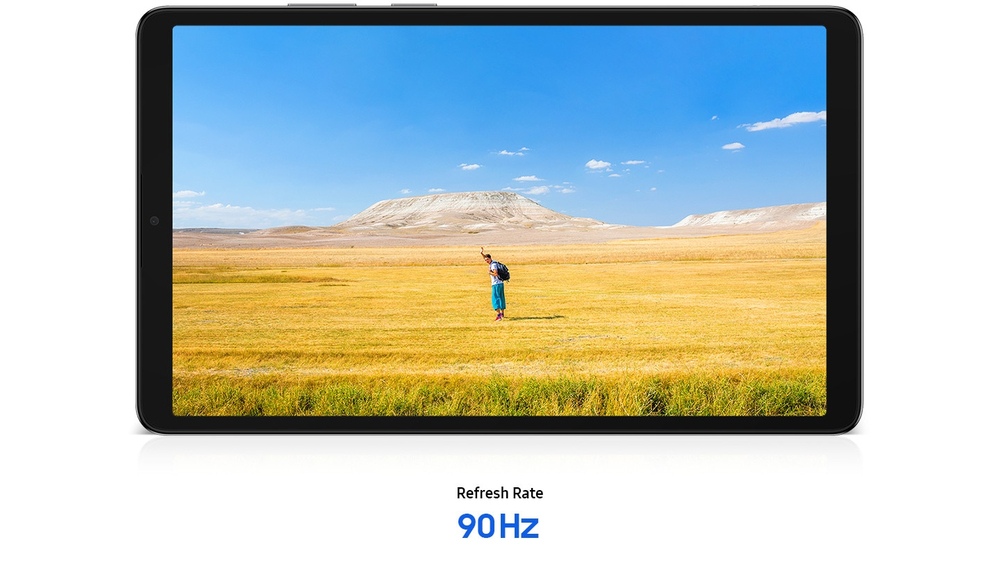
Bright, clear display with smooth motion
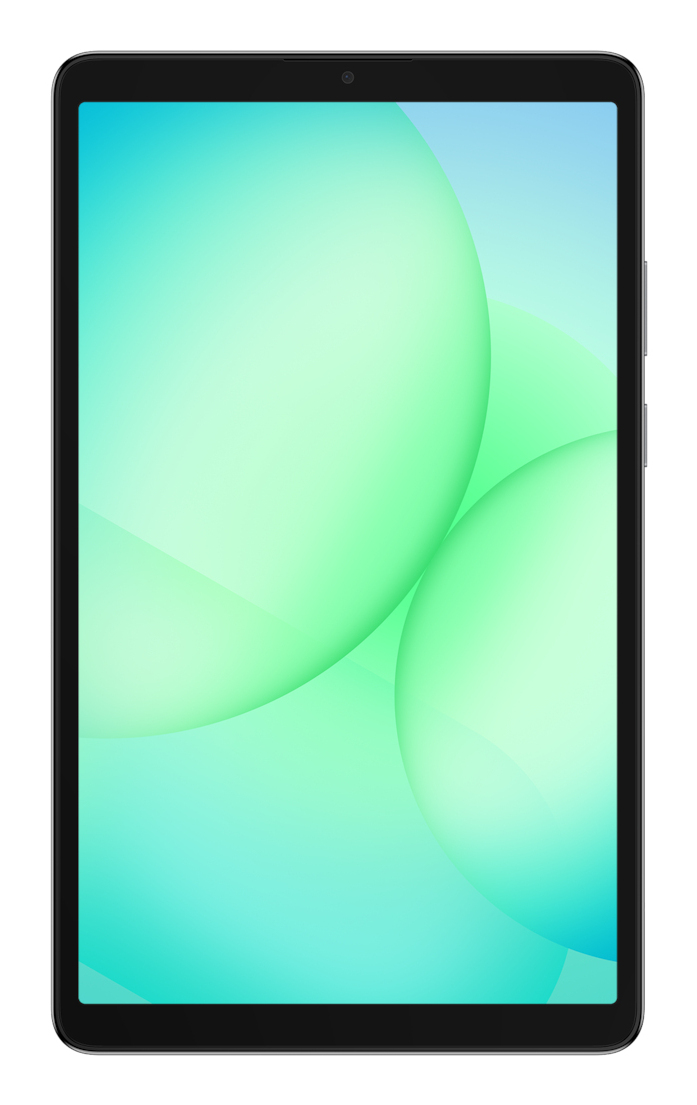
Enjoy the Galaxy Tab A11's smooth and bright display, optimised for entertainment. Its high 90 Hz refresh rate delivers natural, fluid motion for watching videos, playing games, and browsing social...
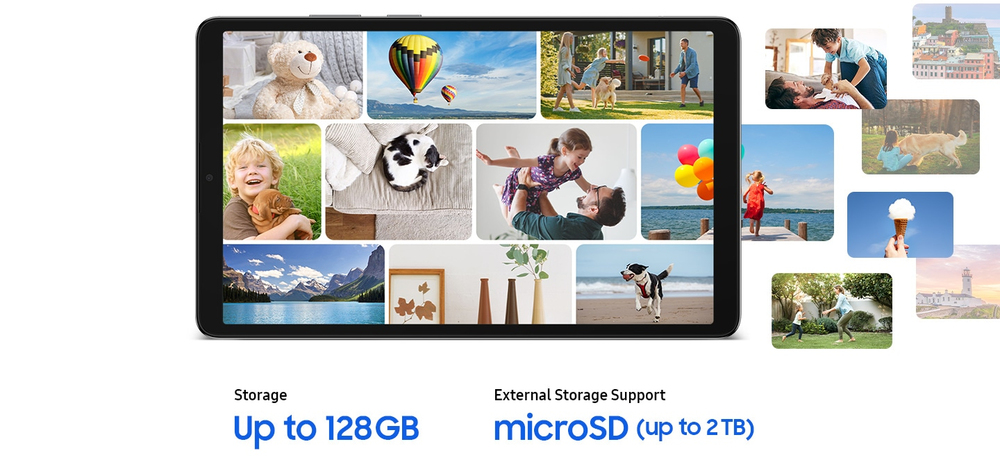
Store more of what you love
The Galaxy Tab A11 offers ample memory and storage capacity. With up to 8 GB of memory, it enables fast, seamless multitasking, while 128 GB of storage provides plenty of space for large files. Plu...
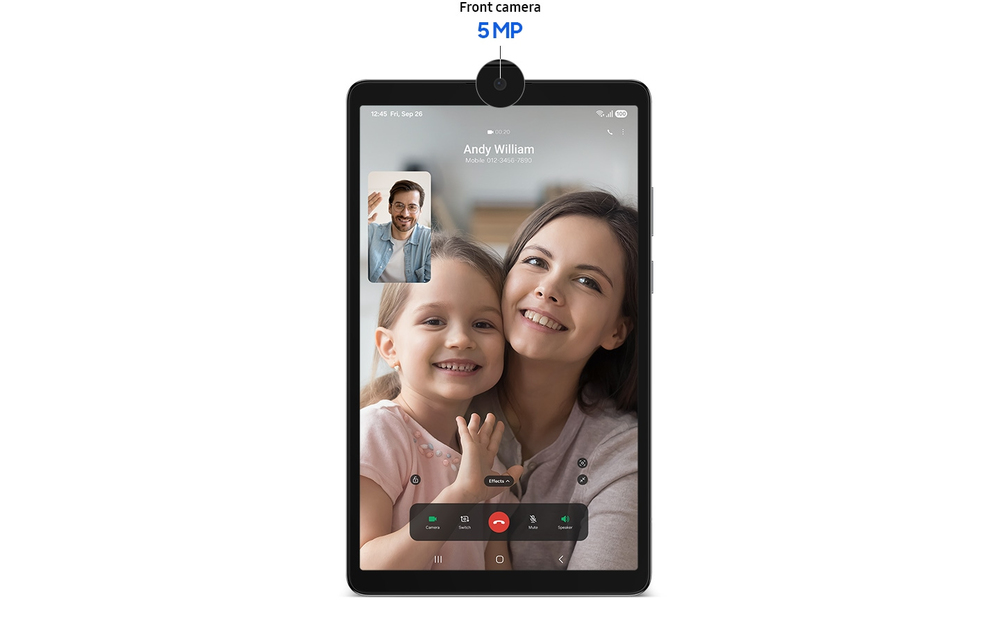
For your clearer face-to-face moments
Stay closer to everyone who matters, face to face. The Galaxy Tab A11 comes with a 5 MP front camera for sharper, clearer video calls. Whether you're catching up with family or working with your te...
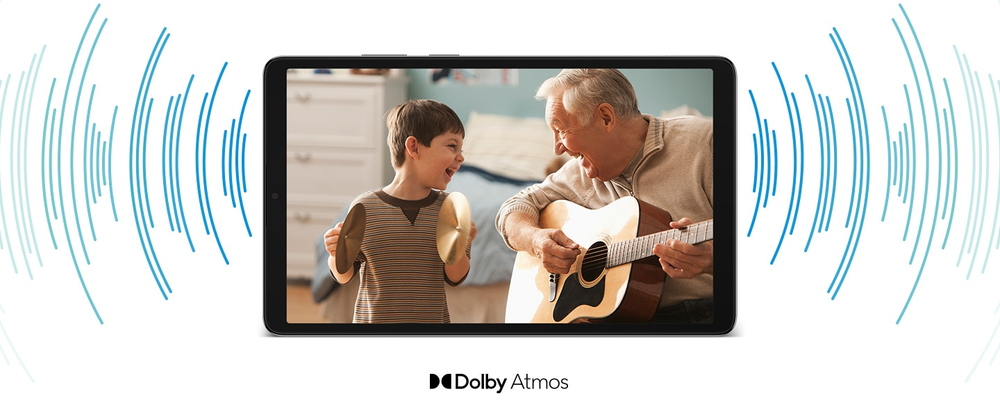
Surround yourself with rich audio
The Galaxy Tab A11 features Dolby-engineered Dual Speakers that deliver a rich, multidimensional audio experience. From your favourite playlists to the latest movies, the immersive 3D sound draws y...
Samsung
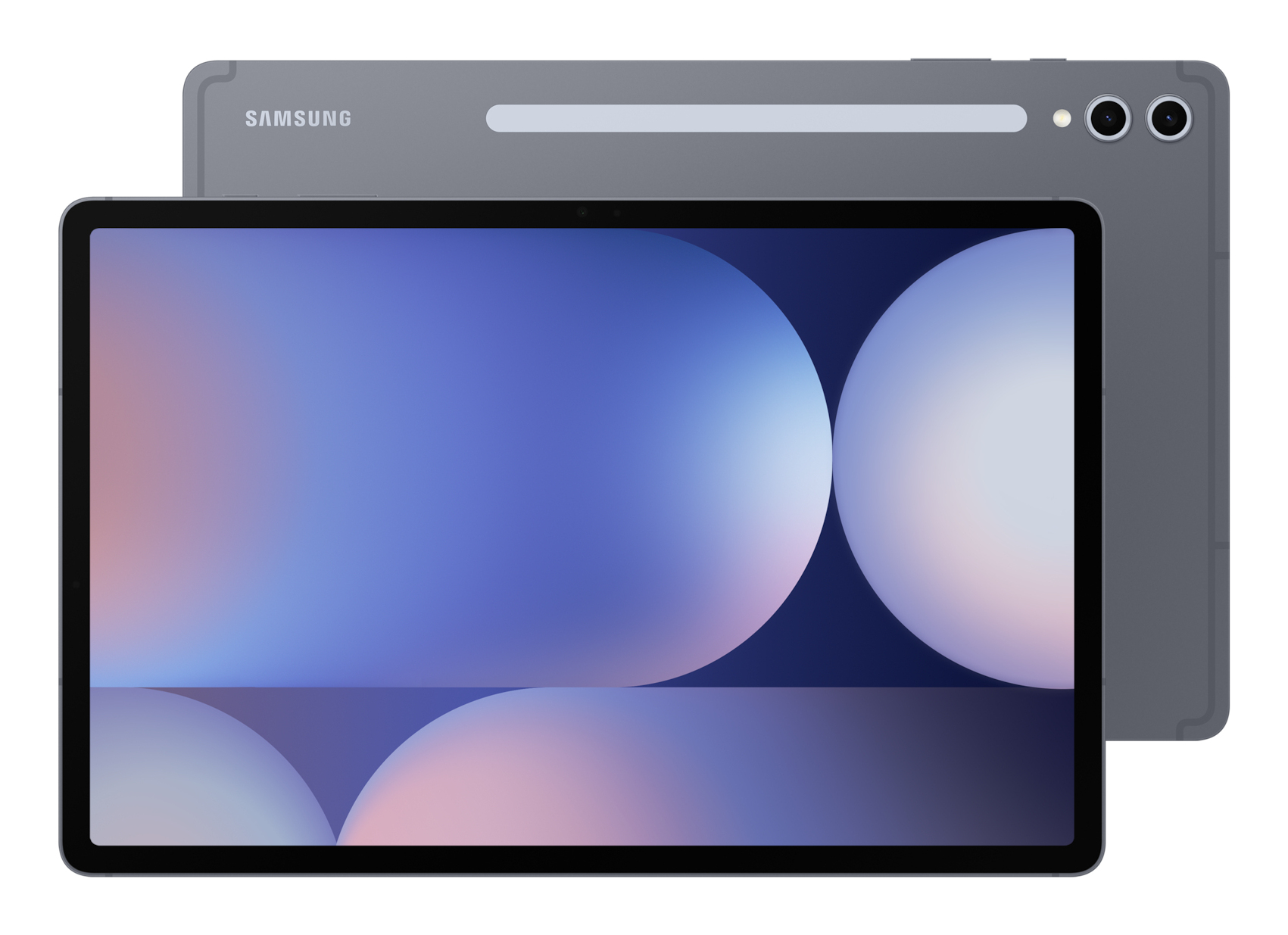
Samsung Galaxy Tab S10+ - Tablet - Android - 512 GB - 12.4" Dynamic AMOLED 2X (2800 x 1752) - microSD slot - moonstone grey
Samsung
Samsung Galaxy Tab A11 - Tablet - Android - 64 GB - 8.7" TFT (1340 x 800) - microSD slot - grey
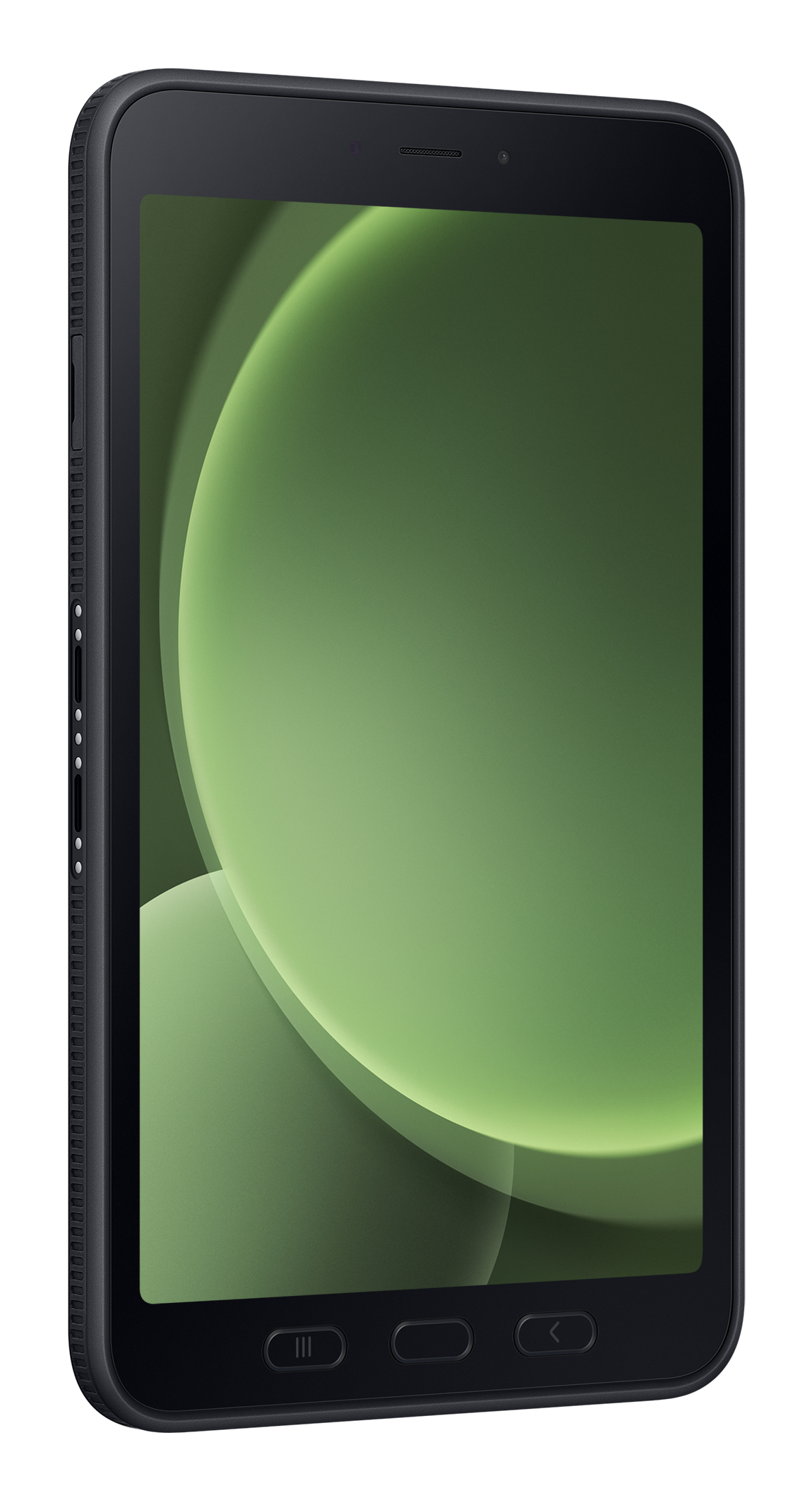
Samsung
Enterprise Edition - Rugged Android Tablet - 8" TFT (1920 x 1200) - Micro SD Slot - 3G/4G/5G - Green
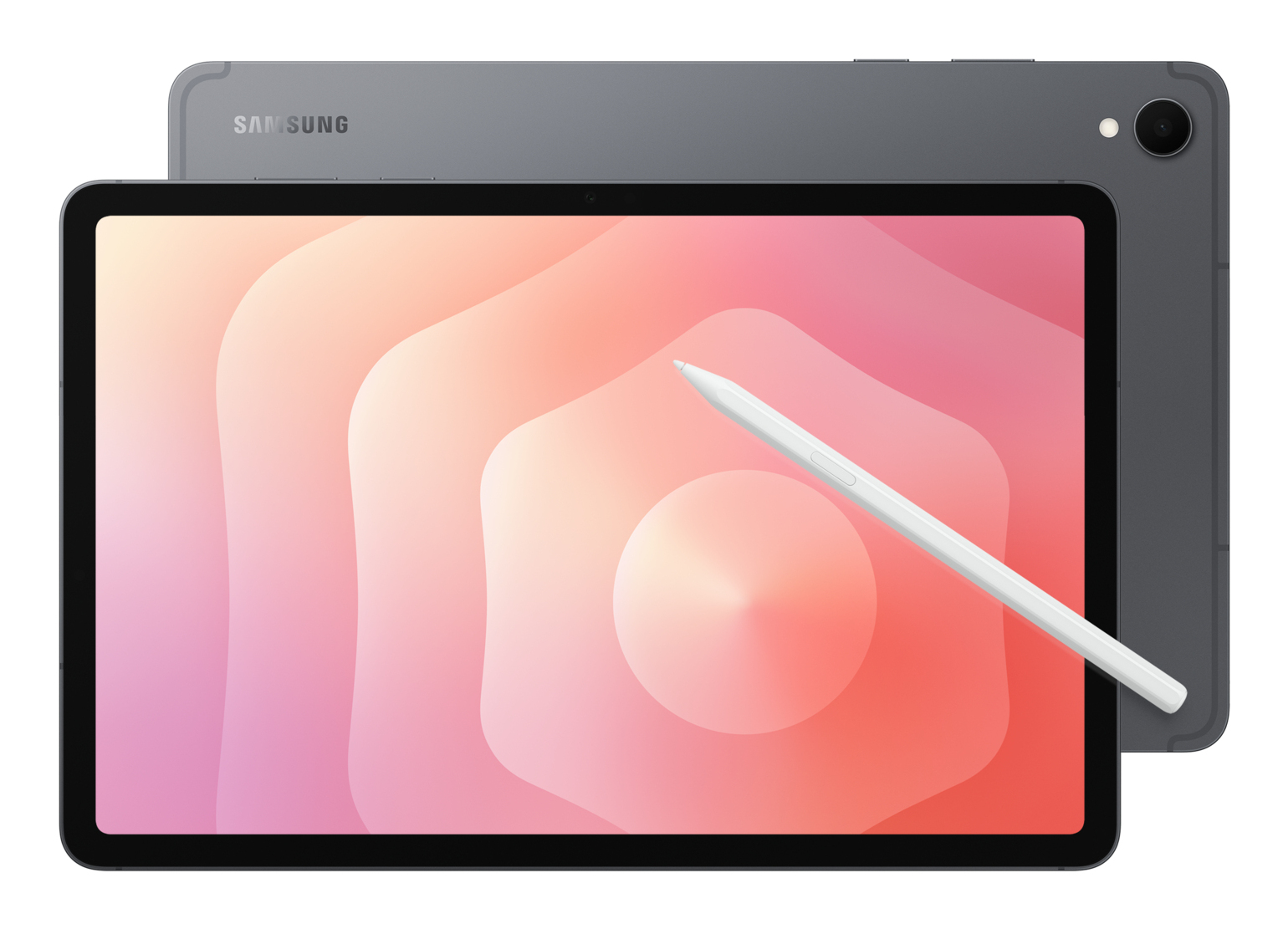
Samsung
Samsung Galaxy Tab S11 - Tablet - Android - 512 GB - 11" Dynamic AMOLED 2X (2560 x 1600) - microSD slot - grey