- IT Support
4 Different Ways of Working Remotely
15 Jan, 2025
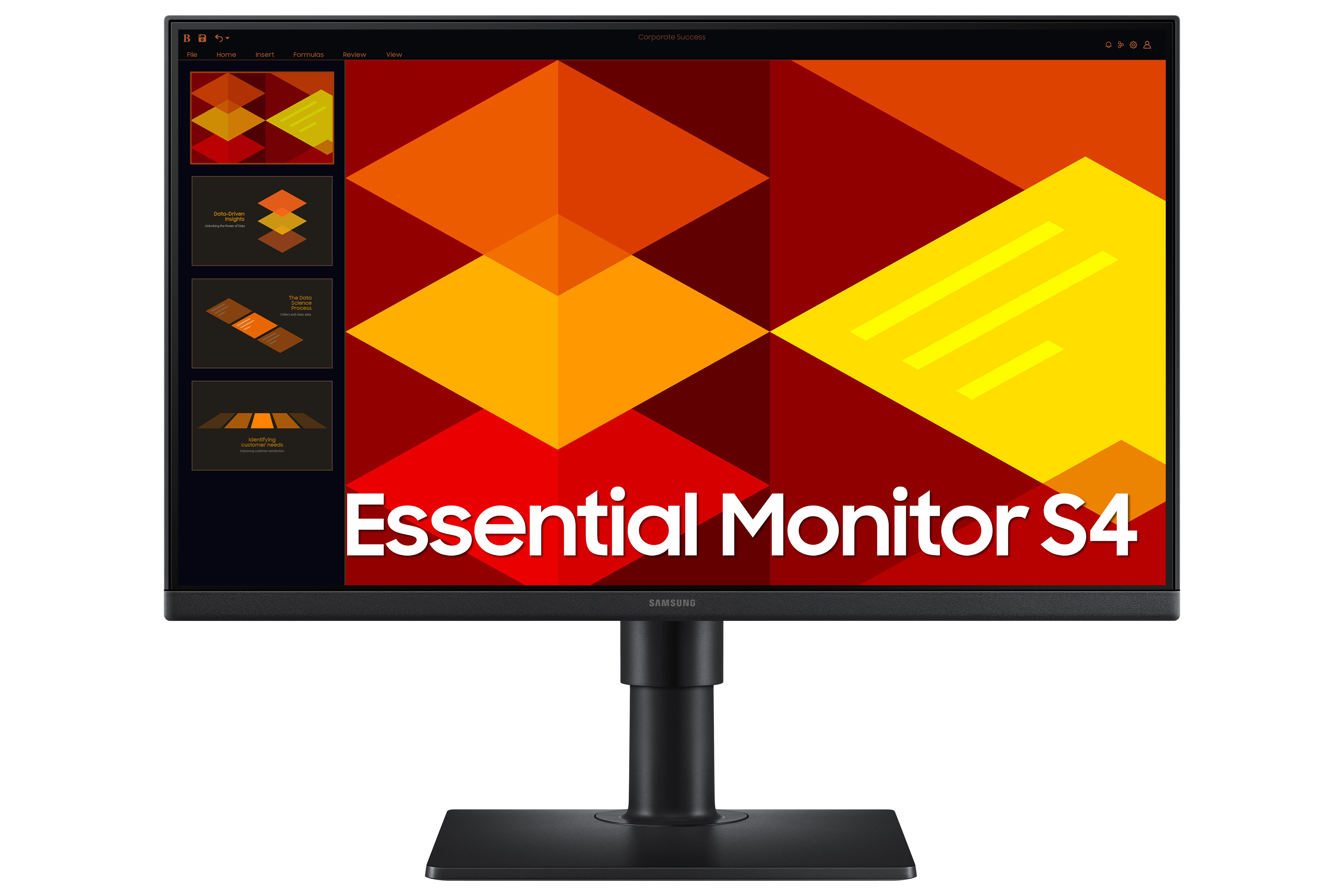
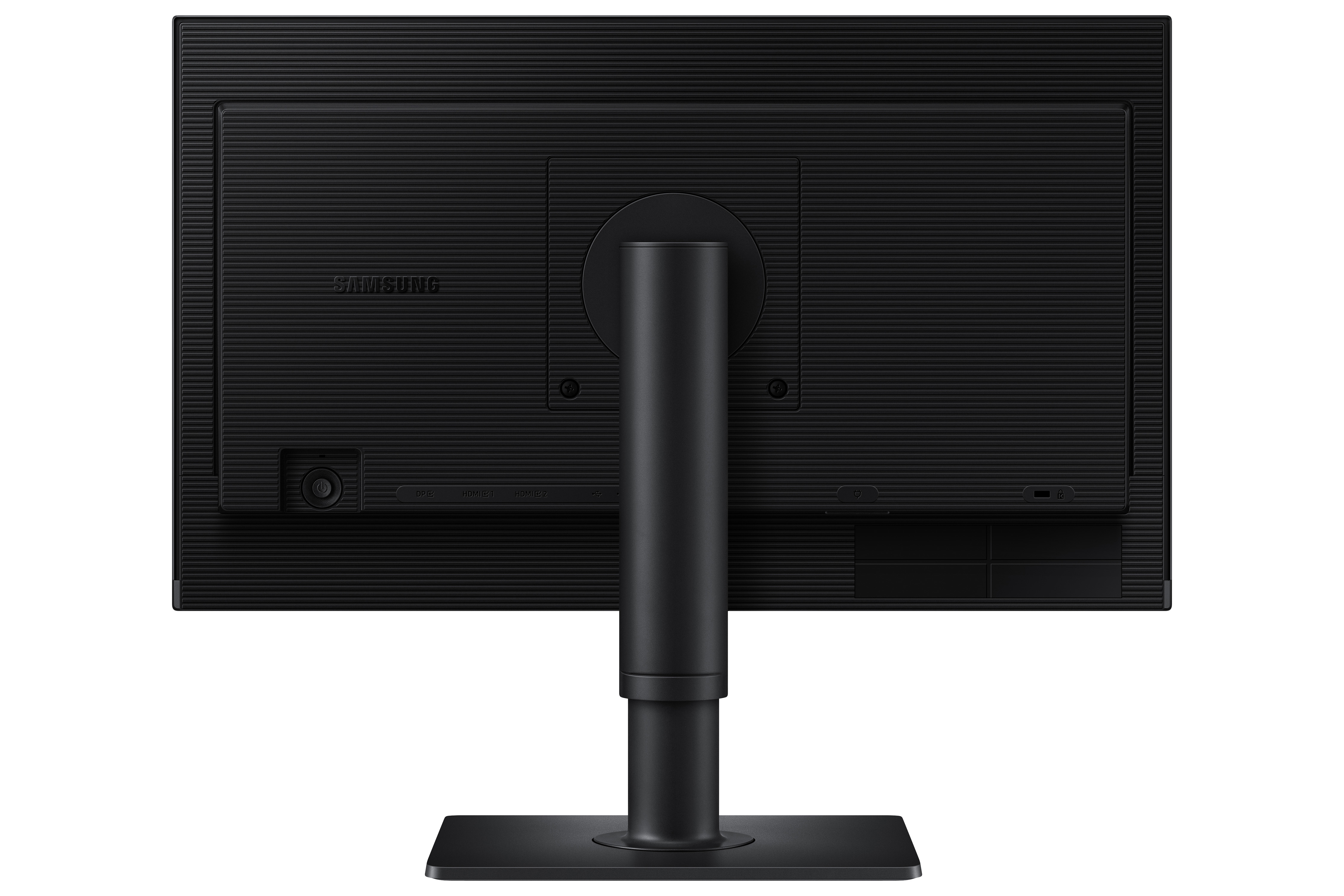
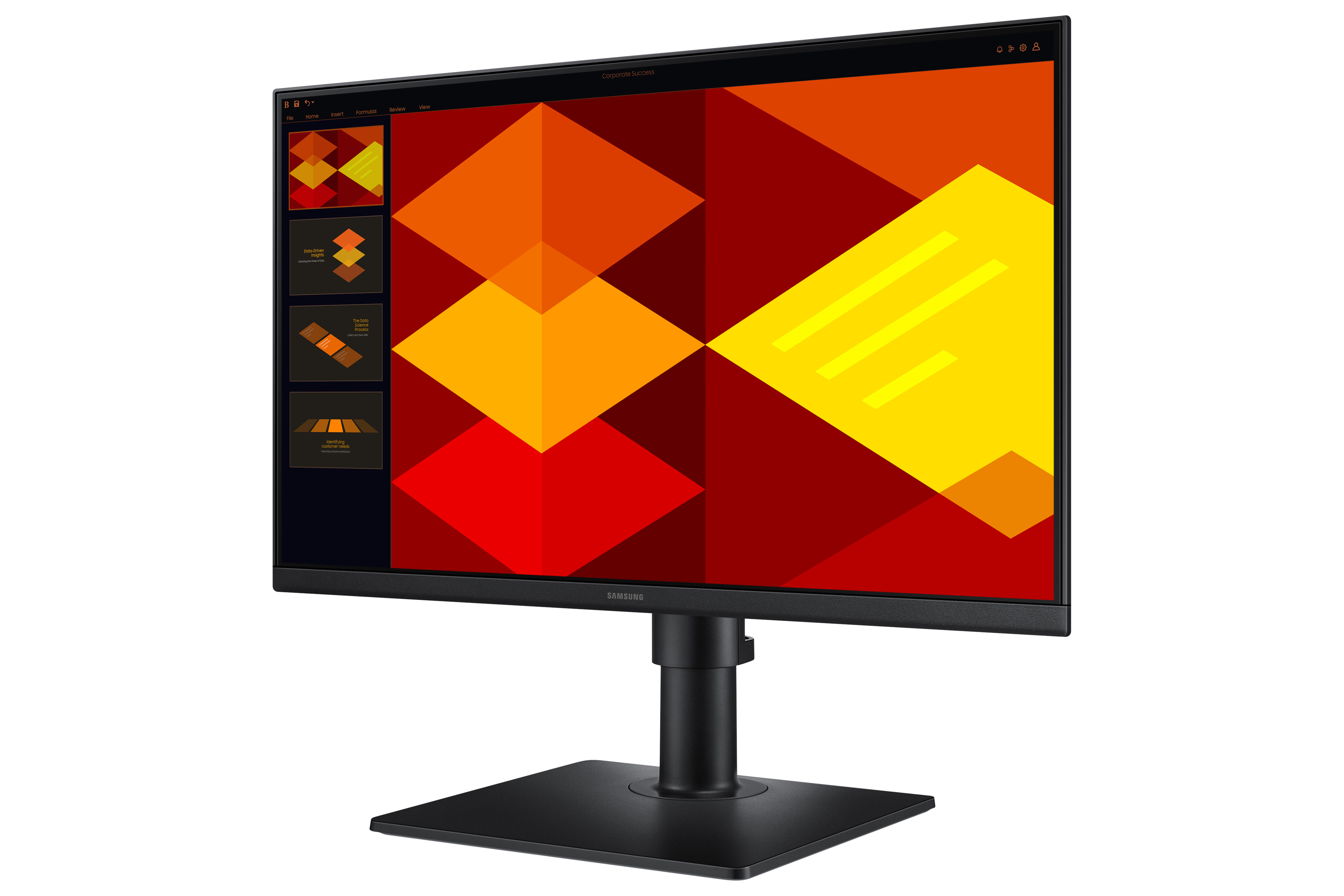
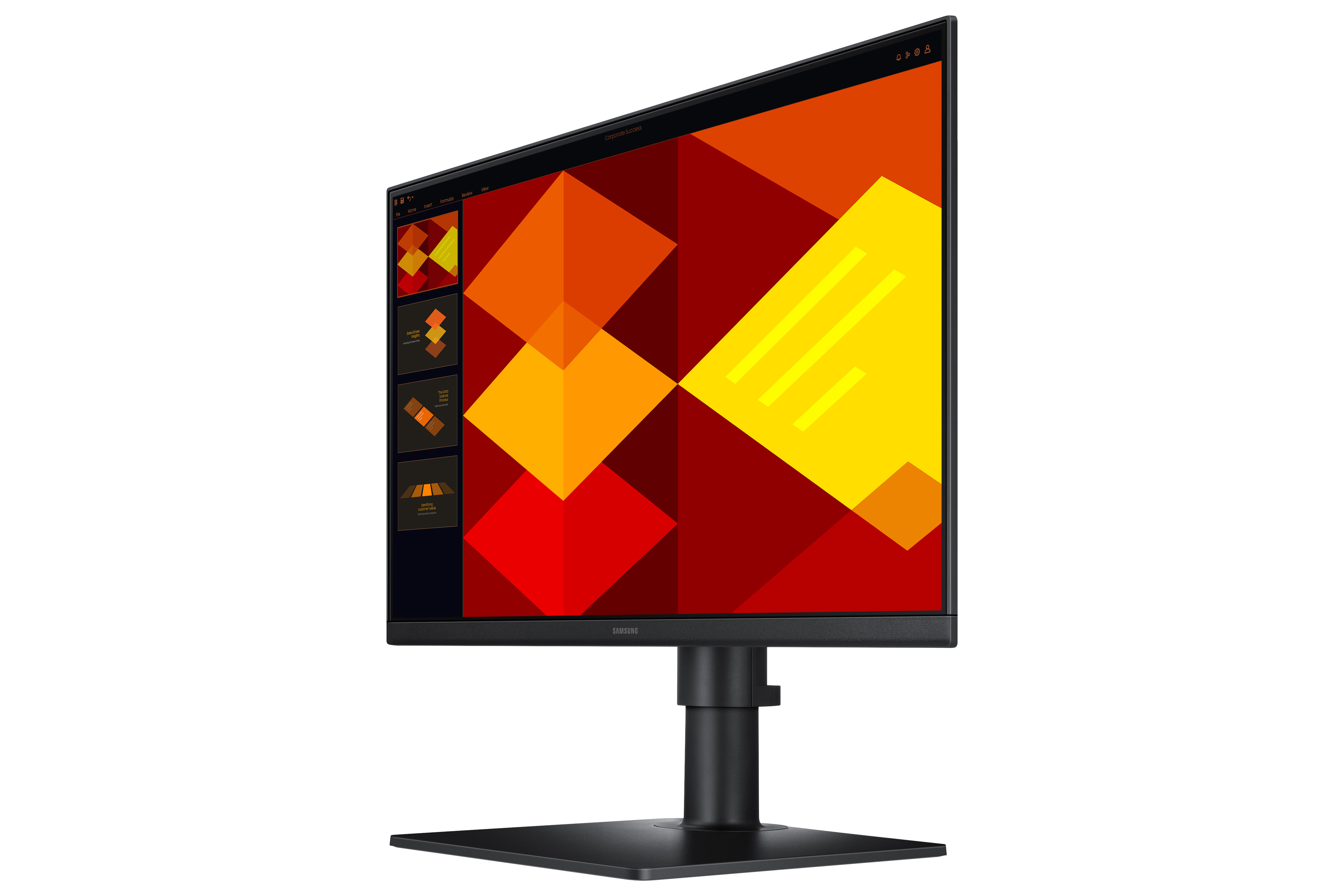
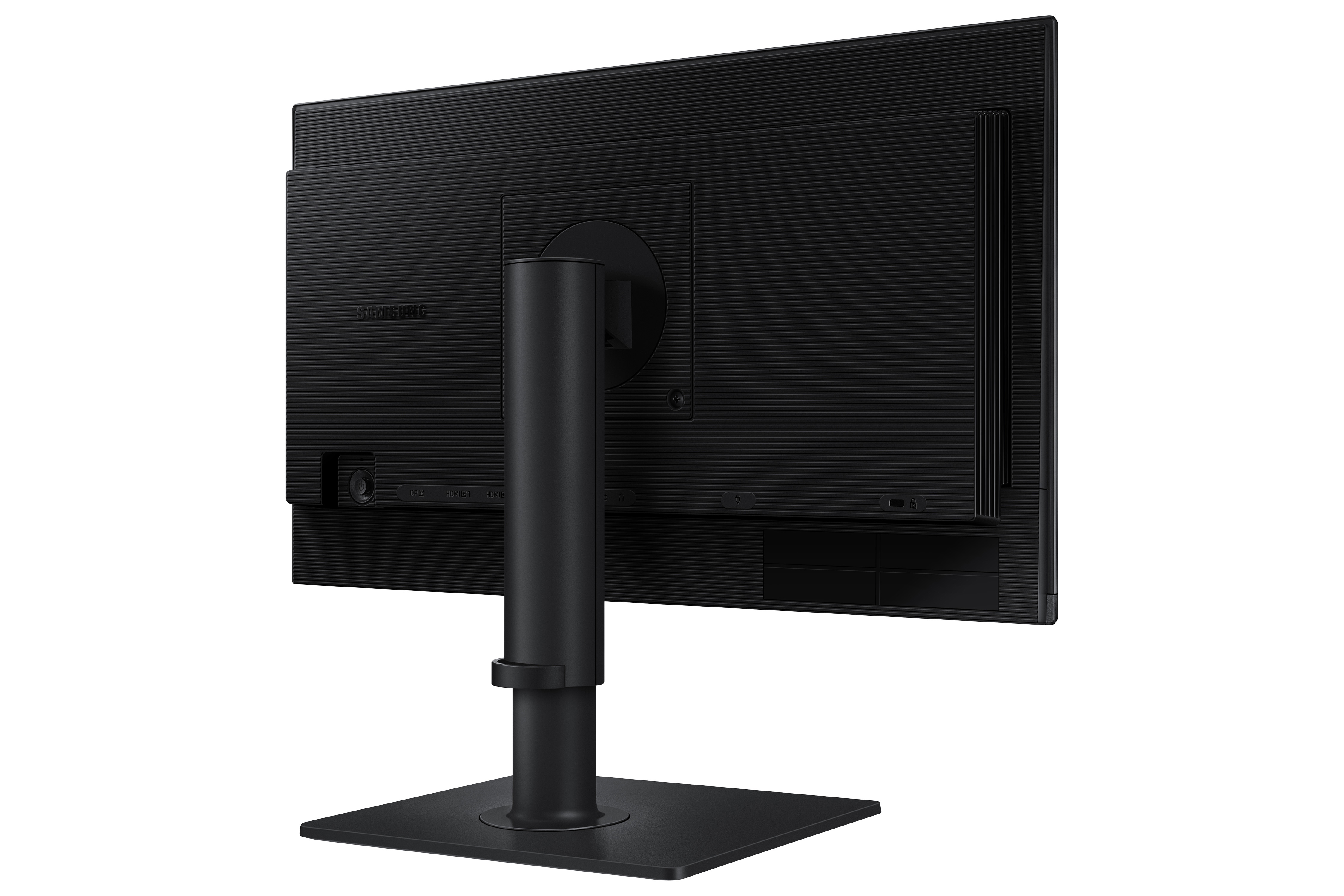
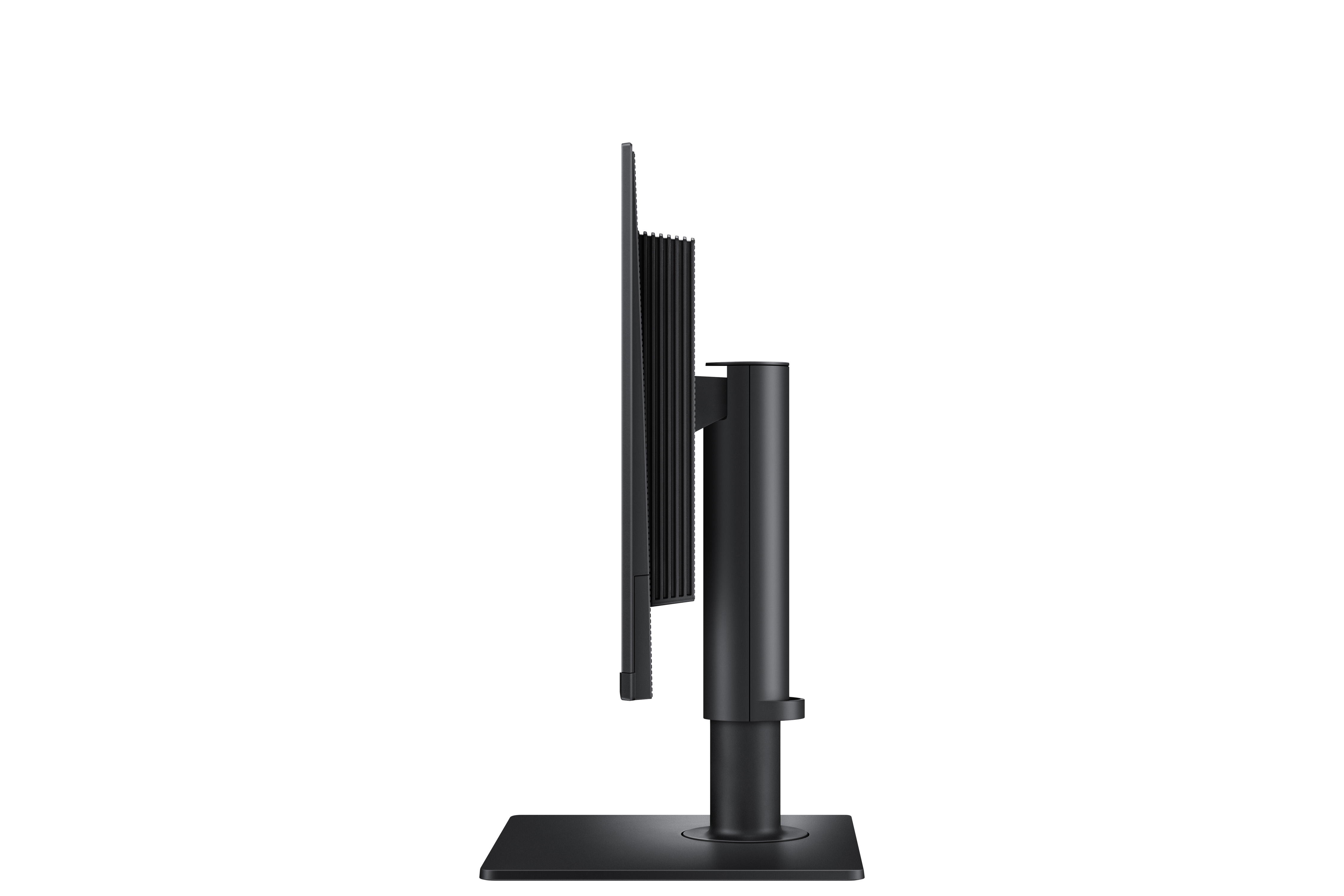
£135.16 inc. VAT
AI-generated summary
At £112.40 ex‑VAT, this 24" Samsung Full HD monitor looks like a budget workhorse rather than a “premium” display. For day-to-day office use—spreadsheets, email, admin tasks, basic web work—it should be perfectly fine, especially if you’re after something reliable and simple with a sensible price. Samsung’s biggest advantage here is that these kinds of panels are usually consistent and easy to live with, with fewer surprises than ultra-cheap no-name options.
That said, it’s not a great fit if your team needs sharp text at smaller scaling, lots of multi-tasking (think wide document workflows), or you care about richer colours/contrast for design work. Full HD on a 24" panel can start to feel a bit “soft” if people are used to higher resolution, and budget monitors often come with limited viewing angles and less flexible ergonomics—so if your users rotate a lot, or sit off-centre, you may notice it. If you’re standardising office desks and want good value without overthinking it, this is a sensible buy. If you’re buying for designers, analysts who live in charts, or anyone working long hours where screen comfort matters, you’ll probably want to spend a bit more (or choose a higher-res model).
Asus
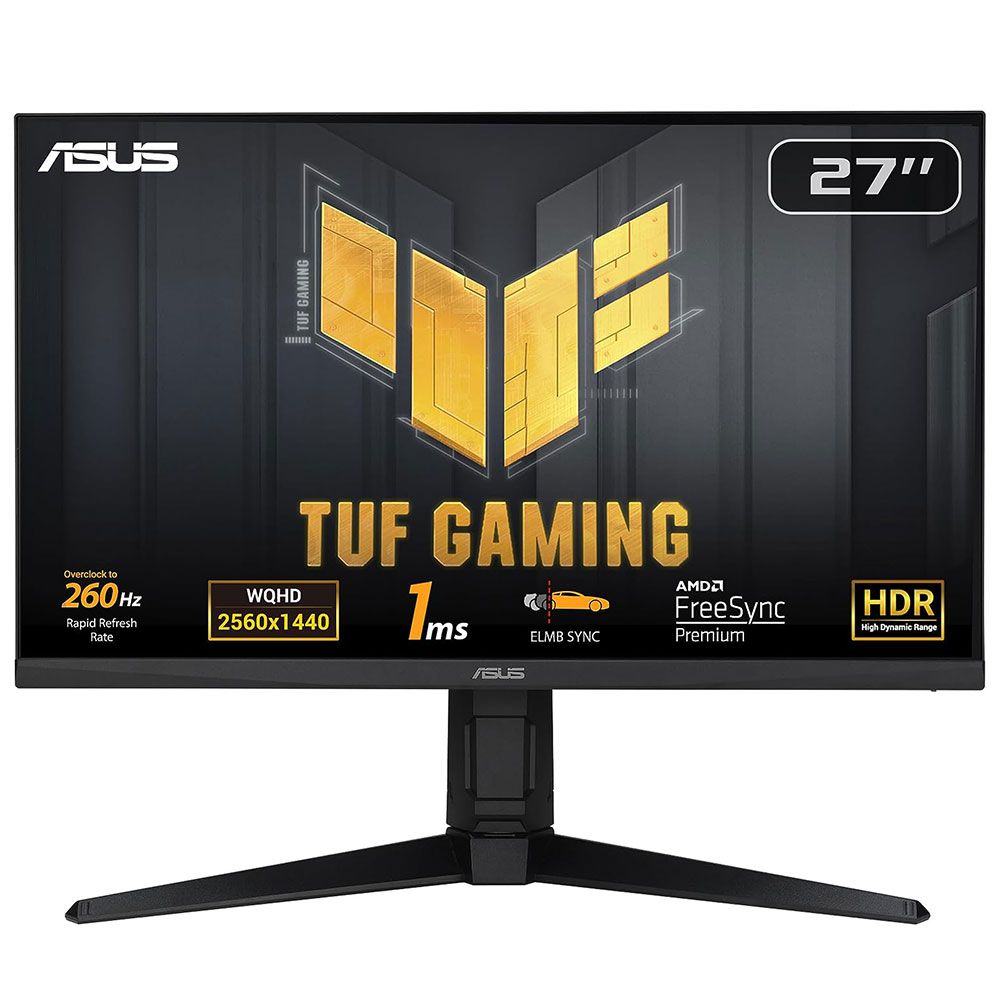
ASUS TUF Gaming VG27AQML1A - LED monitor - gaming - 27" - 2560 x 1440 QHD @ 260 Hz - IPS - 400 cd/m� - 1000:1 - DisplayHDR 400 - 1 ms - 2xHDMI, DisplayPort - speakers - black
HP
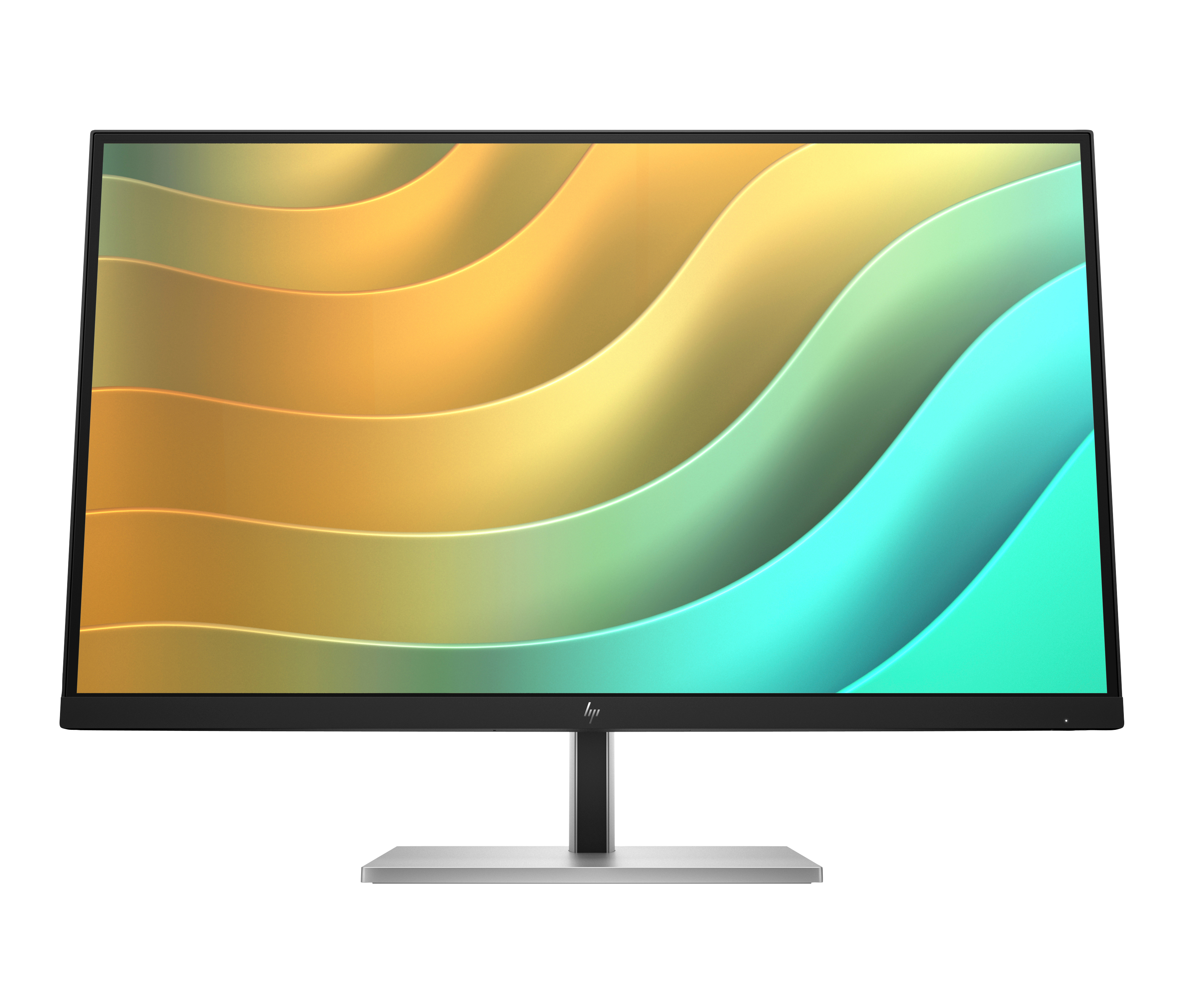
E-Series - LED monitor - 27" (27" viewable) - 2560 x 1440 QHD @ 75 Hz - IPS - 350 cd/m2 - 1000:1 - 5 ms - HDMI, DisplayPort, USB-C - black head, black and silver (stand)
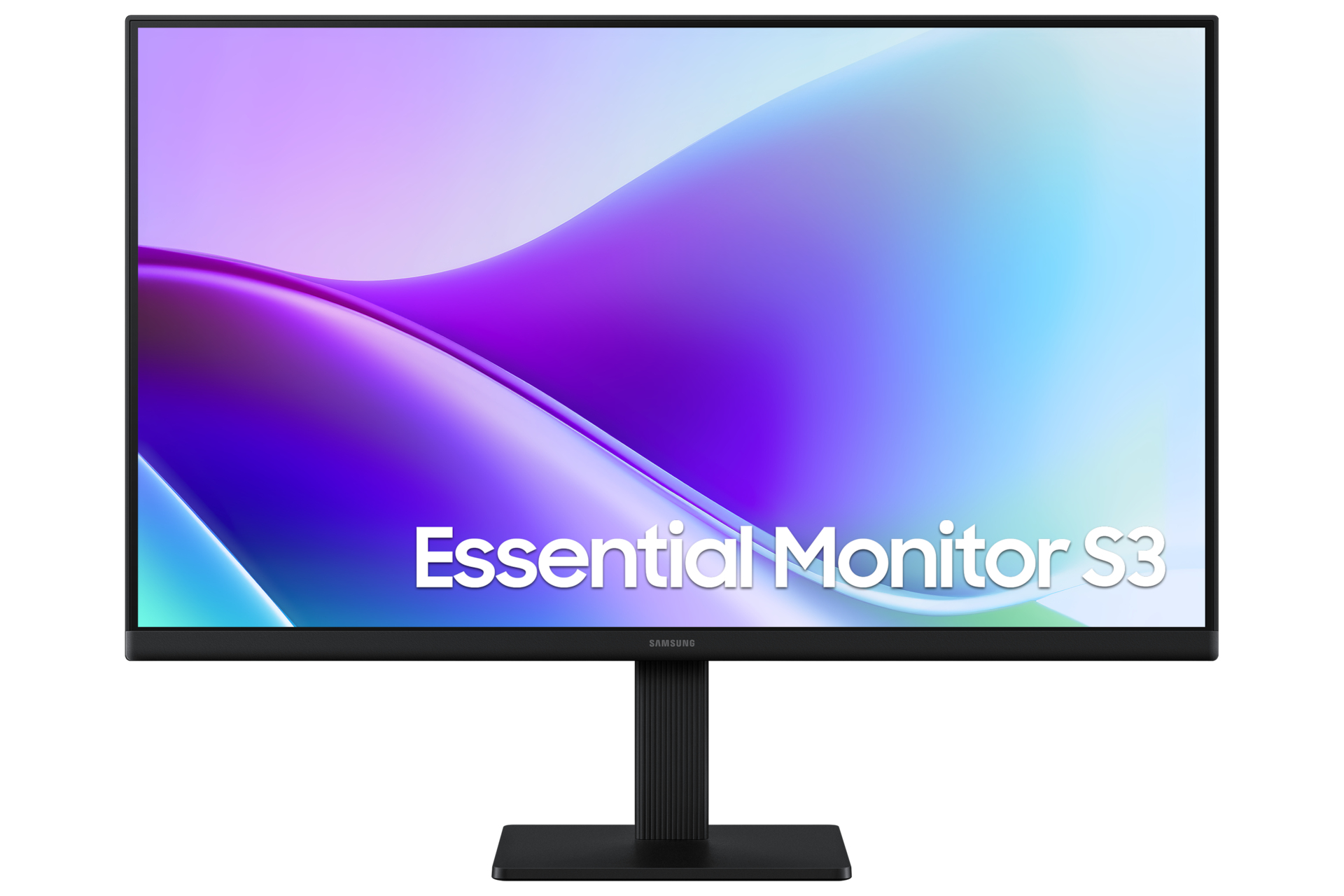
Samsung
Samsung Essential S3 S24F320GAU - S32GF Series - LED monitor - 24" - 1920 x 1080 Full HD (1080p) @ 120 Hz - IPS - 250 cd/m� - 1000:1 - 5 ms - 2xHDMI - black
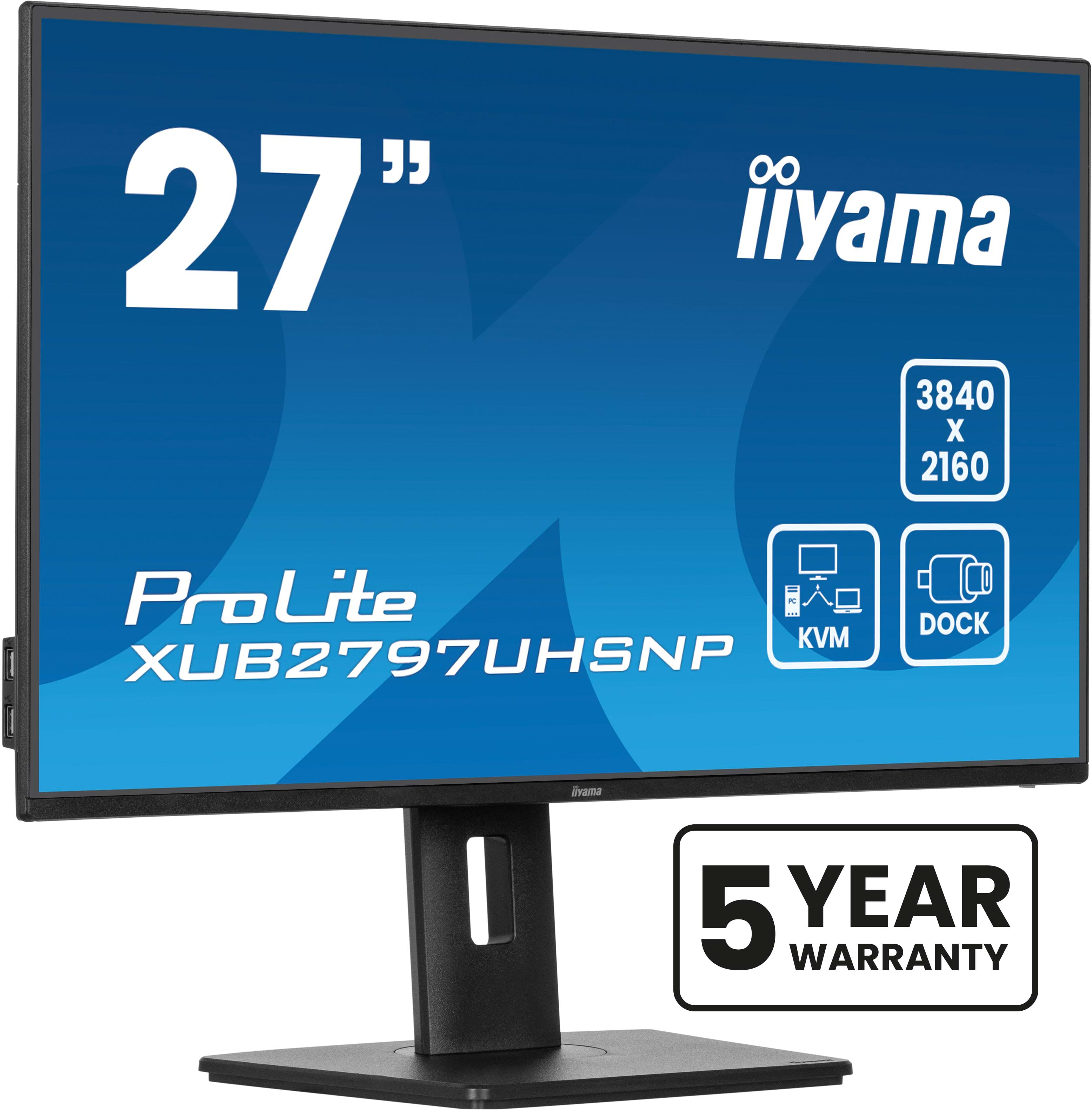
Iiyama
iiyama ProLite XUB2797UHSNP-B1 - LED monitor - 27" - 3840 x 2160 4K @ 60 Hz - IPS - 350 cd/m� - 1300:1 - 4 ms - HDMI, DisplayPort, USB-C - speakers - black, matte