- IT Office Moves
Office Move Insurance: Are Your IT Assets Covered?
23 Dec, 2025
£362.94 inc. VAT
AI-generated summary
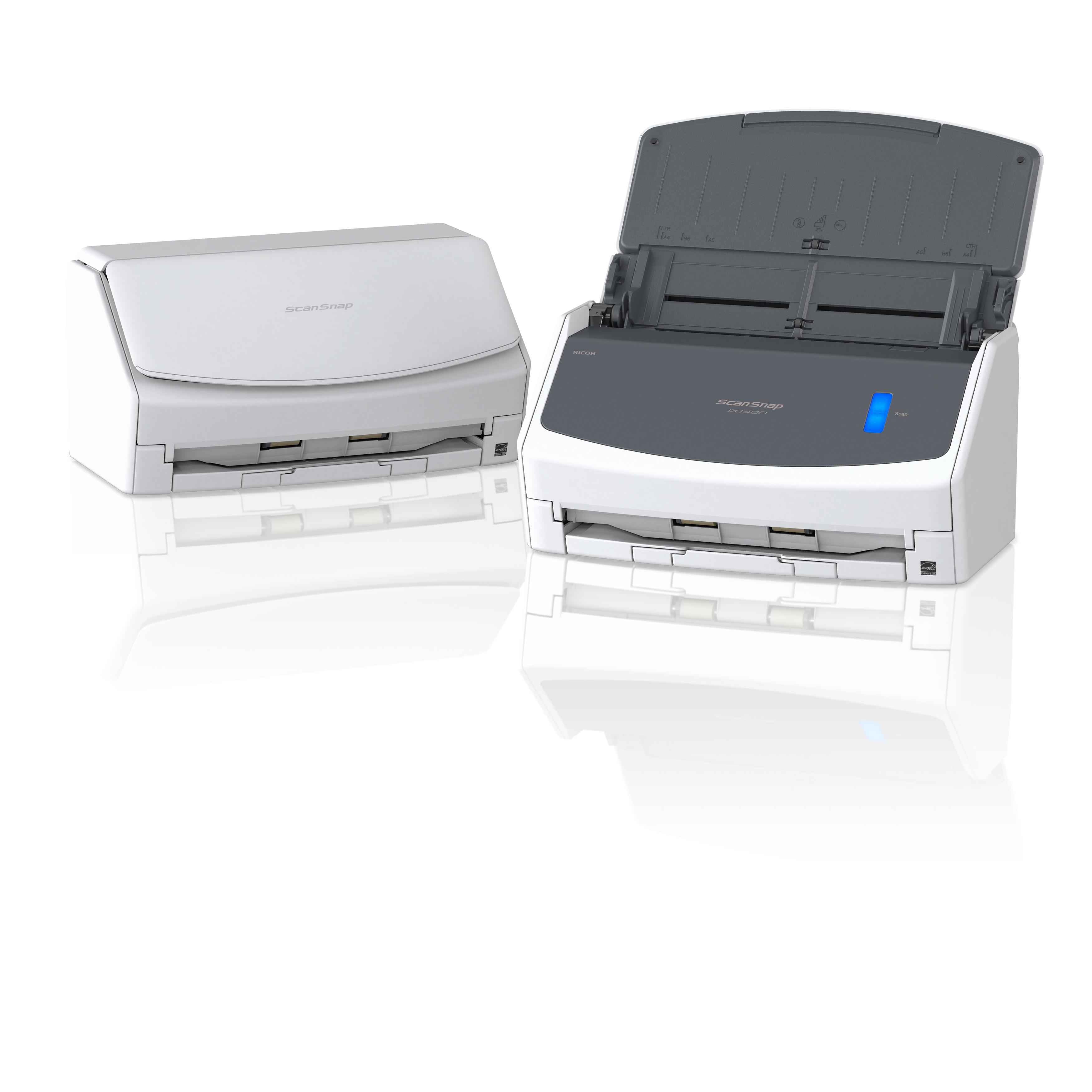
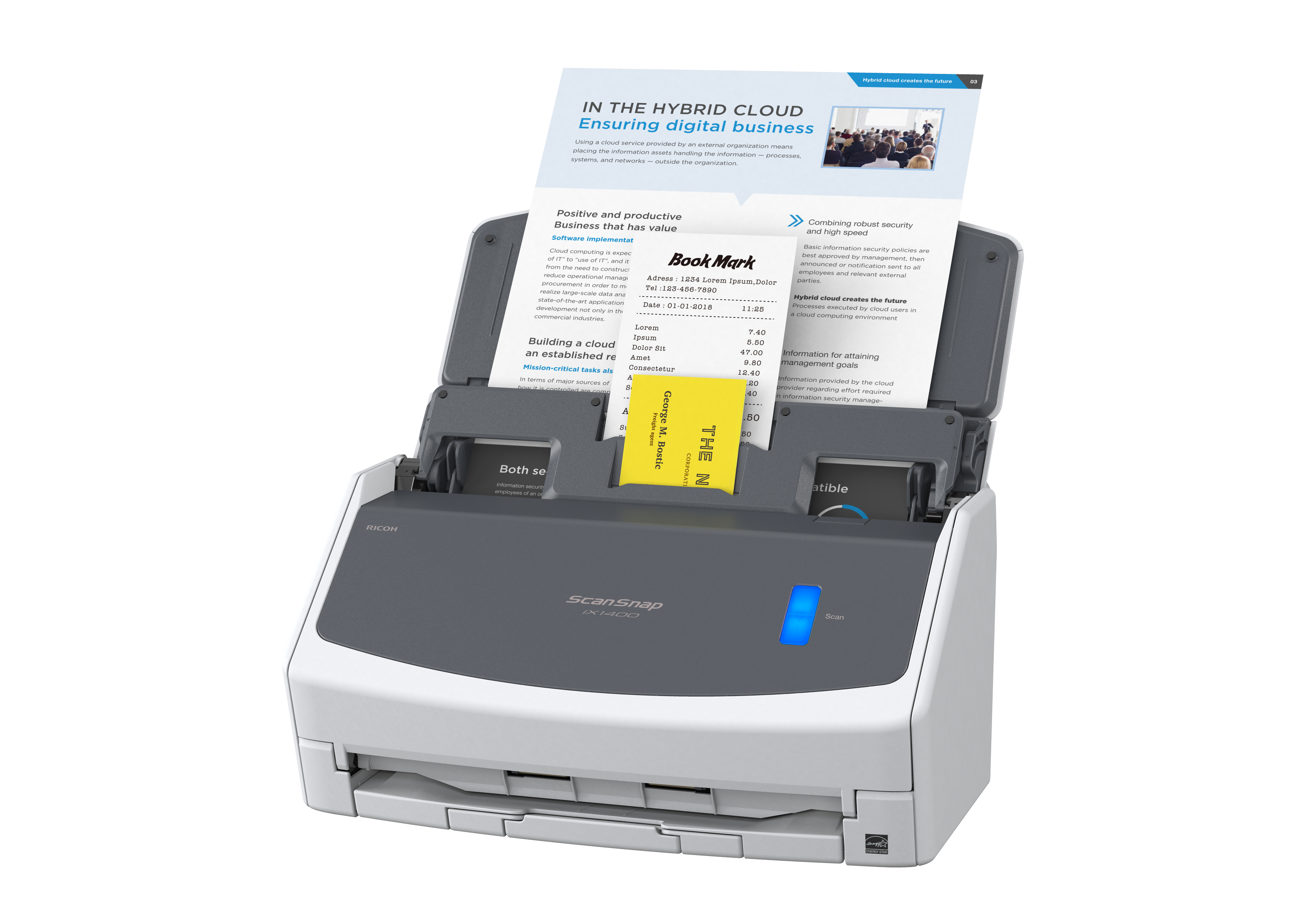
The Ricoh ScanSnap iX1400 is one of those rare “it just works” scanners that’s actually a good buy for busy offices that need reliable document handling more than they need tinkering. With the ADF, it’s built for daily multi-page scanning, and the whole ScanSnap workflow tends to reduce the hassle around saving, organising and sending files compared with many more fiddly flatbed/ADF options. At **£302.45 ex‑VAT**, it’s strong value if you’re scanning lots of paperwork (accounts, HR docs, contracts, invoices) and want predictable throughput with minimal staff training.
That said, it’s not the best choice if you’re doing edge cases all day—think heavy mix of odd paper sizes, thick/manual media, or very specific compliance imaging requirements. Also, if your team already has a scanning process they like (or you need deep manual control over every capture setting), you may find ScanSnap’s “guided” approach a bit limiting. **Who should buy:** small-to-medium businesses, admin teams, and anyone who wants dependable ADF scanning with light-touch setup. **Who should avoid:** environments with unusual document handling needs or users who demand maximum manual adjustability.
Out of the box, ready in minutes
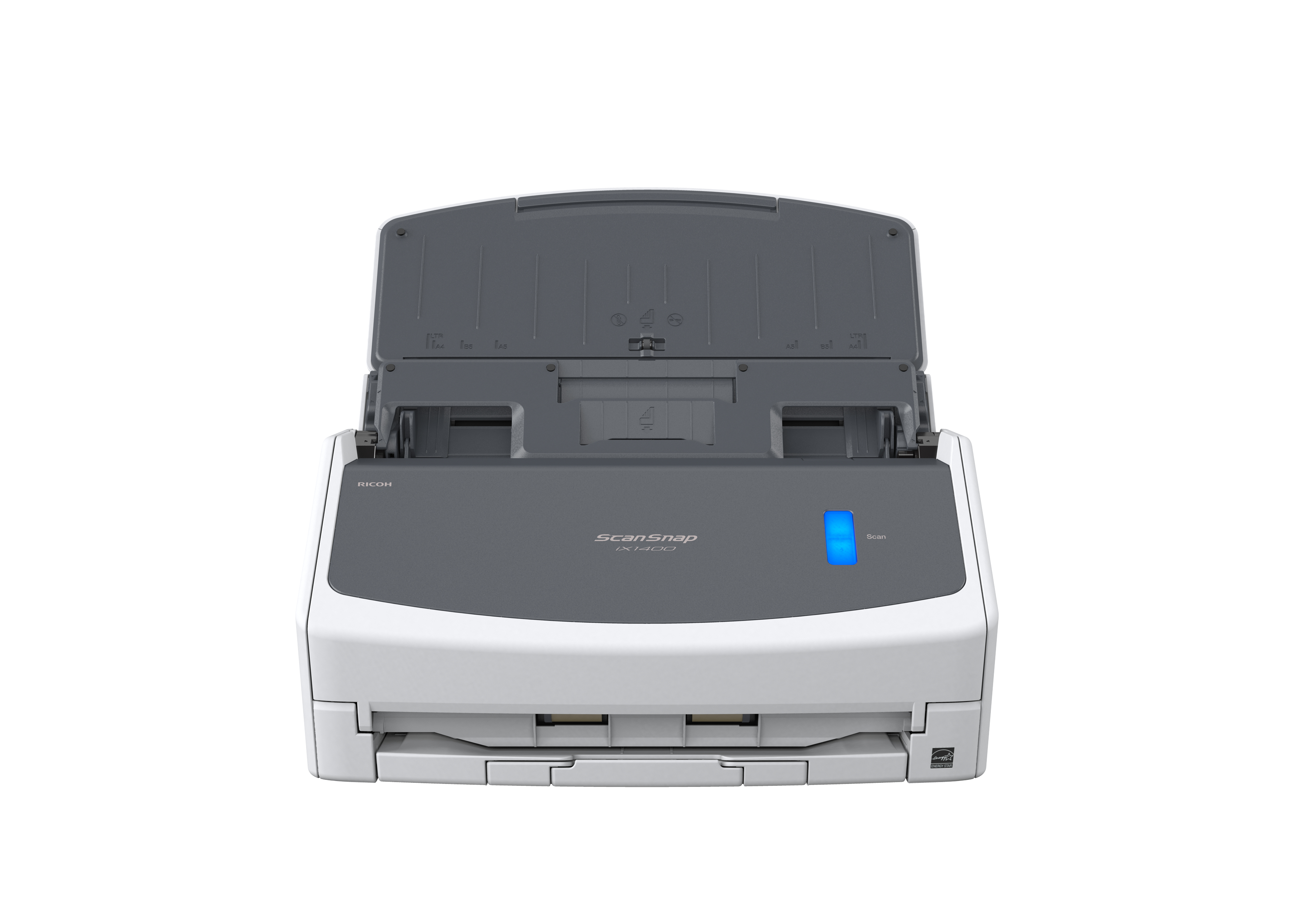
The iX1400 is so easy to set up, anyone can do it. Wave goodbye to complex settings or driver compatibility issues. Just unbox, set up in minutes, and press the blue button to start enjoying one-to...
Instant, secure connection
No one wants to spend time on installation. The fuss-free USB 3.2 connector plugs straight into your laptop or PC saving you the stress of fiddling about configuring Wi-Fi.
Fast and easy
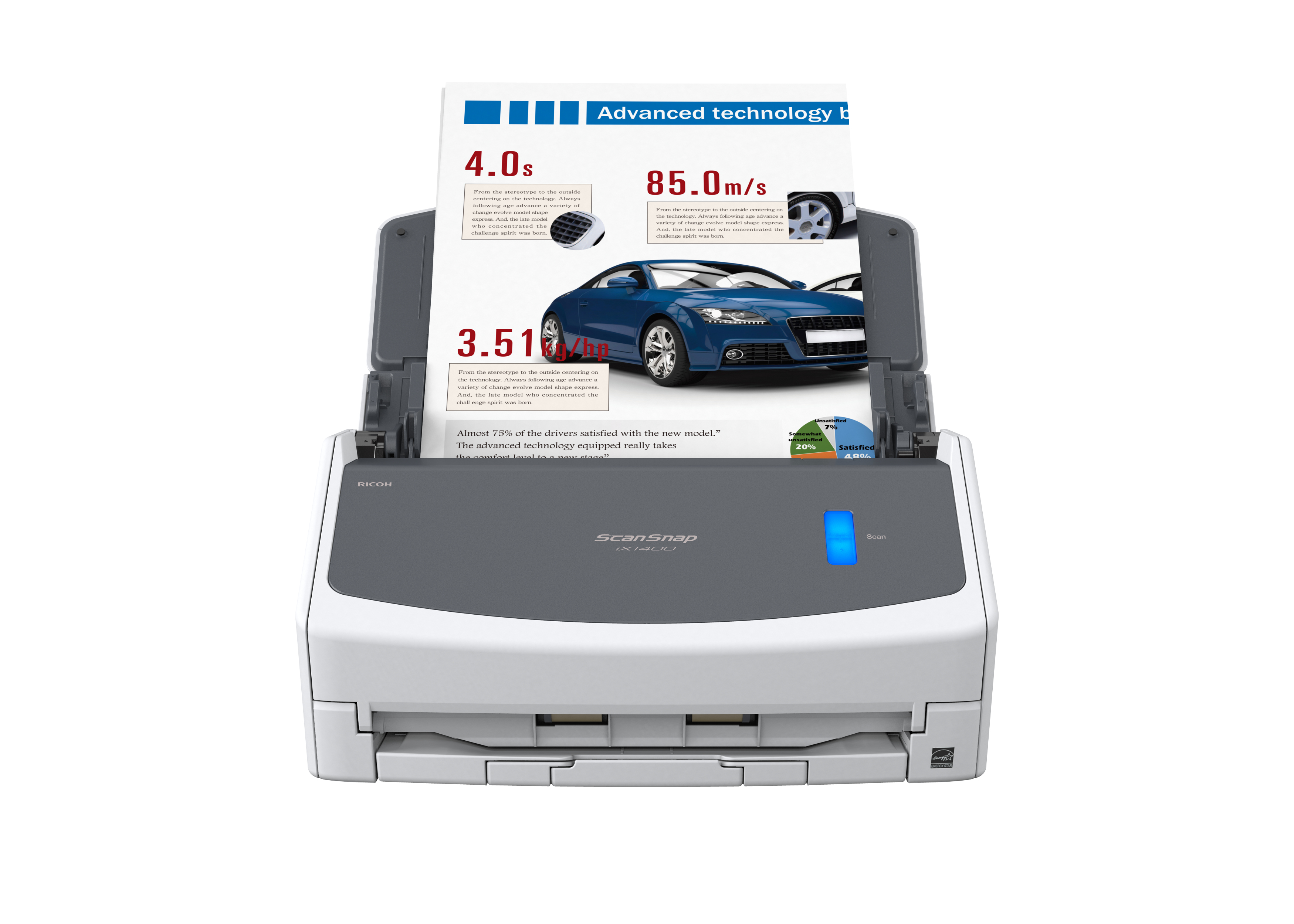
Simply open the cover and ScanSnap is ready to go. Scan up to 50 sheets of single or double sided documents with ease at a speedy 40 sheets per minute. With a host of intelligent image processing f...
Quick Menu instant file creation
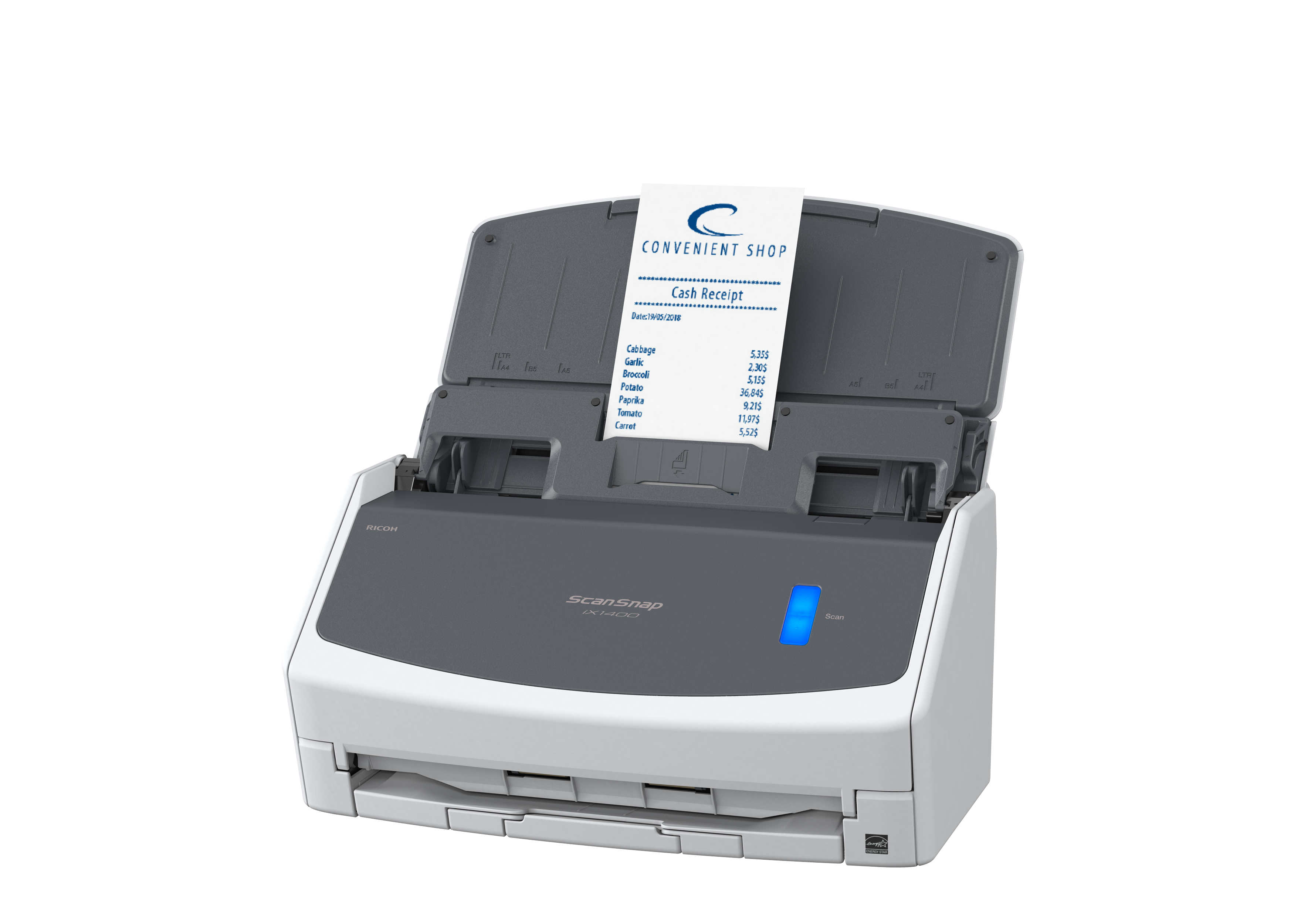
The ScanSnap Quick Menu allows you to instantly scan straight into the applications you know and use. Choose to scan images directly to a folder, email or even a printer. Extract data from receipts...
Compact, stylish, versatile
The sleek ScanSnap iX1400 fits right into a modern working space, wherever you call your desk. The large Automatic Document Feeder is perfect for A4-size documents as well as larger items that can ...
Receipts and business cards are no longer a hassle
Effortlessly scan small documents with the Receipt Guide. Designed to be a comfortable fit even when the cover is closed, it dramatically simplifies document loading before hitting the scan button.

Epson
Epson DS-C330 - Sheetfed scanner - Duplex - A4/Legal - 600 dpi x 600 dpi - ADF (20 sheets) - up to 3500 scans per day - USB 2.0
RICOH
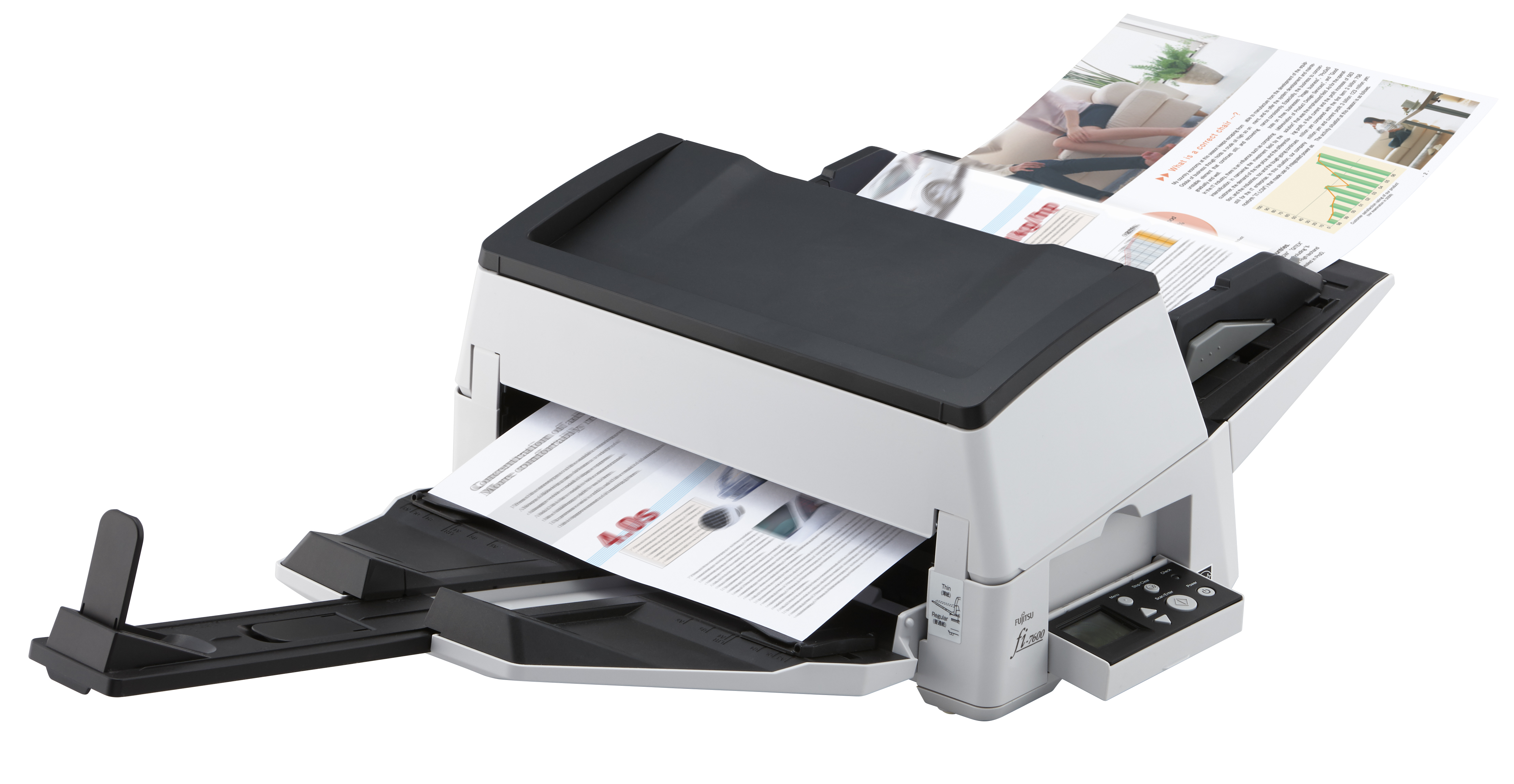
Ricoh fi-7600 fi7600 fi 7600 100ppm / 200ipm A3 ADF duplex document scanner. Includes PaperStream IP, PaperStream Capture, ScanSnap Manager for fi-series, 2D Barcode module for PaperStream and 12 months On-Site Next Business Day warranty.
RICOH
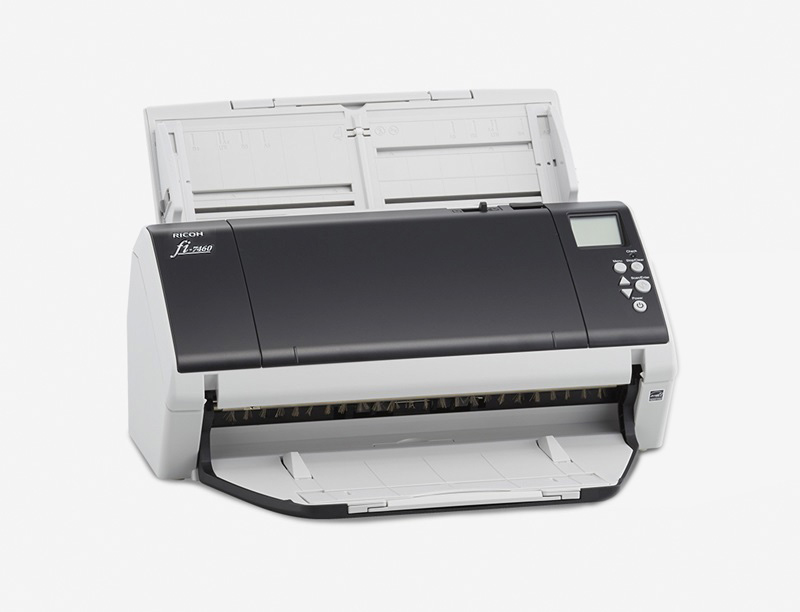
Ricoh fi 7460 - Document scanner - Dual CCD - Duplex - 304.8 x 431.8 mm - 600 dpi x 600 dpi - up to 60 ppm (mono) / up to 60 ppm (colour) - ADF (100 sheets) - USB 3.0
Canon
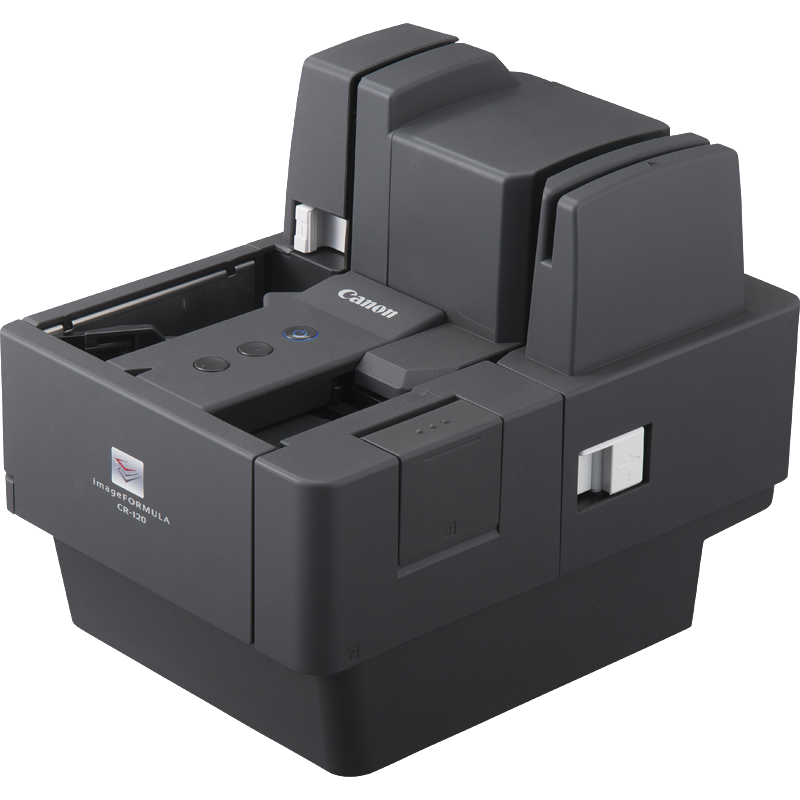
Canon imageFORMULA CR-120 - Document scanner - CMOS / CIS - Duplex - 108 x 245 mm - 600 dpi x 600 dpi - up to 120 ppm (mono) - ADF (150 sheets) - up to 12000 scans per day - USB 2.0