- Google Ads & PPC
How to Choose a Google Ads Agency: What to Look For
24 May, 2026
£96.72 inc. VAT
AI-generated summary
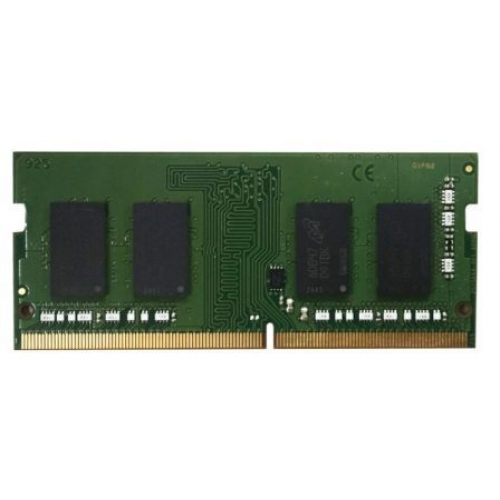
At £80.28 ex‑VAT for a 4GB QNAP SO‑DIMM, this is one of those “it works fine, but the price isn’t exactly friendly” upgrades. For a lot of QNAP NAS owners, the real question isn’t whether the module is compatible—it usually is within QNAP’s supported list—but whether 4GB is enough to justify paying that kind of money. If your NAS is running close to capacity or you’re seeing slow performance with containers, virtualisation-lite features, or heavy apps, adding memory can help—but 4GB is also a pretty modest bump, so don’t expect miracles.
Who should buy it: if you’ve confirmed your model specifically supports this exact DDR4 SO‑DIMM type and you *need a small top-up* (e.g., you’re at the minimum RAM and want basic improvement or you’re staying within the device’s supported upgrade ceiling). Who should skip it: anyone looking to “buy RAM cheaply” or those expecting major performance gains—this price per GB is hard to stomach compared to more cost-effective routes, and you may be better off targeting a bigger capacity upgrade (if your NAS supports it) or shopping for compatible alternatives. If you tell me your NAS model, I’ll give you an honest take on whether 4GB will be worth the spend in your specific setup.
Kingston
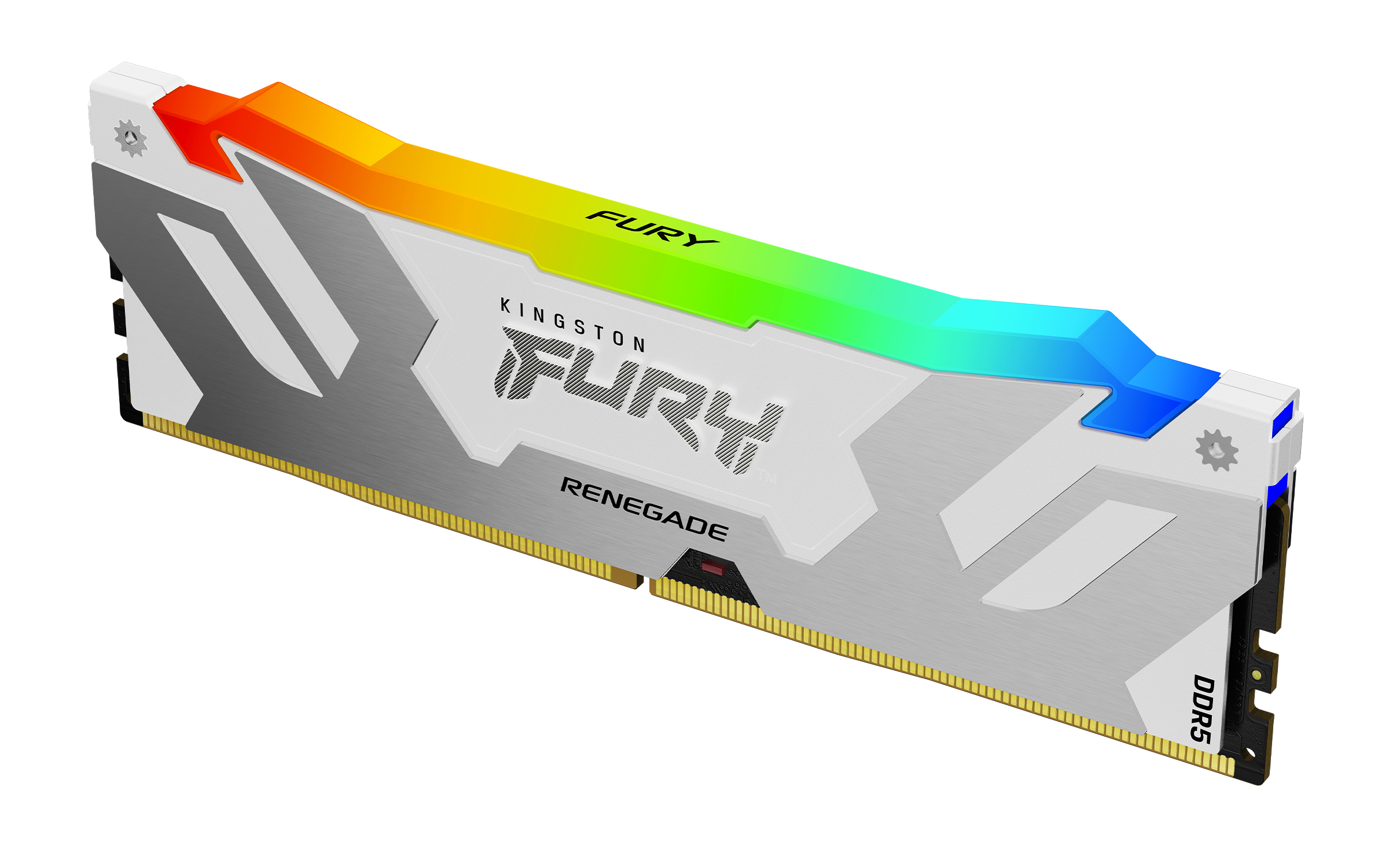
Kingston FURY Renegade RGB - DDR5 - module - 16 GB - DIMM 288-pin - 7200 MT/s / PC5-57600 - CL38 - 1.45 V - on-die ECC - white
Kingston
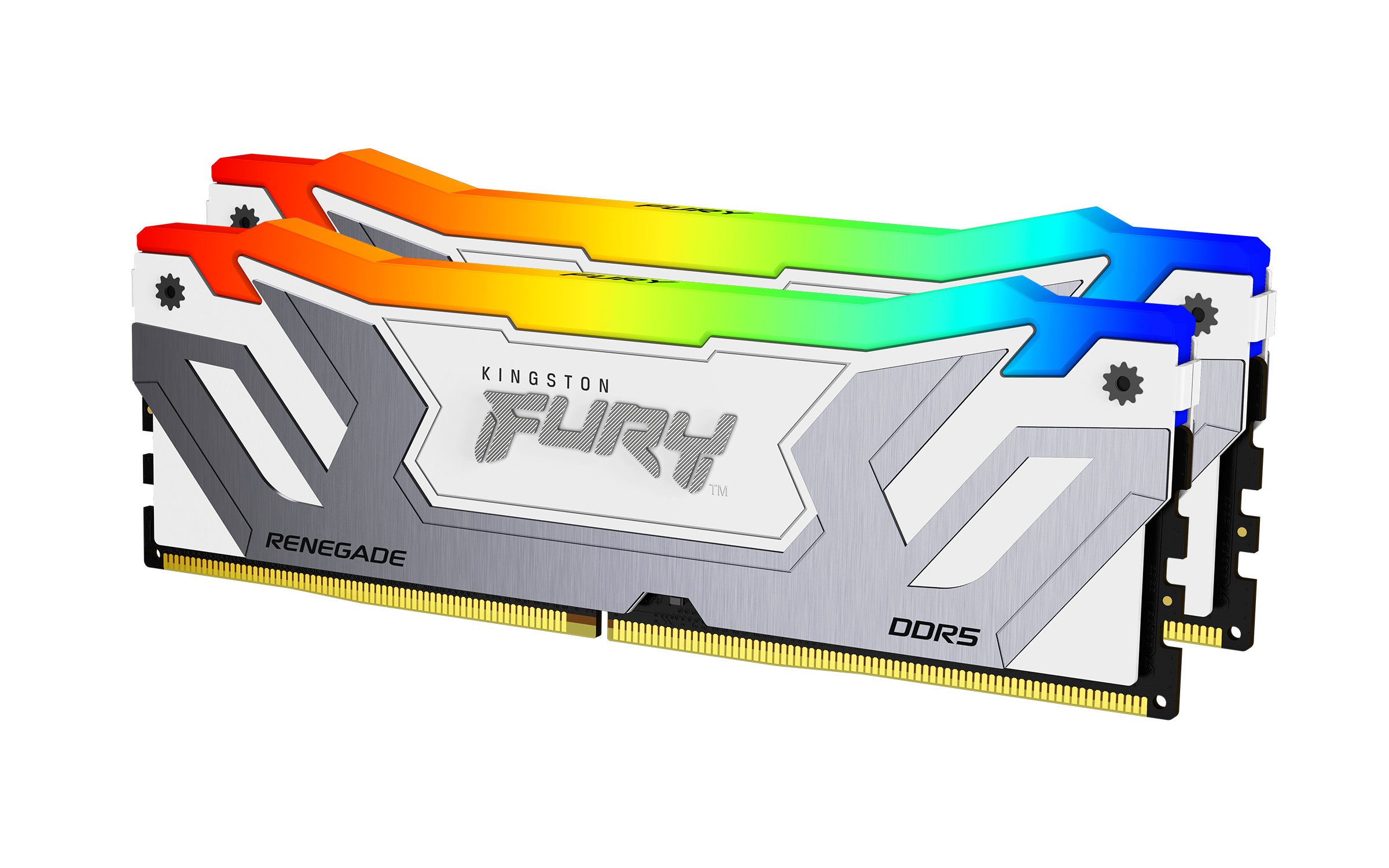
Kingston FURY Renegade RGB - DDR5 - kit - 48 GB: 2 x 24 GB - DIMM 288-pin - 4200 MT/s / PC5-67200 - CL40 - 1.45 V - unbuffered - on-die ECC - white & silver
Kingston
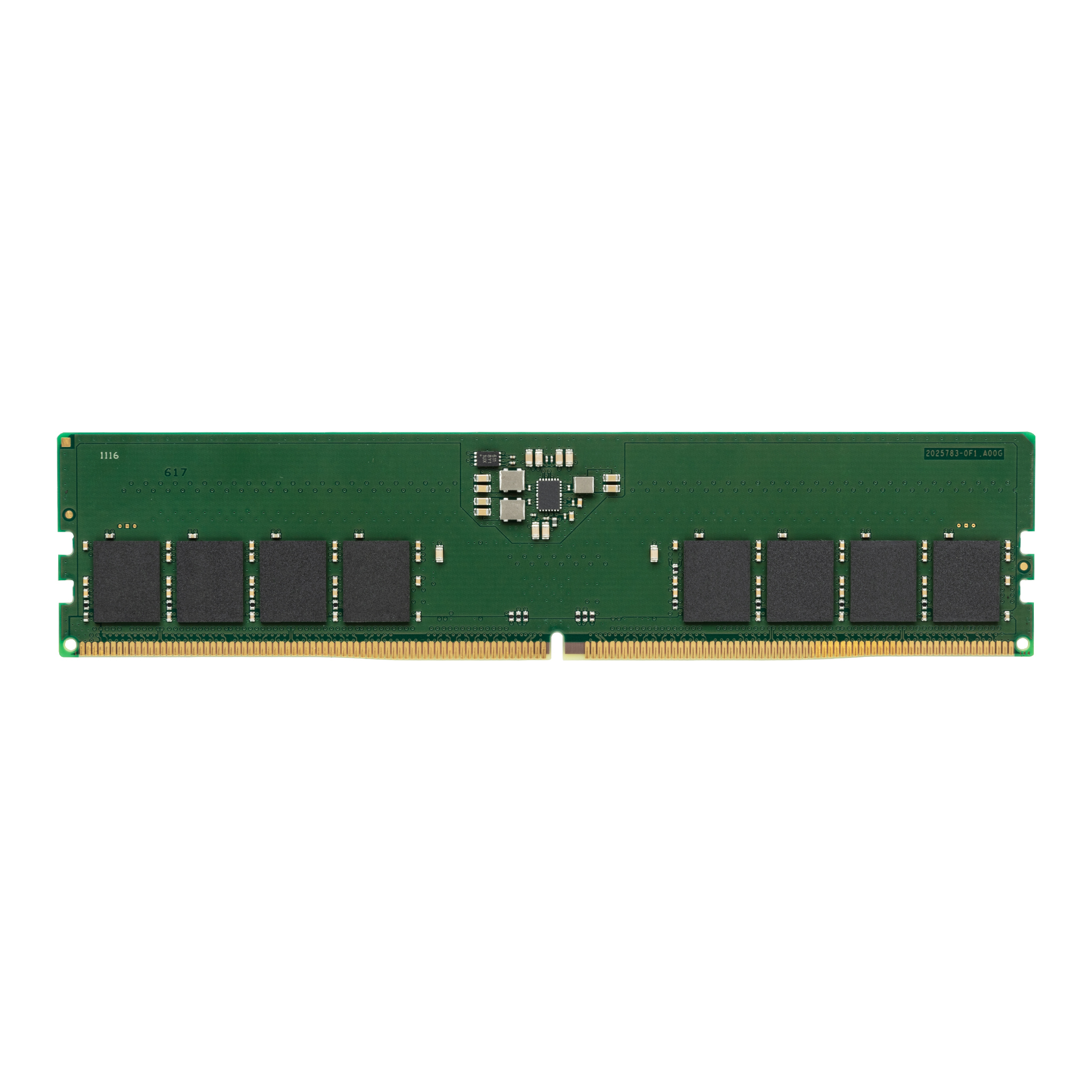
Kingston - DDR5 - module - 16 GB - DIMM 288-pin - 5600 MT/s / PC5-44800 - CL46 - 1.1 V - unbuffered - non-ECC
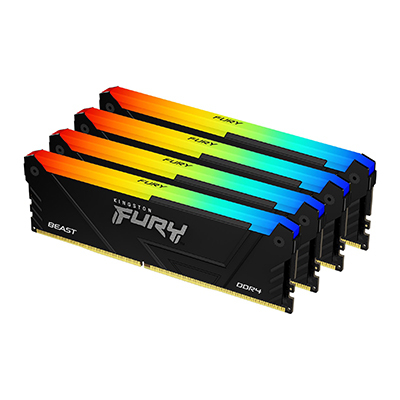
Kingston
Kingston FURY Beast RGB - DDR4 - kit - 128 GB: 4 x 32 GB - DIMM 288-pin - 3600 MT/s / PC4-28800 - CL18 - 1.35 V - unbuffered - non-ECC - black