- SEO
What Is AI Search Optimisation (GEO) and Why It Matters
3 Apr, 2026
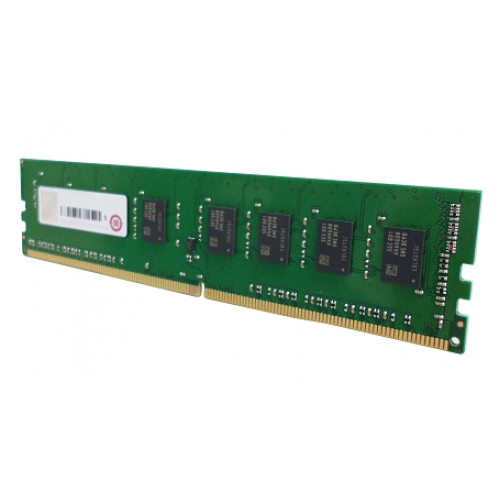
£279.01 inc. VAT
AI-generated summary
This QNAP 8GB DDR4 ECC UDIMM is the kind of upgrade that’s only “worth it” if you’ve already confirmed you actually need it. If your QNAP NAS is running short on memory and you’re seeing performance bottlenecks (lots of swapping, sluggish apps like Photo Station/Surveillance Station under load, or general lag with multiple users), adding a single 8GB module can be a sensible, low-drama fix. ECC is also the right choice in a storage appliance—less about day-to-day speed, more about stability for something that’s on 24/7.
That said, at **£231.59 ex-VAT for just 8GB**, it’s pricey enough that I’d be cautious. For the same money, many people can sometimes get to a more meaningful total RAM upgrade (or a better value kit) depending on the exact NAS model and what it supports. If you’re aiming to “tick over” with minimal improvement, this won’t feel like great value. But if your NAS officially supports this exact module type, you need the compatibility for an expansion you can’t over-complicate, and you’re trying to avoid replacing memory with a whole new set, it’s a fair buy.
If you tell me your QNAP NAS model (and current RAM amount), I can give a clearer “buy vs don’t buy” based on whether you’ll actually notice the difference and whether this price makes sense for your configuration.
Kingston
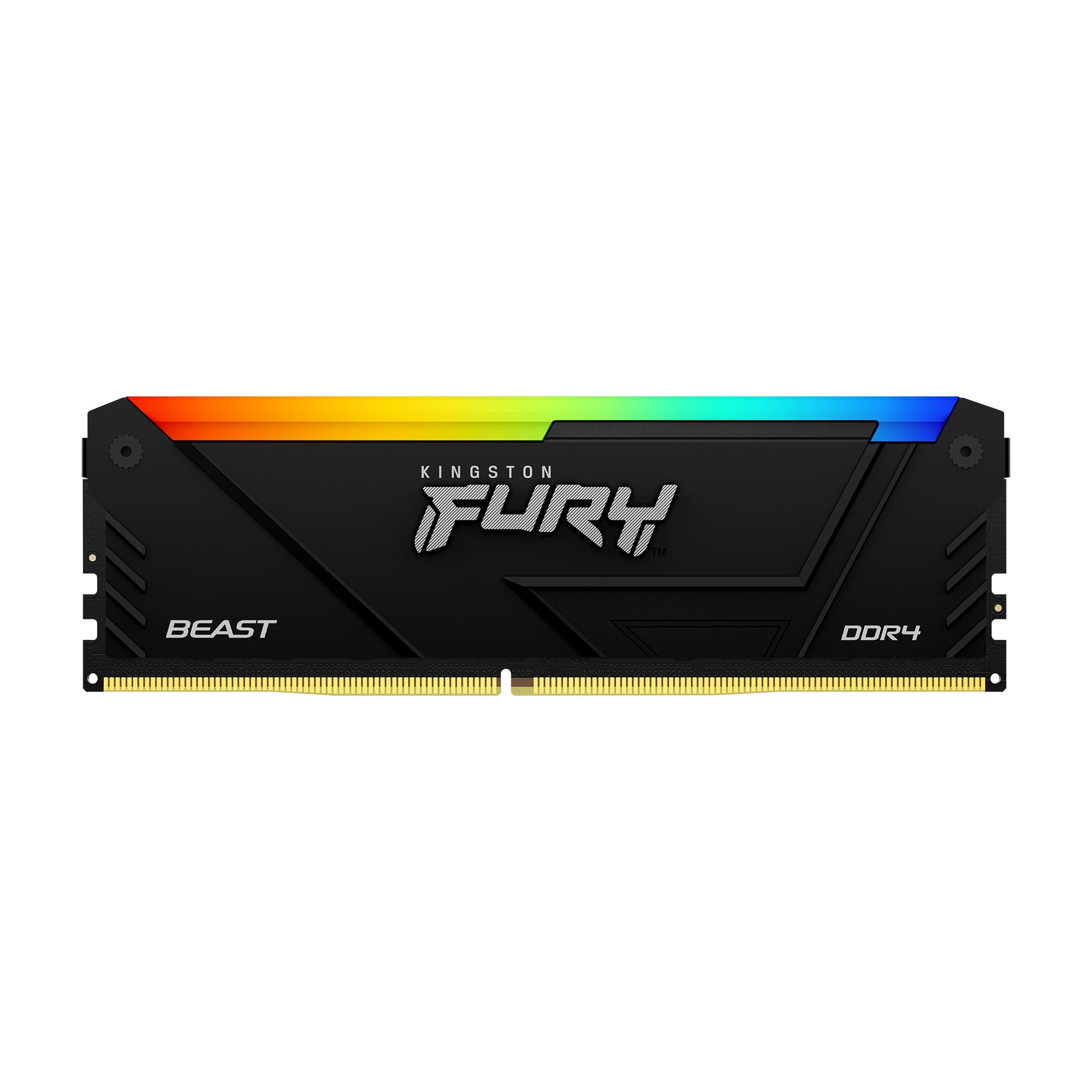
Kingston FURY Beast RGB - DDR4 - module - 16 GB - DIMM 288-pin - 3200 MT/s / PC4-25600 - CL16 - 1.35 V - unbuffered - non-ECC - black
Kingston
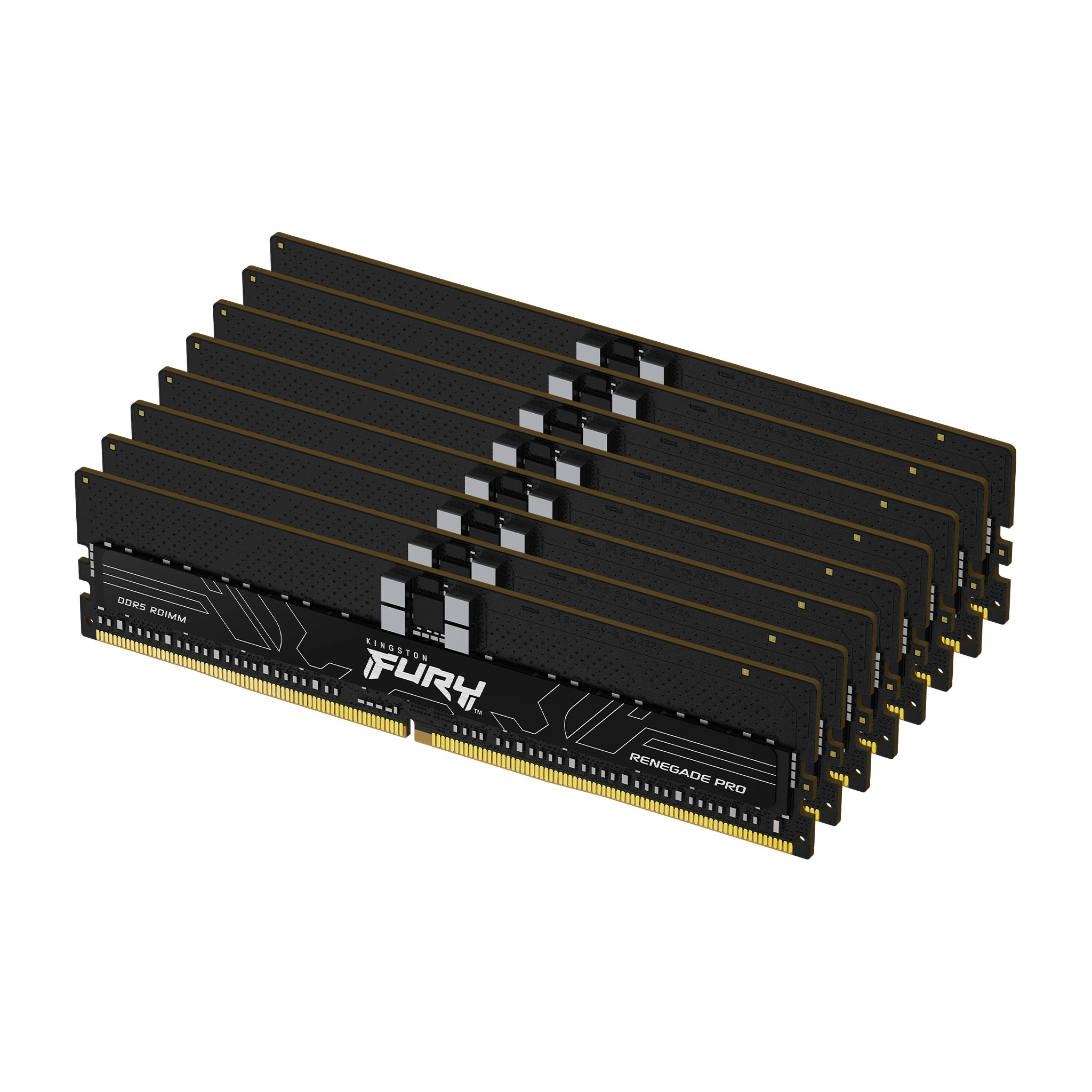
Kingston FURY Renegade Pro - DDR5 - kit - 128 GB: 8 x 16 GB - DIMM 288-pin - 5600 MT/s / PC5-44800 - CL28 - registered - on-die ECC - black
Kingston
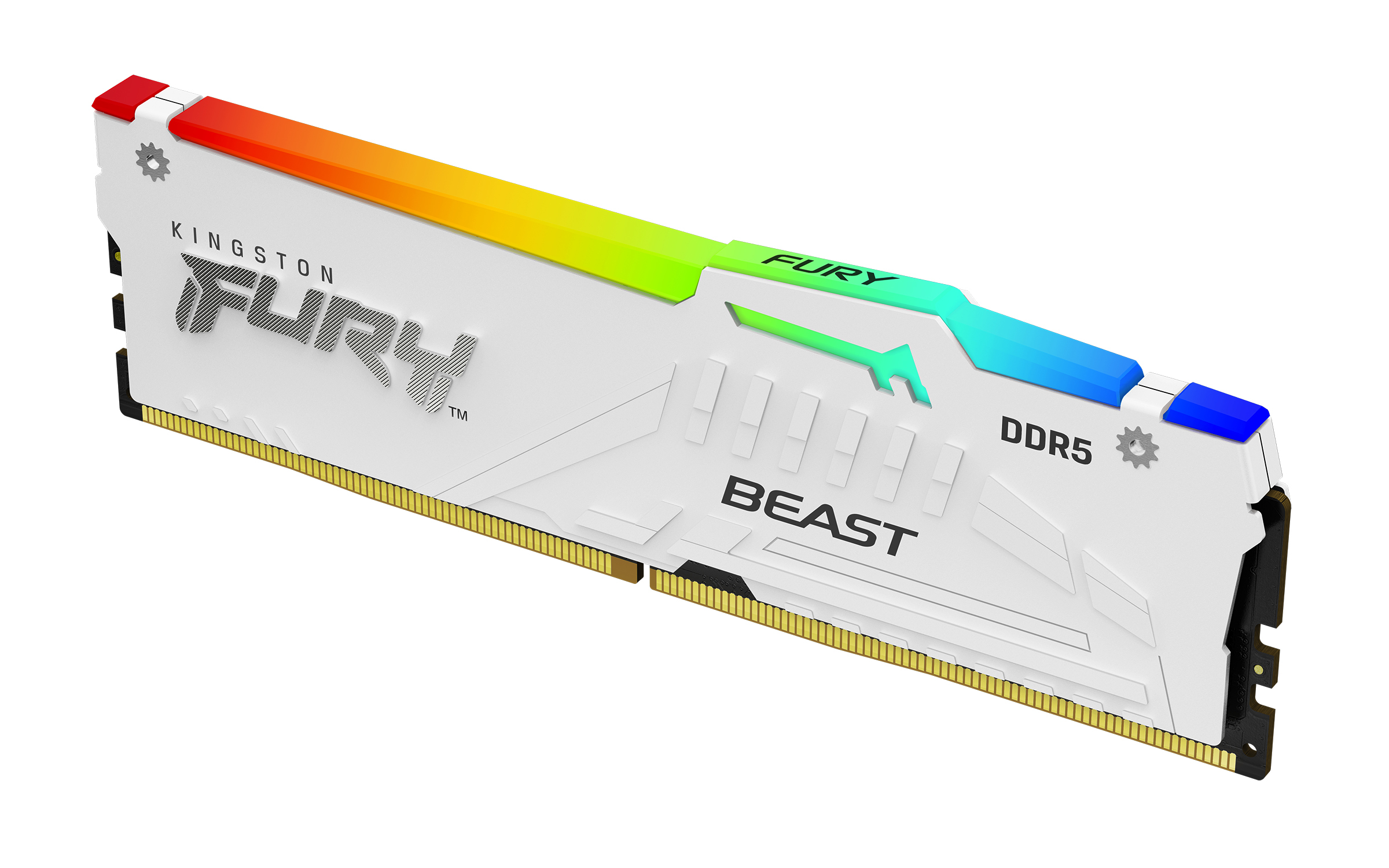
Kingston FURY Beast RGB - DDR5 - module - 32 GB - DIMM 288-pin - 6000 MT/s / PC5-48000 - CL36 - 1.35 V - unbuffered - on-die ECC - white
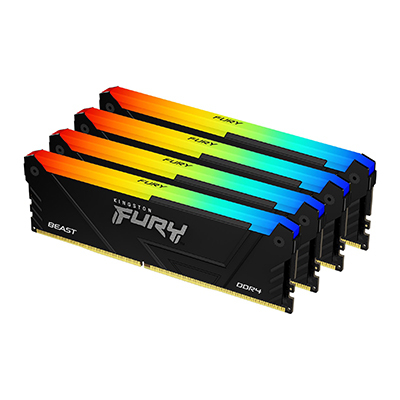
Kingston
Kingston FURY Beast RGB - DDR4 - kit - 64 GB: 4 x 16 GB - DIMM 288-pin - 3200 MT/s / PC4-25600 - CL16 - 1.35 V - unbuffered - non-ECC - black