- Azure Cloud
Azure Backup vs Third-Party Backup: Which Should You Use?
11 Mar, 2026
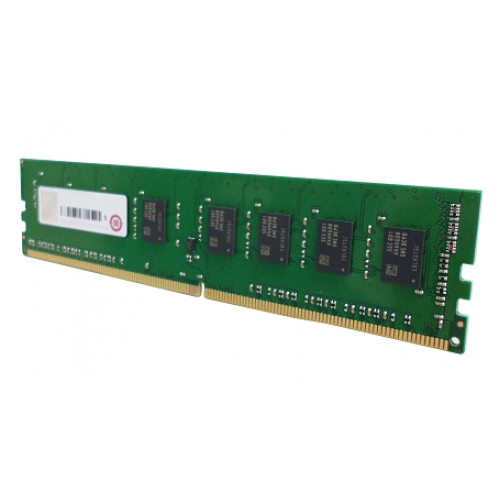
£104.05 inc. VAT
AI-generated summary
The QNAP RAM-4GDR4A0-UD-2400 is one of those “do it if you have to” upgrades. At £86.36 ex-VAT for 4GB, you’re paying for compatibility and the fact it’s going into QNAP gear cleanly—rather than paying for raw memory value. If your NAS is genuinely struggling (slow indexing, laggy SMB transfers, lots of apps/container activity, frequent “out of memory” type behavior), adding this can make the box feel dramatically more responsive. For light home/prosumer file serving, it often feels like overkill, and for heavy virtualization or container workloads you’ll usually want more than just a single extra 4GB.
Who should buy: owners of a QNAP model that supports this exact module type and are trying to squeeze better day-to-day performance without replacing the whole memory setup. Who should *skip*: anyone expecting big gains, anyone whose NAS already has plenty of headroom, or buyers trying to get “best price per GB” (you’ll likely find more cost-effective RAM elsewhere, but QNAP-specific compatibility is the whole point here). If you tell me your QNAP model, I can give you a more confident “worth it or not” call based on typical real-world behavior.
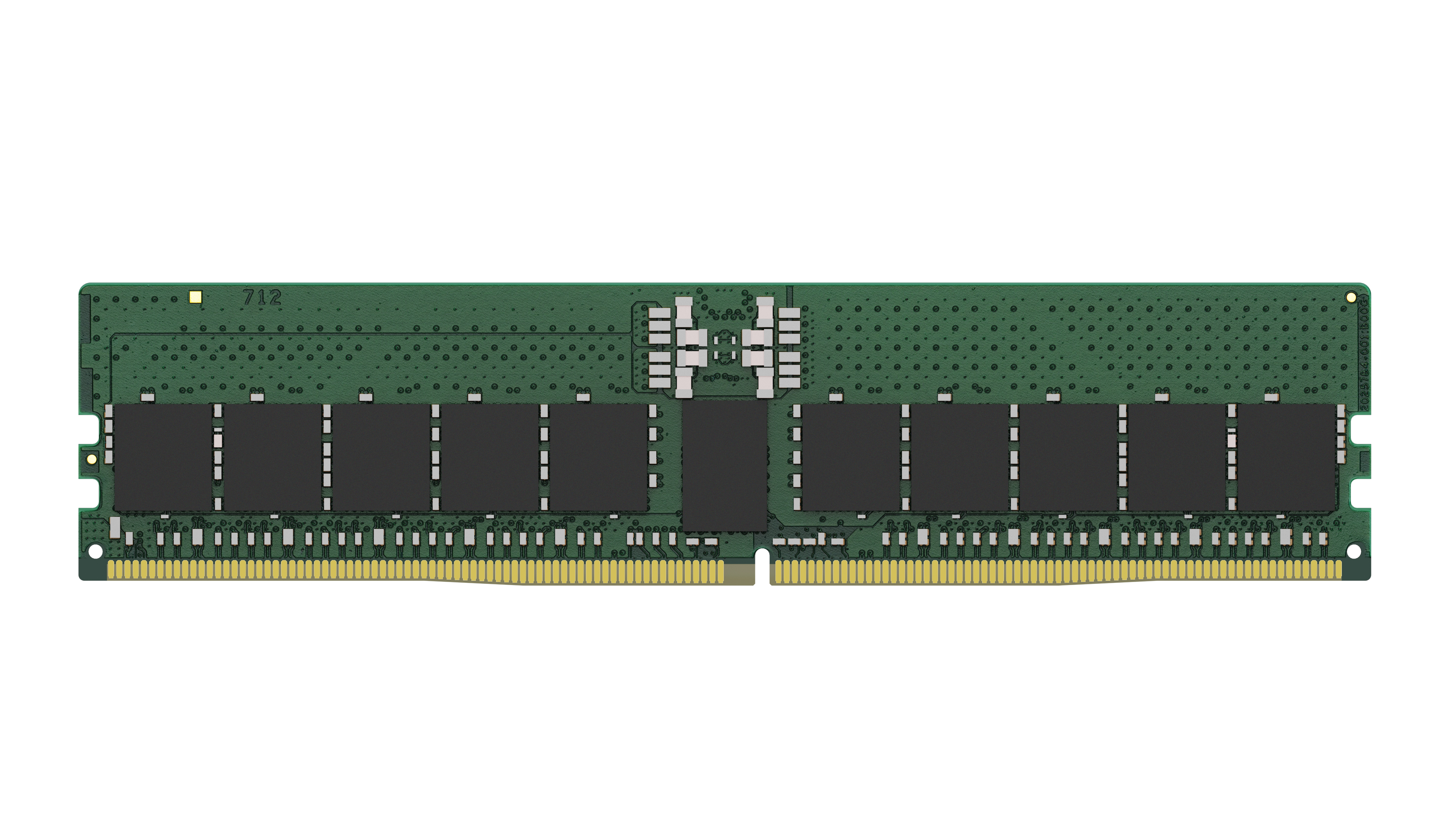
Kingston
Kingston Server Premier - DDR5 - module - 32 GB - DIMM 288-pin - 5600 MT/s / PC5-44800 - CL46 - 1.1 V - registered - ECC
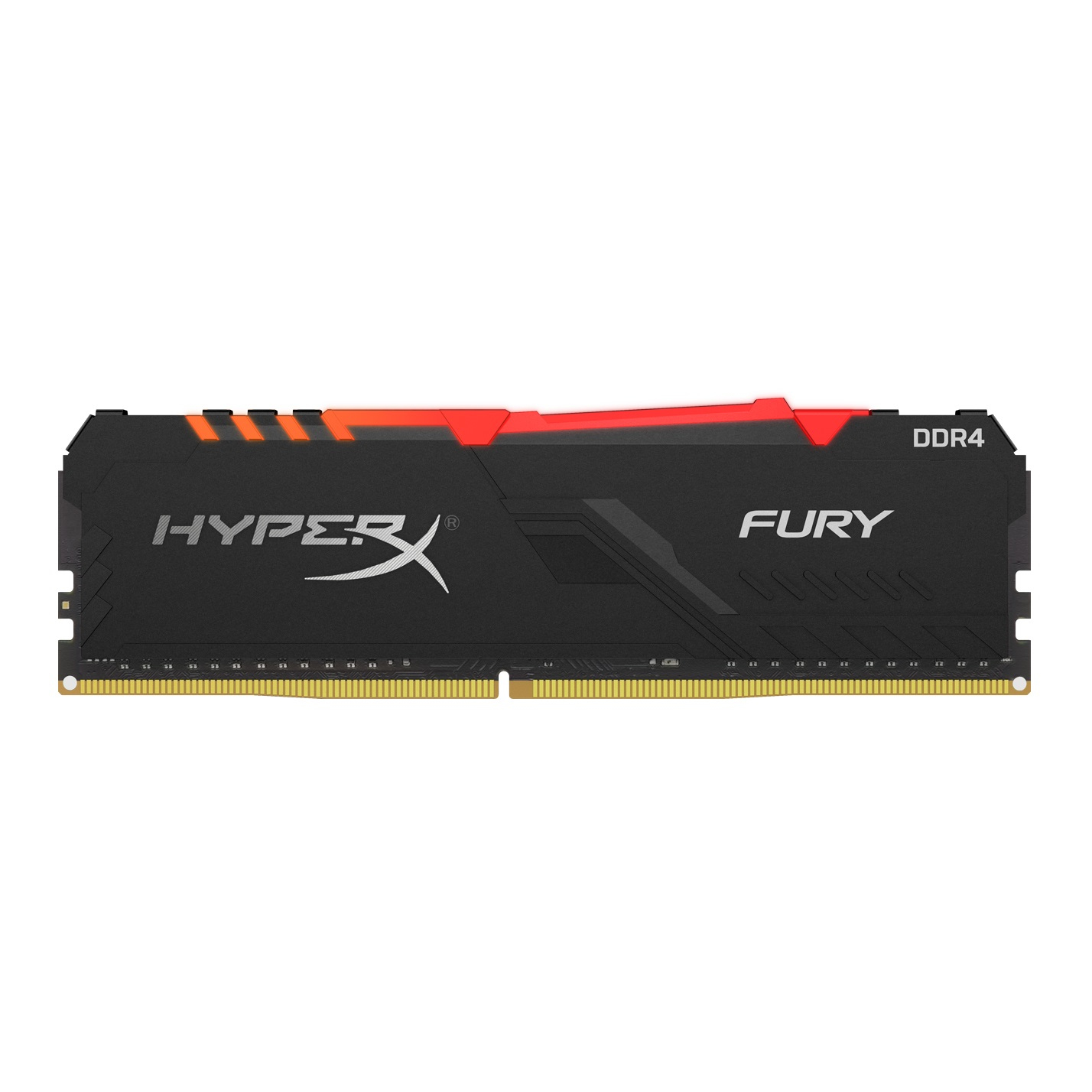
Kingston
HyperX FURY RGB - DDR4 - module - 8 GB - DIMM 288-pin - 3000 MHz / PC4-24000 - CL15 - 1.35 V - unbuffered - non-ECC - black
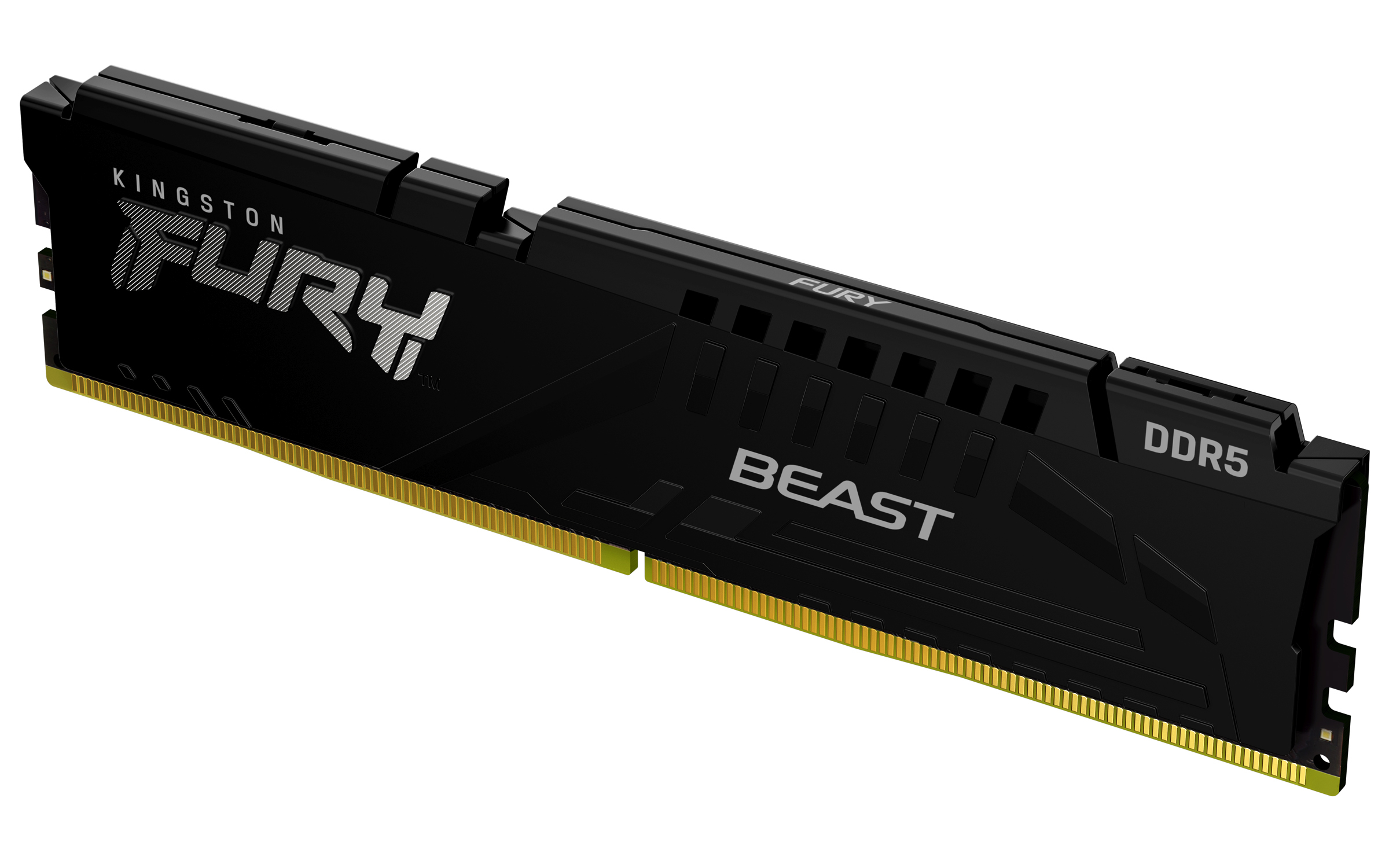
Kingston
Kingston FURY Beast - DDR5 - module - 32 GB - DIMM 288-pin - 2800 MHz / PC5-44800 - CL36 - 1.25 V - unbuffered - on-die ECC - black
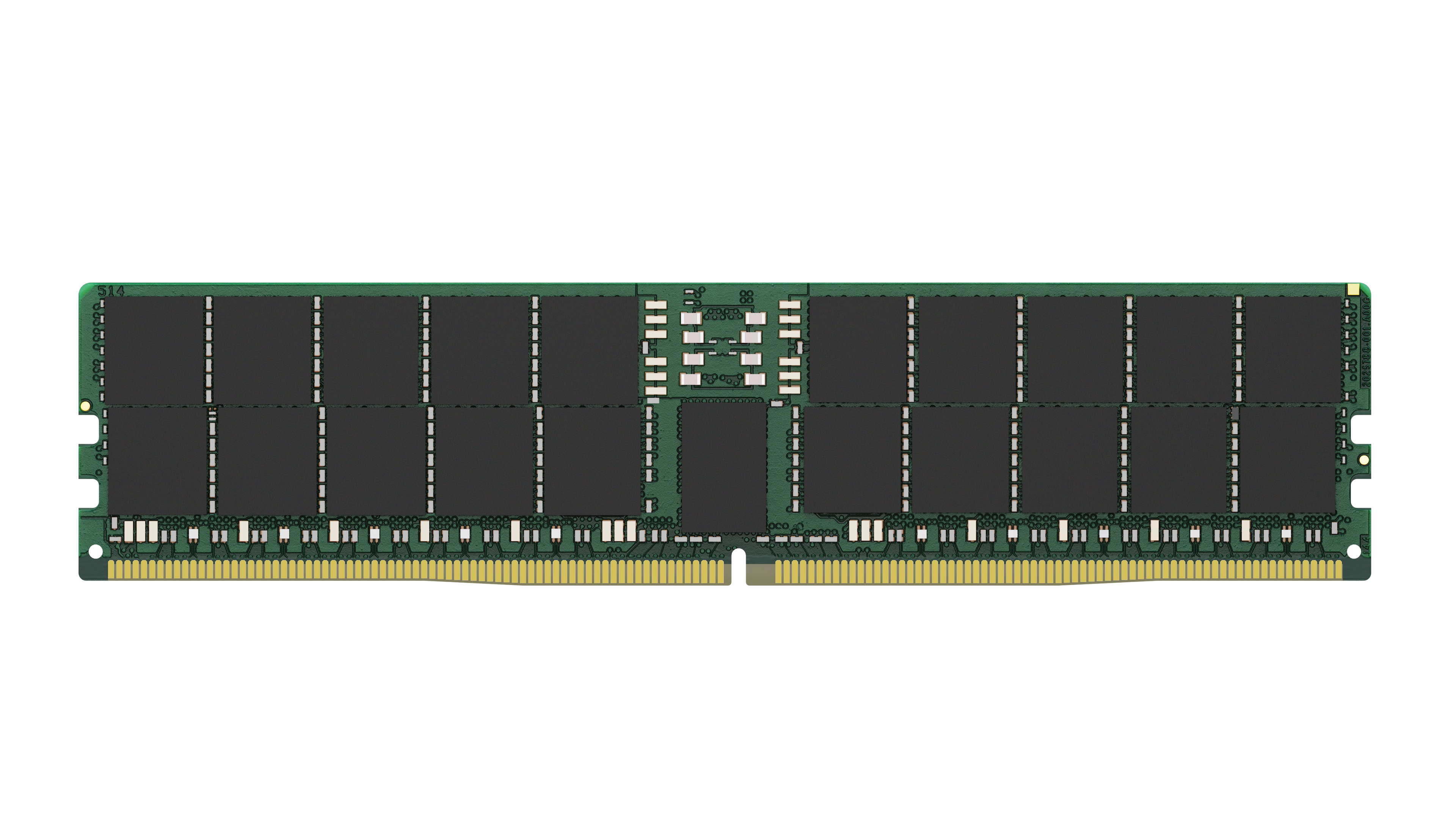
Kingston
Kingston - DDR5 - module - 96 GB - DIMM 288-pin - 5600 MHz / PC5-44800 - CL46 - 1.1 V - registered - ECC