- Internet & Connectivity
How to Set Up Guest Wi-Fi for Your Business
18 Mar, 2026
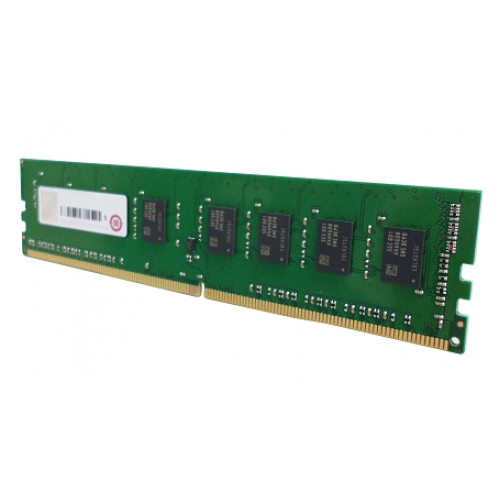
£317.08 inc. VAT
AI-generated summary
Honestly, this is a very “right for the job” kind of purchase. QNAP’s RAM-16GDR4ECP0-UD-2666 is aimed at users who want predictable compatibility with QNAP hardware (rather than playing roulette with generic DDR4). If you’ve got a QNAP NAS that’s running short on headroom—think lots of containers/VMs, heavy indexing, or simply many simultaneous users—going to 16GB can feel like a noticeable quality-of-life upgrade. The fact it’s QNAP-branded/qualified RAM matters in the real world because NAS vendors are picky about memory validation, and troubleshooting RAM mismatches is not how anyone wants to spend their weekend.
That price, though, is the sticking point: £263.17 ex-VAT for 16GB is not “cheap RAM.” So I’d only buy this if (a) your QNAP model explicitly supports this exact module/type, and (b) you’re happy paying a premium for lower risk. If you’re just doing light file serving or basic backups, it may be smarter to invest in storage or—if your NAS supports it—consider whether you can add cheaper capacity instead of paying for “known-good” modules. For anyone running production workloads where downtime is costly, this is the sensible kind of spend; for home/small deployments where budgets are tight, I’d look harder at alternatives first.
Kingston
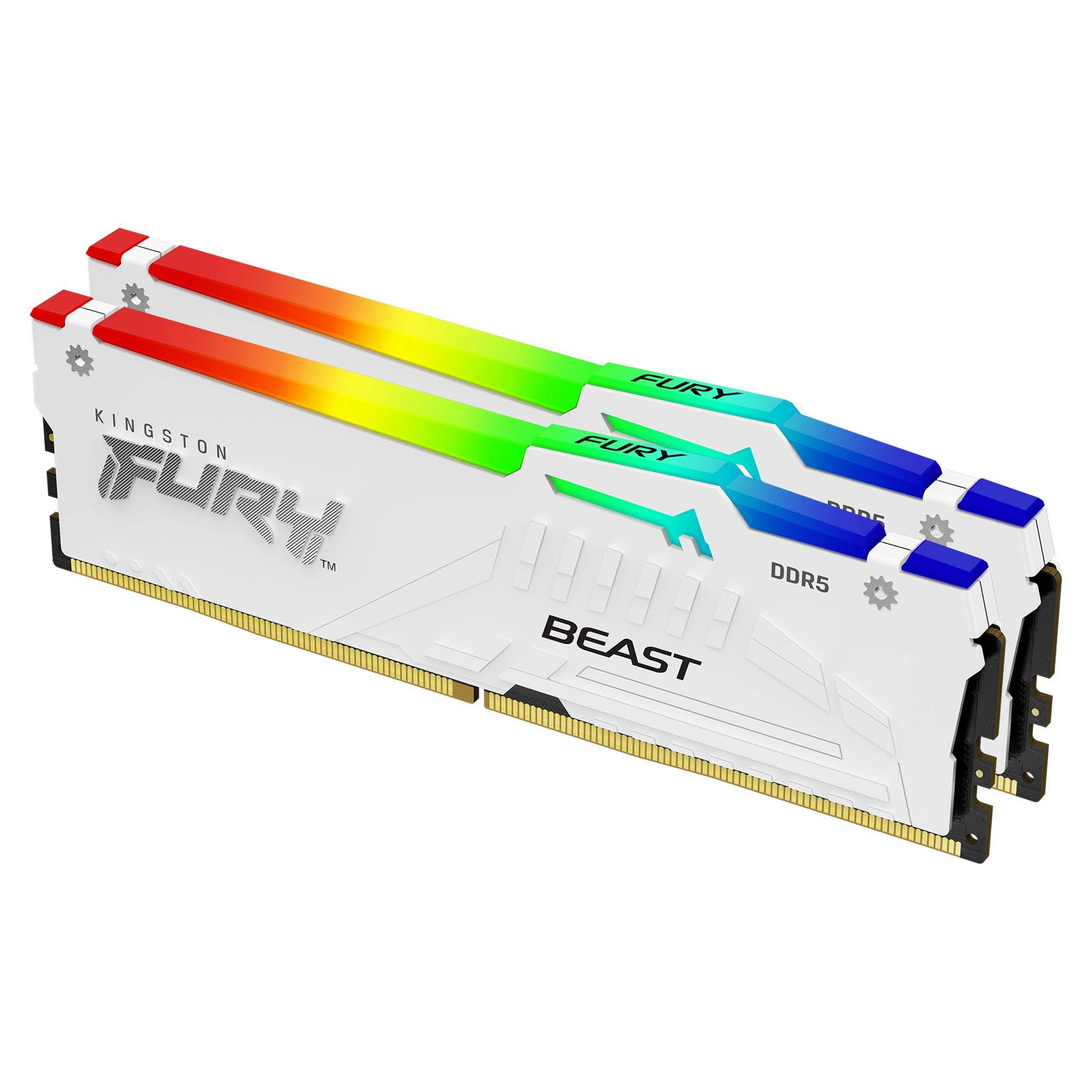
Kingston FURY Beast RGB - DDR5 - kit - 64 GB: 2 x 32 GB - DIMM 288-pin - 5600 MT/s / PC5-44800 - CL40 - 1.25 V - unbuffered - on-die ECC - white
Kingston
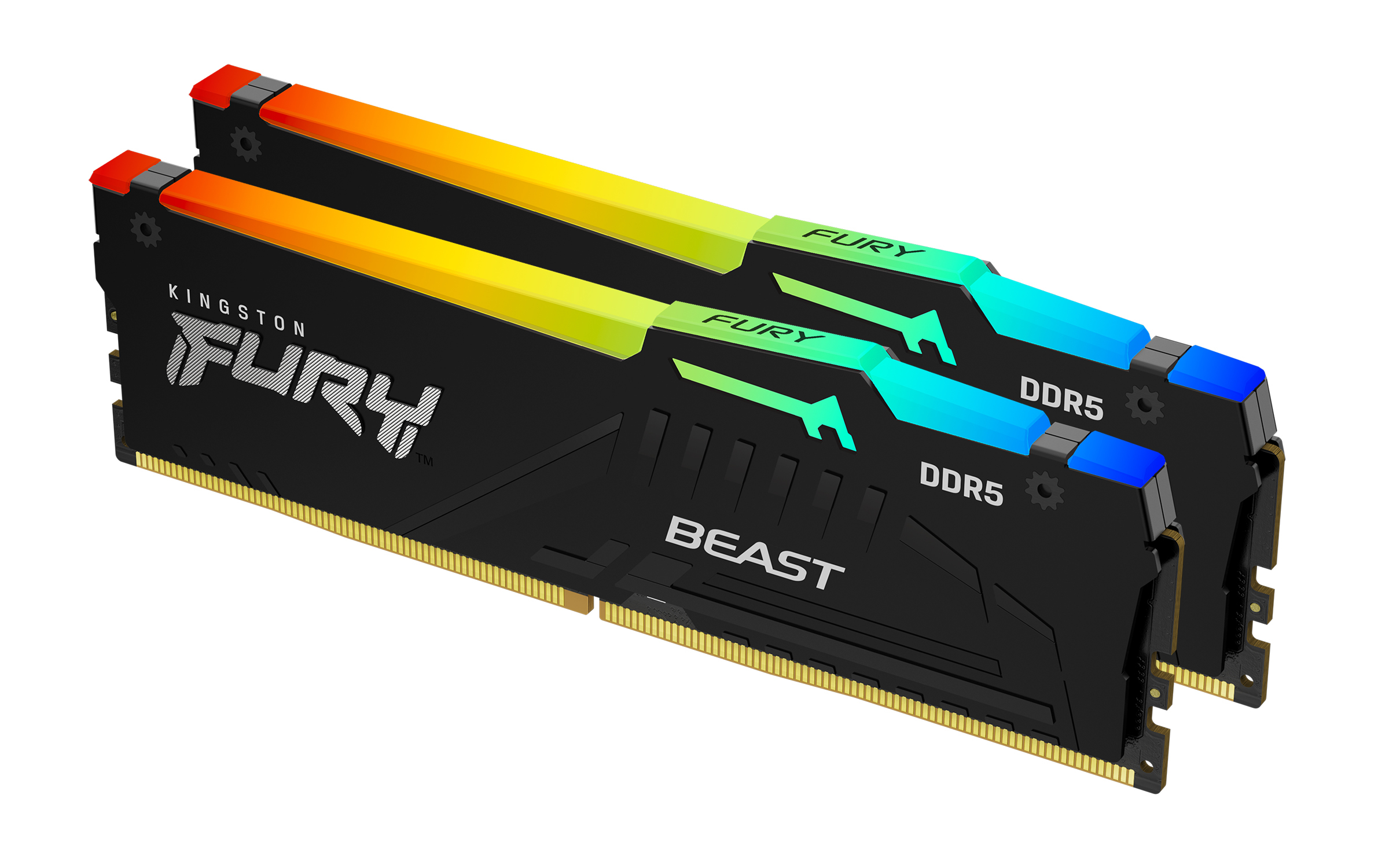
Kingston FURY Beast RGB - DDR5 - kit - 128 GB: 2 x 64 GB - DIMM 288-pin - 2800 MHz / PC5-44800 - CL36 - 1.25 V - unbuffered - on-die ECC - black
Kingston
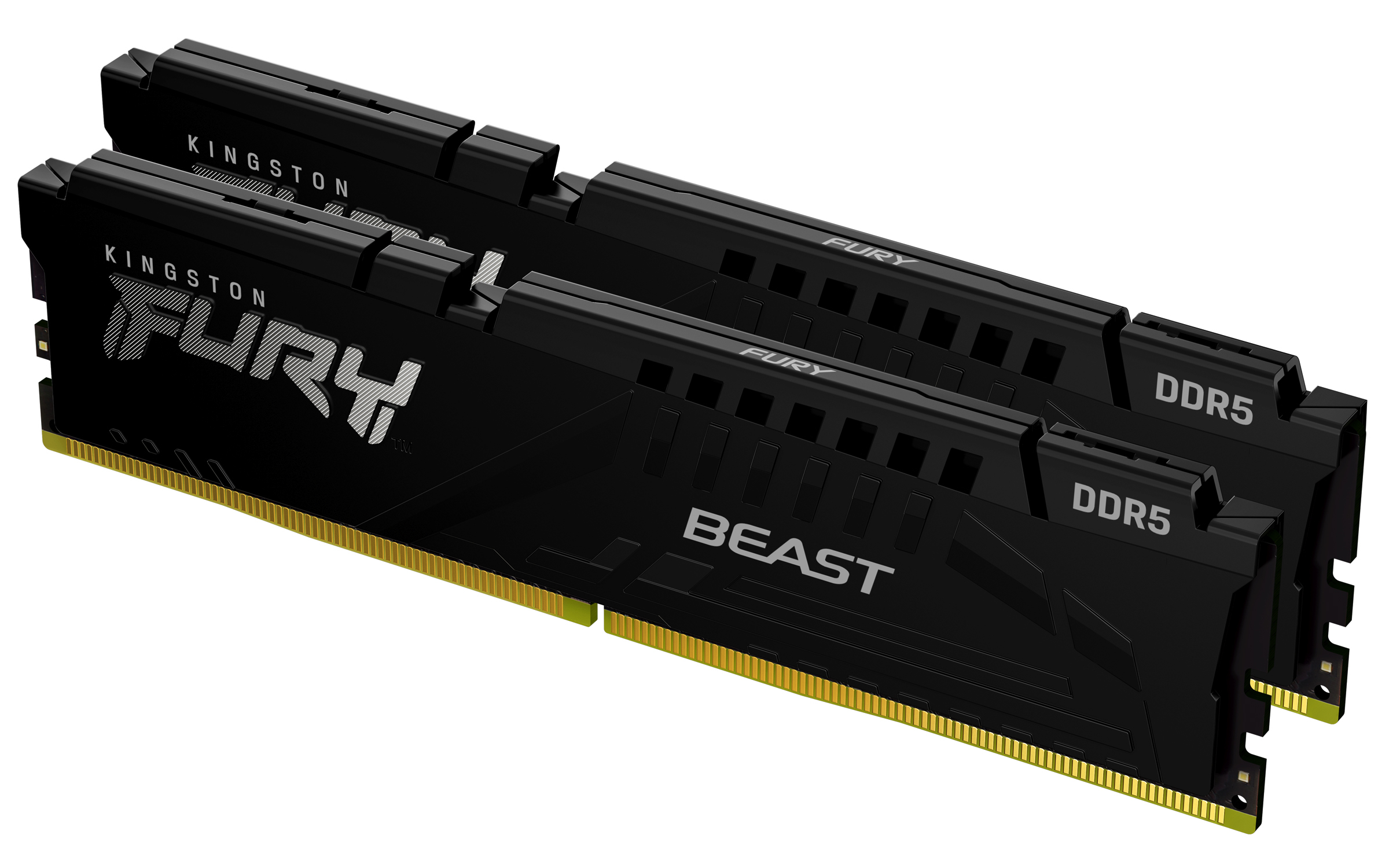
Kingston FURY Beast - DDR5 - kit - 64 GB: 2 x 32 GB - DIMM 288-pin - 6400 MHz / PC5-51200 - CL32 - 1.4 V - unbuffered - on-die ECC - black
Kingston
Kingston FURY Beast RGB - DDR5 - kit - 64 GB: 2 x 32 GB - DIMM 288-pin - 6000 MT/s / PC5-48000 - CL36 - 1.35 V - unbuffered - on-die ECC - black