- Cloud Backup
Business Continuity vs Disaster Recovery: What's the Difference?
19 Nov, 2025
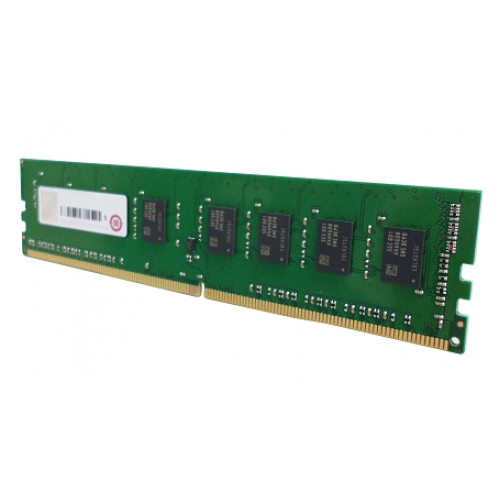
£241.84 inc. VAT
AI-generated summary
For £200 ex‑VAT, this feels like a “you need it or you’ll hate yourself later” memory upgrade. The QNAP RAM-16GDR4A0-UD-2400 sticks are typically aimed at QNAP NAS models that support DDR4 UDIMM and are picky about compatibility, so the main value here isn’t performance bragging—it’s avoiding random boot/post issues and getting the NAS stable under load. If you’re running a bigger Plex/VM/lots-of-indexing workload on a supported QNAP unit, the upgrade can genuinely make the box feel less like it’s constantly thinking.
That said, I wouldn’t buy this blindly. Memory is one of those areas where you can overpay if you don’t actually need it, and QNAP’s “supported list” matters—buying the wrong type/speed can waste both time and money. If your NAS is already coping fine, 16 GB probably won’t transform anything; you’ll see the best ROI when you’re hitting memory pressure (slow responses, heavy caching/indexing, multiple apps at once). Bottom line: good buy *only* if you’ve confirmed your exact QNAP model supports this specific UDIMM/QNAP part number—otherwise, you’ll be better off sourcing cheaper compatible DDR4 UDIMMs through your reseller after checking compatibility.
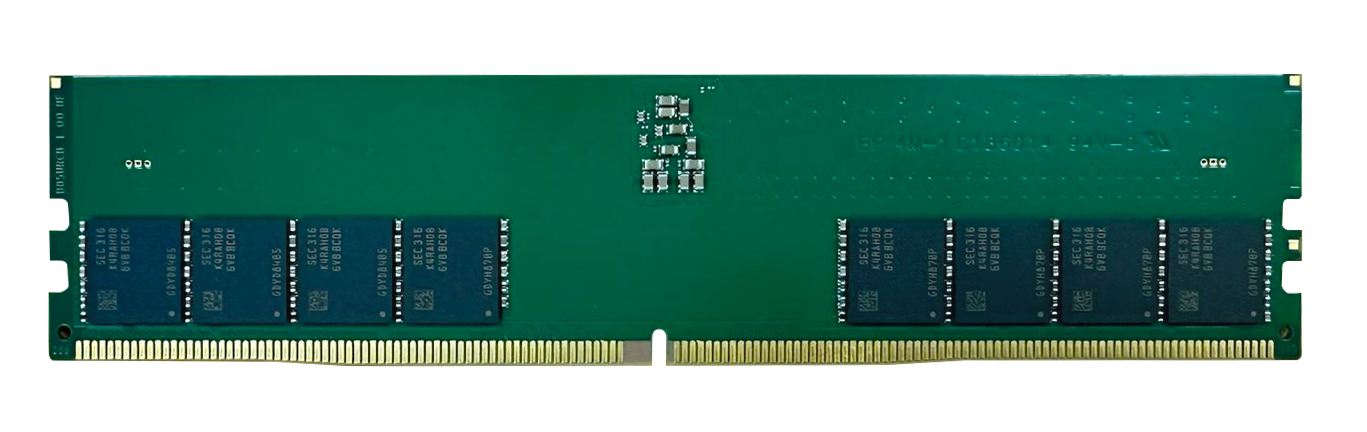
Qnap
QNAP - DDR5 - module - 16 GB - DIMM 288-pin - 4800 MHz / PC5-38400 - unbuffered
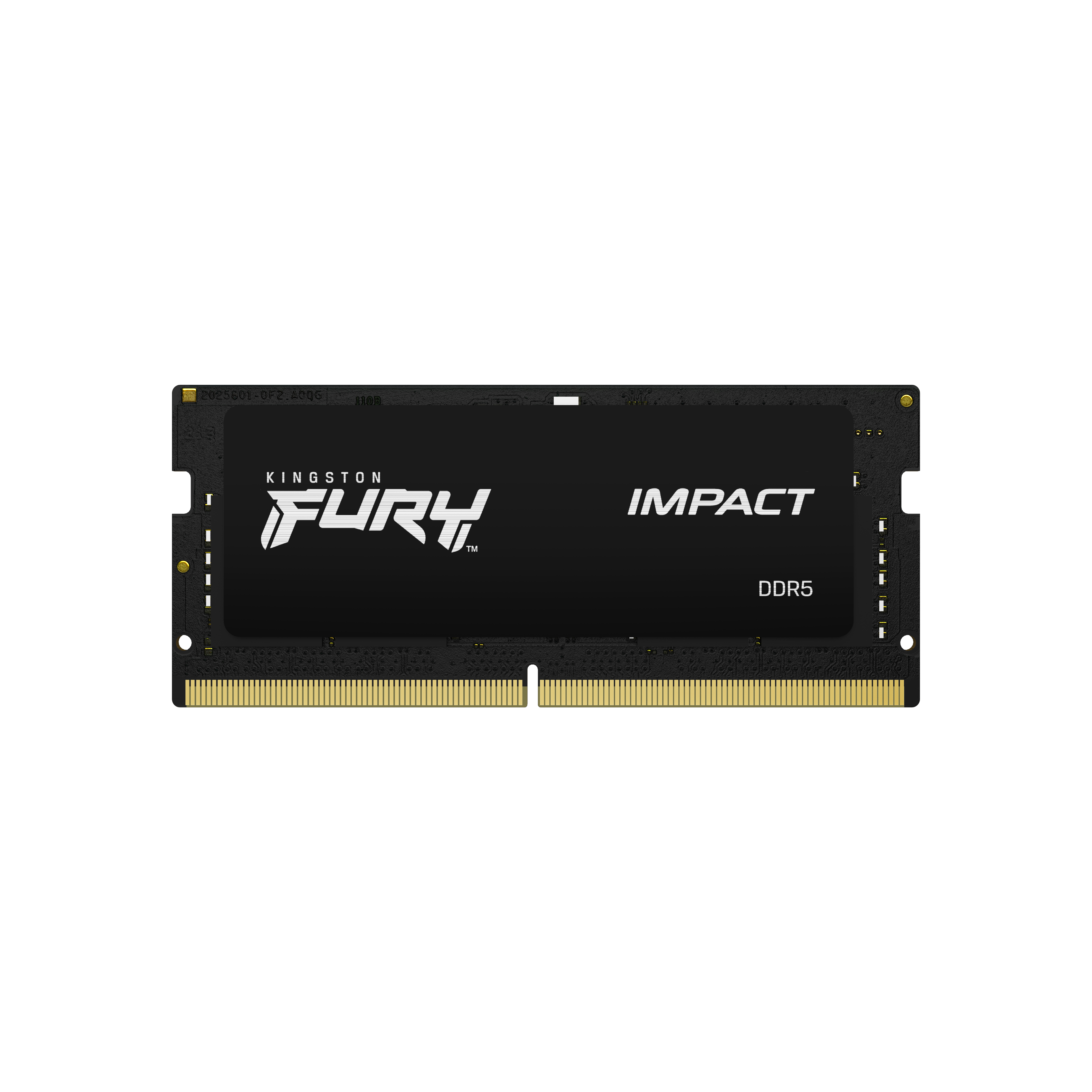
Kingston
Kingston FURY Impact - DDR5 - module - 16 GB - SO-DIMM 262-pin - 5600 MT/s / PC5-44800 - CL40 - 1.1 V - unbuffered - on-die ECC
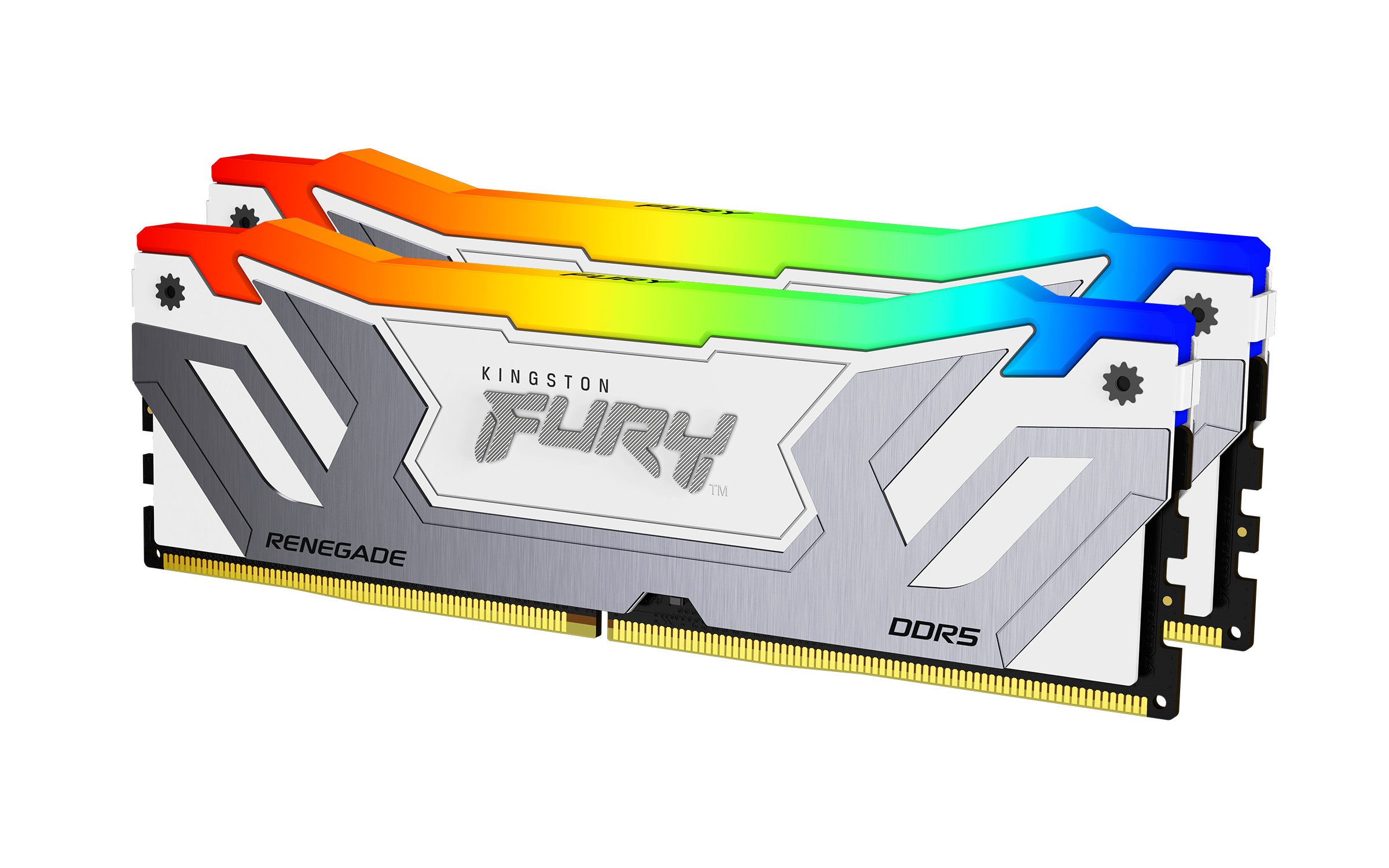
Kingston
Kingston FURY Renegade RGB - DDR5 - kit - 48 GB: 2 x 24 GB - DIMM 288-pin - 4200 MT/s / PC5-67200 - CL40 - 1.45 V - unbuffered - on-die ECC - white & silver
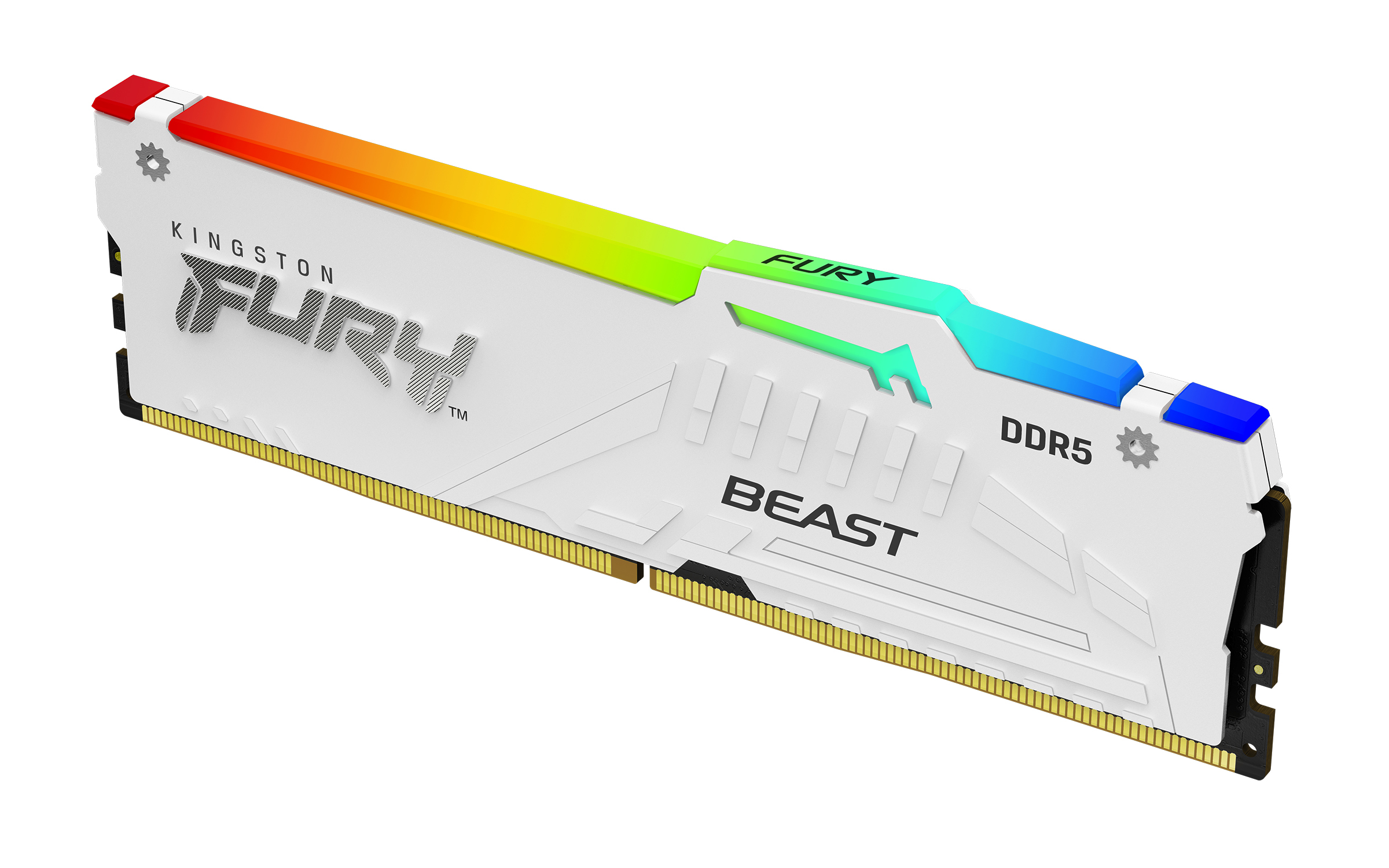
Kingston
Kingston FURY Beast RGB - DDR5 - module - 16 GB - DIMM 288-pin - 6000 MHz / PC5-48000 - CL30 - 1.4 V - unbuffered - on-die ECC - white