- IT Office Moves
How to Minimise Downtime During an Office Relocation
18 Feb, 2026
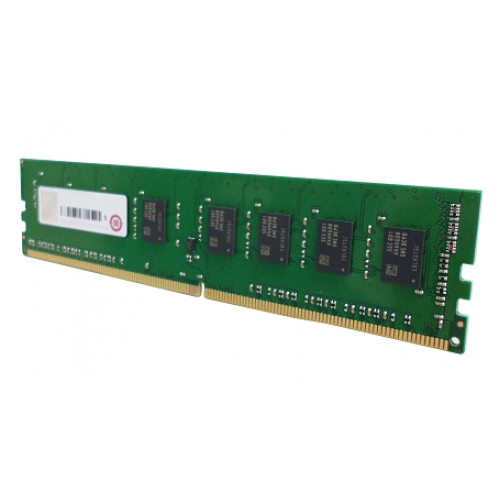
£373.73 inc. VAT
AI-generated summary
The QNAP RAM-16GDR4-LD is one of those “you’ll feel the difference, but only if you actually need it” upgrades. If you’re running a QNAP NAS hard—multiple users, lots of snapshots, Plex/containers, media indexing, heavy SMB/NFS loads—going from a cramped baseline to a fuller RAM pool can noticeably smooth things out (less swapping, fewer slowdowns under peak use). For £311.41 ex-VAT, it’s not cheap, so I’d only buy it when you’ve confirmed you’re RAM-limited rather than just hoping it’ll magically fix sluggishness caused by disks, network, or CPU bottlenecks.
I’d avoid it if your NAS is already sitting comfortably on RAM for your workload, or if you’re still diagnosing issues. Also double-check compatibility and your NAS’s exact RAM configuration rules—QNAP models can be picky, and buying the wrong stick is a classic waste of budget. Who should buy? IT teams or SMBs with a QNAP NAS that’s already struggling during busy periods and who want a straightforward, brand-matched stick to expand capacity safely. Who shouldn’t? Anyone looking for “value” unless their current performance pain is clearly memory-related.
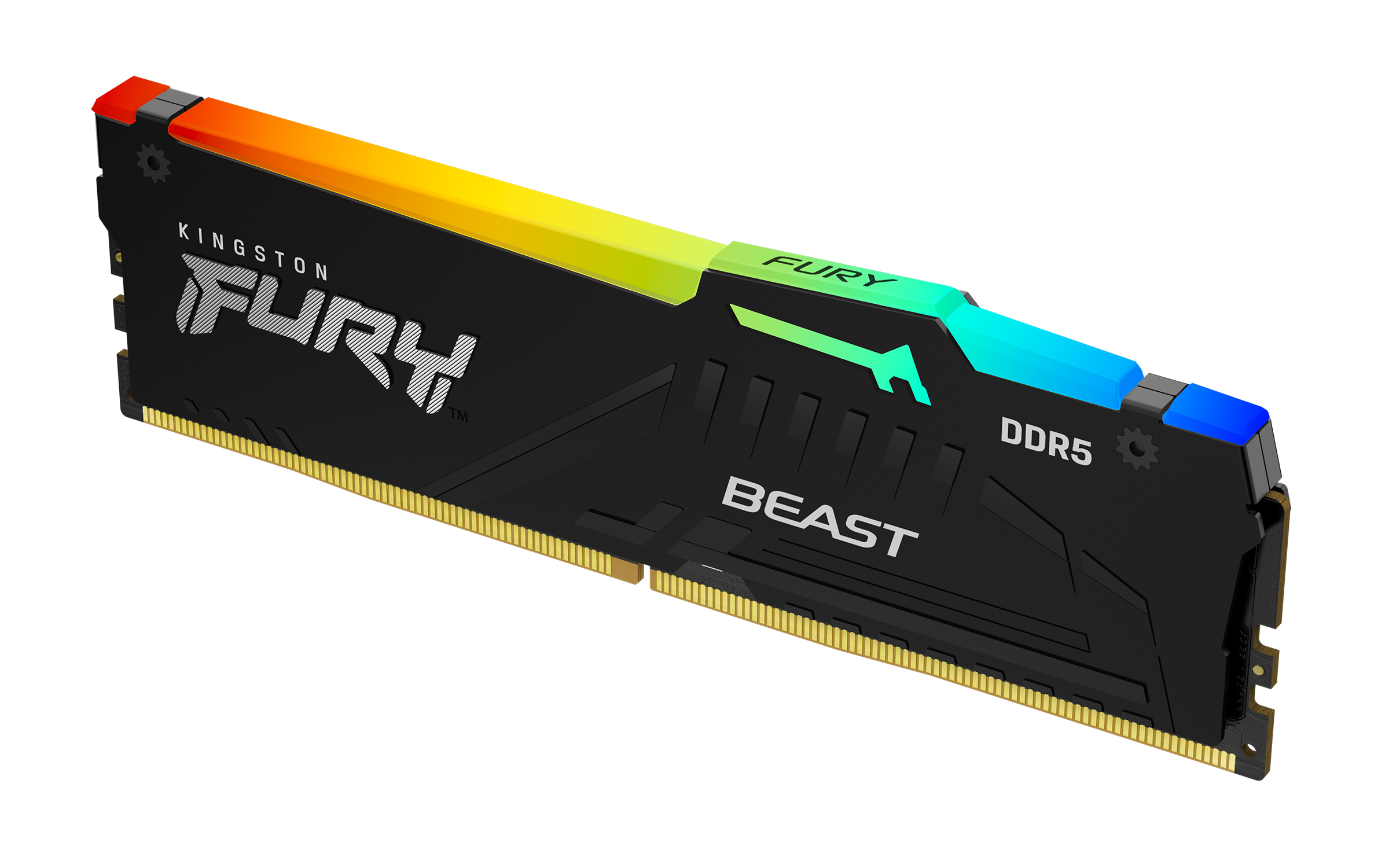
Kingston
Kingston FURY Beast RGB - DDR5 - module - 64 GB - DIMM 288-pin - 2800 MHz / PC5-44800 - CL36 - 1.25 V - unbuffered - on-die ECC - black

Kingston
Kingston Server Premier - DDR5 - module - 16 GB - SO-DIMM 262-pin - 5600 MT/s / PC5-44800 - CL46 - 1.1 V - unbuffered - ECC
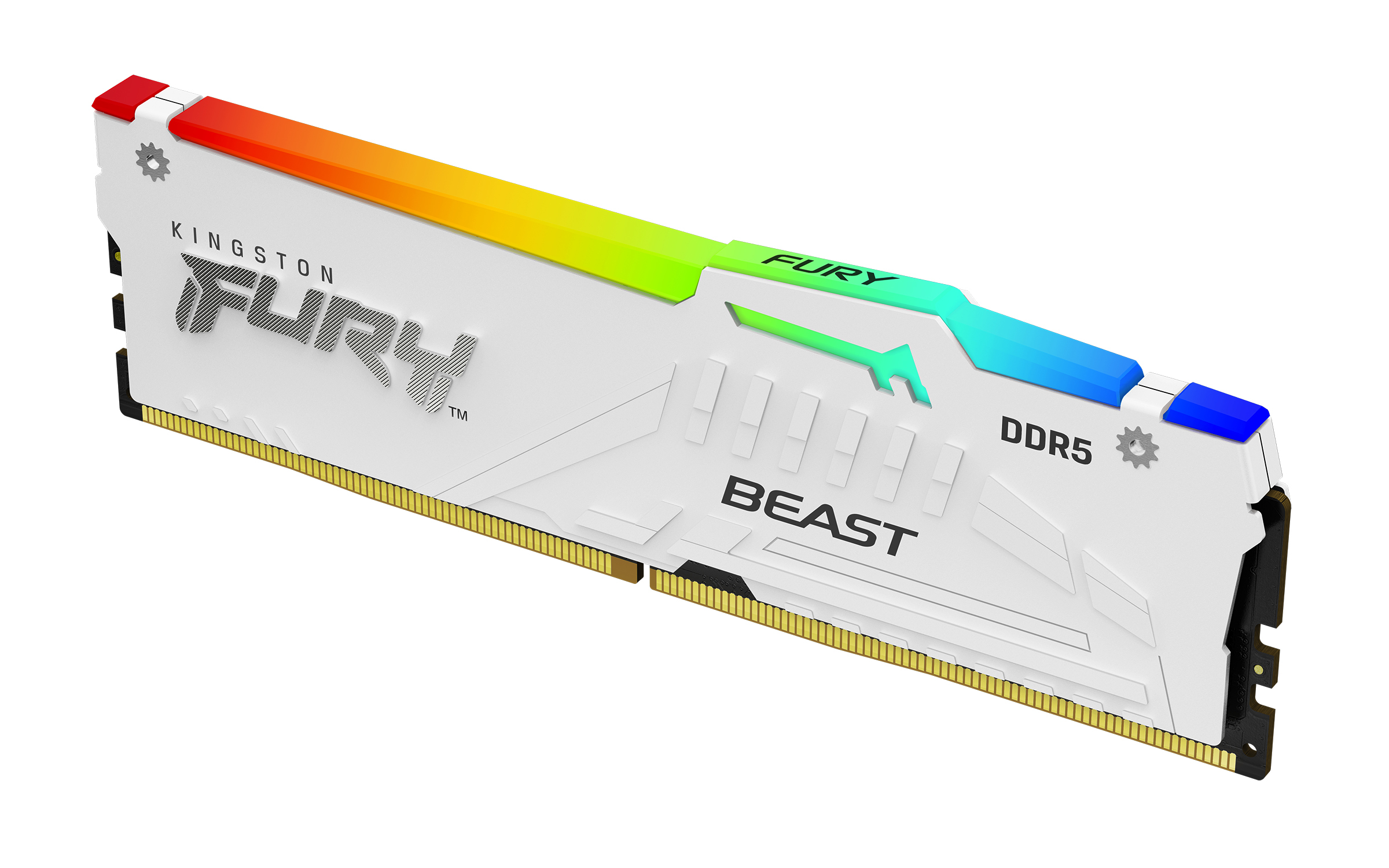
Kingston
Kingston FURY Beast RGB - DDR5 - module - 32 GB - DIMM 288-pin - 6000 MT/s / PC5-48000 - CL36 - 1.35 V - unbuffered - on-die ECC - white
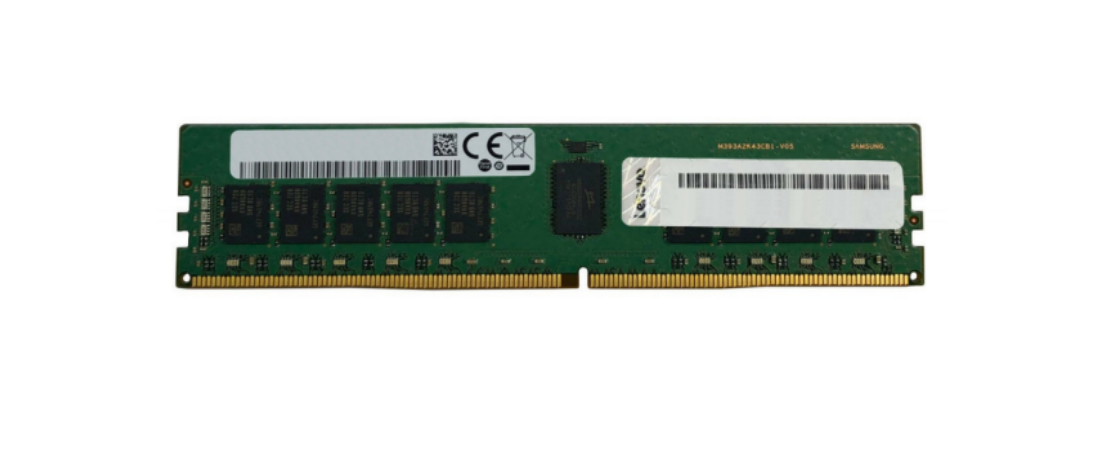
Lenovo
Lenovo TruDDR4 - DDR4 - module - 16 GB - DIMM 288-pin - 3200 MT/s / PC4-25600 - 1.2 V - registered - ECC - for ThinkAgile VX3575-G Integrated System, VX5575 Integrated System, VX7576 Certified Node