- Cloud Backup
How to Verify Your Backups Are Working Correctly
30 Sep, 2025
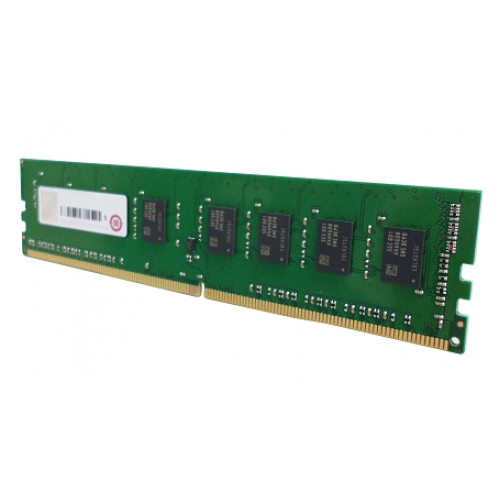
£184.44 inc. VAT
AI-generated summary
If you’ve got a QNAP NAS that’s specifically compatible with DDR4 UDIMMs (and supports that exact speed/requirement), this is the kind of “pay once, don’t think about it” upgrade that can make the box feel noticeably snappier—especially if you run lots of containers, virtualisation-style workloads, or you routinely hit memory pressure. In practice, adding RAM is often one of the few upgrades that actually improves responsiveness without messing with your storage layout, so for the right model it’s a sensible spend. At ~£153 ex-VAT for 4GB, you’re paying a premium for certainty/compatibility, which QNAP sellers tend to charge.
That said, I wouldn’t buy this if you’re doing it purely for “future proofing” or if you’re on the edge of compatibility—RAM upgrades are only good value when the NAS actually benefits, and 4GB won’t be a game-changer for most heavier workloads. Also, if you’re considering multiple modules anyway, double-check whether buying in a larger capacity step would be better value, because 4GB sticks can get pricey fast relative to the total memory you end up with. Bottom line: buy it if your QNAP guidance clearly supports it and you need a quick, safe capacity bump; don’t buy it if you’re hoping for big performance gains or you’re unsure your NAS will take it cleanly.
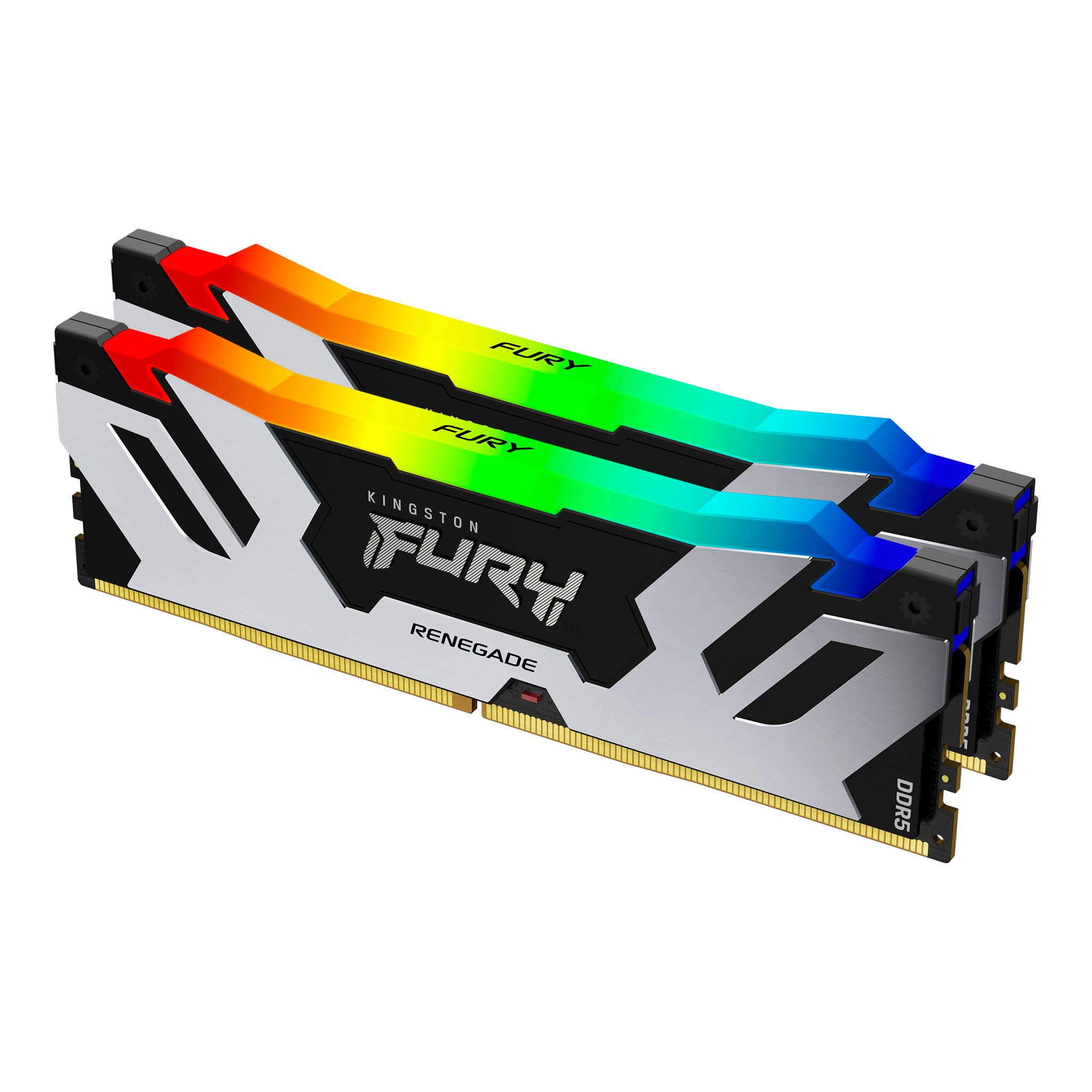
Kingston
Kingston FURY Renegade RGB - DDR5 - kit - 32 GB: 2 x 16 GB - DIMM 288-pin - 7200 MT/s / PC5-57600 - CL38 - 1.45 V - on-die ECC
Kingston
Kingston FURY Beast RGB - DDR4 - kit - 128 GB: 4 x 32 GB - DIMM 288-pin - 3200 MT/s / PC4-25600 - CL16 - 1.35 V - unbuffered - non-ECC - black
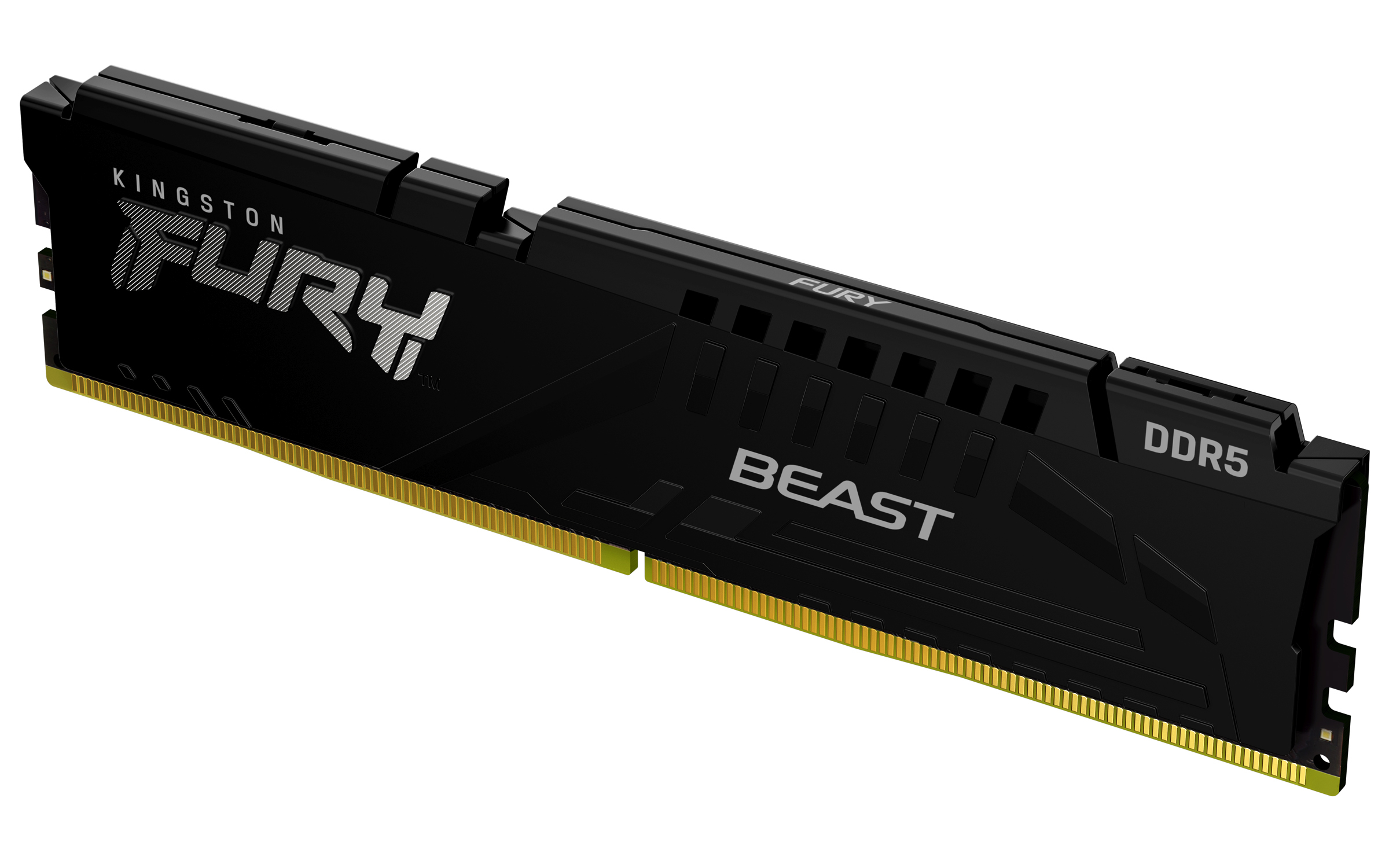
Kingston
Kingston FURY Beast - DDR5 - module - 32 GB - DIMM 288-pin - 2800 MHz / PC5-44800 - CL40 - 1.25 V - unbuffered - on-die ECC - black
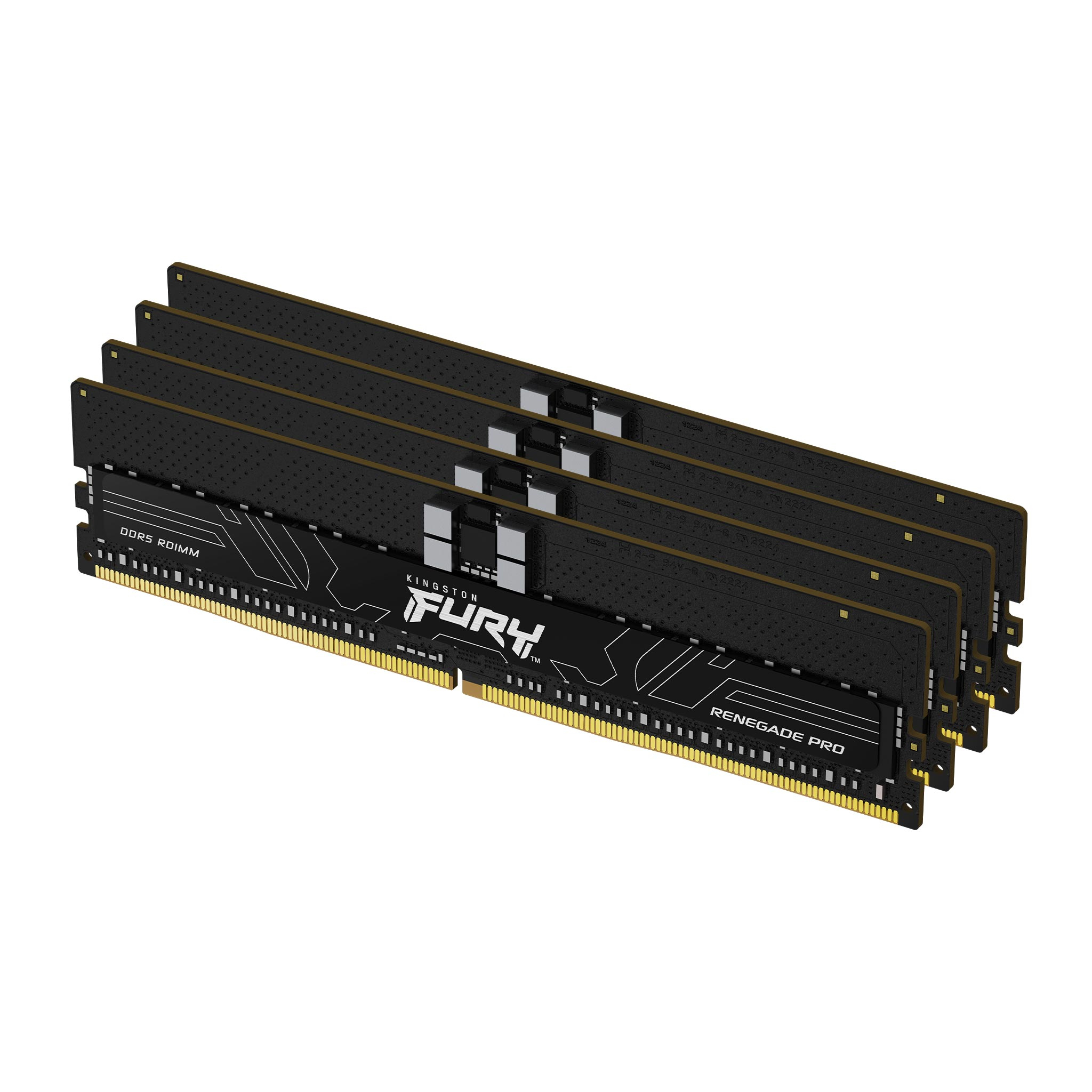
Kingston
Kingston FURY Renegade Pro - DDR5 - kit - 128 GB: 4 x 32 GB - DIMM 288-pin - 5600 MHz / PC5-44800 - CL36 - 1.25 V - registered - on-die ECC - black