- Network Admin
Network Automation for Small Businesses
18 Mar, 2026
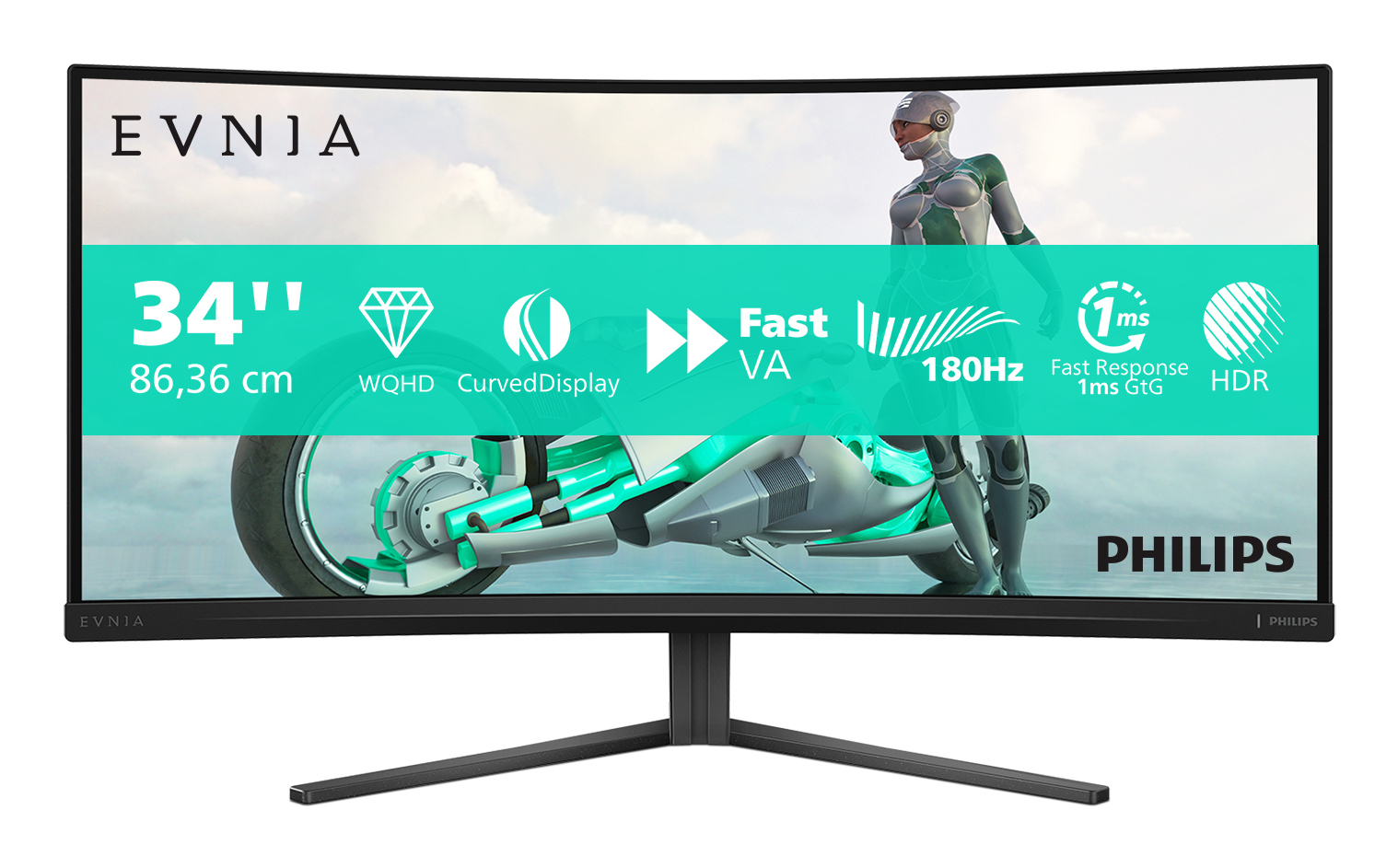


£293.92 inc. VAT
AI-generated summary
If you’re shopping for a 34-inch ultrawide for the office, the Philips Evnia 34M2C3500L is the kind of “sensible upgrade” that usually makes sense around this price. The 21:9 format is genuinely useful for multitasking—spreadsheets, docs, and multiple windows feel far less cramped than 16:9. For day-to-day work, it’s also the sort of monitor teams can standardise on without anyone complaining that it’s “too niche”, which matters in B2B environments.
That said, I wouldn’t treat it as a premium gaming powerhouse at £244 ex-VAT just because it’s in the Evnia range. If your primary goal is competitive gaming (fast reaction performance, very high refresh, etc.), you’ll likely find better-focused options for the money once you compare real-world gaming figures. Also, check your desk setup: a 34-inch ultrawide is a commitment—if you sit too far to one side or have limited height/arm space, you may end up with ergonomics compromises that negate some of the benefit. Who should buy: admin/finance/IT staff, analysts, and anyone who lives in multiple windows and wants a productive workspace without paying “premium ultrawide” pricing. Who shouldn’t: buyers who only need a basic monitor, or gamers who care most about top-end performance rather than workflow comfort.
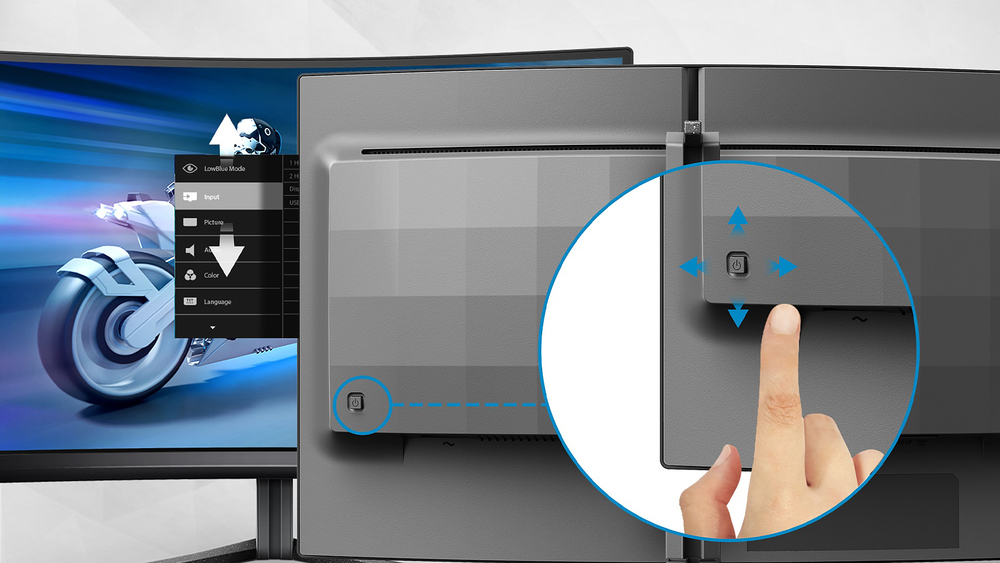
EasySelect menu toggle key for quick on-screen menu access
The discreetly placed EasySelect Menu Toggle Key allows you to make quick and easy adjustments to monitor settings in the On-Screen Display menu.

Smart Crosshair: for better aim and more fun
Color of Crosshair is set by default. When Smart Crosshair is on, the color will change as complementary color to the background color. Smart Crosshair enhances the accuracy of aiming so you can sp...

LowBlue mode and Flicker-free easy-on-the eyes viewing
Our LowBlue Mode and Flicker-free technology have been developed to reduce eye strain and fatigue often caused by long hours in front of a monitor.

SmartImage game mode optimized for gamers
The new Philips gaming display has quick access OSD fine tuned for gamers, offering you multiple options. "FPS" mode (First person shooting) improves dark themes in games, allowing you to see hidde...

180Hz refresh rates for ultra-smooth, brilliant images
You play intense, competitive gaming. You demand display with lag free, ultra-smooth images. This display redraws the screen image up-to 180 times per second, effectively faster than a standard dis...
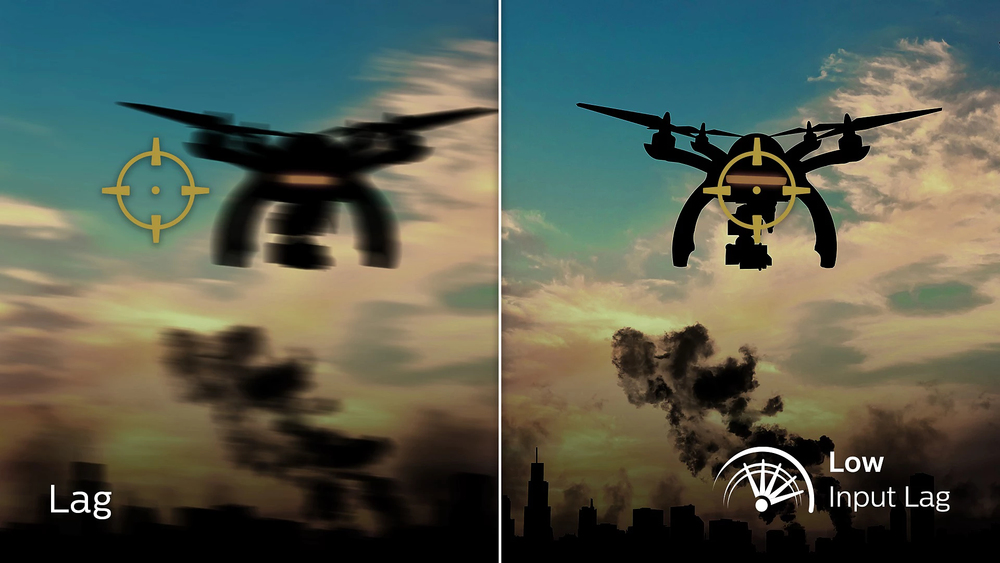
Low input lag reduces time delay between devices to monitor
Input lag is the amount of time that elapses between performing an action with connected devices and seeing the result on screen. Low input lag reduces the time delay between entering a command fro...
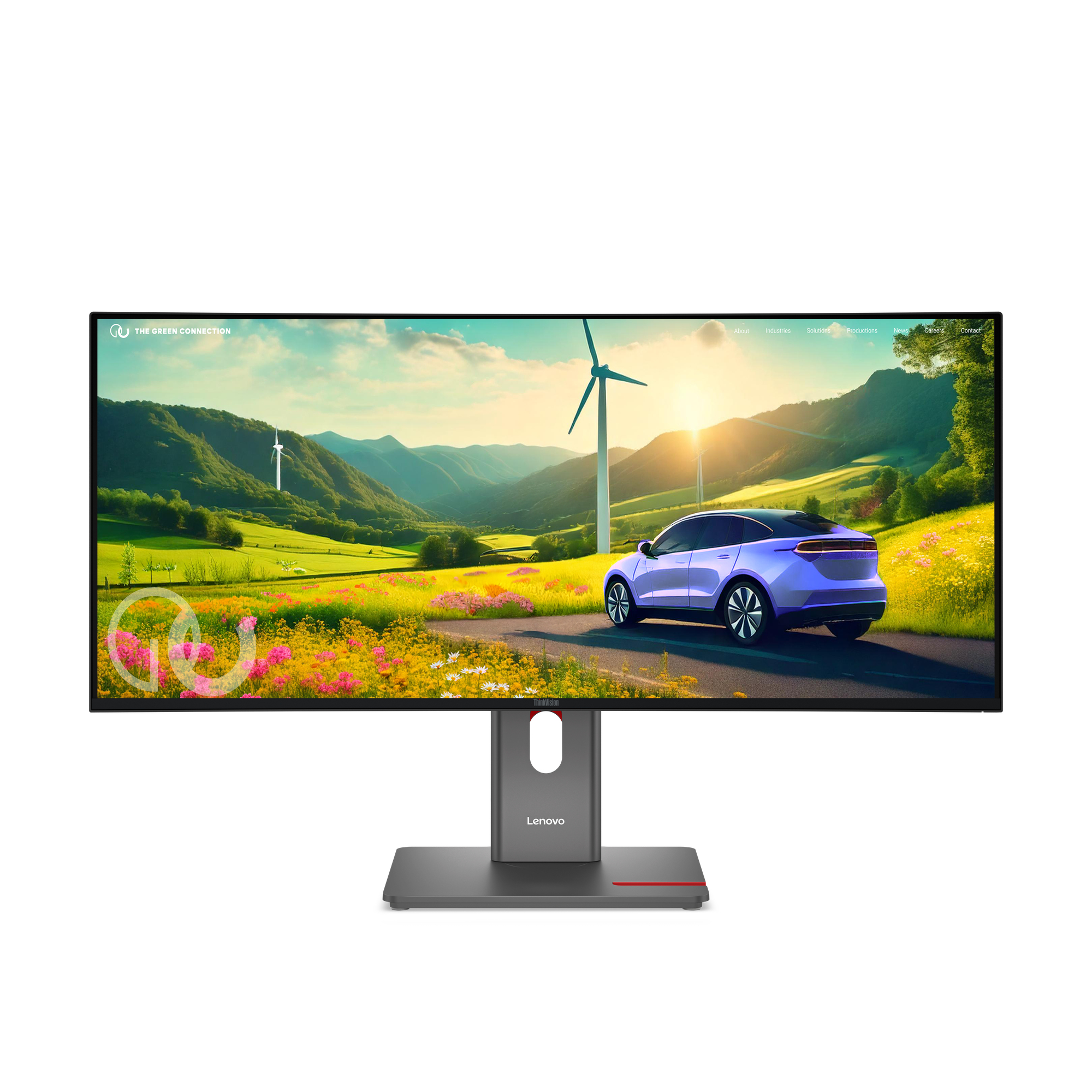
Lenovo
Lenovo ThinkVision P34WD-40 - LED monitor - curved - 34" - 3440 x 1440 @ 120 Hz - IPS - 350 cd/m� - 2000:1 - HDR10 - 4 ms - HDMI, DisplayPort, USB-C - eclipse black
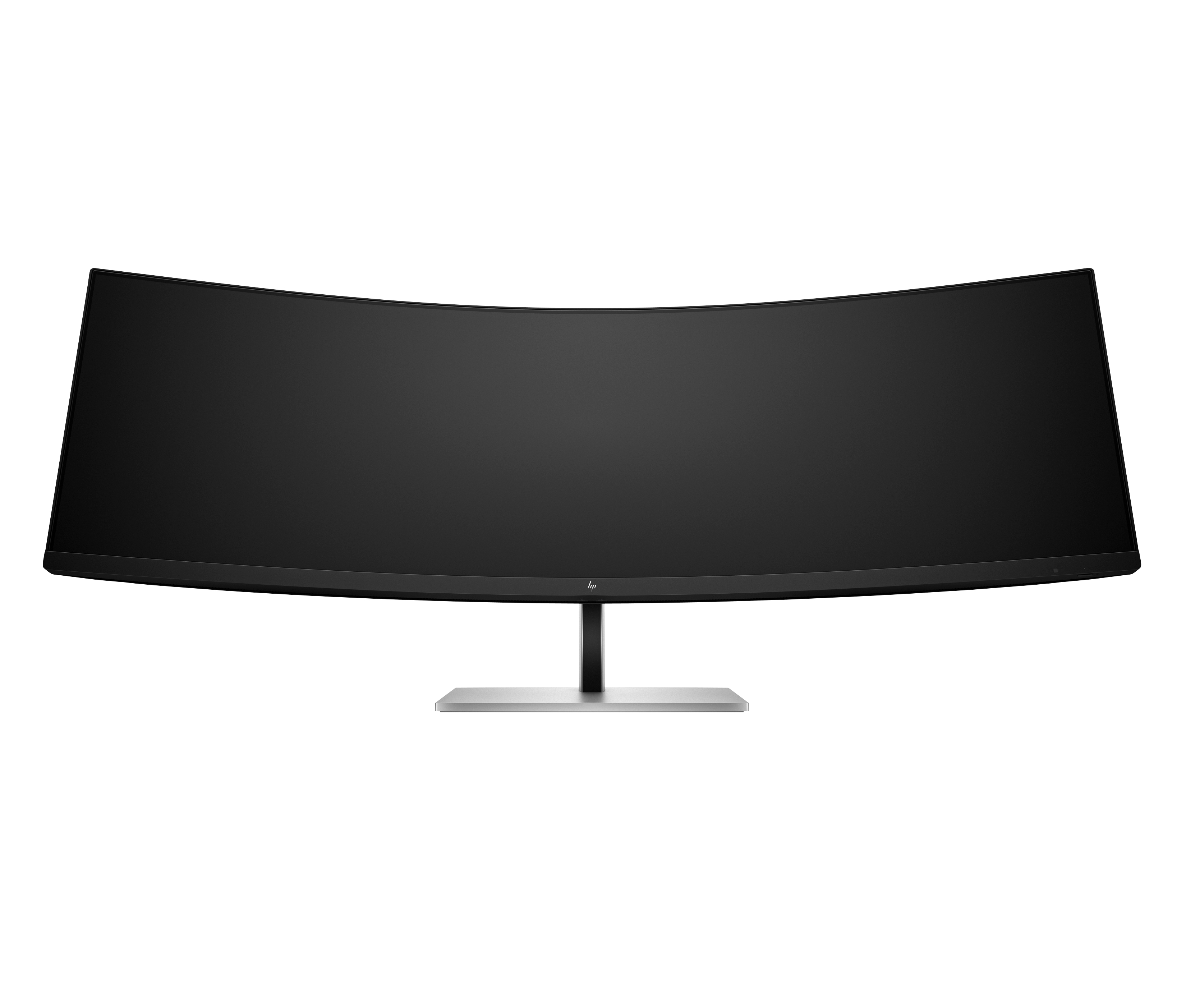
HP
HP E45c G5 - E-Series - LED monitor - curved - 44.5" - 5120 x 1440 Dual Quad HD @ 165 Hz - VA - 400 cd/m� - 3000:1 - 3 ms - HDMI, DisplayPort, USB-C - speakers - black head, black and silver (stand)
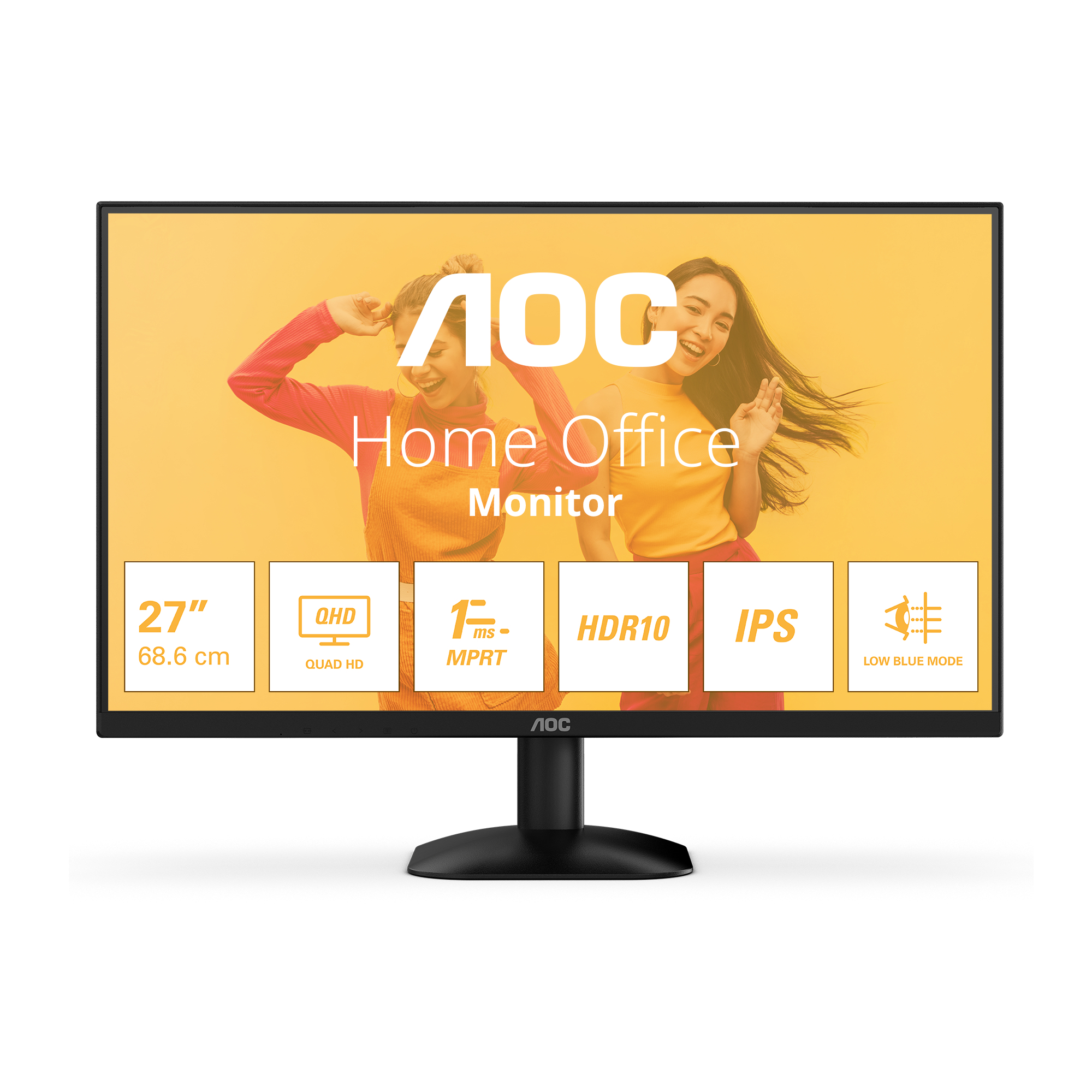
AOC
AOC Basic-line Q27B35E - LED monitor - 27" - 2560 x 1440 QHD @ 75 Hz - IPS - 300 cd/m� - 1500:1 - HDR10 - 1 ms - HDMI, DisplayPort - black
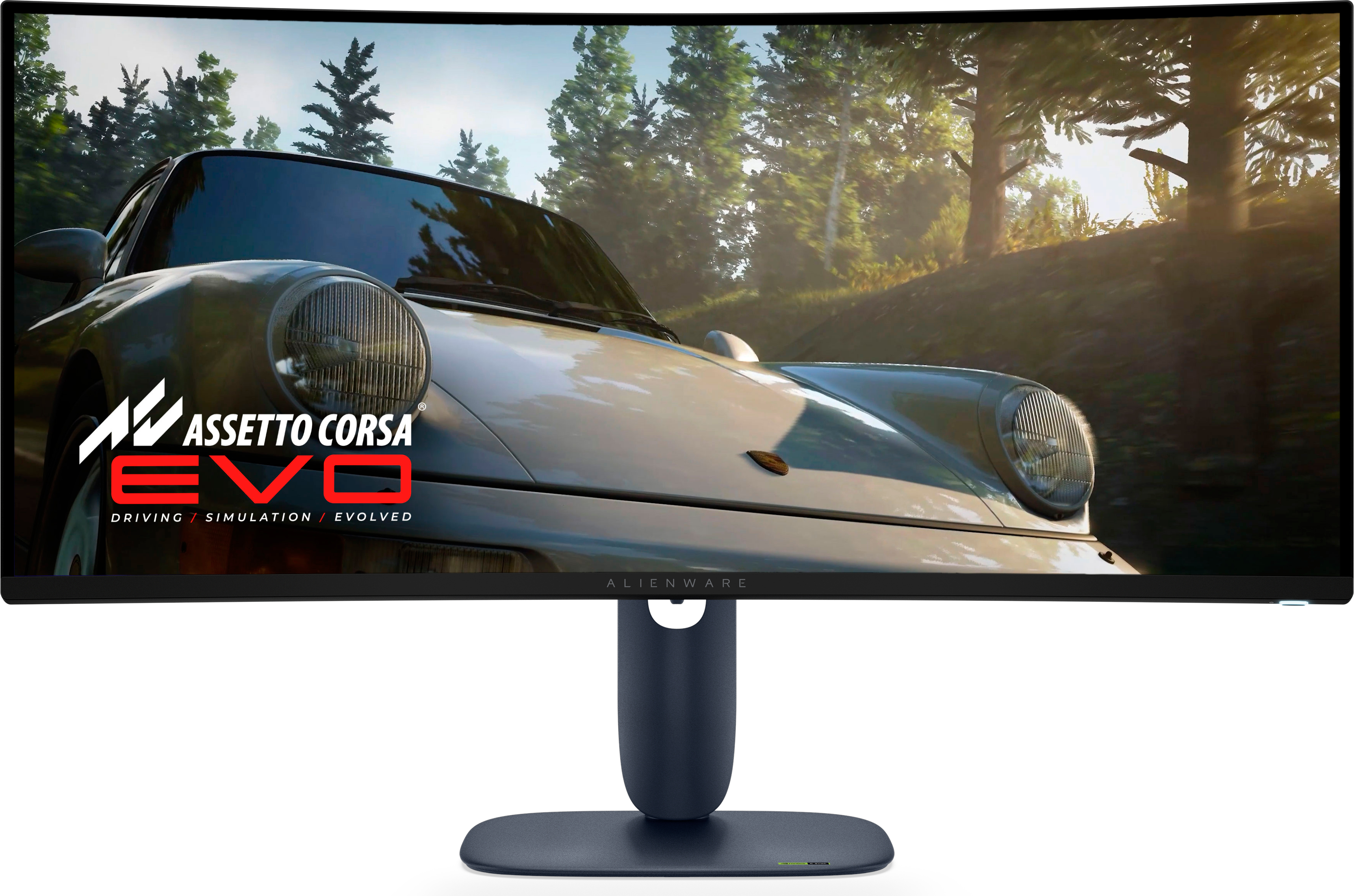
Dell
Alienware 34 240Hz QD-OLED Monitor - AW3425DW