- Cloud Email
How to Recover Deleted Emails in Microsoft 365
8 Aug, 2025


£101.35 inc. VAT
AI-generated summary
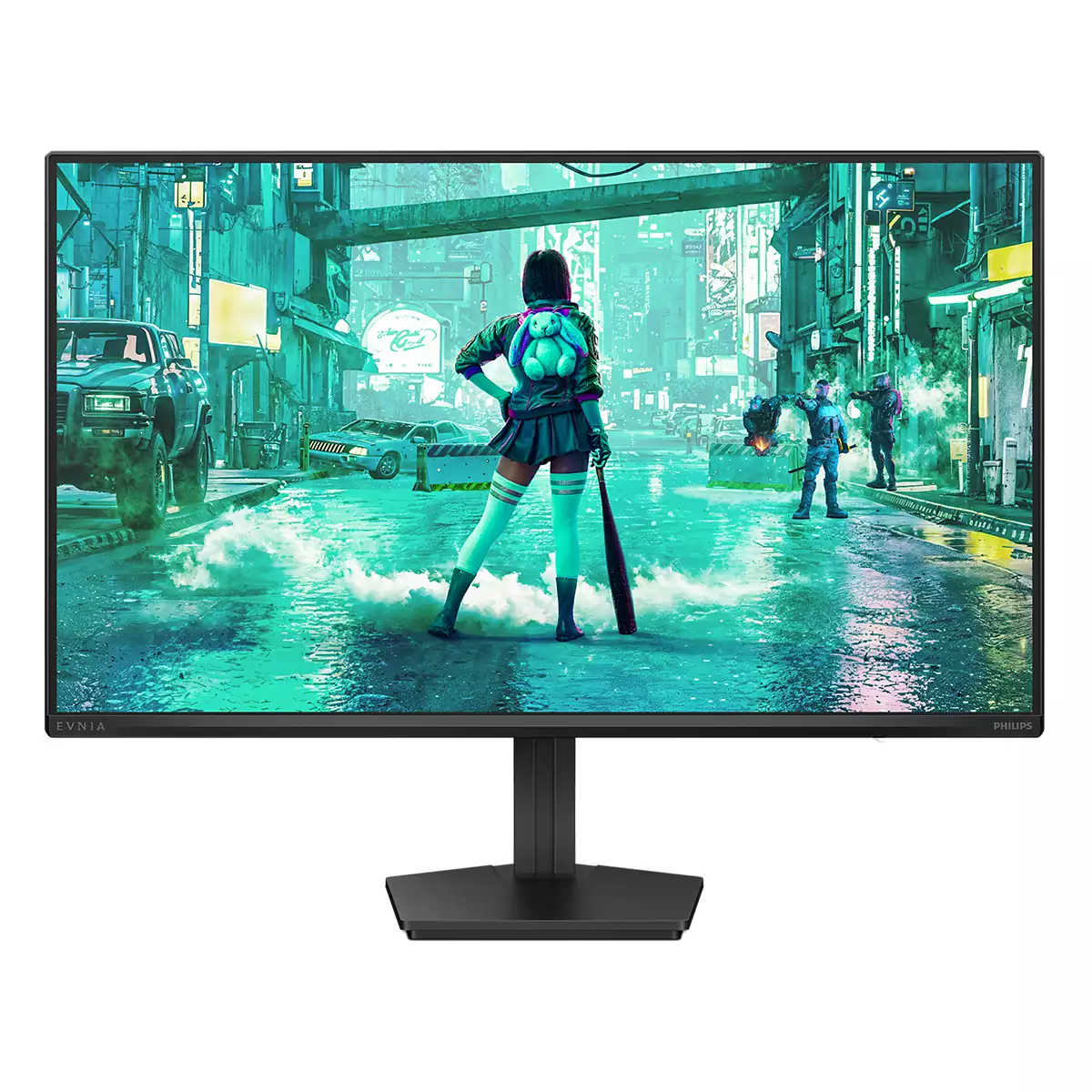
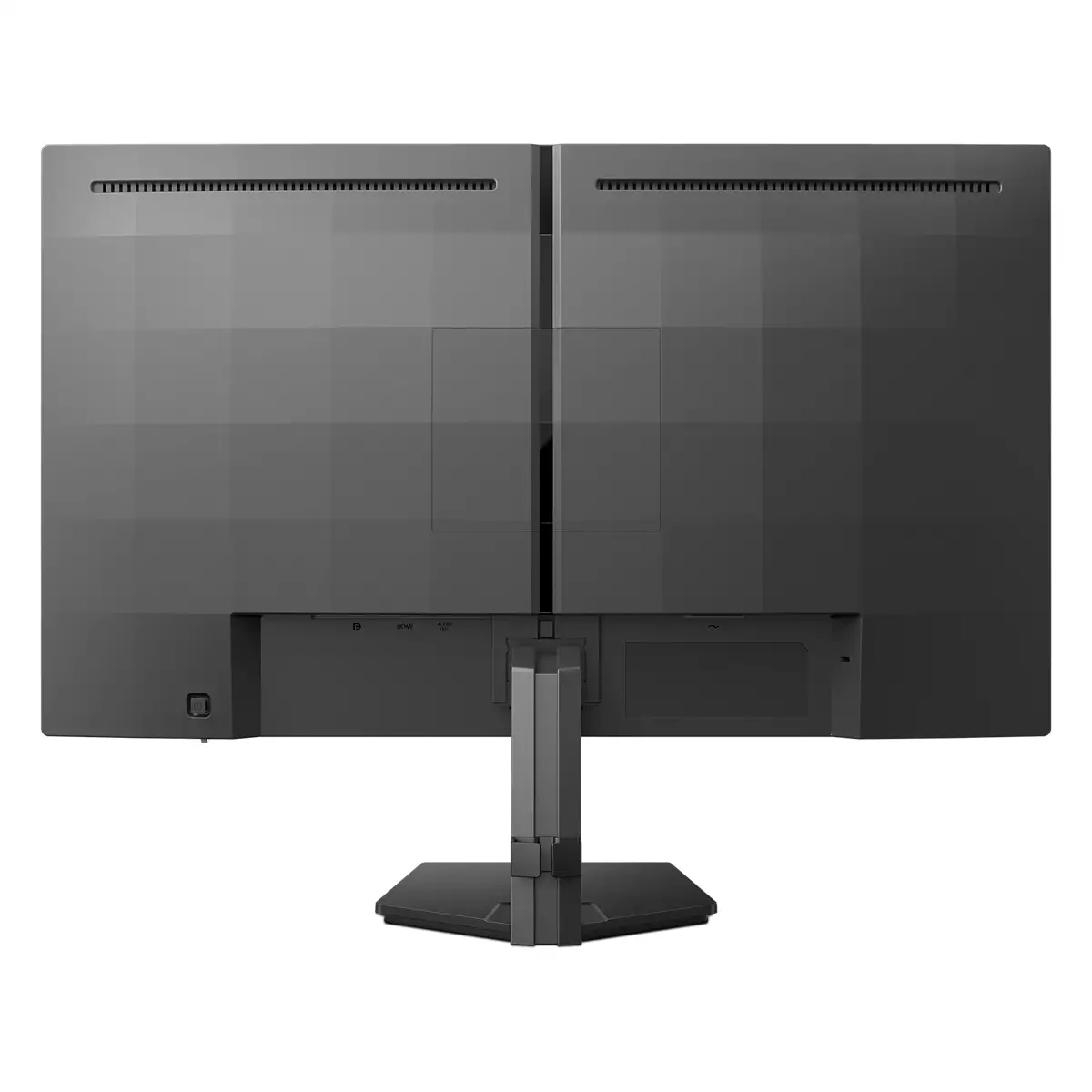
For £84.49 ex‑VAT, the Philips Evnia 3000 24M2N3200NF is the sort of “get work done without fuss” monitor I’d recommend if you’re equipping a small office or giving someone a second screen. The 23.8-inch size is a sweet spot for typical desks, and Full HD at this scale usually looks perfectly acceptable for spreadsheets, Teams calls, email, and everyday office apps. It’s also a good fit for businesses that don’t want to overthink it—quick setup, decent day-to-day usability, and a price that won’t make procurement’s eyes water.
That said, I wouldn’t buy it as a “premium” display choice. If your users care about colour accuracy for creative work, or you’re expecting a noticeably smooth, competitive gaming experience, this is more budget territory than “serious” performance. It’s also worth sanity-checking how it handles motion/contrast in practice (budget panels can be a mixed bag), especially if it’ll be used for content-heavy tasks. If your goal is reliable, cost-effective productivity, then yes—this is a sensible buy. If you’re trying to upgrade perceived image quality or specialise for design/gaming, you’ll likely be happier spending more.
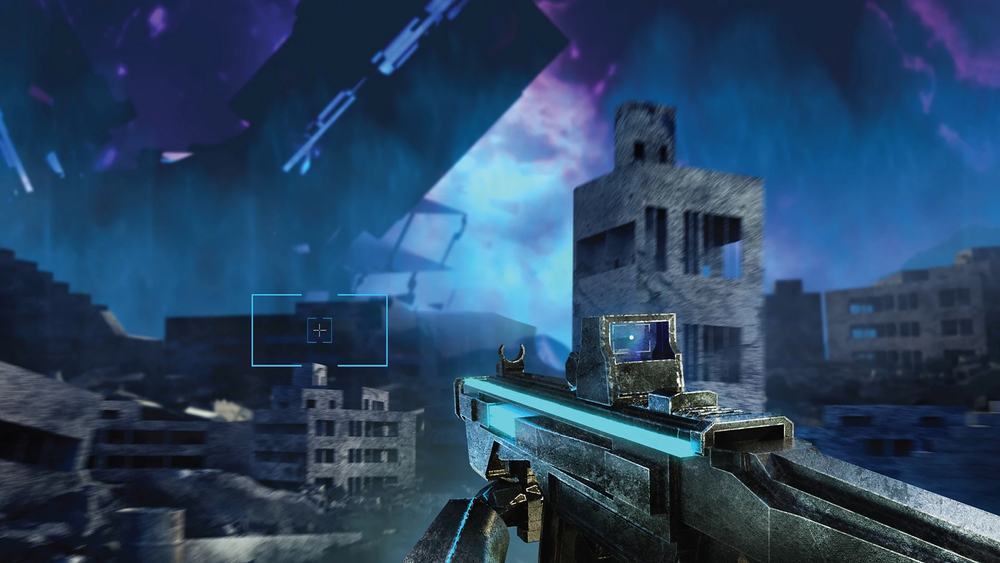
Smart Crosshair: for better aim and more fun
Color of Crosshair is set by default. When Smart Crosshair is on, the color will change as complementary color to the background color. Smart Crosshair enhances the accuracy of aiming so you can sp...

ShadowBoost: for bringing dark scenes to life.
This feature enhances dark scenes in a linear fashion. The ShadowBoost feature has three selectable levels that enhance overall brightness and ultimately provide beautiful picture quality with high...

SmartImage game mode optimized for gamers
The new Philips gaming display has quick access OSD fine tuned for gamers, offering you multiple options. "FPS" mode (First person shooting) improves dark themes in games, allowing you to see hidde...

Evnia Precision Center: Maximize Your Gaming Experience
Evnia Precision Center is an easy-to-use software designed to optimize and personalize your Evnia monitor. Whether you're a casual or competitive gamer, it offers a wide range of customization opti...

LowBlue mode and Flicker-free easy-on-the eyes viewing
Our LowBlue Mode and Flicker-free technology have been developed to reduce eye strain and fatigue often caused by long hours in front of a monitor.

0.5 ms ultra-fast speed for crisp image and smooth gameplay
Philips Evnia with 0.5 ms Smart MBR effectively eliminates smearing and motion blur, delivers shaper and precise visuals to enhance gaming experience. Fast-moving action and dramatic transitions wi...

AOC
31.5" AOC AGON PRO AG326UZD2
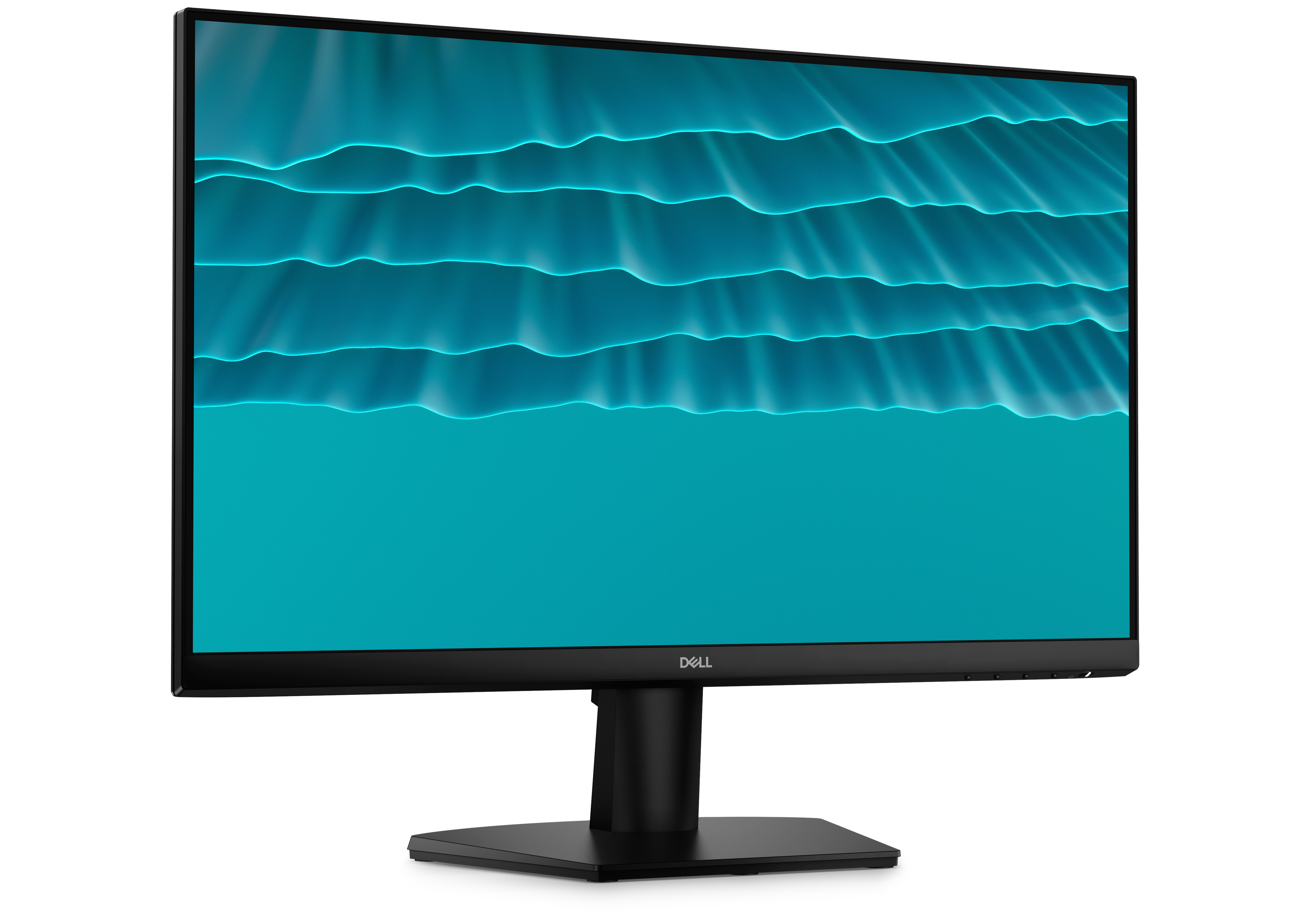
Dell
Dell SE2426H - LED monitor - 24" (23.8" viewable) - 1920 x 1080 Full HD (1080p) @ 144 Hz - IPS - 300 cd/m� - 1000:1 - 1 ms - 2xHDMI - black - with 3 years Advanced Exchange Service
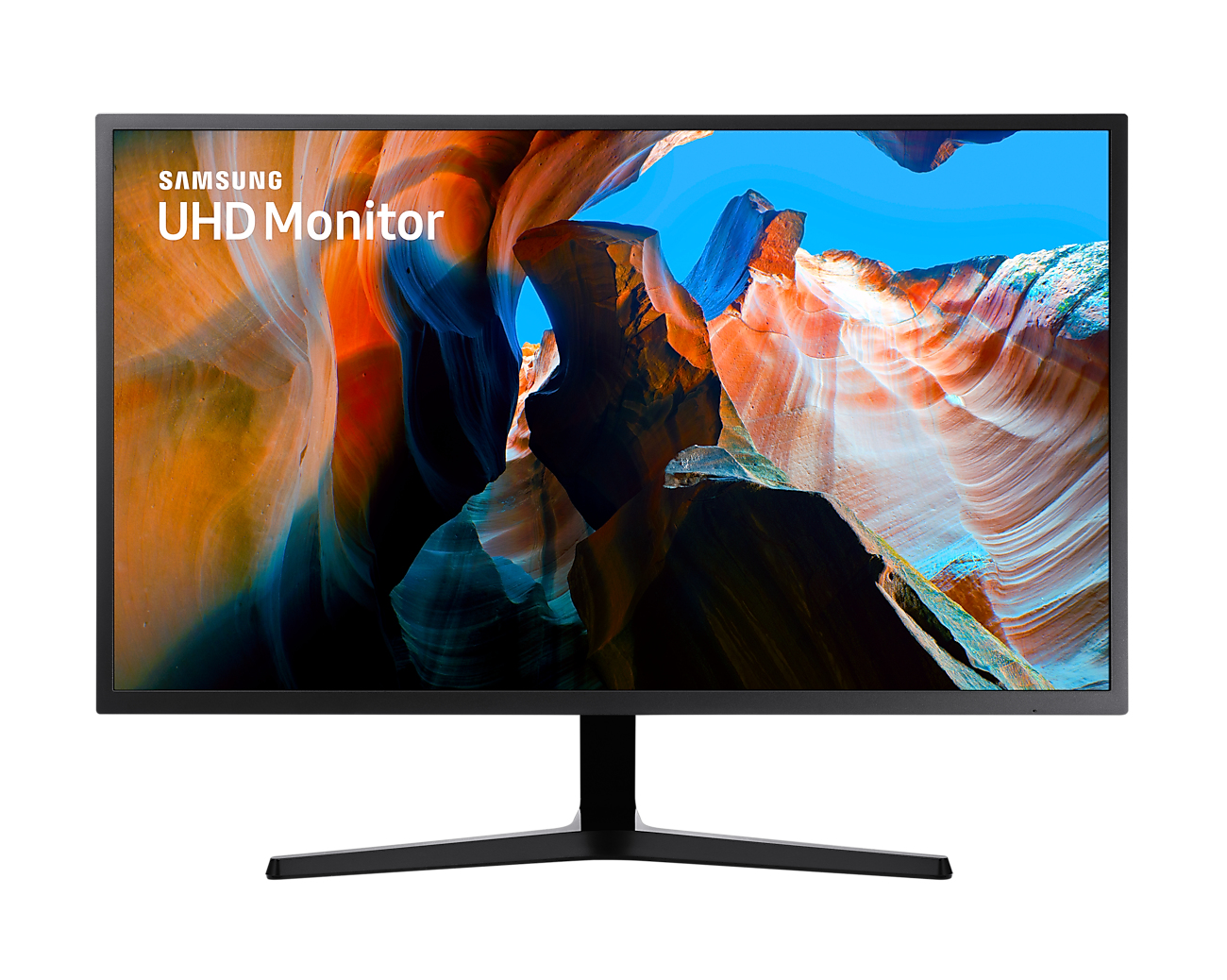
Samsung
Samsung U32J590UQP - UJ59 Series - LED monitor - 32" (31.5" viewable) - 3840 x 2160 4K @ 60 Hz - VA - 270 cd/m� - 3000:1 - 4 ms - 2xHDMI, DisplayPort - dark blue/grey
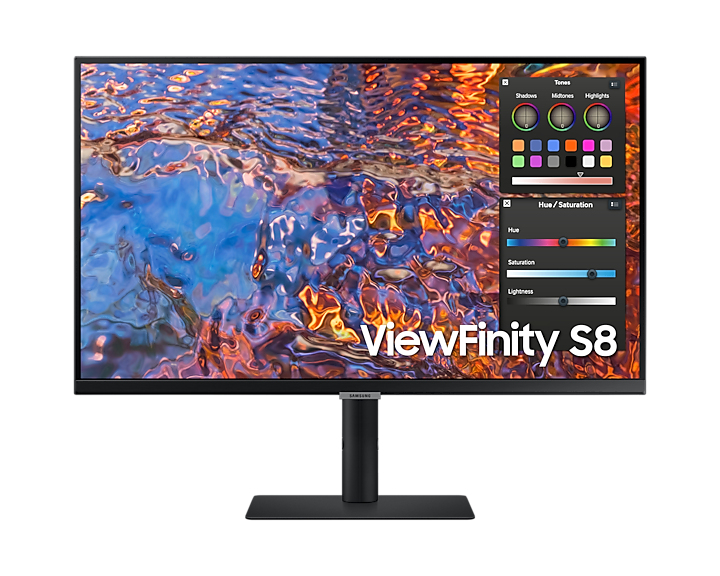
Samsung
Samsung ViewFinity S8 S32B800PXP - S80PB Series - LED monitor - 32" - 3840 x 2160 4K @ 60 Hz - IPS - 350 cd/m� - 1000:1 - DisplayHDR 600 - 5 ms - HDMI, DisplayPort, USB-C - black