- Network Admin
Firewall Management 101: A Guide for Small Businesses
11 Mar, 2026
£319.73 inc. VAT
AI-generated summary
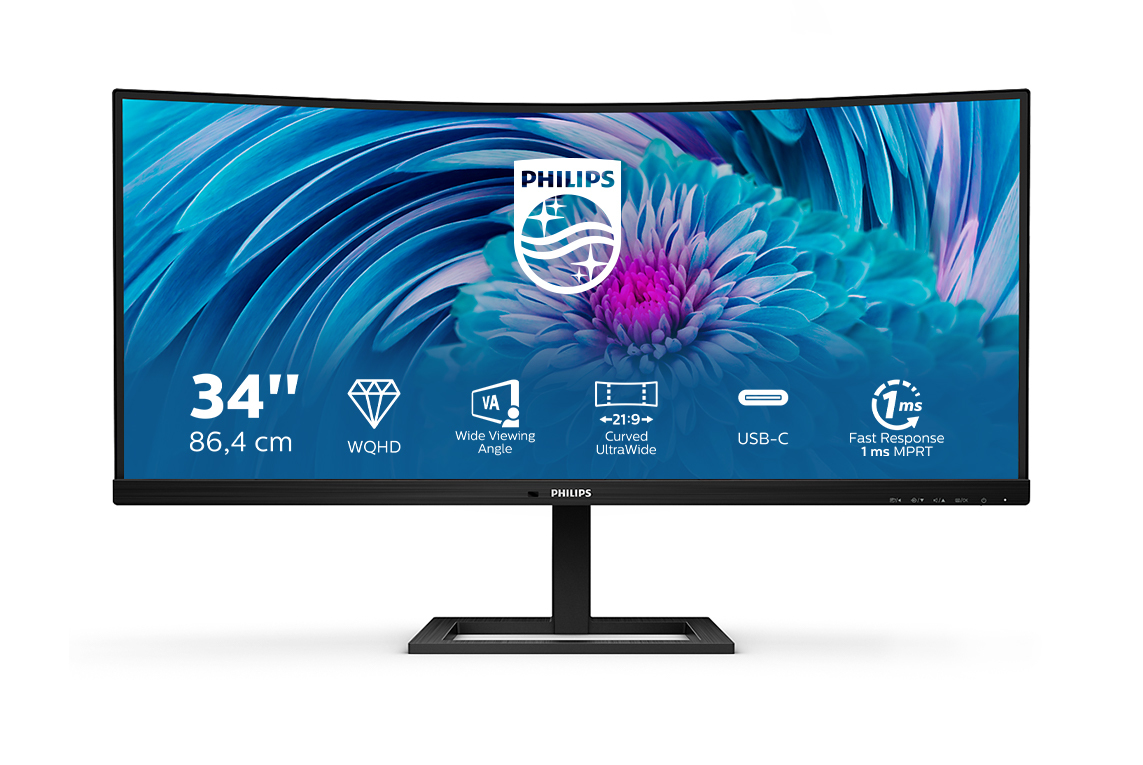
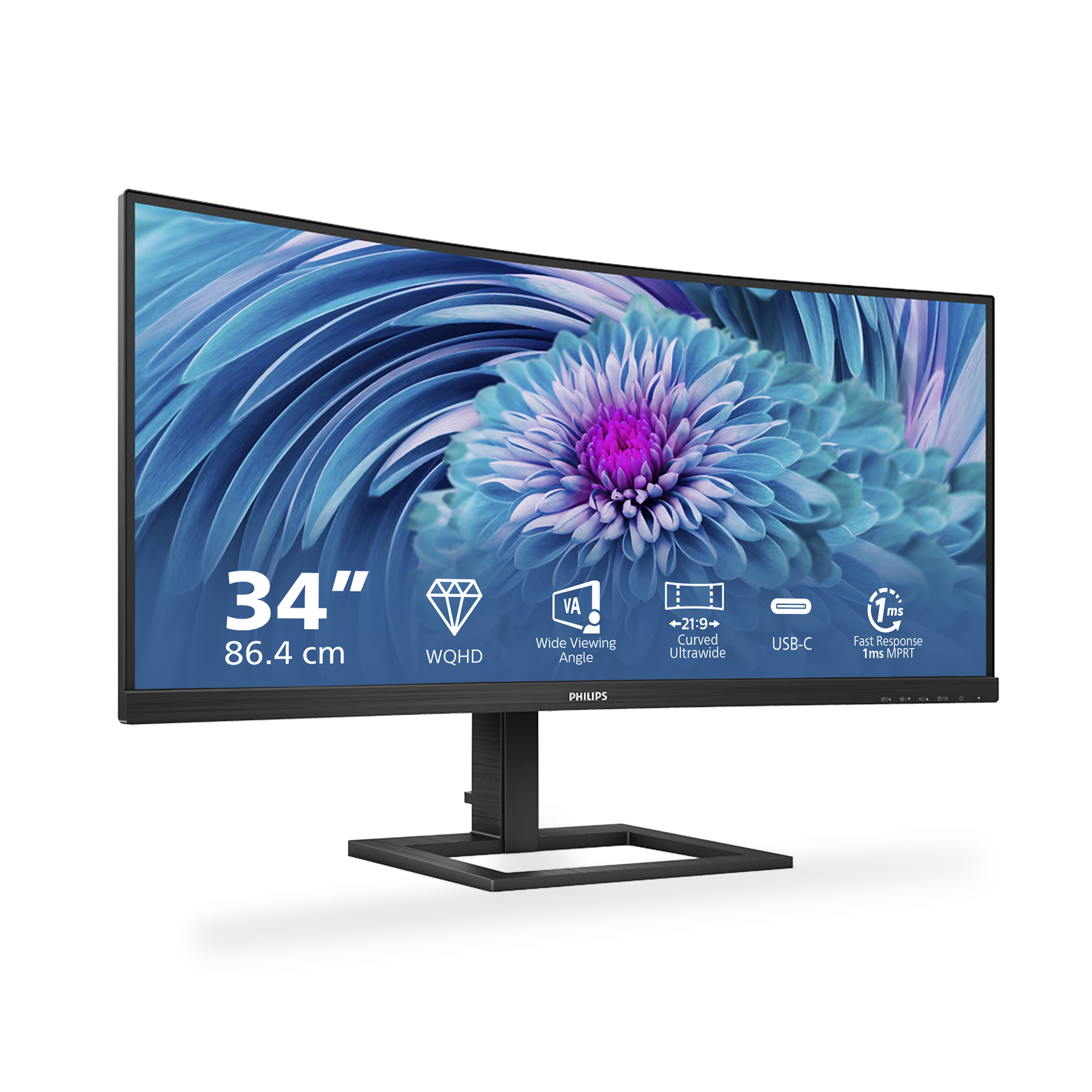
The Philips E Line 346E2CUAE/00 is the kind of 34" ultrawide that makes sense if you want more desktop real estate without jumping into the “proper office-grade” pricing. At ~£266 ex-VAT, you’re paying for the form factor and usability: the extra width is genuinely helpful for spreadsheets, multi-window work, and analysts who live in dashboards. Day-to-day, it’s the sort of monitor that can make everyone in a small team feel more productive because it reduces constant alt-tabbing and window juggling.
That said, I wouldn’t treat it like a premium creative display or a “buy once, keep for years” workstation monitor. Philips’ E Line is value-focused, so expect performance that’s fine for office work and light professional use, but not necessarily the most forgiving experience if you care deeply about color consistency, advanced connectivity, or top-tier smoothness. If you’re equipping general office roles—finance, operations, BI, admin—and you want ultrawide at a sensible price, this is a good pick. If your team does heavy graphic design, accurate color grading, or high-end gaming/sports with fast motion, you’ll likely be happier spending more elsewhere.

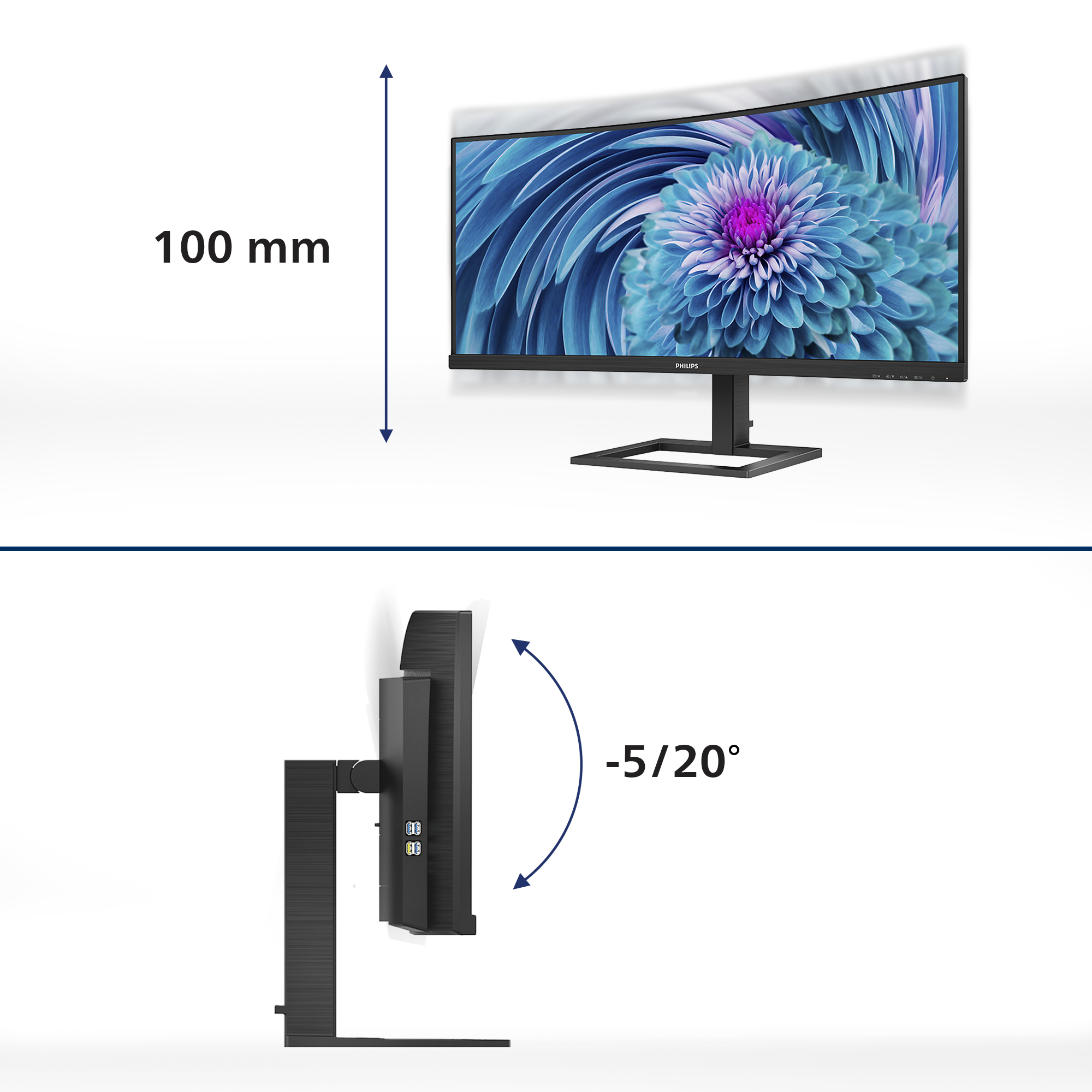
Cable management reduces cable clutter for neat workspace
Cable management is an intimate design that maintains tidy workspace by organizing cables and wires required for the operation of a display device.
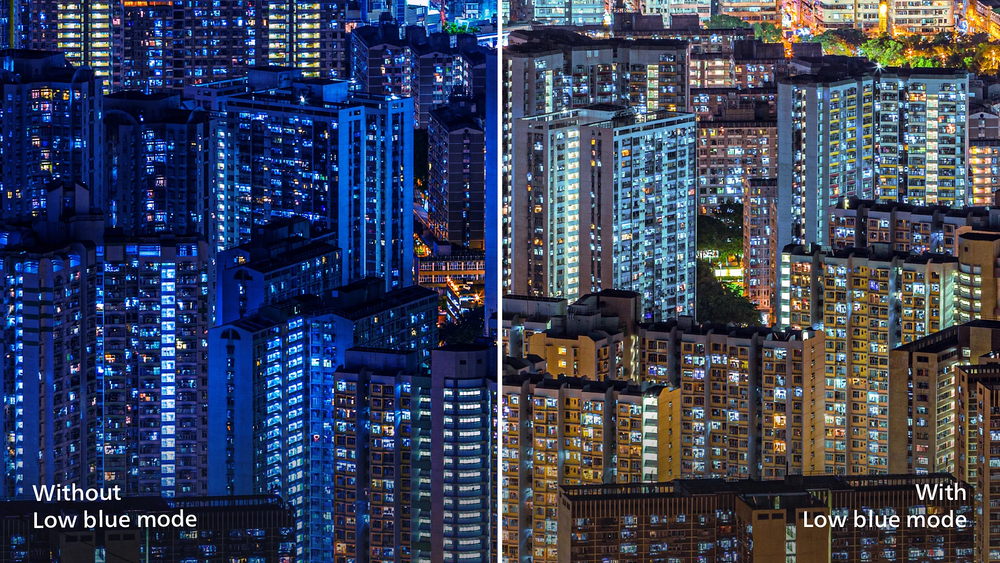
LowBlue Mode for easy on-the-eyes productivity
Studies have shown that just as ultra-violet rays can cause eye damage, shortwave length blue light rays from LED displays can cause eye damage and affect vision over time. Developed for wellbeing,...

Less eye fatigue with Flicker-free technology
Due to the way brightness is controlled on LED-backlit screens, some users experience flicker on their screen which causes eye fatigue. Philips Flicker-free Technology applies a new solution to reg...
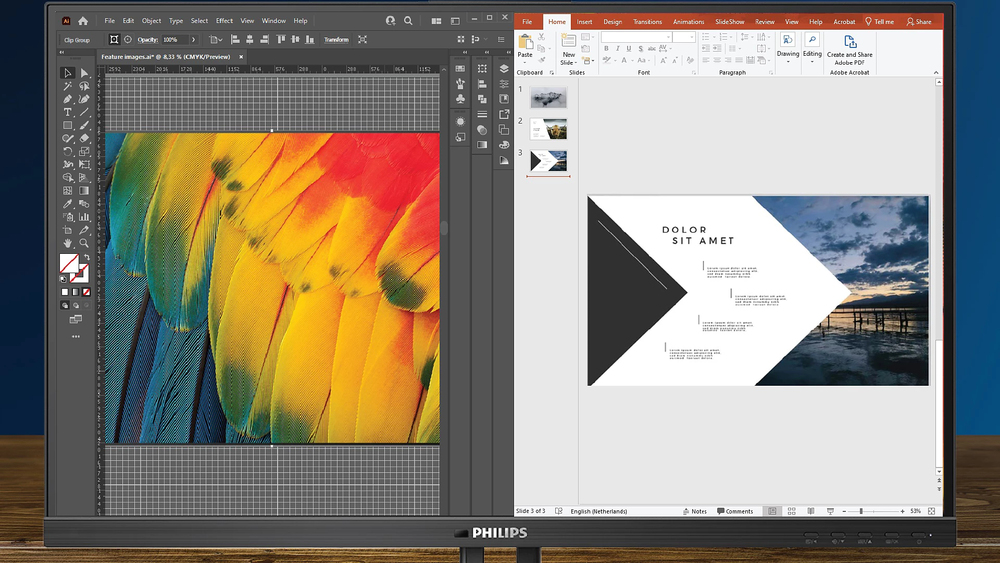
MultiView enables simultaneous dual connection and view
With the ultra-high resolution Philips MultiView display you can now experience a world of connectivity. MultiView enables active dual connect and view so that you can work with multiple devices li...
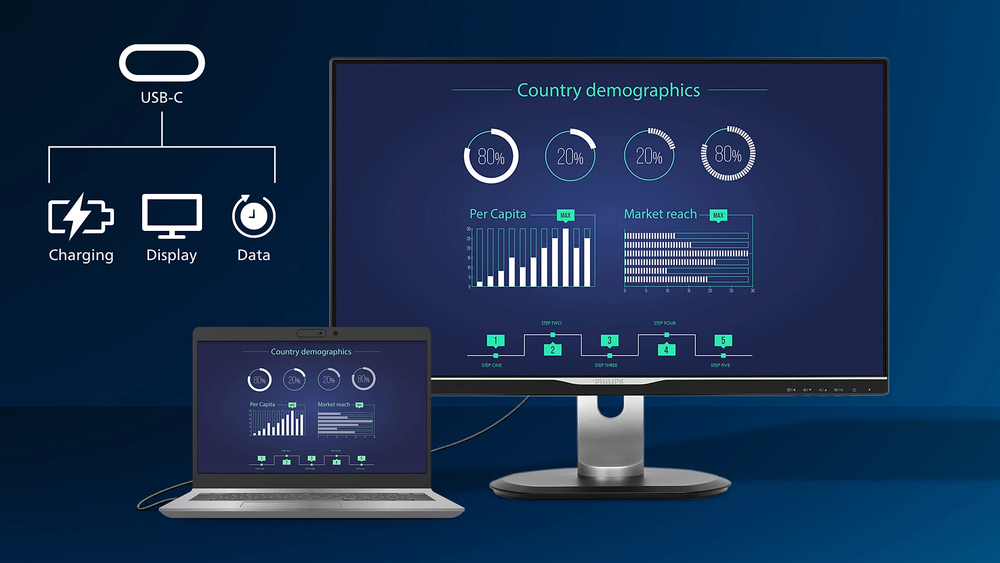
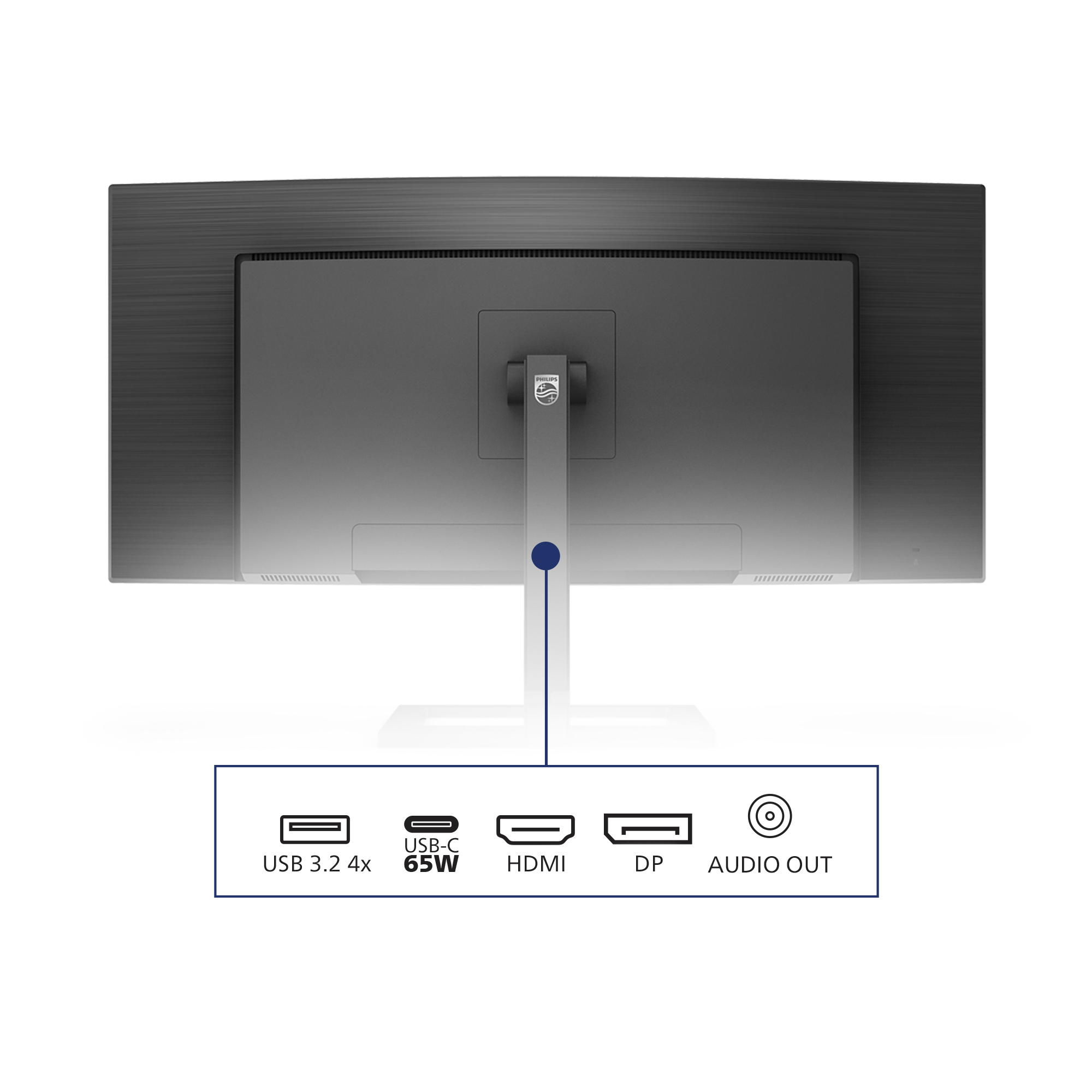
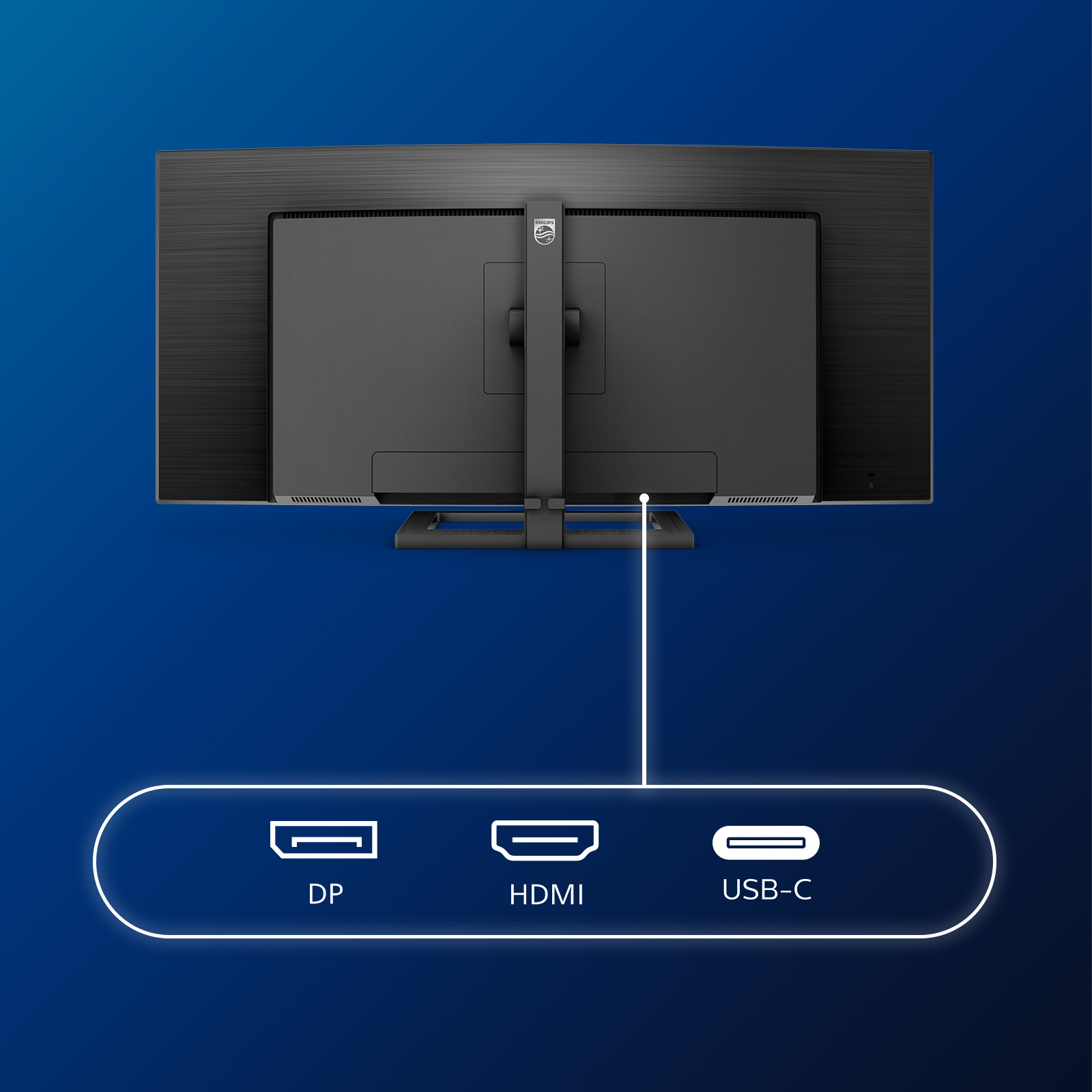
Connect your notebook with one USB-C cable
This Philips display features a USB type-C connector with power delivery. With intelligent and flexible power management, you can power charge your compatible device directly. Its slim, reversible ...

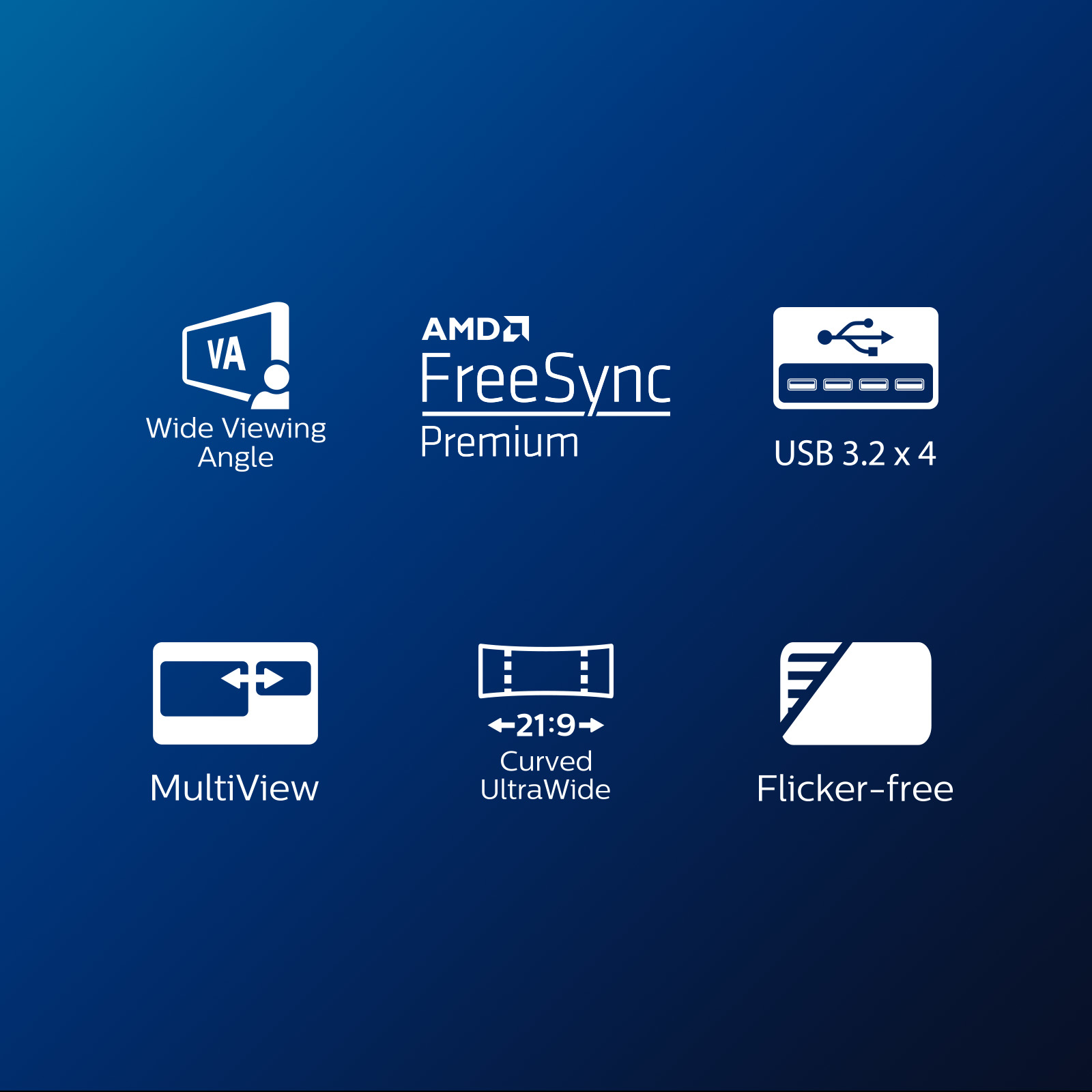
AMD FreeSync™ Premium; tear free, stutter free, fluid gaming
Gaming shouldn't be a choice between choppy gameplay or broken frames. AMD FreeSync™ Premium equips serious gamers with a fluid, tear-free gameplay experience at peak performance. There are no comp...

Samsung
Samsung Odyssey G5 C34G55TWWP - G55T Series - LED monitor - gaming - curved - 34" - 3440 x 1440 UWQHD @ 165 Hz - VA - 250 cd/m� - 2500:1 - HDR10 - 1 ms - HDMI, DisplayPort - black
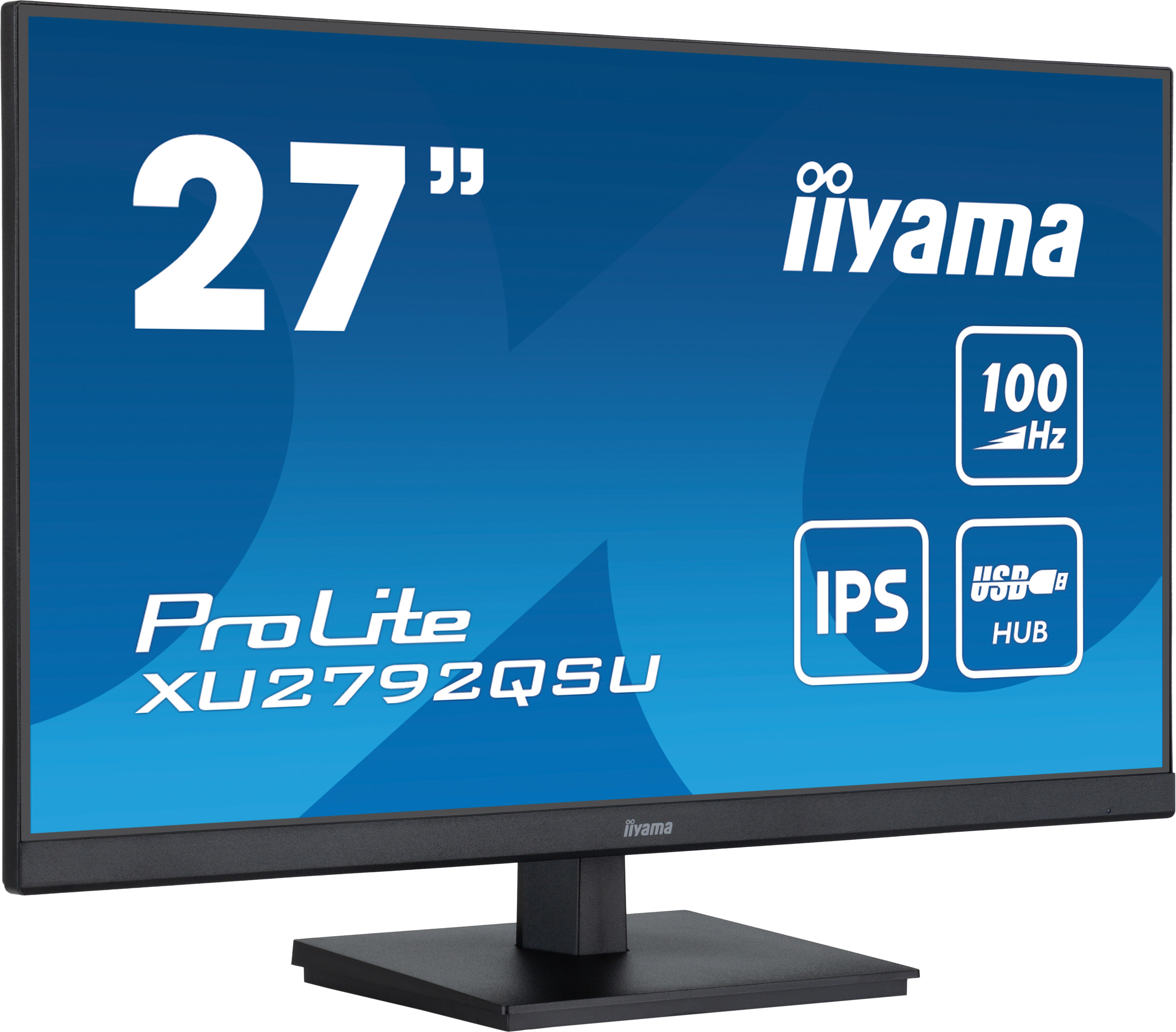
Iiyama
iiyama ProLite XU2792QSU-B6 - LED monitor - 27" - 2560 x 1440 WQHD @ 100 Hz - IPS - 250 cd/m� - 1300:1 - 0.4 ms - HDMI, DisplayPort - speakers - matte black
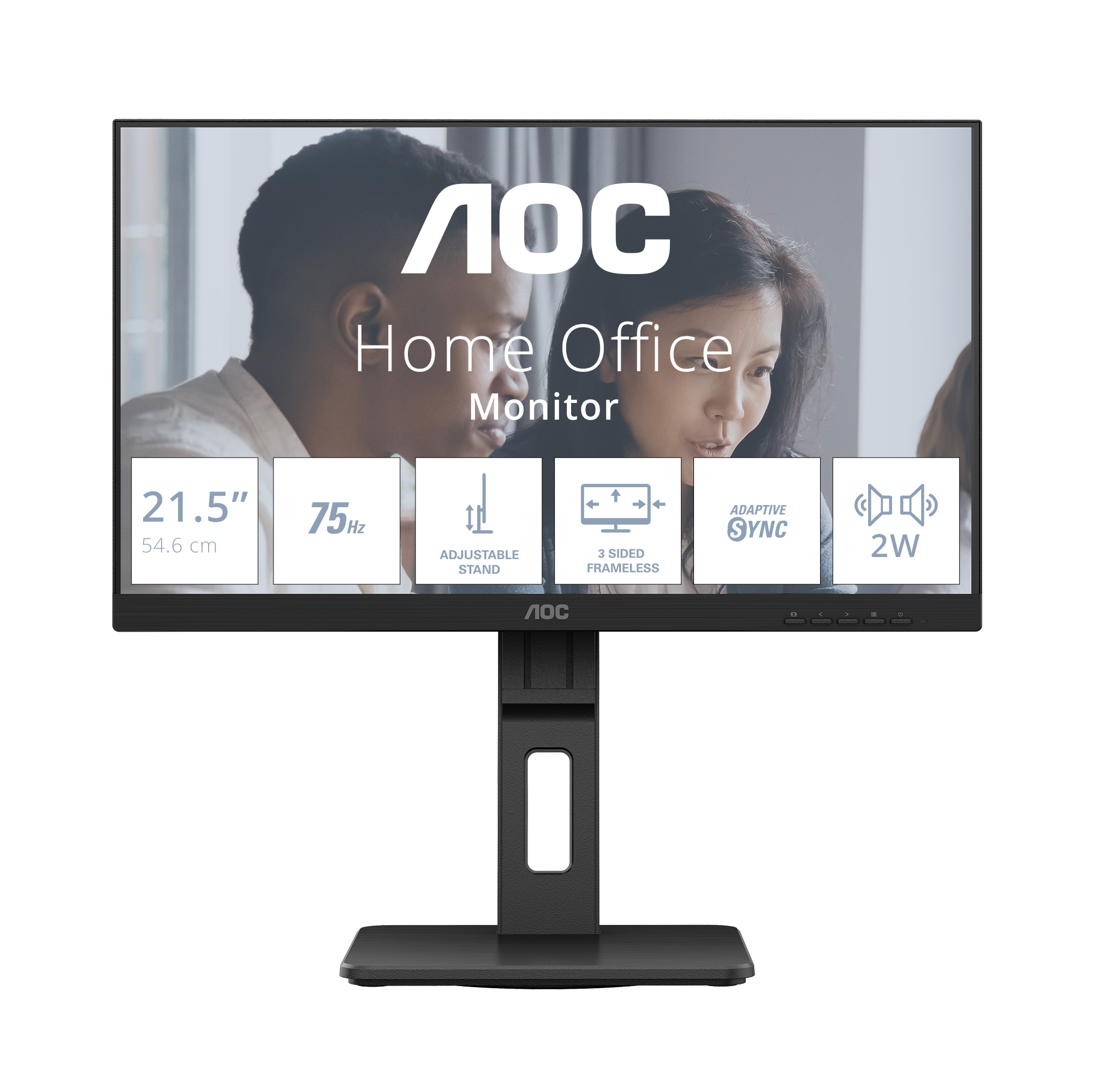
AOC
AOC 22E2UMF - LED monitor - 22" (21.5" viewable) - 1920 x 1080 Full HD (1080p) @ 75 Hz - VA - 3000:1 - HDMI, VGA, DisplayPort - speakers - black

AOC
AOC Gaming Q27G4SRU - LED monitor - gaming - 27" - 2560 x 1440 QHD @ 320 Hz - Fast IPS - 400 cd/m� - 1000:1 - DisplayHDR 400 - 0.3 ms - 2xHDMI, DisplayPort - black, red