- Network Admin
The Role of Active Directory in Business Networks
3 Jan, 2026
£354.22 inc. VAT
AI-generated summary
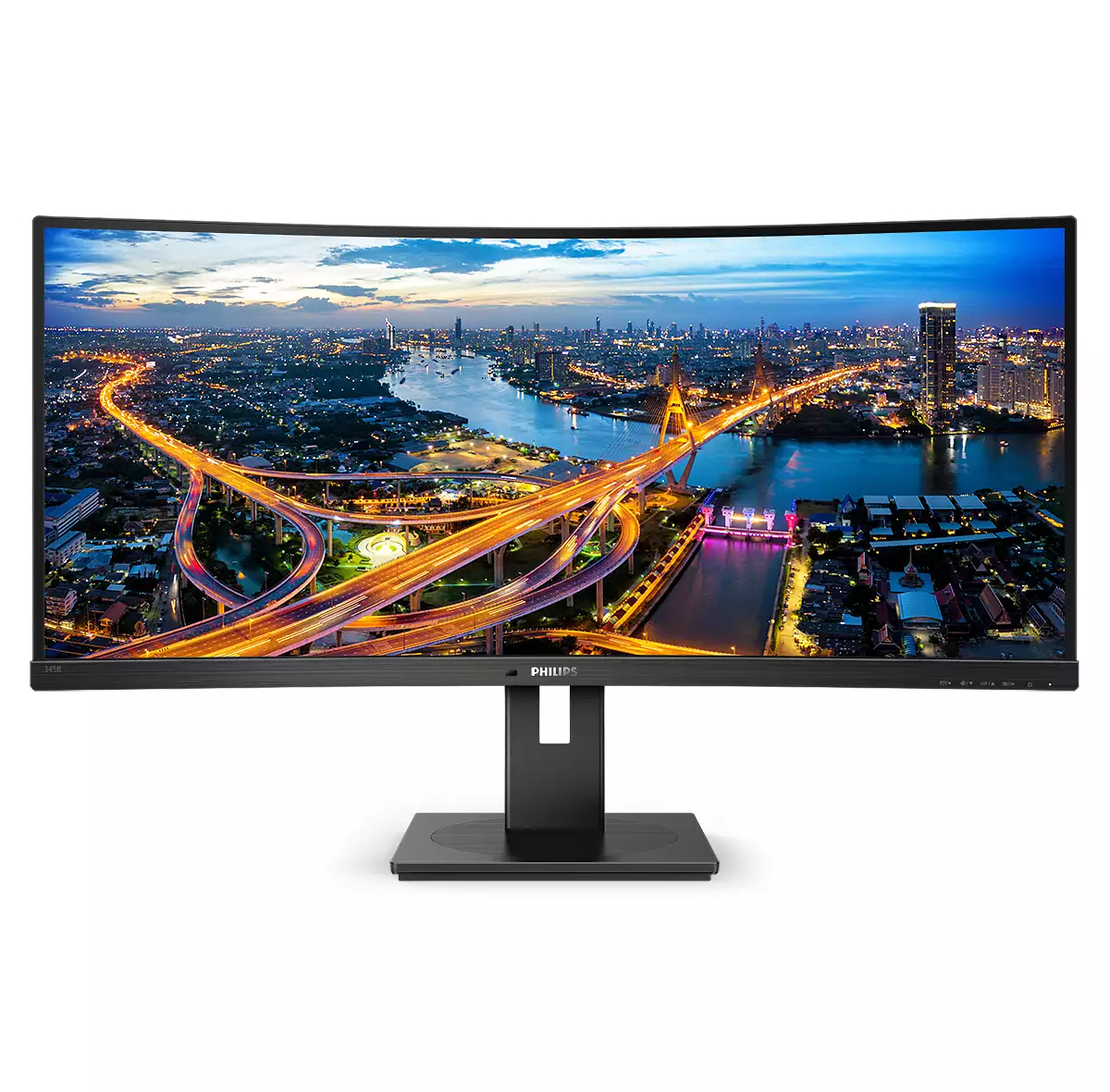
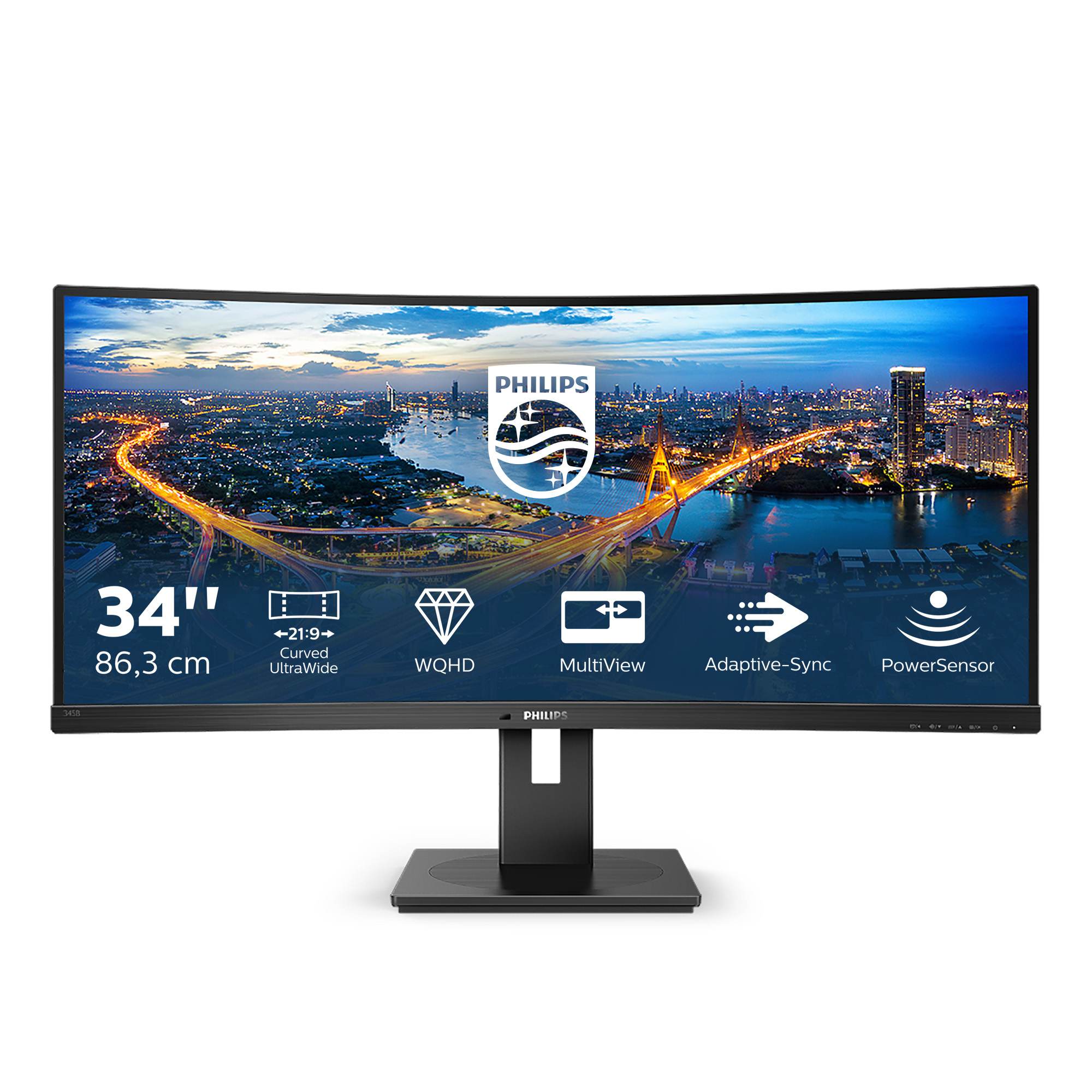
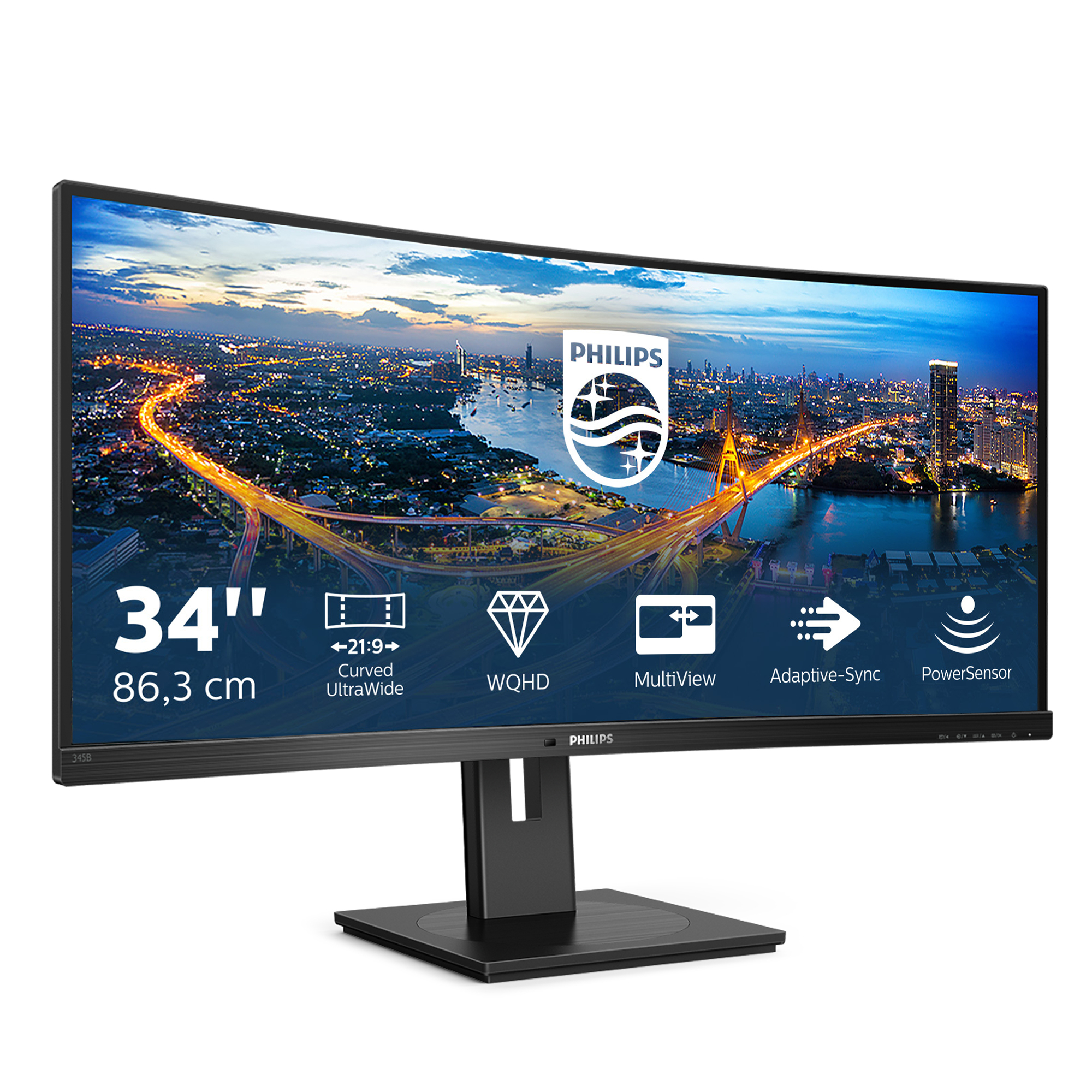
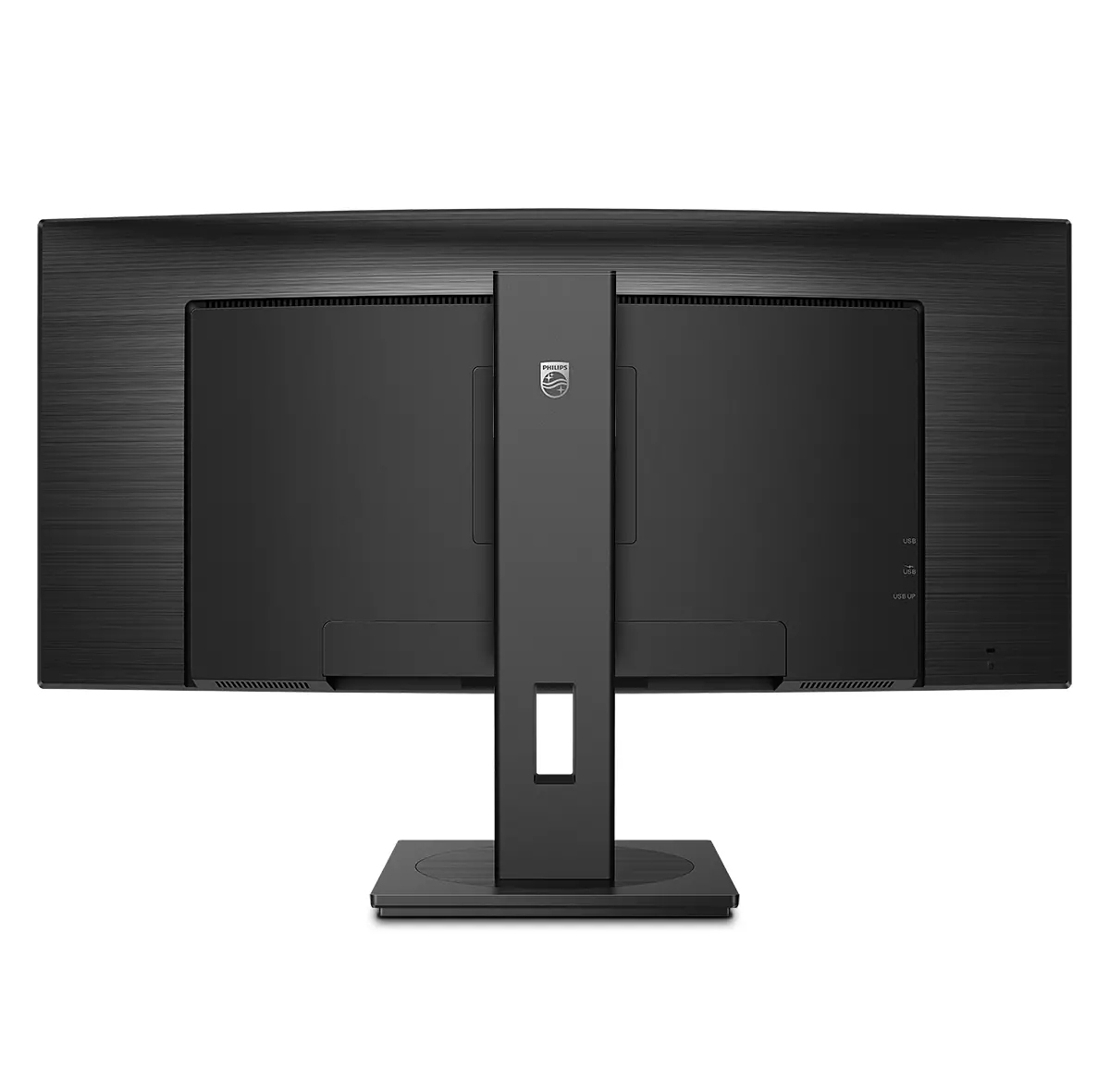
The Philips B Line 345B1C is one of those “sensible” ultrawides that makes sense for office work without going full enthusiast. At ~£295 ex-VAT, you’re basically getting a big productivity screen for the money—great for spreadsheets, dashboards, and anything where horizontal space saves you from constantly tabbing. If you’re running standard UK business setups (laptops/PCs, lots of multitasking, maybe a bit of light design work), the curved, ultrawide format tends to feel instantly more ergonomic than a dual-screen arrangement—clean desk, less window management hassle, and generally better use of your day.
That said, I wouldn’t buy this for gamers or anyone who’s very sensitive to colour/contrast performance. “B Line” is Philips’ more practical tier, so don’t expect it to match premium panels from the likes of their own higher-end lines when it comes to punchy visuals or top-tier consistency. Also, double-check your inputs/ports and connectivity needs before committing—some businesses assume one-cable convenience and then get caught out by what their docking setup actually supports. Overall: it’s a good value, safe workhorse for productivity buyers who want a 34” ultrawide on a budget. If you’re primarily doing gaming or colour-critical work, put the money elsewhere.

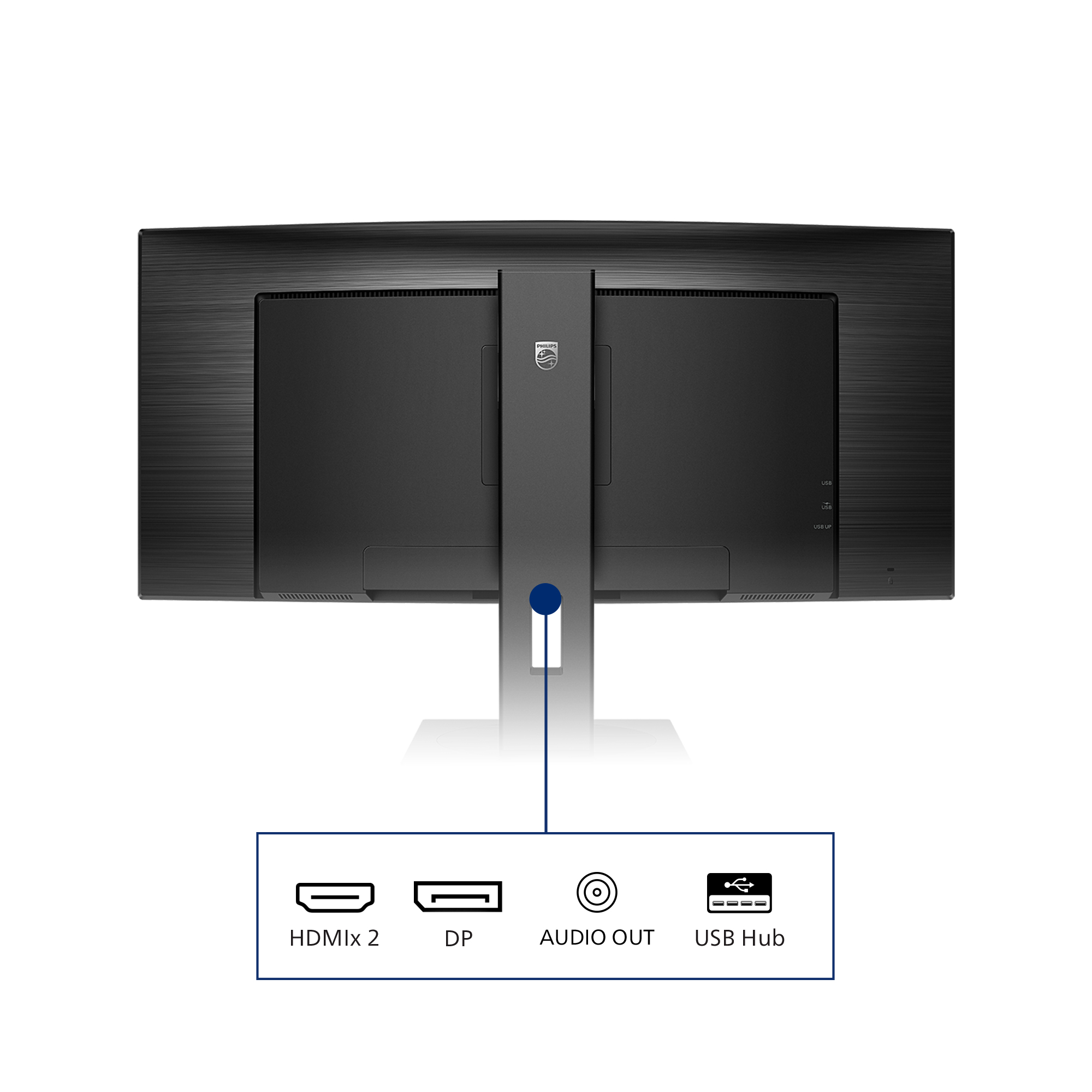
HDMI ensures universal digital connectivity
An HDMI-ready device has all the required hardware to accept High-Definition Multimedia Interface (HDMI) input. An HDMI cable enables high-quality digital video and audio to be transmitted over a s...
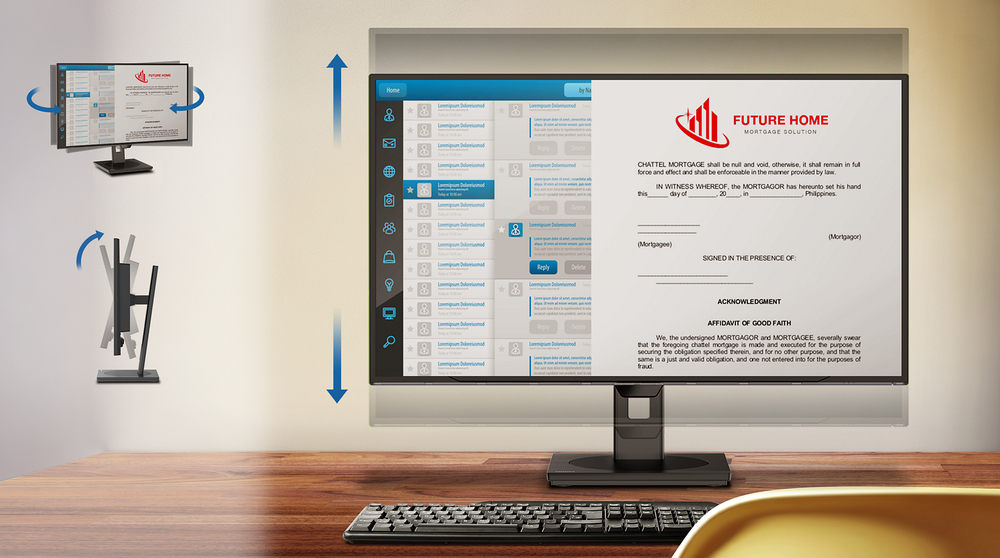
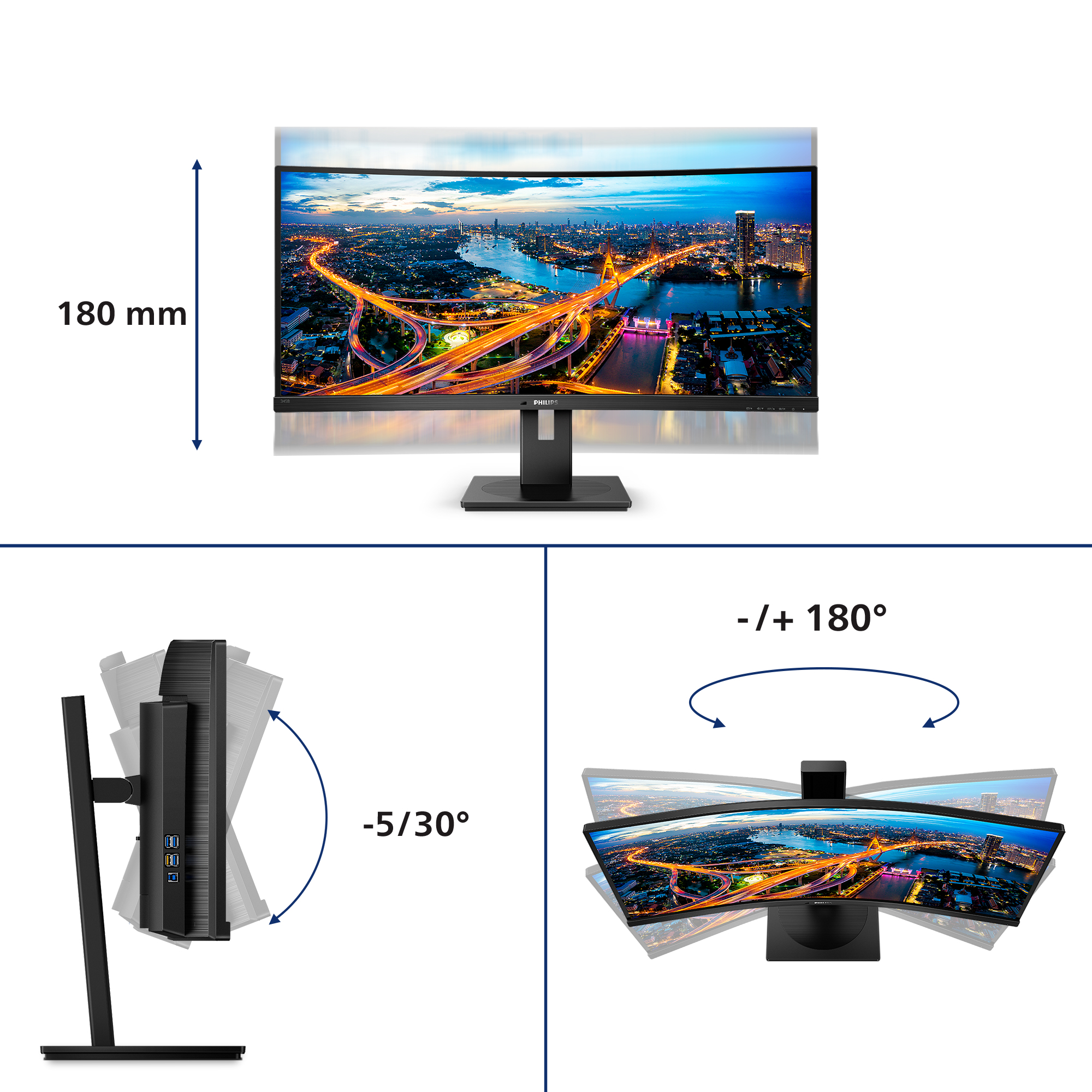
Tilt, swivel and height-adjust for an ideal viewing position
The Compact Ergo Base is a people-friendly Philips monitor base that tilts, swivels and height-adjusts so each user can position the monitor for maximum viewing comfort and efficiency.
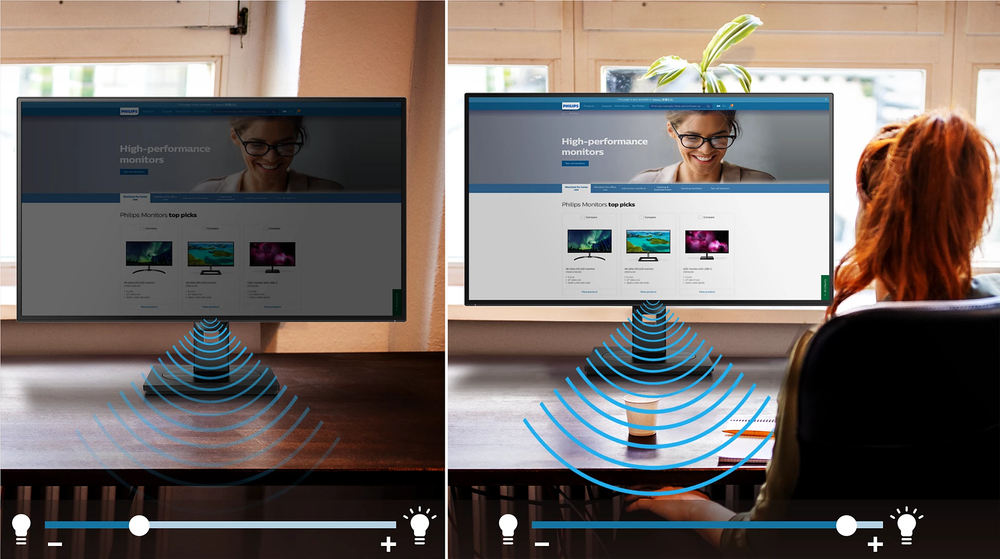
PowerSensor saves up to 70% energy costs
PowerSensor is a built-in 'people sensor' that transmits and receives harmless infrared signals to determine if user is present and automatically reduces monitor brightness when user steps away fro...
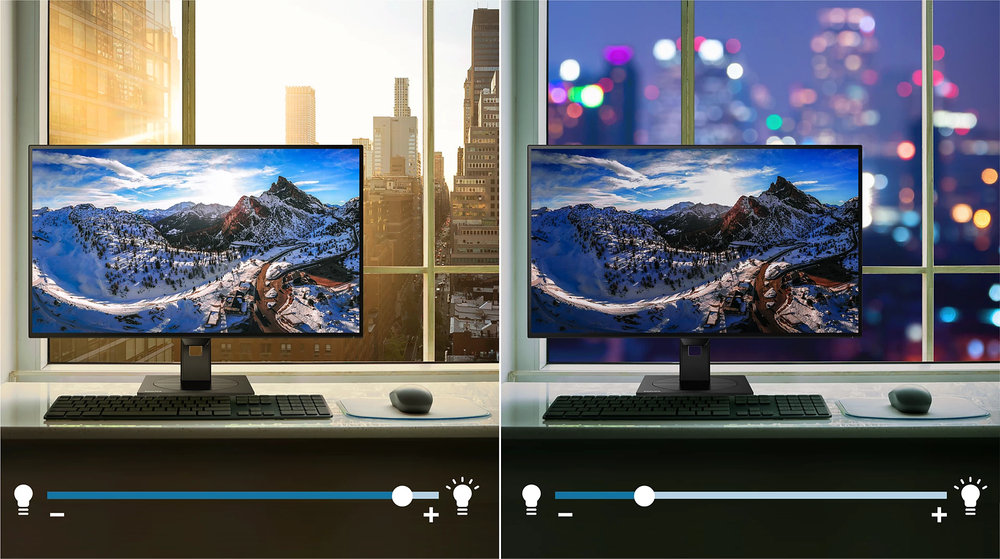
LightSensor for the perfect brightness with minimal power
LightSensor uses a smart sensor to adjust the picture brightness depending on the light conditions in the room for the perfect picture with minimal power usage.

DisplayPort connection for maximum visuals
DisplayPort is a digital link from PC to monitor without any conversion. With higher capabilities than DVI standard, it is fully capable to support up to 15 metre cables and 10.8 Gbps/sec data tran...

Less eye fatigue with Flicker-free technology
Due to the way brightness is controlled on LED-backlit screens, some users experience flicker on their screen which causes eye fatigue. Philips Flicker-free Technology applies a new solution to reg...

Lenovo
Lenovo ThinkVision E24-30 - LED monitor - 24" (23.8" viewable) - 1920 x 1080 Full HD (1080p) @ 100 Hz - IPS - 250 cd/m� - 1300:1 - 4 ms - HDMI, VGA, DisplayPort - speakers - raven black
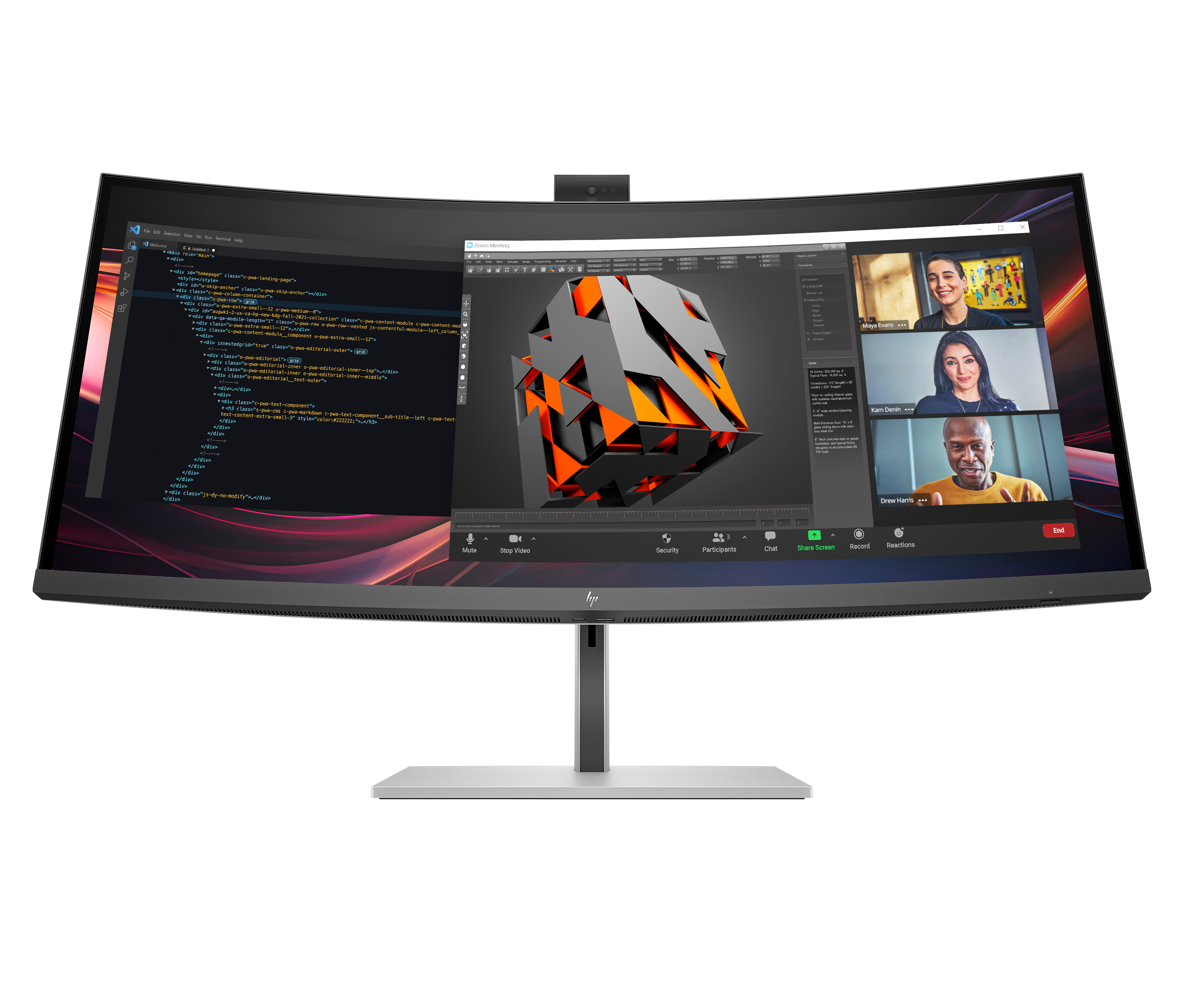
HP
HP 734pm - Series 7 Pro - LED monitor - curved - 34" - 3440 x 1440 WQHD @ 120 Hz - IPS Black - 400 cd/m� - 2000:1 - DisplayHDR 400 - 5 ms - Thunderbolt 4, HDMI, DisplayPort, USB-C - speakers - black, silver

Philips
Philips Evnia 5000 27M2N5901A - LED monitor - gaming - 27" - 3840 x 2160 4K UHD (2160p) @ 160 Hz - Fast IPS - 450 cd/m� - 1000:1 - DisplayHDR 400 - 0.5 ms - 2xHDMI, DisplayPort, USB-C - speakers - white
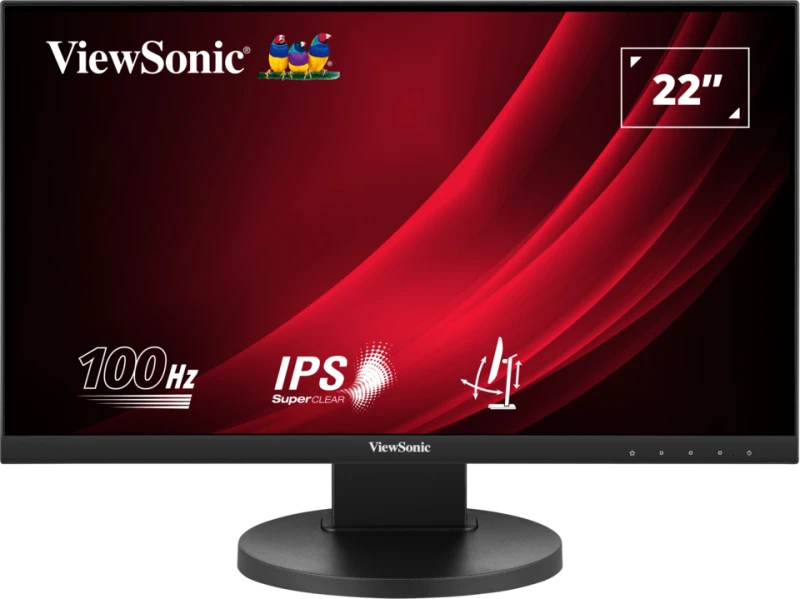
ViewSonic
ViewSonic VG2208A - LED monitor - 22" (21.5" viewable) - 1920 x 1080 Full HD (1080p) @ 100 Hz - IPS - 250 cd/m� - 1000:1 - 5 ms - HDMI, DisplayPort - speakers