- Cloud Backup
How to Verify Your Backups Are Working Correctly
30 Sep, 2025
£142.13 inc. VAT
AI-generated summary
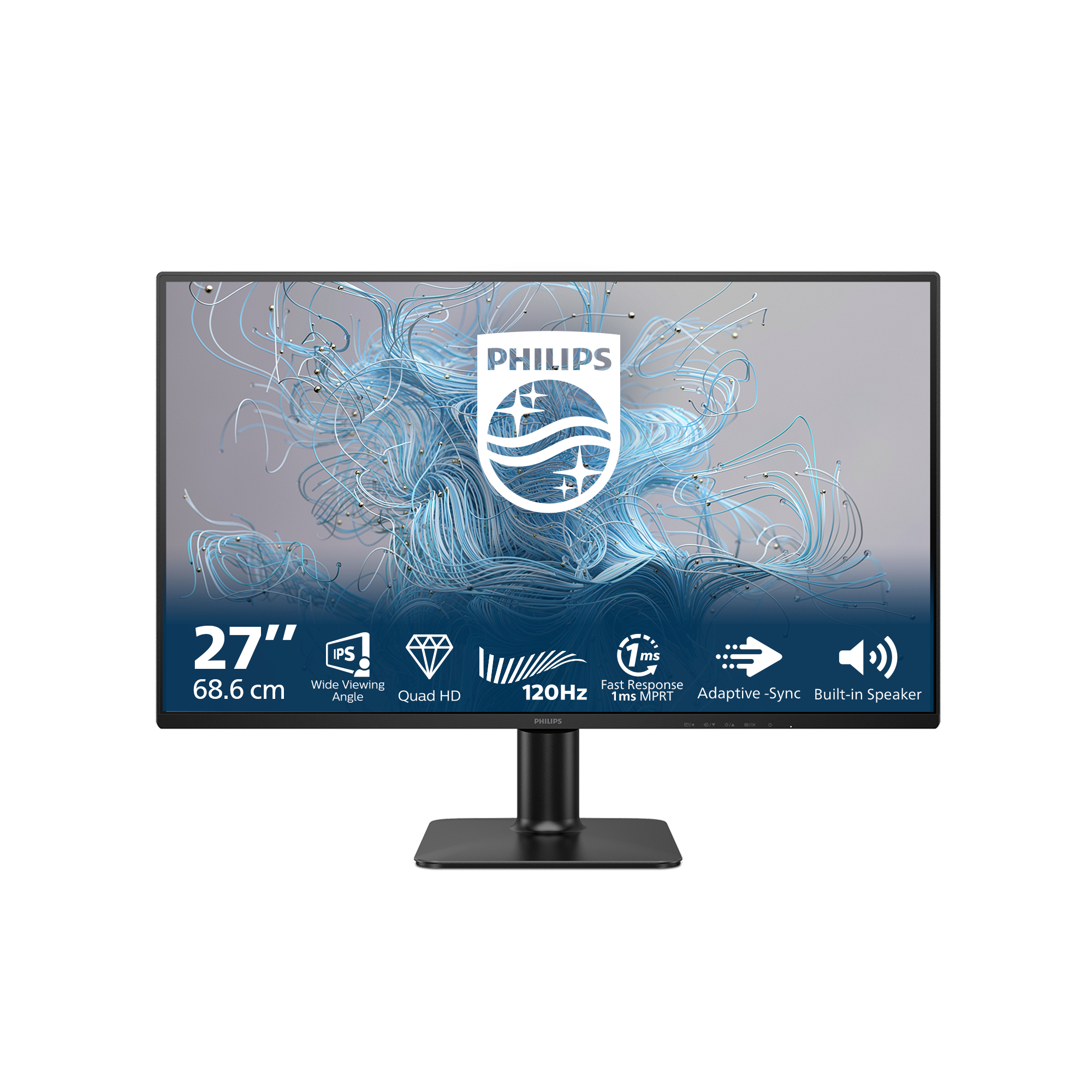
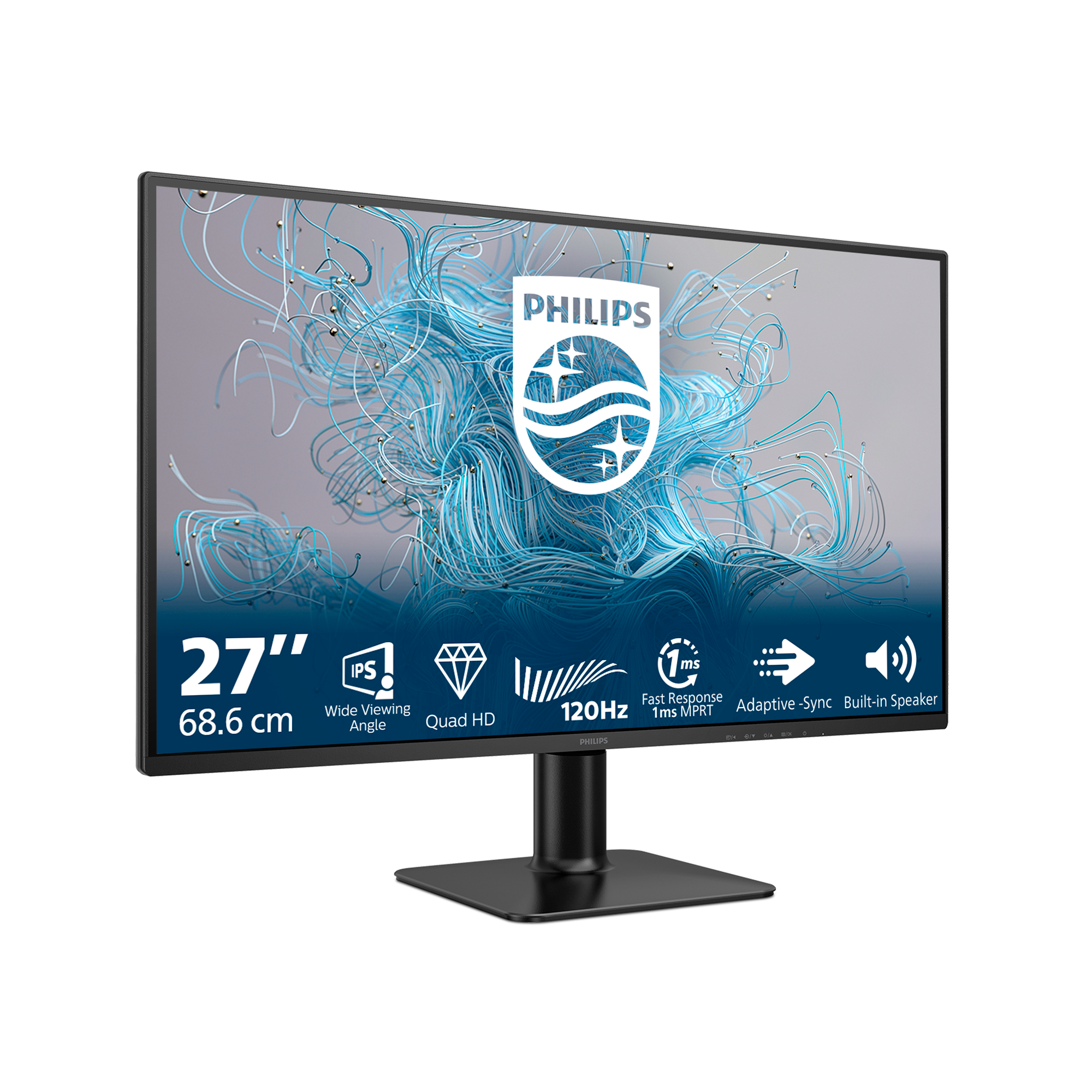
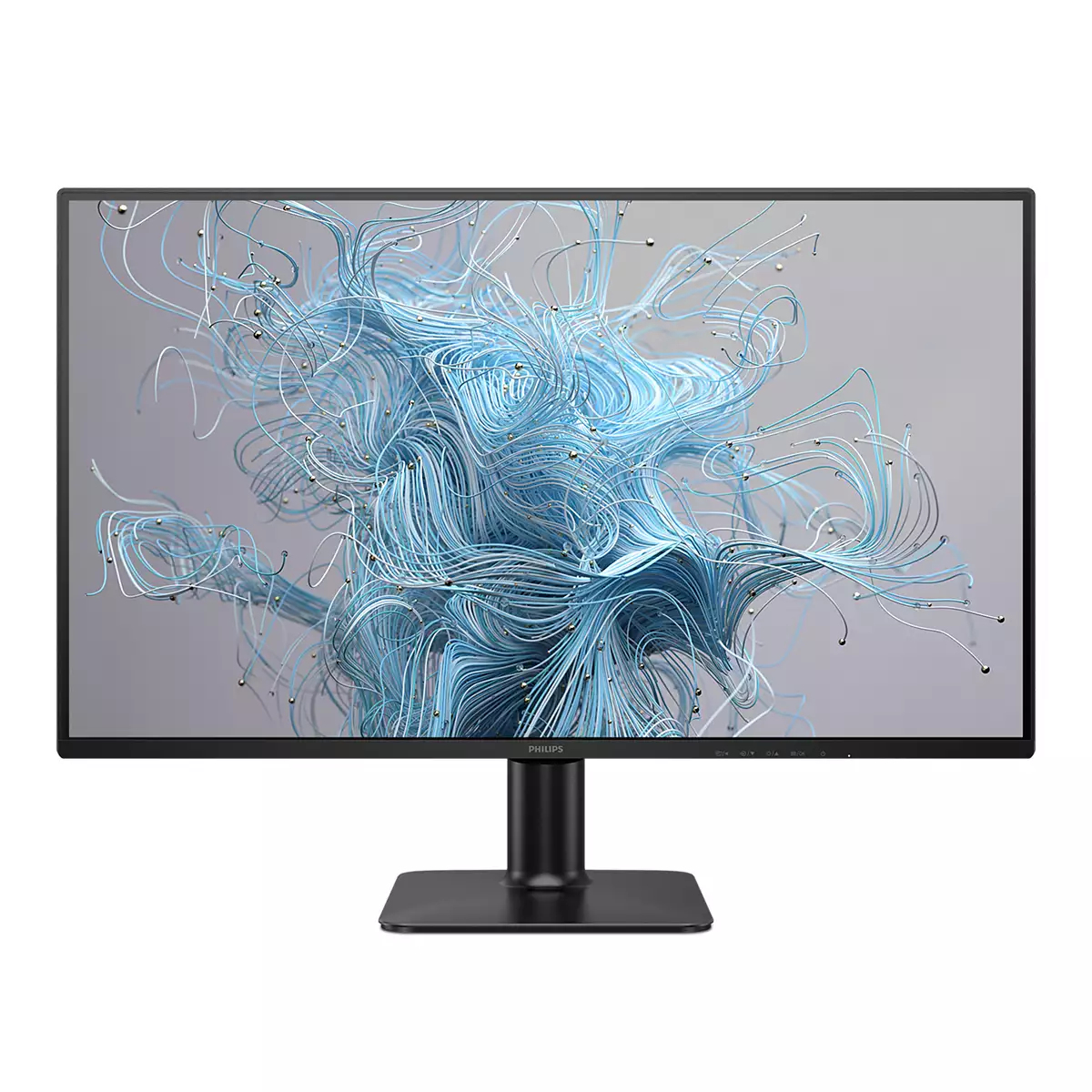
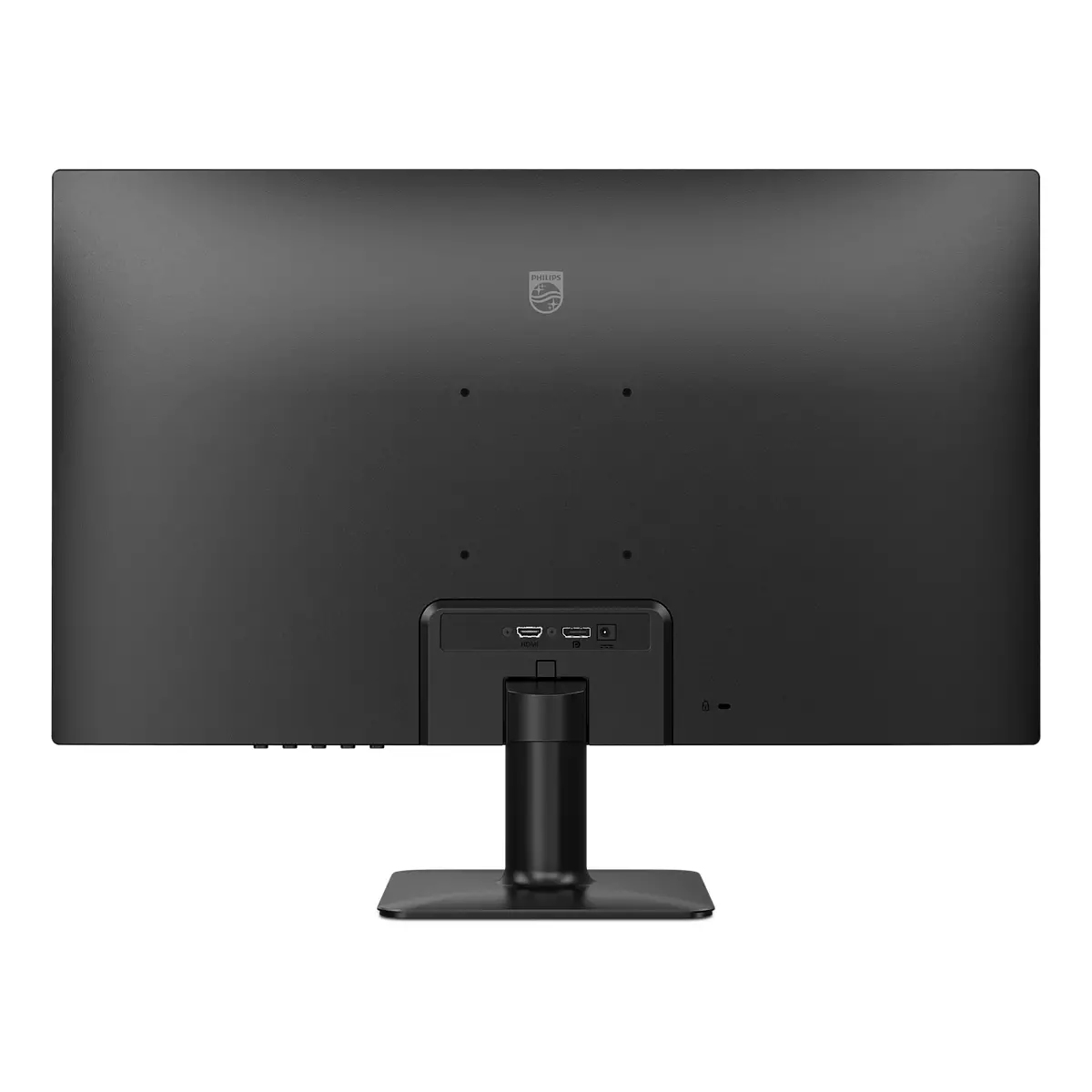
For £118 ex-VAT, the Philips 27E2N2500 looks like a solid “just get work done” monitor deal for most office setups. The 27-inch Quad HD size is a sweet spot: it’s sharp enough for spreadsheets, documents and side-by-side windows without feeling as cramped as 24-inch. Philips also tends to deliver sensible ergonomics and decent out-of-the-box tuning for typical business use, so you’re less likely to burn time fiddling with settings before you can actually use it productively.
That said, I wouldn’t treat it as a premium creative or gaming panel. If you’re sensitive to contrast/colour depth, or you routinely need accurate colour for design/video work, this budget tier is usually where you start seeing compromises. Also check your office needs: if you’re expecting lots of laptop docking benefits or high-end connectivity without adapters, don’t assume—some cheaper monitors can be a bit “basic” on ports. Overall though, if you’re outfitting users who need clear text and comfortable productivity at a low cost, this is the kind of monitor I’d recommend. If you’re chasing best-in-class colour or motion performance, look up a step in price/spec.

Ultra Slim Bezel: for minimal edges and more screen.
This monitor makes your viewing experience feel more seamless and complete by reducing the amount of frame surrounding the screen. The Ultra Slim Bezel feature makes for an elegant transition from ...

LowBlue mode and Flicker-free easy-on-the eyes viewing
Our LowBlue Mode and Flicker-free technology have been developed to reduce eye strain and fatigue often caused by long hours in front of a monitor.

Effortlessly smooth action with Adaptive-Sync technology
Gaming shouldn't be a choice between choppy gameplay or broken frames. Get fluid, artifact-free performance at virtually any framerate with Adaptive-Sync technology, smooth quick refresh and ultra ...

1ms (MPRT) fast response for crisp image and smooth gameplay
MPRT (motion picture response time) is more intuitive way to describe the response time, which directly refers the duration from seeing blurry noise to clean and crisp images. Philips monitor with ...

120Hz refresh rates for ultra-smooth, brilliant images
You play intense, competitive gaming. You demand display with lag free, ultra-smooth images. This Philips display redraws the screen image up-to 120 times per second, effectively faster than a stan...
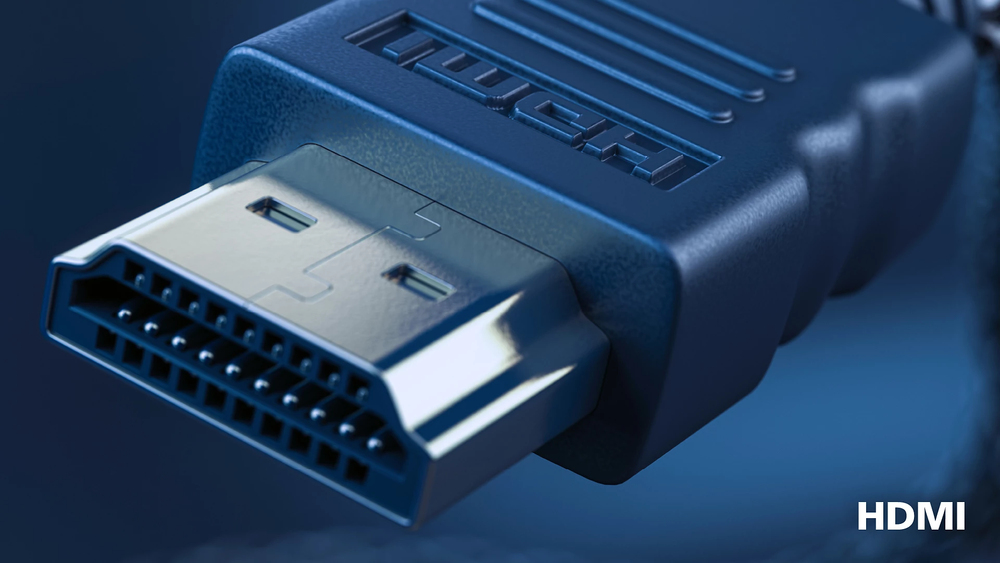
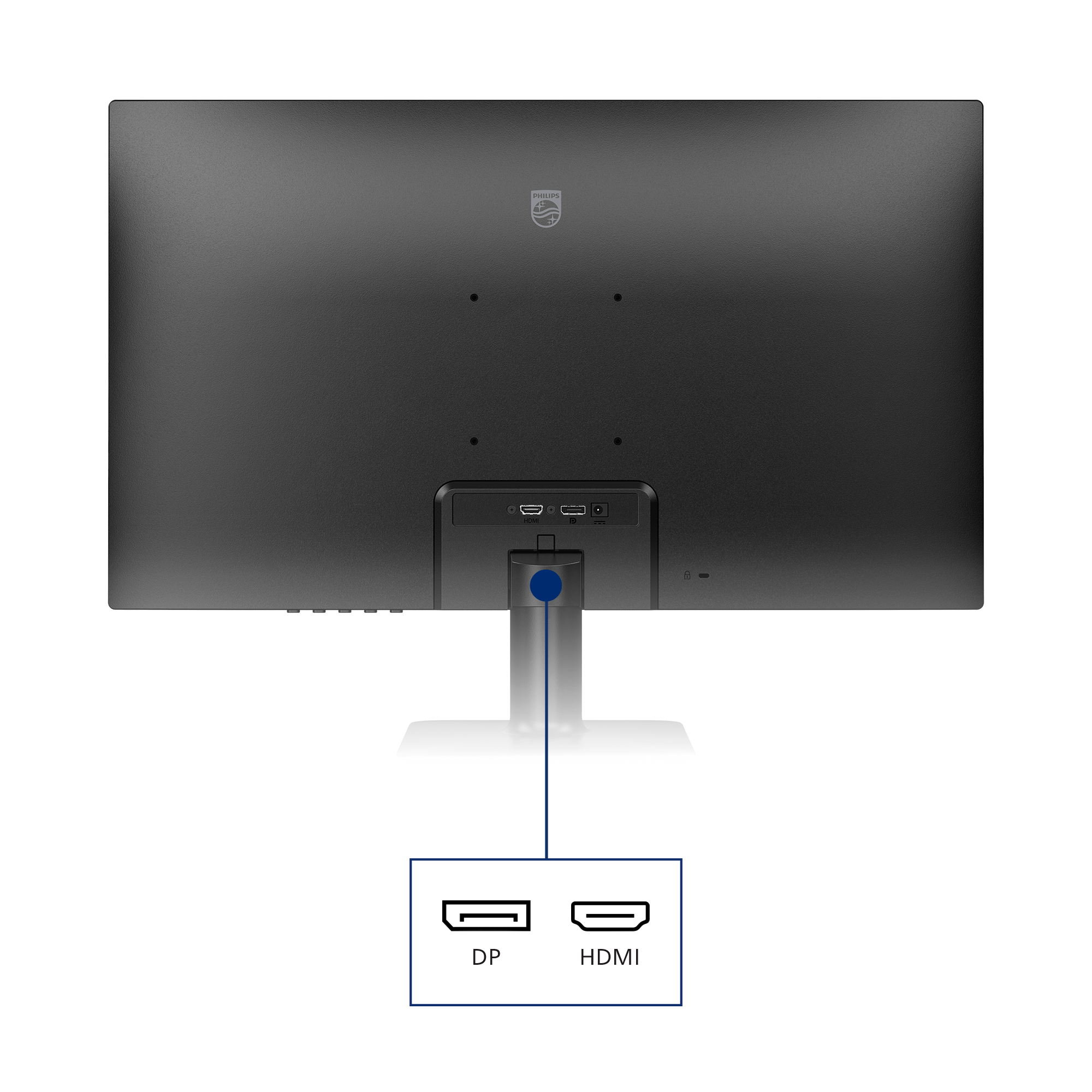
HDMI ensures universal digital connectivity
An HDMI-ready device has all the required hardware to accept High-Definition Multimedia Interface (HDMI) input. A HDMI cable enables high-quality digital video and audio all transmitted over a sing...

AOC
AOC U27E4CV - E4 Series - LED monitor - 27" - 3840 x 2160 4K UHD (2160p) @ 60 Hz - IPS - 400 cd/m� - 1200:1 - 4 ms - 2xHDMI, DisplayPort, USB-C - speakers - black
Asus
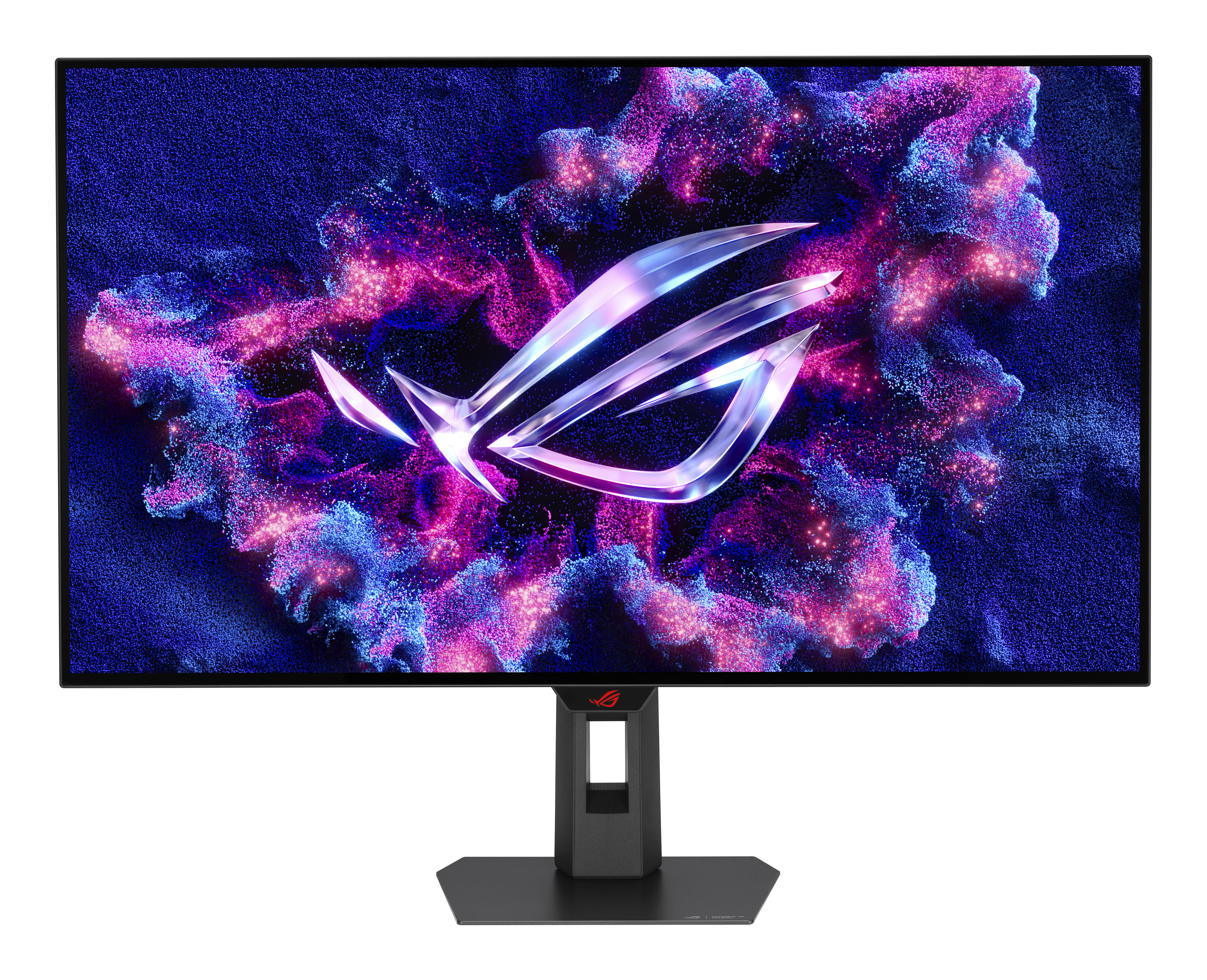
ASUS ROG Strix XG32UCWMG - OLED monitor - gaming - USB - 32" (31.5" viewable) - 3840 x 2160 4K @ 240 Hz - 1300 cd/m� - 15000000:1 - DisplayHDR 400 - 0.03 ms - 2xHDMI, DisplayPort, USB-C - black
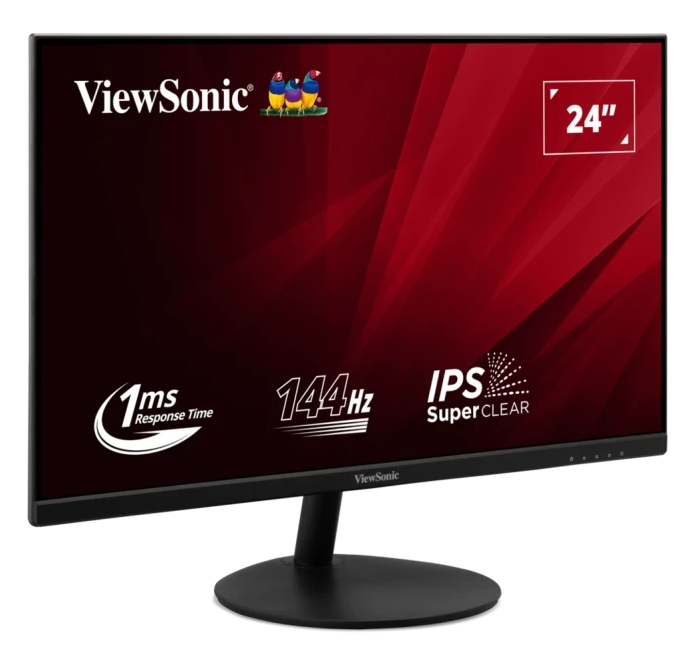
ViewSonic
ViewSonic VA24E2-H - LED monitor - 24" (23.8" viewable) - 1920 x 1080 Full HD (1080p) @ 144 Hz - IPS - 250 cd/m� - 1000:1 - 1 ms - HDMI, VGA - black
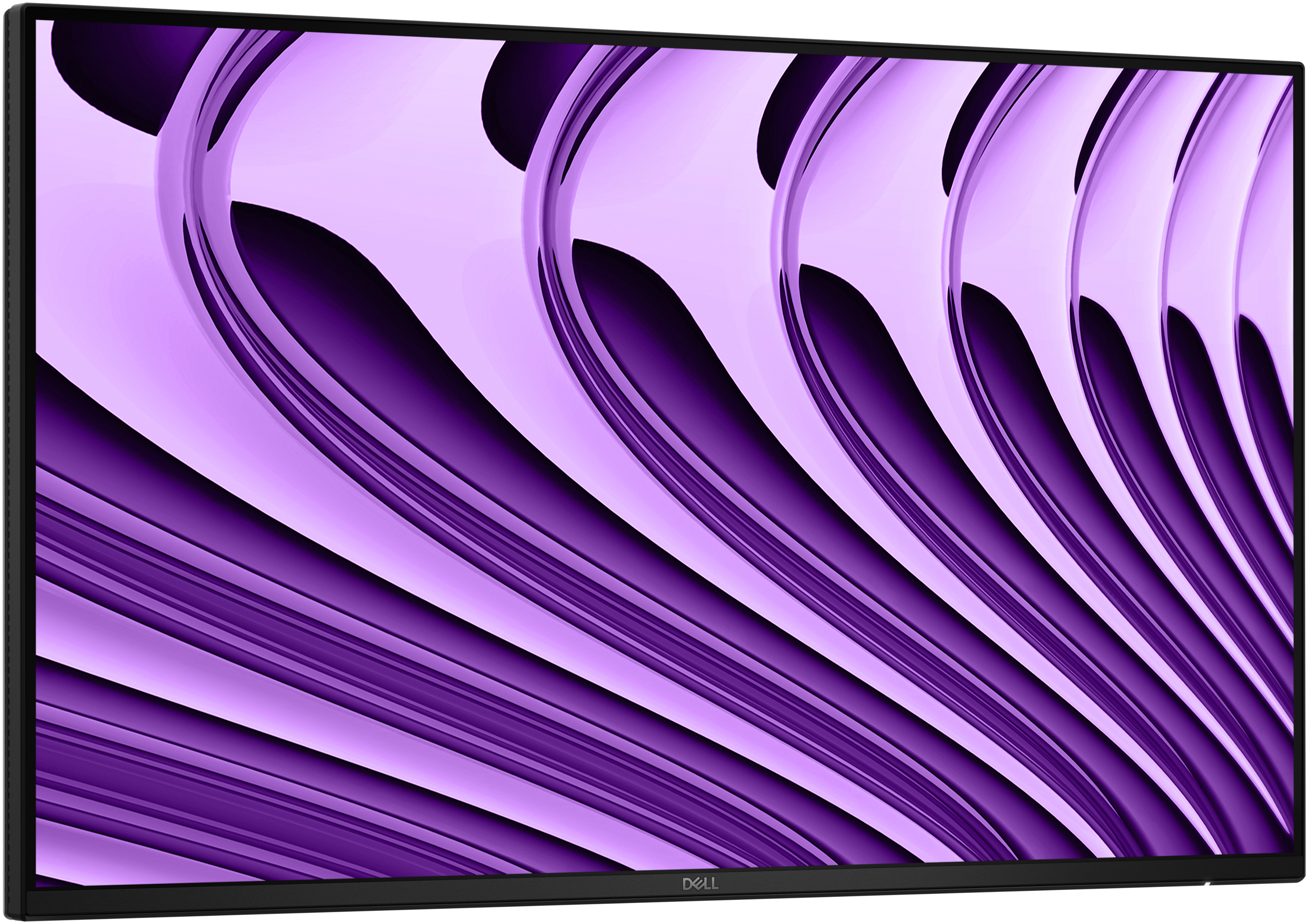
Dell
Dell Pro P 24 USB-C Hub Monitor - P2426HE