- Cloud Backup
How to Recover from a Corrupted Database
17 Feb, 2026
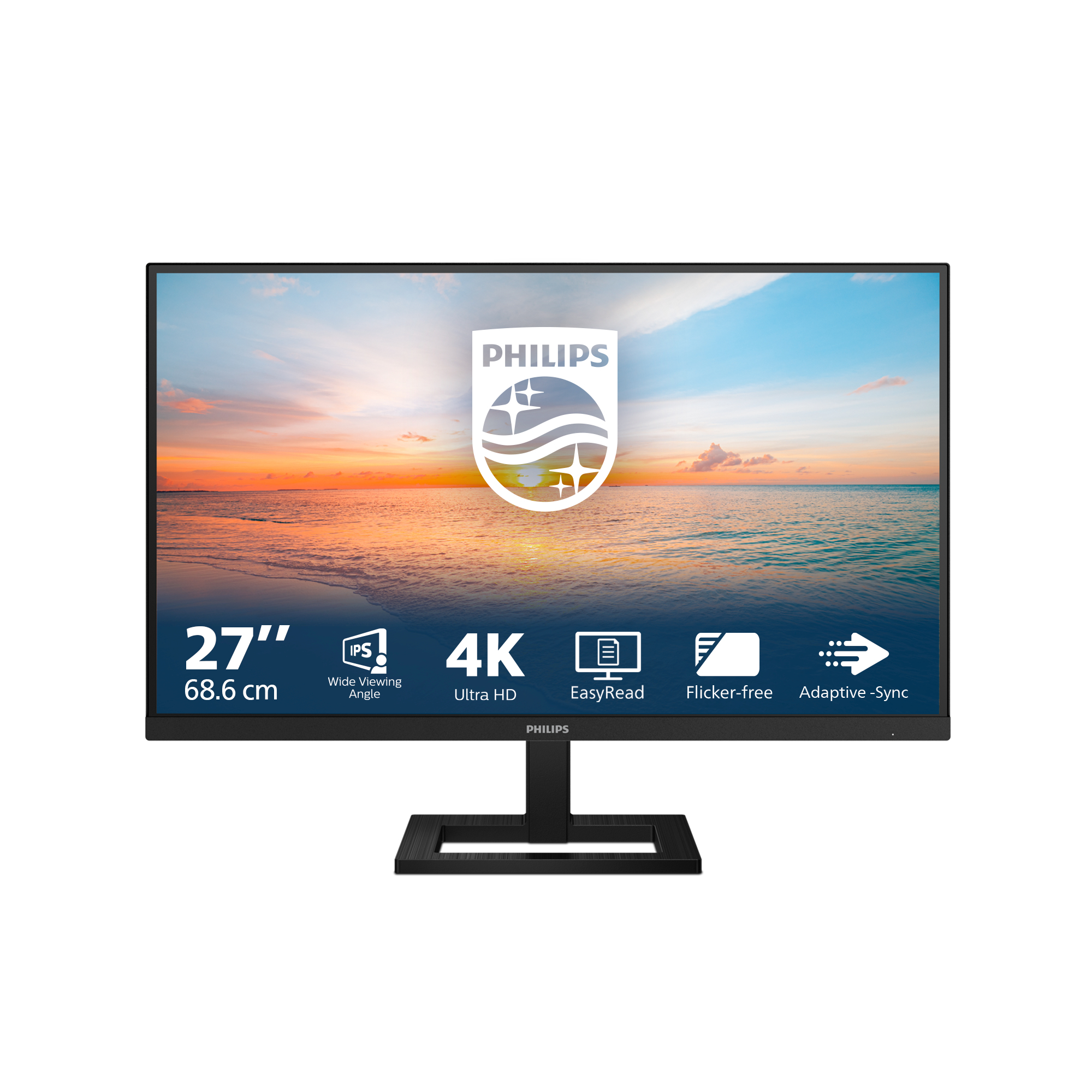
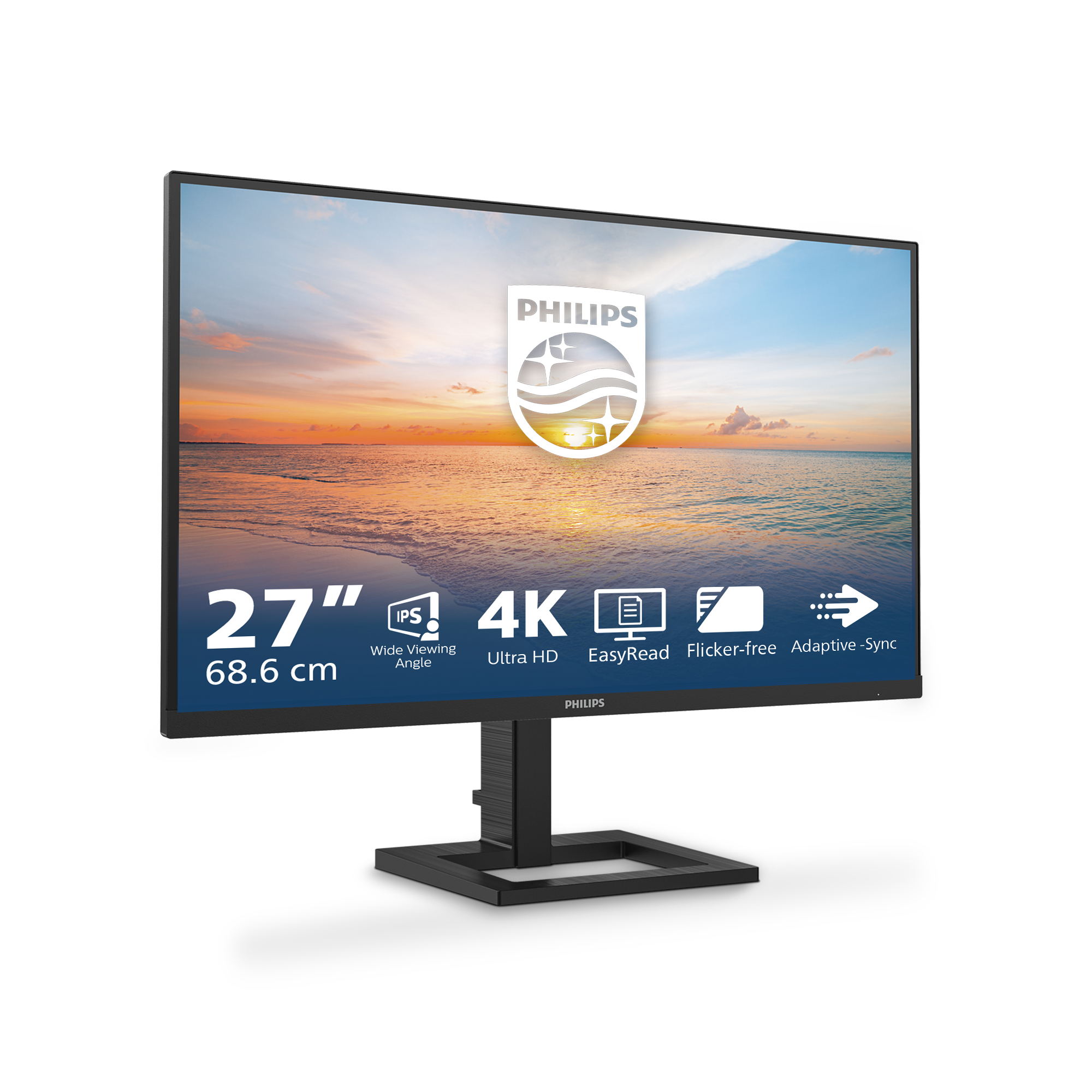

£231.53 inc. VAT
AI-generated summary
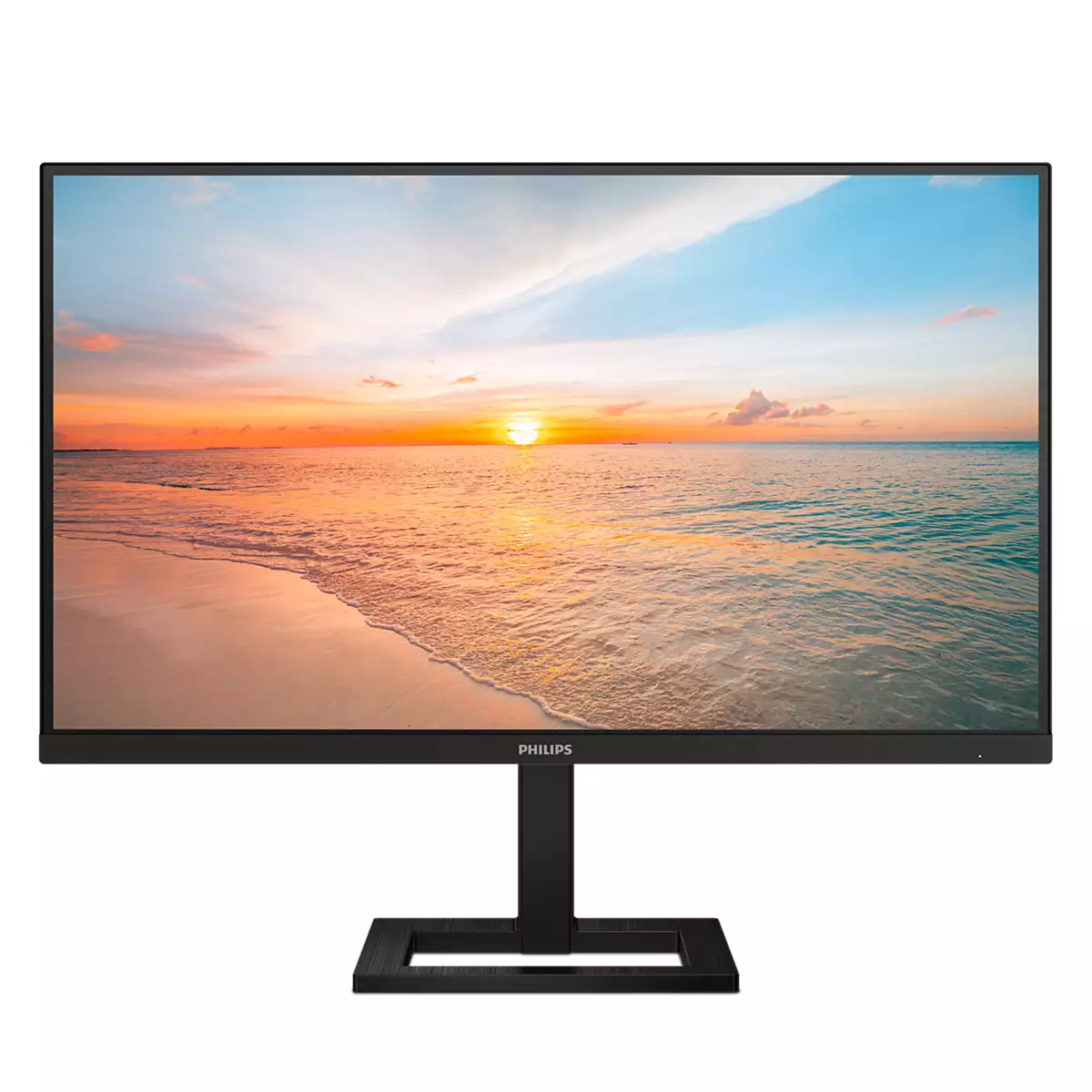
The Philips 27E1N1900A is the kind of 4K monitor that makes sense when you want crisp text and lots of desktop space without paying “premium panel” money. At £193.54 ex‑VAT it’s priced like a practical upgrade from 1080p/1440p, and for general office work, spreadsheets, document-heavy roles, and even training/HR/finance teams, that extra resolution is noticeable day one. If your environment is mostly static content (docs, dashboards, coding) you’ll appreciate the sharper UI and the ability to fit more on-screen without scaling gymnastics.
That said, I wouldn’t buy it if you care a lot about colour accuracy, deep blacks, or smooth motion—this is more “good everyday workstation” than “creator display” or “gaming monitor.” Also, 27-inch 4K is great for clarity, but check how your team’s apps handle scaling in Windows; if people are used to big text or have mixed DPI setups, there can be some minor admin pain. Bottom line: buy it for broad business deployments where value matters and the use is mostly productivity. Skip it if you’re expecting standout HDR/colour performance or you need a monitor tuned for fast action.
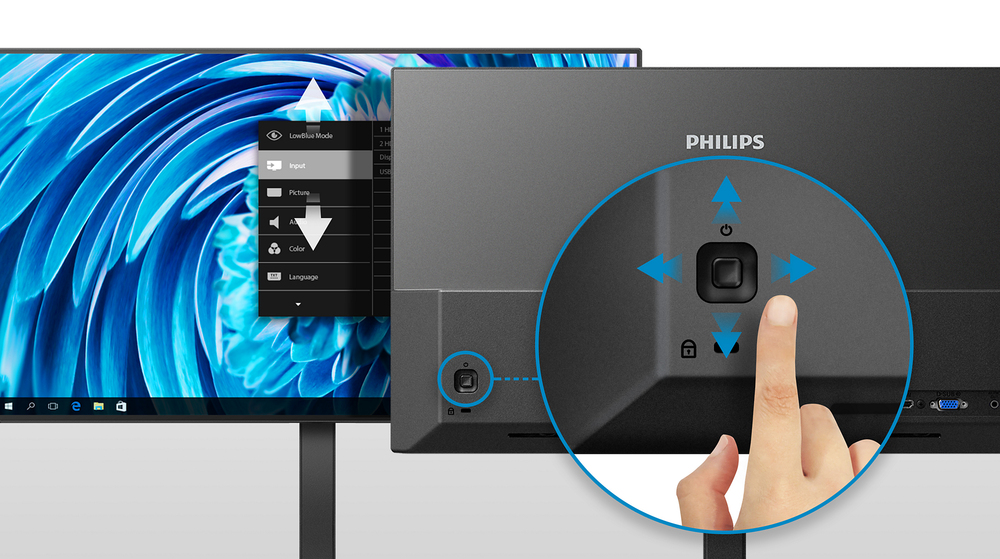
EasySelect menu toggle key for quick on-screen menu access
The discreetly placed EasySelect Menu Toggle Key allows you to make quick and easy adjustments to monitor settings in the On-Screen Display menu.

LowBlue mode and Flicker-free easy-on-the eyes viewing
Our LowBlue Mode and Flicker-free technology have been developed to reduce eye strain and fatigue often caused by long hours in front of a monitor.
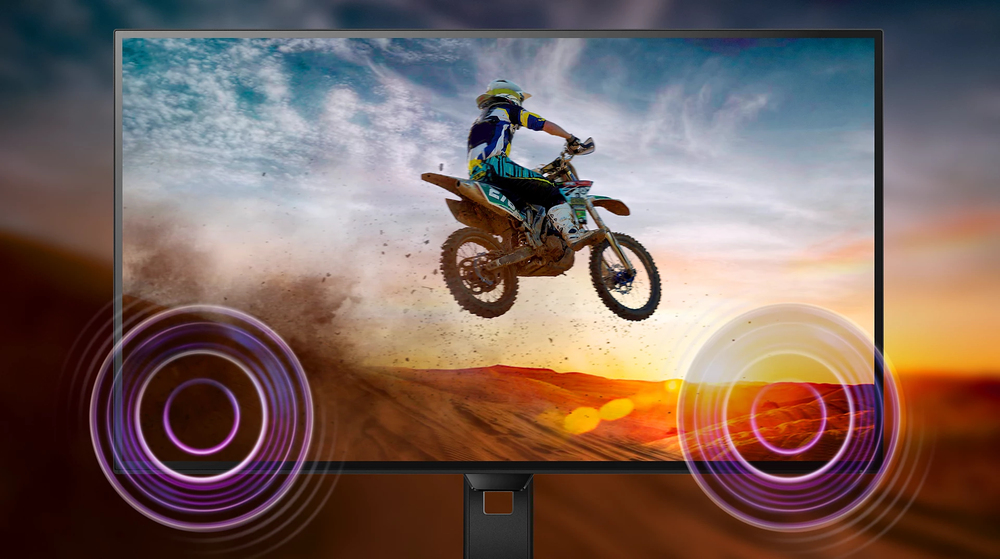
Built-in stereo speakers for multimedia
A pair of high-quality stereo speakers built into a display device. They may be visible front firing, or invisible down firing, top firing, rear firing etc. depending on model and design.

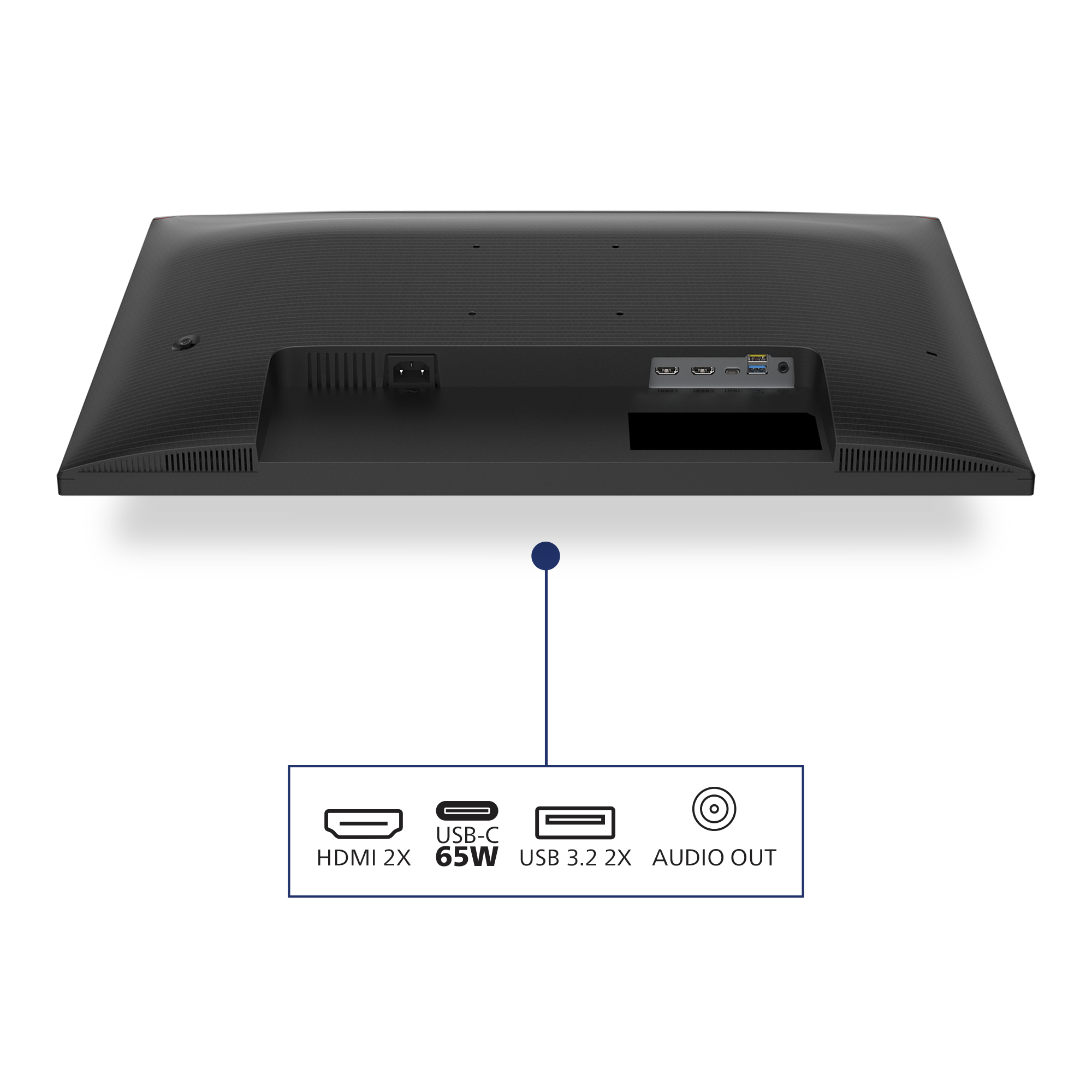
Connect your notebook with one USB-C cable
This Philips display features a USB type-C connector with power delivery. With intelligent and flexible power management, you can power charge your compatible device directly. Its slim, reversible ...

HDMI ensures universal digital connectivity
An HDMI-ready device has all the required hardware to accept High-Definition Multimedia Interface (HDMI) input. A HDMI cable enables high-quality digital video and audio all transmitted over a sing...

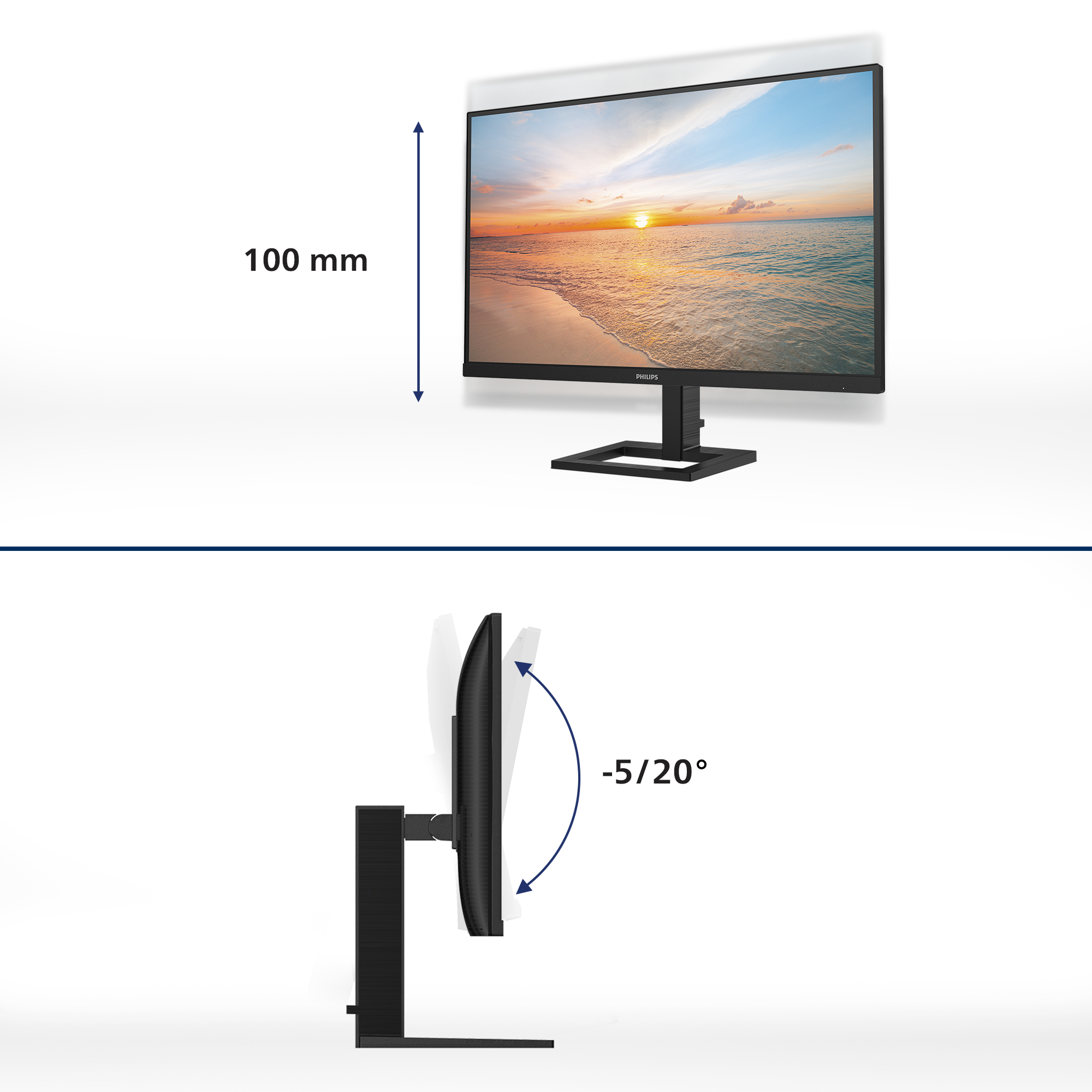
Height-adjustable for better ergonomic comfort
The height-adjustable Ergo Base is a 'people-friendly' Philips monitor base that not only tilts, but is also height adjustable, so that each user can adjust the monitor to their personal preference...
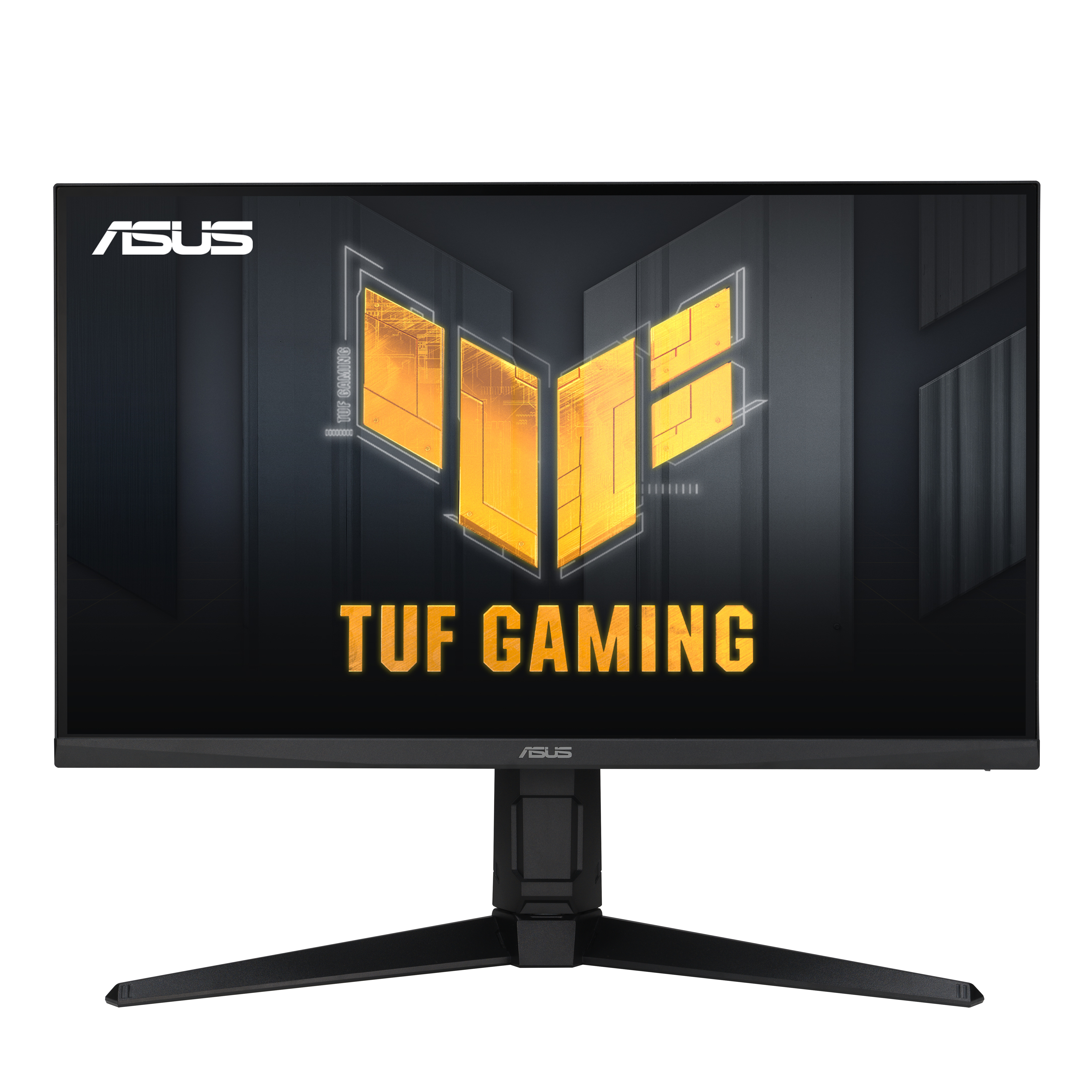
Asus
ASUS TUF Gaming VG27AQL3A - LED monitor - gaming - 27" - 2560 x 1440 QHD @ 180 Hz - Fast IPS - 400 cd/m� - 1000:1 - DisplayHDR 400 - 1 ms - 2xHDMI, DisplayPort - speakers - black
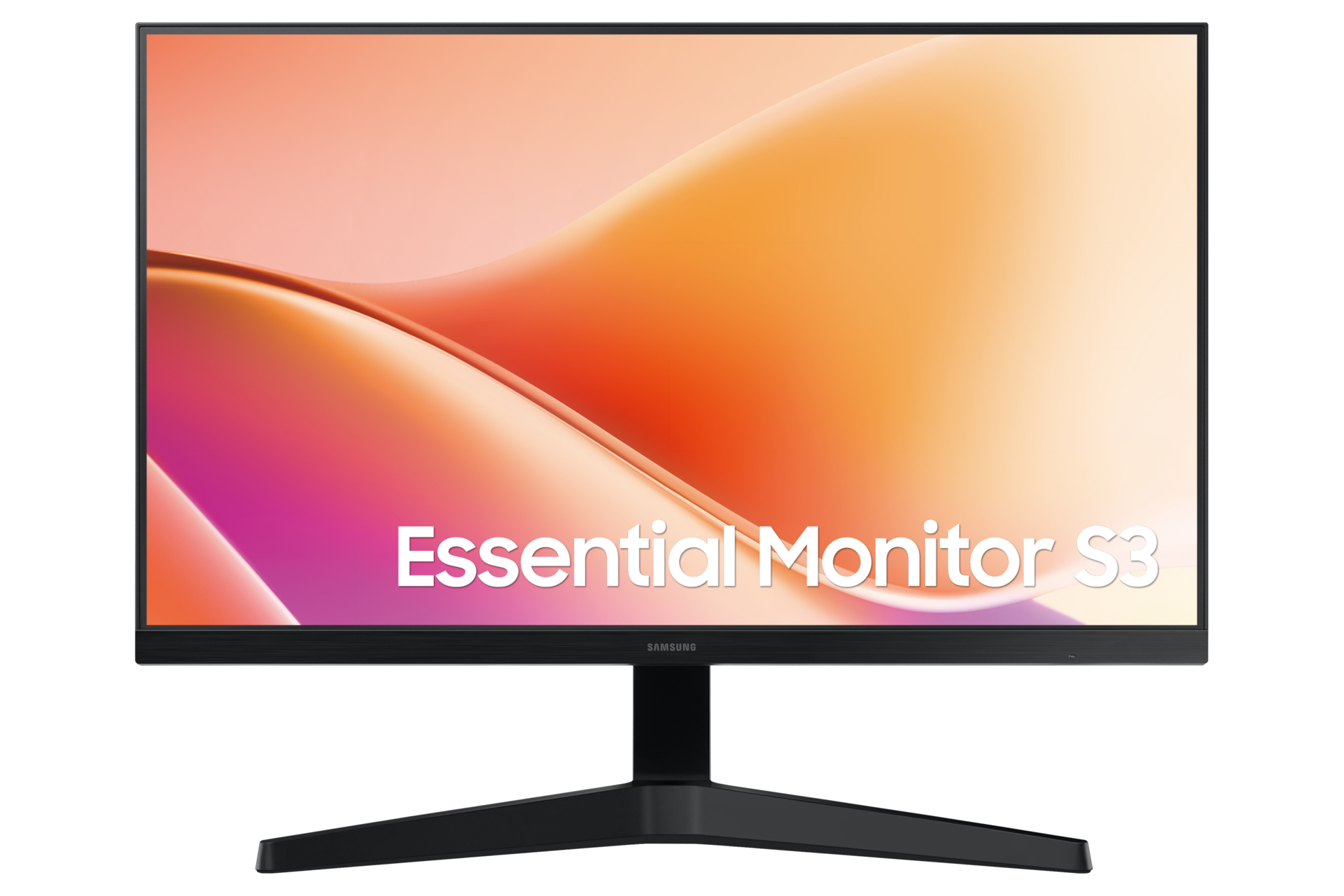
Samsung
Samsung Essential S3 S24F330EAU - S33GF Series - LED monitor - 24" - 1920 x 1080 Full HD (1080p) @ 100 Hz - VA - 250 cd/m� - 3000:1 - 5 ms - HDMI, VGA - black
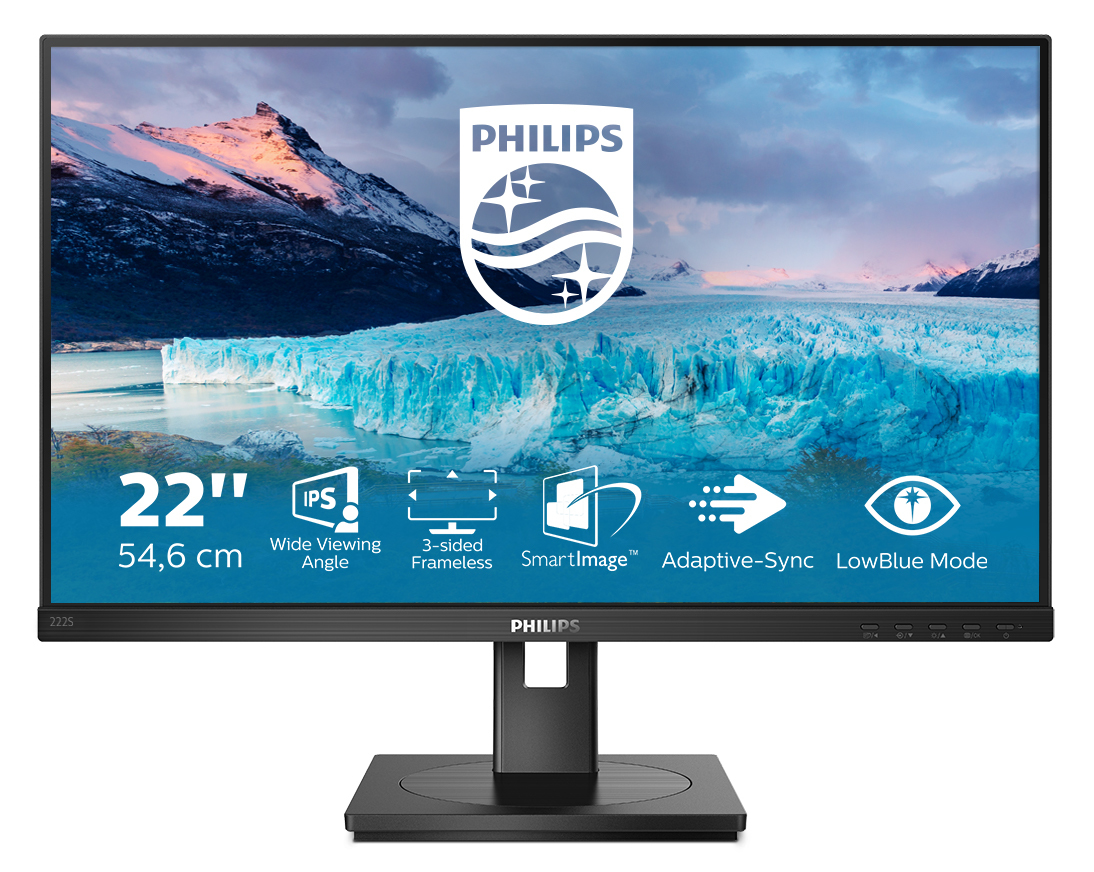
Philips
Philips S-line 222S1AE - LED monitor - 22" - 1920 x 1080 Full HD (1080p) @ 75 Hz - IPS - 250 cd/m� - 1000:1 - 4 ms - HDMI, DVI-D, VGA, DisplayPort - speakers - textured black
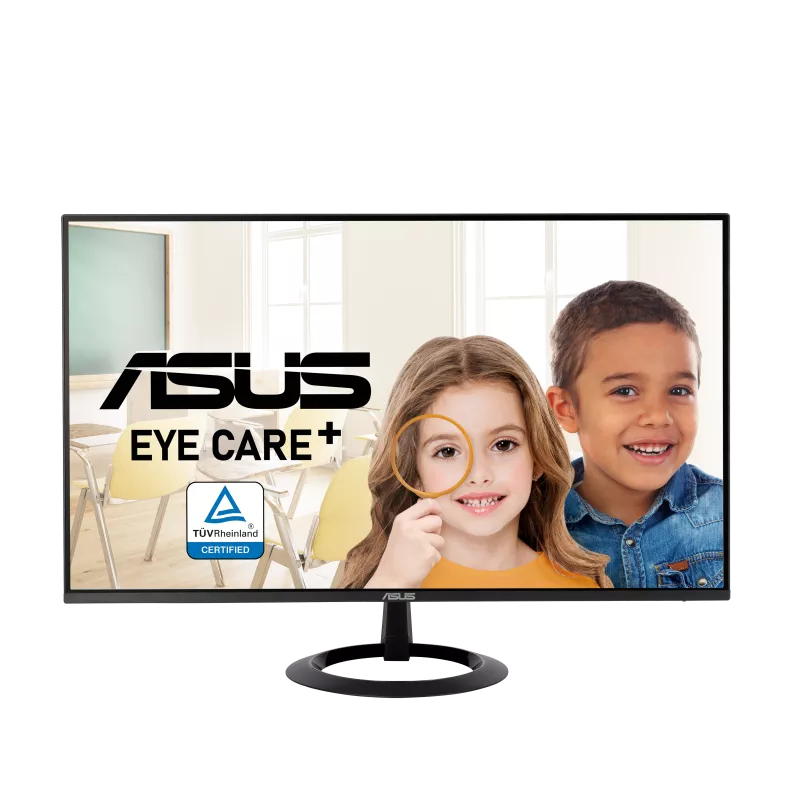
Asus
ASUS VZ24EHF - LED monitor - gaming - 24" (23.8" viewable) - 1920 x 1080 Full HD (1080p) @ 100 Hz - IPS - 250 cd/m� - 1300:1 - 1 ms - HDMI - black