- Database Reporting
Small Business Reporting Solutions
20 Mar, 2026
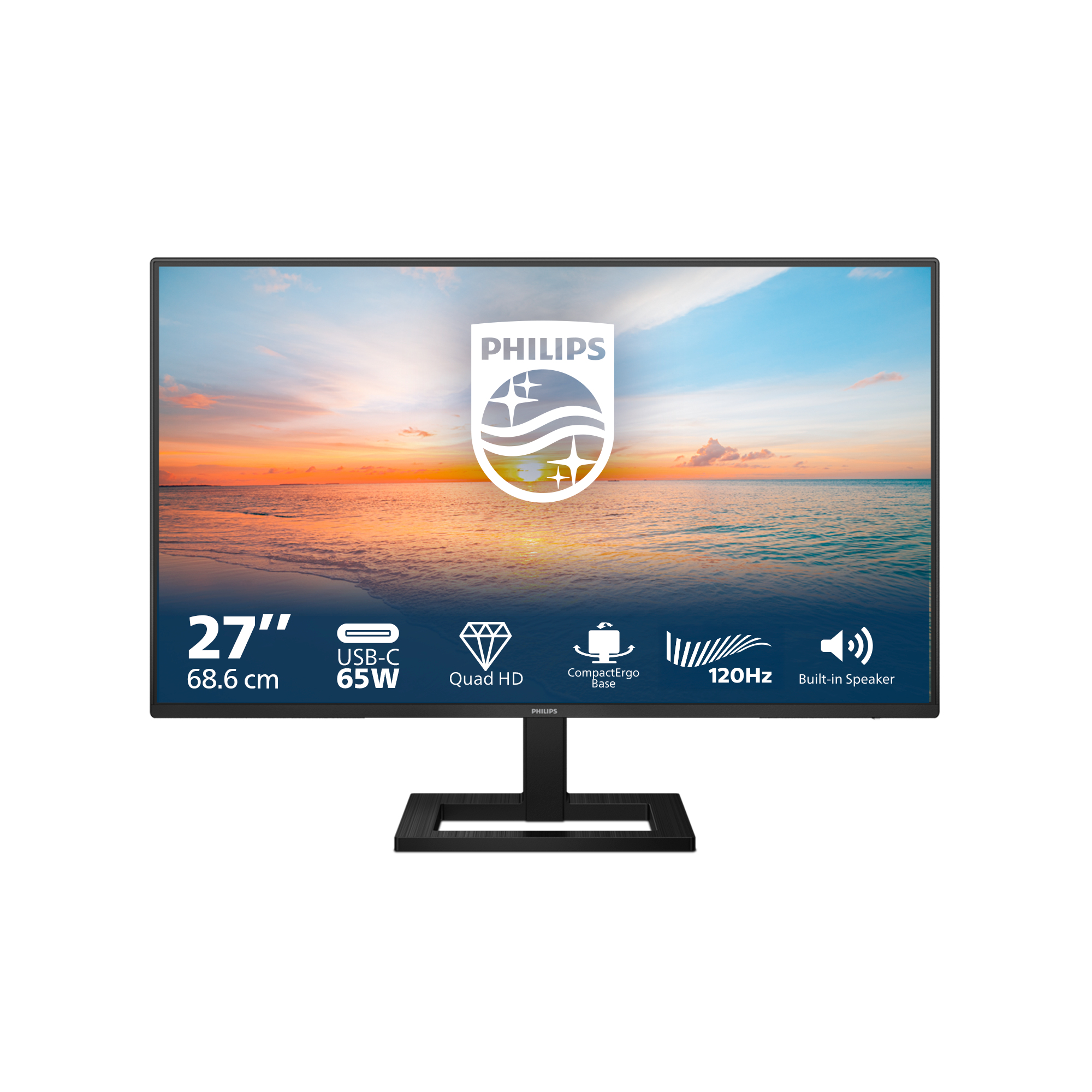
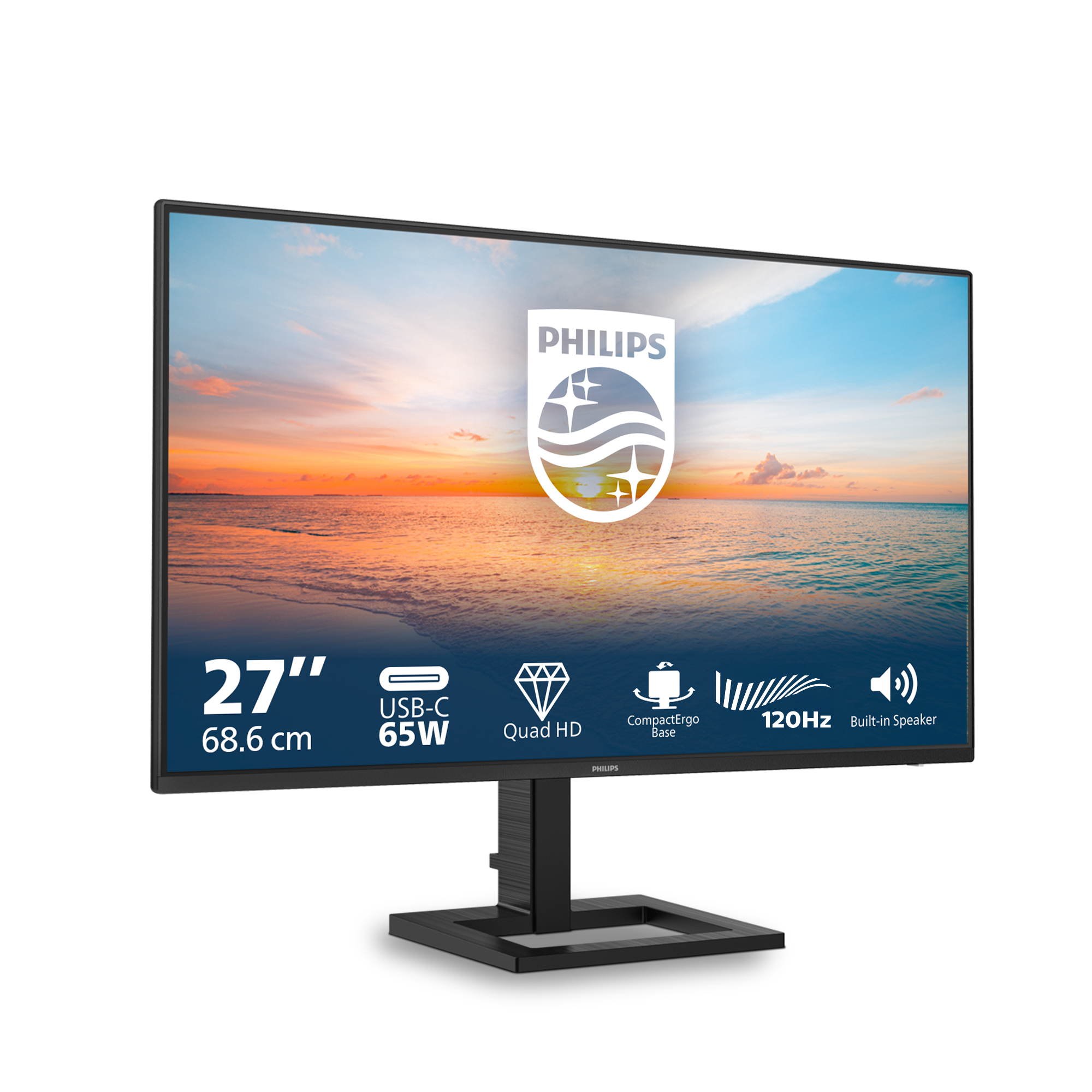
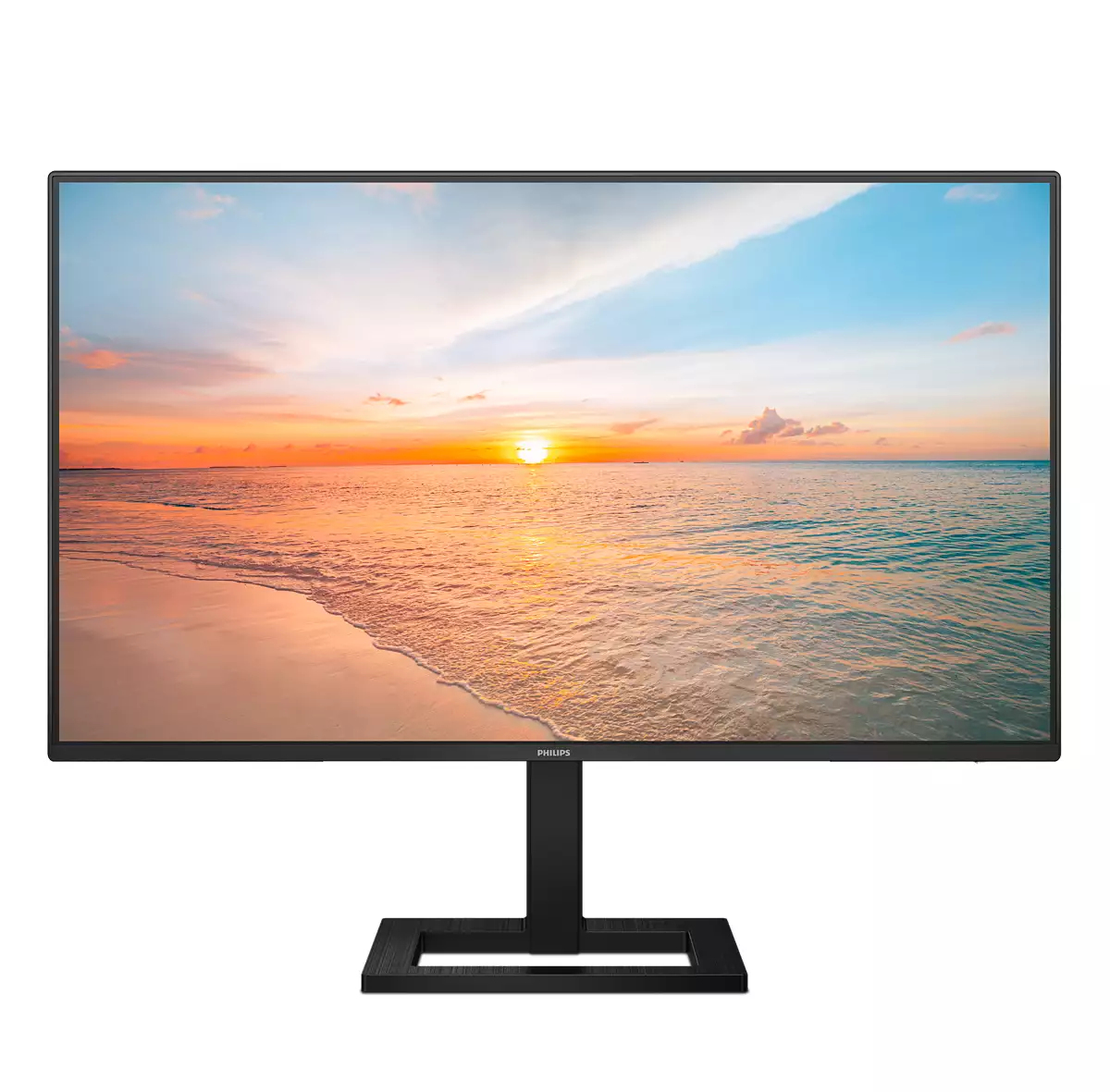
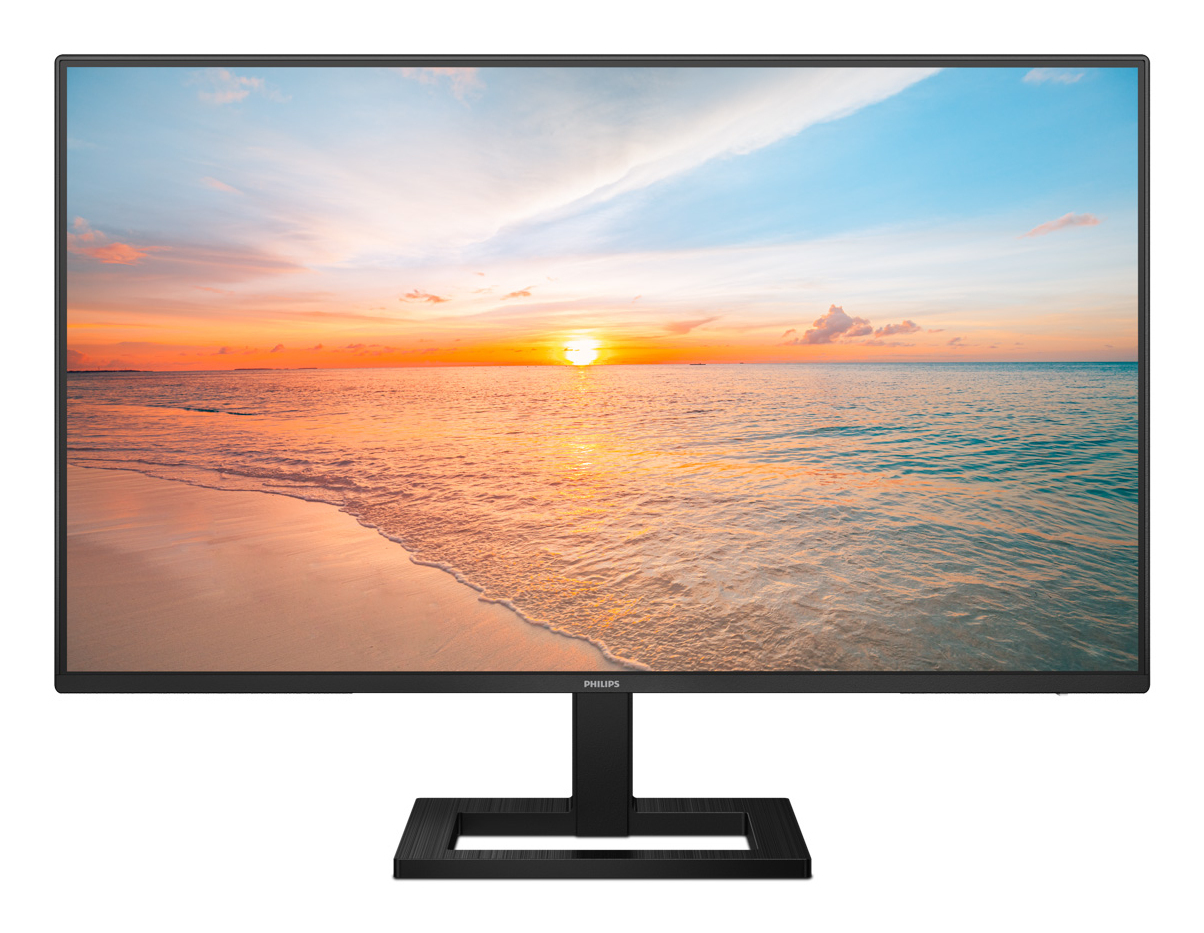
£199.15 inc. VAT
AI-generated summary
This “Philips 1000 series 27E1N…” sounds like a decent-looking 27-inch Quad HD monitor—*but it being listed under “ROUTERS > Routers” is an instant red flag*. I’d treat it as a catalog/metadata error until you’ve confirmed you’re actually buying a **monitor**, not network equipment. If you do get the monitor, £165.89 ex-VAT is pretty reasonable for a 27-inch workplace screen, and Quad HD is a nice sweet spot for everyday office work (spreadsheets, documentation, email + a bit of web/app work) without the jump in cost you’d see with higher-tier Philips models.
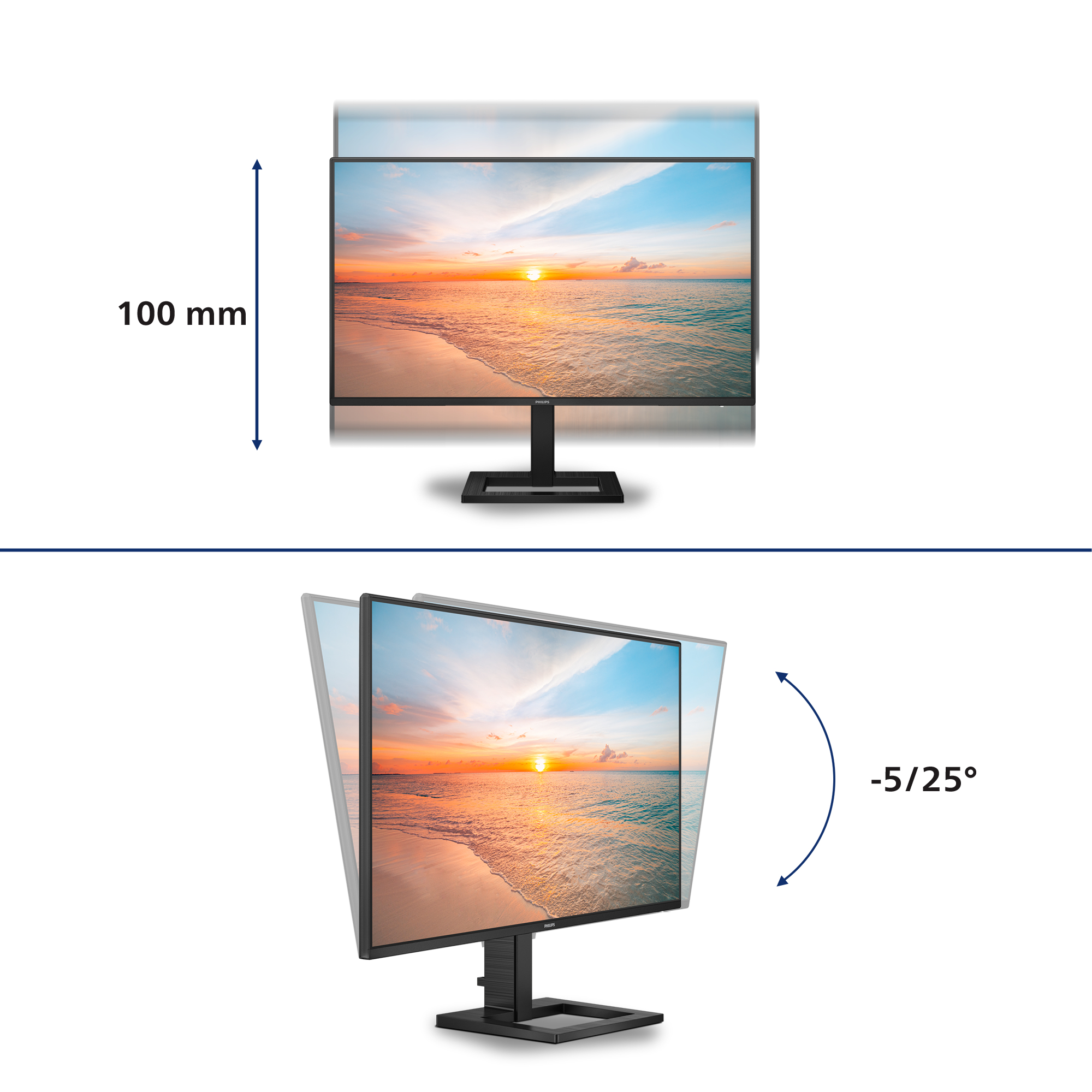
Who should buy it: small offices, home-office workers, and teams that want a larger workspace for not-too-money. Who shouldn’t: people expecting “premium” colour accuracy, really aggressive gaming performance, or high-end build/stand ergonomics—budget Philips generally means you’ll want to manage expectations on panel tuning and stand adjustability. If you can, verify the warranty/returns and check reviews for flicker/backlight uniformity and text sharpness in practice—because at this price, the cost benefit hinges on whether the basics (clarity and comfort) are genuinely there.

EasySelect menu toggle key for quick on-screen menu access
The discreetly placed EasySelect Menu Toggle Key allows you to make quick and easy adjustments to monitor settings in the On-Screen Display menu.

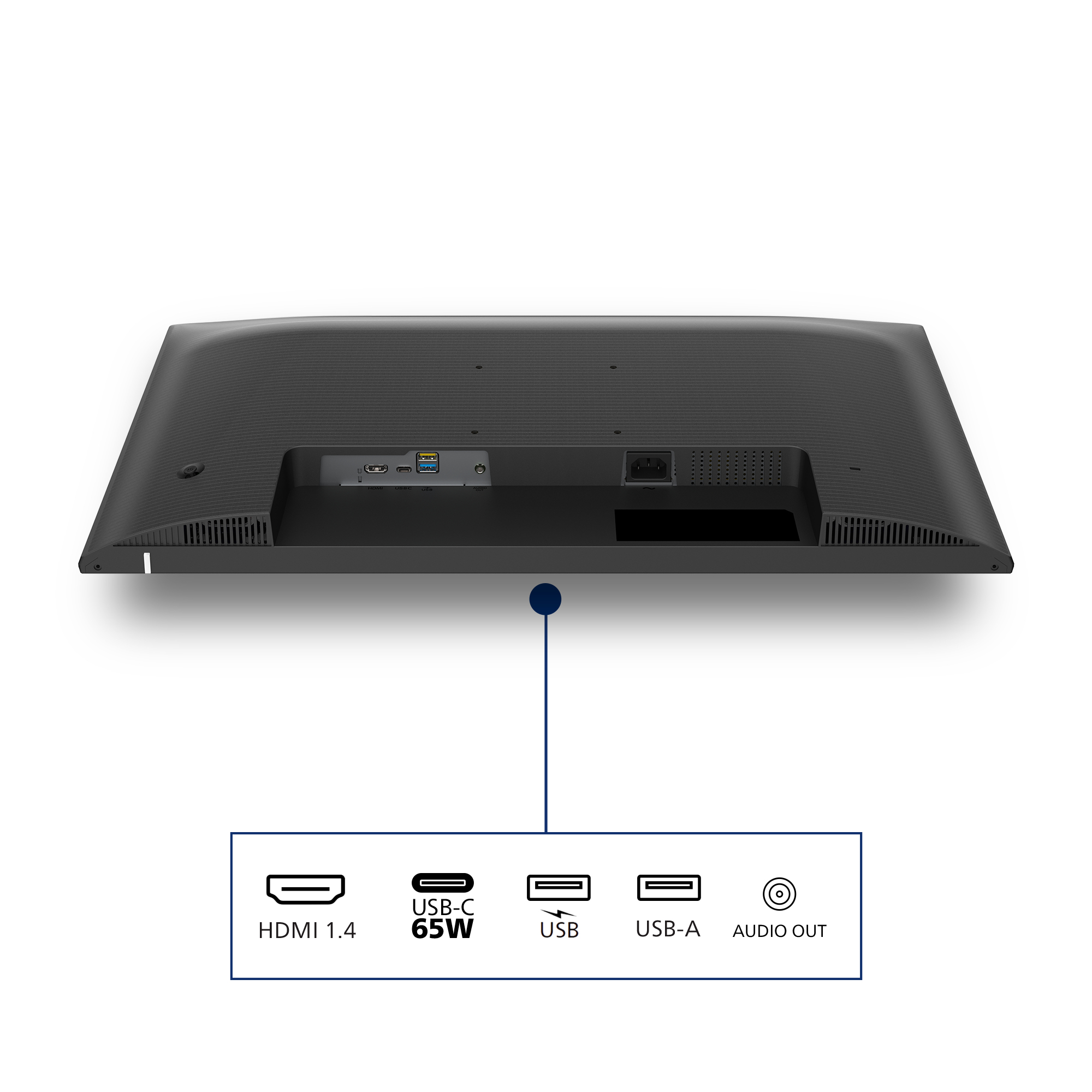
HDMI ensures universal digital connectivity
An HDMI-ready device has all the required hardware to accept High-Definition Multimedia Interface (HDMI) input. A HDMI cable enables high-quality digital video and audio all transmitted over a sing...

Connect your notebook with one USB-C cable
This Philips display features a USB type-C connector with power delivery. With intelligent and flexible power management, you can power charge your compatible device directly. Its slim, reversible ...

Built-in stereo speakers for multimedia
A pair of high quality stereo speakers built into a display device. It can be visible front firing, or invisible down firing, top firing, rear firing, etc depending on model and design.

IPS LED wide view technology for image and color accuracy
IPS displays use an advanced technology which gives you extra wide viewing angles of 178/178 degree, making it possible to view the display from almost any angle. Unlike standard TN panels, IPS dis...

High Dynamic Range (HDR) for more lifelike colorful visuals
High Dynamic Range delivers a dramatically different visual experience. With astonishing brightness, incomparable contrast and captivating color, images come to life with much greater brightness wh...
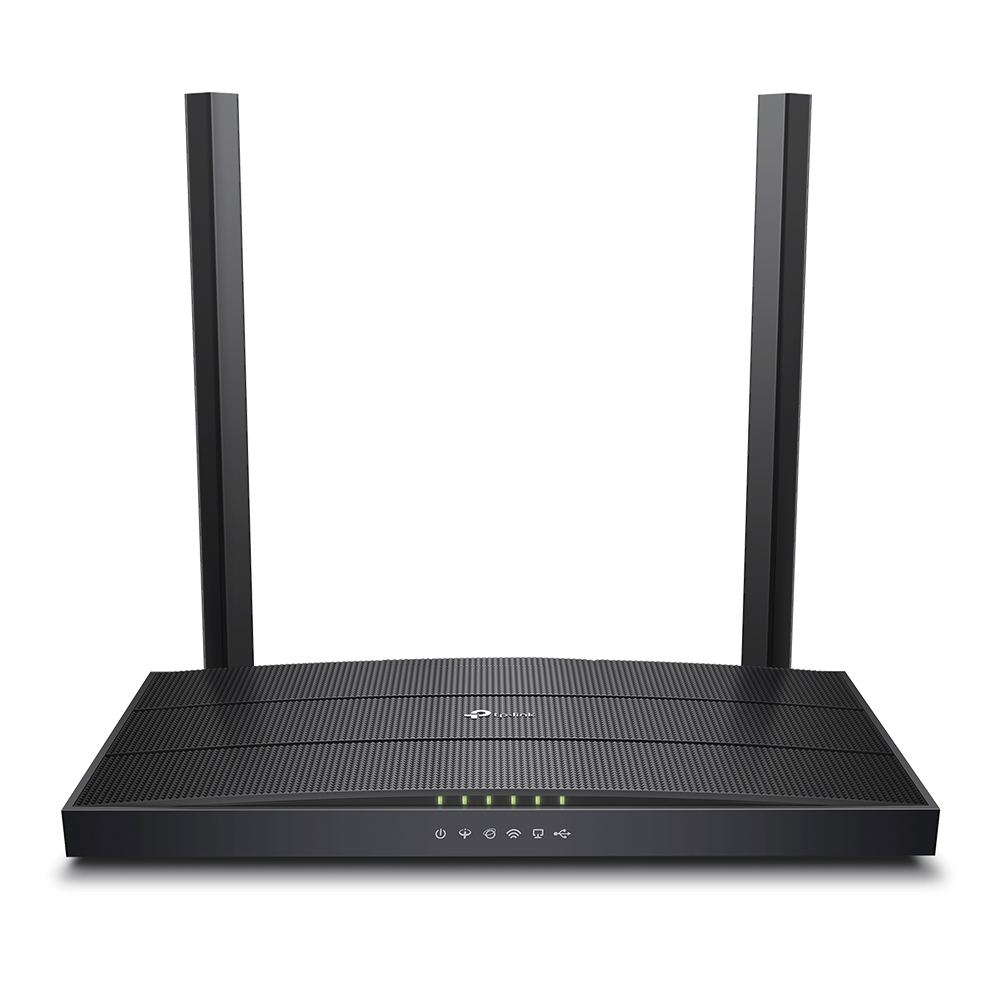
TP-Link
TP-Link Archer VR400 - V3 - wireless router - DSL modem 4-port switch - 1GbE - Wi-Fi 5 - Dual Band
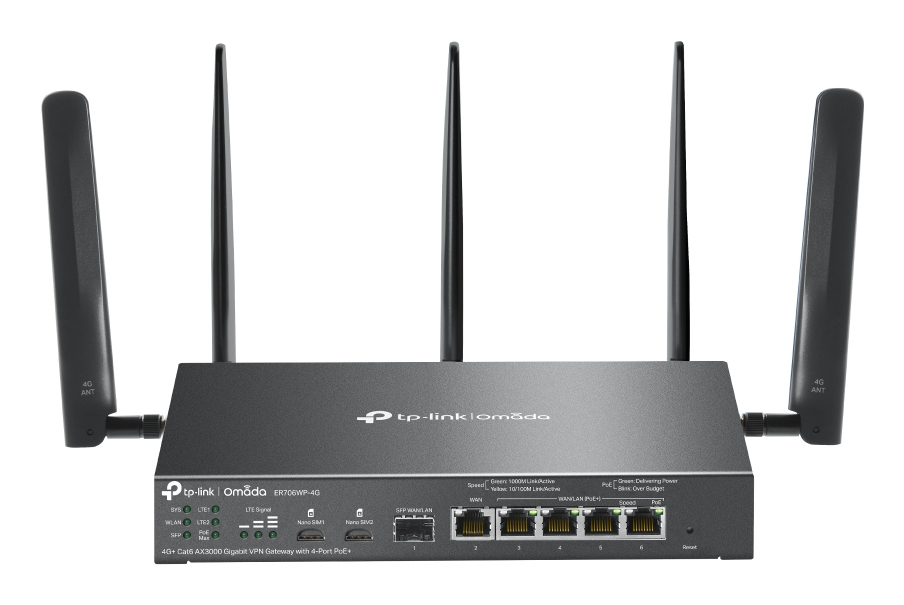
TP-Link
TP-Link Omada ER706WP-4G V1 - Wireless router - WWAN 4-port switch - 1GbE - WAN ports: 6 - Wi-Fi 6 - Dual Band - 4G, 3G
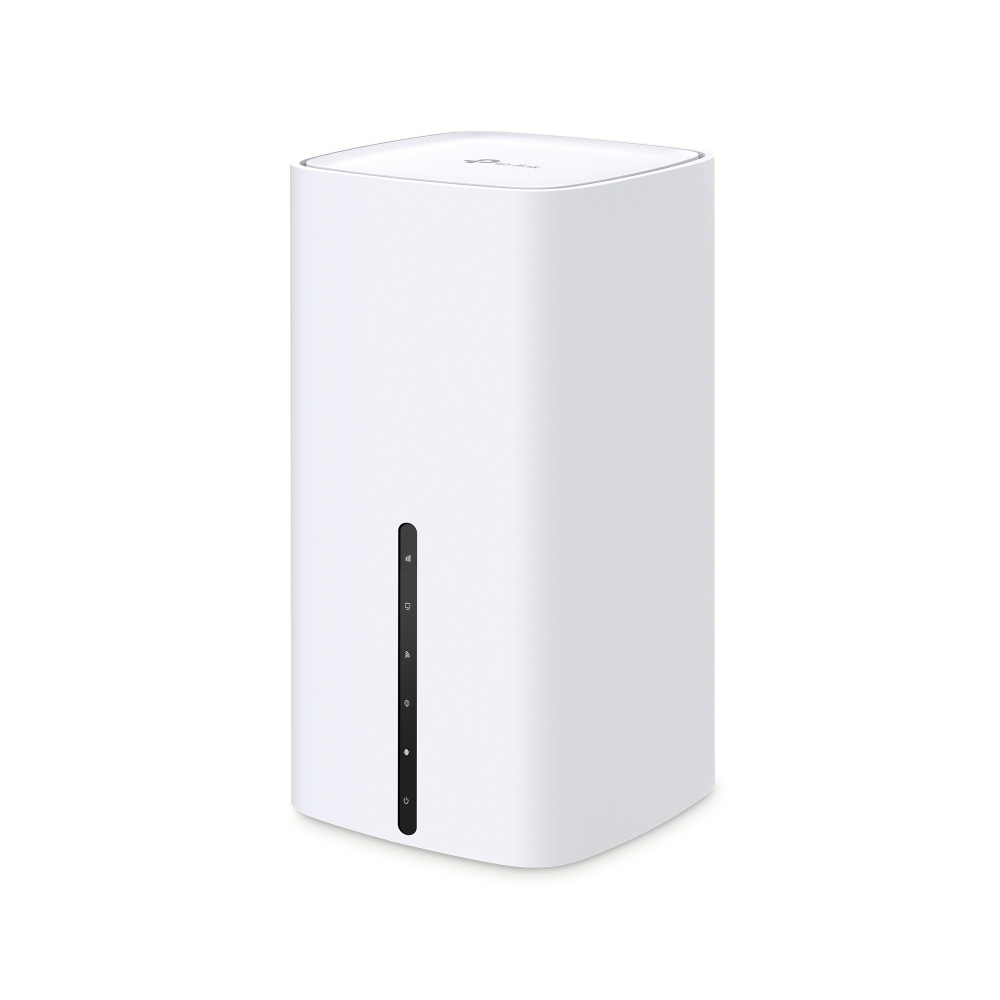
TP-Link
TP-Link Archer NX200 V1 - Wireless router 3-port switch - 1GbE - Wi-Fi 5, Wi-Fi 6 - Dual Band - 5G
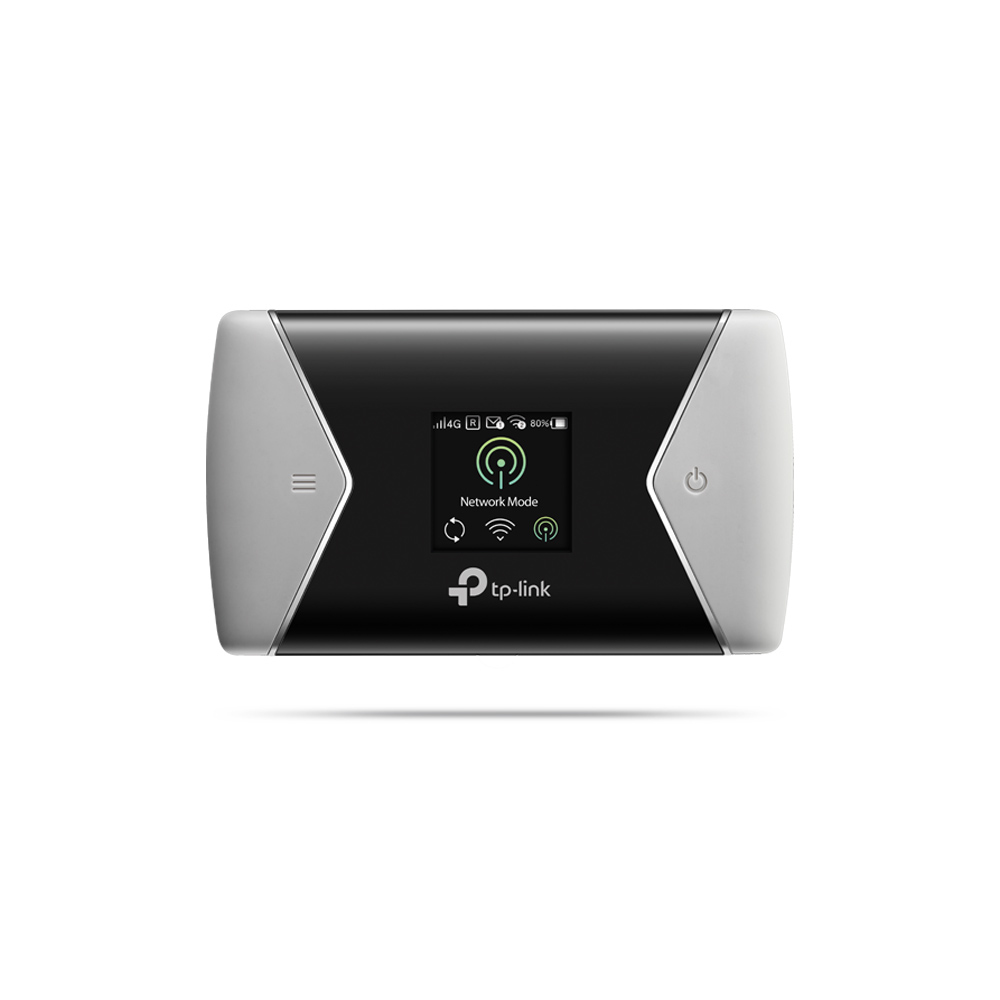
TP-Link
TP-Link M7450 - Mobile hotspot - 4G LTE Advanced - 300 Mbps - Wi-Fi 5