- Web Development
How to Create a Blog That Drives Traffic to Your Business
10 Nov, 2025
£107.57 inc. VAT
AI-generated summary
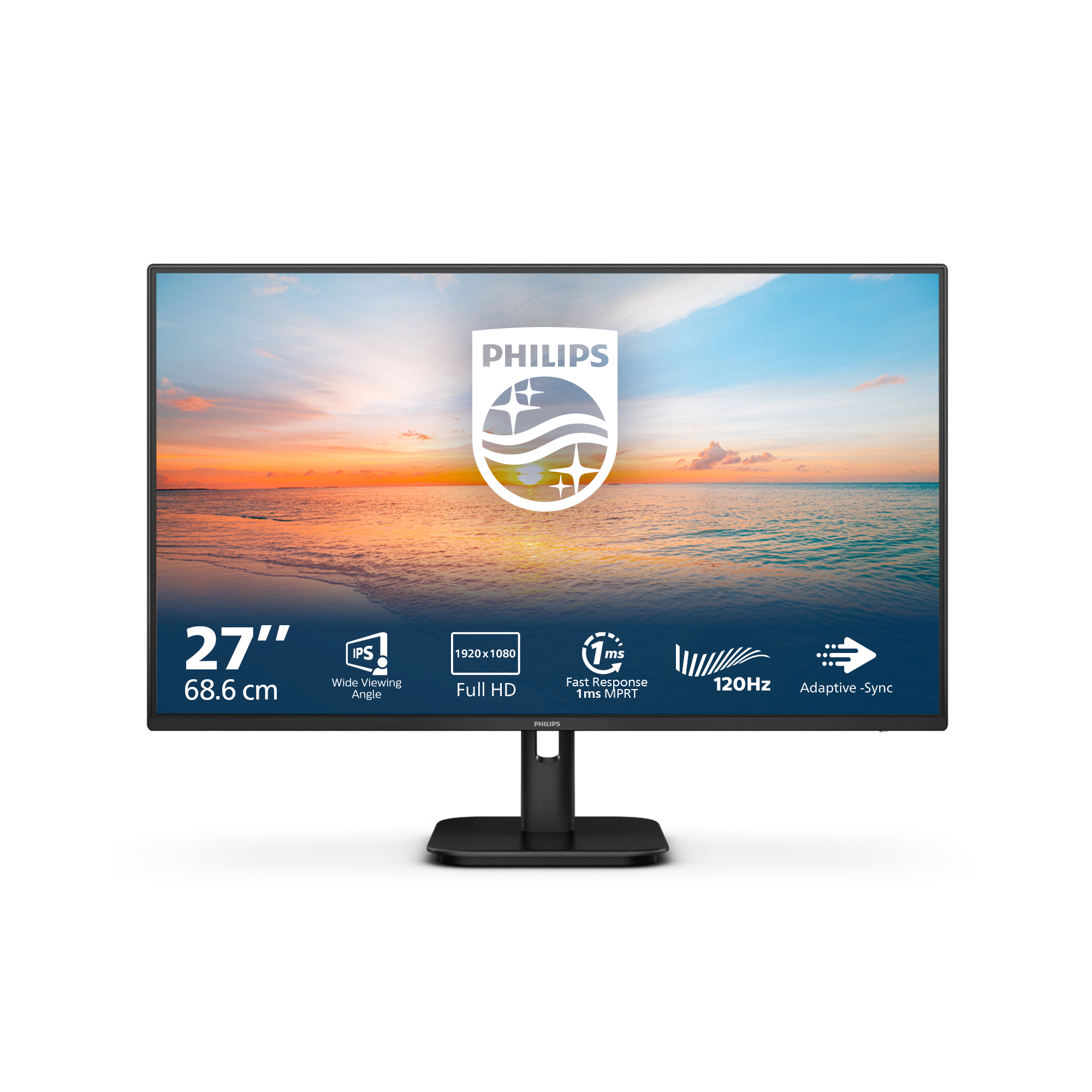
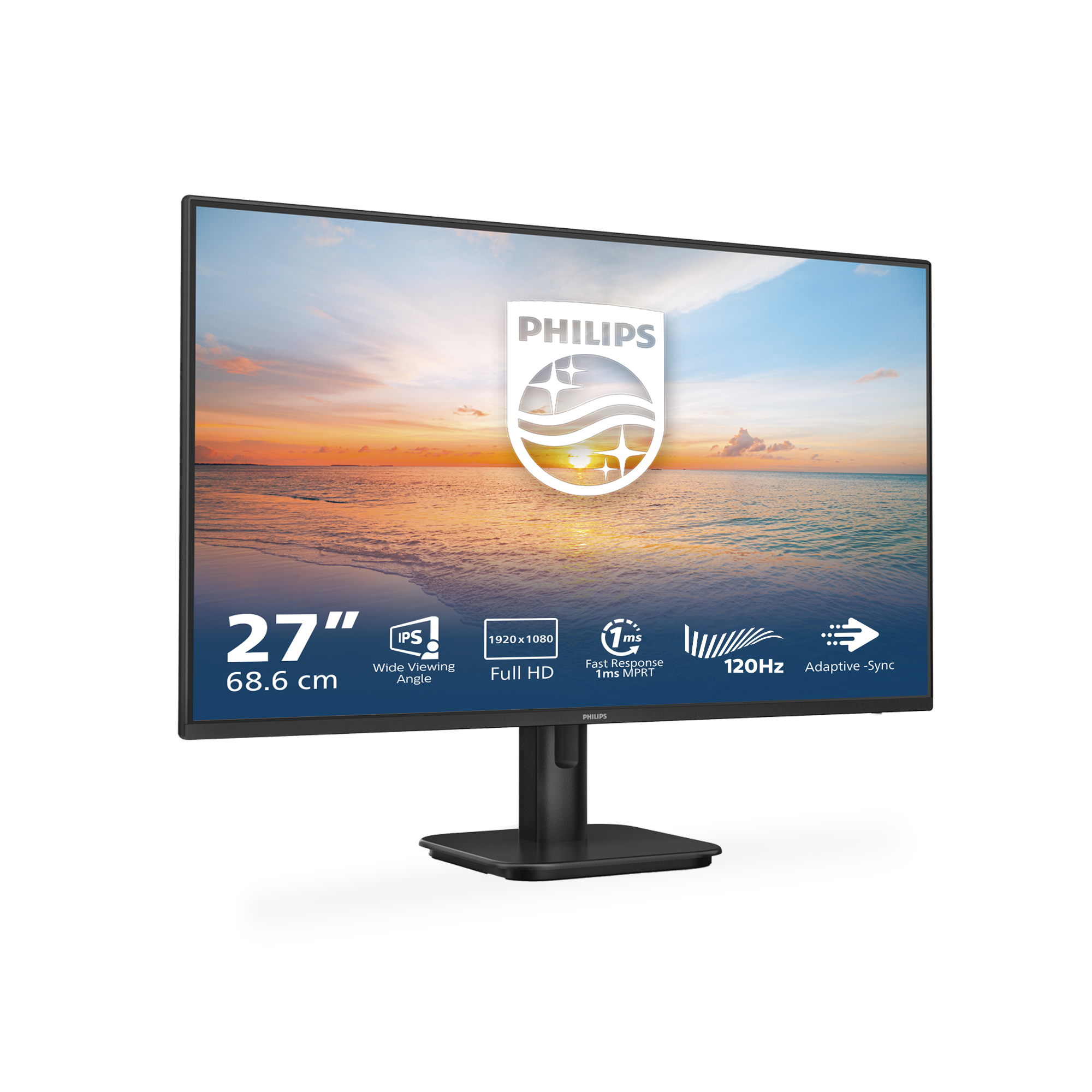
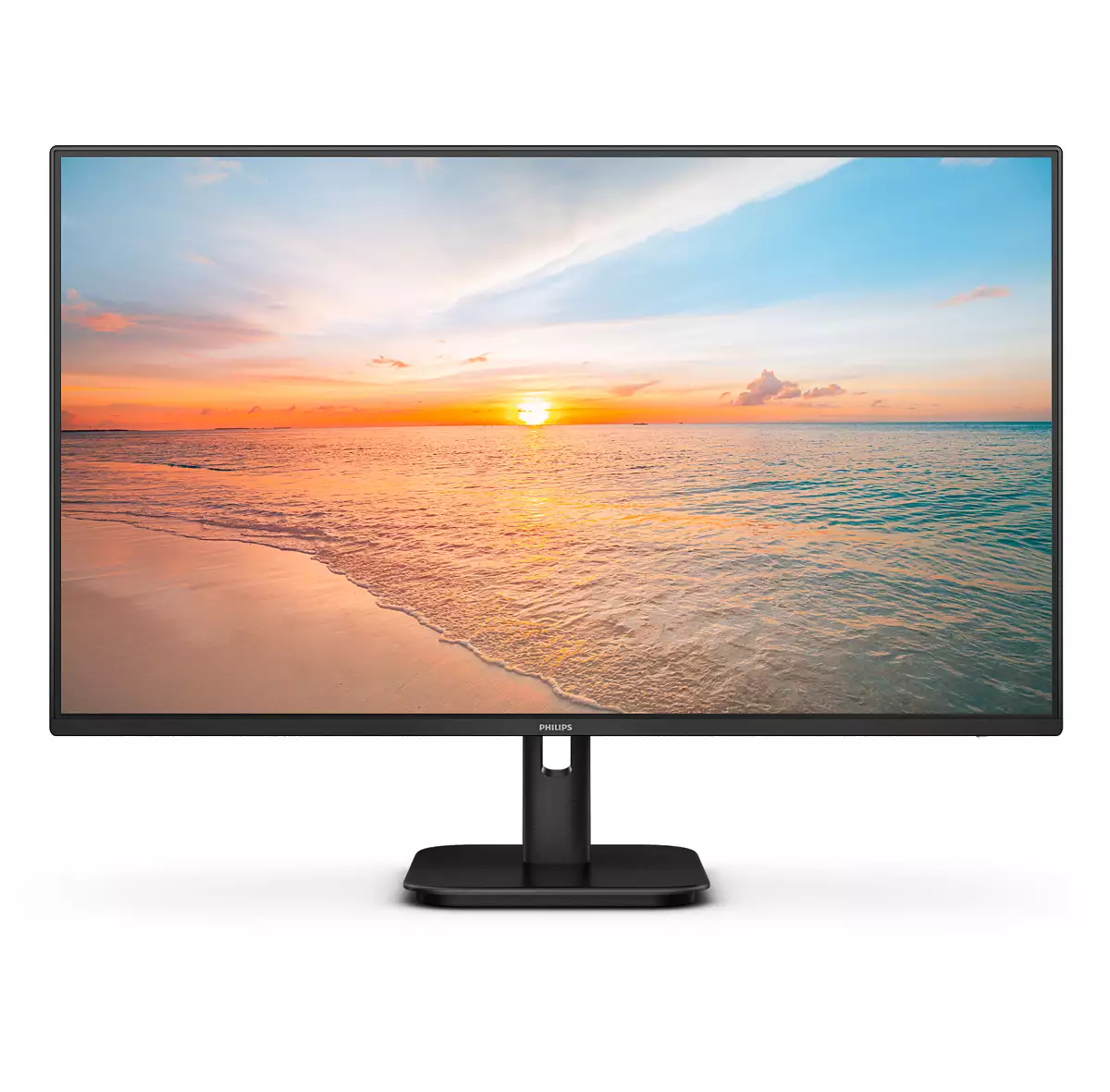
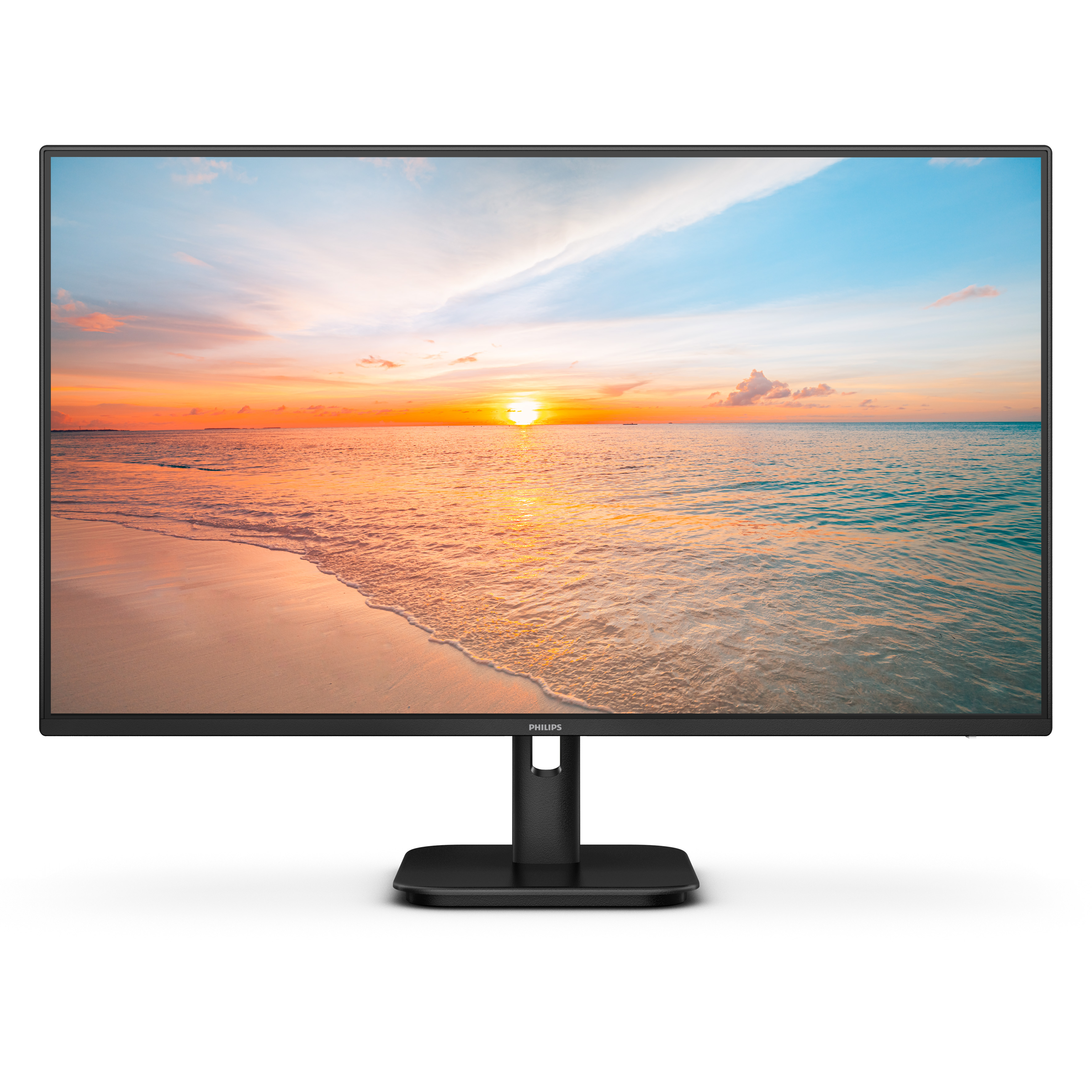
For £89.66 ex-VAT, this Philips 27E1N feels like a sensible “get everyone working” office buy rather than a serious creator’s monitor. The big draw is straightforward: a 27-inch Full HD panel at a price that usually only buys you 24-inch elsewhere. In normal office use—spreadsheets, email, browsing, basic reporting—you’ll be perfectly fine, especially if you’re not obsessing over razor-sharp text at very close viewing distances.
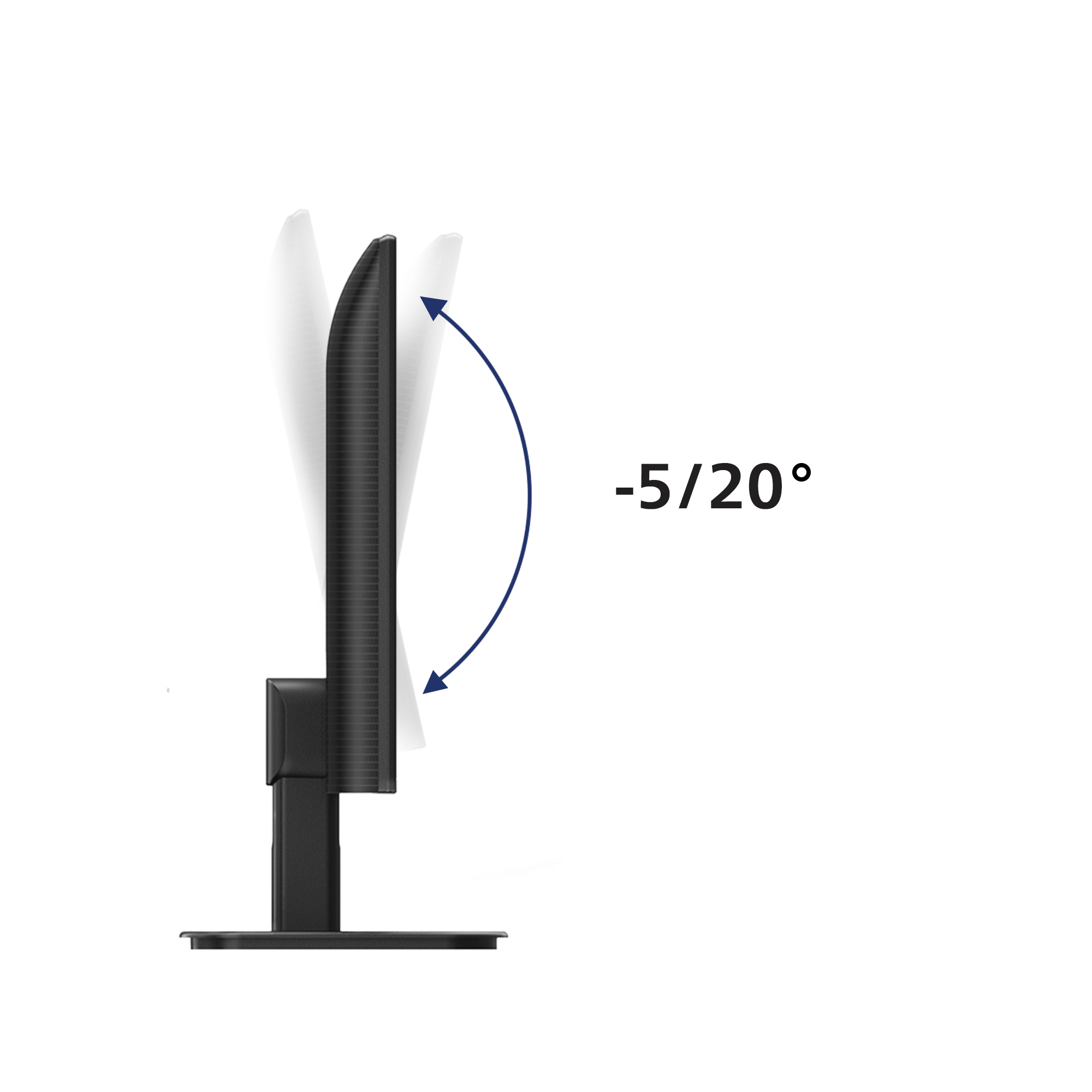
That said, it’s not the one I’d pick if your work depends on crisp detail or you sit close to the screen all day. 27-inch with Full HD can look a bit soft compared with higher-resolution options, and the “budget monitor” experience usually means more limited adjustability and less impressive contrast/colour than pricier Philips lines (so it won’t feel great for dark-theme design or media-heavy tasks). If you’re buying for a room of standard office users and want good value per seat, it’s a decent choice. If you’re speccing for design, CAD, or anything where sharpness and image quality matter, I’d spend a bit more or consider a higher-resolution upgrade instead.

Cable management reduces cable clutter for neat workspace
Cable management is an intimate design that maintains tidy workspace by organizing cables and wires required for the operation of a display device.

EasySelect menu toggle key for quick on-screen menu access
The discreetly placed EasySelect Menu Toggle Key allows you to make quick and easy adjustments to monitor settings in the On-Screen Display menu.

LowBlue mode and Flicker-free easy-on-the eyes viewing
Our LowBlue Mode and Flicker-free technology have been developed to reduce eye strain and fatigue often caused by long hours in front of a monitor.
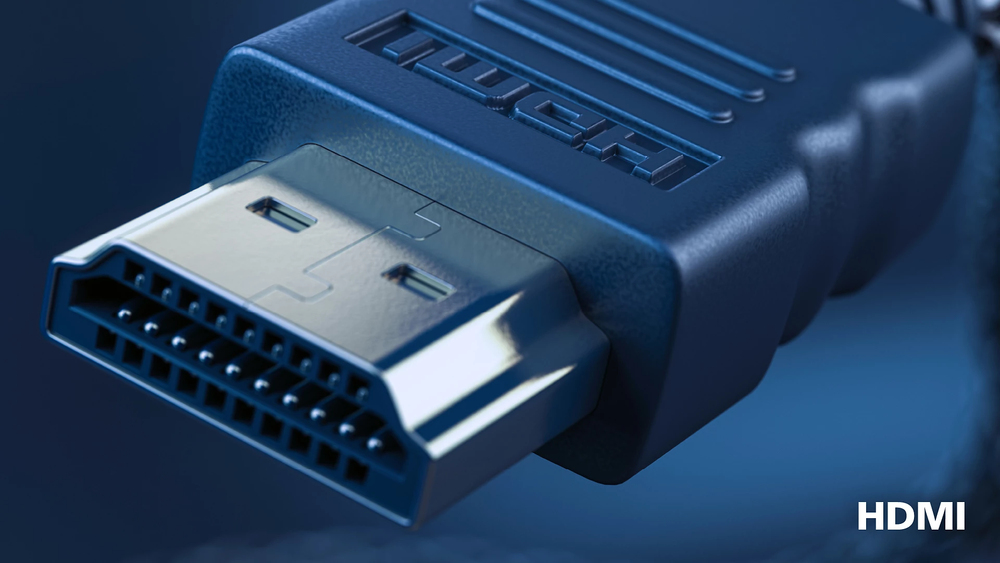
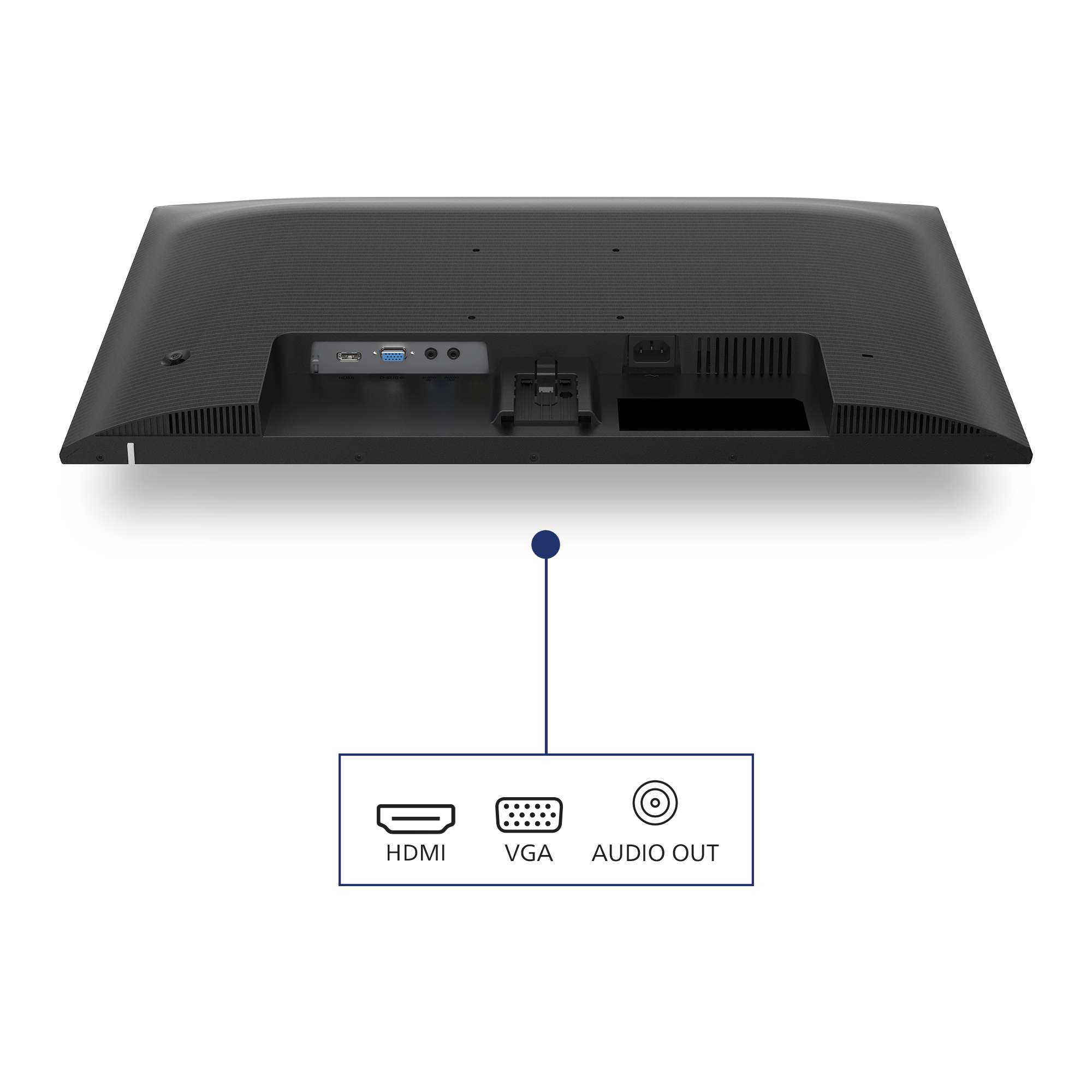
HDMI ensures universal digital connectivity
An HDMI-ready device has all the required hardware to accept High-Definition Multimedia Interface (HDMI) input. A HDMI cable enables high-quality digital video and audio all transmitted over a sing...
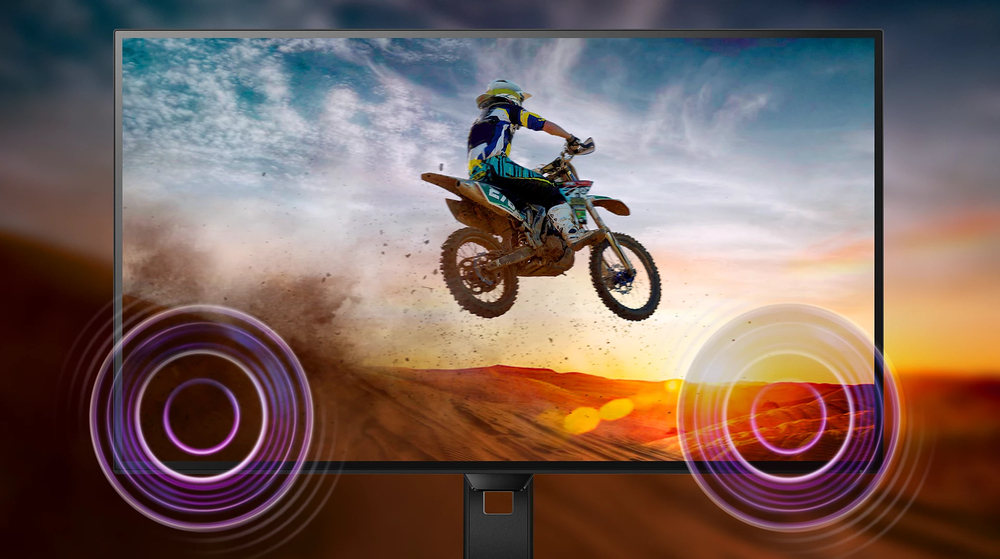
Built-in stereo speakers for multimedia
A pair of high quality stereo speakers built into a display device. It can be visible front firing, or invisible down firing, top firing, rear firing, etc depending on model and design.

1ms (MPRT) fast response for crisp image and smooth gameplay
MPRT (motion picture response time) is more intuitive way to describe the response time, which directly refers the duration from seeing blurry noise to clean and crisp images. Philips gaming monito...
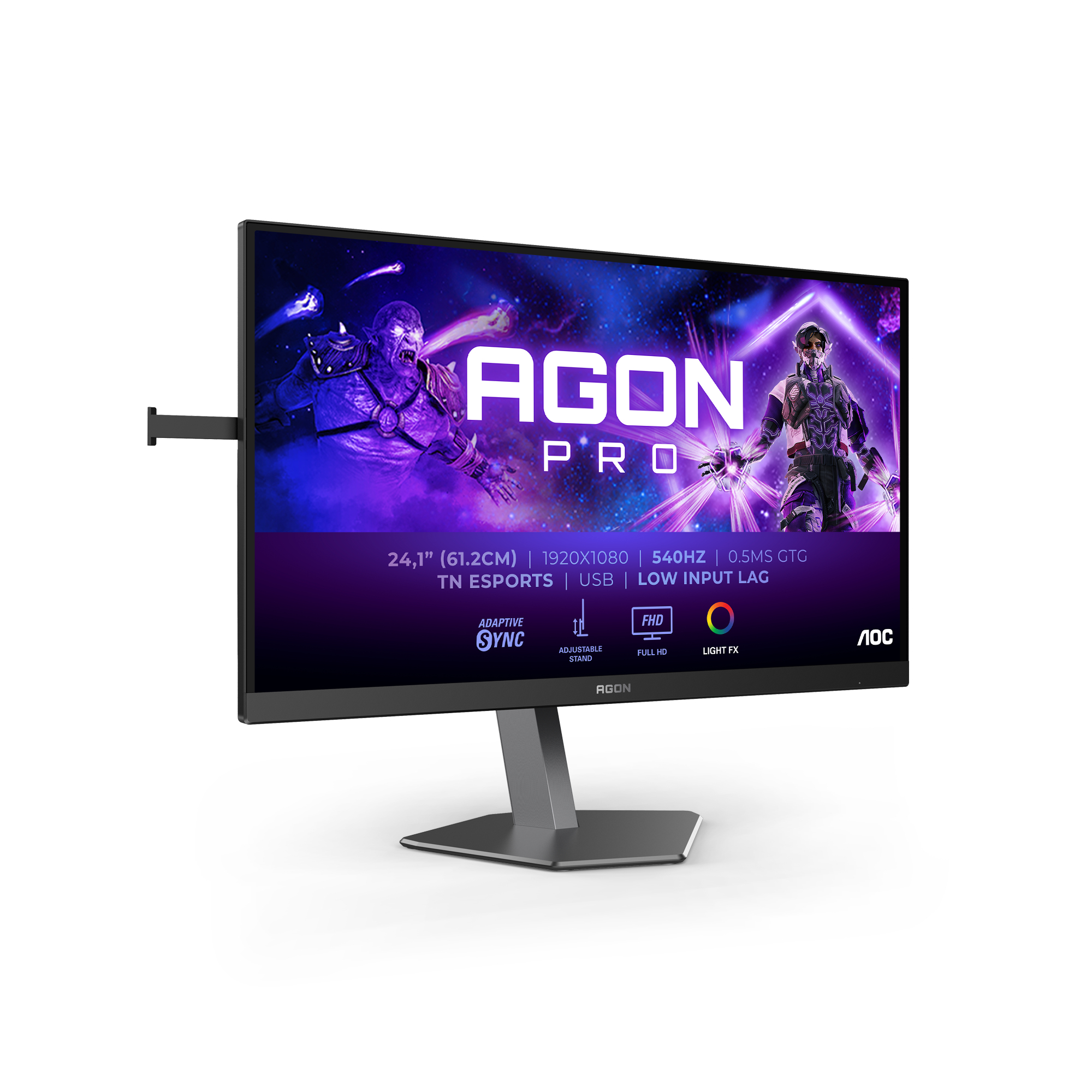
AOC
AOC AGON PRO AG246FK - AG6 Series - LED monitor - gaming - 24" - 1920 x 1080 Full HD (1080p) @ 540 Hz - Ultra-Fast TN eSports - 400 cd/m� - 1000:1 - DisplayHDR 400 - 0.3 ms - 2xHDMI, DisplayPort - black
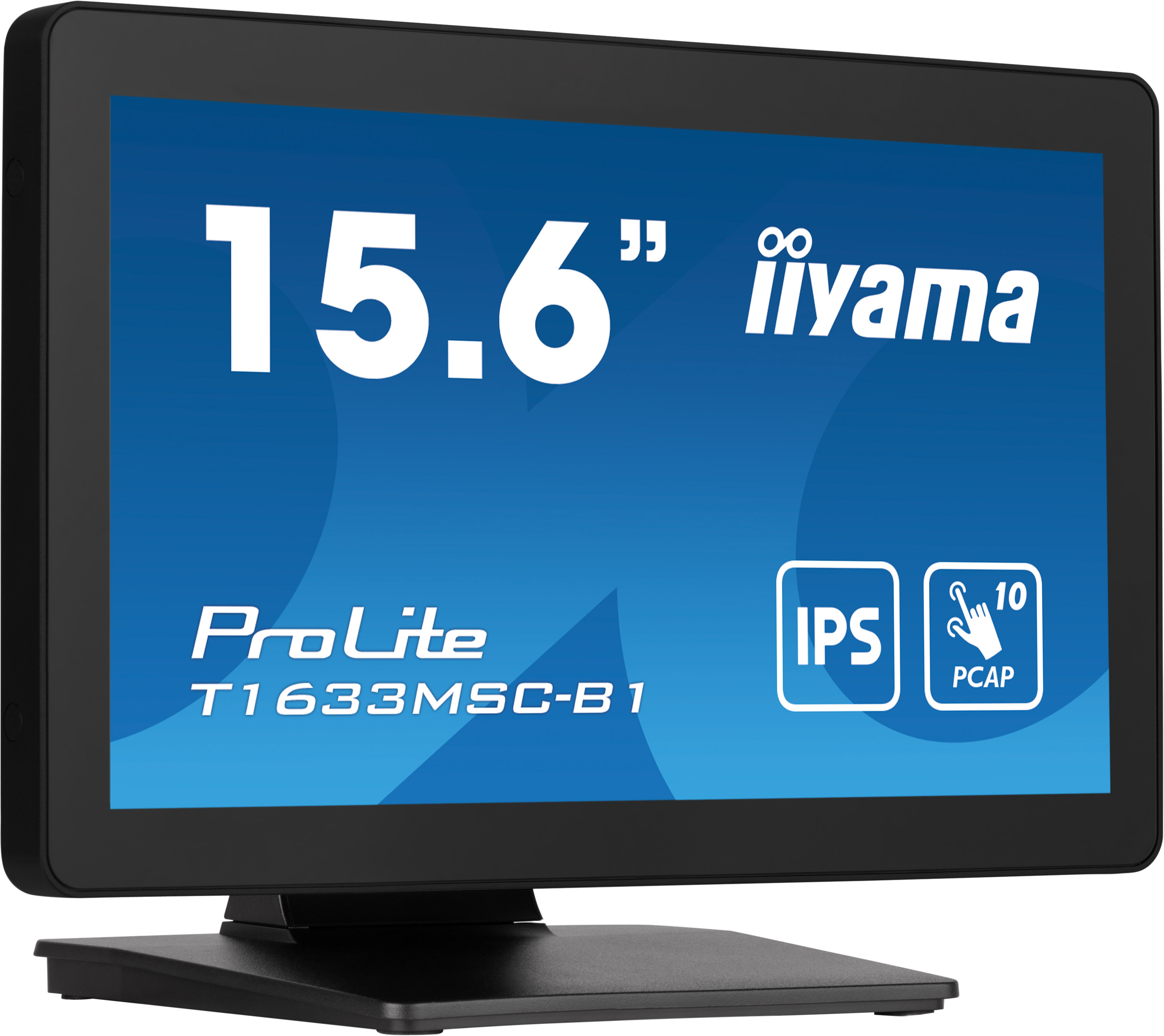
Iiyama
iiyama ProLite T1633MSC-B1 - LED monitor - 15.6" - touchscreen - 1920 x 1080 Full HD (1080p) @ 60 Hz - IPS - 450 cd/m� - 1000:1 - 5 ms - HDMI, DisplayPort - speakers - black, matte finish
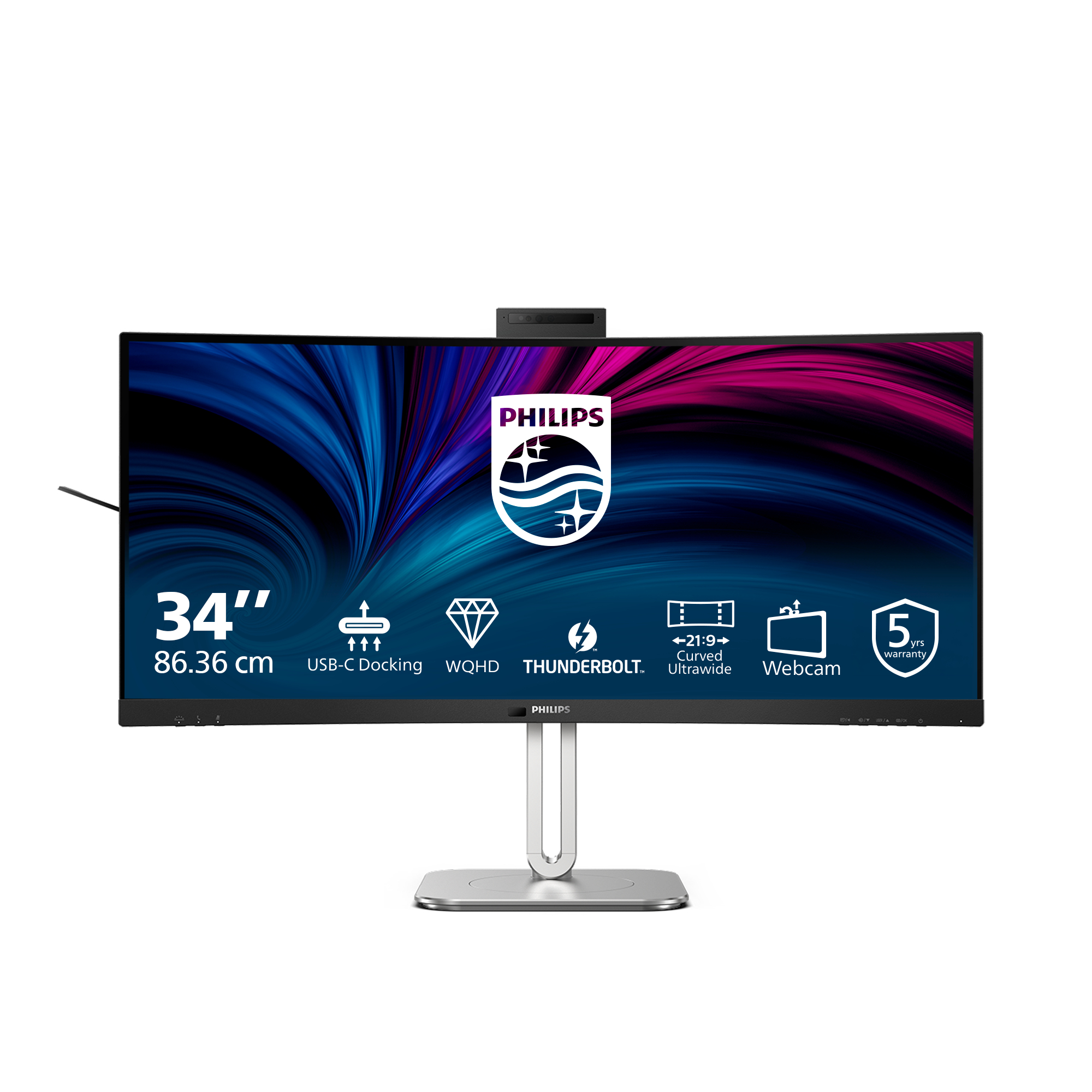
Philips
Philips 34B2U6603CH - 6000 Series - LED monitor - curved - 34" - 3440 x 1440 WQHD @ 120 Hz - VA - 550 cd/m� - 4000:1 - DisplayHDR 400 - 4 ms - Thunderbolt 4, 2xHDMI, DisplayPort - speakers - charcoal
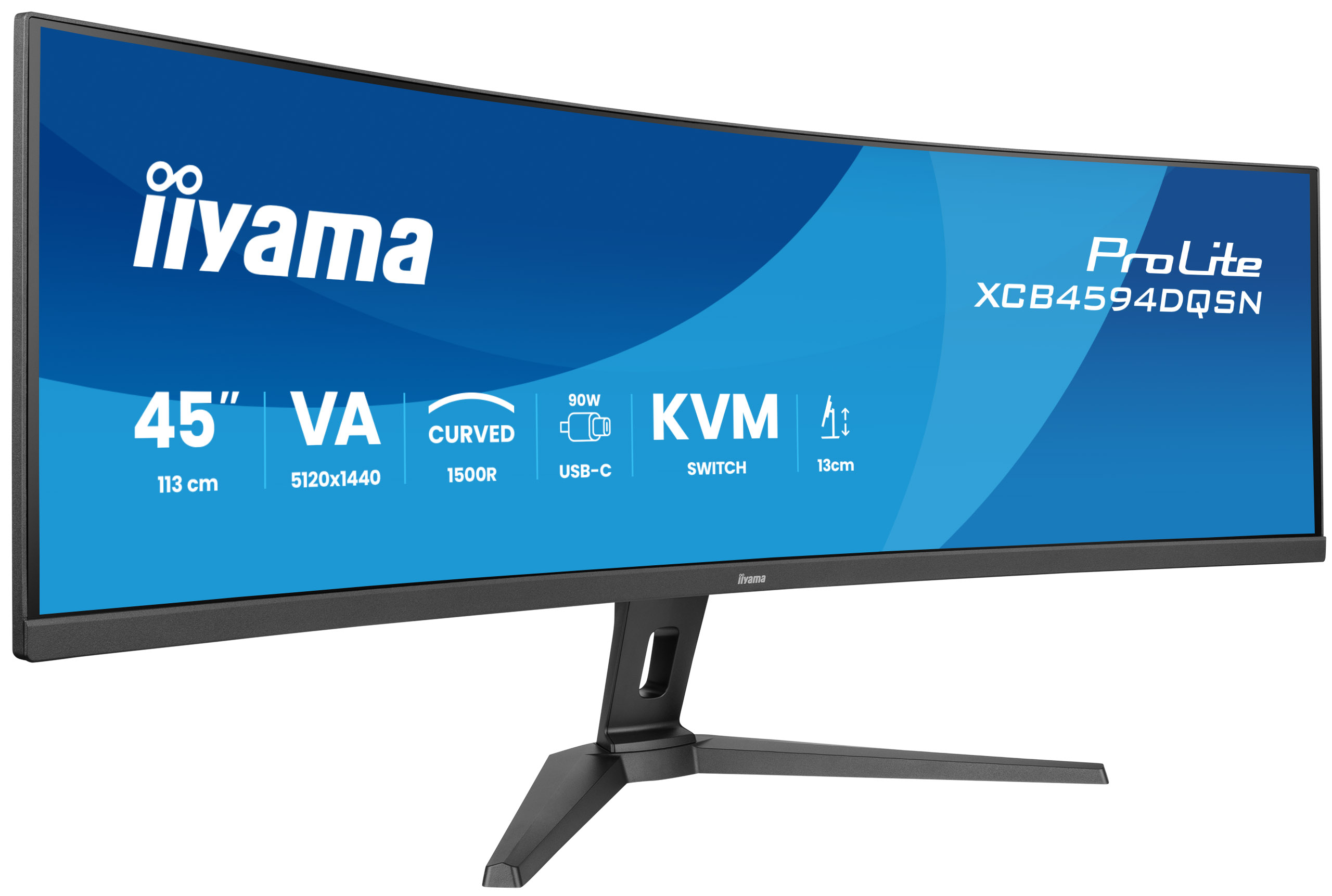
Iiyama
iiyama ProLite XCB4594DQSN-B1 - LED monitor - curved - 44.5" - 5120 x 1440 Dual Quad HD @ 165 Hz - VA - 450 cd/m� - 3000:1 - 0.8 ms - 2xHDMI, DisplayPort, USB-C - speakers - black, matte