- Cloud Networking
How to Integrate Meraki with Microsoft 365
18 Mar, 2026
£410.12 inc. VAT
AI-generated summary
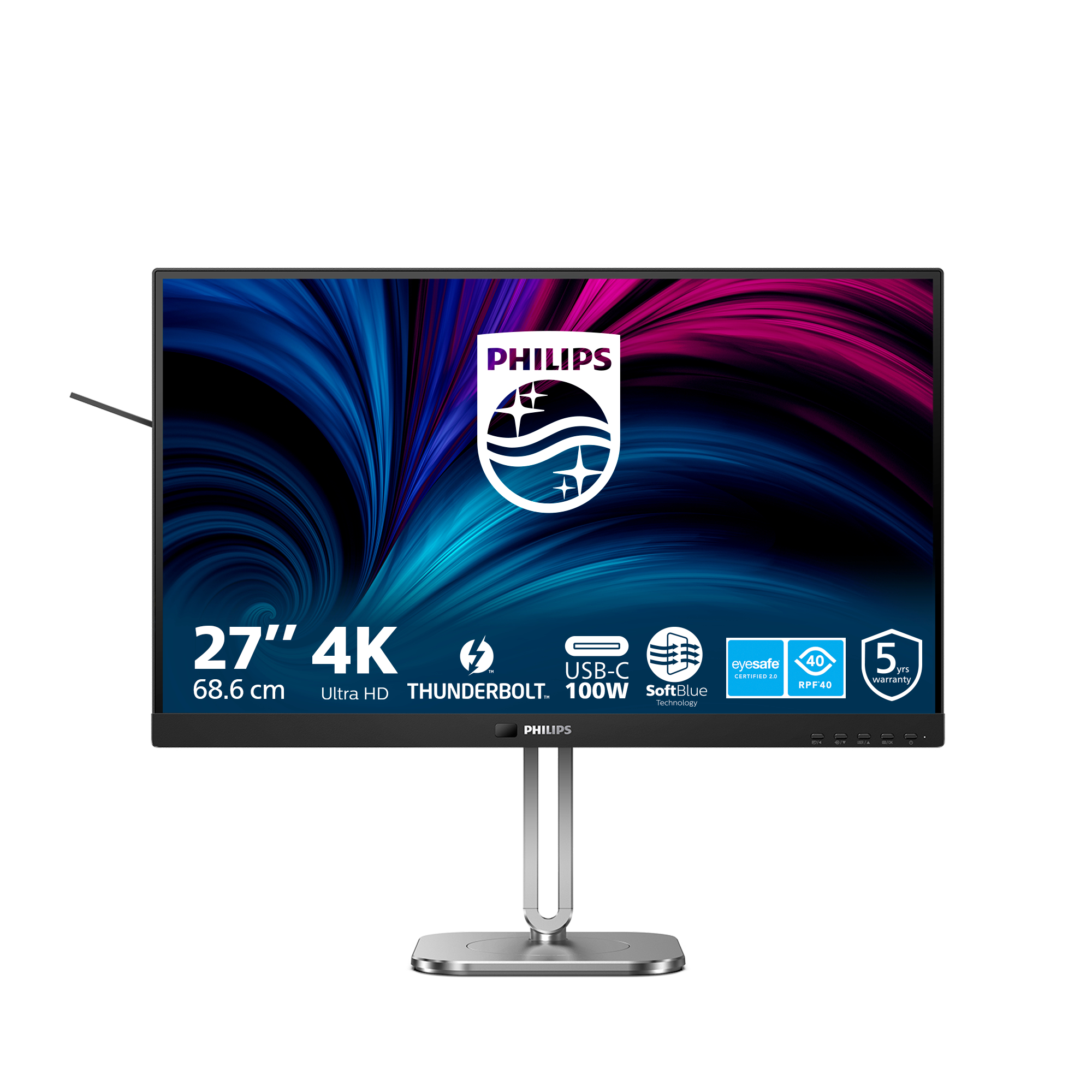
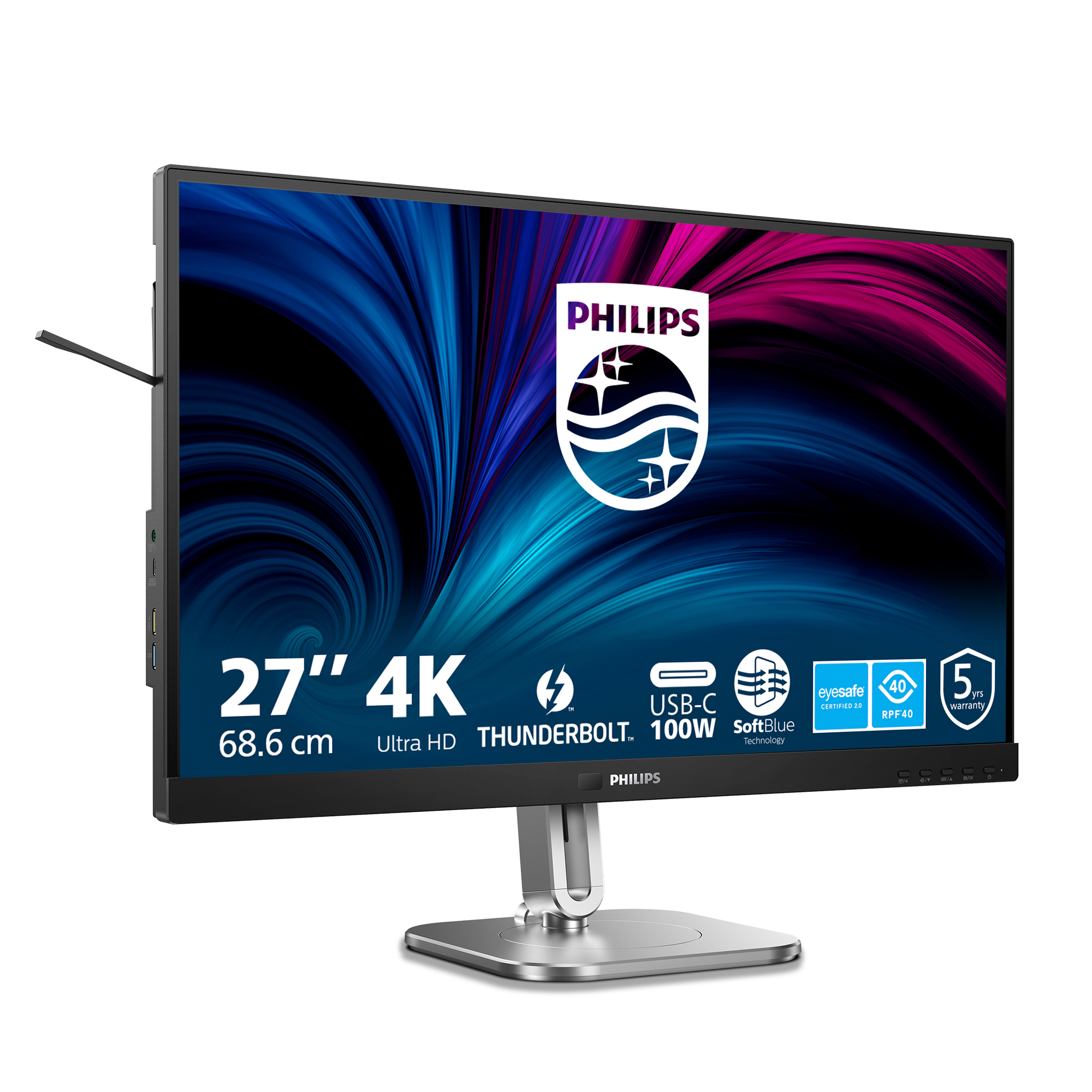
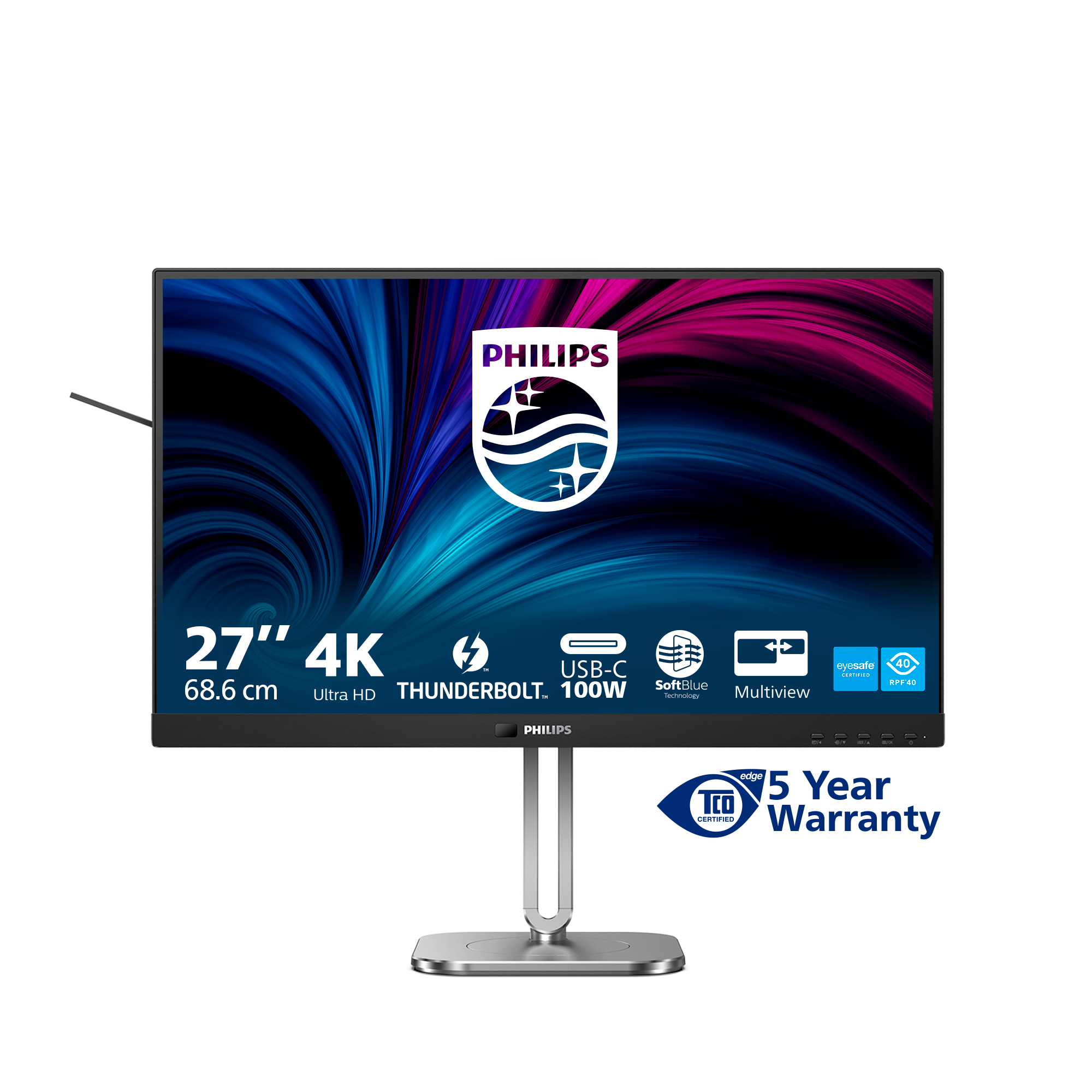
If you’re after a 27” 4K monitor that’s genuinely pleasant for office work and everyday productivity, the Philips 6000 27B2U is a sensible buy. At £341.77 ex-VAT it’s not “bargain basement”, but it’s also not inflated—this is the sort of price point where you expect it to feel solid day-to-day. The upside of 27-inch 4K is that text stays crisp without needing scaling gymnastics, which matters if you’re switching between spreadsheets, documents, dashboards, and a couple of windows at once.
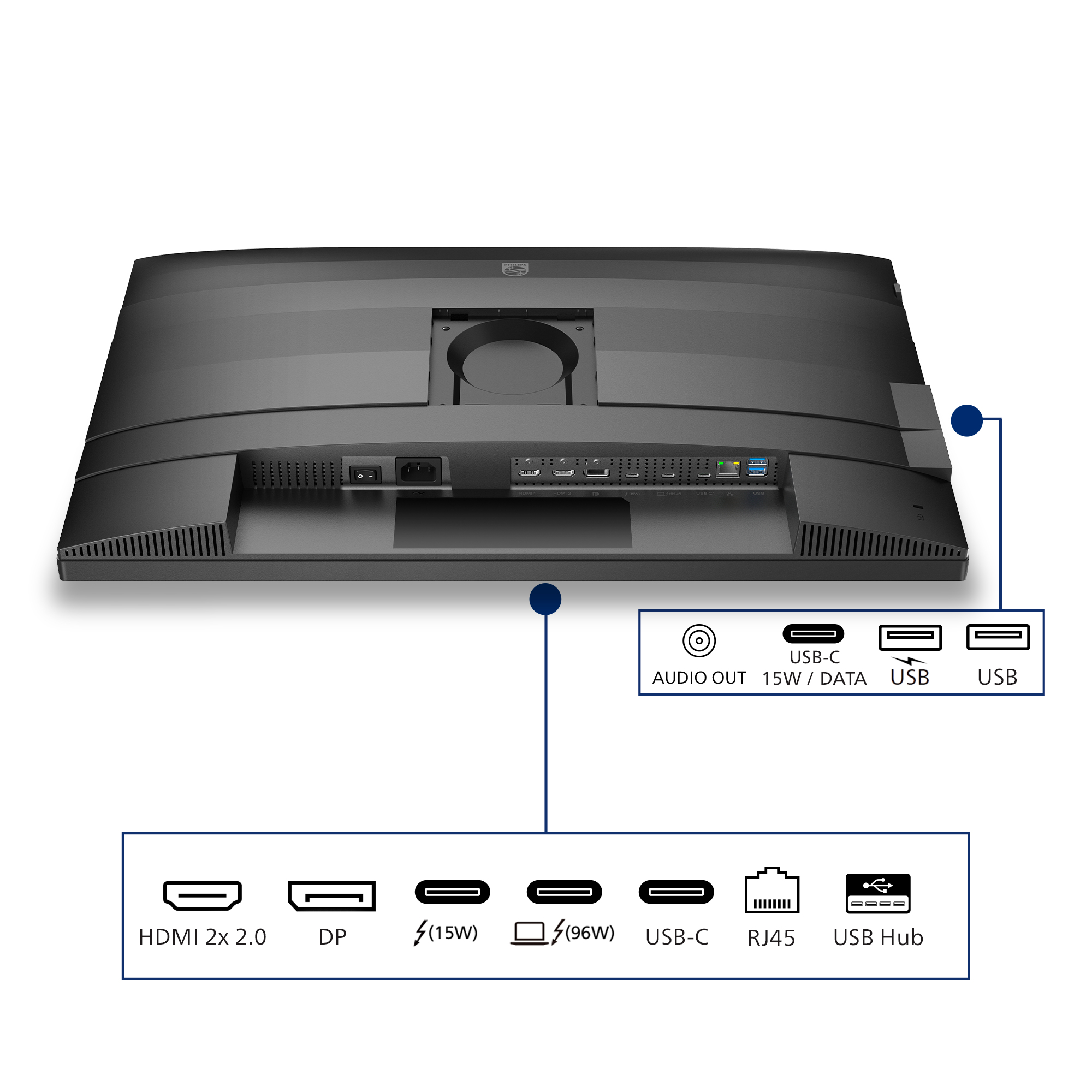
That said, I wouldn’t treat it as a no-brainer for every use case. If you’re heavily into gaming or colour-critical design work, you’d want to sanity-check the response/brightness/colour performance against specific competitors—this is more “work monitor” than “enthusiast display”. Also, consider what you’re plugging in: if you need lots of ports or lots of ergonomic adjustment, make sure it matches your desk setup before buying, because Philips’ strengths here are usually about value and day-to-day usability rather than workstation-style flex.
**Who should buy:** office teams, finance/admin, legal, admin staff, and anyone who needs a sharp 4K desktop for mixed workloads on a single monitor. **Who should think twice:** gamers chasing fast motion performance, and creative teams who need proven colour accuracy and calibration options—those folks should compare more carefully.

Thunderbolt™ 4 Connection: for lightning-fast connectivity
This Philips docking monitor is equipped with Thunderbolt 4 connection. Compared with conventional USB-C monitors, Thunderbolt 4 technology provides lightning-fast data transfer speeds, supports hi...

Less eye fatigue with Flicker-free technology
Due to the way brightness is controlled on LED-backlit screens, some users experience flicker on their screen which causes eye fatigue. Philips Flicker-free Technology applies a new solution to reg...
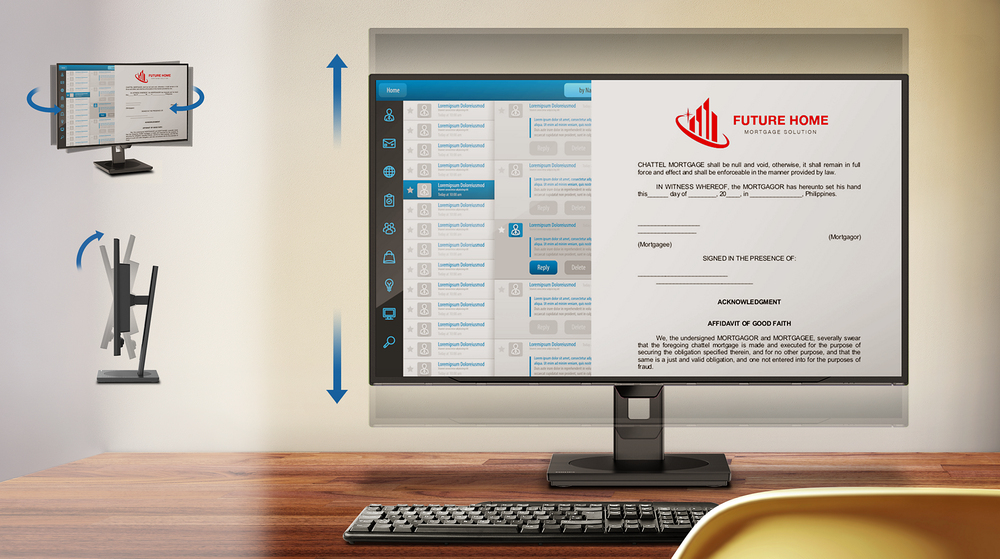
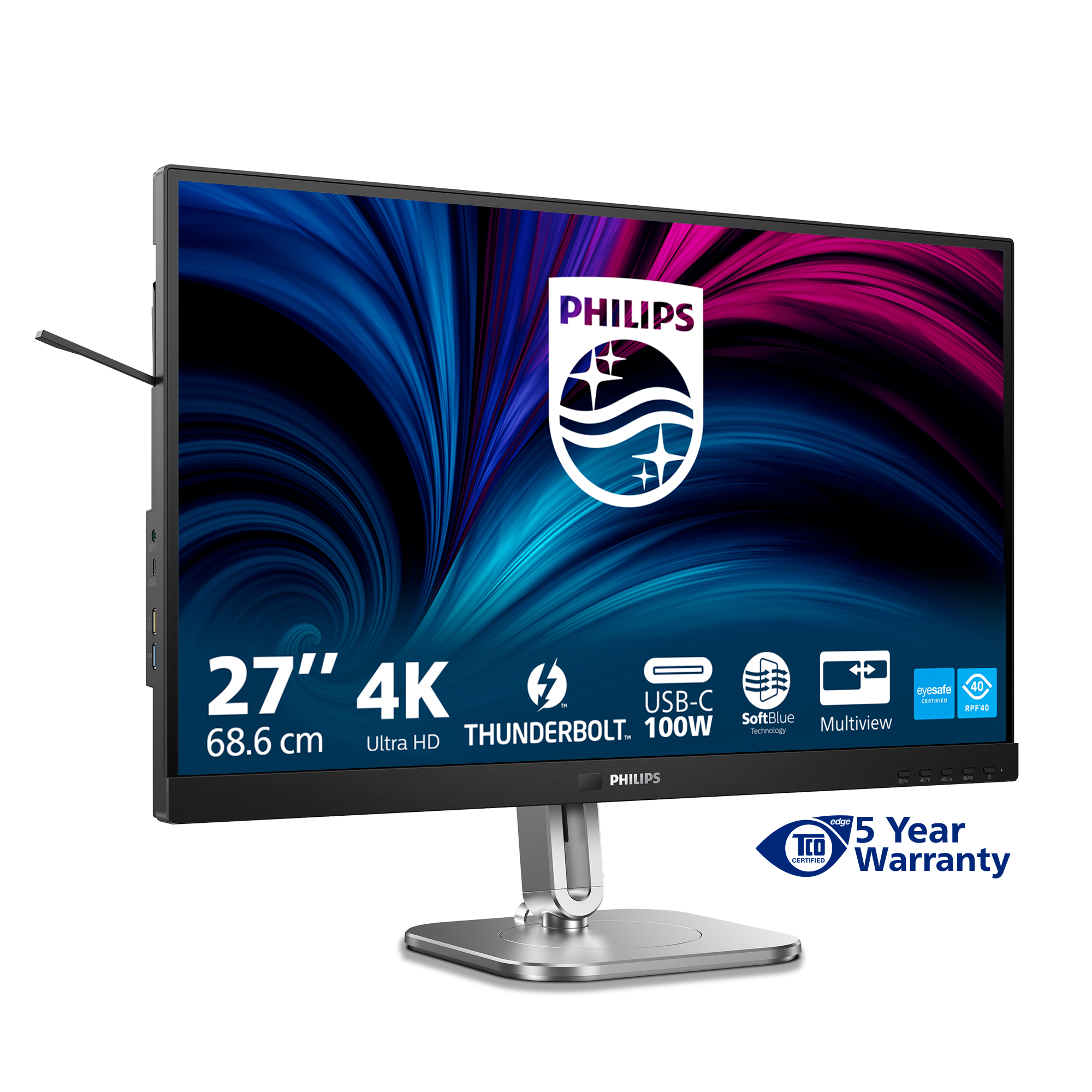
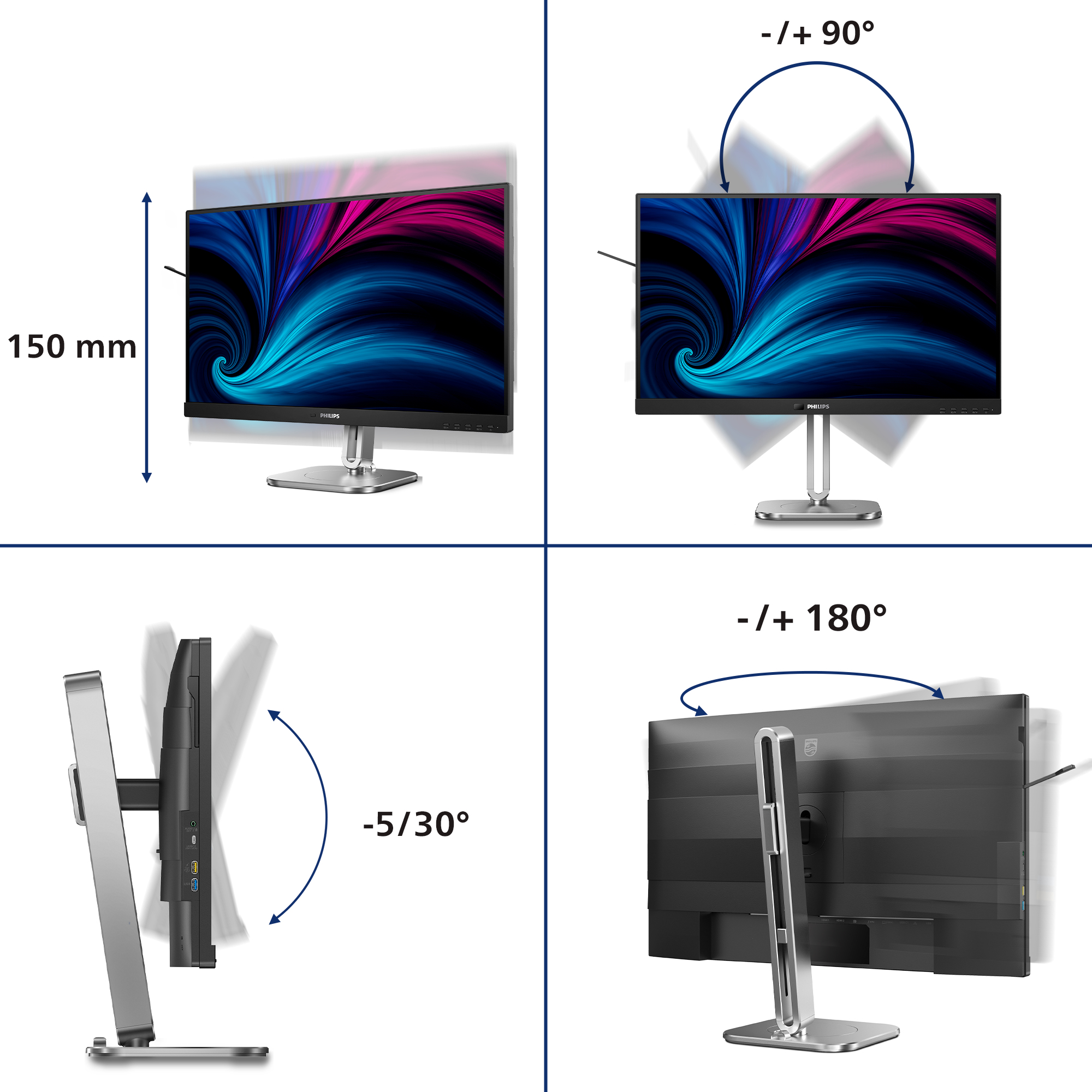
Tilt, swivel and height-adjust for an ideal viewing position
The Compact Ergo Base is a people-friendly Philips monitor base that tilts, swivels and height-adjusts so each user can position the monitor for maximum viewing comfort and efficiency.

SmartKVM: for easily switching between sources.
Unlike traditional built-in KVM monitor button, the smart KVM allows for switching between sources with the click of a button on your keyboard. When all devices are properly connected, users can ea...

Eyesafe certified blue light protection and color accuracy
The Philips display meets the eyesafe® CERTIFIED 2.0 standard to truly protect you from the long exposure to blue light. The always-on blue light filter not only helps reduce digital eye strain, bu...

Earphone Hook: for customizable storage
Earphone storage is unmatched with this feature. Carefully pull down the hook located on the side of the monitor: This feature makes for a tidy desktop and provides a handy cable management solutio...
Asus
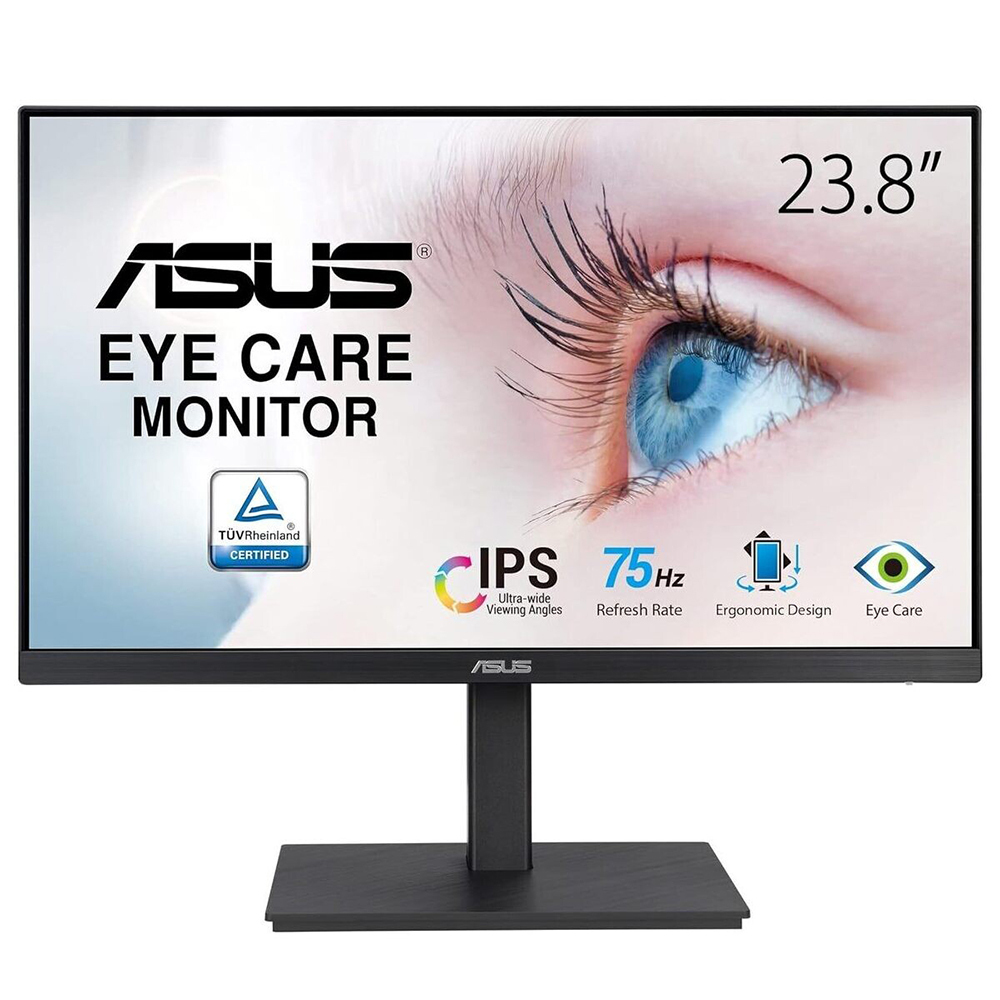
ASUS VA24EQSB - LED monitor - 23.8" - 1920 x 1080 Full HD (1080p) @ 75 Hz - IPS - 300 cd/m� - 1000:1 - 5 ms - HDMI, VGA, DisplayPort - speakers - black
Asus
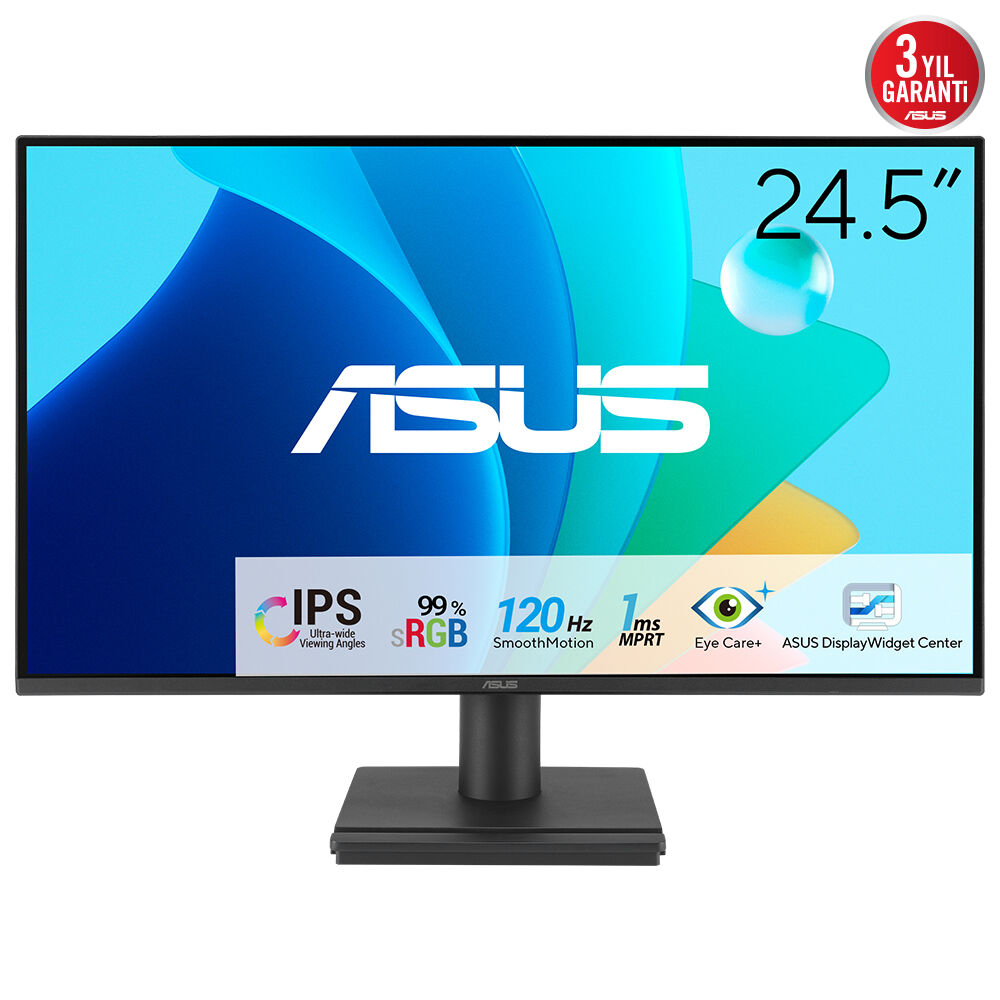
ASUS VA259HGA - LED monitor - gaming - 25" (24.5" viewable) - 1920 x 1080 Full HD (1080p) @ 120 Hz - IPS - 300 cd/m� - 3000:1 - 1 ms - HDMI, VGA - speakers - black
Samsung
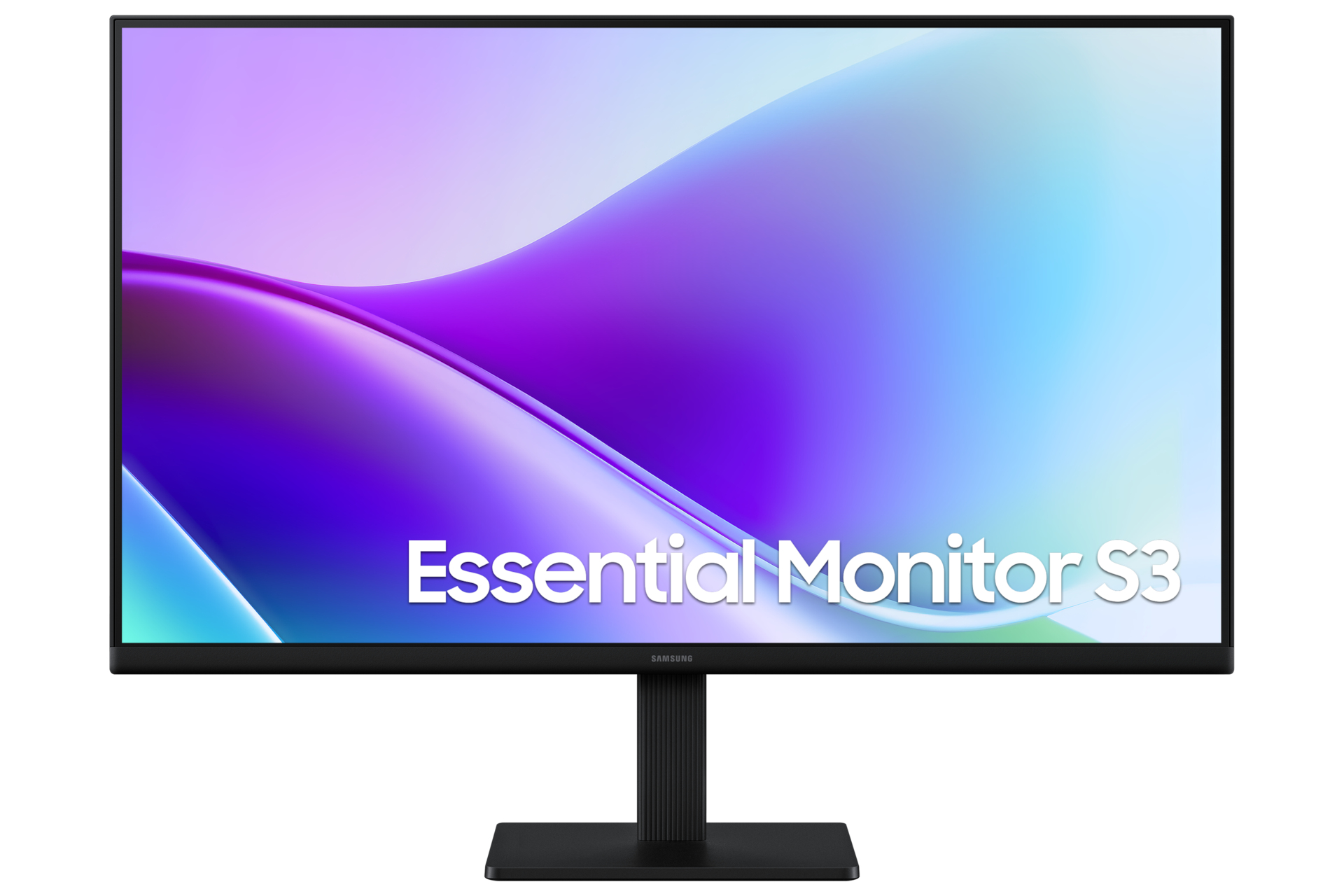
Samsung Essential S3 S27F320GAU - S32GF Series - LED monitor - 27" - 1920 x 1080 Full HD (1080p) @ 120 Hz - IPS - 250 cd/m� - 1000:1 - 5 ms - 2xHDMI - black
Philips
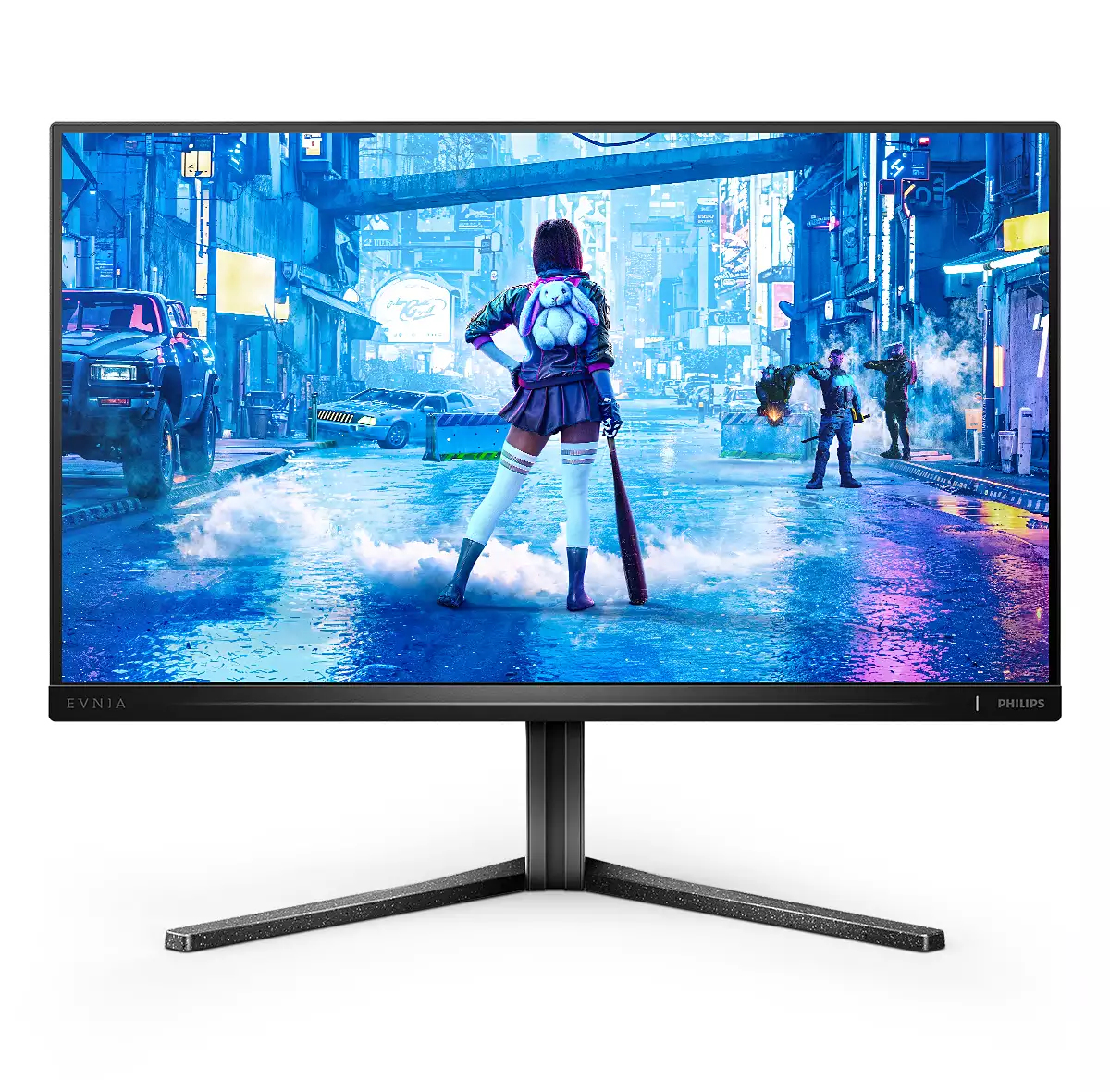
Philips Evnia 5000 25M2N5200P - LED monitor - gaming - 24.5" - 1920 x 1080 Full HD (1080p) @ 240 Hz - IPS - 400 cd/m� - 1000:1 - HDR10 - 0.5 ms - 2xHDMI, DisplayPort - dark slate