- Google Ads & PPC
Understanding Google Ads Quality Score and How to Improve It
4 May, 2026
£246.70 inc. VAT
AI-generated summary
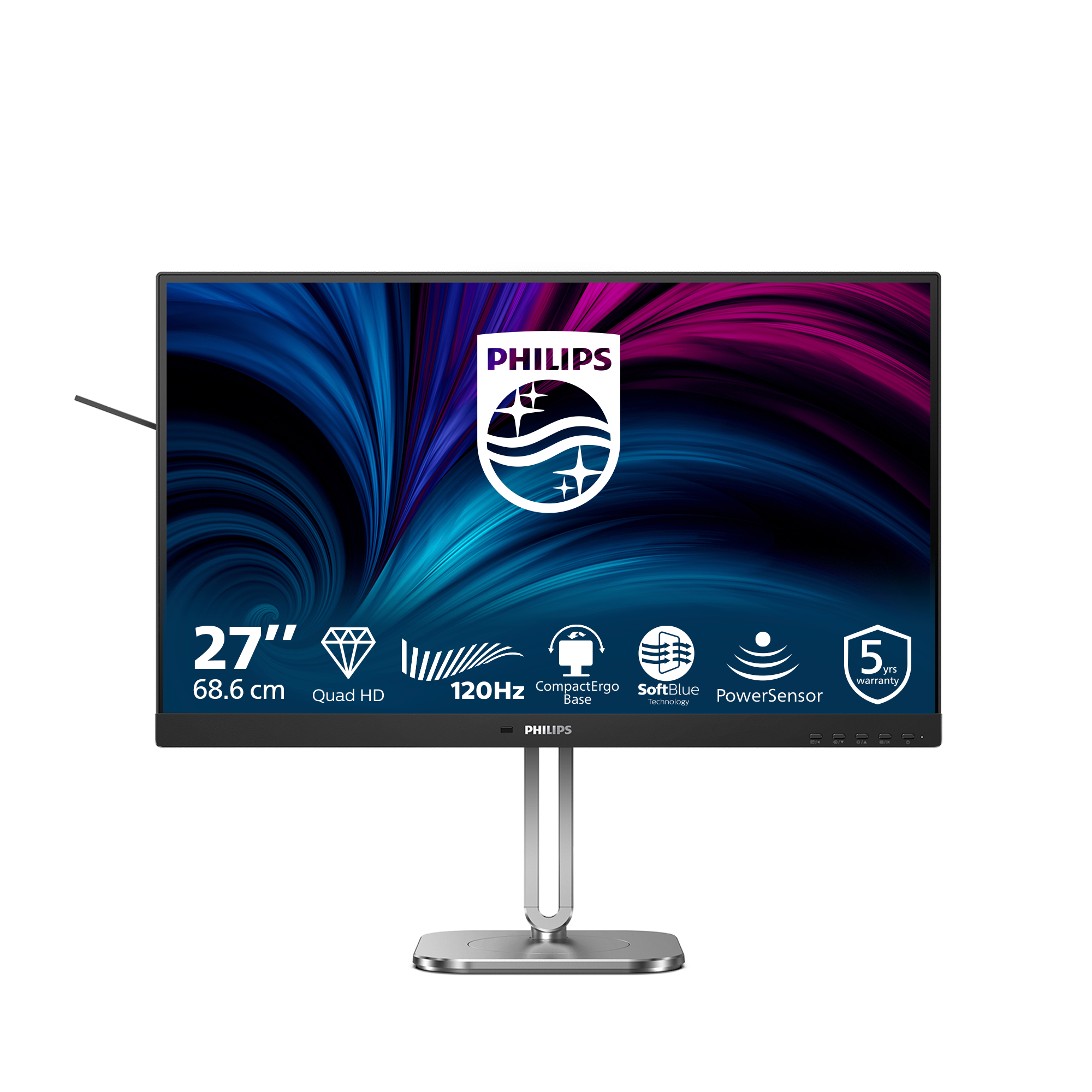
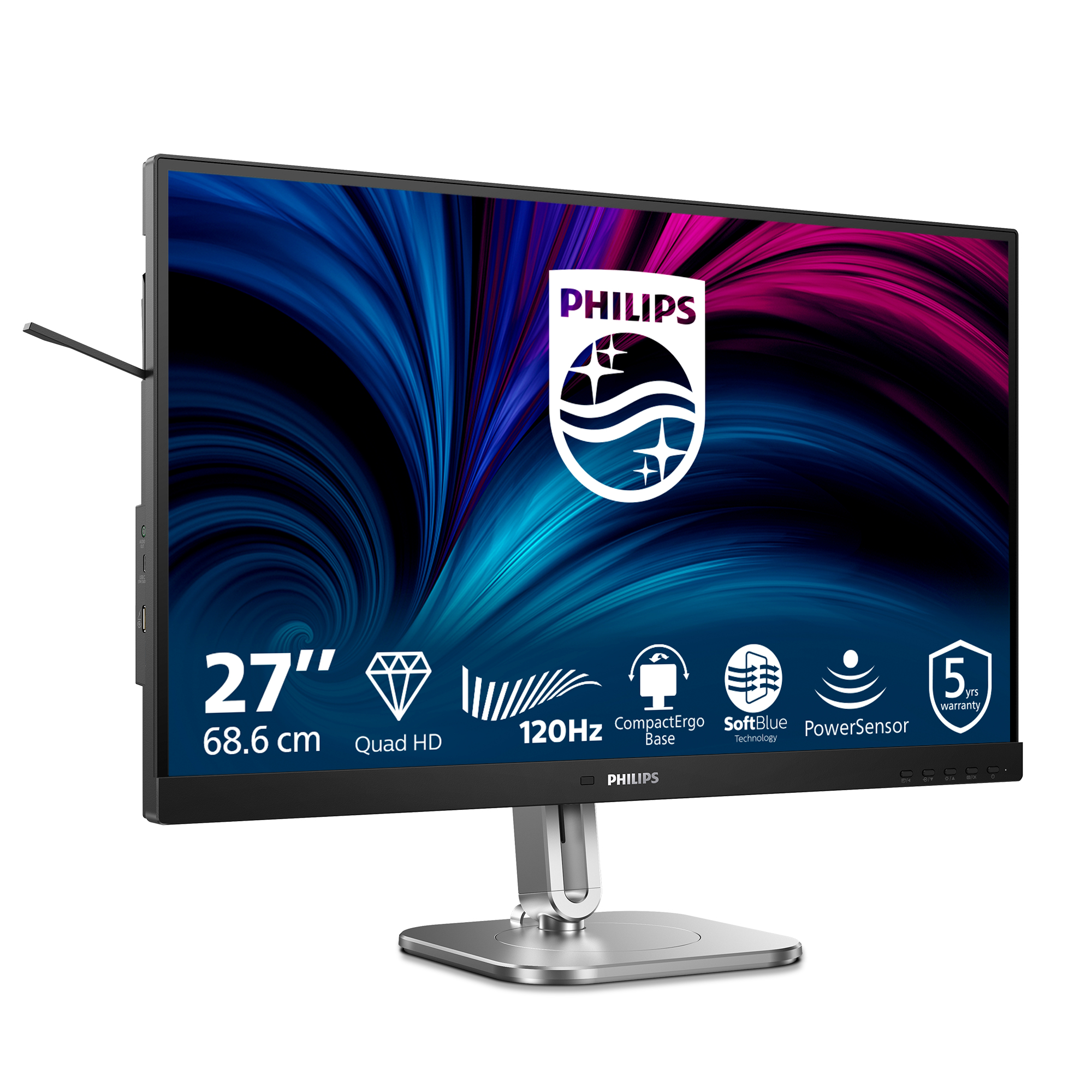
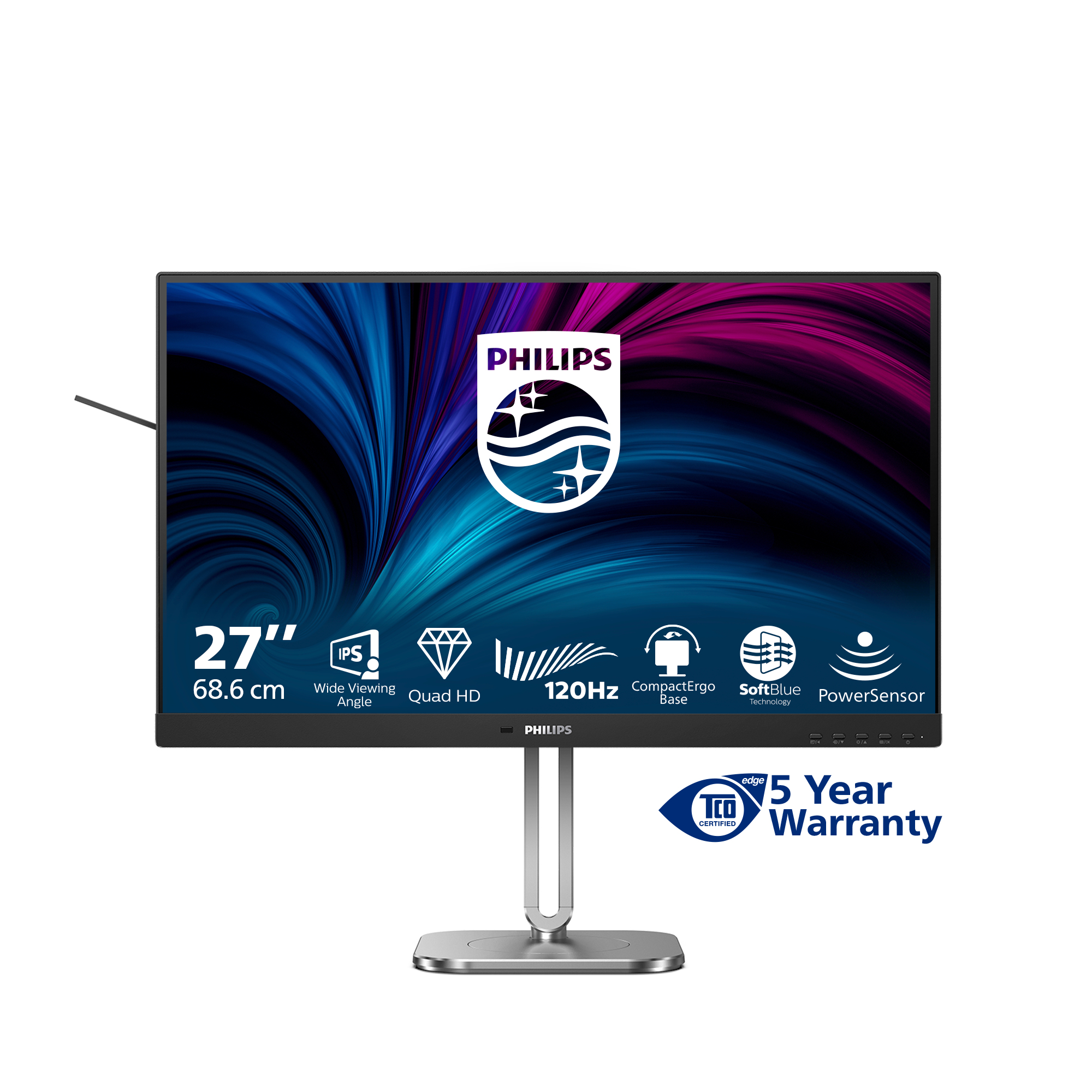
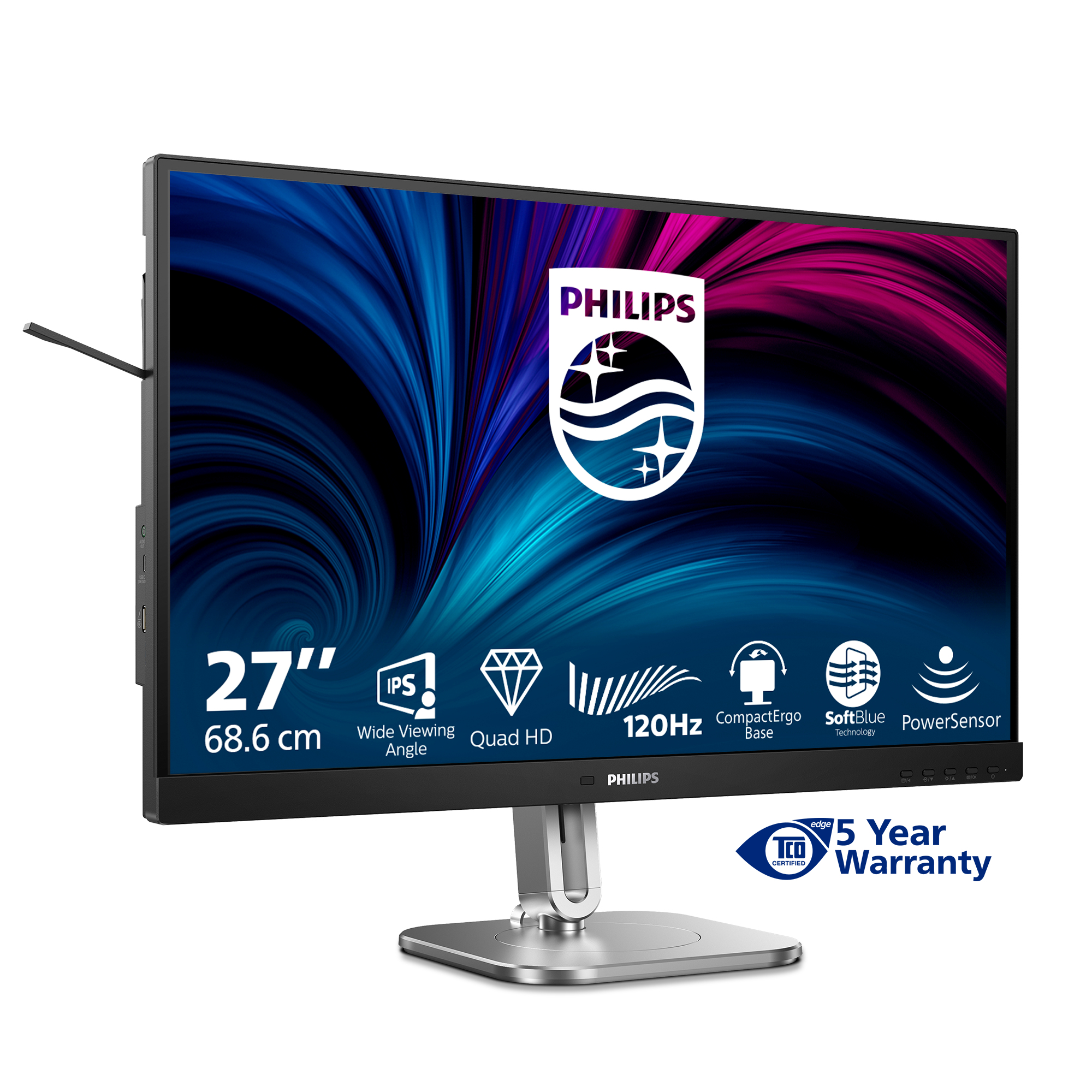
The Philips 27B2N4500 looks like a solid “proper work” 27-inch monitor for the money. If you’re setting up a typical UK office desk—spreadsheets, email, doc work, a bit of browser tabs and light design/video—it’s the kind of spec-for-pricing that usually makes sense: you get a crisp 27-inch Quad HD panel without paying premium-brand prices. For £206.22 ex-VAT, that’s reasonable value, especially if you want something that doesn’t feel like a compromise versus cheaper 1080p options.
That said, I wouldn’t buy it if your priority is gaming performance or colour-critical creative work. Mid-range Philips panels are generally fine for productivity, but you’ll notice compromises around contrast, uniformity, or motion handling compared with more expensive “enthusiast” models. Also, it’s worth checking what stand ergonomics you actually get in practice (height/tilt and stability), because that’s what usually matters day-to-day for long shifts—more than the headline number.
**Who should buy:** office workers and small businesses needing a reliable 27-inch QHD monitor on a sensible budget. **Who shouldn’t:** gamers who care about responsiveness/features, or designers/photographers who need consistently accurate colour and higher-end panel performance.

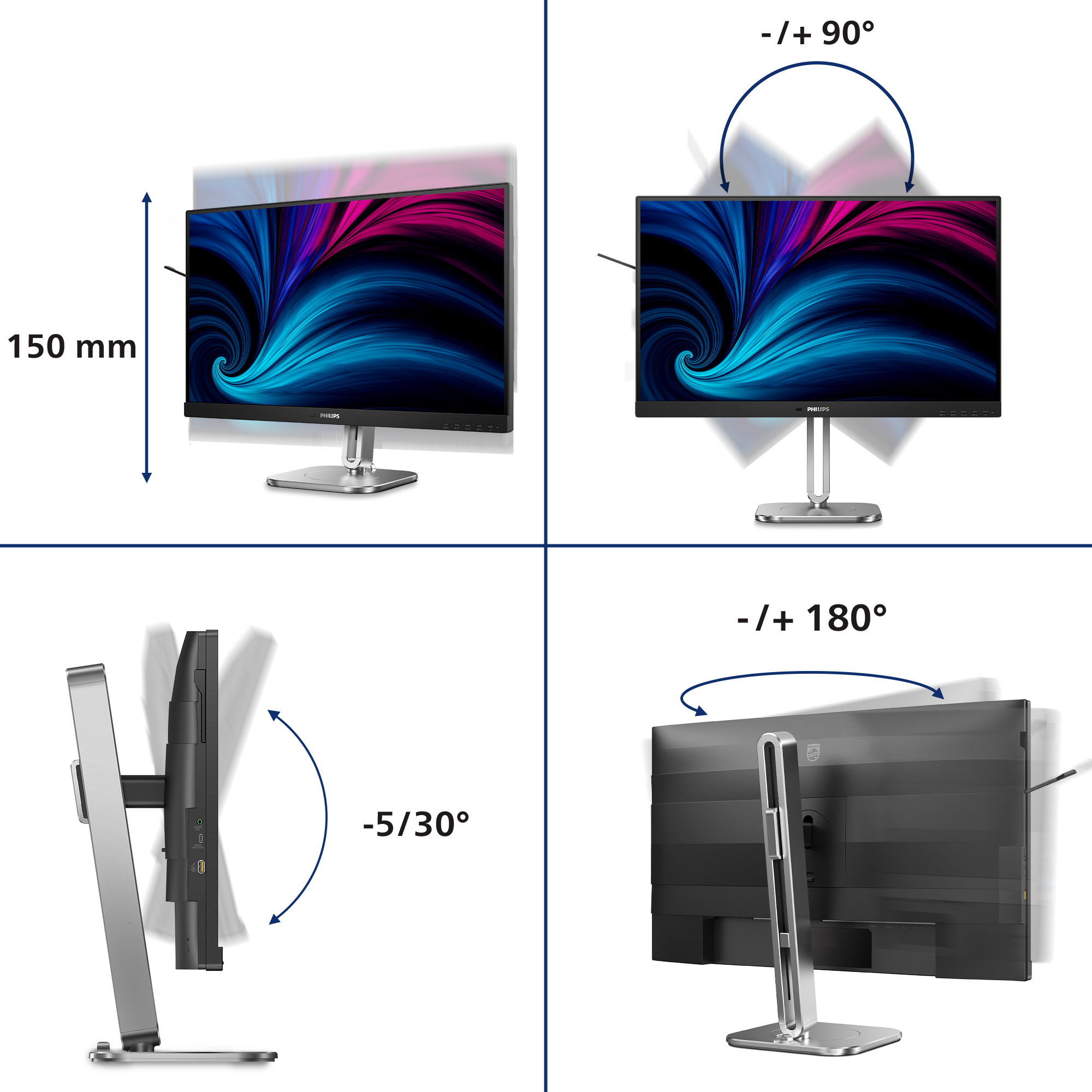
SmartErgoBase enables people-friendly ergonomic adjustments
The SmartErgoBase is a monitor base that delivers ergonomic display comfort and provides cable management. The base can swivel, tilt and rotate to various angles to ensure maximum comfort. The heig...

Less eye fatigue with Flicker-free technology
Due to the way brightness is controlled on LED-backlit screens, some users experience flicker on their screen which causes eye fatigue. Philips Flicker-free Technology applies a new solution to reg...

SoftBlue Technology: for comfortable viewing
SoftBlue technology offers increased visual comfort and protection against adverse health effects caused by prolonged exposure to blue light. With the low blue-light panel, the ratio of display emi...

Eyesafe certified blue light protection and color accuracy
The Philips display meets the eyesafe® CERTIFIED 2.0 standard to truly protect you from the long exposure to blue light. The always-on blue light filter not only helps reduce digital eye strain, bu...

Built-in stereo speakers for multimedia
A pair of high quality stereo speakers built into a display device. It can be visible front firing, or invisible down firing, top firing, rear firing, etc depending on model and design.
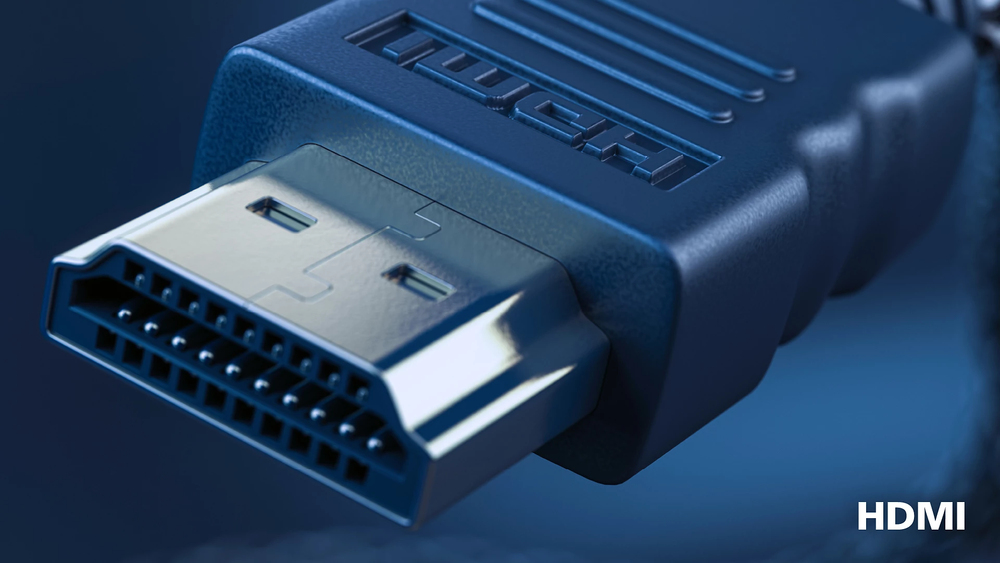
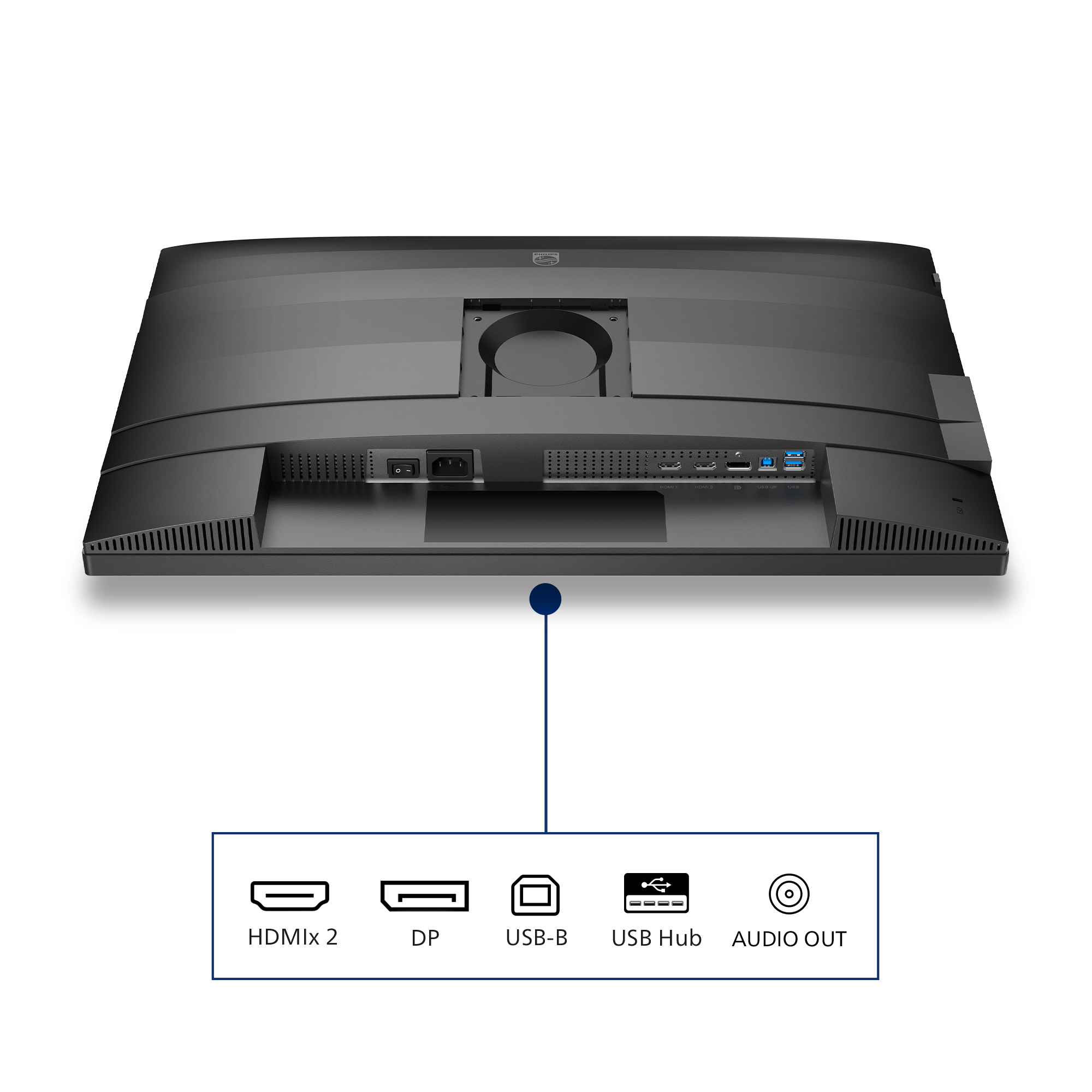
HDMI ensures universal digital connectivity
An HDMI-ready device has all the required hardware to accept High-Definition Multimedia Interface (HDMI) input. A HDMI cable enables high-quality digital video and audio all transmitted over a sing...
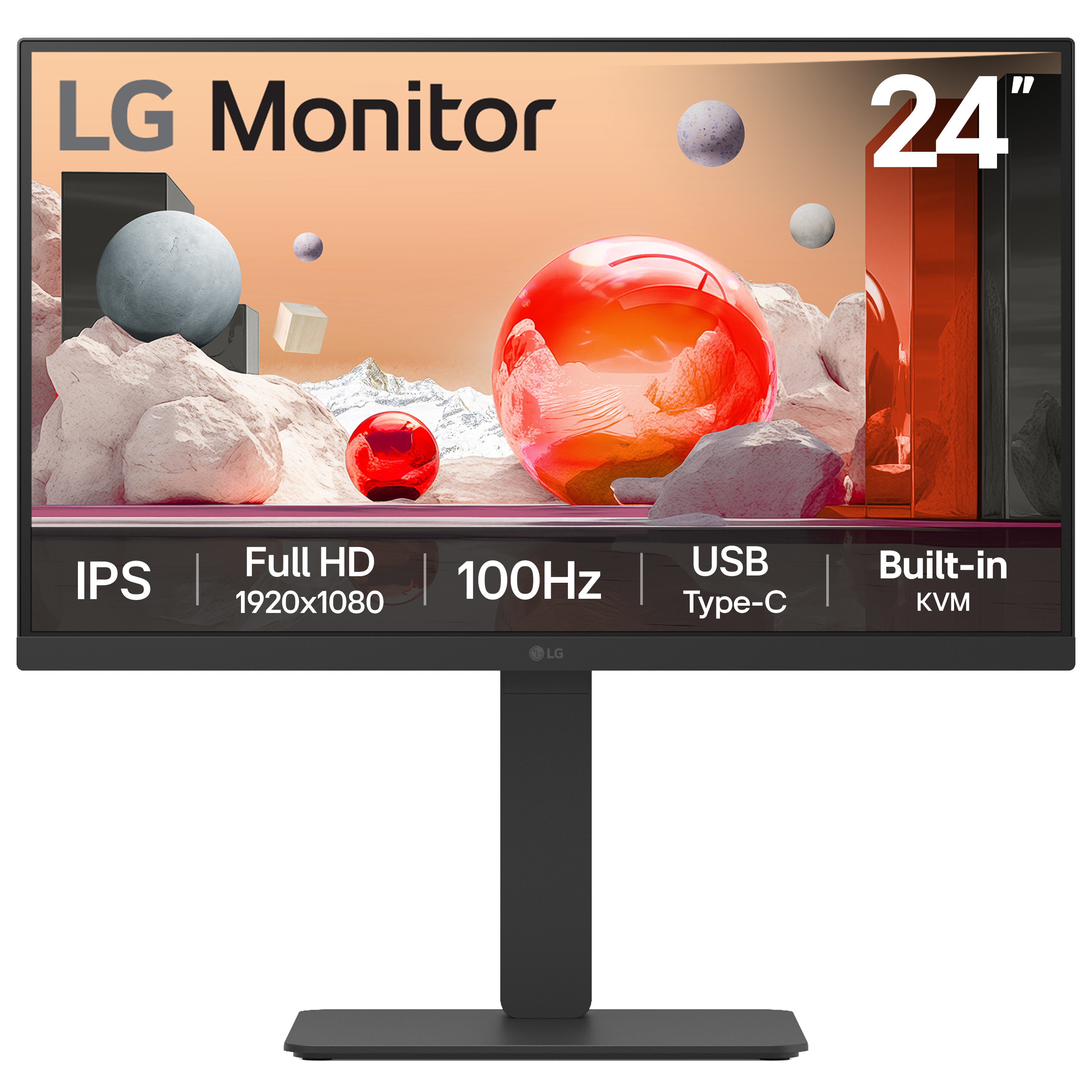
LG Electronics
LG 24BA650-B - LED monitor - 24" (23.8" viewable) - 1920 x 1080 Full HD (1080p) @ 100 Hz - IPS - 250 cd/m� - 1300:1 - 5 ms - HDMI, DisplayPort, USB-C - speakers - black

Philips
Philips Evnia 3000 27M2N3201A - LED monitor - gaming - 27" - 1920 x 1080 Full HD (1080p) @ 180 Hz - Fast IPS - 300 cd/m� - 1000:1 - HDR10 - 0.5 ms - 2xHDMI, DisplayPort - speakers
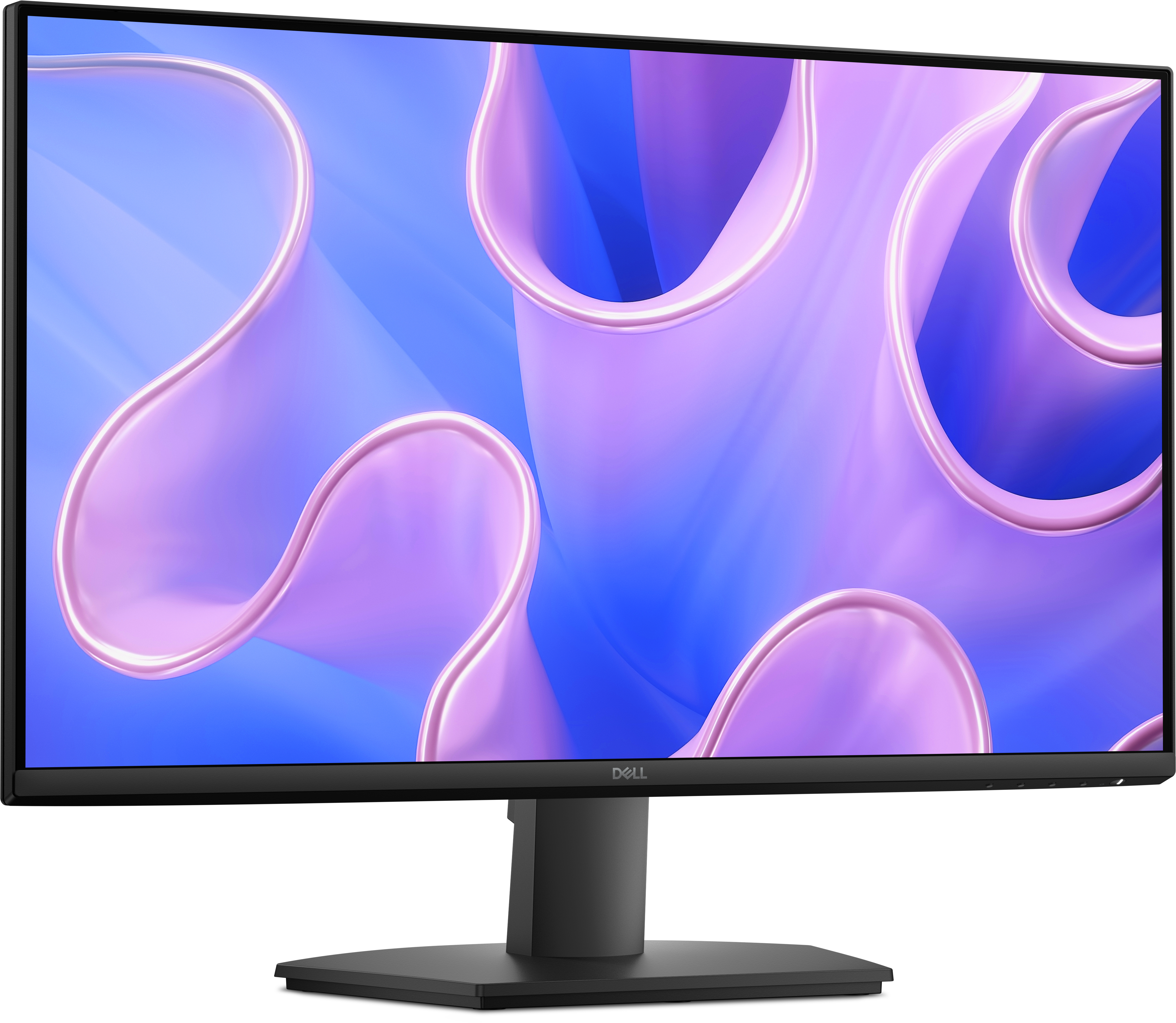
Dell
Dell 27 Monitor - SE2725HM
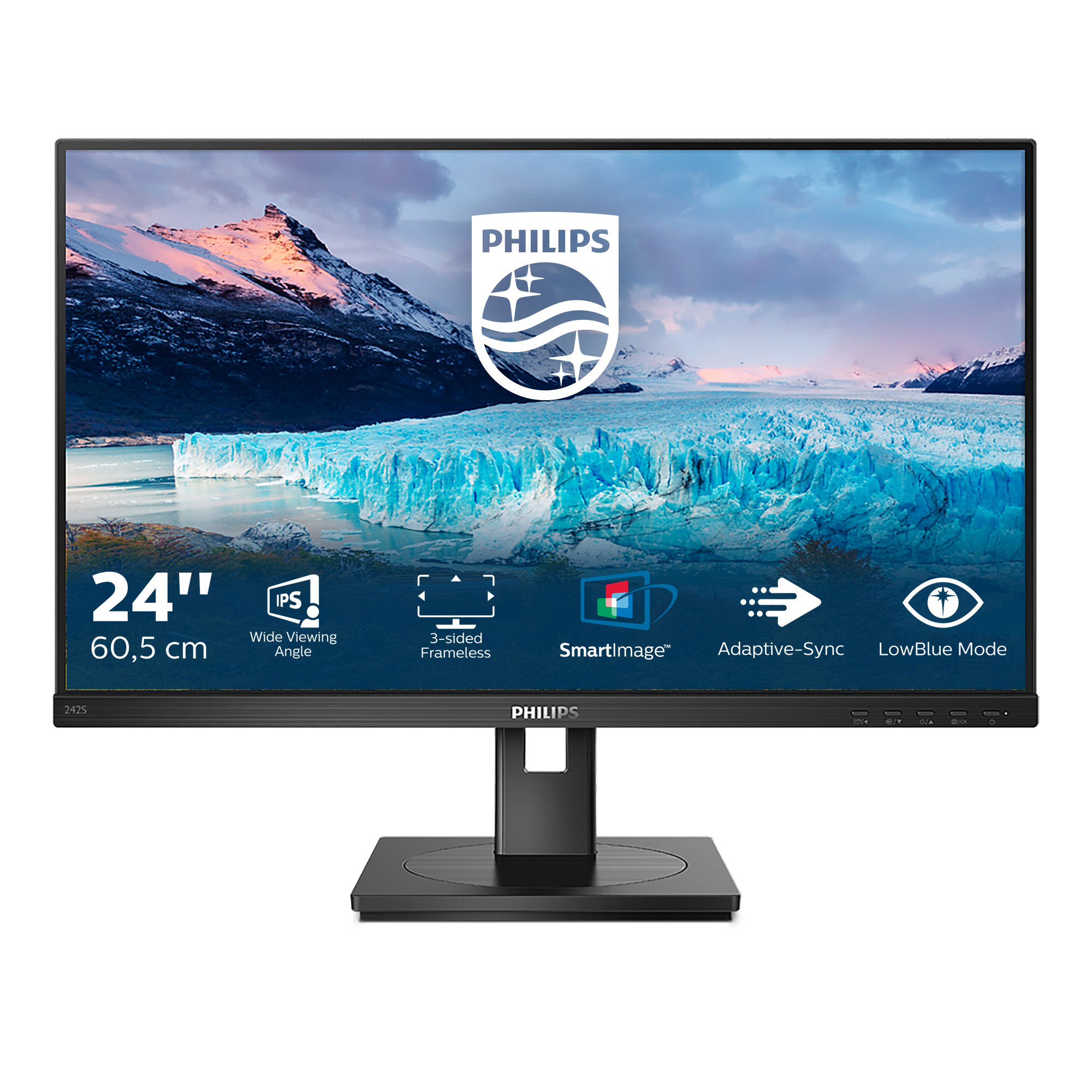
Philips
Philips S-line 242S1AE - LED monitor - 24" - 1920 x 1080 Full HD (1080p) @ 75 Hz - IPS - 300 cd/m� - 1000:1 - 4 ms - HDMI, DVI-D, VGA, DisplayPort - speakers - black texture