- Web Development
What is a CDN and Does Your Business Website Need One?
11 Oct, 2025
£247.94 inc. VAT
AI-generated summary
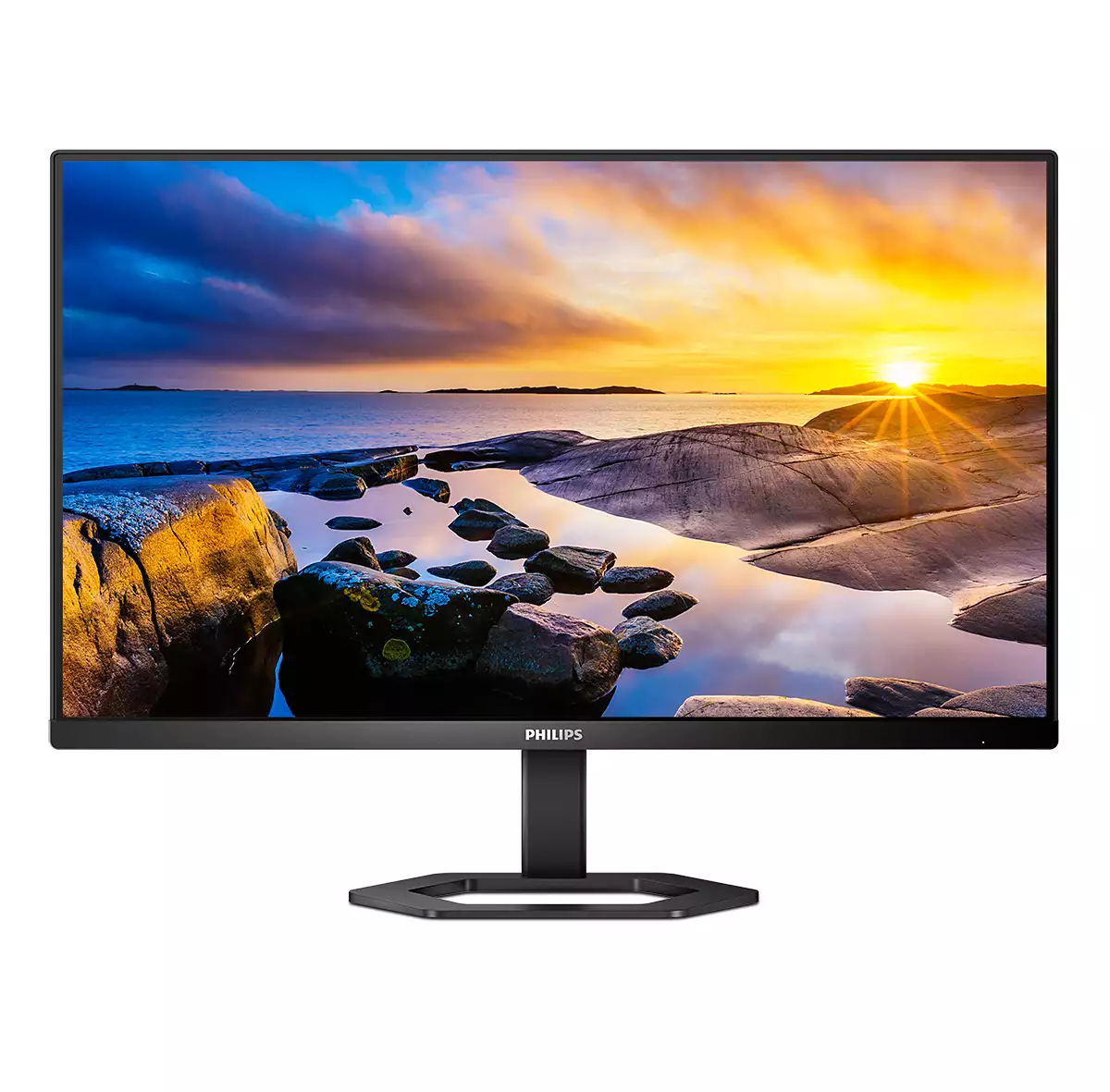
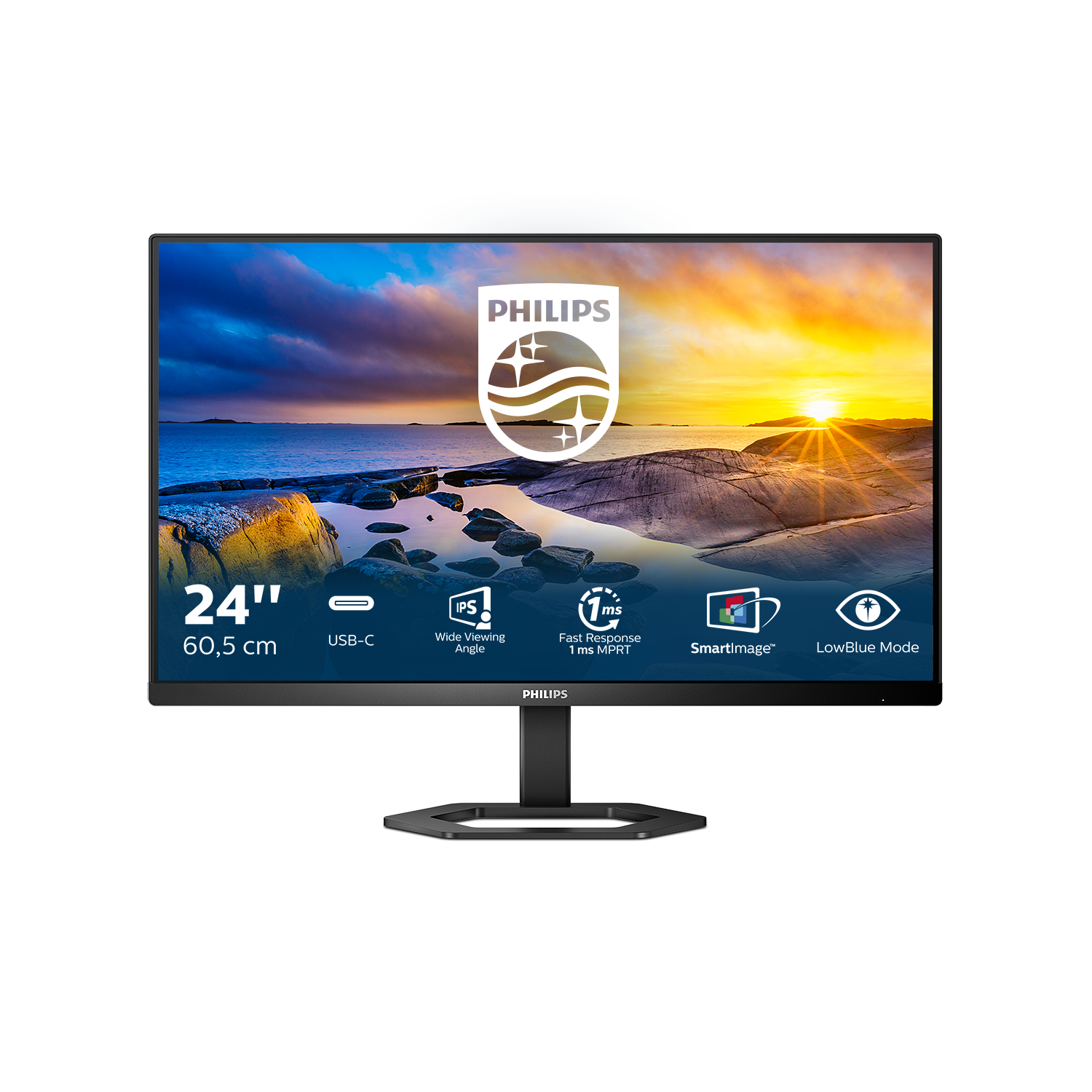
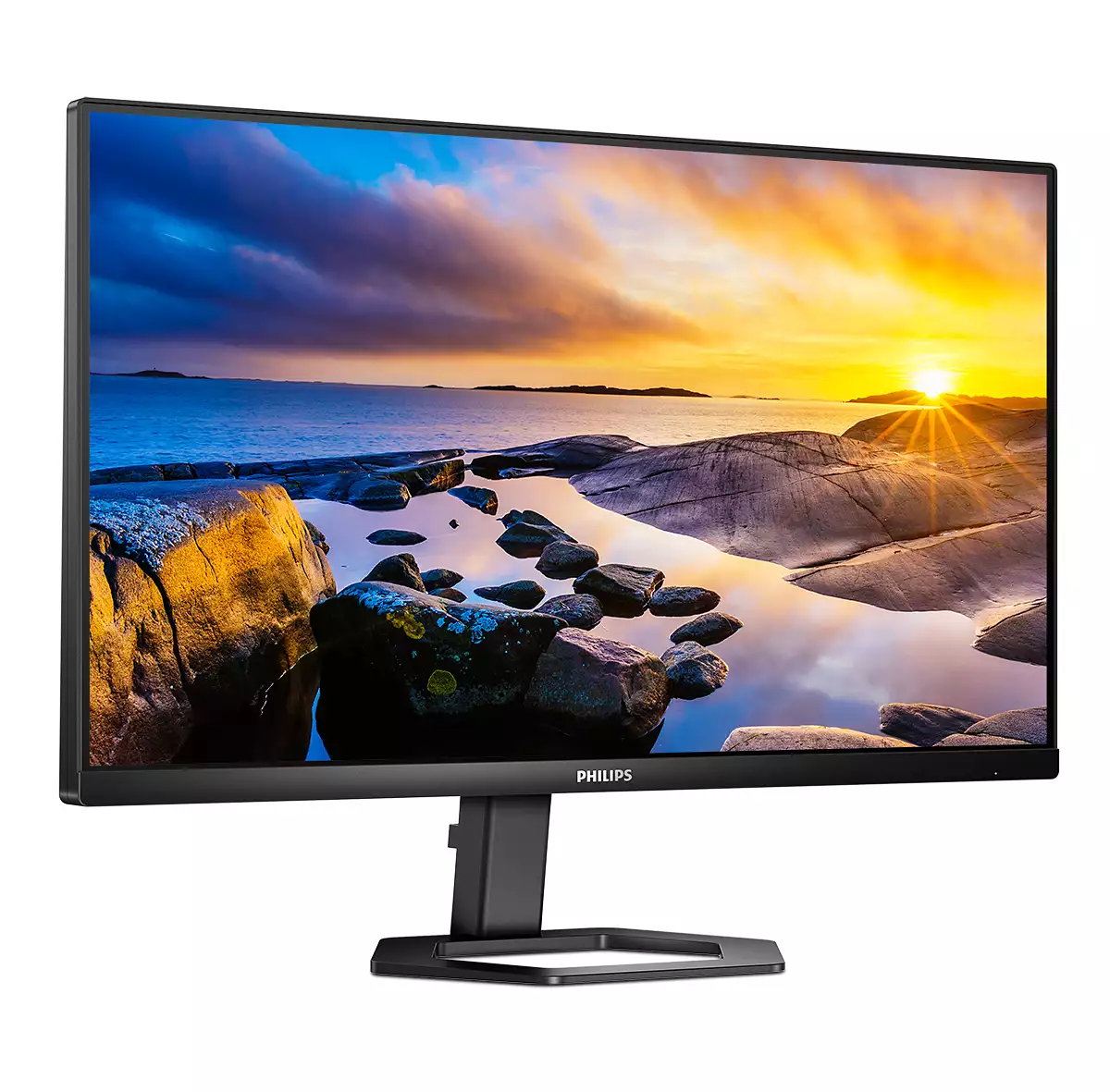
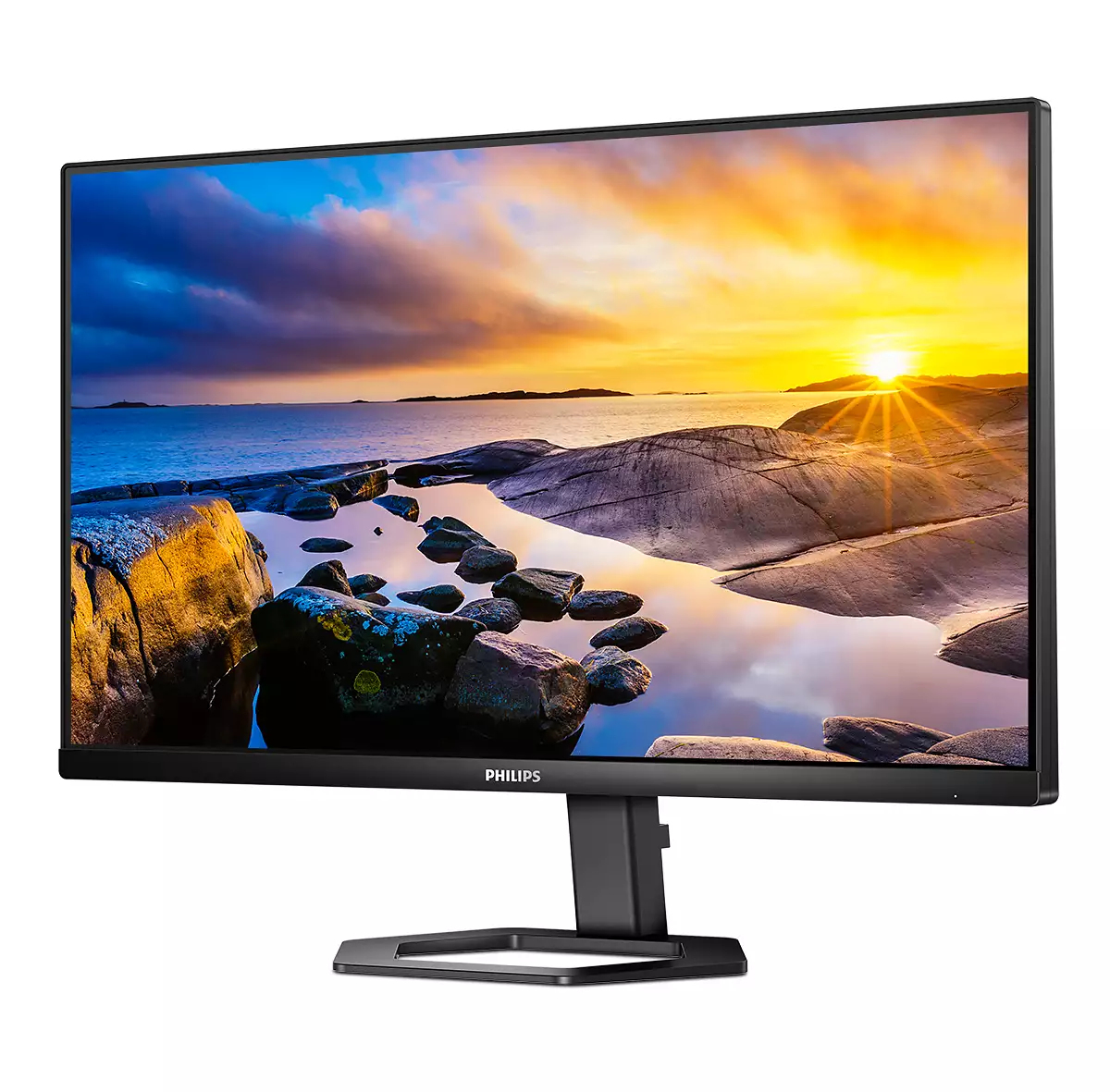
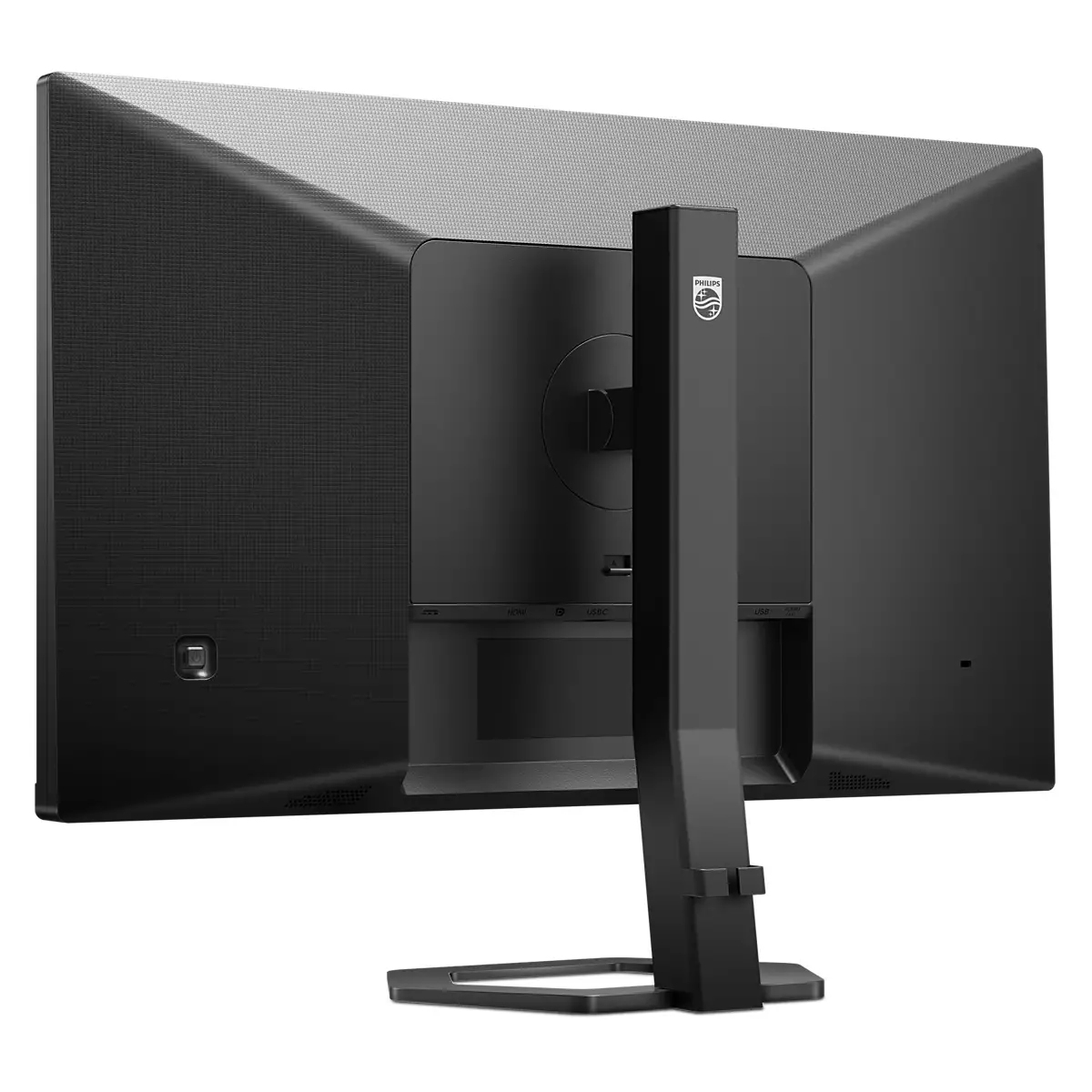
For £207.25 ex-VAT, this Philips 24E1N5300AE/00 looks like a sensible “quiet workhorse” option for standard office use. A 23.8" Full HD screen at this price is usually aimed at people who just need something reliable for email, spreadsheets, and everyday multitasking without paying extra for higher resolutions or premium panels. Philips tends to be fairly good on day-to-day usability—brightness and basic colour are typically more than adequate for typical business tasks, and the size is a sweet spot for desks that aren’t huge.
That said, I wouldn’t treat it as a “buy once, cry once” monitor if your team does design work, heavy spreadsheets with lots of fine detail, or anyone who cares about viewing angles and colour accuracy. If you’re routinely working with lots of tiny text, a higher-res option (or even a 24–27" step up depending on desk depth) can feel more future-proof. Also worth checking before purchase: how many hours per day it’ll be used and whether you’ll need things like height adjust/ergonomics—budget monitors often don’t nail the comfort side, which matters more than people expect for daily use.
**Who should buy:** office workers on a budget who want a dependable 24" monitor for basic productivity. **Who should skip:** anyone needing standout colour precision, superior viewing comfort, or more detail density. If it’s replacing older screens for a general admin/support team, it’s a pretty fair deal.

Tilt, pivot and height-adjust for an ideal viewing position
The Compact Ergo Base is a people-friendly Philips monitor base that tilts, pivot and height-adjusts so each user can position the monitor for maximum viewing comfort and efficiency.

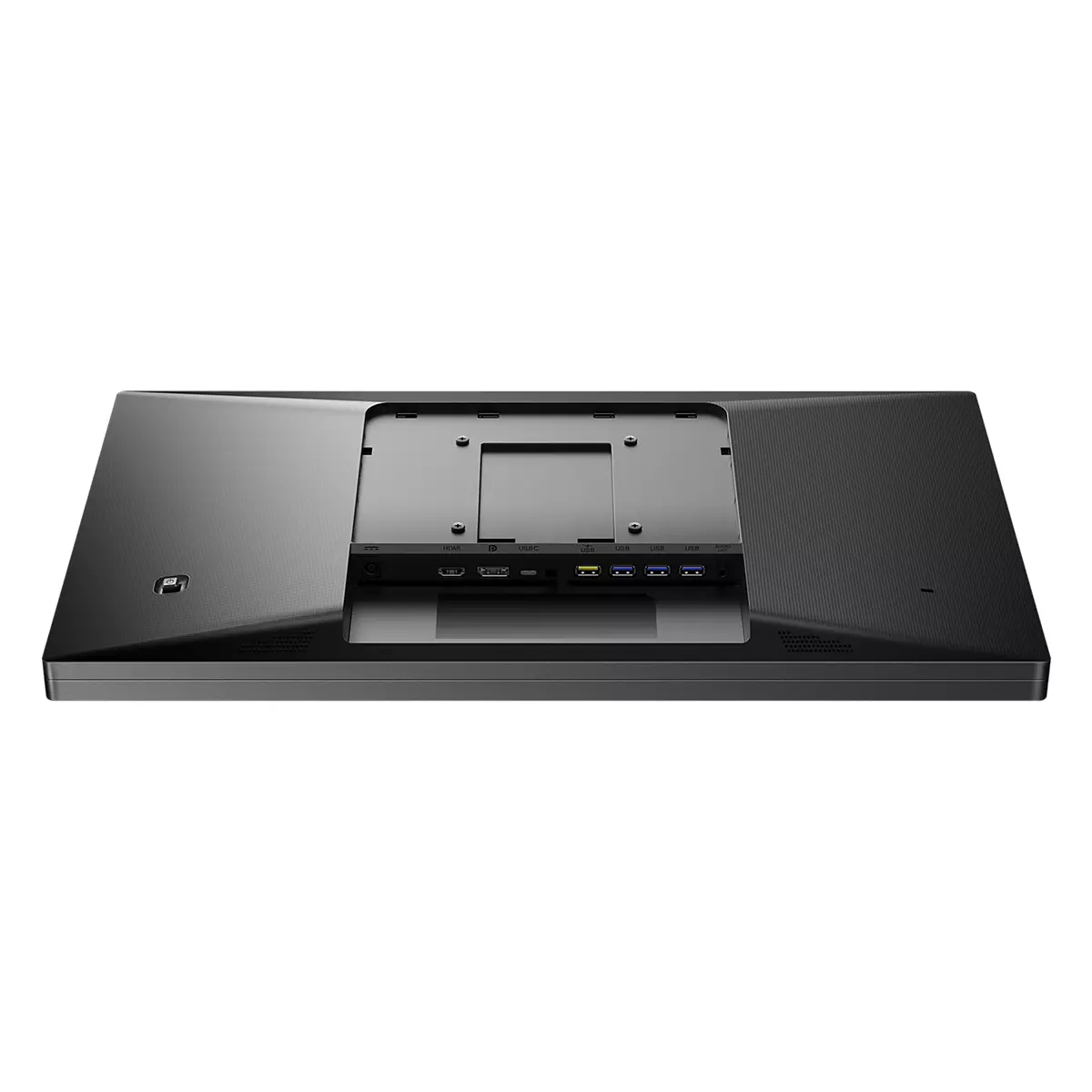
Cable management reduces cable clutter for neat workspace
Cable management is an intimate design that maintains tidy workspace by organizing cables and wires required for the operation of a display device.
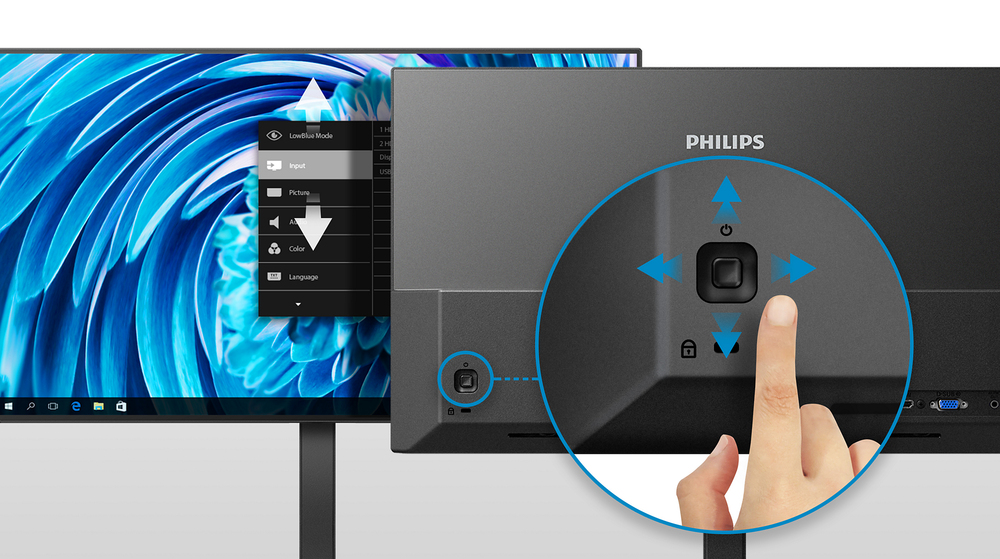
EasySelect menu toggle key for quick on-screen menu access
The discreetly placed EasySelect Menu Toggle Key allows you to make quick and easy adjustments to monitor settings in the On-Screen Display menu.

LowBlue mode and Flicker-free easy-on-the eyes viewing
Our LowBlue Mode and Flicker-free technology have been developed to reduce eye strain and fatigue often caused by long hours in front of a monitor.

Built-in stereo speakers for multimedia
A pair of high-quality stereo speakers built into a display device. They may be visible front firing, or invisible down firing, top firing, rear firing etc. depending on model and design.
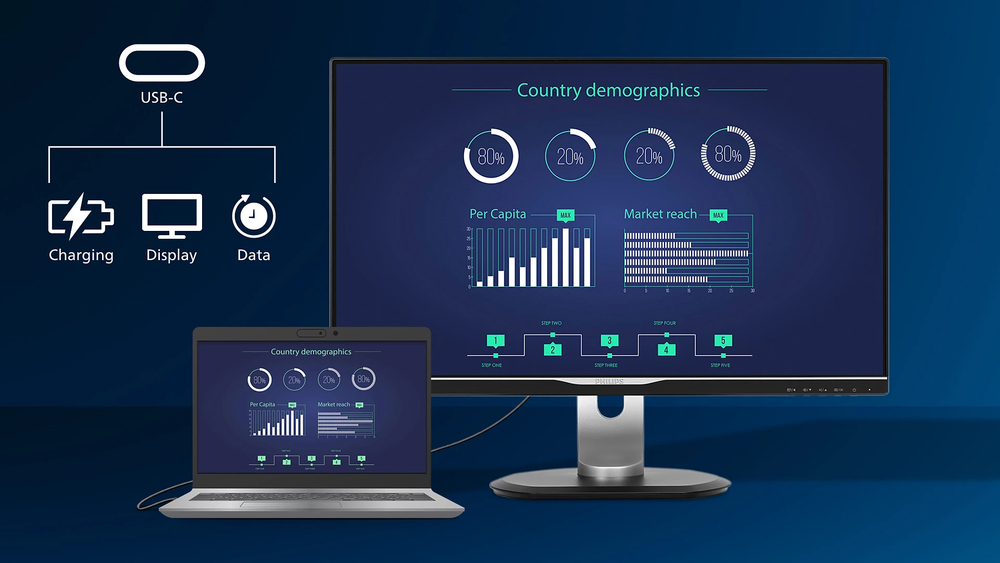
Connect your notebook with one USB-C cable
This Philips display features a USB type-C connector with power delivery. With intelligent and flexible power management, you can power charge your compatible device directly. Its slim, reversible ...
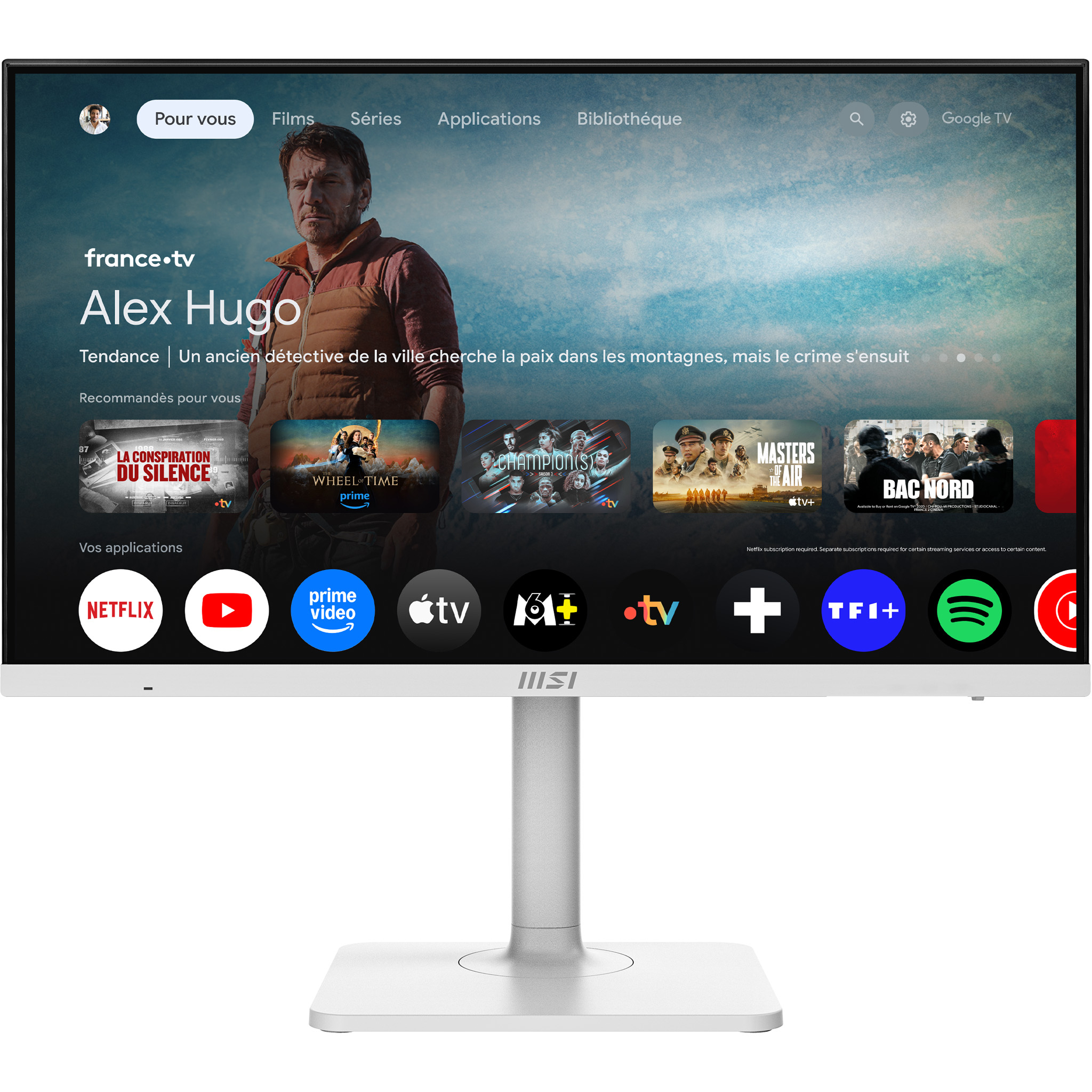
MSI
MSI Modern MD272UPSW - LED monitor - USB - 27" - 3840 x 2160 UHD @ 60 Hz - IPS - 300 cd/m� - 1000:1 - 4 ms - HDMI, DisplayPort, USB-C - speakers
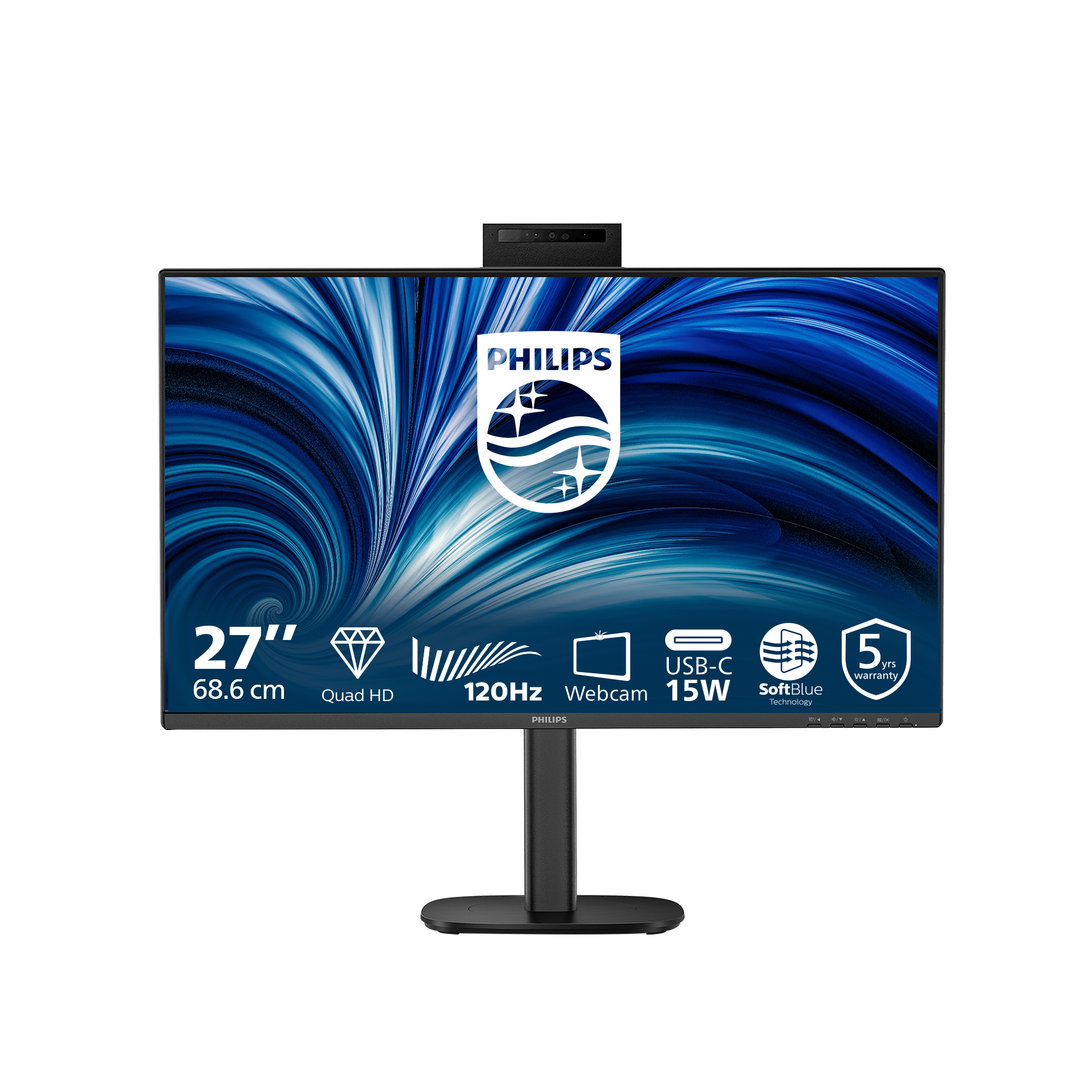
Philips
Philips 27B2N3500JH - 3000 Series - LED monitor - 27" - 2560 x 1440 QHD @ 120 Hz - IPS - 1500:1 - 2xHDMI, DisplayPort - speakers - black
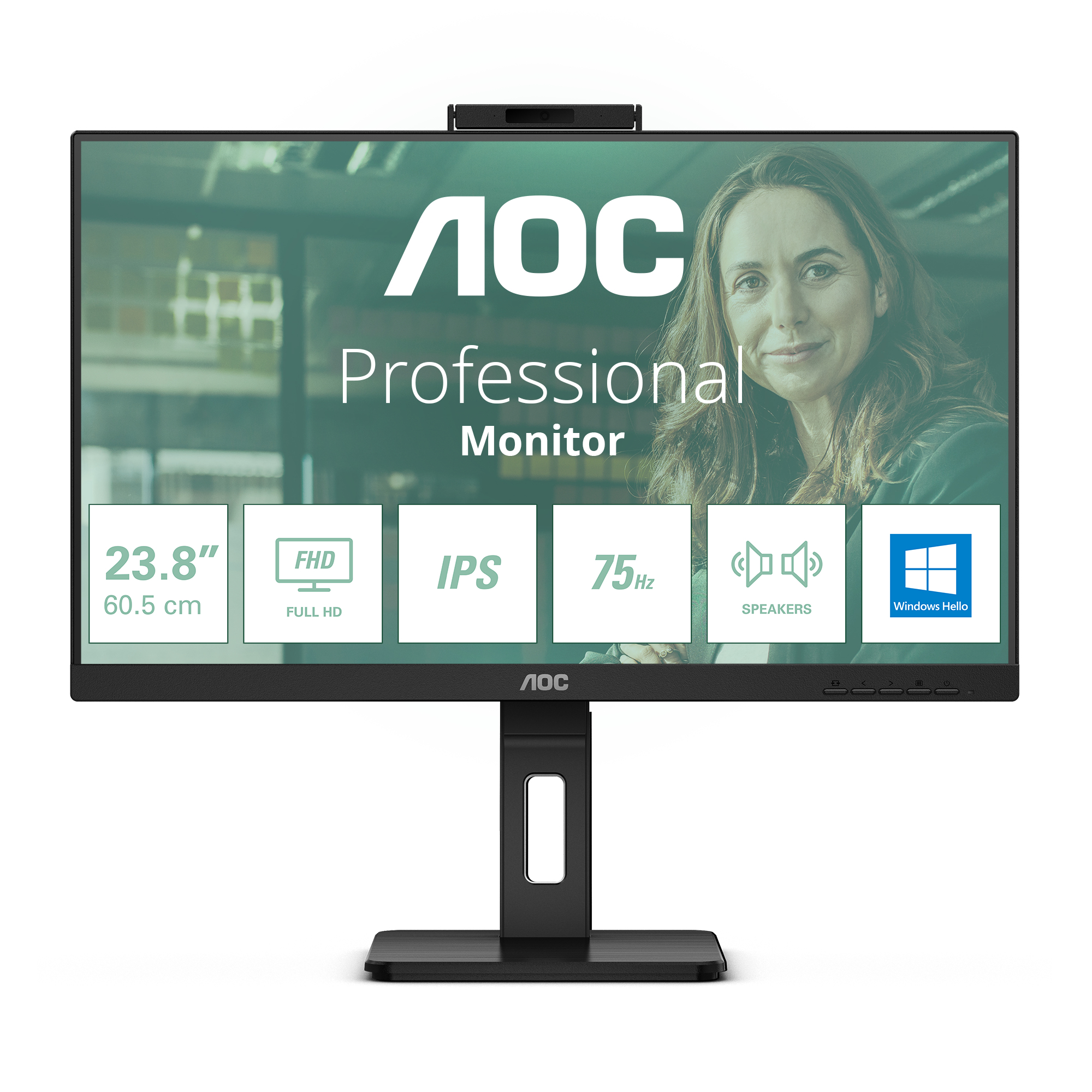
AOC
AOC Pro-line 24P3CW - LED monitor - 24" (23.8" viewable) - 1920 x 1080 Full HD (1080p) @ 75 Hz - IPS - 300 cd/m� - 1000:1 - 4 ms - HDMI, 2xDisplayPort, USB-C - speakers - black
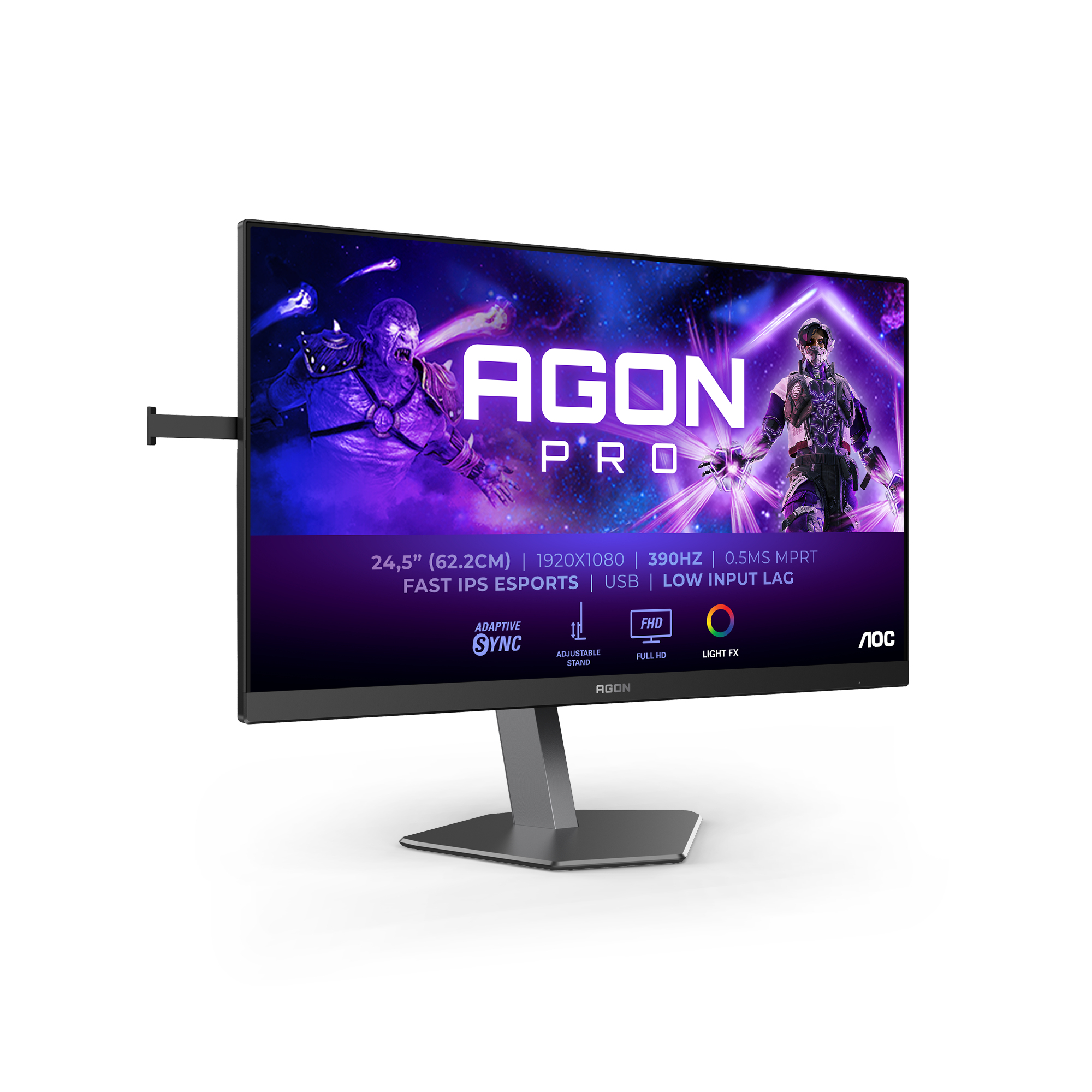
AOC
AOC AGON PRO AG256FS - AG6 Series - LED monitor - gaming - 25" (24.5" viewable) - 1920 x 1080 Full HD (1080p) @ 390 Hz - Fast IPS - 400 cd/m� - 1000:1 - DisplayHDR 400 - 0.3 ms - 2xHDMI, DisplayPort - black