- VoIP & Phone Systems
VoIP vs Traditional Phone Systems: A Complete Cost Comparison
18 Mar, 2026
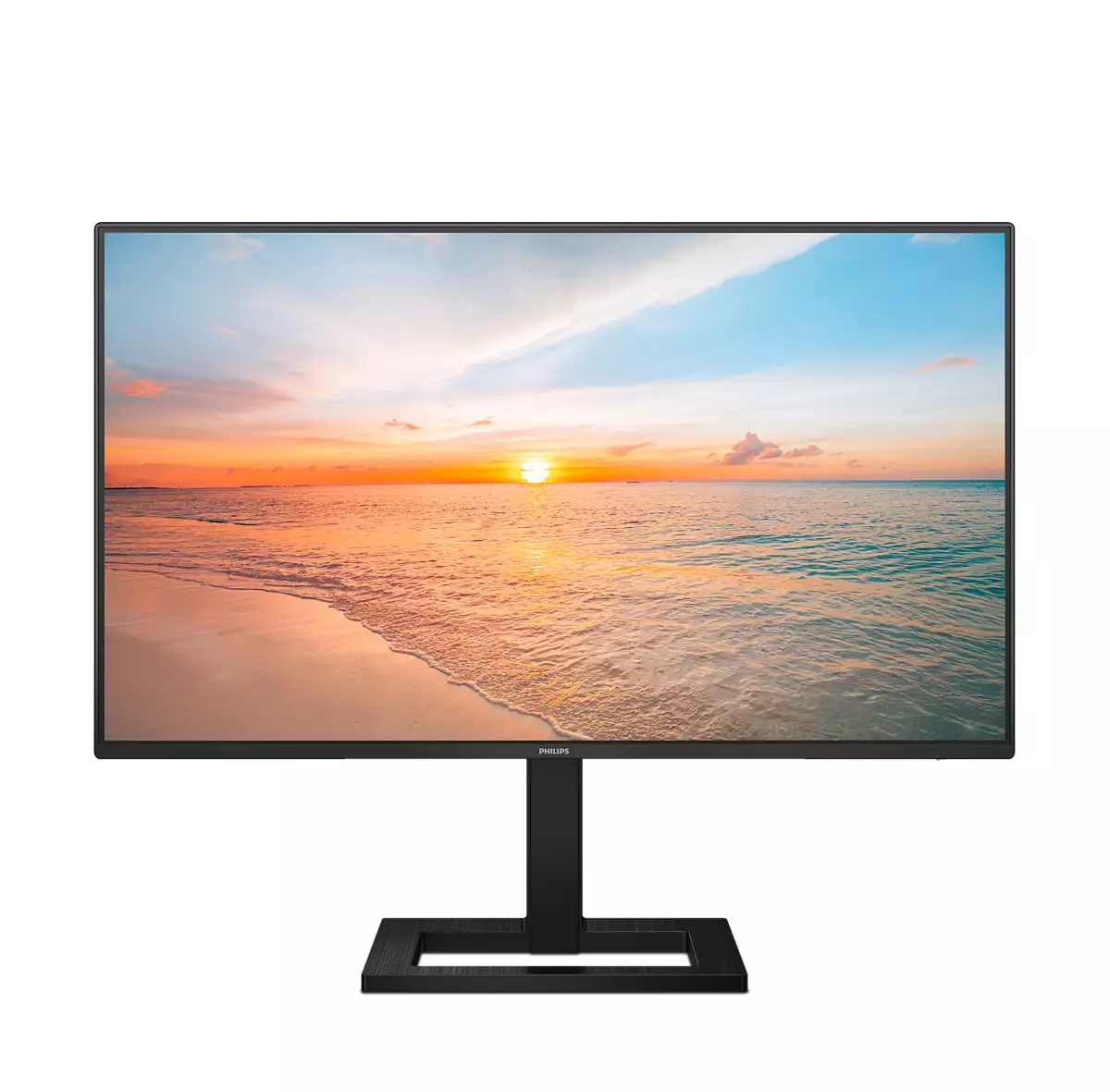

£154.88 inc. VAT
AI-generated summary
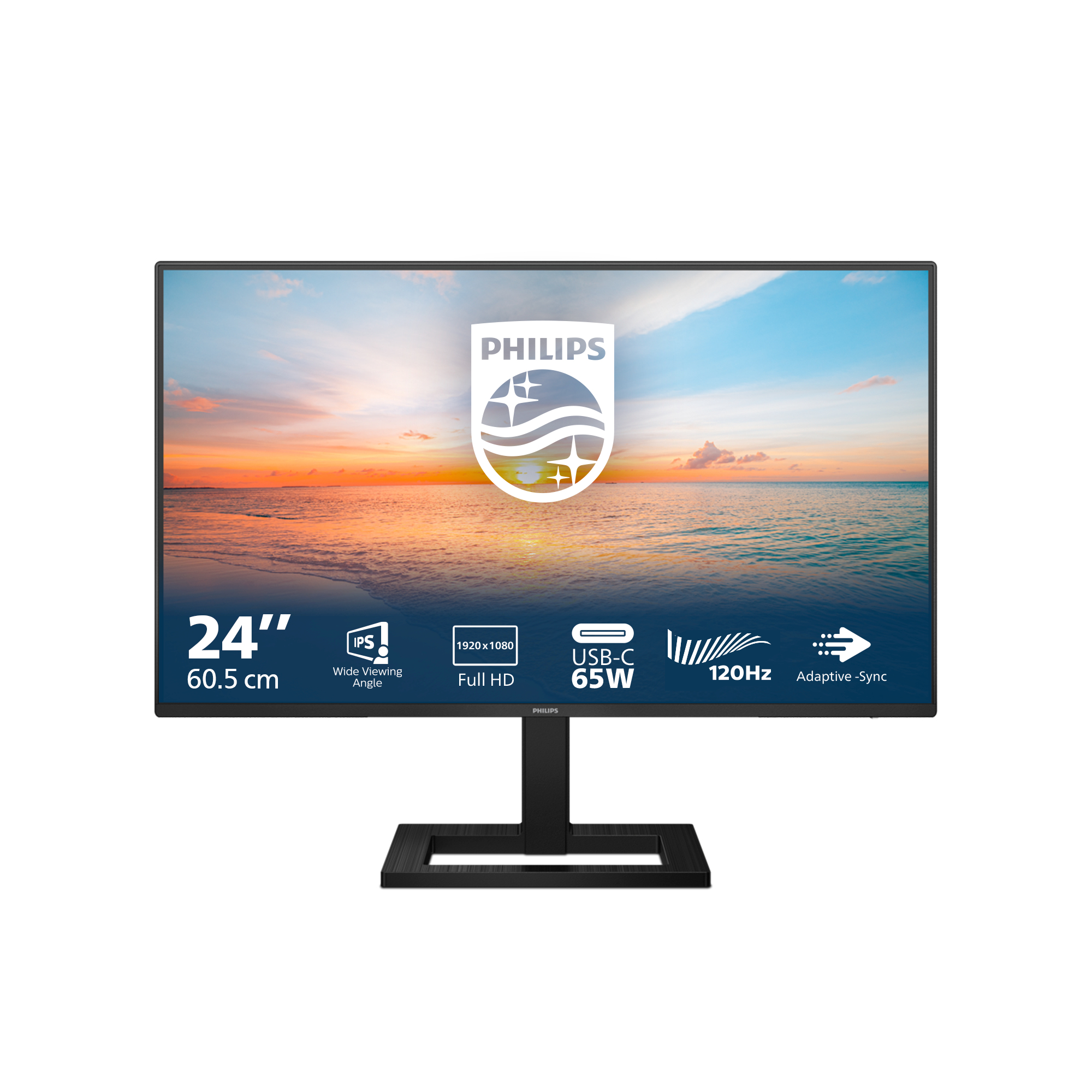
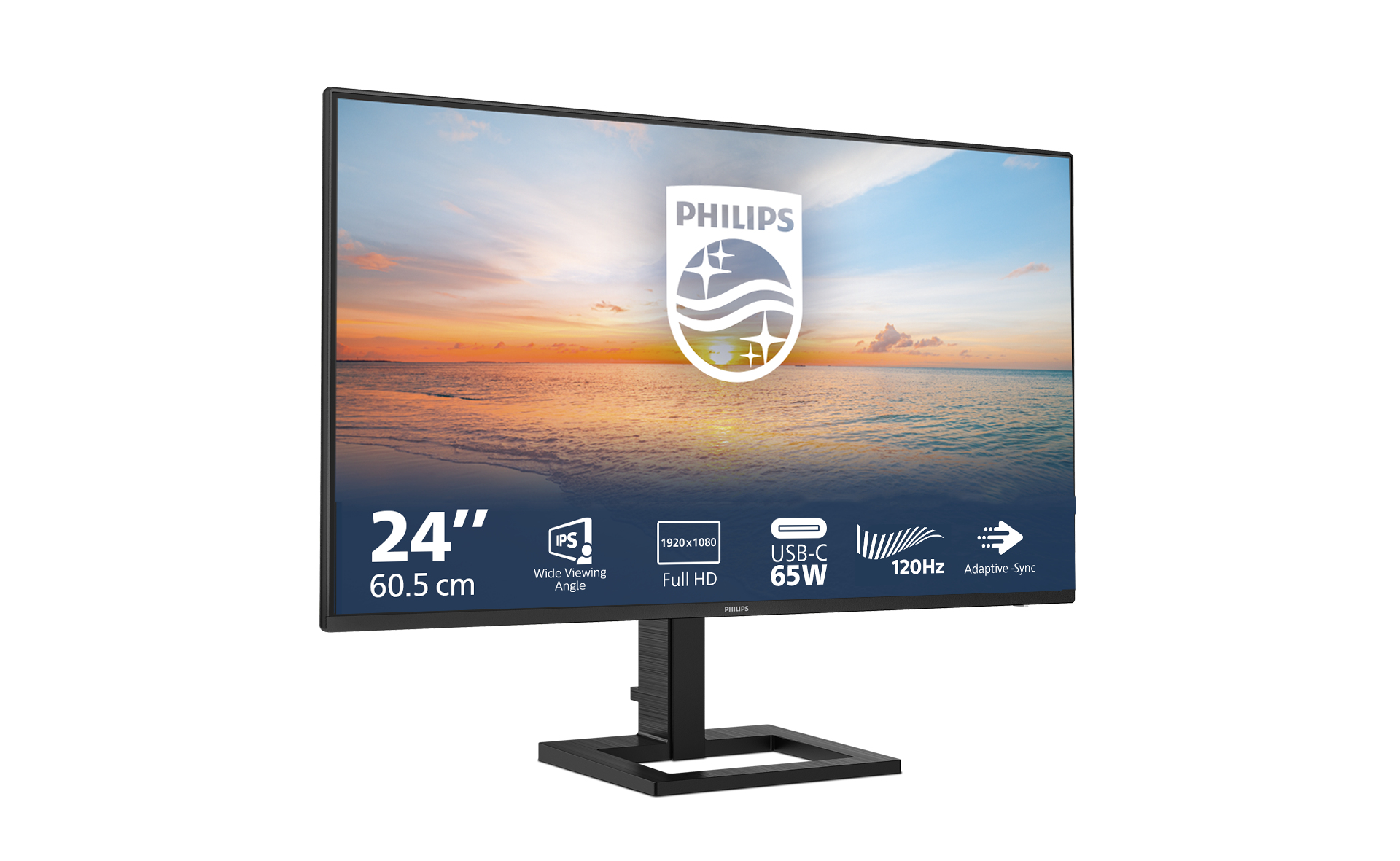
For £129 ex-VAT, this Philips 23.8" Full HD monitor is a sensible buy if you just need a reliable “get-the-work-done” screen for office use—spreadsheets, email, Teams, light web work, that kind of thing. Philips’ 1000 series tends to be straightforward and easy to live with: decent everyday image quality, nothing fancy to get in your way, and generally a good value route versus jumping to pricier brands or higher-resolution panels when you don’t actually need them.
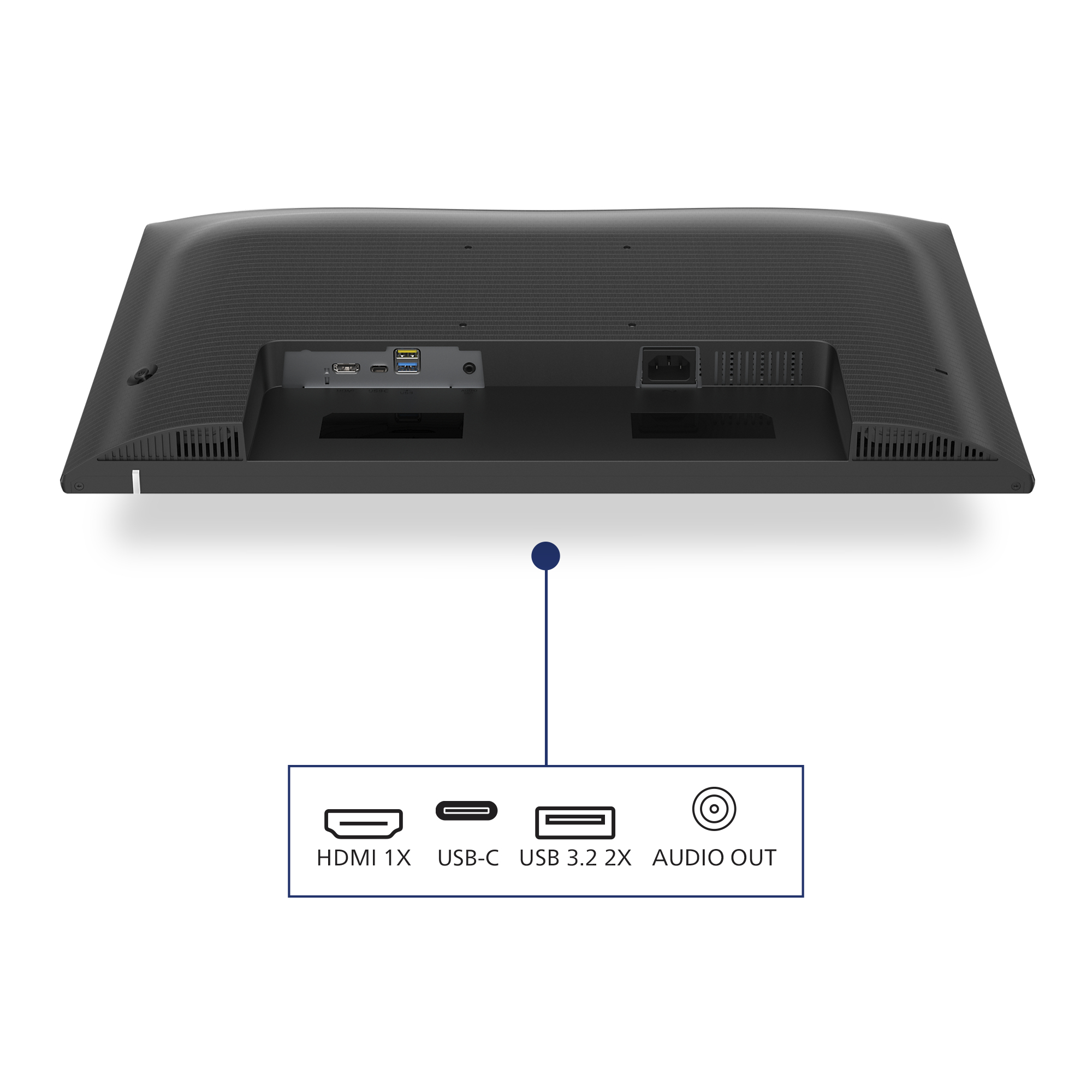
That said, I wouldn’t buy it for a colour-critical role, heavy photo work, or anyone who’s sensitive to viewing angles/contrast when working off-axis. If you’re doing long hours, check whether the stand height/tilt suits your posture—budget monitors can be a bit limited there, and that’s usually what annoys people after a couple of weeks, not the specs on the box. Also, if you’re running multiple devices, make sure the ports and connectivity fit your setup before you commit—£129 is great until you realise you need adapters or a different input.
**Who should buy:** small offices, admin teams, call centres, and anyone on a tight budget who wants a dependable 1080p monitor. **Who should skip:** designers, anyone needing better colour/contrast consistency, or users who care a lot about ergonomics and connectivity out of the box.

Cable management reduces cable clutter for neat workspace
Cable management is an intimate design that maintains tidy workspace by organizing cables and wires required for the operation of a display device.

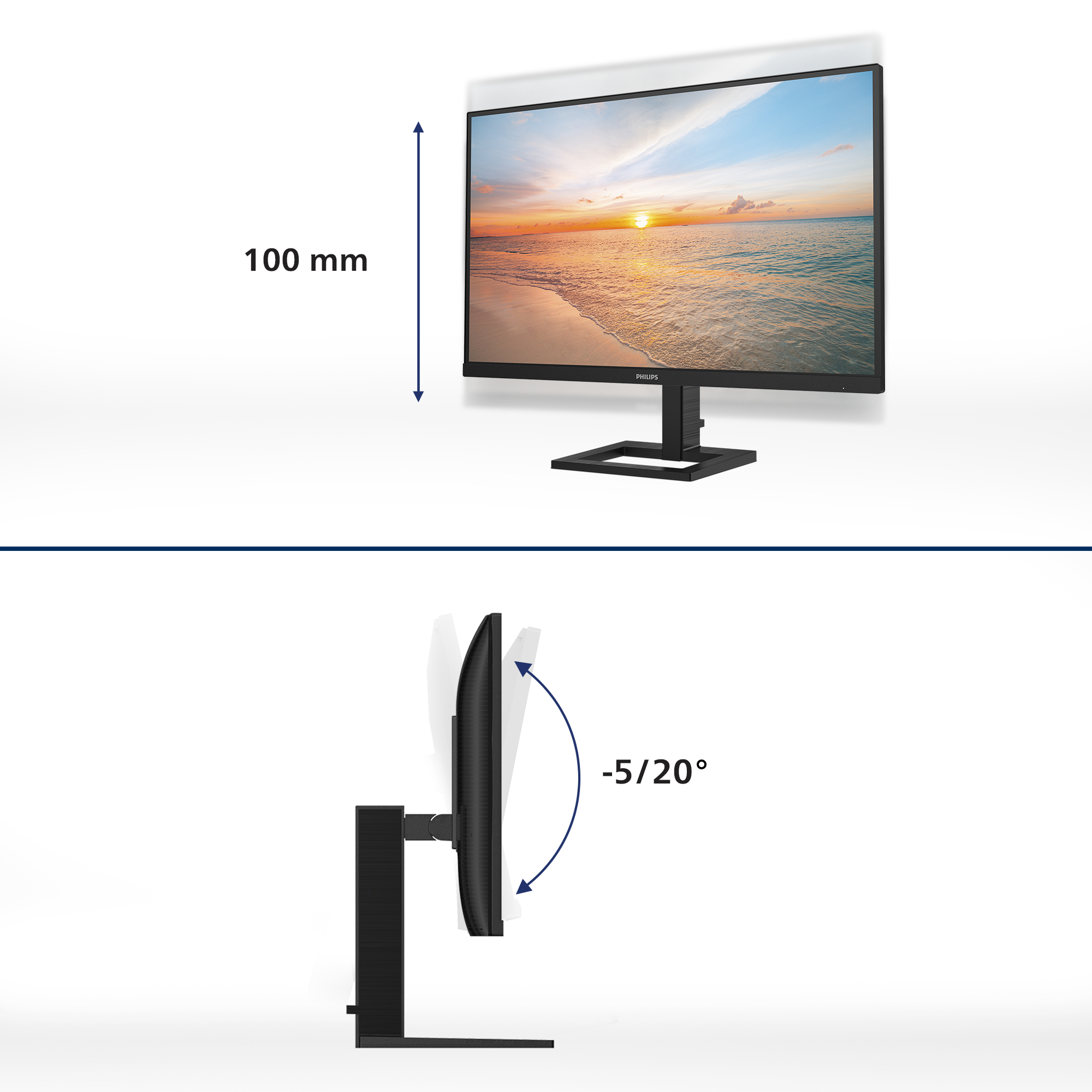
Height-adjustable for better ergonomic comfort
The height-adjustable Ergo Base is a 'people-friendly' Philips monitor base that not only tilts, but is also height adjustable, so that each user can adjust the monitor to their personal preference...
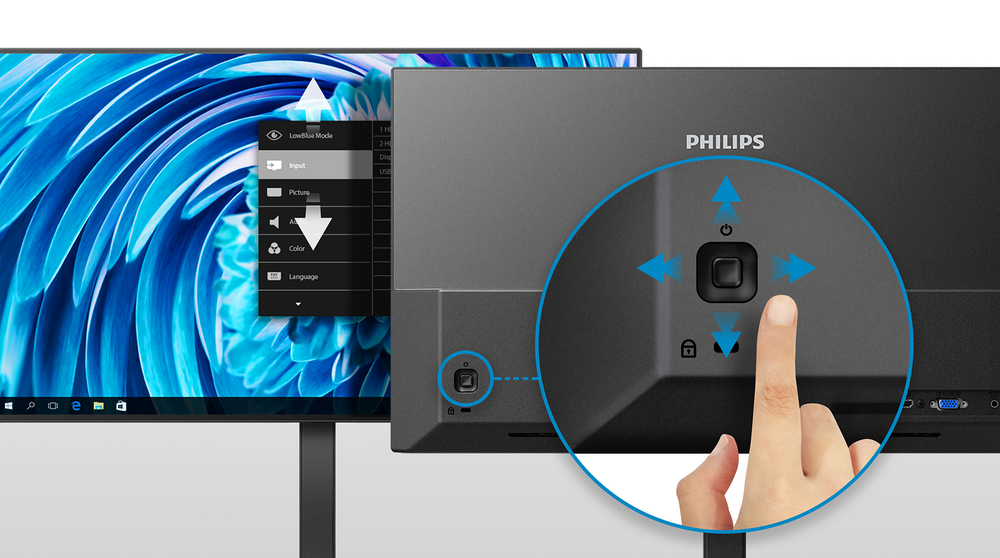
EasySelect menu toggle key for quick on-screen menu access
The discreetly placed EasySelect Menu Toggle Key allows you to make quick and easy adjustments to monitor settings in the On-Screen Display menu.

Connect your notebook with one USB-C cable
This Philips display features a USB type-C connector with power delivery. With intelligent and flexible power management, you can power charge your compatible device directly. Its slim, reversible ...
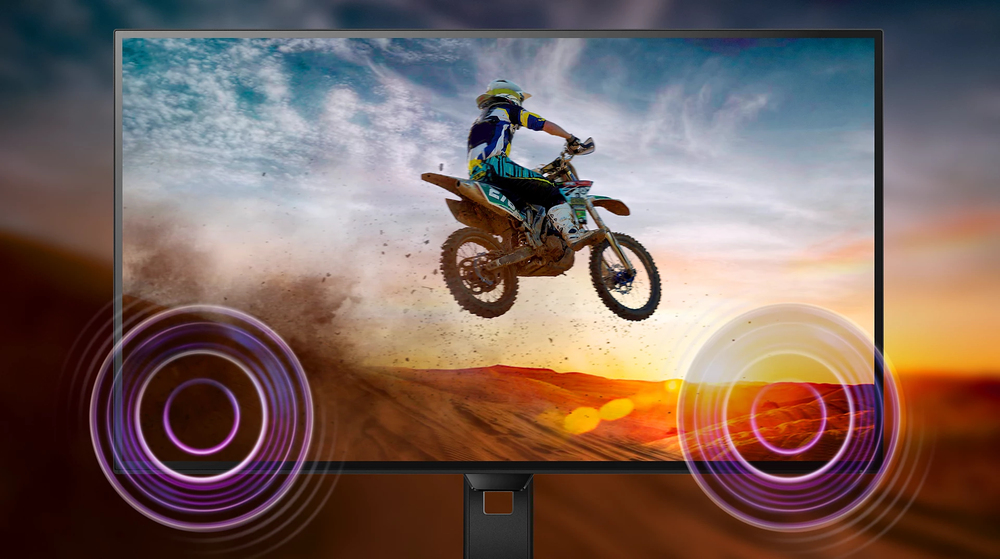
Built-in stereo speakers for multimedia
A pair of high quality stereo speakers built into a display device. It can be visible front firing, or invisible down firing, top firing, rear firing, etc depending on model and design.

HDMI ensures universal digital connectivity
An HDMI-ready device has all the required hardware to accept High-Definition Multimedia Interface (HDMI) input. A HDMI cable enables high-quality digital video and audio all transmitted over a sing...
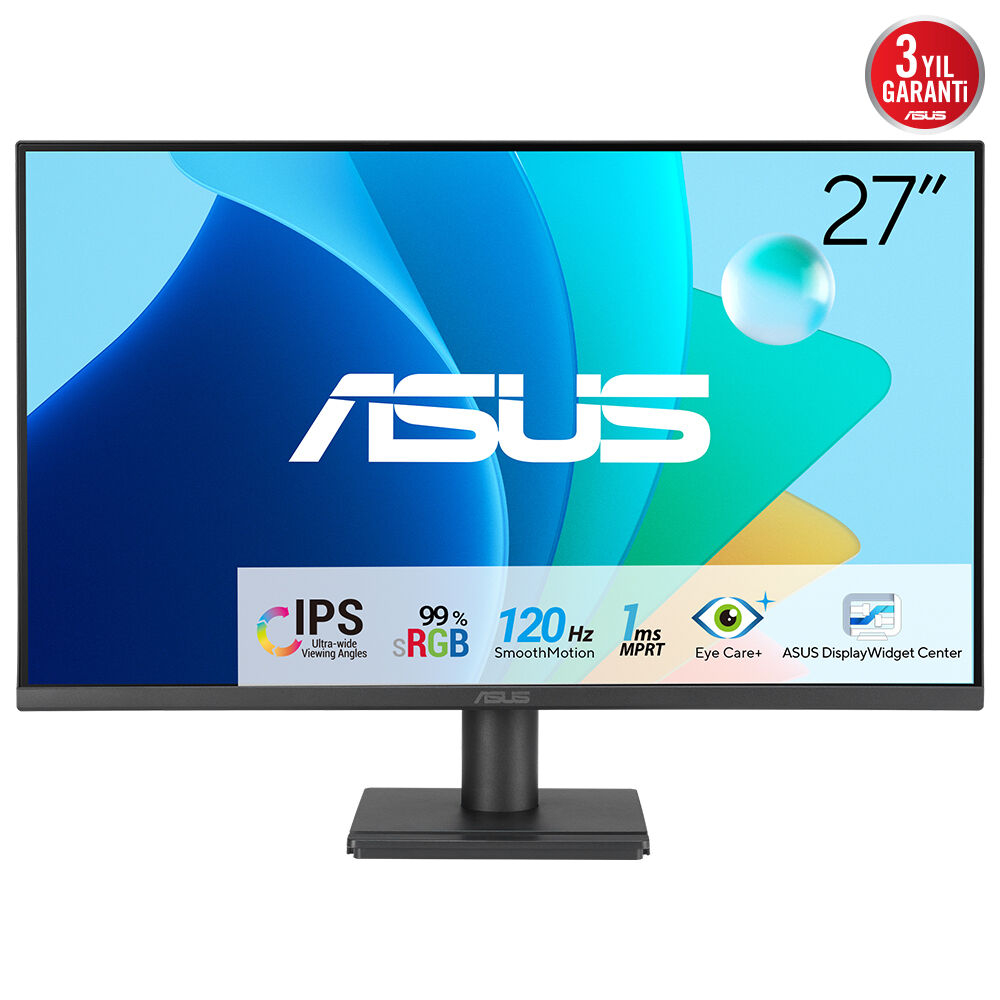
Asus
ASUS VA279HG - LED monitor - gaming - 27" - 1920 x 1080 Full HD (1080p) @ 120 Hz - IPS - 300 cd/m� - 1500:1 - 1 ms - HDMI, VGA - black
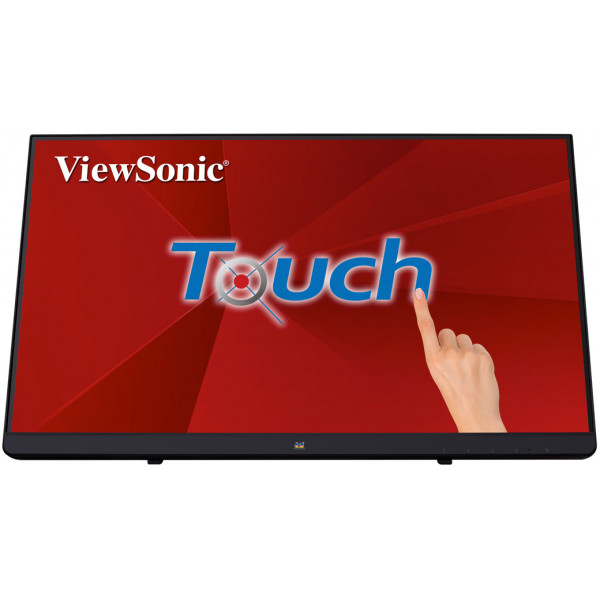
ViewSonic
ViewSonic TD2230 - LED monitor - 22" (21.5" viewable) - touchscreen - 1920 x 1080 Full HD (1080p) - ADS-IPS - 250 cd/m� - 1000:1 - 5 ms - HDMI, VGA, DisplayPort - speakers
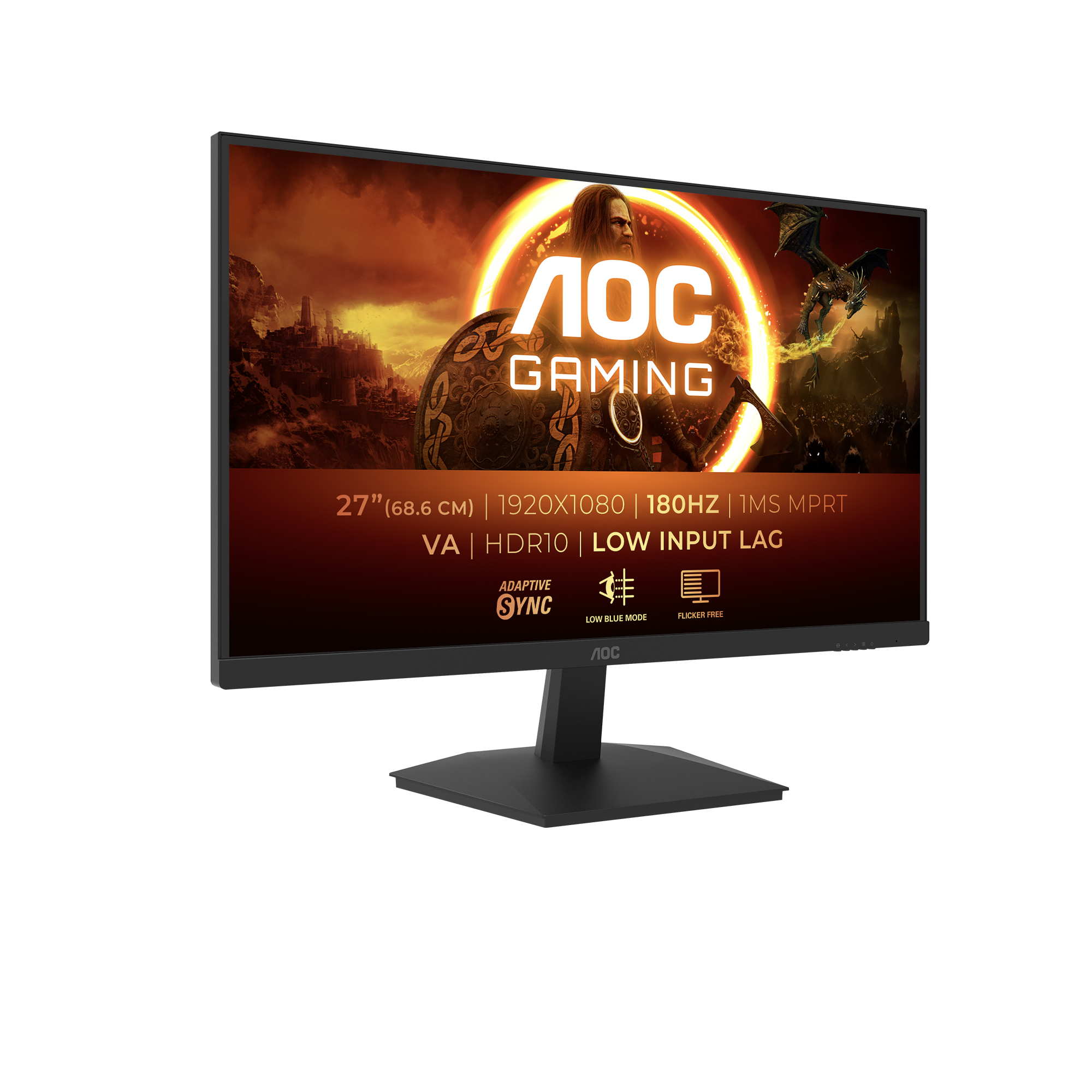
AOC
AOC Gaming 27G15N2 - G1 Series - LED monitor - gaming - 27" - 1920 x 1080 Full HD @ 180 Hz - Fast VA - 300 cd/m� - 3000:1 - HDR10 - 1 ms - HDMI, DisplayPort - black
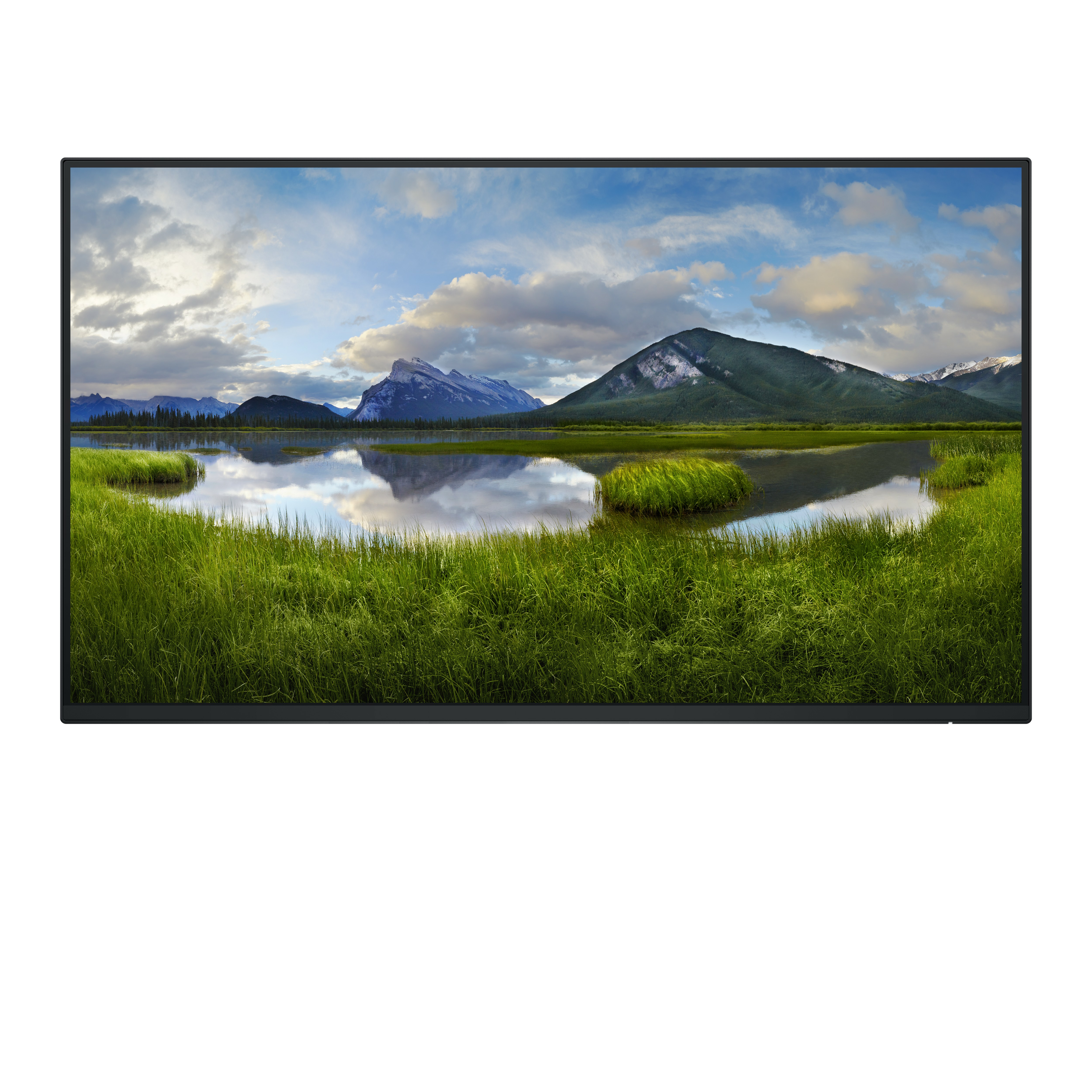
Dell
Dell P2425HE - Without stand - LED monitor - 24" (23.81" viewable) - 1920 x 1080 Full HD (1080p) @ 100 Hz - IPS - 250 cd/m� - 1500:1 - 5 ms - HDMI, DisplayPort, USB-C - BTO - with 3 years Basic Hardware Service with Advanced Exchange after remote diagnosis