- Network Admin
How to Plan Wi-Fi for a Warehouse or Industrial Space
19 Oct, 2025
£84.90 inc. VAT
AI-generated summary
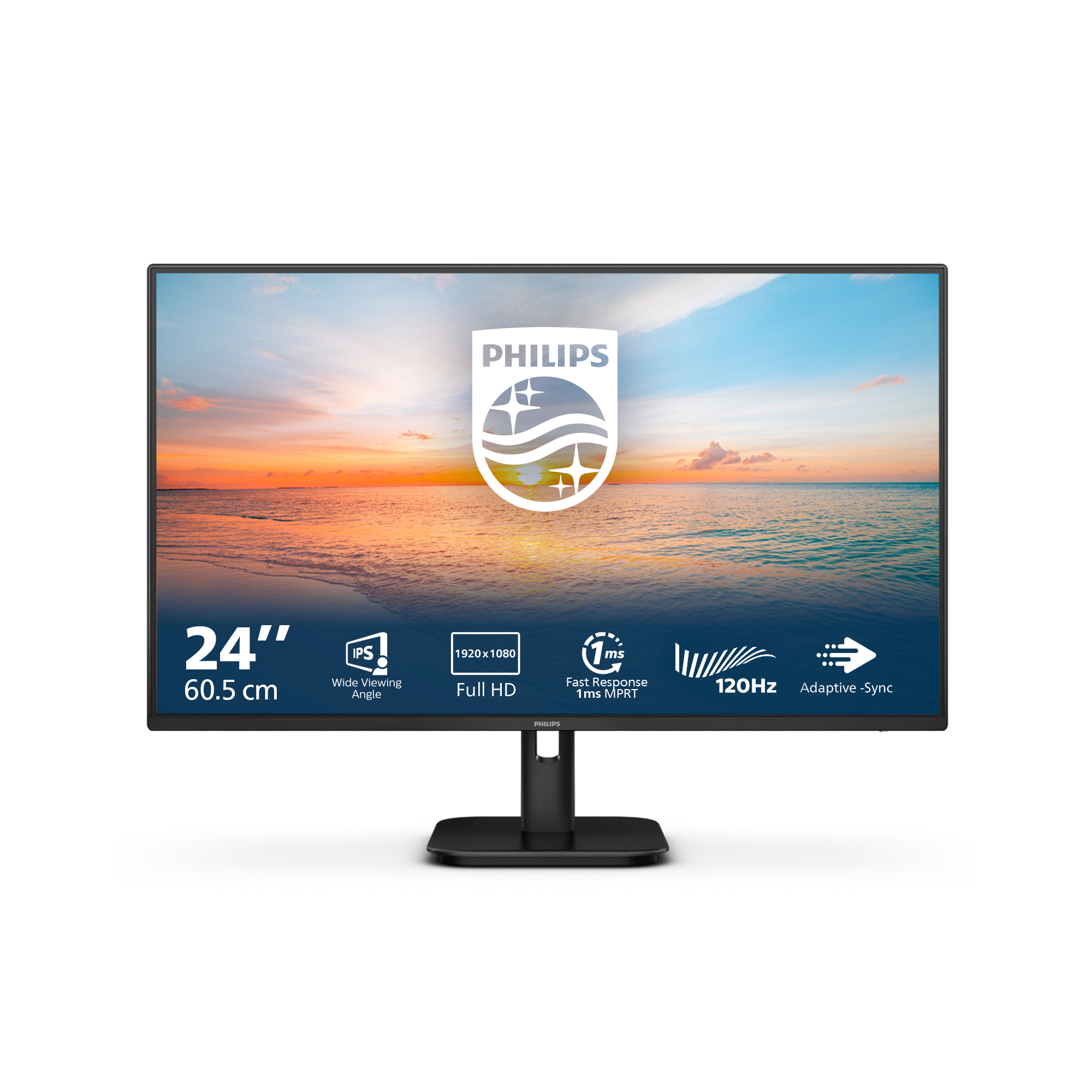
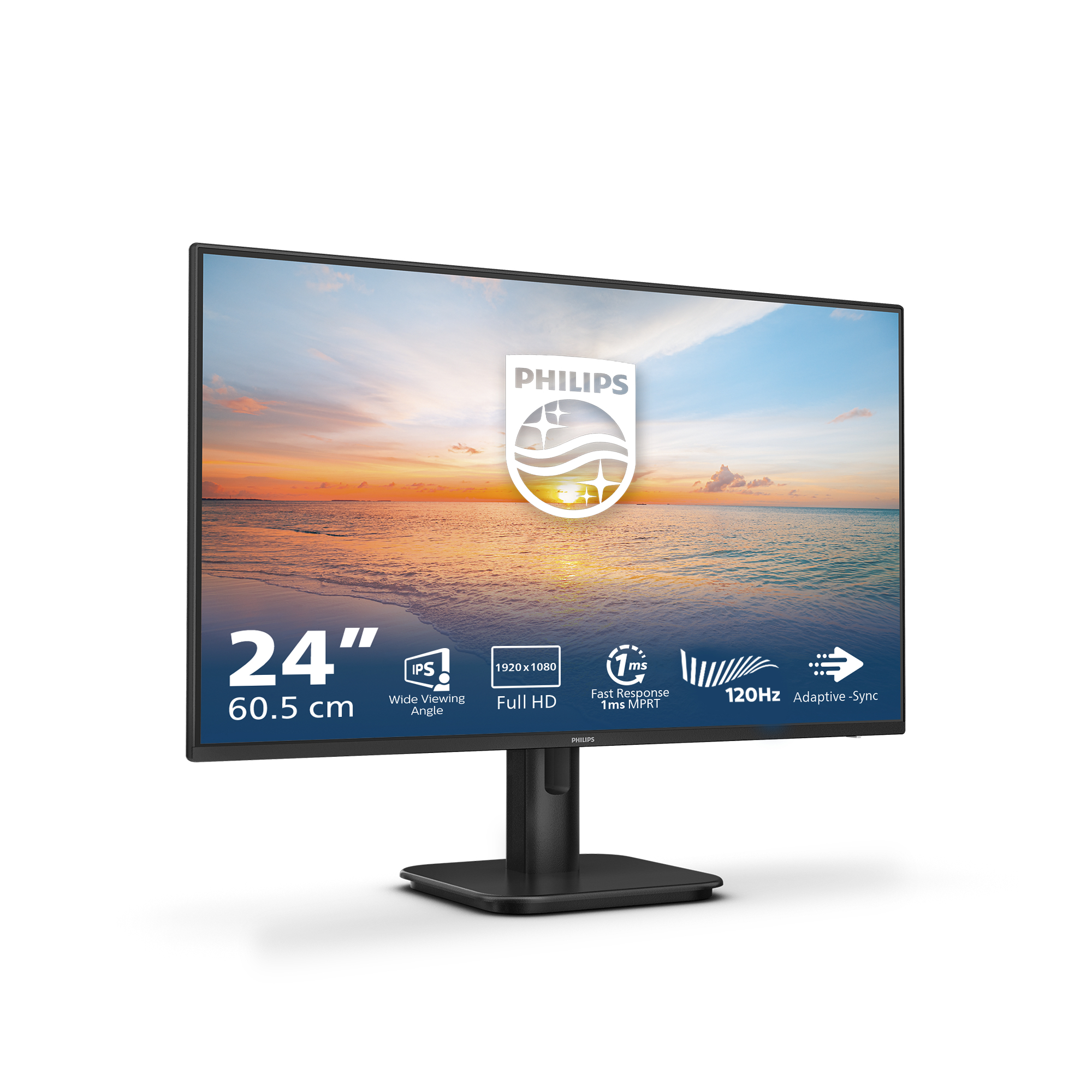
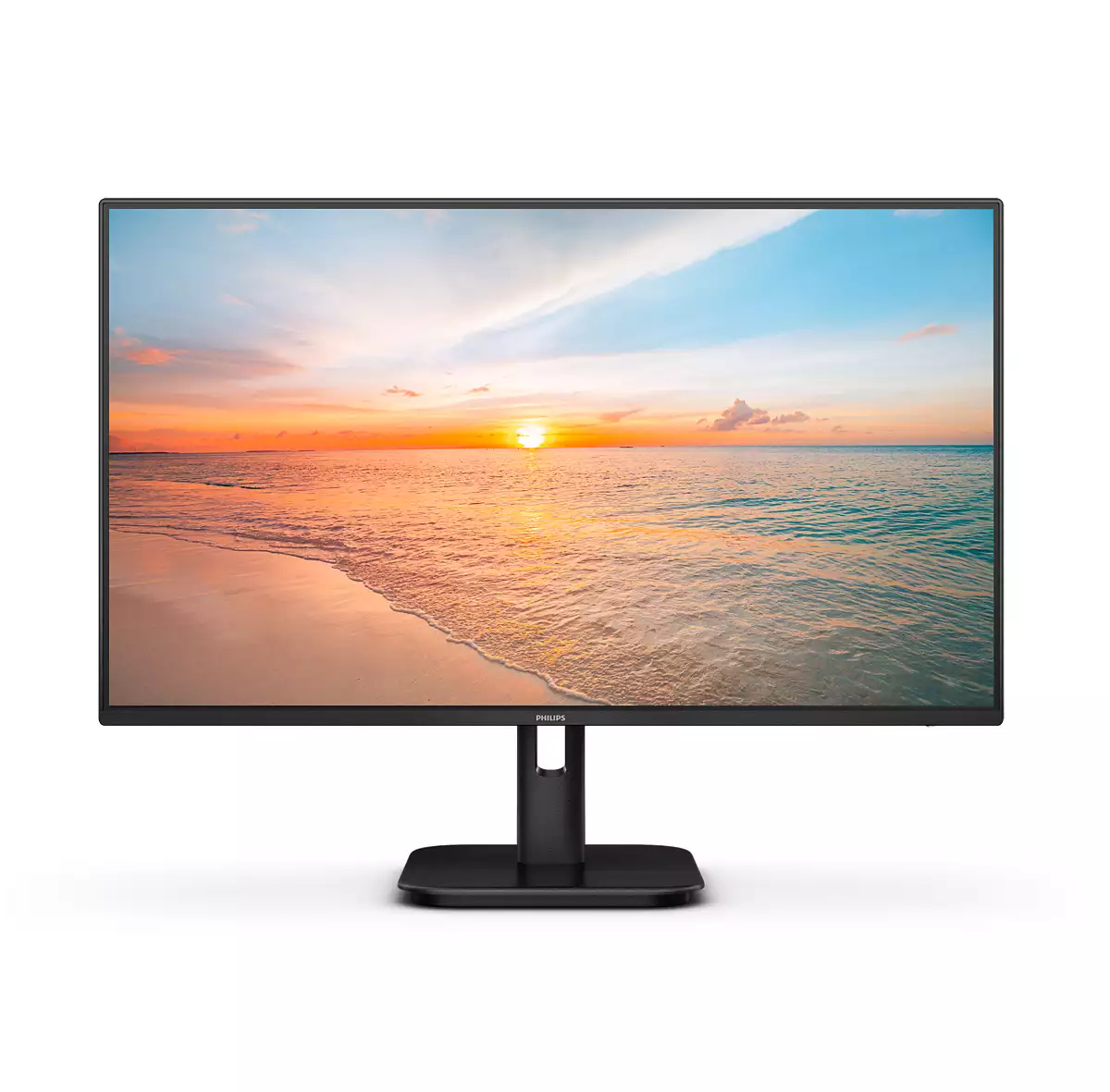
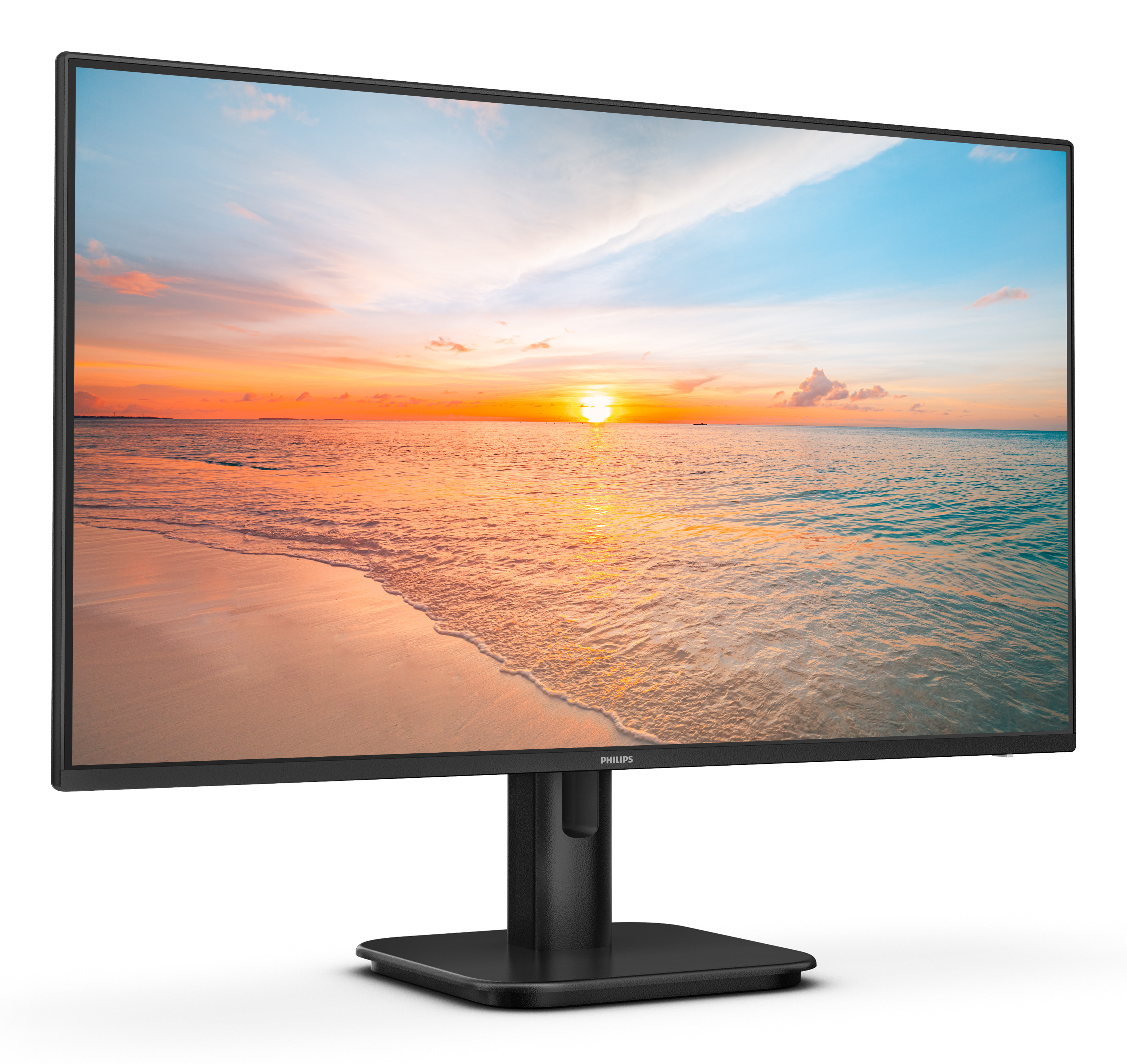
For £70.79 ex-VAT, this Philips 24E1N is the kind of monitor that makes sense when you just need a dependable second screen or a basic workhorse for day-to-day admin, spreadsheets, email, and general office use. The 24-inch size hits a sweet spot for desks that aren’t huge, and the Full HD resolution is totally fine at this distance—so you won’t be squinting or wishing for “more” every ten minutes. I’d also expect it to be a straightforward plug-and-play buy: less faff, fewer surprises, and good value if you’re equipping multiple users.
That said, I wouldn’t buy it if you’re doing anything colour-critical, gaming, or you care a lot about viewing angles and “nice” contrast. Budget Philips panels like this can look a bit washed out compared with pricier options, and you may notice limitations if you sit off-centre or work long hours with bright backgrounds. If your priority is simply getting reliable displays for office tasks on a tight budget, it’s a sensible pick. If you want premium picture quality or a monitor you’ll scrutinise constantly, spend a bit more or look at a higher-tier model.

Cable management reduces cable clutter for neat workspace
Cable management is an intimate design that maintains tidy workspace by organizing cables and wires required for the operation of a display device.

LowBlue mode and Flicker-free easy-on-the eyes viewing
Our LowBlue Mode and Flicker-free technology have been developed to reduce eye strain and fatigue often caused by long hours in front of a monitor.
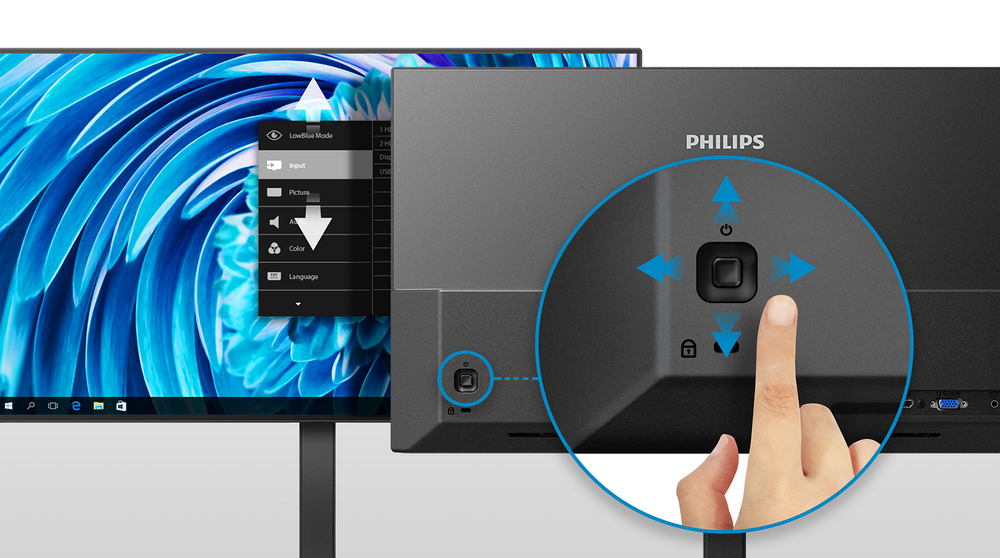
EasySelect menu toggle key for quick on-screen menu access
The discreetly placed EasySelect Menu Toggle Key allows you to make quick and easy adjustments to monitor settings in the On-Screen Display menu.

Built-in stereo speakers for multimedia
A pair of high quality stereo speakers built into a display device. It can be visible front firing, or invisible down firing, top firing, rear firing, etc depending on model and design.
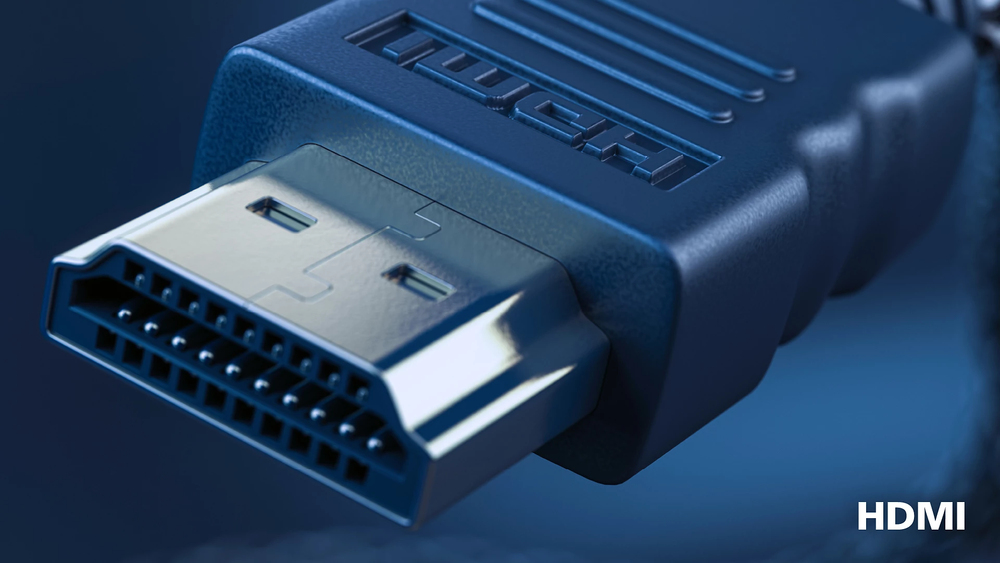
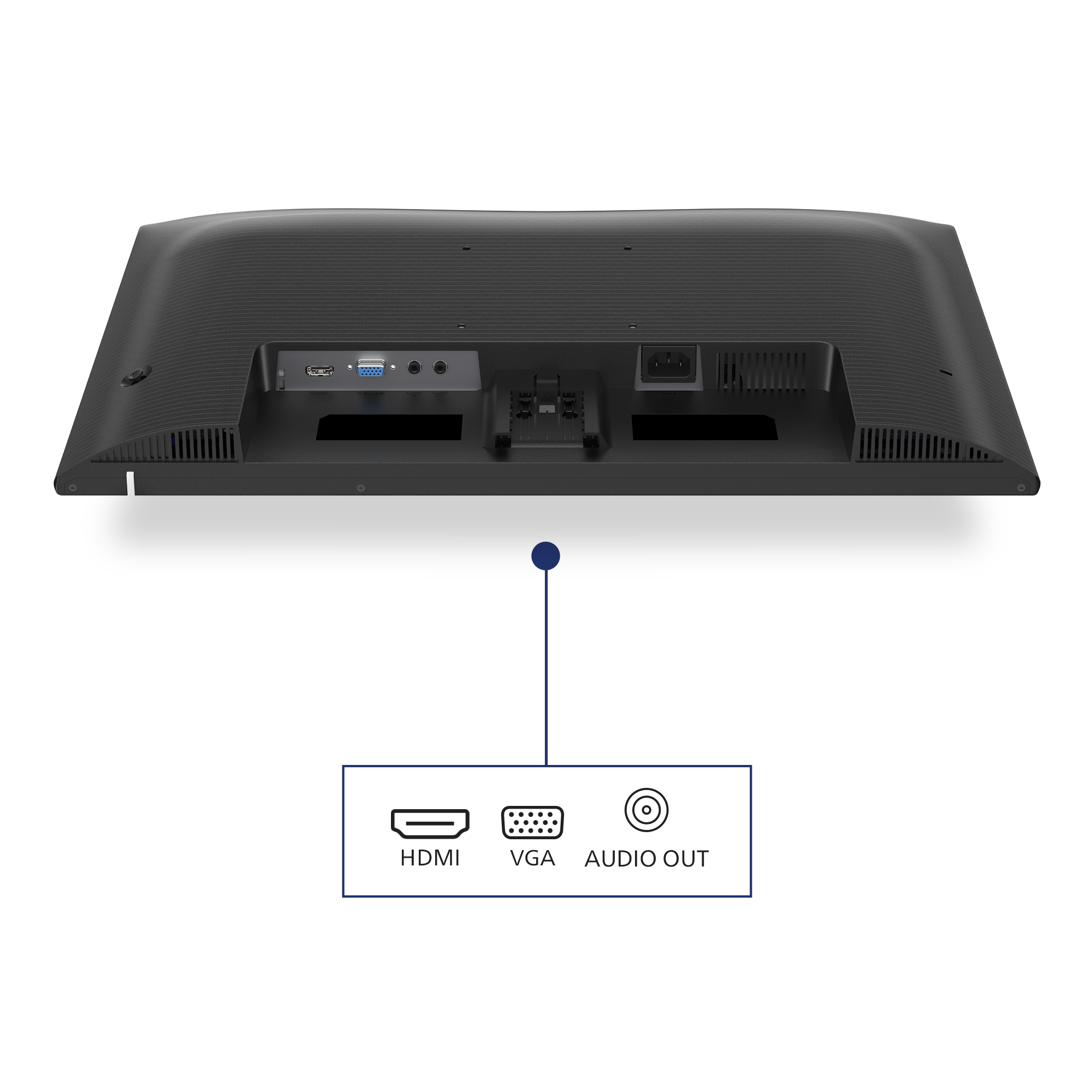
HDMI ensures universal digital connectivity
An HDMI-ready device has all the required hardware to accept High-Definition Multimedia Interface (HDMI) input. A HDMI cable enables high-quality digital video and audio all transmitted over a sing...

1ms (MPRT) fast response for crisp image and smooth gameplay
MPRT (motion picture response time) is more intuitive way to describe the response time, which directly refers the duration from seeing blurry noise to clean and crisp images. Philips gaming monito...

Philips
Philips Evnia 6000 27M2N6501L - OLED monitor - gaming - 27" (26.5" viewable) - 2560 x 1440 QHD @ 240 Hz - 400 cd/m� - 1500000:1 - HDR10 - 0.03 ms - 2xHDMI, DisplayPort - white
Iiyama
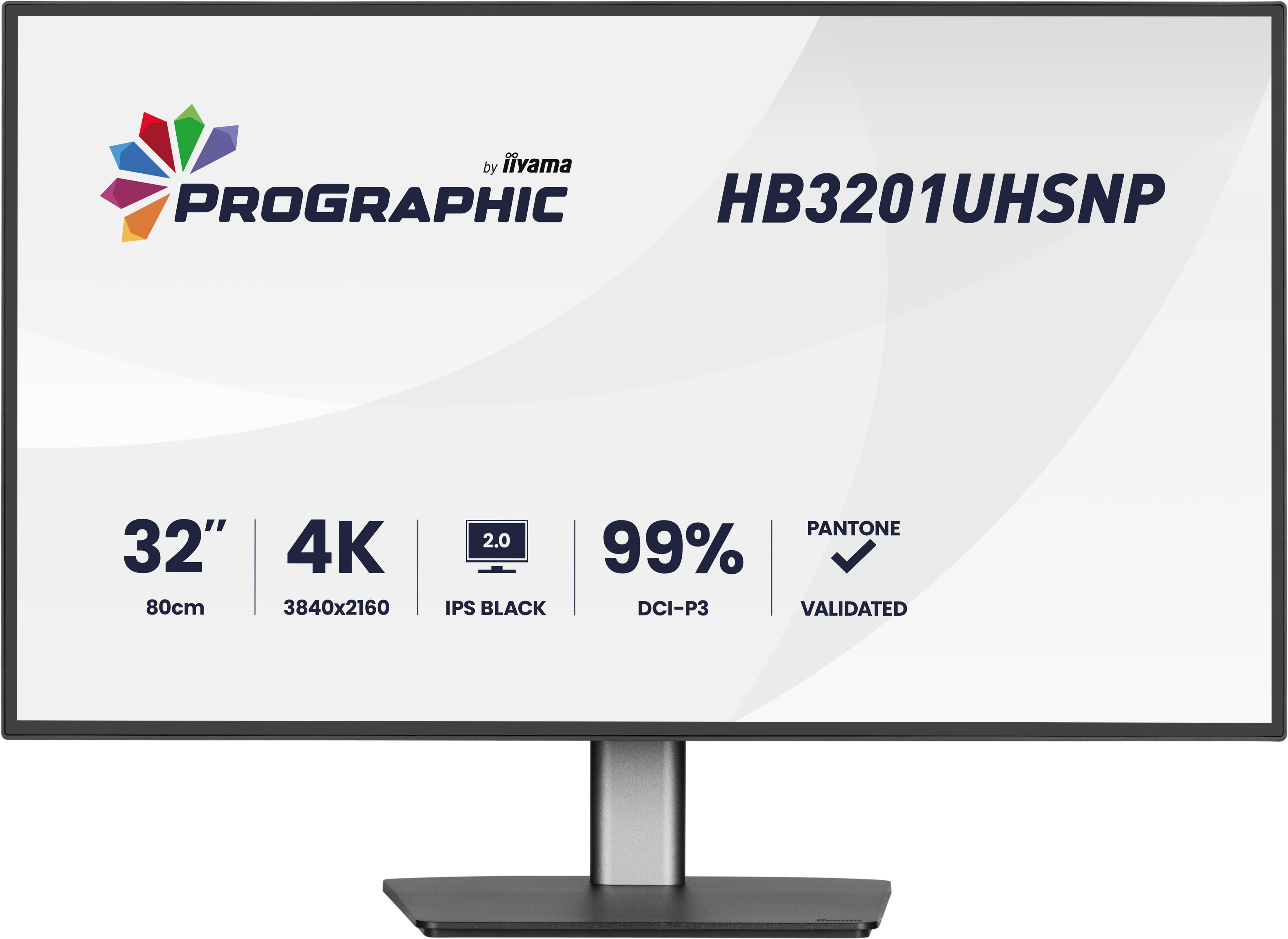
Iiyama ProGraphic HB3201UHSNP-B1 - LED monitor - 31.5" - 3840 x 2160 4K @ 60 Hz - IPS Black 2.0 - 450 cd/m� - 3000:1 - 4 ms - HDMI, DisplayPort, USB-C - speakers - black, matte
Asus
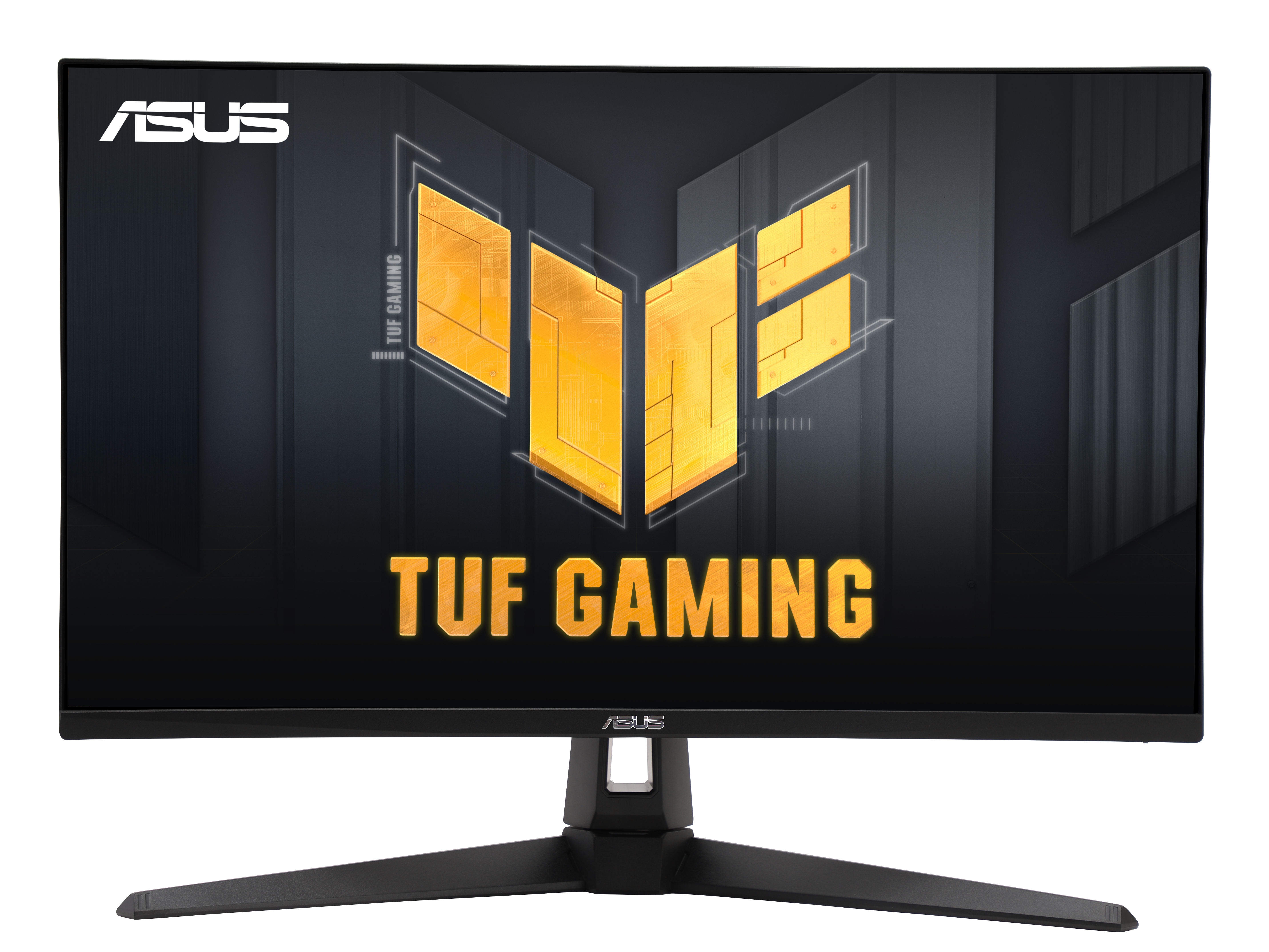
ASUS TUF Gaming VG27AQ5A - LED monitor - gaming - 27" - 2560 x 1440 QHD @ 210 Hz - Fast IPS - 300 cd/m� - 1300:1 - HDR10 - 0.3 ms - 2xHDMI, DisplayPort - speakers - black
Iiyama
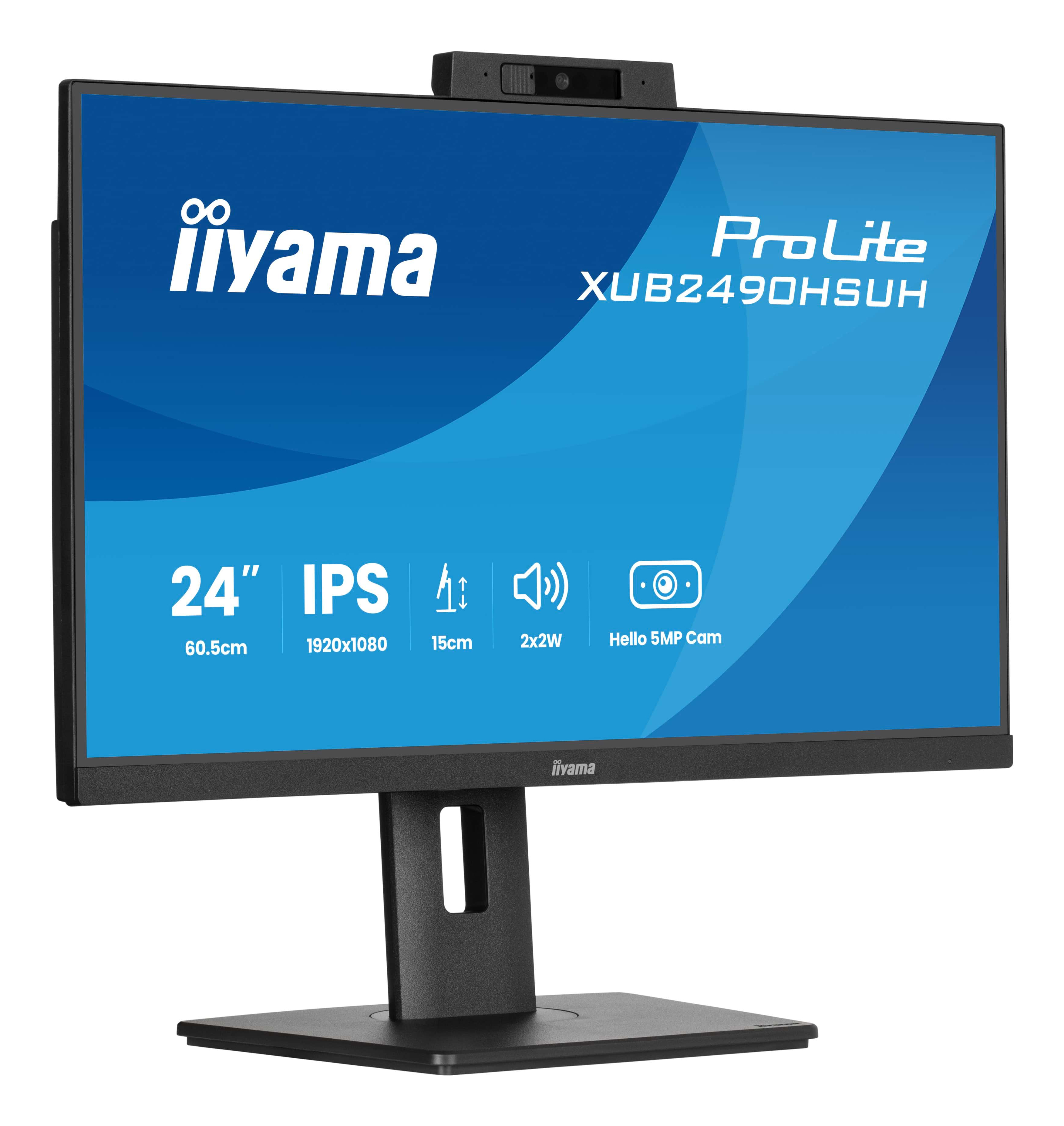
iiyama ProLite XUB2490HSUH-B2 - LED monitor - 24" (23.8" viewable) - 1920 x 1080 Full HD (1080p) @ 100 Hz - IPS - 250 cd/m� - 1300:1 - 4 ms - HDMI, DisplayPort - speakers - black, matte