- Network Admin
Network Switches Explained: Managed vs Unmanaged
11 Mar, 2026
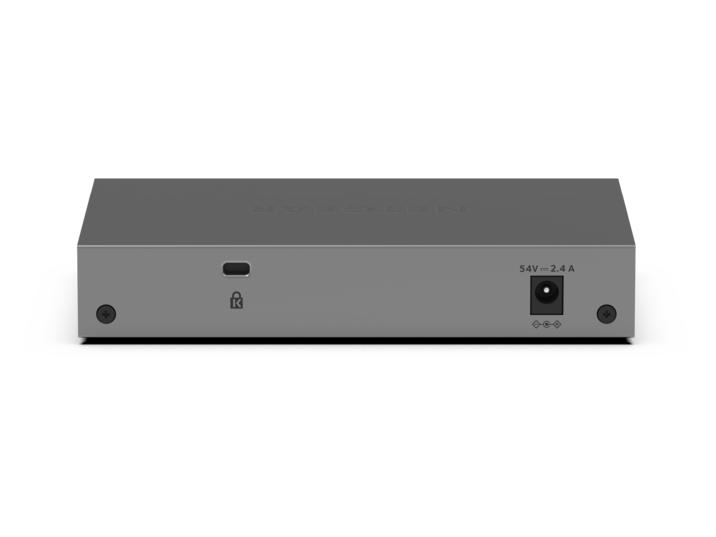
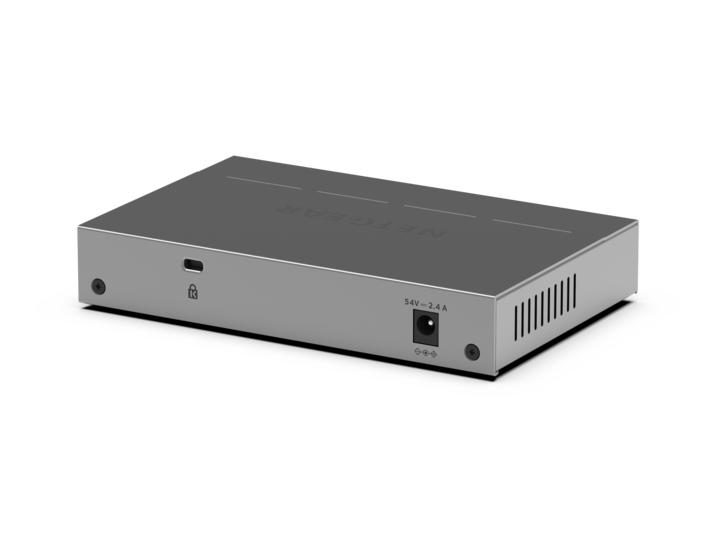
£137.21 inc. VAT
AI-generated summary
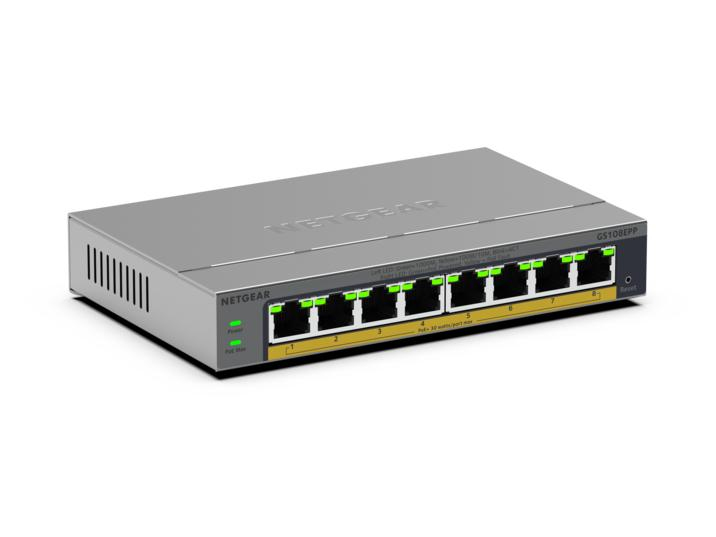
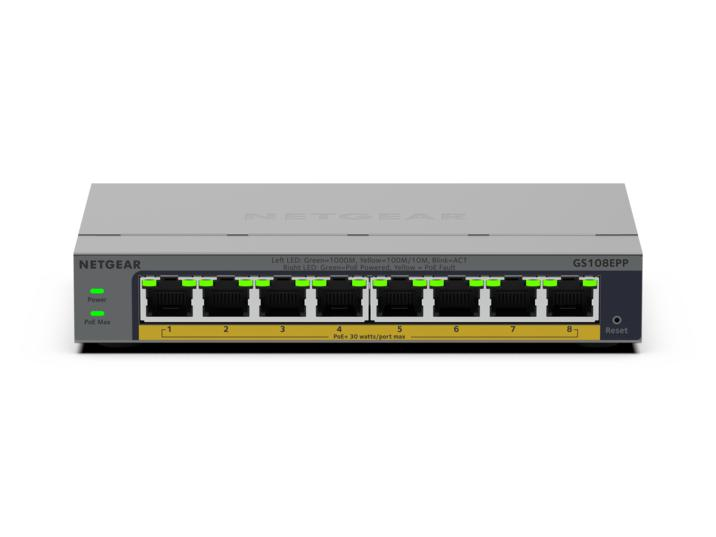
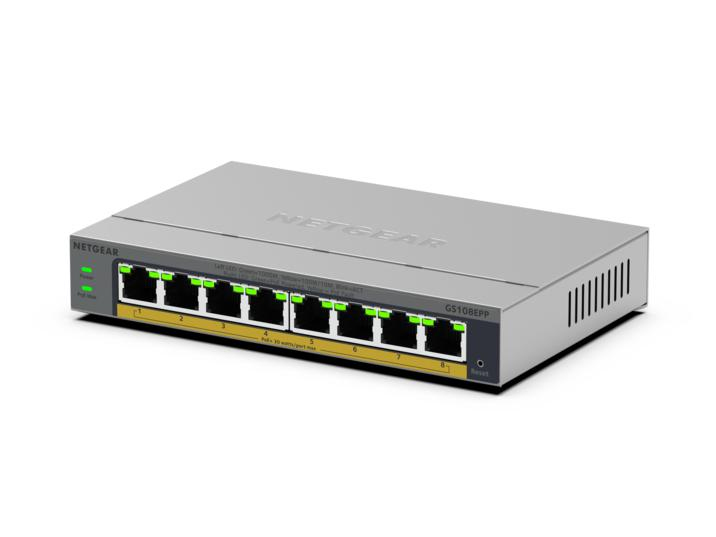
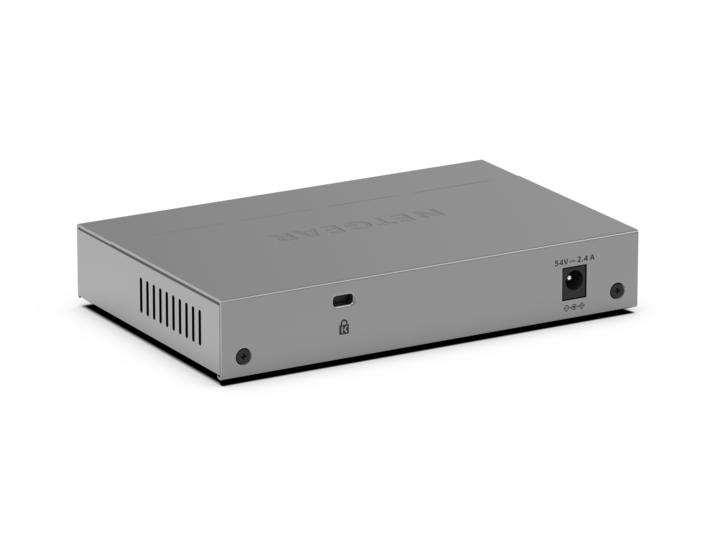
The NETGEAR GS108EPP is one of those “just works” PoE gigabit switches that’s actually good value if you’ve got a small number of devices and you don’t want to mess about. For the money (£114.46 ex-VAT), it’s a sensible choice for typical office/warehouse setups: a few IP cameras, some access points, or VoIP phones where reliability matters more than fancy management. Because it’s unmanaged, deployment is quick—plug it in, power comes up, and the network behaves like a dumb pipe (in a good way) without you having to learn switch menus or worry about misconfiguration.
I’d avoid it if you’re planning a growing network with varying power demands, or if you need visibility/control (VLANs, monitoring, traffic policies, remote troubleshooting). Unmanaged PoE gear also means you’re relying on other parts of your network to handle segmentation and diagnostics, so it’s not the best fit for environments that need tight governance or granular troubleshooting. But if your requirement is straightforward—small scale, mostly stable devices, minimal admin—the GS108EPP is a pragmatic buy.
STARTECH
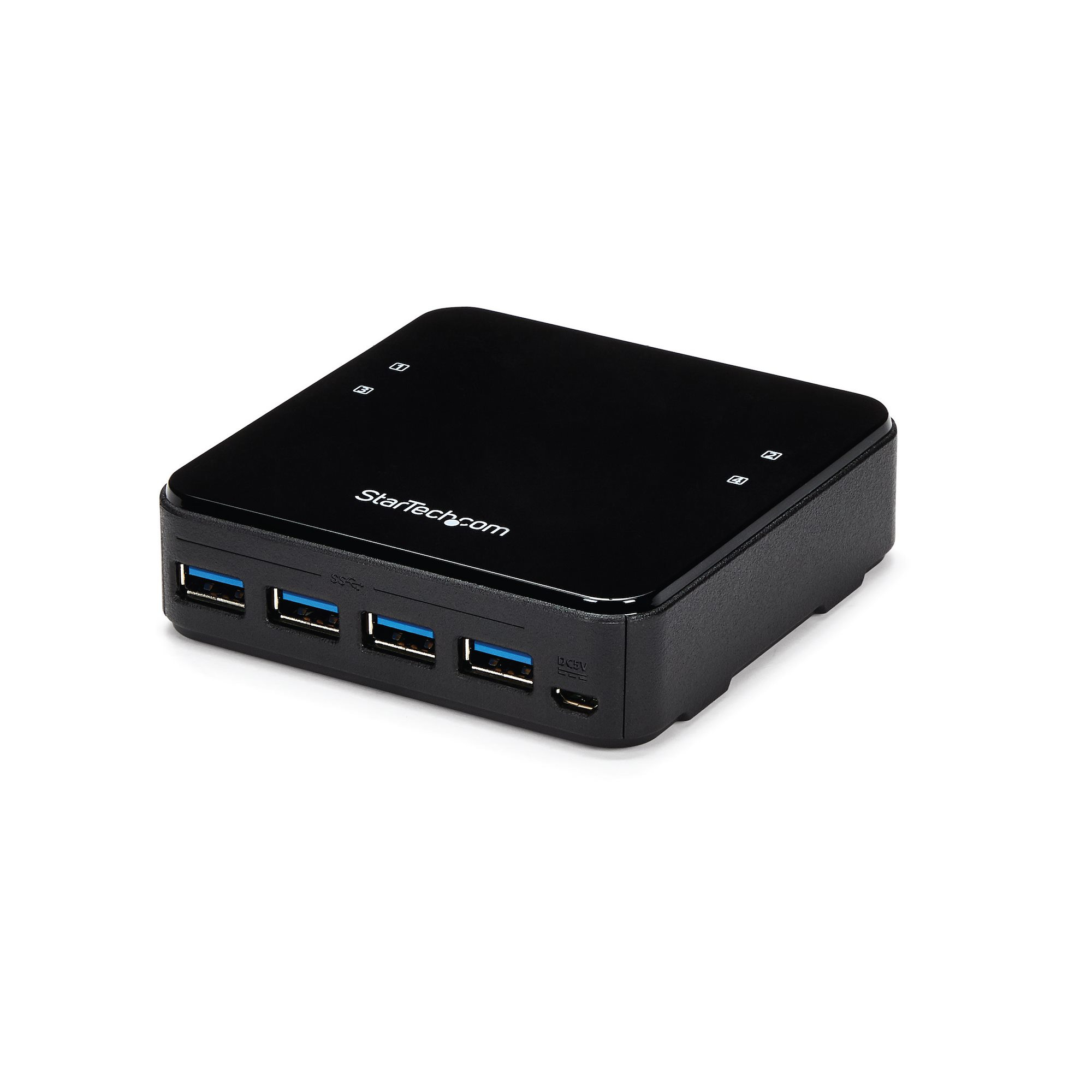
StarTech.com USB 3.0 Peripheral Sharing Switch - 4 USB 3.0 x 4 Computers - Mac / Windows / Linux - USB A/B Switch - USB Switch (HBS304A24A) - Hub - 8 x SuperSpeed USB 3.0 - desktop
TP-Link
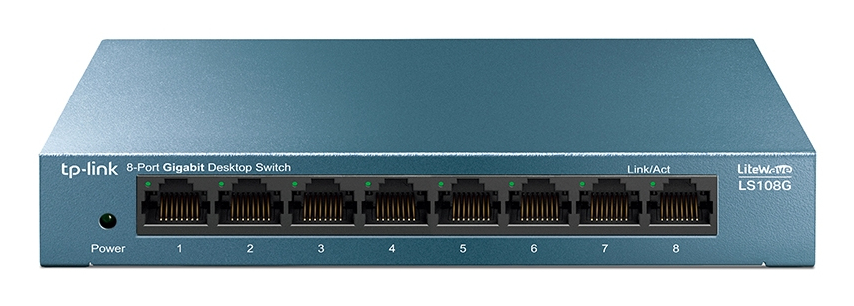
TP-Link LiteWave LS108G - Switch - unmanaged - 8 x 10/100/1000 - desktop - AC 220 V

Netgear
NETGEAR 300 Series GS305P - Version 3 - switch - SOHO - unmanaged - 5 x 10/100/1000 (4 PoE+) - desktop, wall-mountable - PoE+ (63 W)
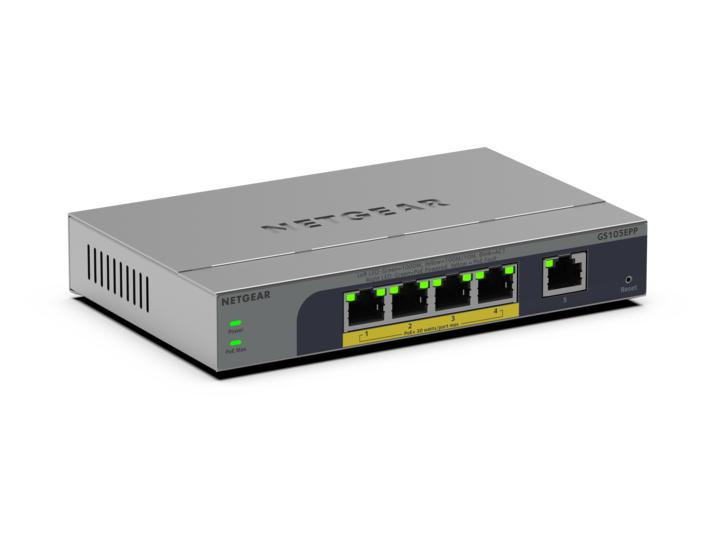
Netgear
NETGEAR Easy Smart GS105EPP - Switch - high-power - L3 - smart - 1 x 10/100/1000 + 4 x 10/100/1000 (PoE+) - desktop, wall-mountable - PoE+ (120 W)