- Azure Cloud
How to Use Azure Monitor for Proactive IT Management
15 Feb, 2026

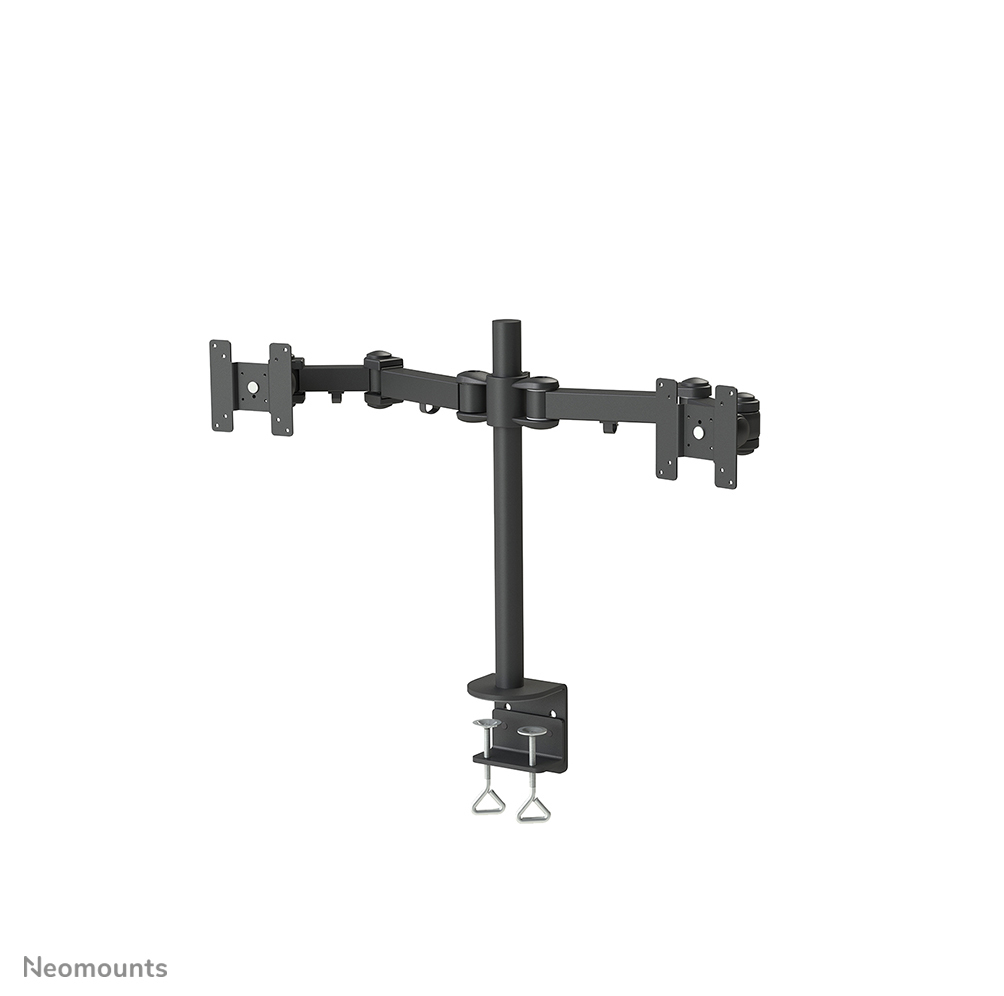
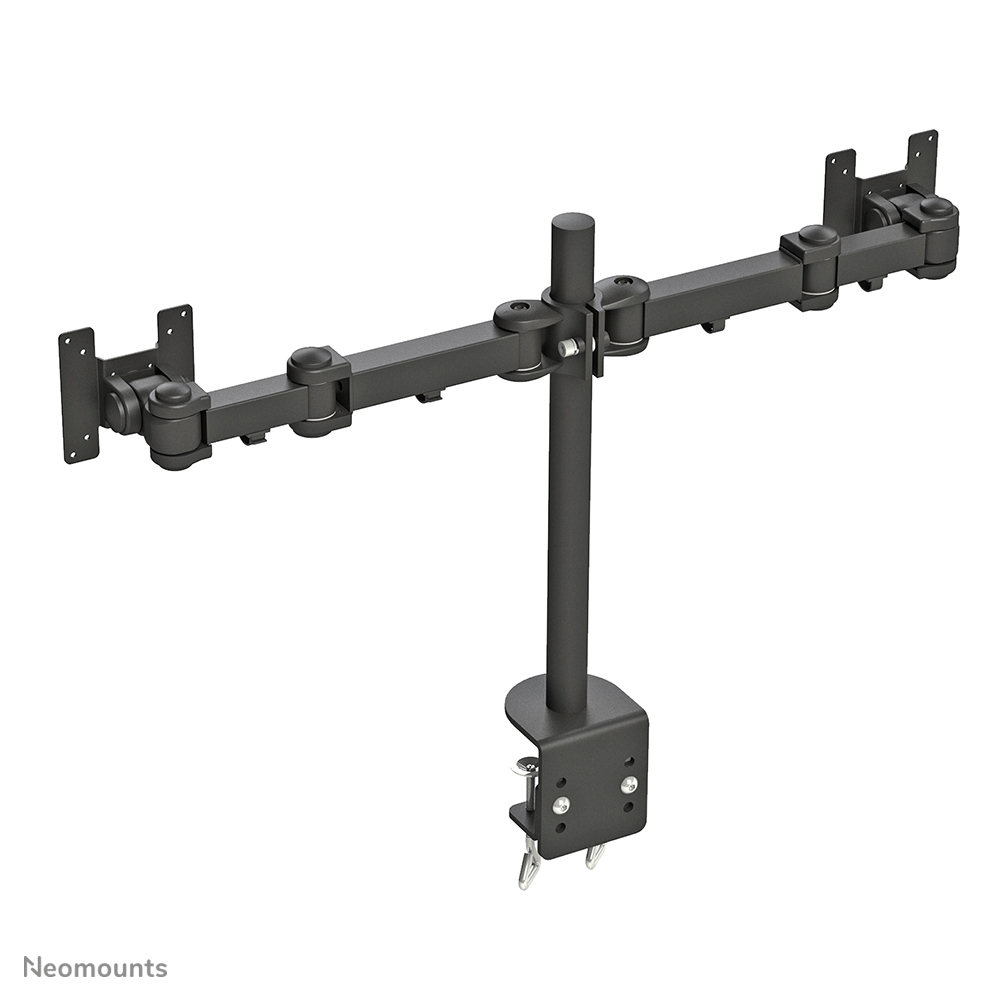
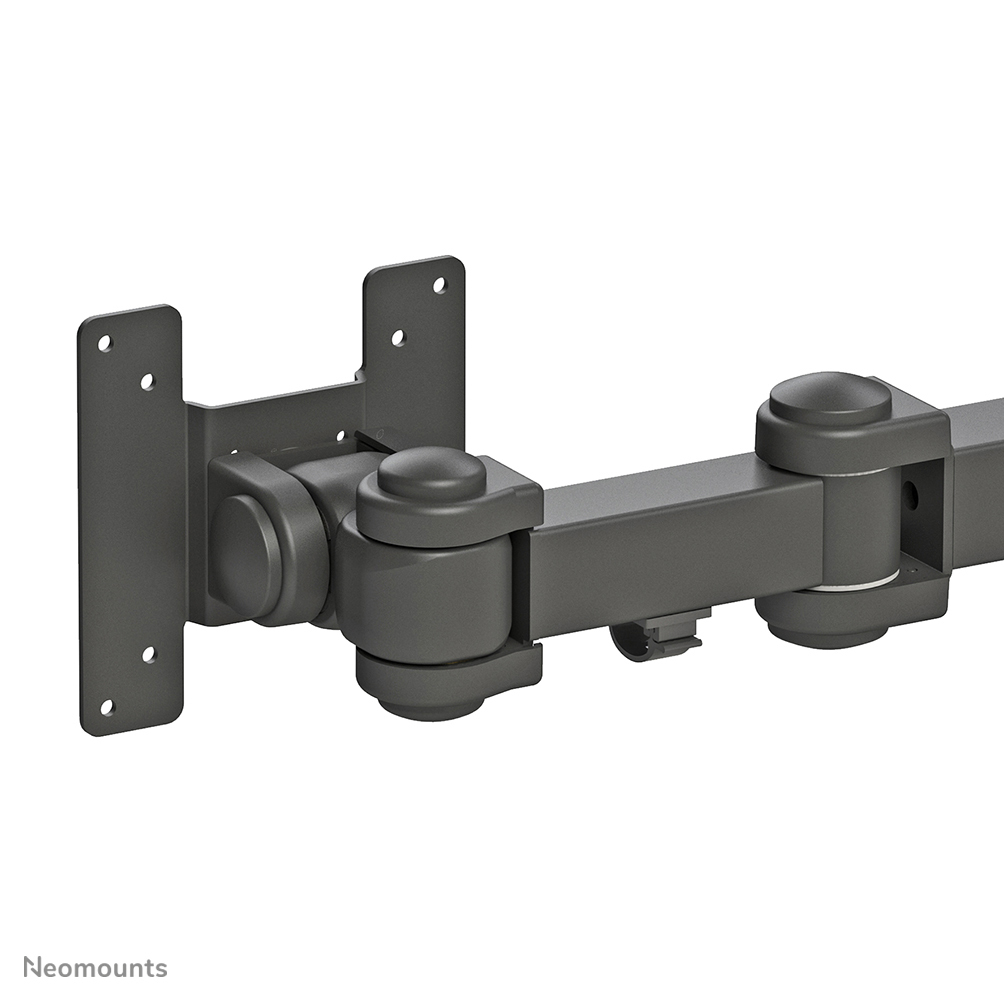
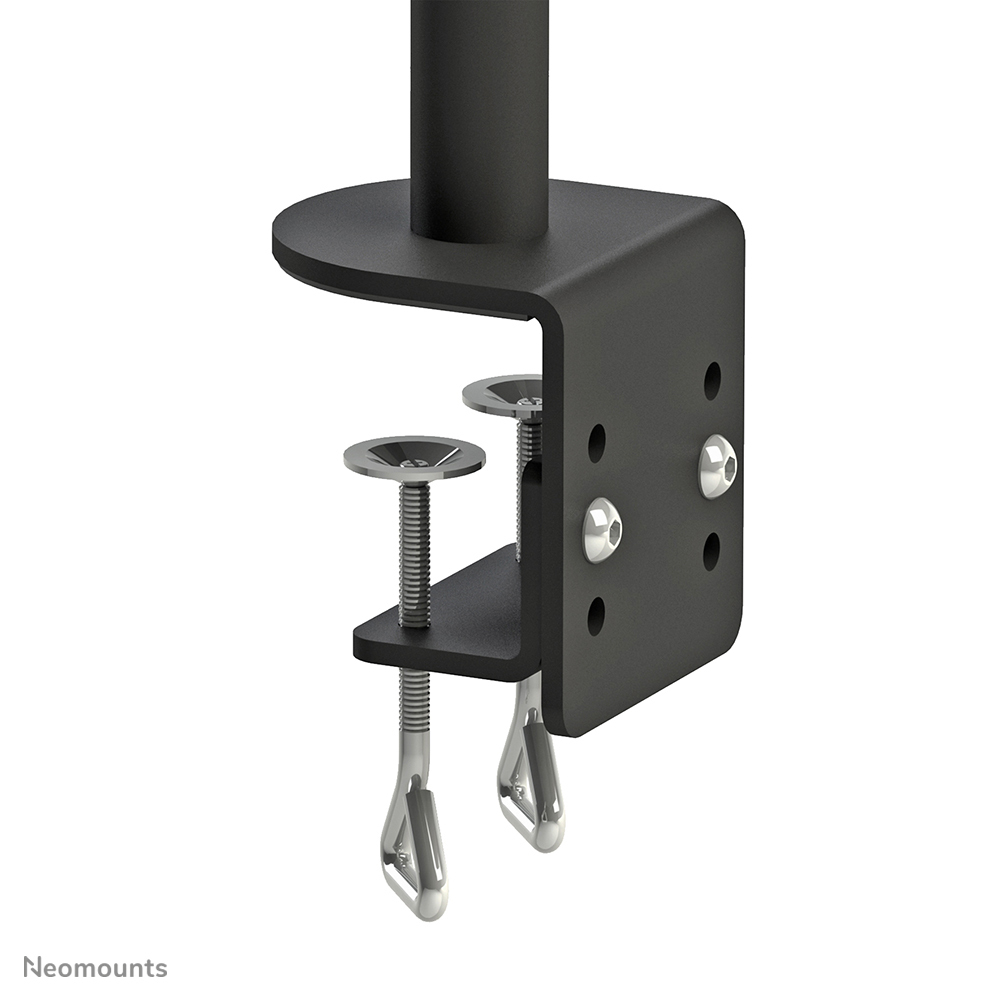
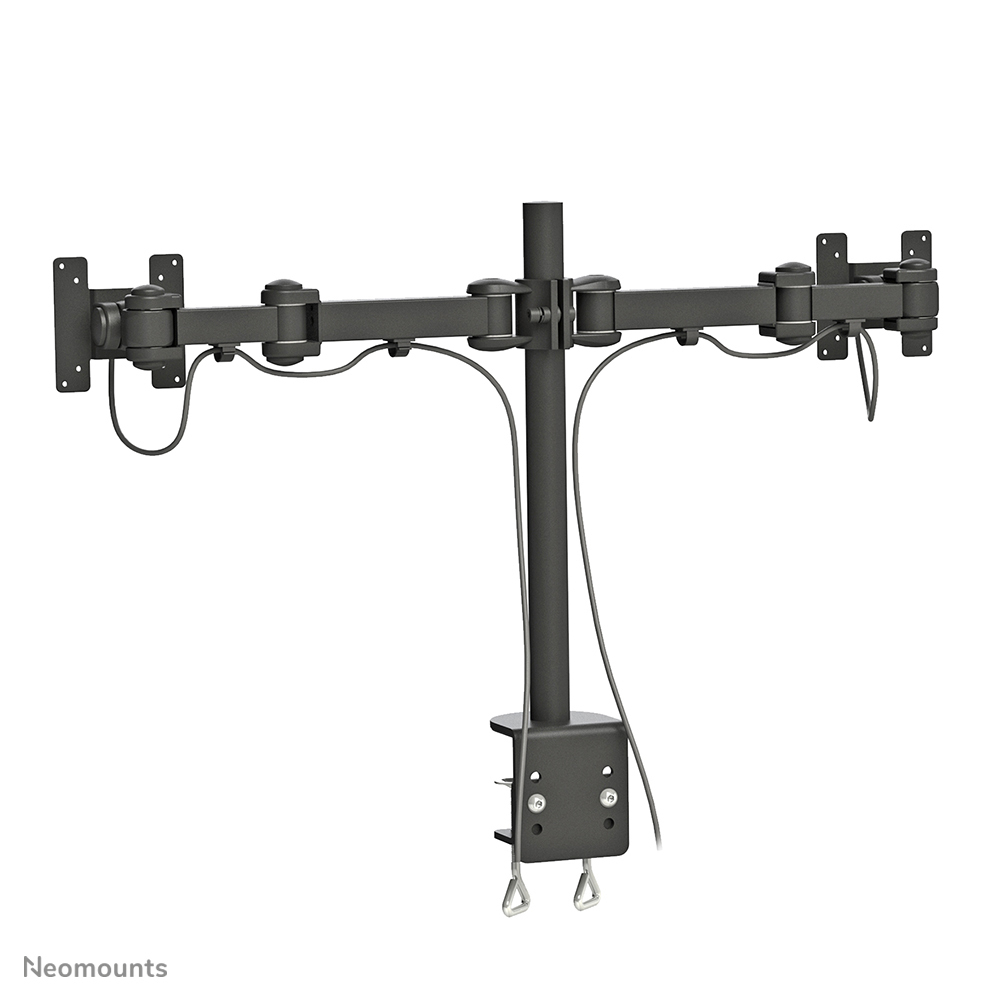
£141.00 inc. VAT
AI-generated summary
The Neomounts FPMA-D960D is the kind of monitor arm I’d recommend if you want a tidy, practical upgrade without going overboard on gimmicks. In day-to-day use, a 10–27" arm like this is ideal for desk workers who move between reading, spreadsheeting and meetings—because being able to position the screen properly usually makes the biggest difference to comfort versus “just” raising a stand. At £117.79 ex-VAT, it’s priced like a sensible mid-range option: not the cheapest entry-level arm, but also not the premium tier you’d pick for heavy-duty ultrawides or serious use all day.
That said, it’s not for everyone. If you’re planning on larger displays, very heavy screens, or you need a lot of range for multiple users in a shared workspace, you might find this is more “fit for purpose” than “do everything.” Also, monitor arms live or die by install compatibility—so if your desk has awkward thickness/material (or you’re not confident you can get the fixing right), factor that in before buying. Overall: good value for a standard office monitor setup where ergonomics matter, but don’t buy it expecting it to feel like a workstation-grade arm meant for demanding daily swapping and monster screens.
NEOMOUNTS
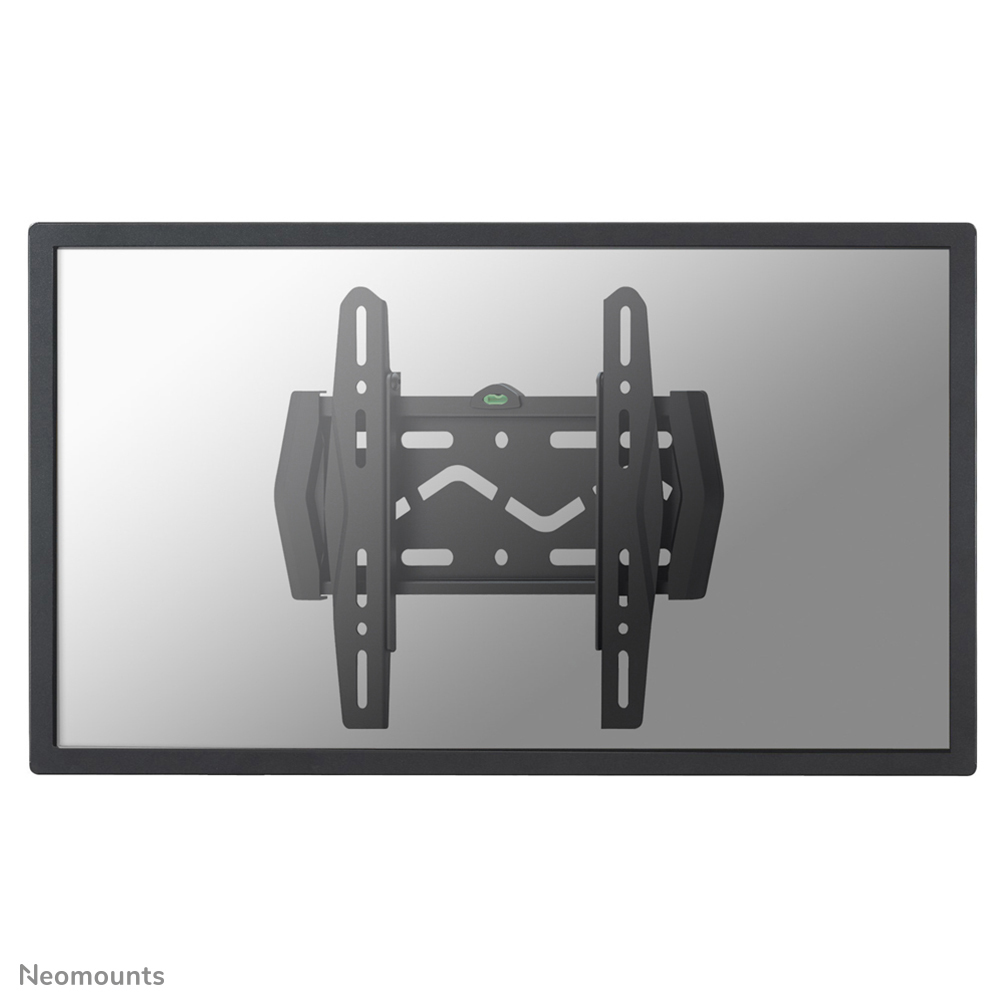
Neomounts LED-W120 - Bracket - fixed - for LCD display - black - screen size: 22"-40" - wall-mountable
NEOMOUNTS
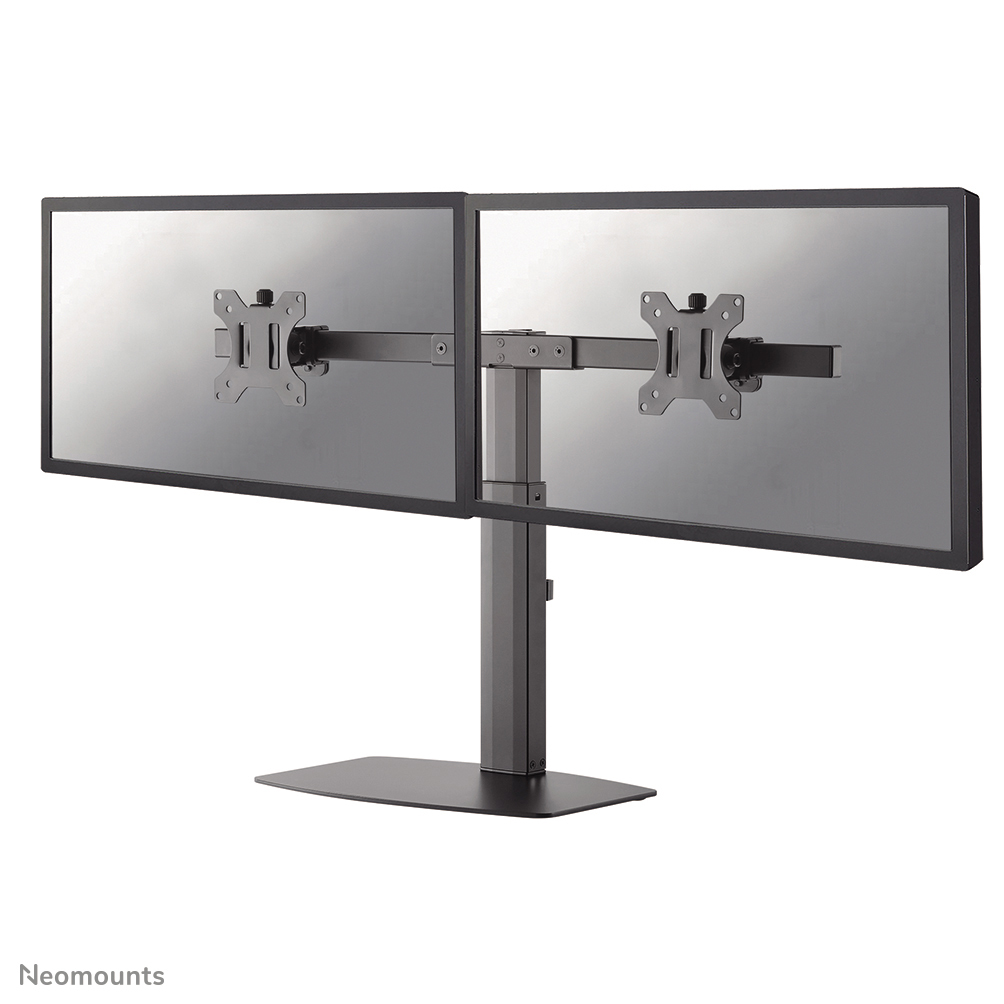
Neomounts FPMA-D865D - Stand - full-motion - for 2 LCD displays - black - screen size: 10"-27" - desktop stand, desk-mountable

NEOMOUNTS
Neomounts FPMA-W940 - Bracket - full-motion - for LCD display - silver - screen size: 10"-30" - wall-mountable

NEOMOUNTS
Neomounts FPMA-C025 - Bracket - for LCD display - black - screen size: 10"-30" - ceiling mountable