- Cloud Networking
How to Set Up VPN Tunnels with Cisco Meraki MX
11 Mar, 2026
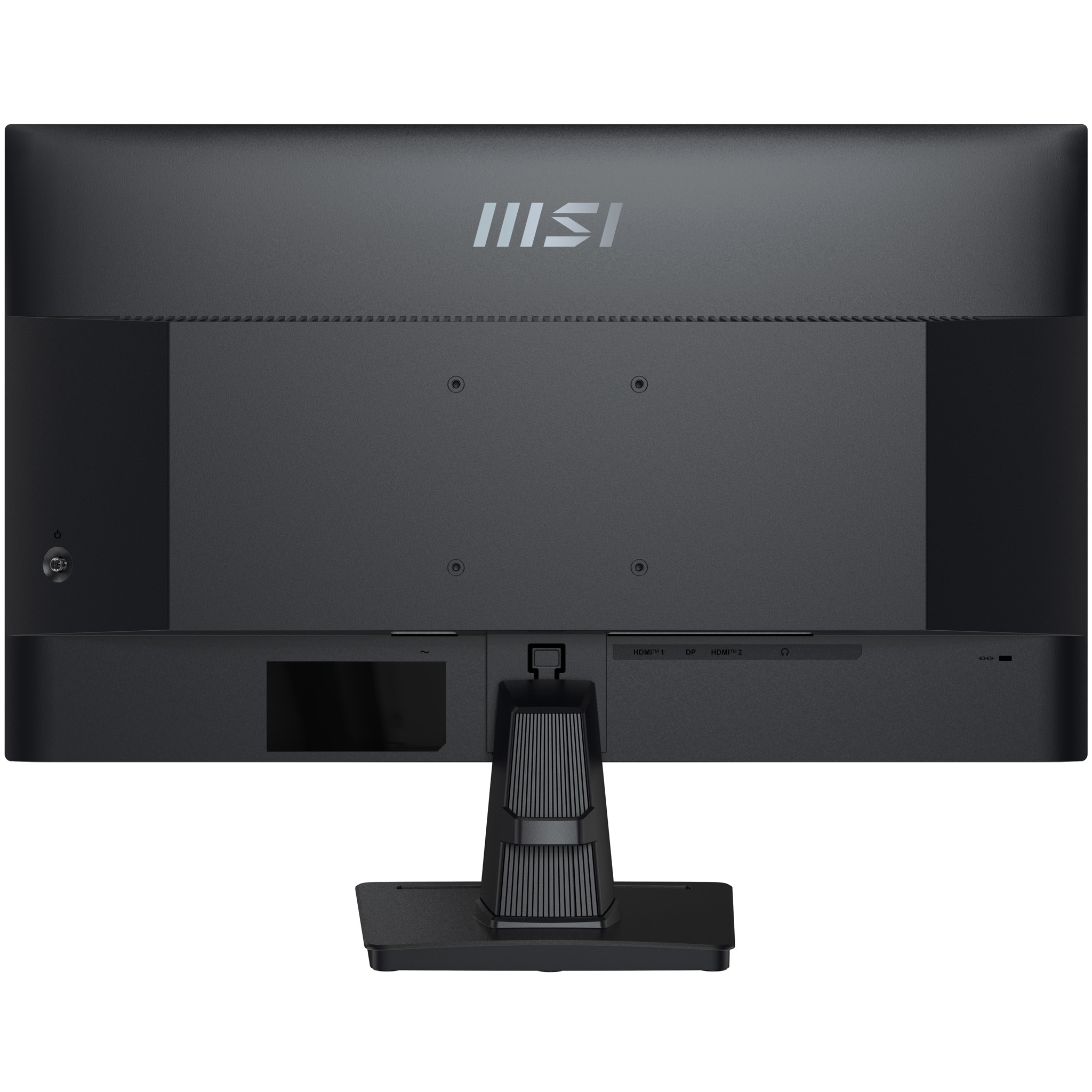
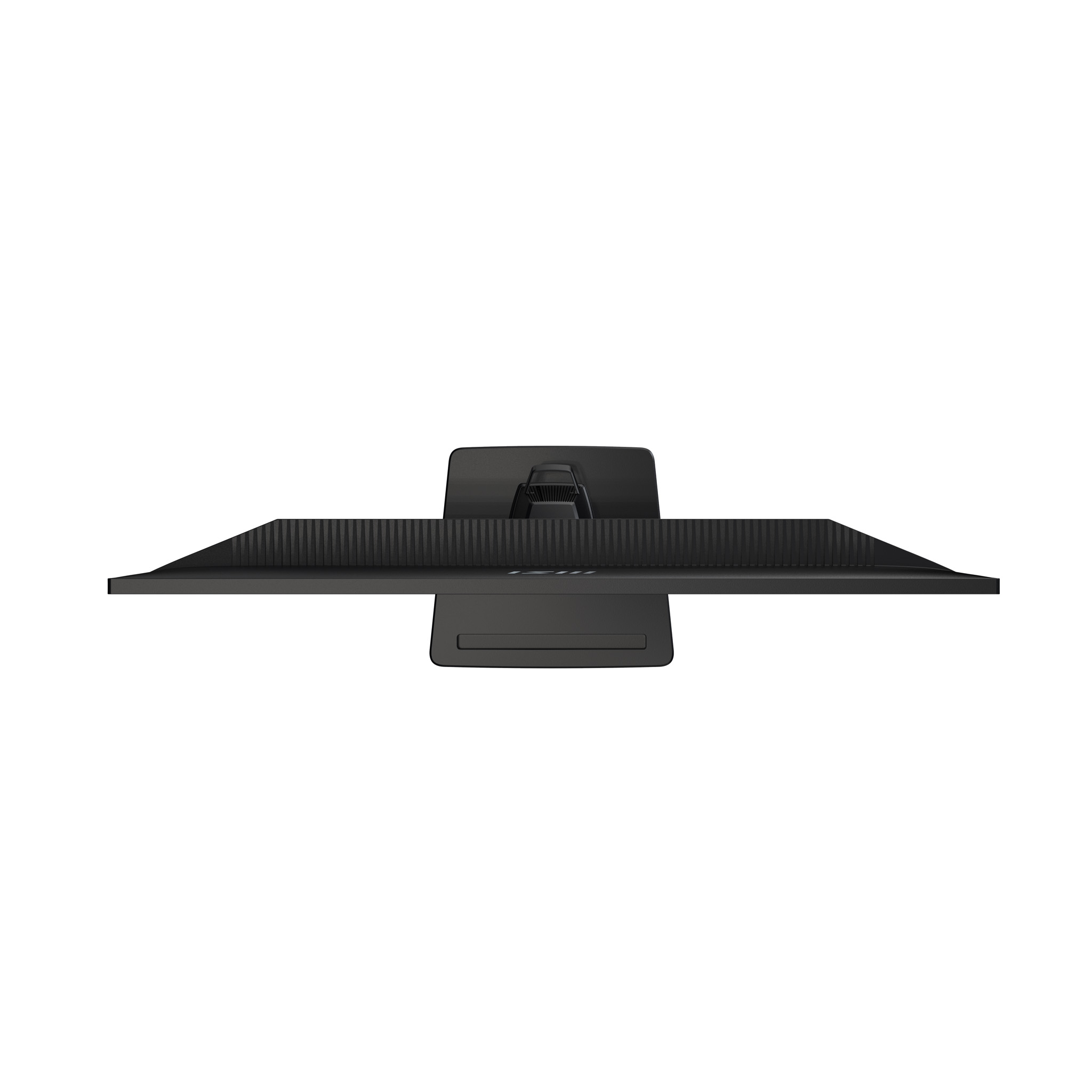
£171.56 inc. VAT
AI-generated summary
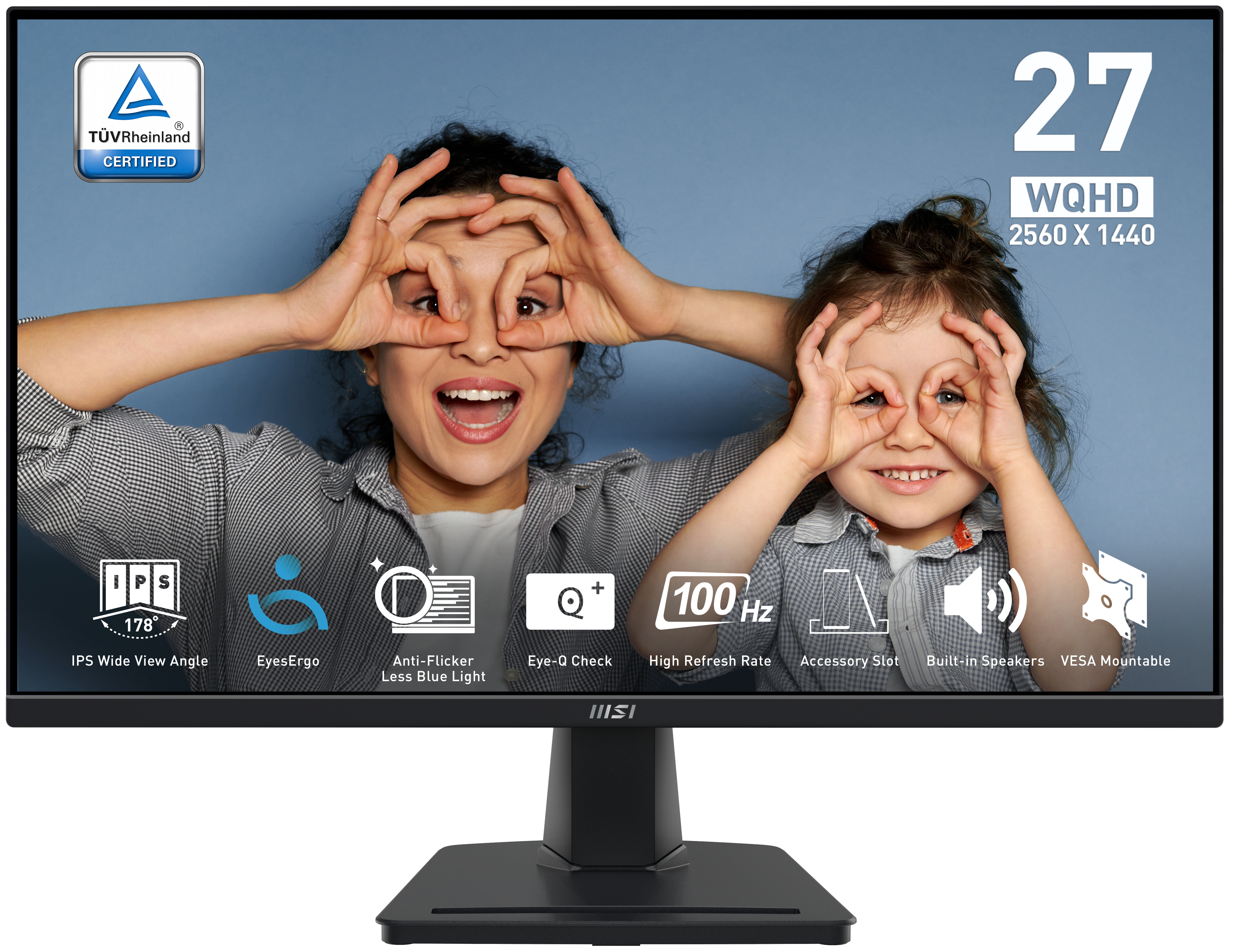
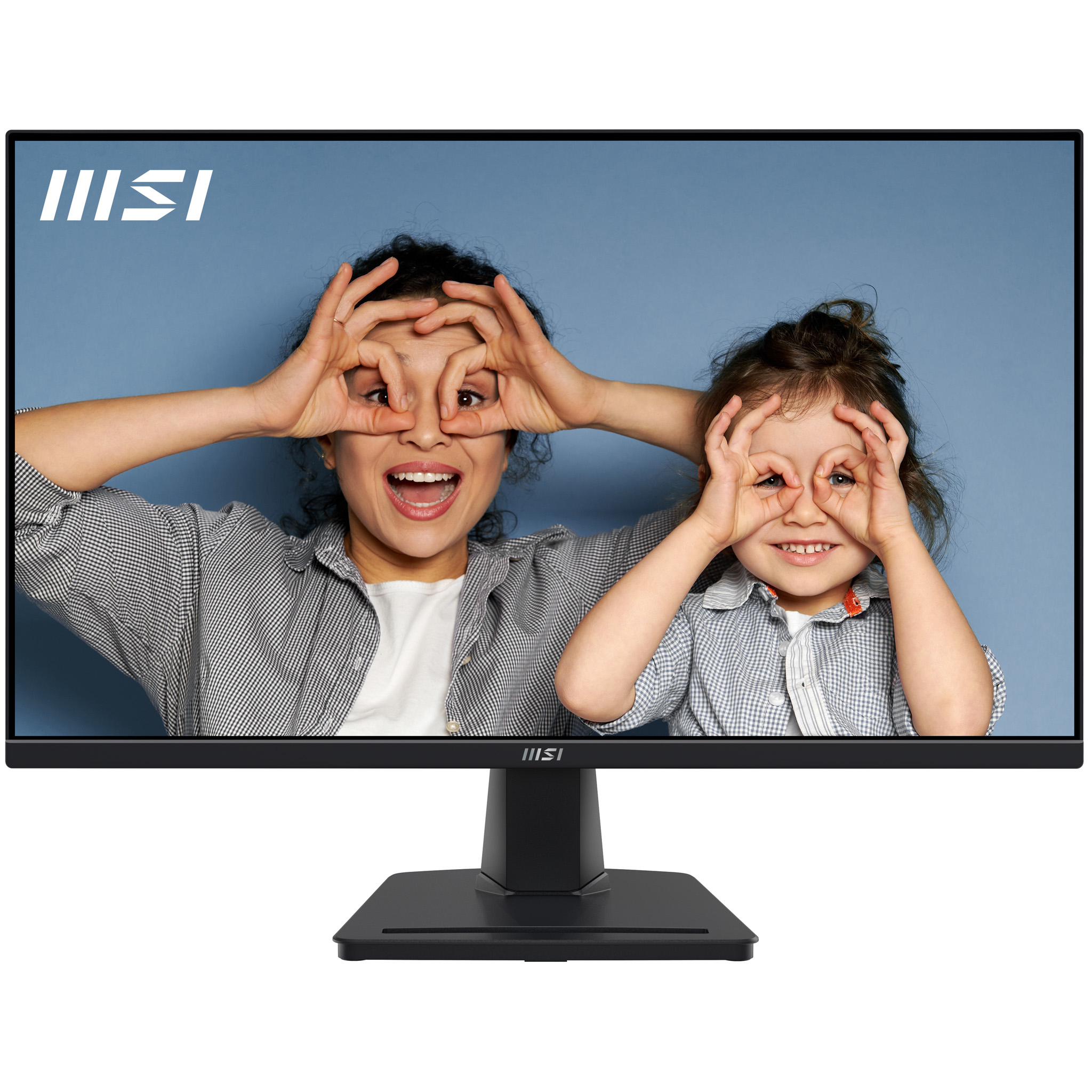
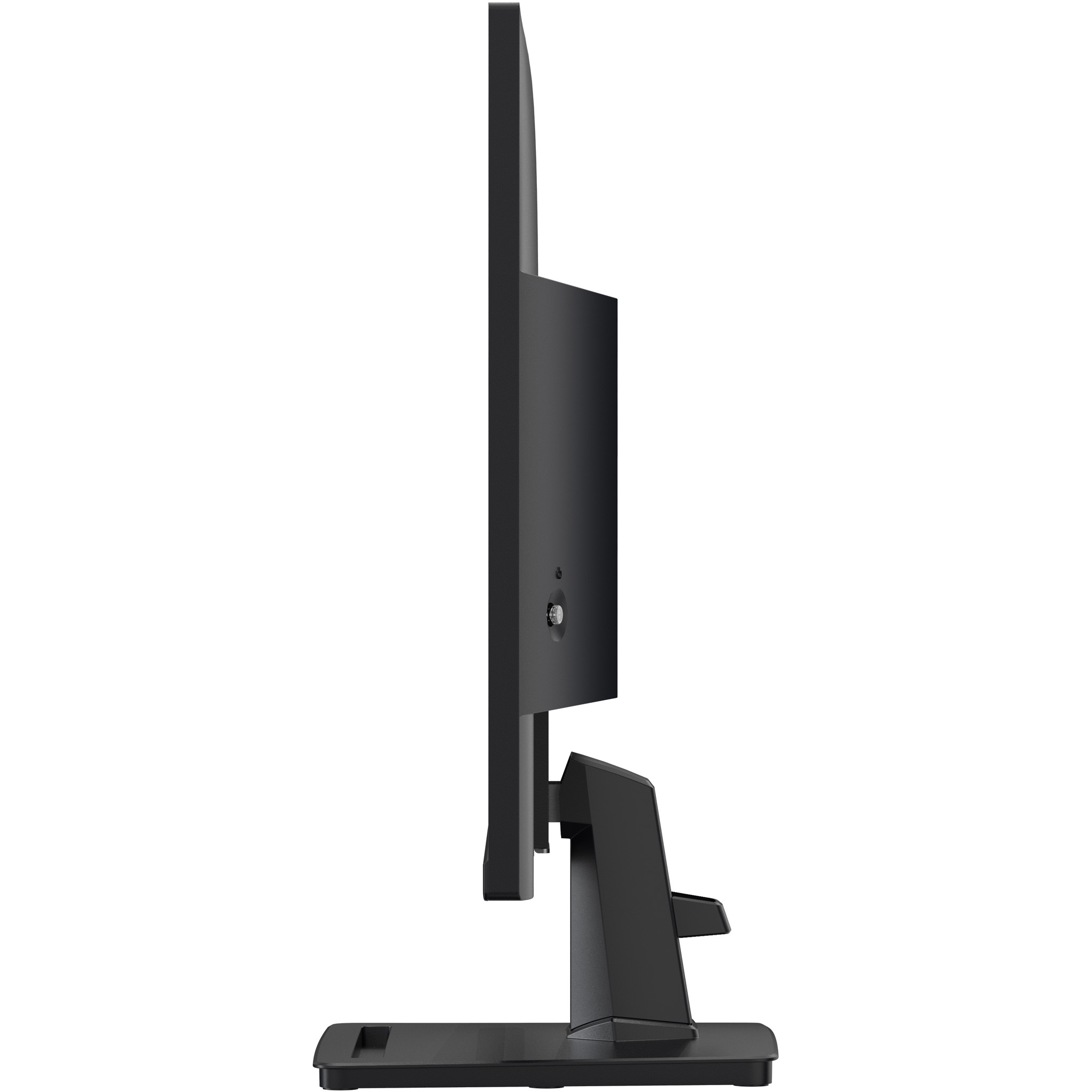
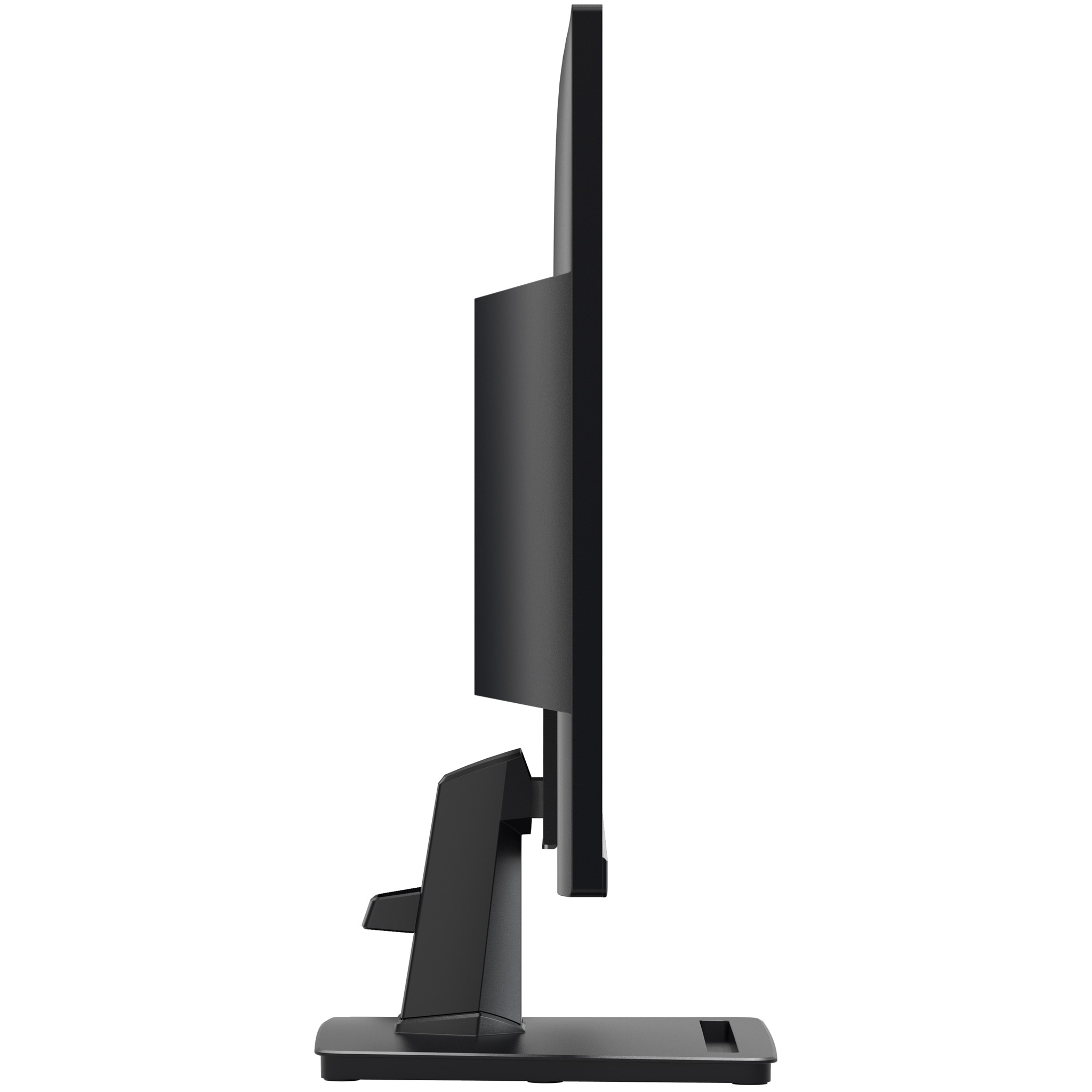
For £143 ex-VAT, the MSI Pro MP275Q is the kind of office monitor that makes sense if you just need a solid 27-inch workhorse and don’t want to pay premium “brand tax”. The jump to 1440p on a 27-inch panel is the sweet spot for spreadsheets, lots of tabs, docs side-by-side, and general Windows work—text and layout feel more comfortable than 1080p without burning cash. MSI’s Pro line generally lands well for day-to-day reliability, and this is the sort of spec-driven, boring-but-effective upgrade for teams that live in browsers, Excel, and email all day.
That said, I wouldn’t pick it for “nice” colour-sensitive design work or any scenario where you really care about top-end viewing performance—this is more business utility than creative flagship. Also, at this price you should expect it to be best suited to normal office lighting and typical desk setups, not a flagship experience for long hours from the same viewing angle. If you’re fitting out multiple desks on a budget and want a dependable 27-inch 1440p panel, it’s a good buy. If your users need colour-critical accuracy or premium ergonomics as a priority, I’d look at higher-tier options instead.
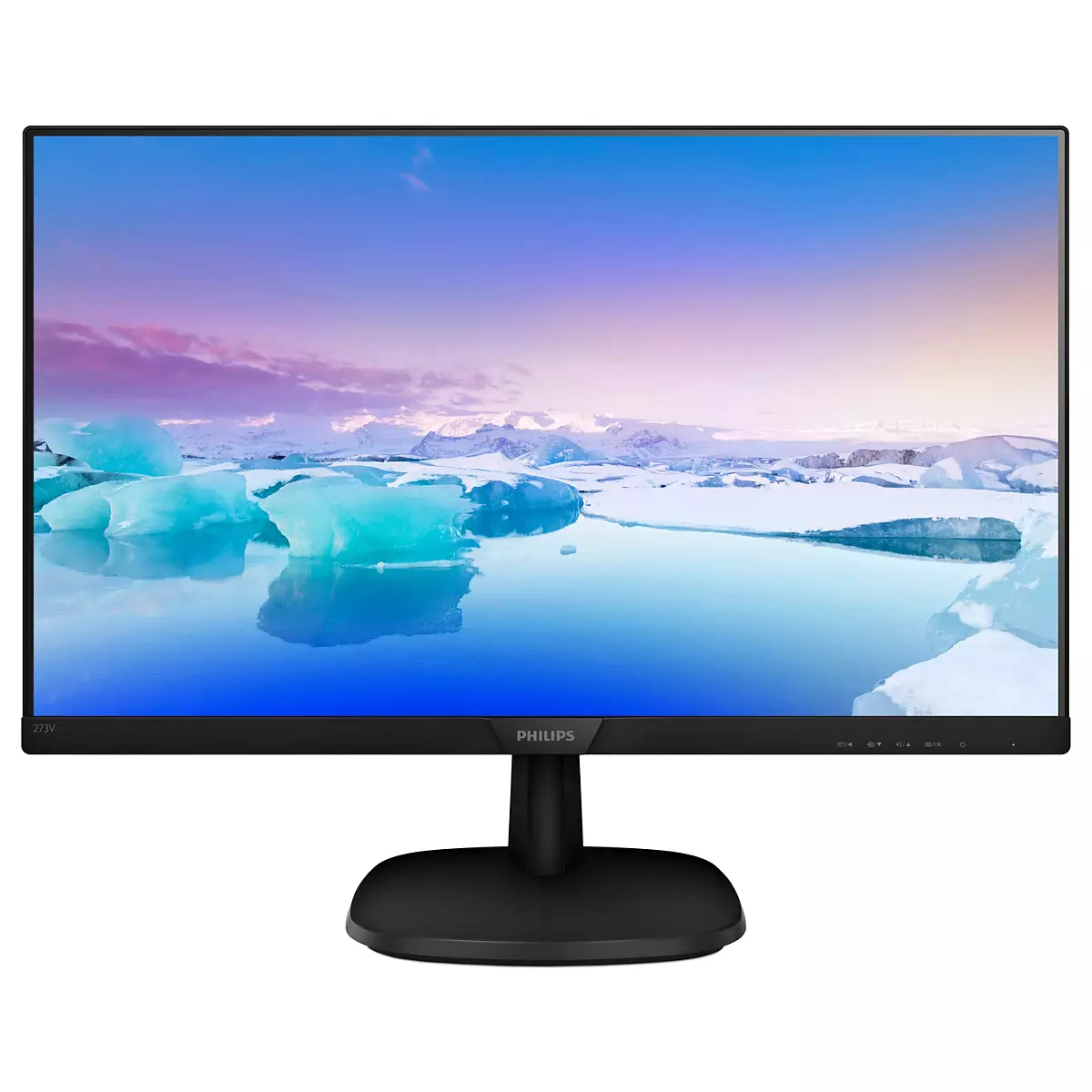
Philips
273V7QJAB/00 LED monitor - 27" - 1920 x 1080 Full HD (1080p) - IPS - 1000:1 - 5 ms - HDMI, VGA, DisplayPort - speakers - black, textured black
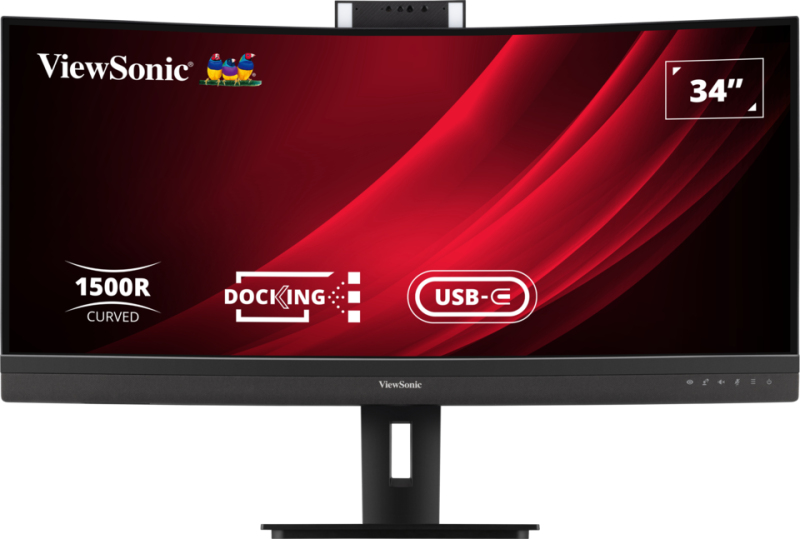
ViewSonic
ViewSonic VG3457CV - LED monitor - curved - 34" - 3440 x 1440 UWQHD @ 100 Hz - VA - 350 cd/m� - 3000:1 - 5 ms - 2xHDMI, DisplayPort, USB-C - speakers

Philips
Philips 24B2G5301 - 5000 Series - LED monitor - USB - 24" - 1920 x 1080 Full HD (1080p) @ 100 Hz - IPS - 1500:1 - HDMI, VGA, DisplayPort, USB-C - speakers - silver, charcoal
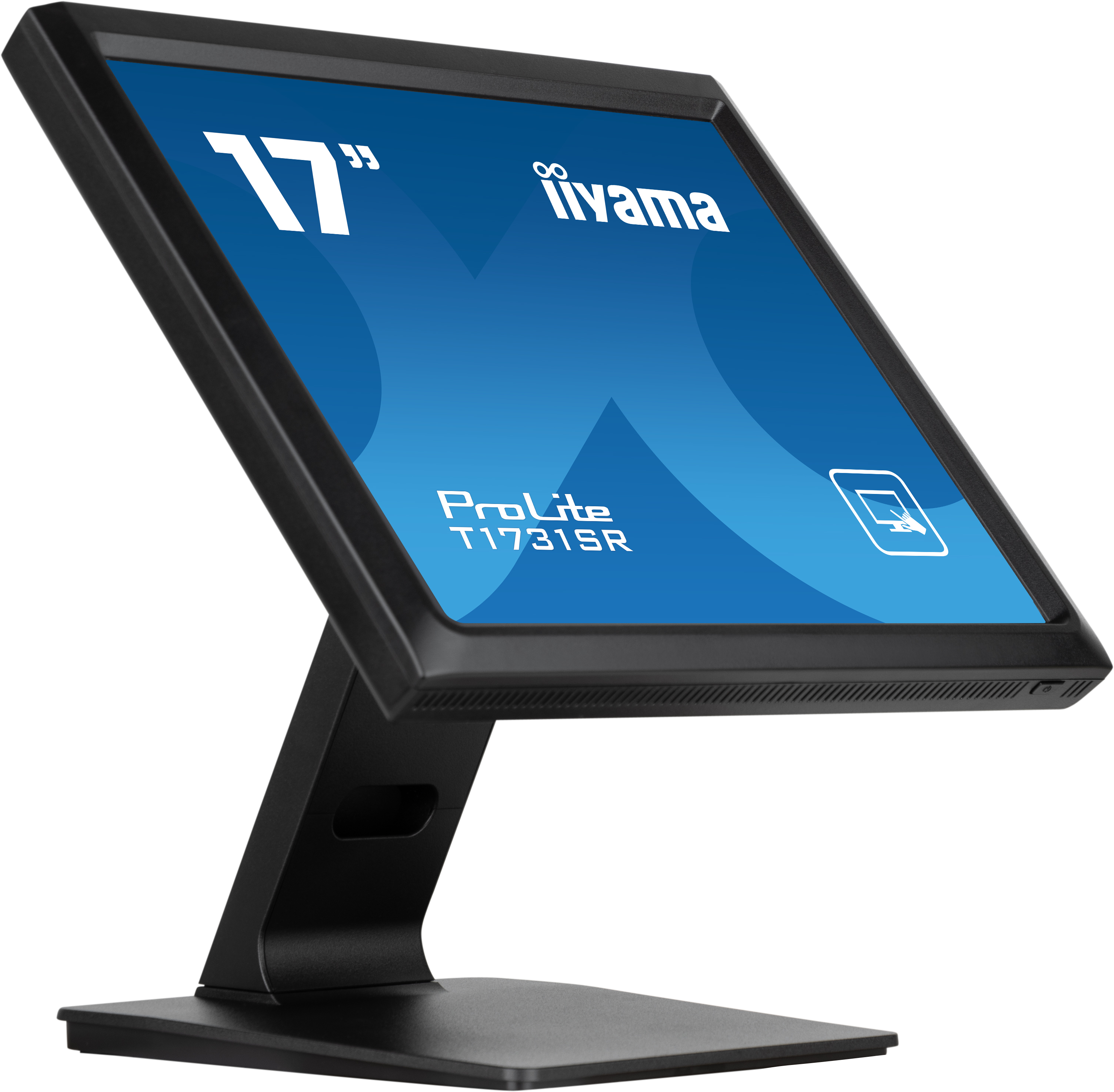
Iiyama
iiyama ProLite T1731SR-B1S - LED monitor - 17" - touchscreen - 1280 x 1024 - TN - 250 cd/m� - 1000:1 - 5 ms - HDMI, VGA, DisplayPort - speakers - black, matte