- IT Office Moves
How to Handle IT Vendor Contracts When Moving Office
2 Jan, 2026
£100.56 inc. VAT
AI-generated summary
The MX Anywhere 3S is one of those “quietly excellent” business mice that you don’t really notice—until you’ve used cheaper ones and then you realise what you were missing. For the money, you’re paying for comfort, smooth tracking on different surfaces, and genuinely reliable wireless. The Logi Bolt setup is a plus for corporate environments (and for anyone who hates Bluetooth pairing faff), while Bluetooth still gives you flexibility with laptops on the move. Battery life is good enough that it stops being a daily thought, and the button layout is practical rather than gimmicky.
Who should buy it? If you’re a mobile/desk-hopping worker—sales, consultants, IT staff with multiple machines, or anyone using a laptop + dock combo—you’ll get strong value. It’s also a great choice if you do a lot of mouse work and care about wrist comfort more than “gaming” feel. Who should *not*? If you’re using a very cheap, occasional mouse or you’re never leaving one workstation, £84 ex-VAT can feel steep—there are cheaper options that will work fine. Also, if you’re left-handed, this is not your move.
Overall: a solid buy for professionals who want dependable daily performance and don’t want to think about their mouse. It’s not the cheapest, but it’s a smart “buy once, use for years” style purchase.
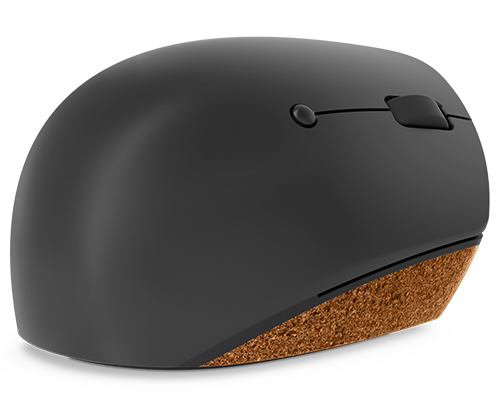
Lenovo
Lenovo Go - Mouse - ergonomic - right-handed - blue optical - 6 buttons - wireless - 2.4 GHz - USB wireless receiver - grey, cork - retail
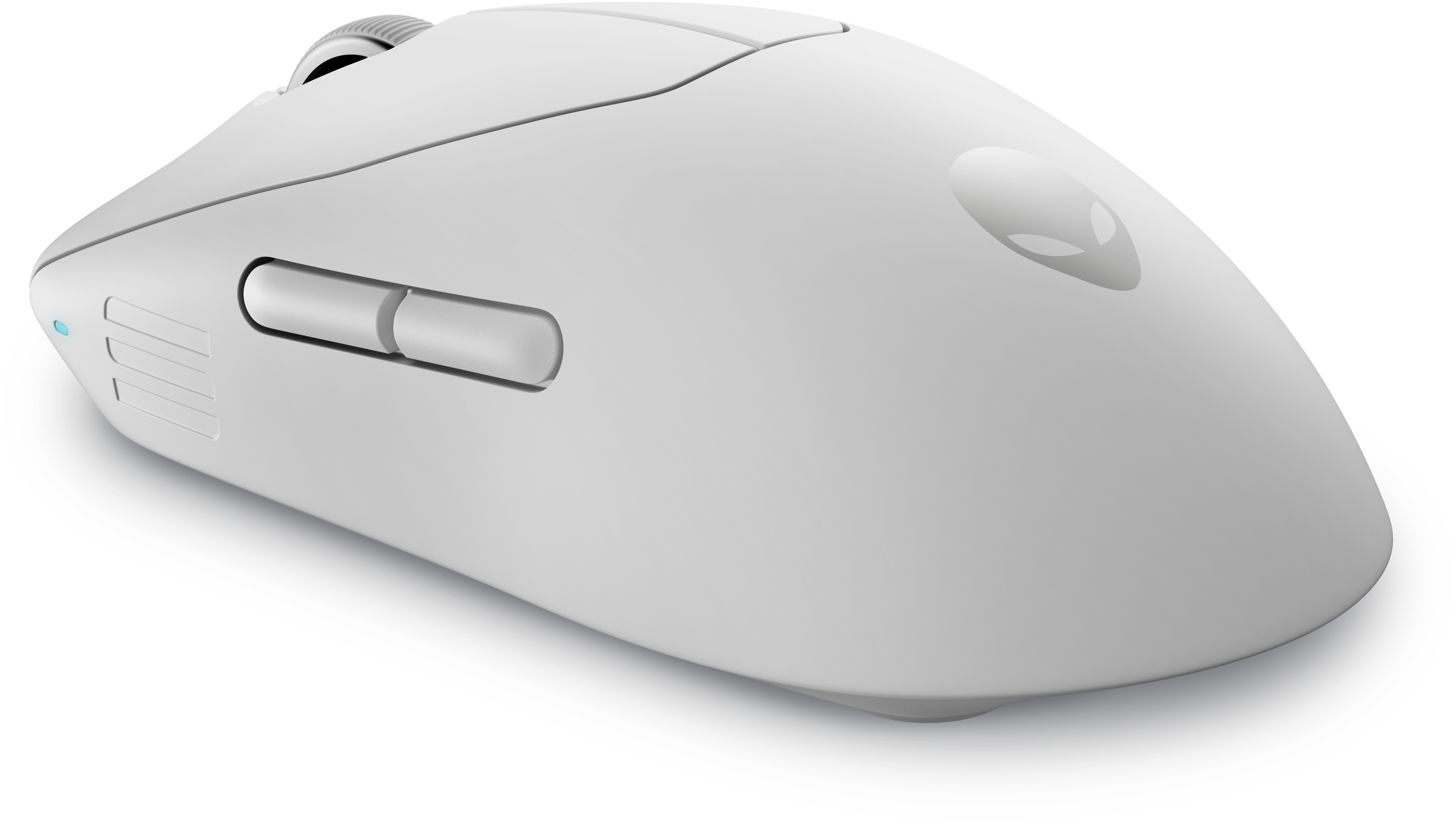
Dell
Alienware Pro Wireless Gaming Mouse - Mouse - optical - 6 buttons - wired, wireless - USB, 2.4 GHz - lunar light
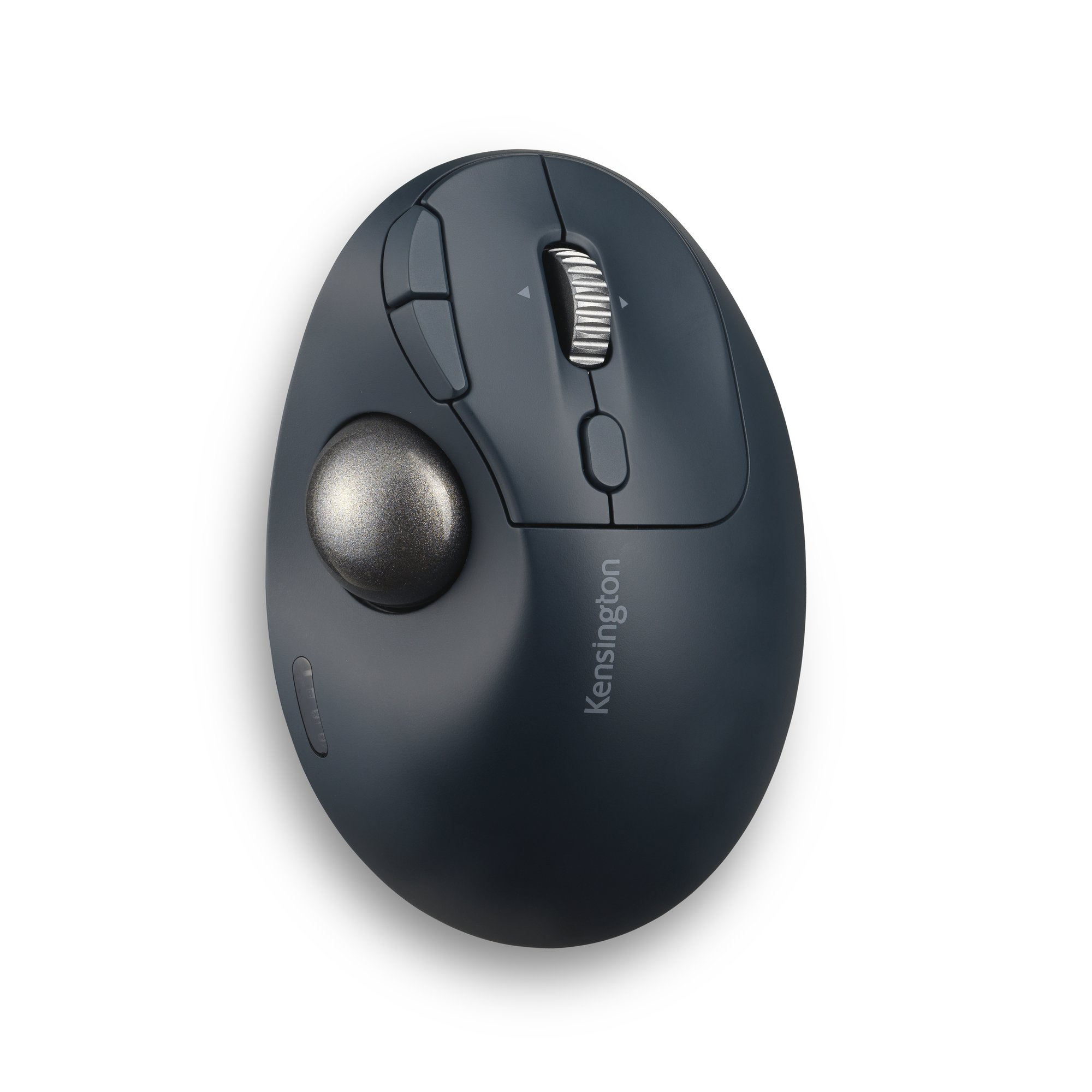
Kensington
Kensington Pro Fit Ergo TB550 Trackball EQ - Trackball - ergonomic - optical - 9 buttons - wireless - 2.4 GHz, Bluetooth - USB wireless receiver - blue-grey, black - retail - colour box
Lenovo
Lenovo Professional - Mouse - laser - 5 buttons - wireless - 2.4 GHz - USB wireless receiver - Campus