- Network Admin
How to Optimise Your Office Wi-Fi Network
26 Aug, 2025

£473.90 inc. VAT
AI-generated summary
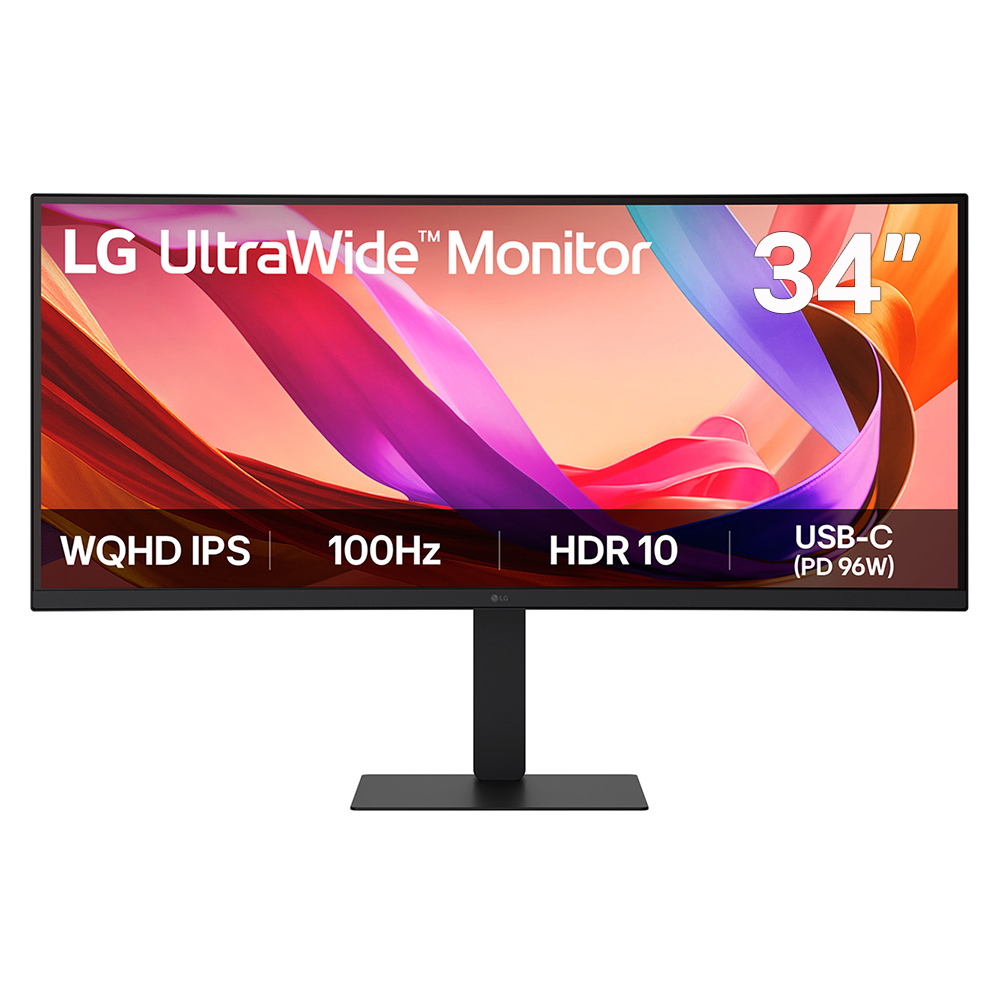
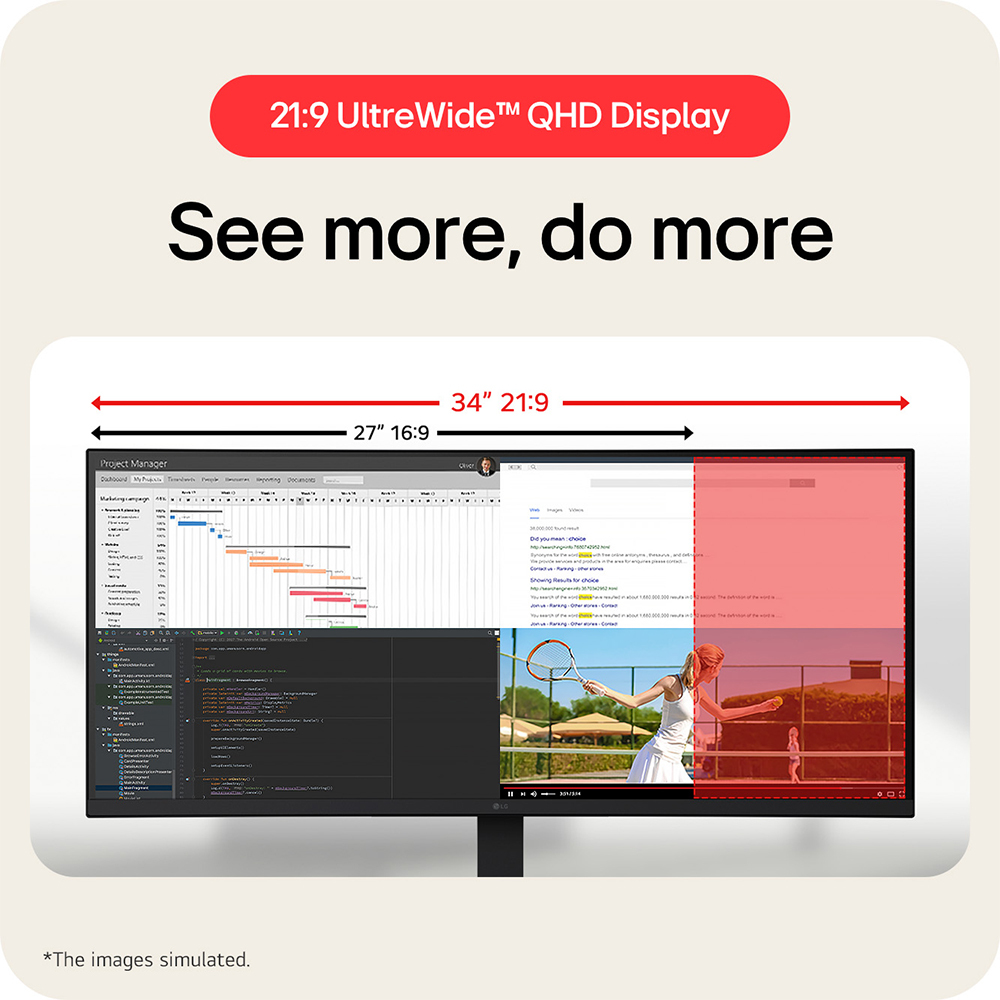
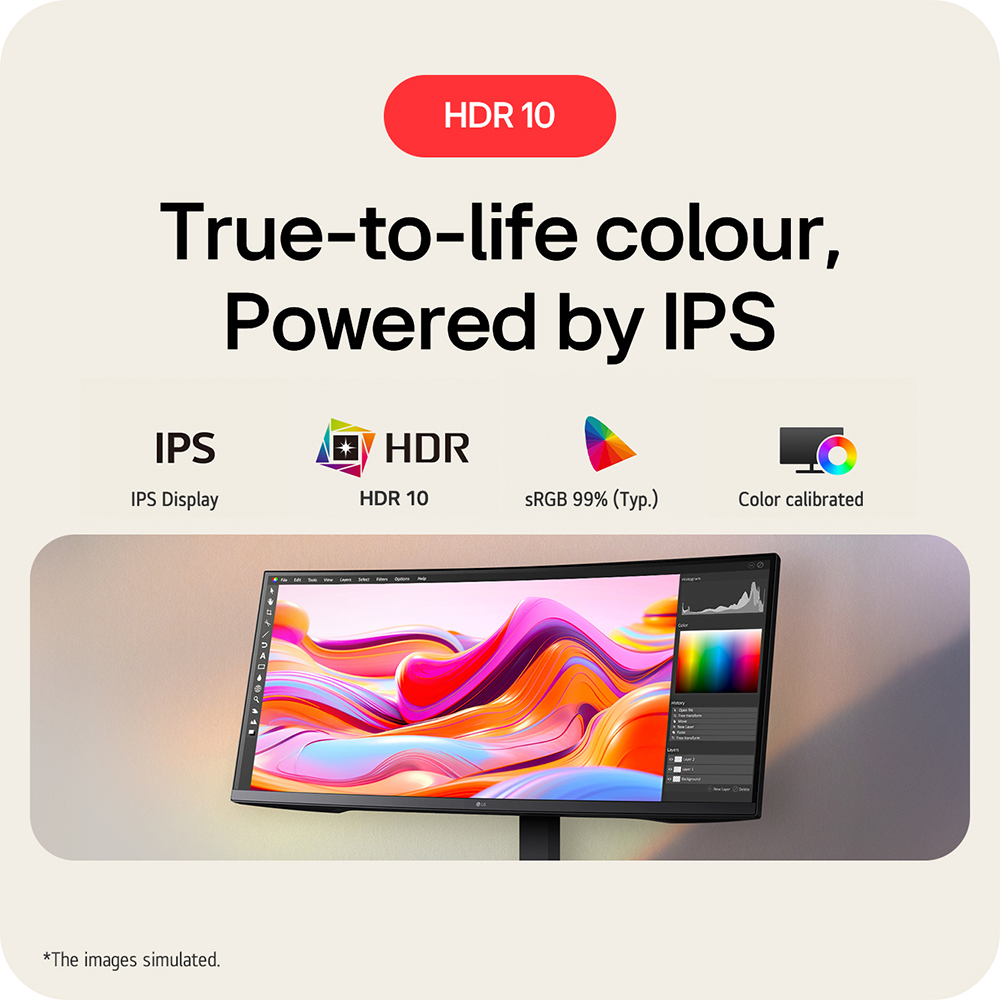
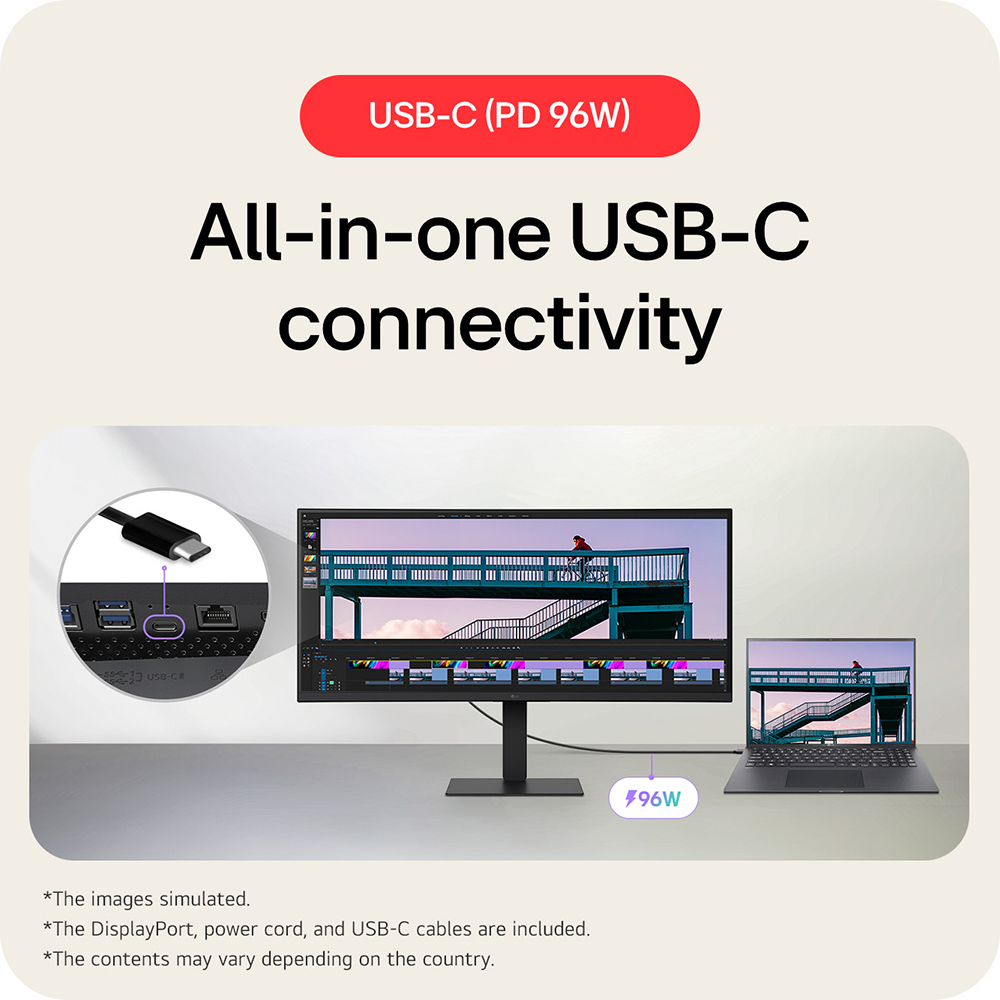
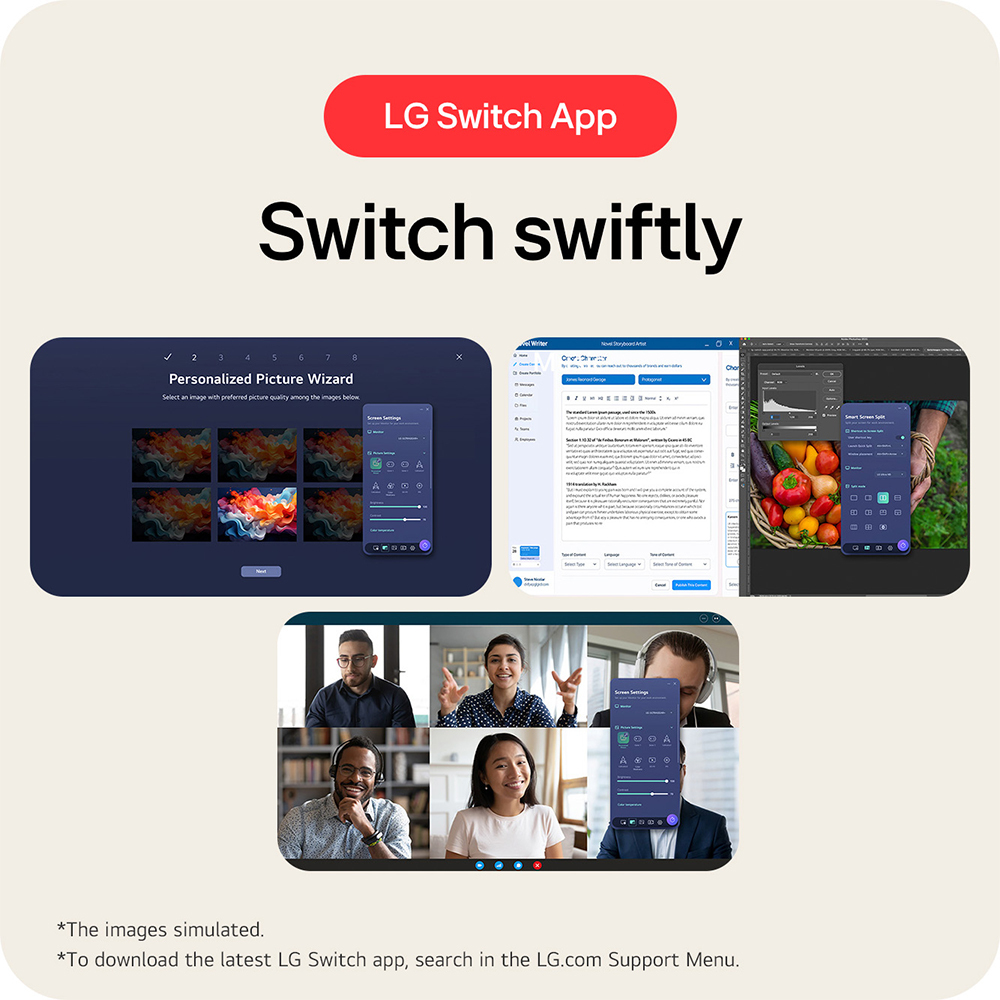
For £394.70 ex-VAT, this LG 34" 21:9 ultrawide is a pretty sensible “workhorse” option for a UK office—especially if you spend your day moving between documents, spreadsheets, dashboards, and email. The IPS panel is the right call for business use because colours and viewing angles stay consistent, which matters if you have multiple people leaning into the screen or you’re doing anything design-ish. The 34" size is also genuinely useful: it often replaces a dual-monitor setup for common office workflows, without the desk chaos.
That said, I’d hesitate if your work is heavily video-production, high-end colour critical work, or if you need lots of tiny UI elements at native scale—ultrawide can be great, but scaling can make some apps feel “off” depending on your software and Windows settings. Also, £395 is good value, but it’s not “cheap ultrawide”: if you already have a quality dual 24"/27" setup, the upgrade may be more about preference than ROI. If you’re buying for a team, I’d recommend it for roles like analysts, operations, admin, and anyone doing multi-window knowledge work; I’d think twice for designers or engineering teams that are extremely picky about calibration and fine detail.

Asus
ASUS ProArt PA27AC - LED monitor - 27" - 2560 x 1440 WQHD @ 60 Hz - IPS - 400 cd/m� - 5 ms - 3xHDMI, DisplayPort, USB-C - speakers - grey
Philips
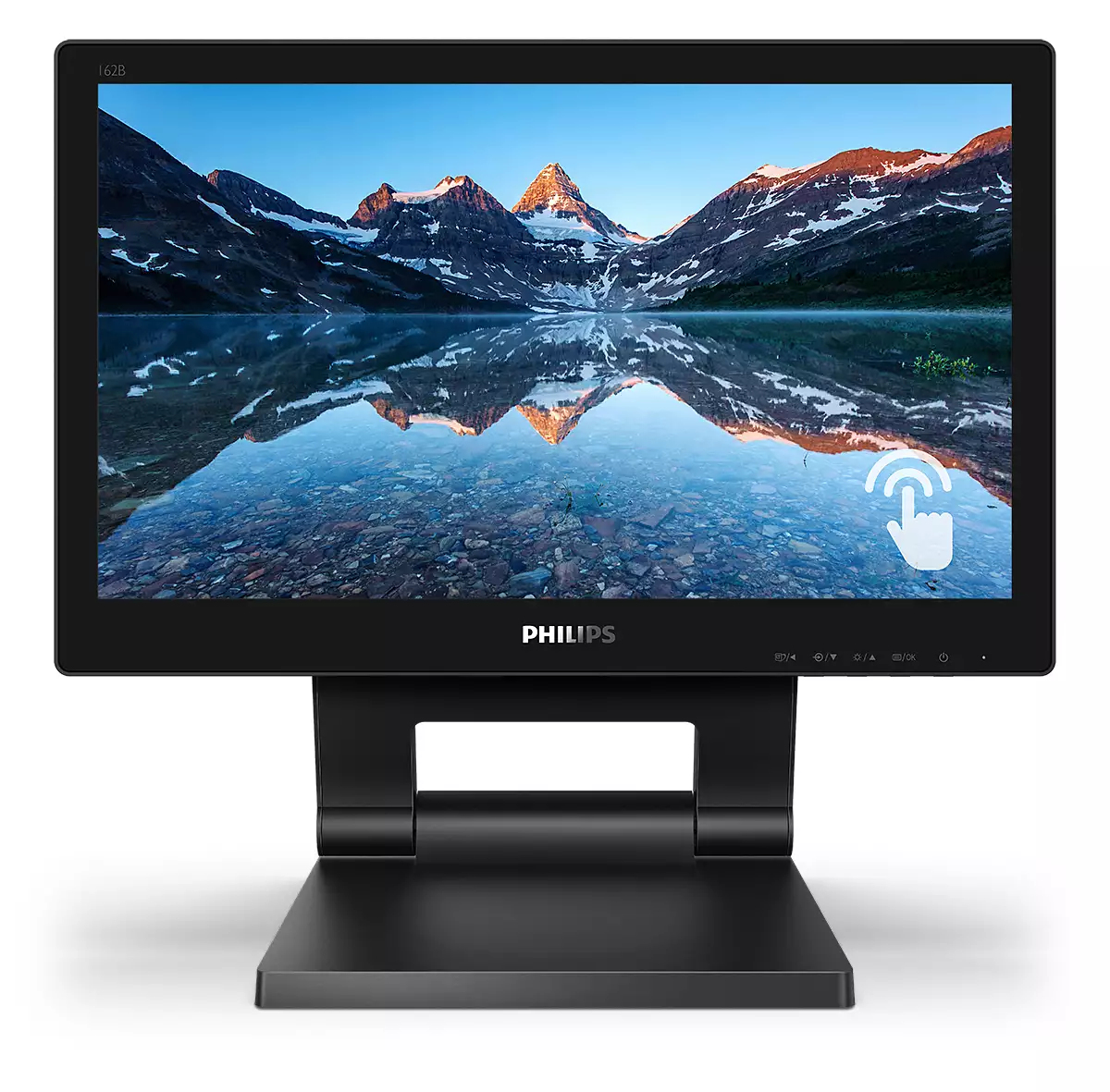
Philips B Line 162B9T - LED monitor - 16" (15.6" viewable) - touchscreen - 1366 x 768 @ 60 Hz - TN - 220 cd/m� - 500:1 - 4 ms - HDMI, DVI, DisplayPort, VGA - speakers - black texture
Asus
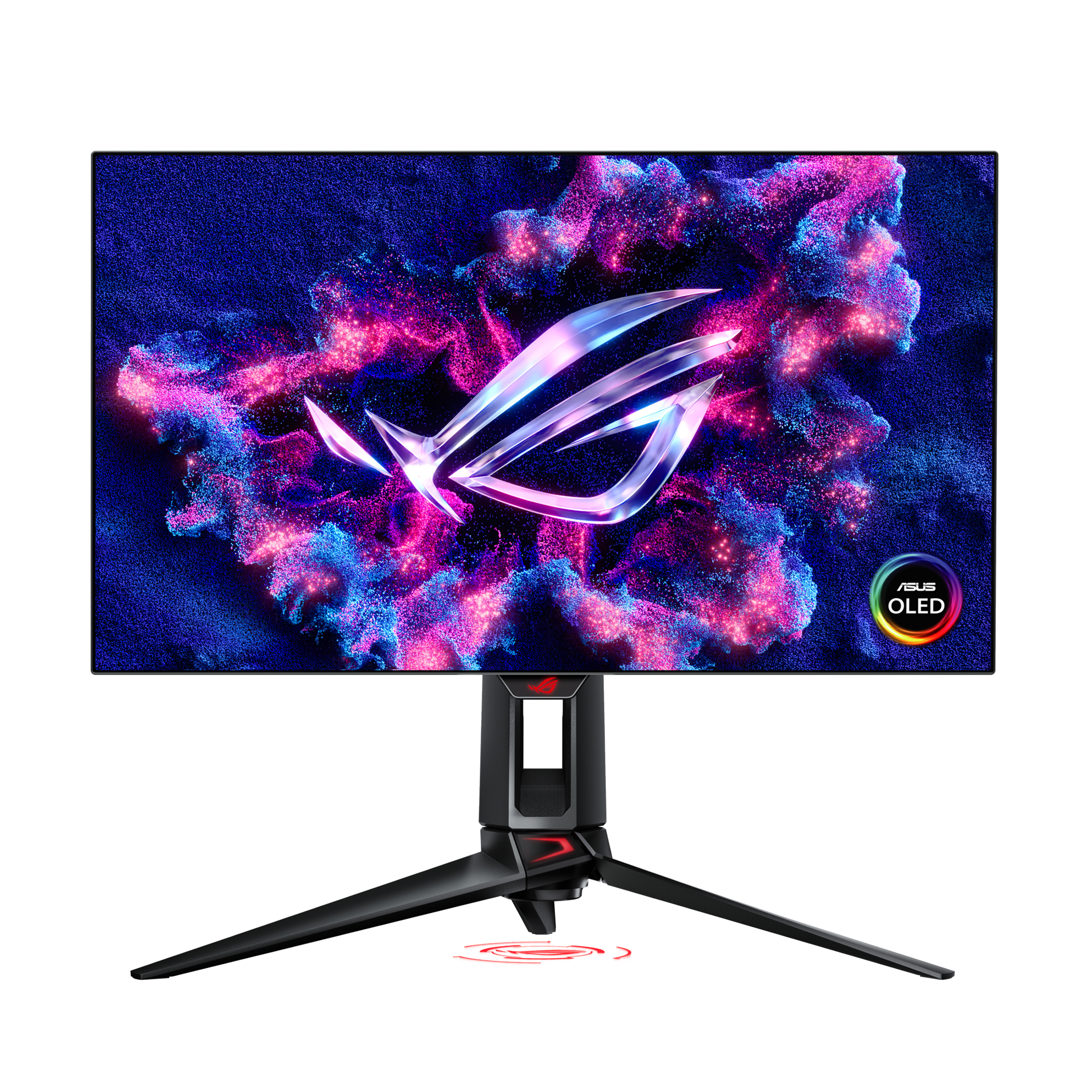
ASUS ROG Swift OLED PG27AQDP - OLED monitor - gaming - 27" - 2560 x 1440 QHD @ 480 Hz - 1300 cd/m� - 1500000:1 - DisplayHDR 400 True Black - 0.03 ms - 2xHDMI, DisplayPort - black
Samsung
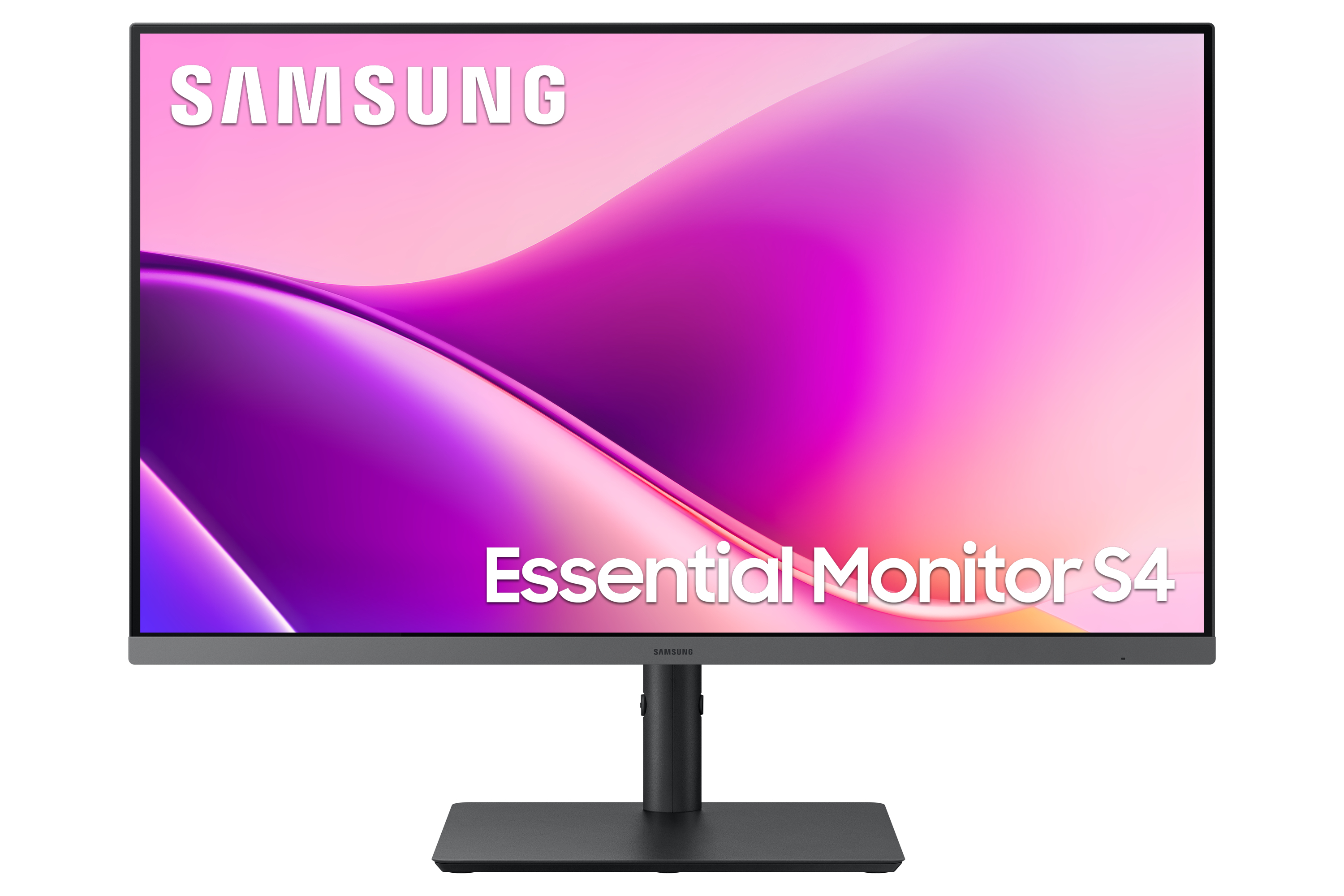
Samsung Essential S4 S27F430UAU - S43UF Series - LED monitor - 27" - 1920 x 1080 Full HD (1080p) @ 100 Hz - IPS - 300 cd/m� - 1000:1 - 5 ms - HDMI, DisplayPort, USB-C - black