- IT Support
How to Reduce IT Support Tickets in Your Office
3 Oct, 2025



£1376.90 inc. VAT
AI-generated summary
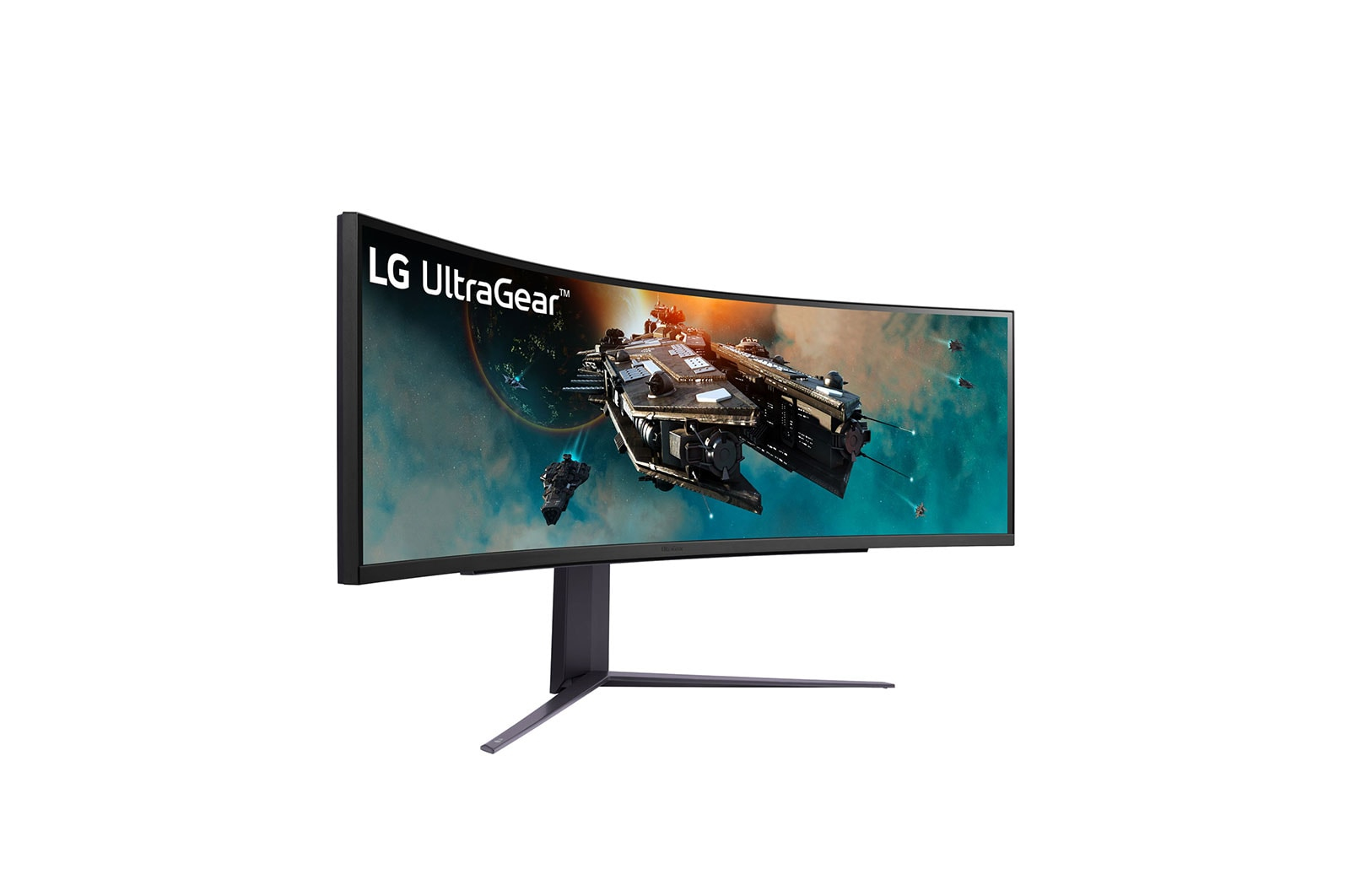
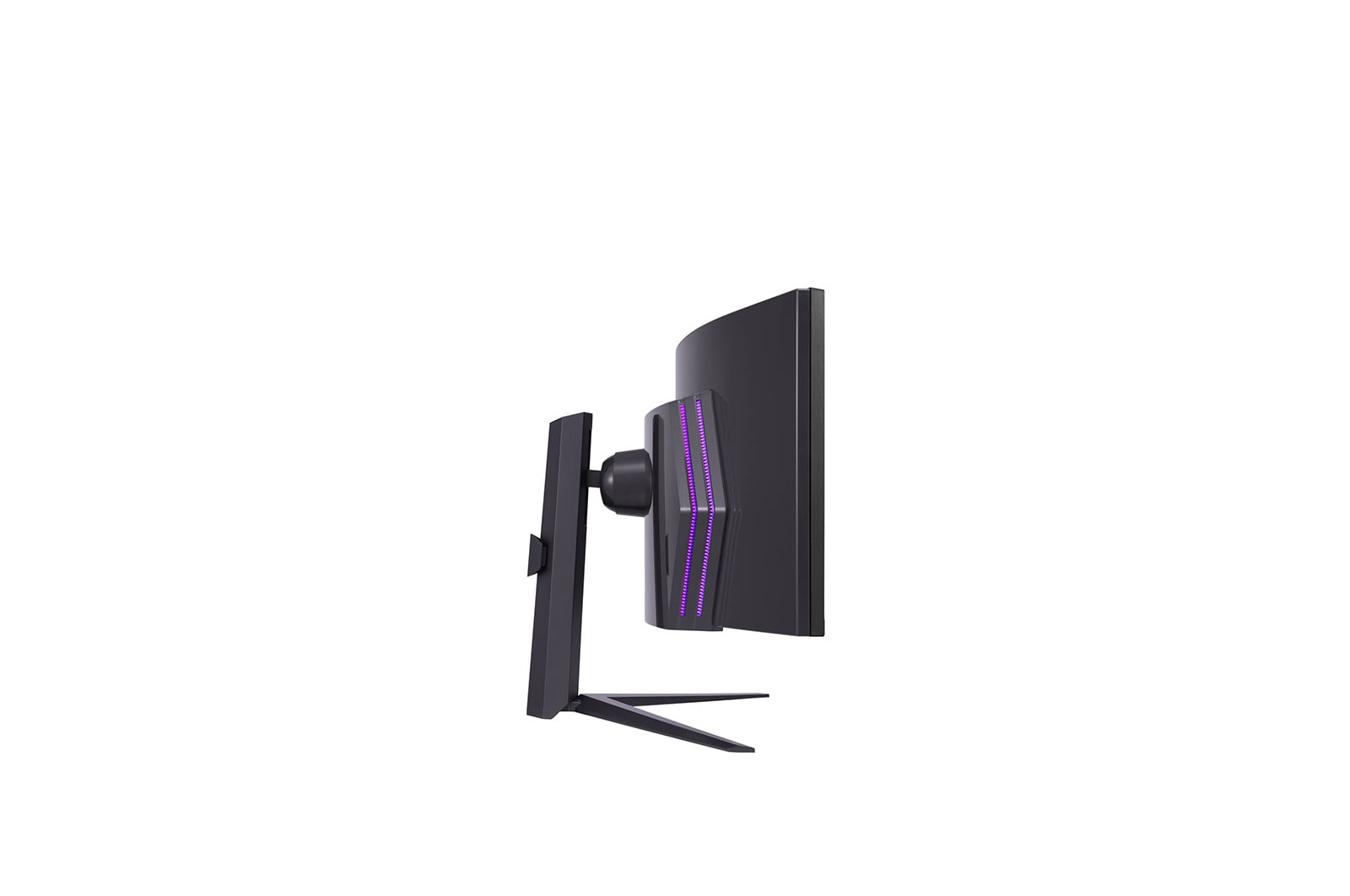
If you’re paying **£1,147 ex-VAT** for an LG 49GR85DC-B, you’d better already know you want a *big* curved ultrawide and you’ll use it every day. A 49-inch “super ultrawide” format is genuinely great for trade work like finance, trading desks, SOC monitoring, CAD-style viewing, or anyone living in multiple panes—because you get that wide canvas without juggling multiple displays. The appeal here is less “gaming wow” and more **productivity + immersive viewing** in one footprint, which can save time and desk clutter. For a business that has staff who actually benefit from lots of horizontal space, it can feel like good value compared with building a multi-monitor setup that ends up costing more and creates more alignment headaches.
That said, I wouldn’t recommend it for everyone. If your users mostly do standard spreadsheets, email, and single-window work, this is overkill—size doesn’t automatically equal usefulness, and the budget could buy better peripherals or multiple smaller screens tailored to roles. Also, check how your org plans to manage scaling and device inputs: ultrawides can be brilliant, but if your workflows aren’t set up for them (or you’re mixing laptops/desktops), the “value” can turn into IT support time. Bottom line: **buy it if you have a clear use-case for ultrawide productivity** and you’ll standardise it across users; **skip it** if you just want a “nice big monitor” without a defined workflow.

Sony
Sony ZRA-T1 - Video/audio extender - fibre optic - RJ-45 / SFP+ - up to 300 m - for Sony ZRD-B12A, ZRD-B15A, ZRD-BH12D, ZRD-BH15D, ZRD-C12A, ZRD-C15A, ZRD-CH12D, ZRD-CH15D

Sony
Sony Bravia 3 Professional Displays FWD-50S35 - 50" Diagonal Class (49.5" viewable) LED-backlit LCD TV - digital signage - Smart TV - Google TV - 4K UHD (2160p) 3840 x 2160 - HDR - Direct LED - black
Samsung
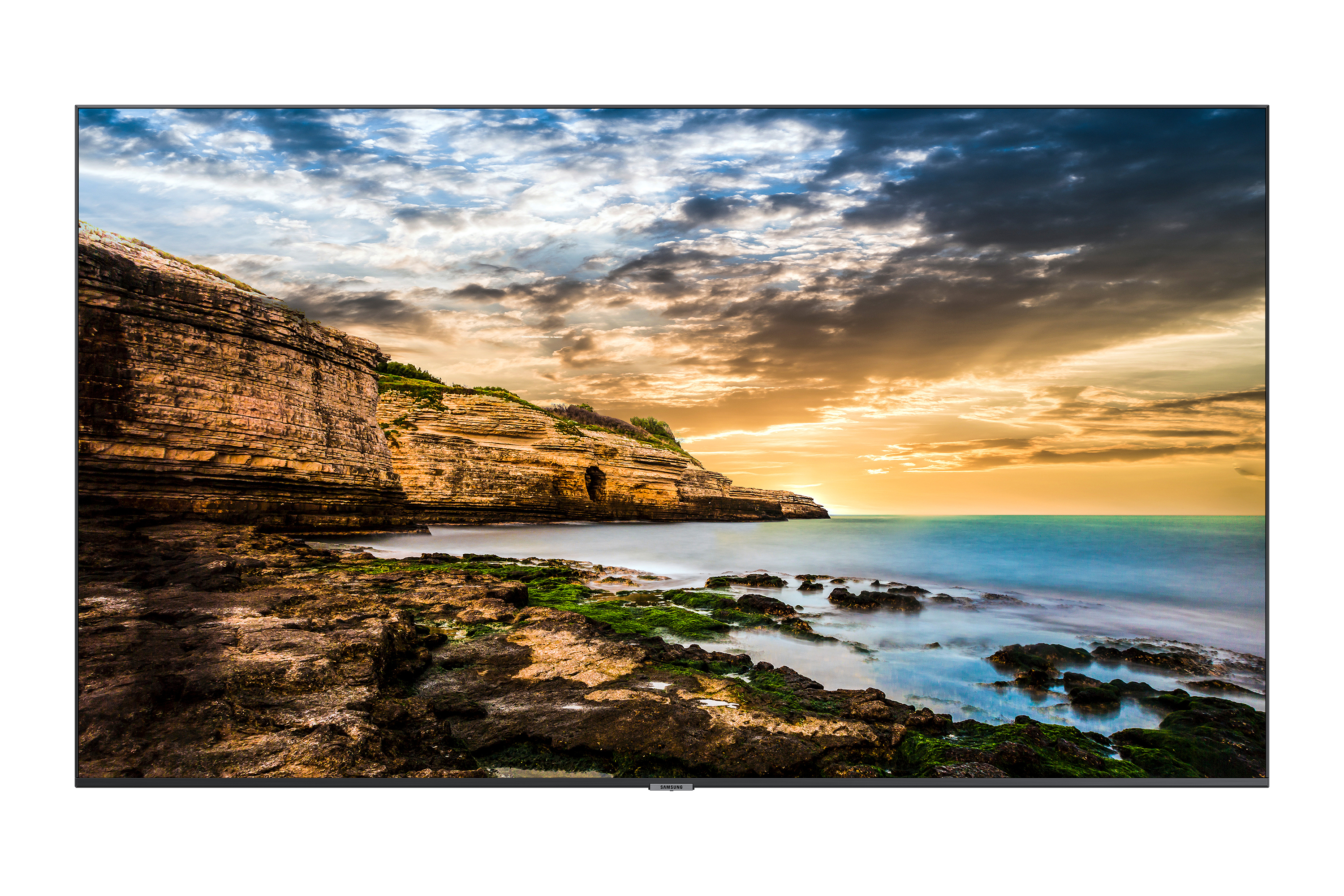
Samsung QE65T - 65" Diagonal Class QET Series LED-backlit LCD display - digital signage - 4K UHD (2160p) 3840 x 2160
ViewSonic
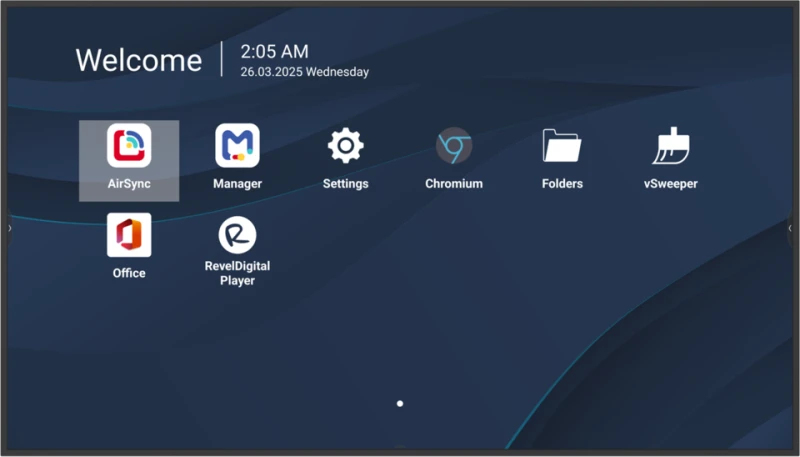
ViewSonic CDE5531-1C - 55" Diagonal Class CDE31 Series LED-backlit LCD display - digital signage - with built-in media player / optional slot-in PC capability - 4K UHD (2160p) 3840 x 2160 - direct-lit LED