- Google Ads & PPC
How to Measure Google Ads ROI and ROAS
17 May, 2026
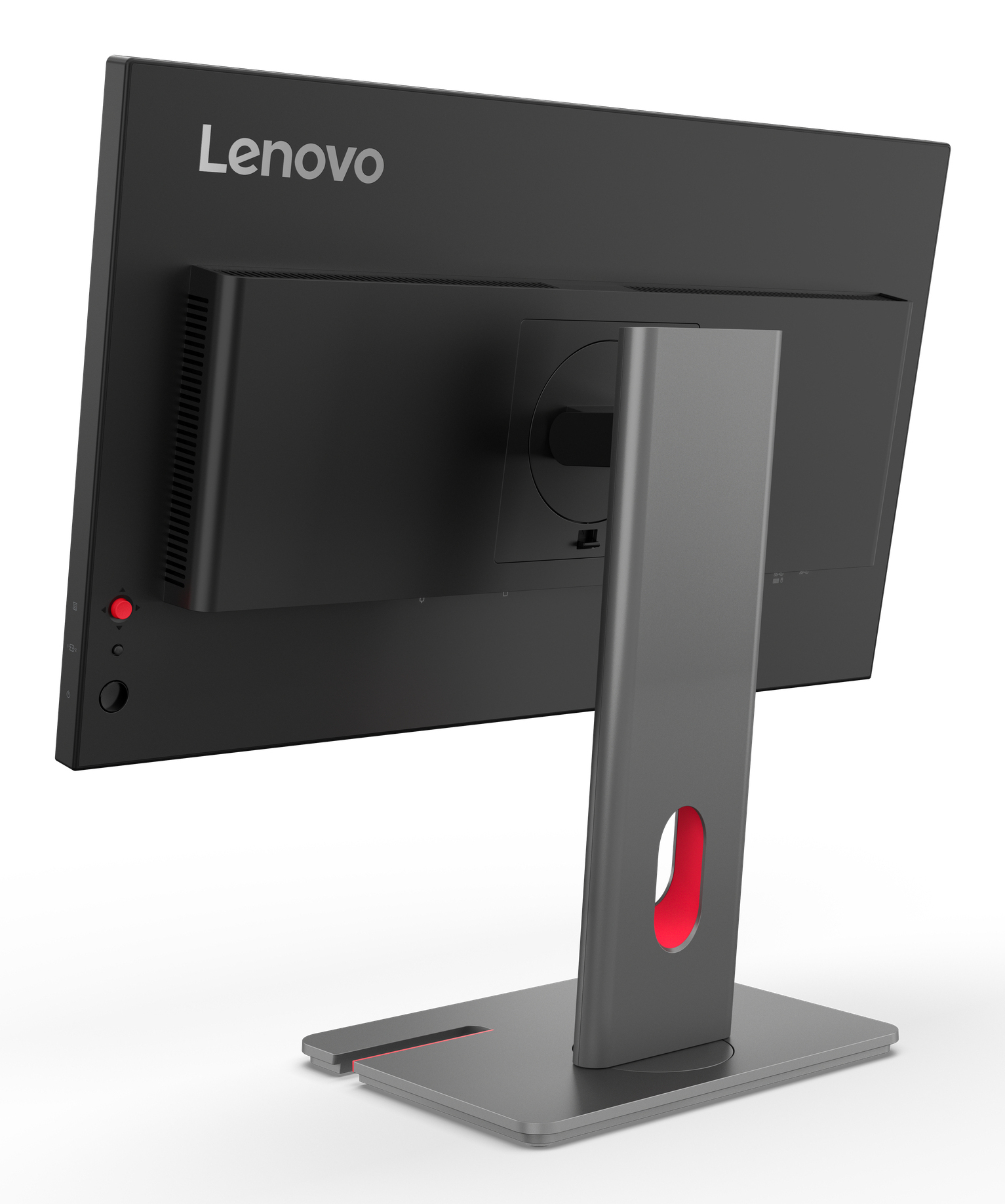
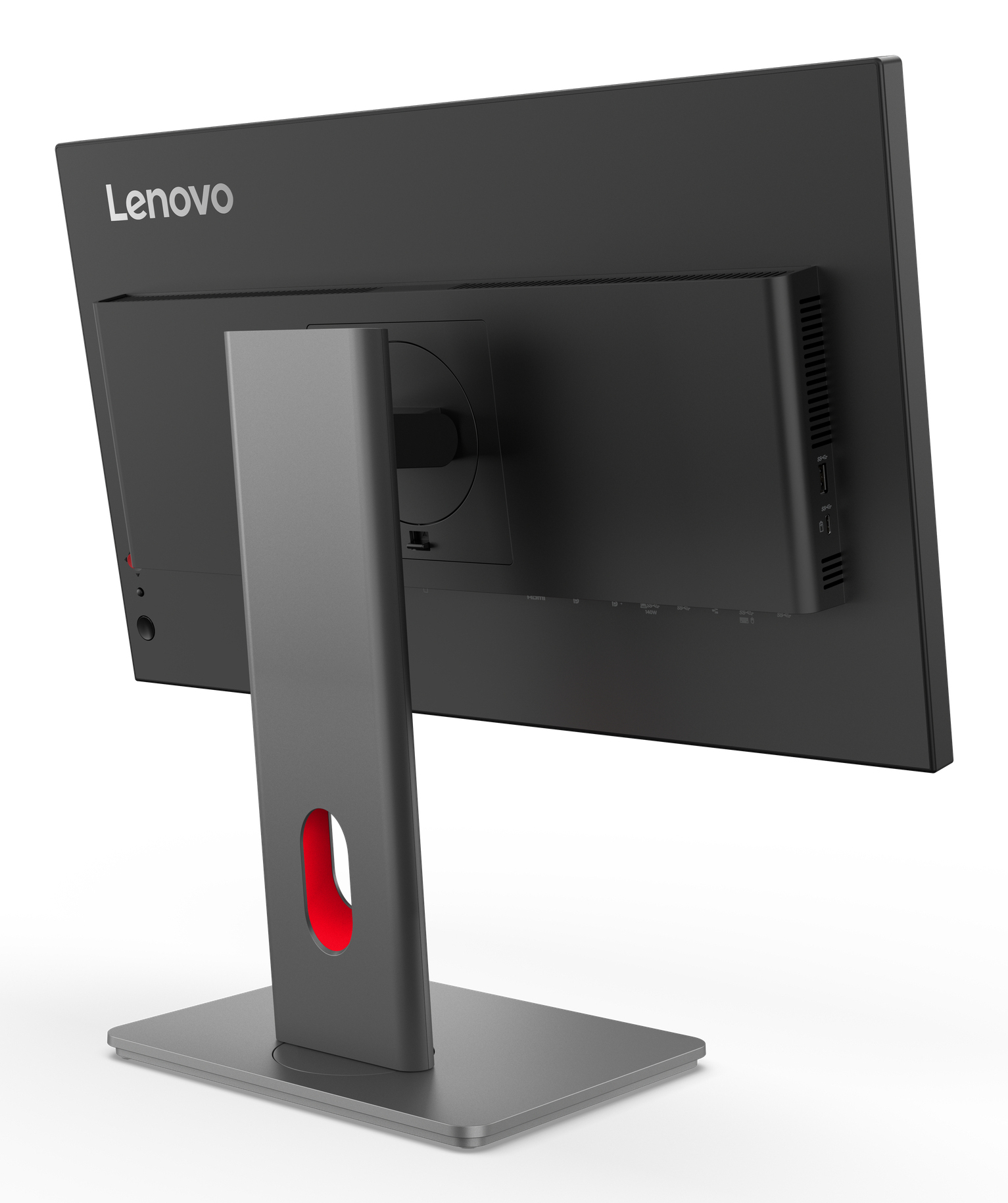
£327.86 inc. VAT
AI-generated summary
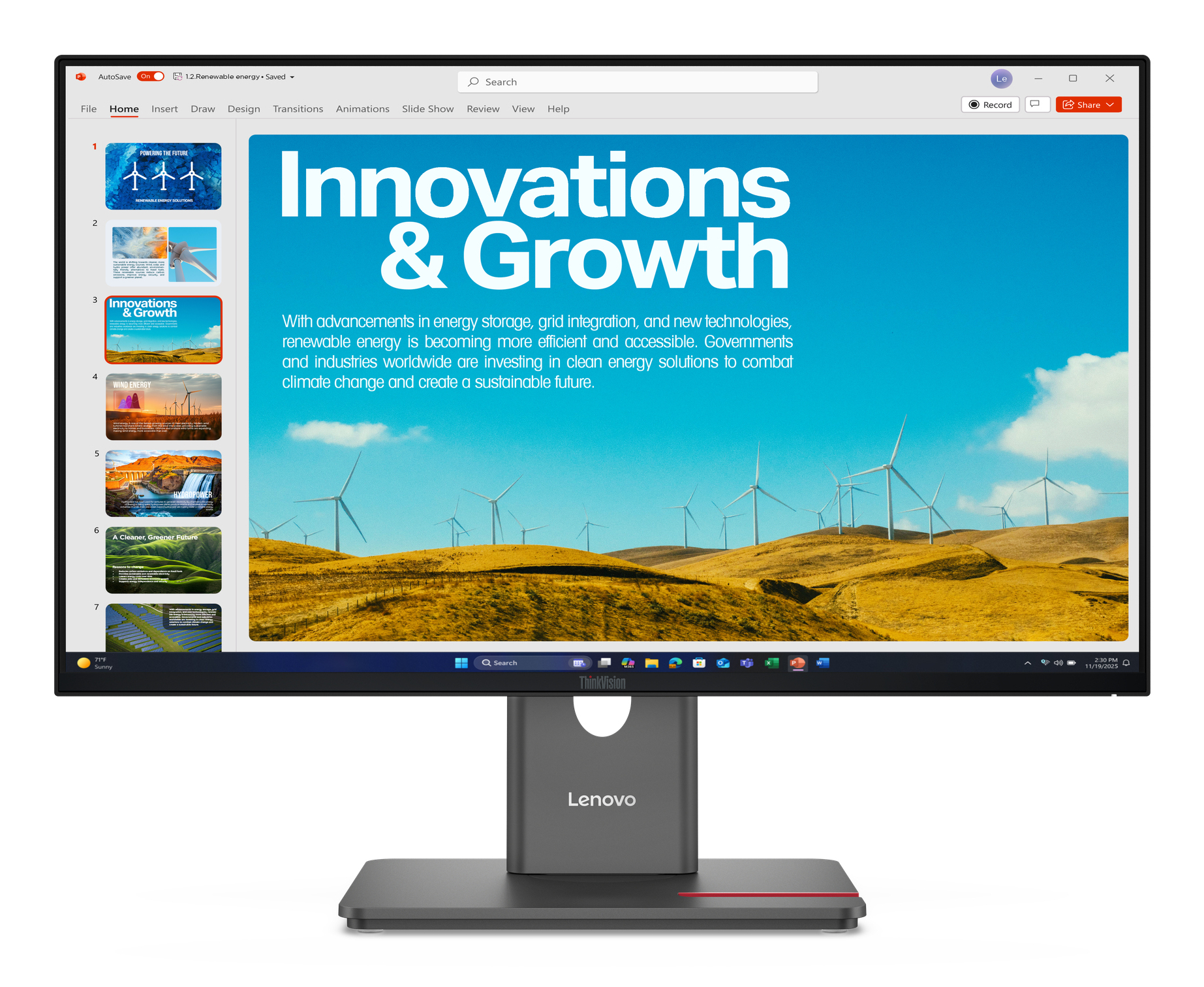
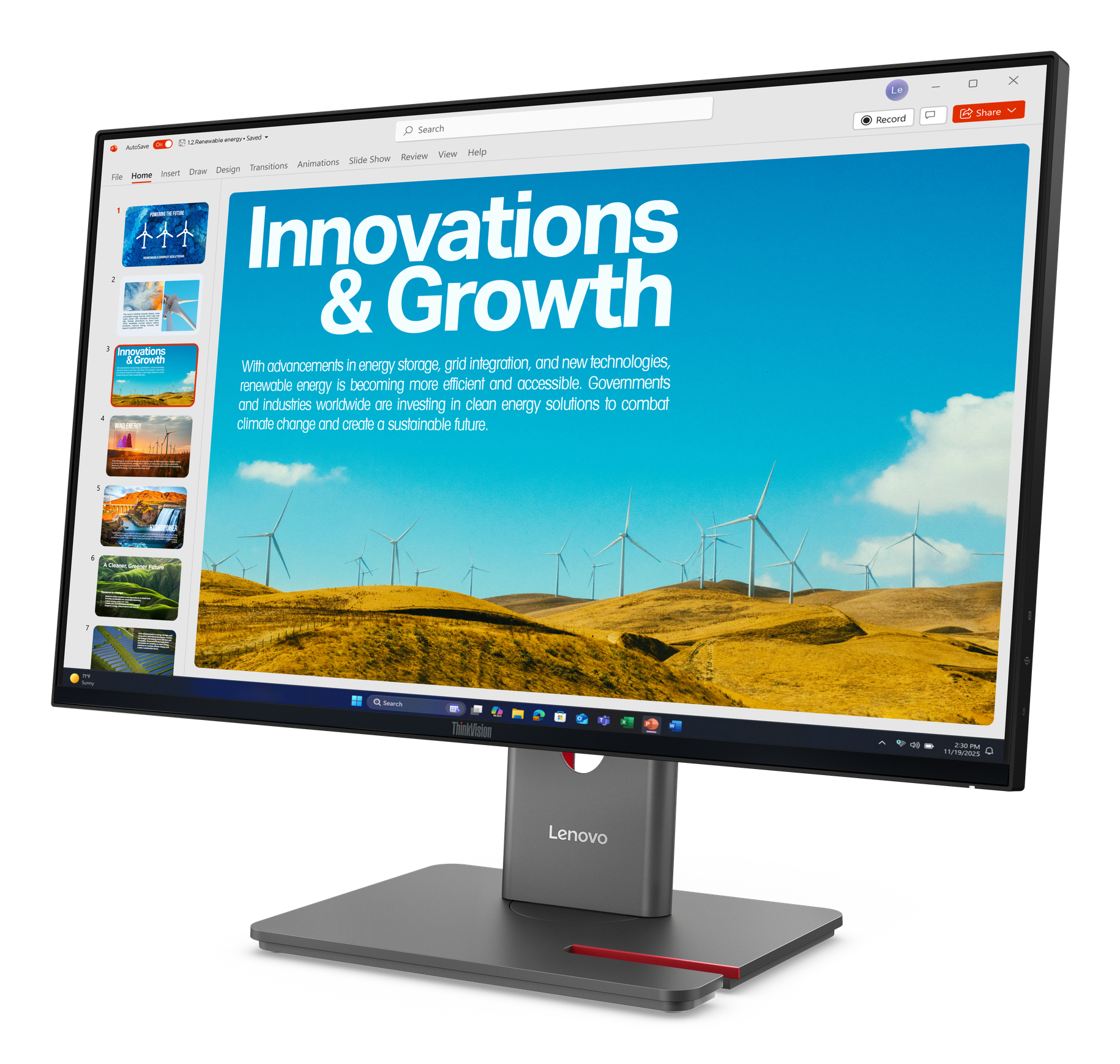
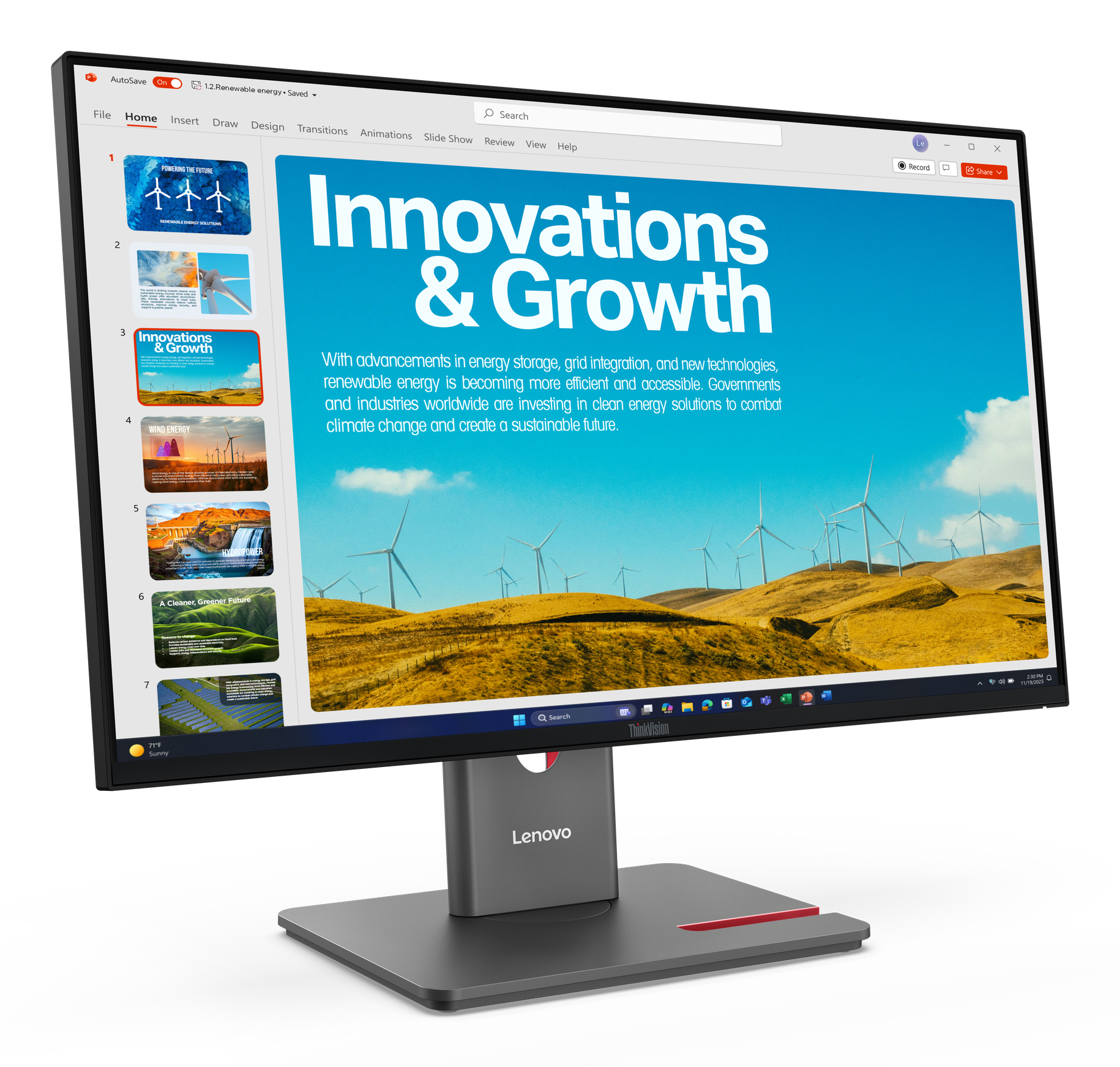
The Lenovo ThinkVision P24QD-40 for £273.24 ex-VAT is a pretty compelling “office-first” buy. If you’re doing a mix of spreadsheets, reporting, Teams/email, and lots of window juggling, you’ll appreciate the general usability and Lenovo’s usually solid out-of-the-box experience (good ergonomics for desk work, sensible scaling, and decent reliability for the price). For an SMB buying in volume, this kind of model tends to be easier to live with day-to-day than pricier “creator” screens that people don’t really need.
That said, I wouldn’t steer you here if your main use is heavy design work, critical colour grading, or you care a lot about deep contrast and gaming performance—this isn’t the sort of monitor that screams “premium workstation visuals.” Also, if you’re expecting top-tier panel uniformity straight from the box, budget/proposition models can be hit-and-miss, so it’s worth keeping your internal QA/returns process in mind. Overall: good value for business productivity teams and cost-conscious purchasing; not ideal if your workload is colour-sensitive or you’re primarily a gamer/creative.
If you tell me what your users actually do (finance, CAD, marketing, mixed, etc.) and whether you need anything like portrait support or strict colour accuracy, I can say more precisely whether it’s the right pick.
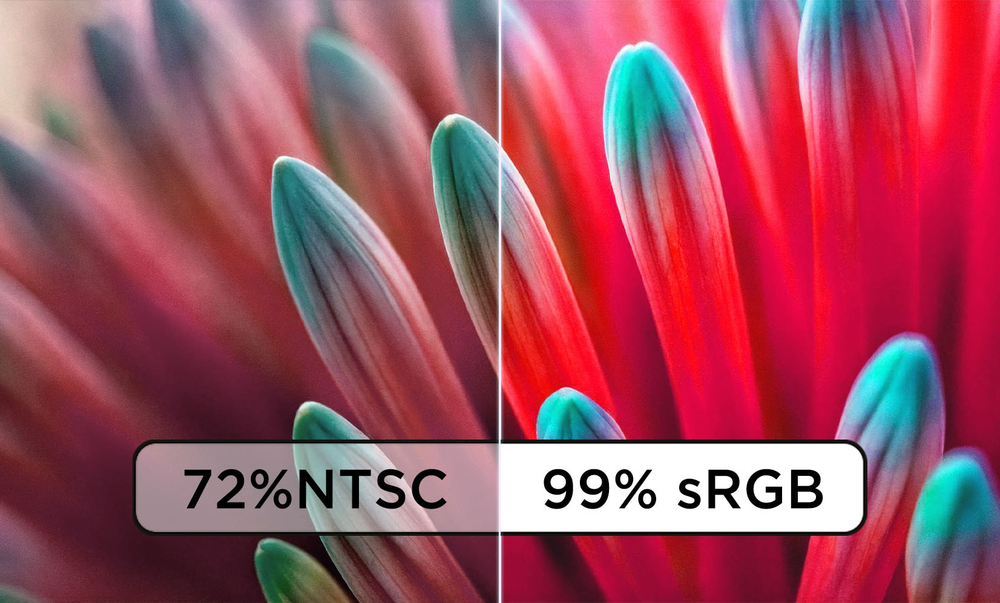
Impressive Image Clarity
Relish visuals that look extremely detailed and color accurate from all angles on the IPS panel with its QHD resolution and factory calibrated 99% sRGB color space coverage.
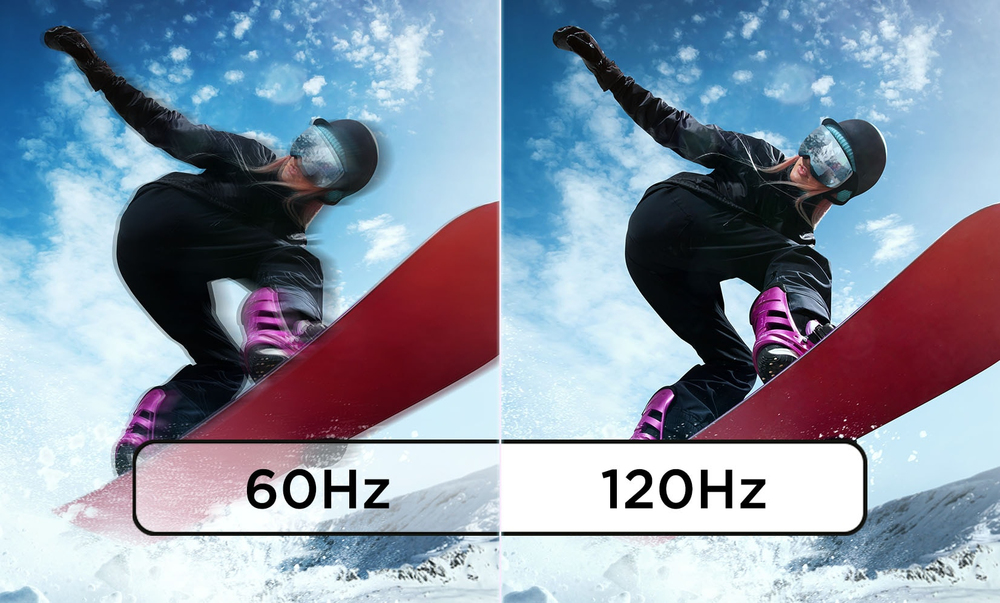
Smart Variable Refresh Rate
Enjoy smoother visuals while saving energy with the 48-120Hz variable refresh rate*
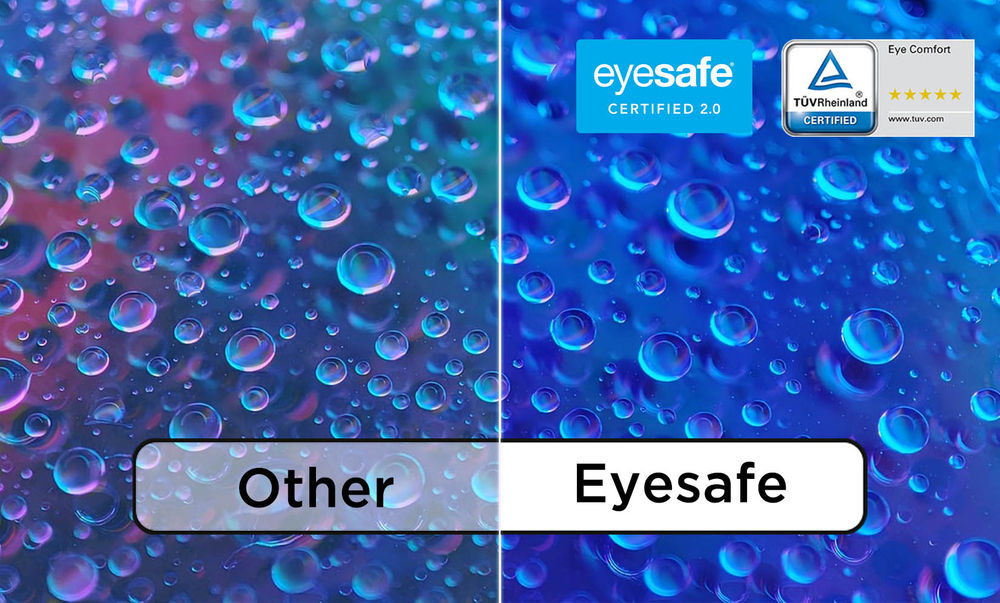
Supreme Eye Comfort
Work cmfortably for long hours without the hassle of eye-strain with the panel's Eye Comfort 5-star certification and Eyesafe Certification 2.0 by TÜV Rheinland.
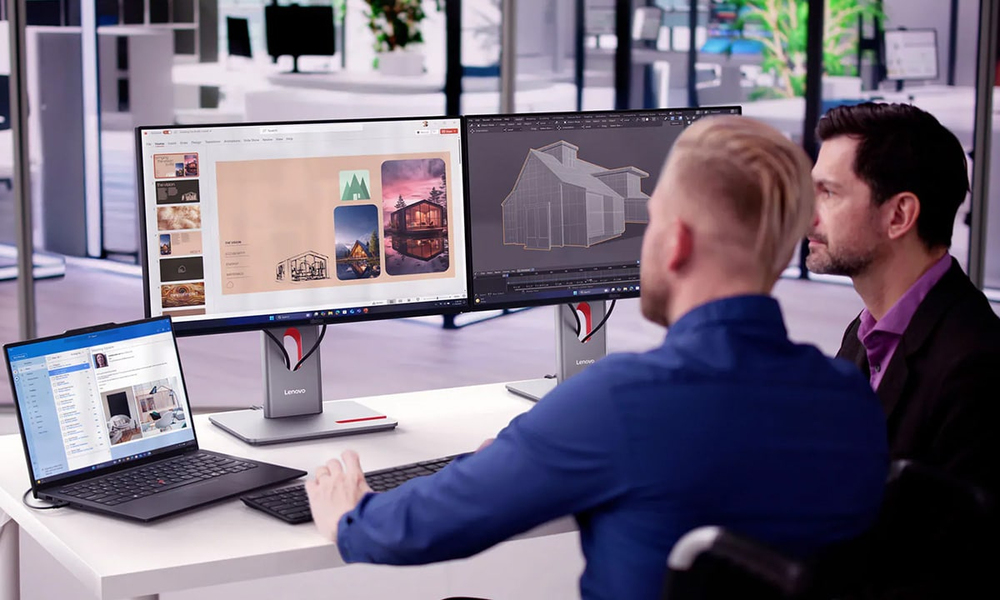
All-In-One Docking Solution
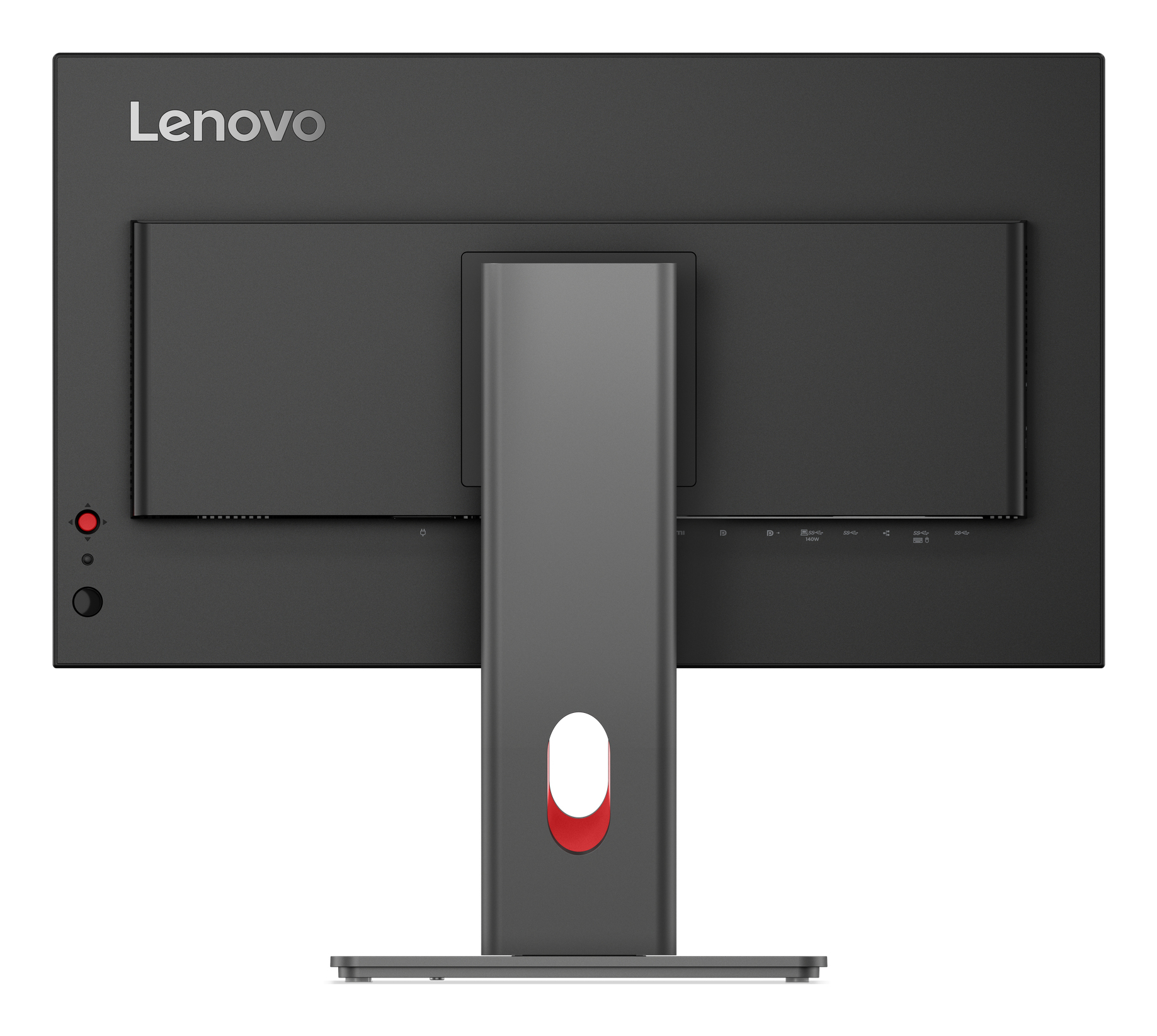
Dock with your computer seamlessly using the one cable solution to charge your laptop with up to 140W power, 2.5G Ethernet, all making it convenient for your digital workspace.
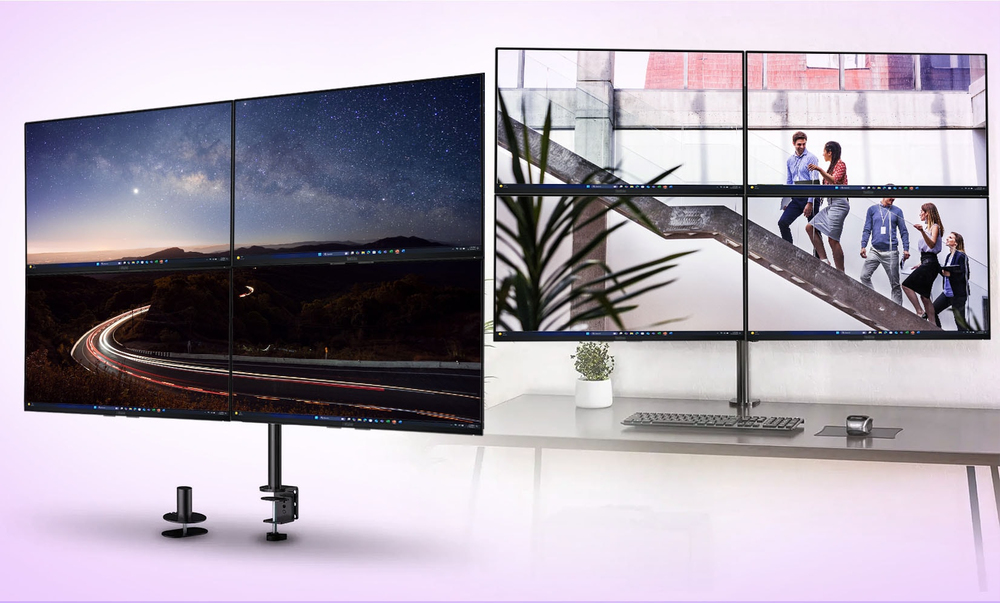
Extra Screen Real Estate
Boost your multitasking capability by daisy chaining up to 4 monitors with the 4-sided ultra-thin bezels to create immersive working environment.
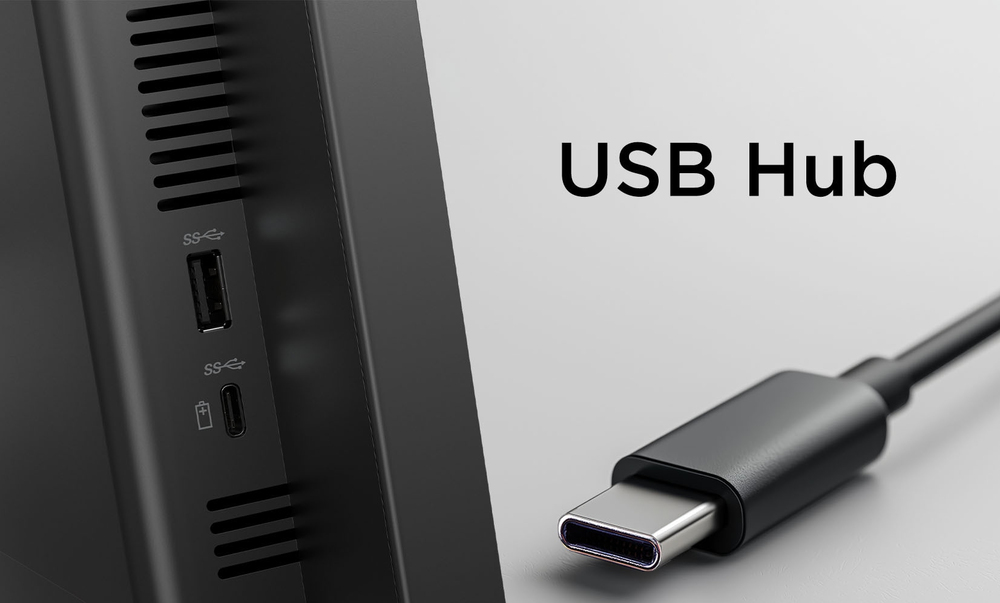
Seamless Connectivity
Improve productivity for all your workflows by connecting all compatible devices with the monitor's built-in USB hub.
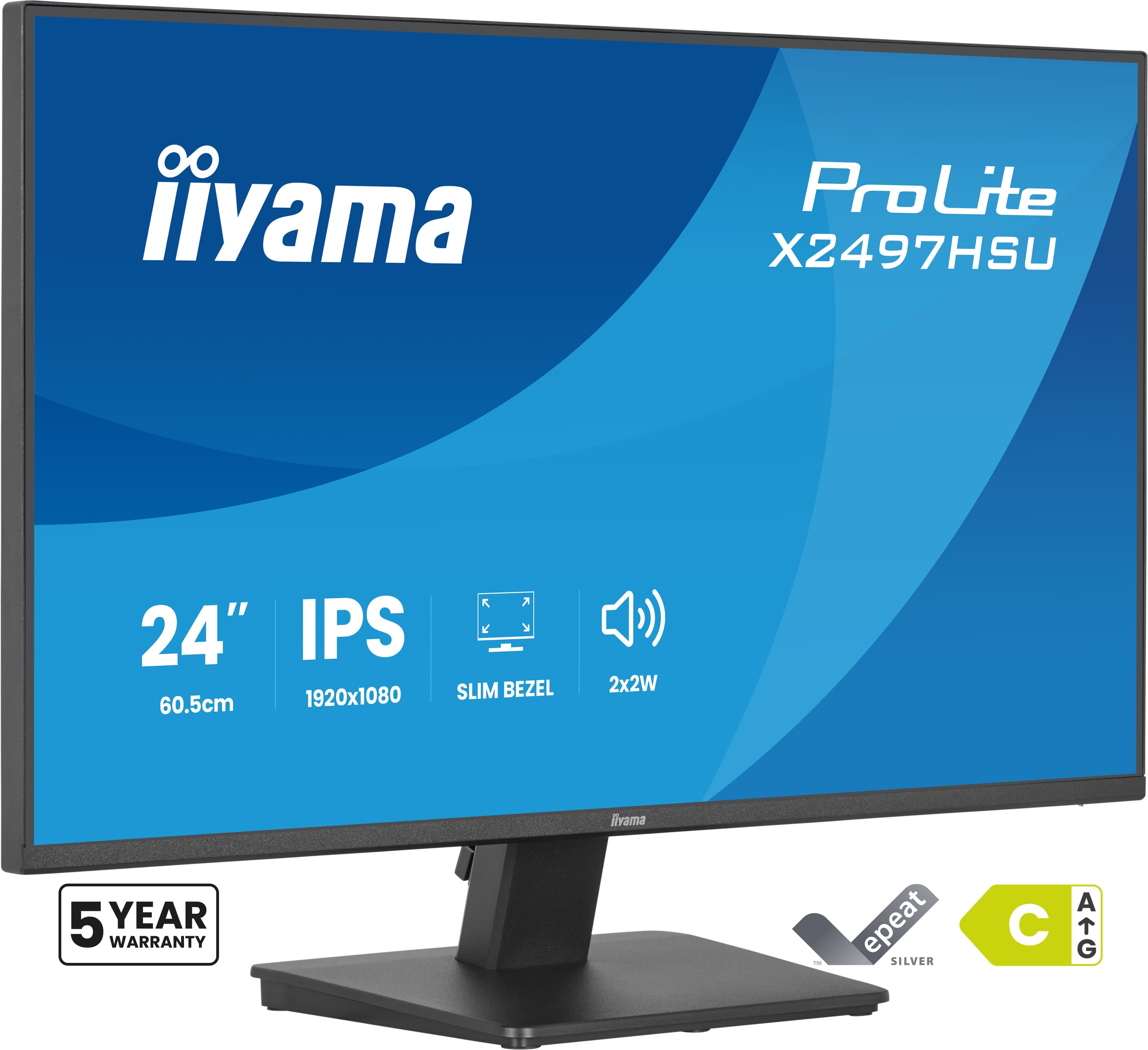
Iiyama
iiyama ProLite X2497HSU-B1 - LED monitor - 23.8" - 1920 x 1080 Full HD (1080p) @ 120 Hz - IPS - 350 cd/m� - 1500:1 - 4 ms - HDMI, DisplayPort - speakers - matte black
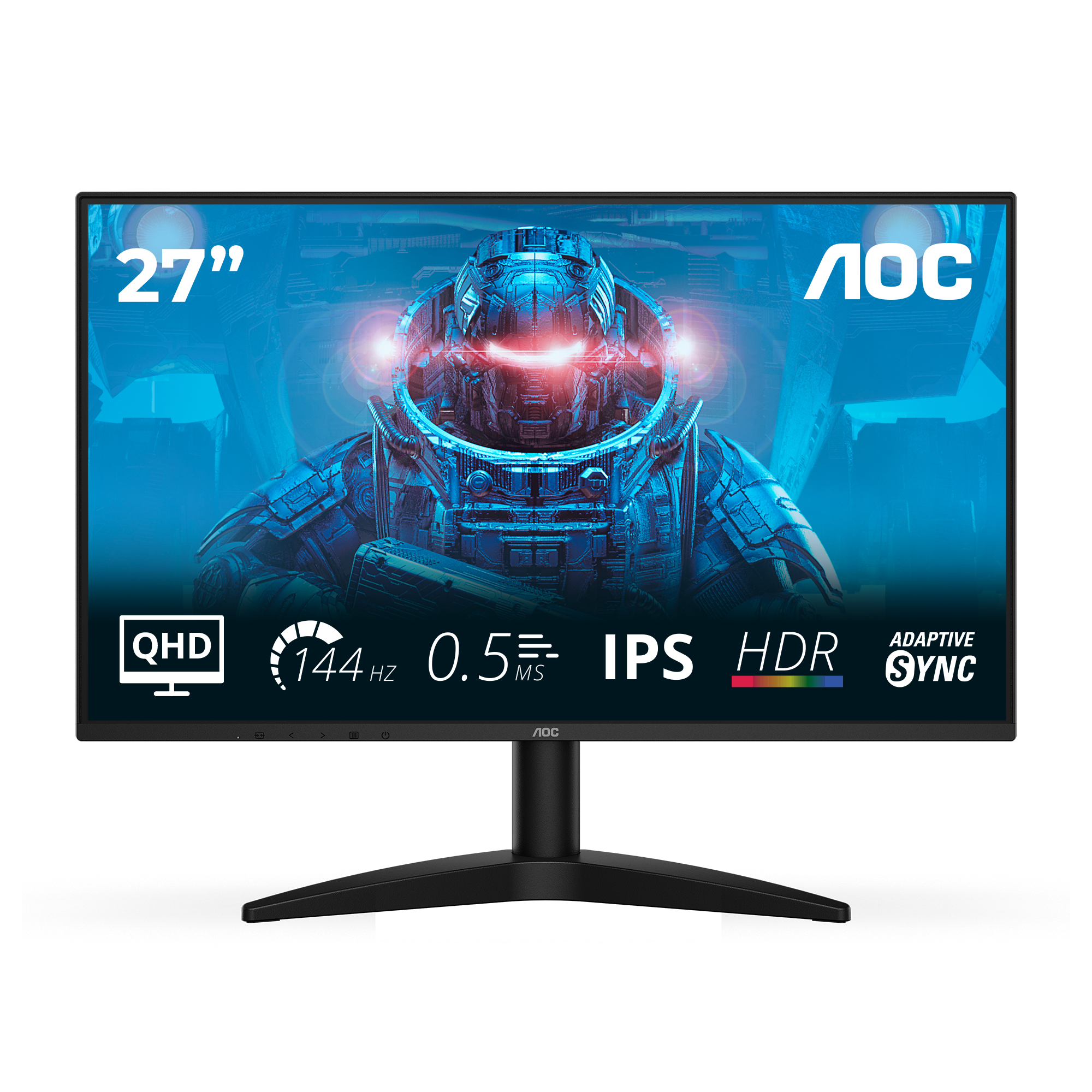
AOC
AOC Q27B36X - B36 Series - LCD monitor - 27" - 2560 x 1440 QHD @ 144 Hz - IPS - 300 cd/m� - 1500:1 - HDR10 - 0.5 ms - HDMI, DisplayPort - black

Asus
ASUS XG32UQ - LED monitor - gaming - 32" (32" viewable) - 3840 x 2160 4K @ 160 Hz - IPS - 600 cd/m� - 1000:1 - 1 ms - 2xHDMI, DisplayPort
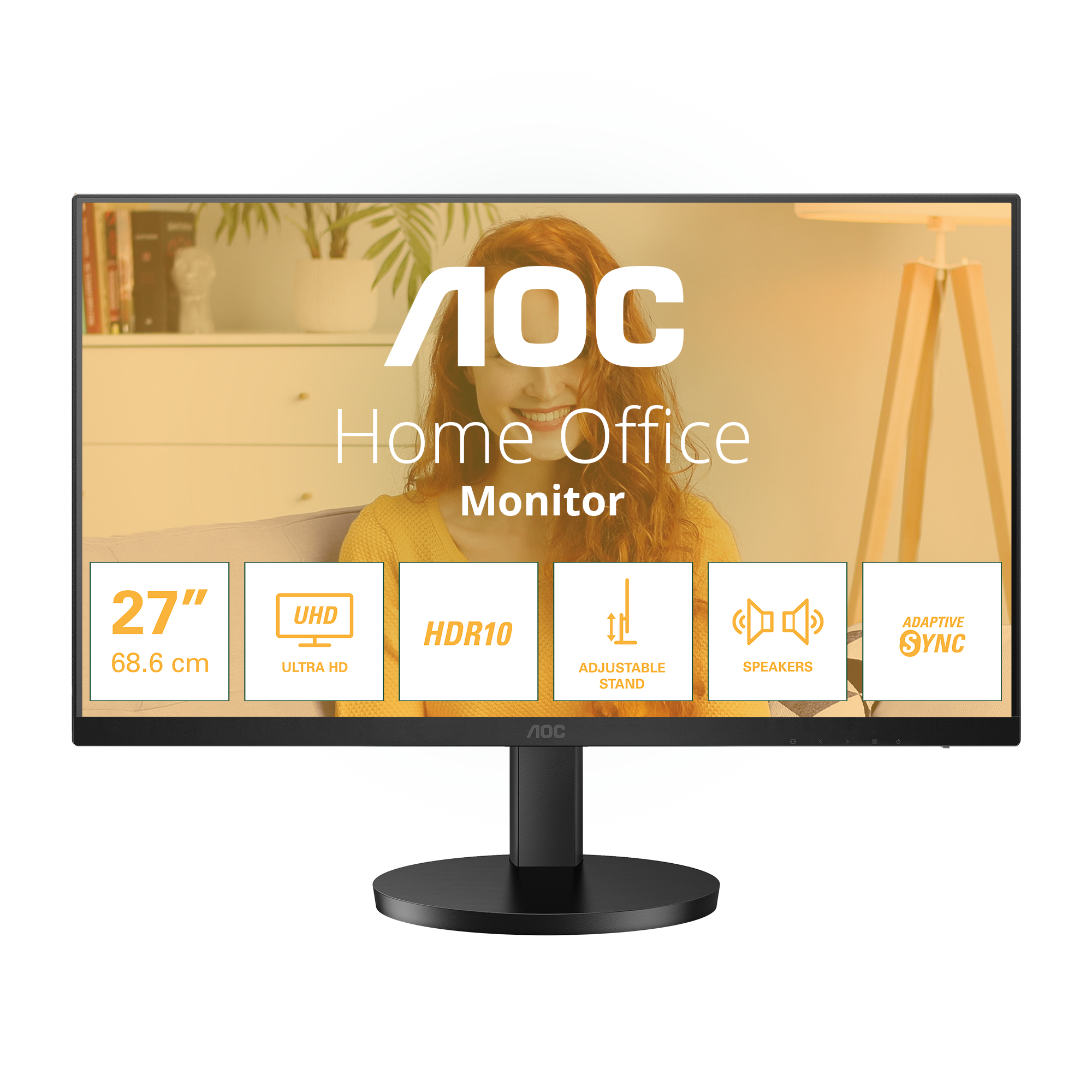
AOC
AOC U27B3AF - LED monitor - 27" - 3840 x 2160 4K UHD (2160p) @ 60 Hz - IPS - 350 cd/m� - 1000:1 - HDR10 - 4 ms - 2xHDMI, DisplayPort - speakers - black