- Cyber Security
How to Choose a Cyber Essentials Plus Certification Body
21 Jun, 2026
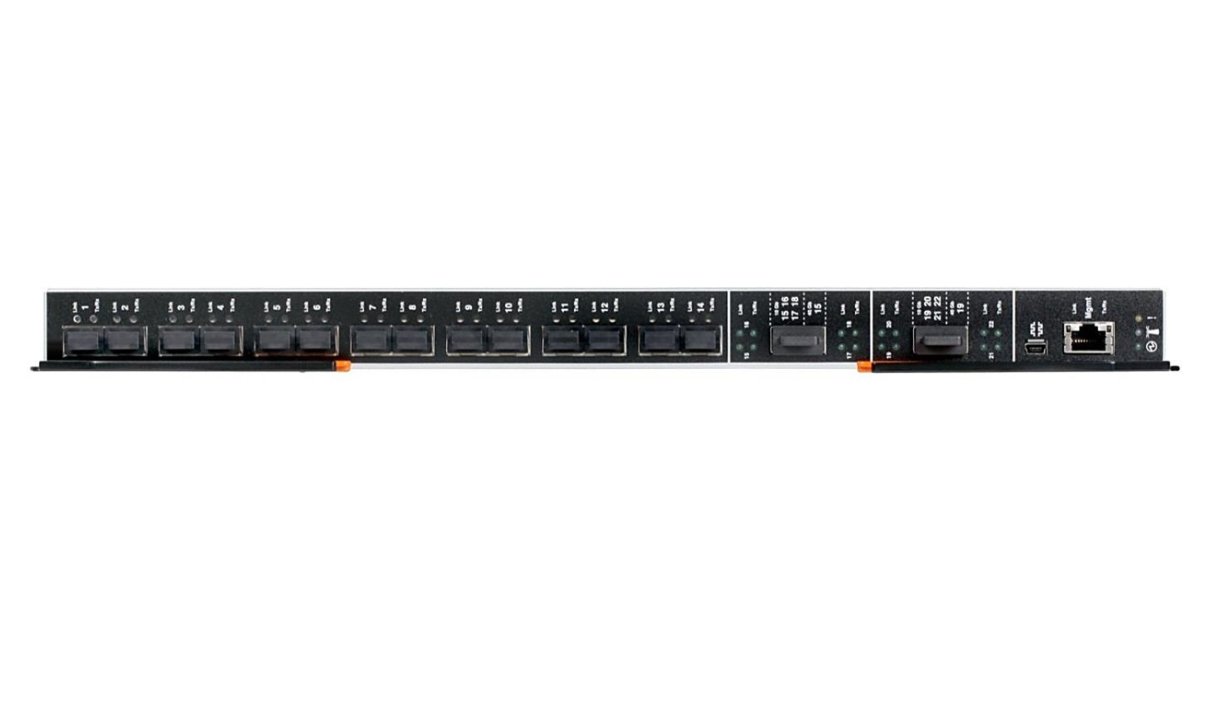
£4538.28 inc. VAT
AI-generated summary
If you’re paying **£3,781.90 ex‑VAT** for a Lenovo **managed L2/L3** switch, you should already know why you need routing (L3) rather than just VLAN switching (L2). In real deployments, that price usually only makes sense when you’re consolidating multiple network functions—think inter‑VLAN routing, more advanced redundancy, and cleaner central design—without having to buy and manage separate routers/firewall appliances. It’s the kind of switch I’d recommend to teams standardising on a single vendor ecosystem and who actually have the know-how (or support contract) to configure and troubleshoot L3 properly.
That said, I’d **push back** if your environment is “VLANs and uplinks only,” or if you’re a smaller site with a simple topology. In those cases, you’ll almost certainly get better value from a cheaper managed L2 model (and spend the saved budget on cabling, optics, or a proper management/support arrangement). Also, confirm the practical stuff before ordering: the port mix you’ll use day-to-day, whether you need specific uplink speeds, and whether your team can operate the feature set without surprises. If you tell me your site size and whether you need inter‑VLAN routing, I can sanity-check whether you’re buying the right level—or overpaying for capability you won’t use.

TP-Link
TP-Link TL-SL1218MP - Switch - unmanaged - 16 x 10/100 (PoE+) + 2 x 10/100/1000 + 2 x combo Gigabit SFP - rack-mountable (192 W)
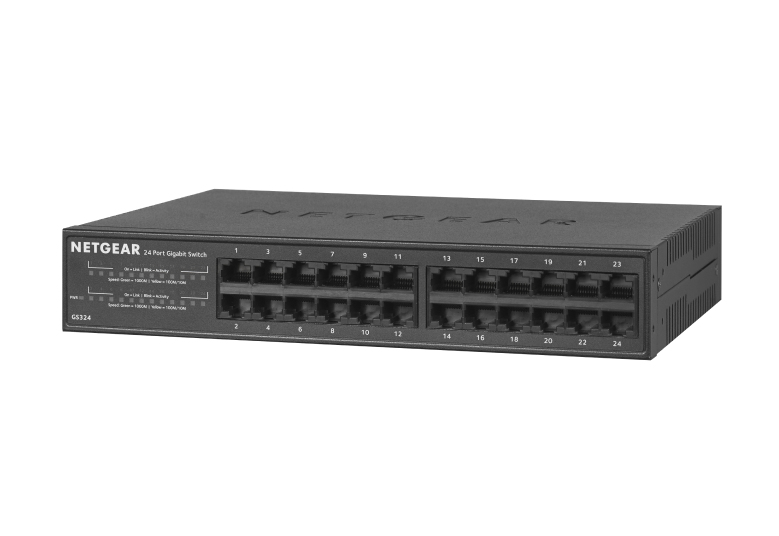
Netgear
NETGEAR GS324v2 - Switch - unmanaged - 24 x 10/100/1000 - wall-mountable, desktop, rack-mountable
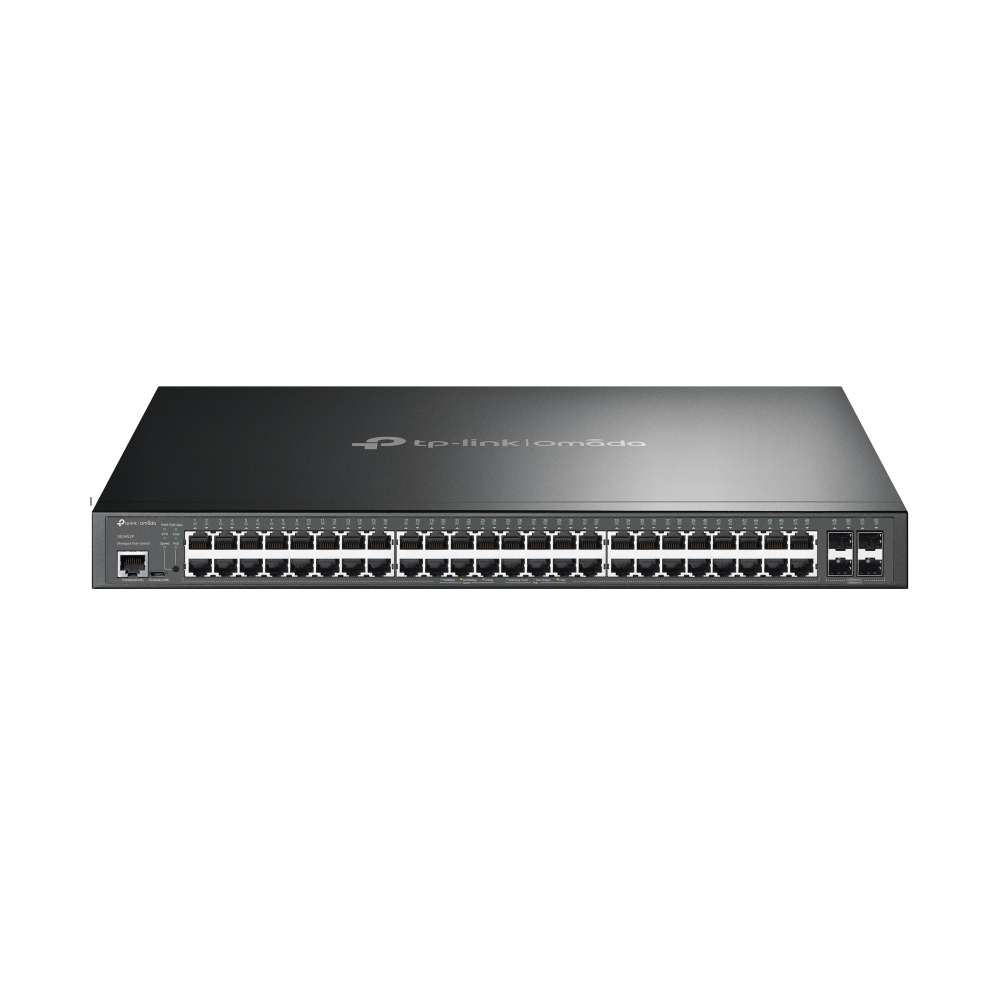
TP-Link
TP-Link JetStream TL-SG3452P V3.26 - Switch - L2+ - Managed - 48 x 10/100/1000 (PoE+) + 4 x Gigabit SFP - rack-mountable - PoE+ (384 W)
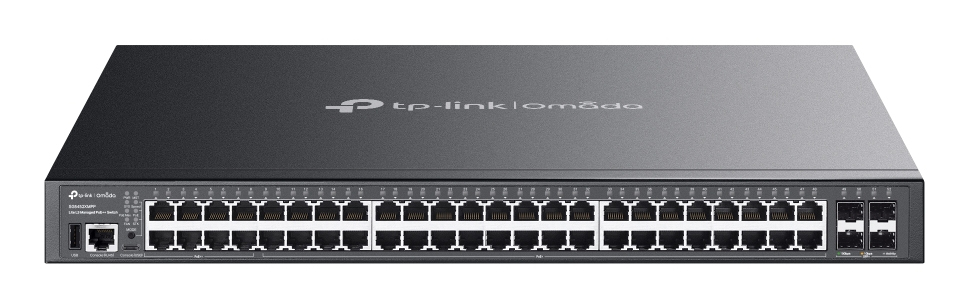
TP-Link
TP-Link Omada SG5452XMPP V1 - Switch - L3 Lite - Managed - 48 x 10/100/1000 + 4 x 10Gb Ethernet SFP+ - rack-mountable - PoE++ (770 W) - for TP-Link MC200CM, MC210CS, TL-MC210CS, TL-SM331T