- Network Admin
How to Perform a Wireless Site Survey for Your Office
11 Mar, 2026

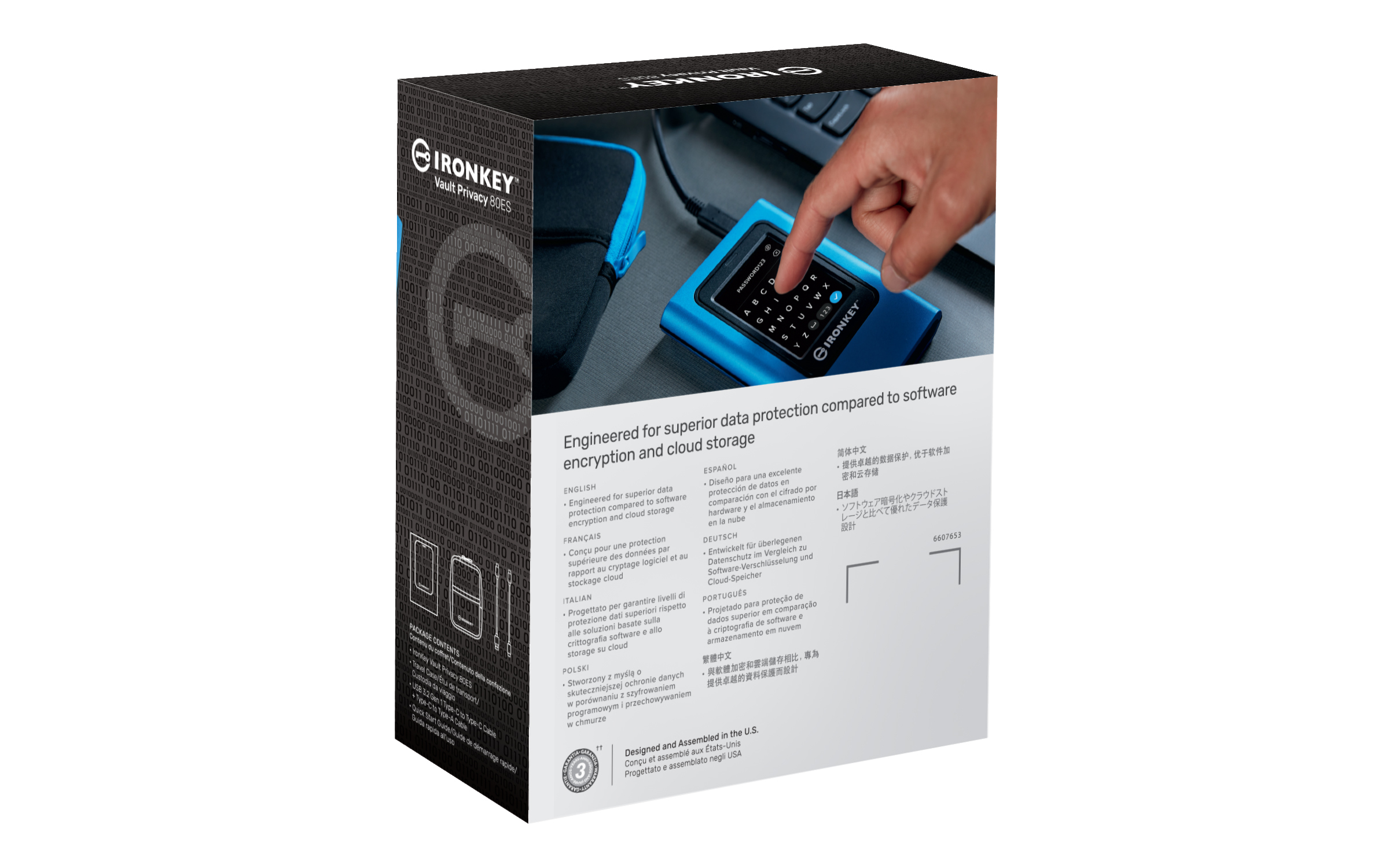
£1189.22 inc. VAT
AI-generated summary
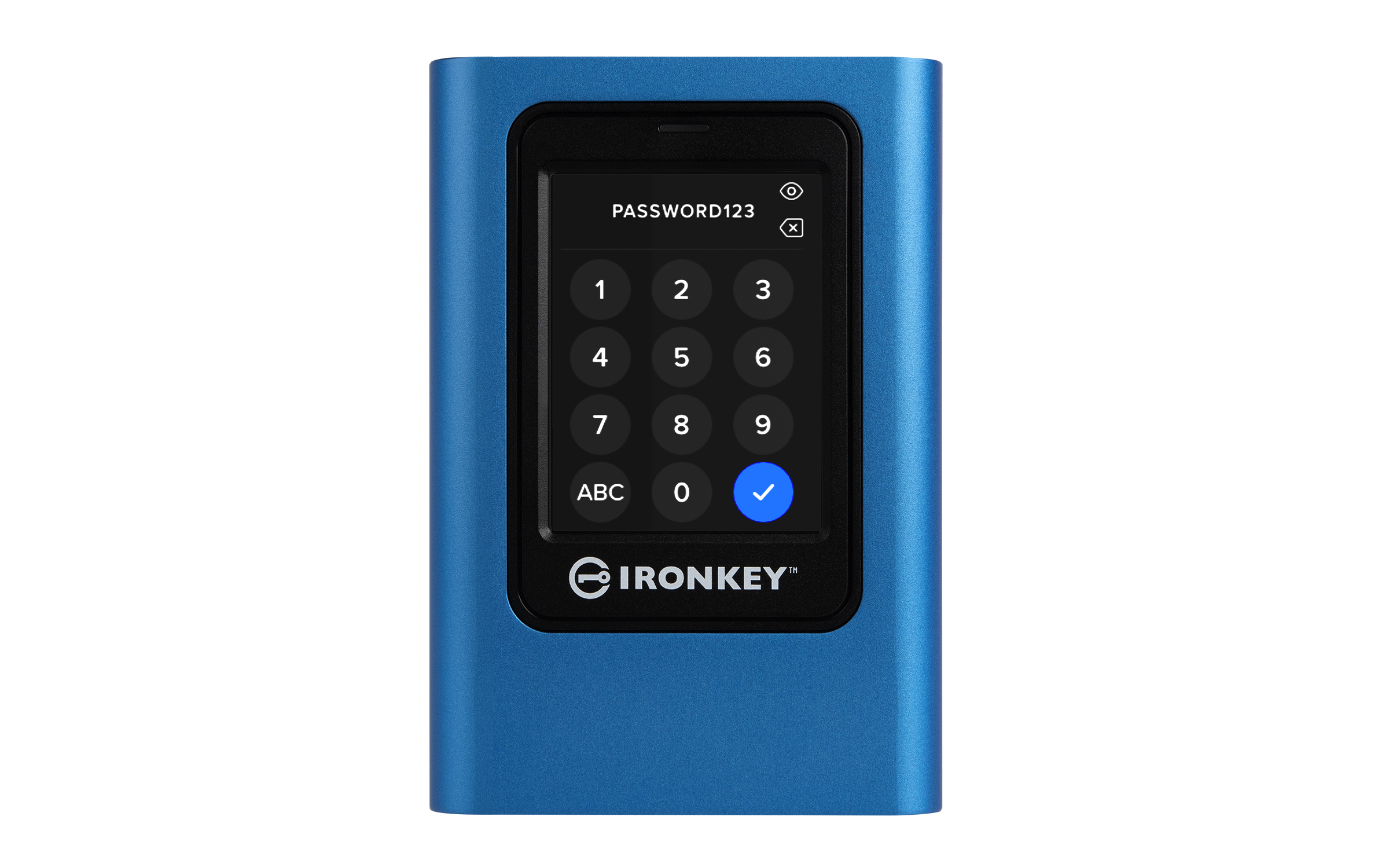
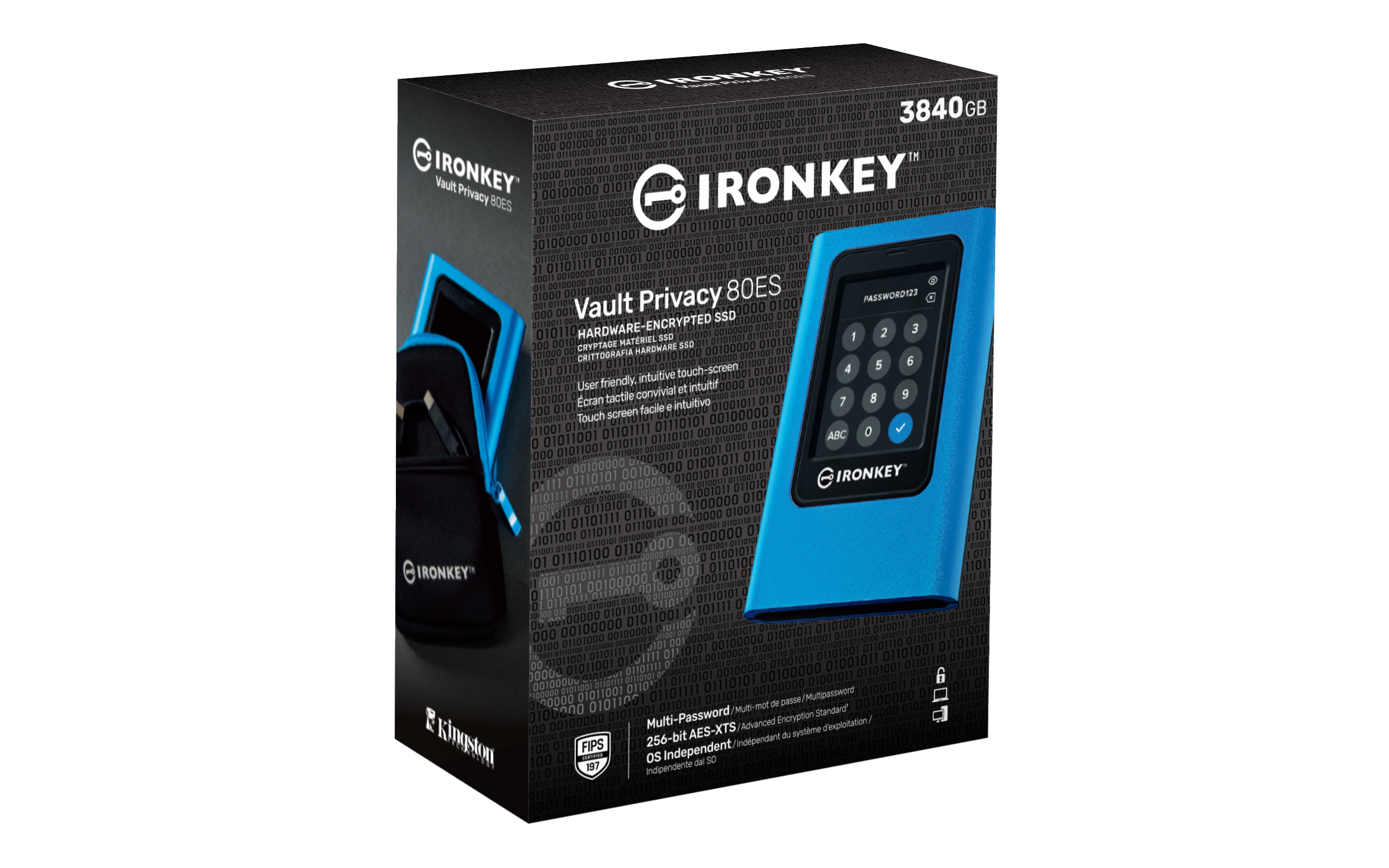
If you’re paying **£996.70 ex‑VAT** for an external SSD, you need a very specific reason—and with the **Kingston IronKey** line, the reason is usually “I can’t afford a breach, and I need strong, hardware-backed protection.” This is the sort of drive you issue to a small number of high-risk users (senior staff, finance, contractors handling sensitive client data) or keep in a secure process where loss/theft is plausible. The big selling point isn’t raw speed; it’s that the drive is designed to behave like a self-contained security device, so you’re not relying on everyone’s discipline for encryption.
That said, it’s **hard to justify** if you just need “an encrypted SSD” for everyday backups. At this price, you can often get far more storage/performance from a cheaper encrypted external drive or a business NAS/backup approach, and still meet most compliance needs. The IronKey is best when you value the *risk reduction* more than the cost, and when you can support/standardise the operational side (admin of access, training users, and how you recover access). If you’re buying this for general office file transfer or routine backups, I’d look at cheaper encrypted alternatives first.
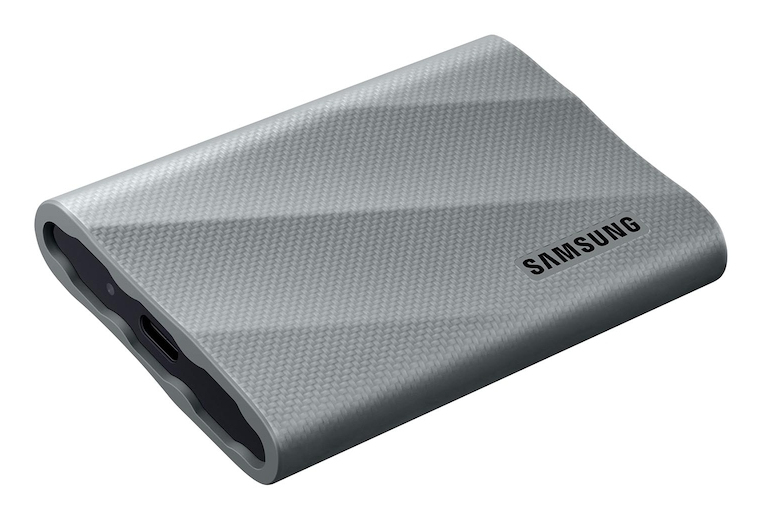
Samsung
Samsung T9 MU-PK2T0G - SSD - encrypted - 2 TB - external (portable) - USB 3.2 Gen 2x2 (USB-C connector) - 256-bit AES - grey
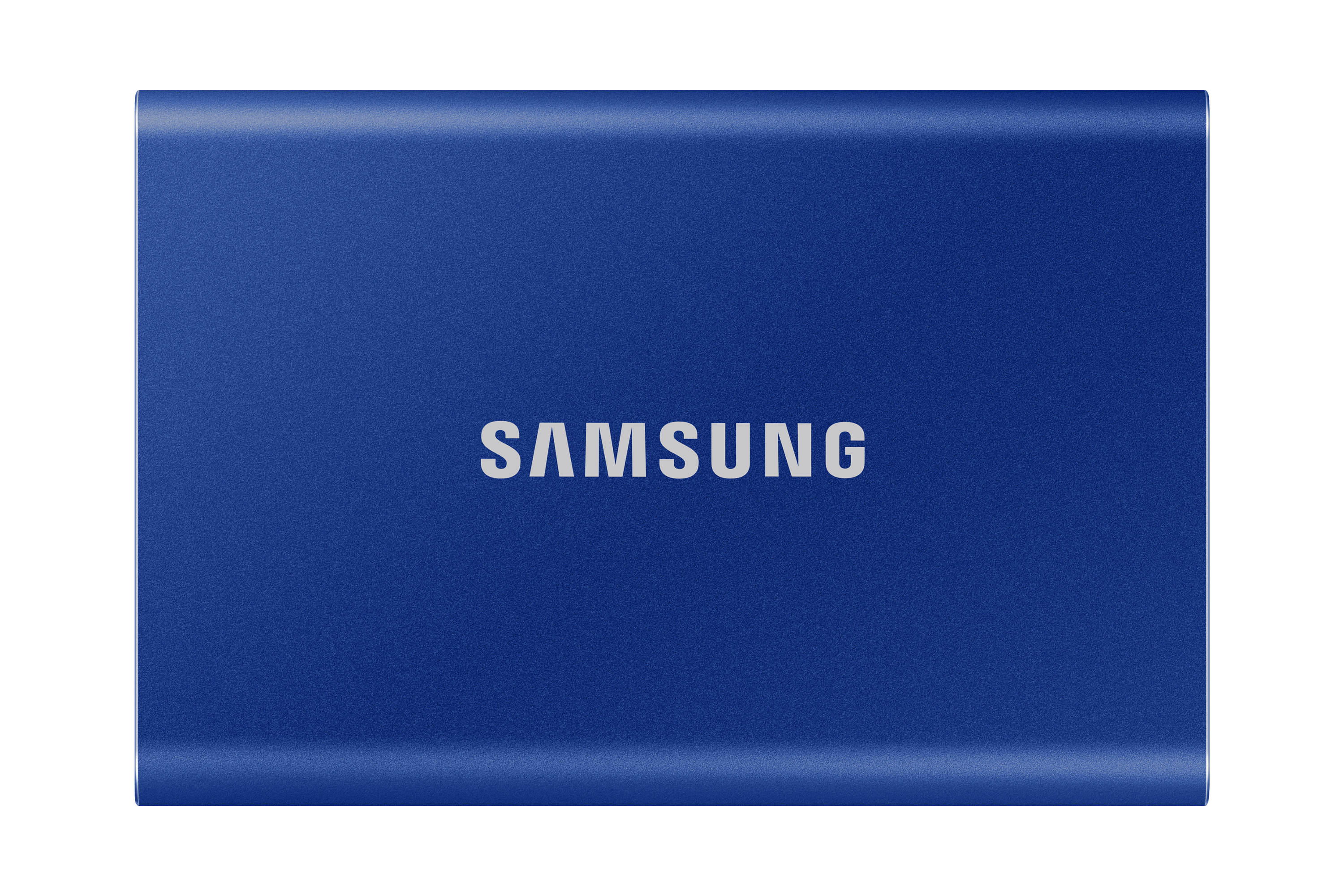
Samsung
Samsung T7 MU-PC1T0H - SSD - encrypted - 1 TB - external (portable) - USB 3.2 Gen 2 (USB-C connector) - 256-bit AES - indigo blue
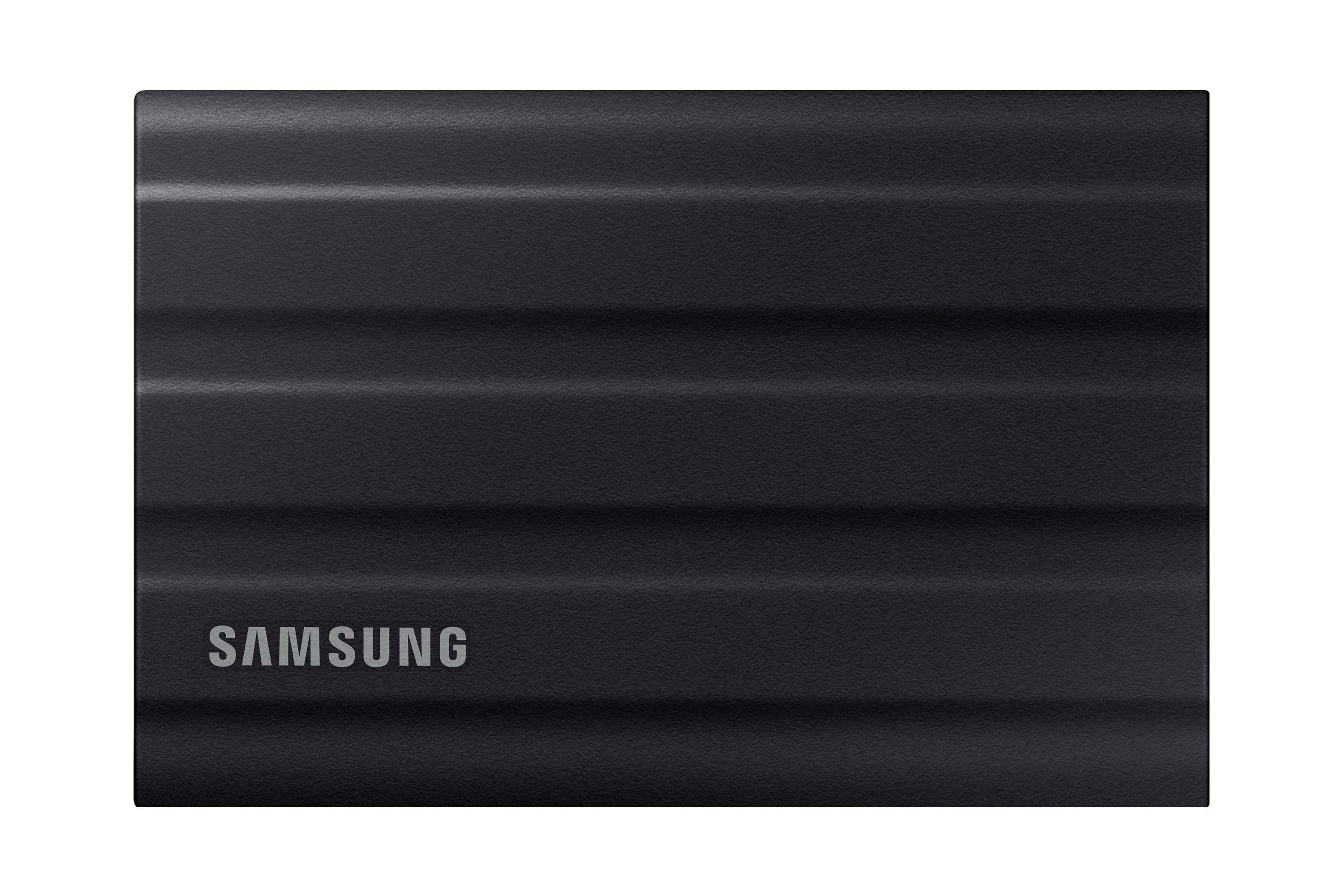
Samsung
Samsung T7 Shield MU-PE1T0S - SSD - encrypted - 1 TB - external (portable) - USB 3.2 Gen 2 (USB-C connector) - 256-bit AES - black
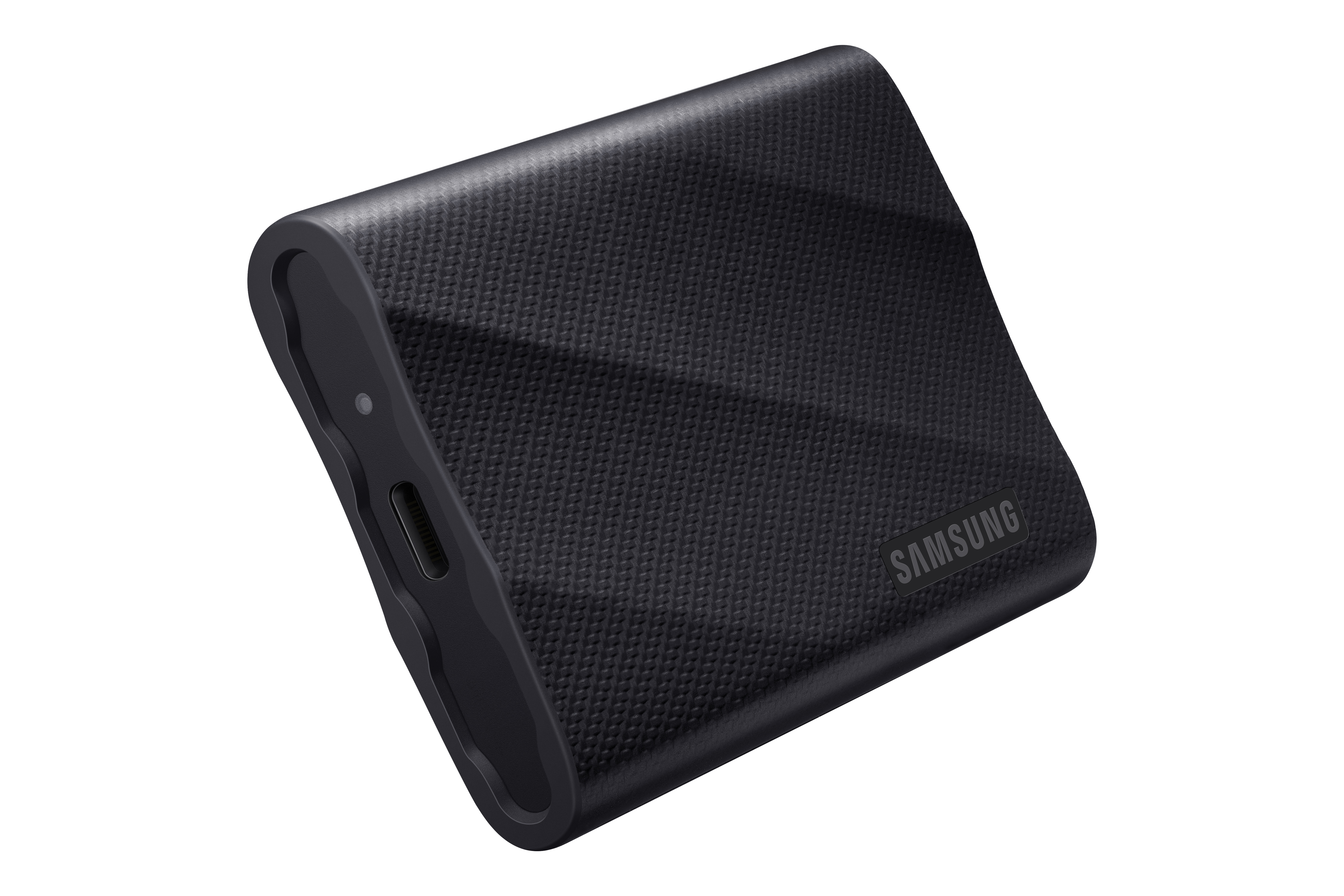
Samsung
Samsung T9 MU-PG1T0B - SSD - encrypted - 1 TB - external (portable) - USB 3.2 Gen 2x2 (USB-C connector) - 256-bit AES - black