- Azure Cloud
How to Monitor Azure Performance and Costs
10 Jul, 2025
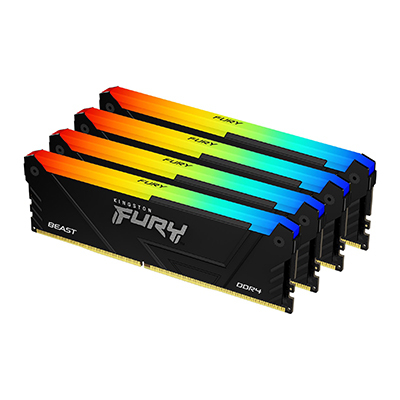
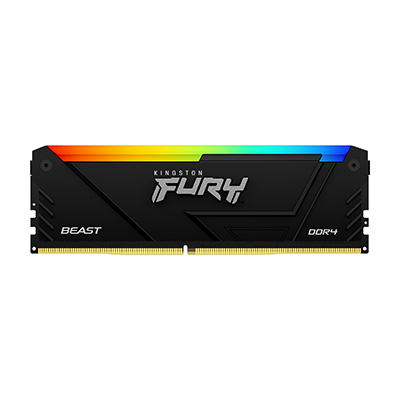
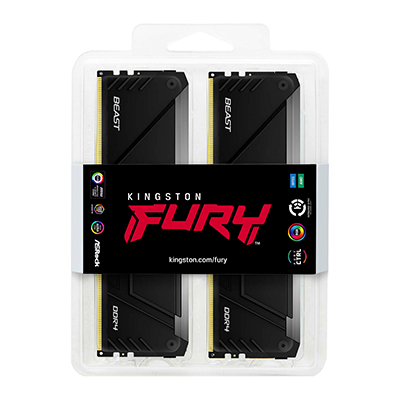


£543.36 inc. VAT
AI-generated summary

At ~£452 ex-VAT for a 32GB DDR4 kit “(DIMM, kit of 4)”, this Kingston FURY Beast RGB is one of those buys that only makes sense if you *specifically* need that exact capacity/kit configuration and you value the look. Real talk: DDR4 is long in the tooth now, so paying a premium for RGB is hard to justify unless your build is already DDR4-based and you’re committed to that platform. For most office/server-adjacent work, you’ll get better value either by choosing plain non-RGB sticks or by targeting a cheaper kit with the same practical stability.
Who should buy it? Anyone upgrading a desktop workstation or a small build where aesthetics matter and the machine is already DDR4 (no cheap “future proofing” here). It’ll be fine for typical productivity and gaming workloads, and Kingston’s reliability tends to be solid. Who should *not*? If you’re trying to maximise £/performance, or you’re building something new today, I’d steer you away—DDR4 kits at these prices are rarely the smartest spend. If you tell me the exact motherboard model and what you’re doing with the system (e.g., VMs, editing, CAD, gaming), I can tell you whether this is likely to be good value or just expensive RGB for the sake of it.
Qnap
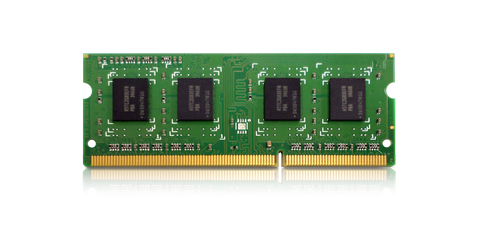
QNAP - K0 version - DDR4 - module - 8 GB - SO-DIMM 260-pin - 3200 MHz / PC4-25600
Kingston
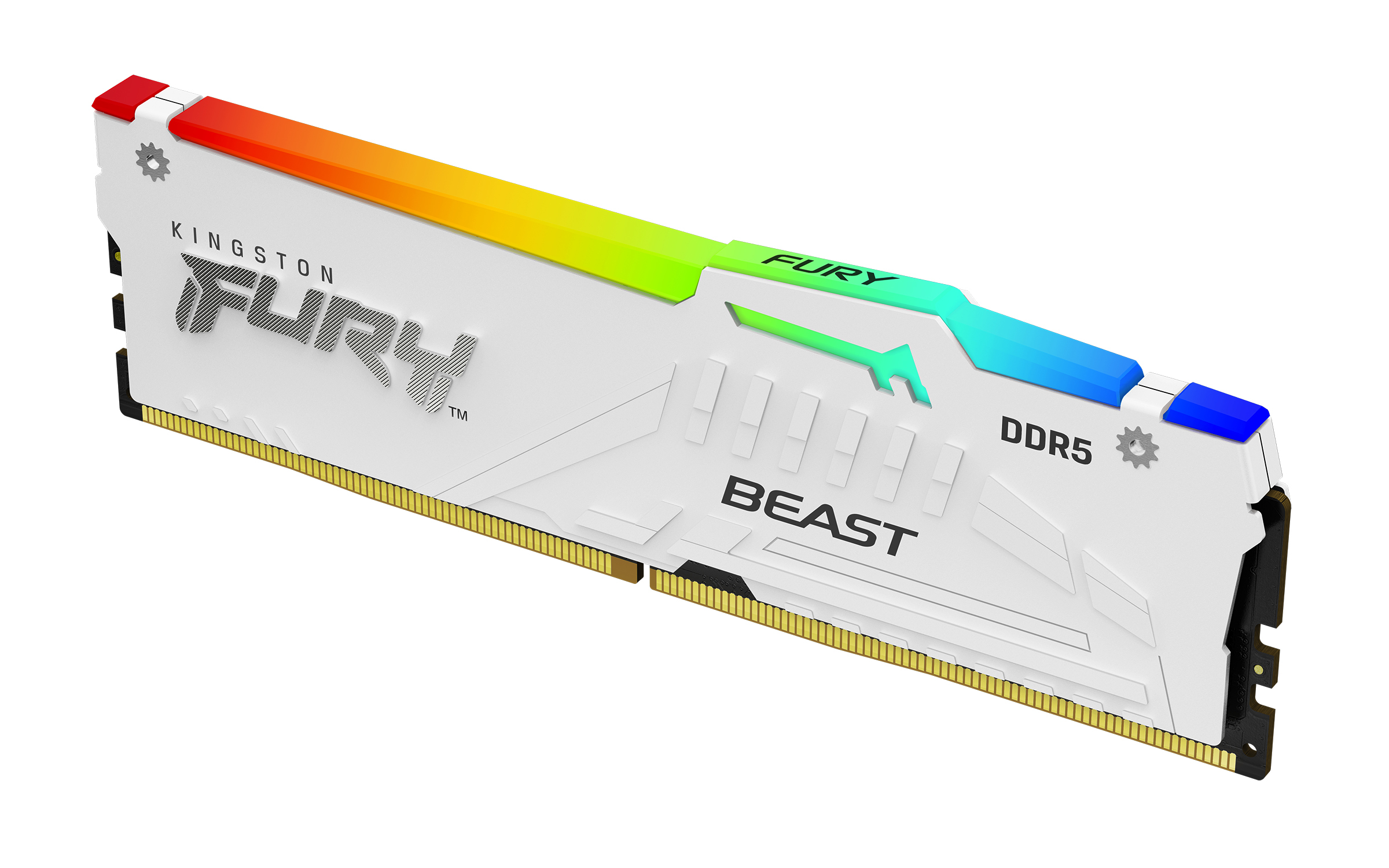
Kingston FURY Beast RGB - DDR5 - module - 32 GB - DIMM 288-pin - 6000 MHz / PC5-48000 - CL30 - 1.4 V - unbuffered - on-die ECC - white
Qnap
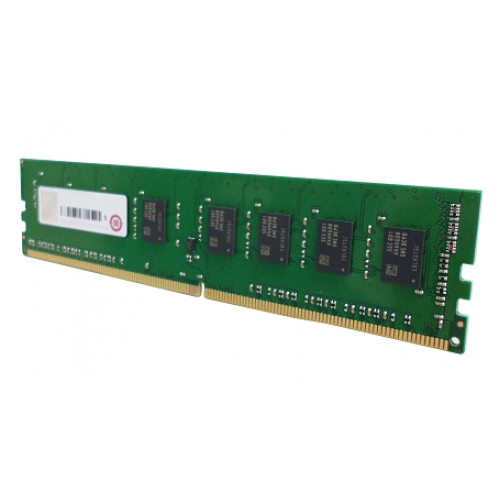
QNAP - DDR4 - module - 8 GB - DIMM 288-pin - 2133 MT/s / PC4-17000 - 1.2 V - unbuffered - non-ECC - for QNAP TVS-682, TVS-682T, TVS-882, TVS-882T

Kingston
Kingston FURY Impact - DDR4 - kit - 32 GB: 2 x 16 GB - SO-DIMM 260-pin - 3200 MT/s / PC4-25600 - CL20 - 1.2 V - unbuffered - non-ECC - black