- Azure Cloud
Azure Backup vs Third-Party Backup: Which Should You Use?
11 Mar, 2026


£383.46 inc. VAT
AI-generated summary
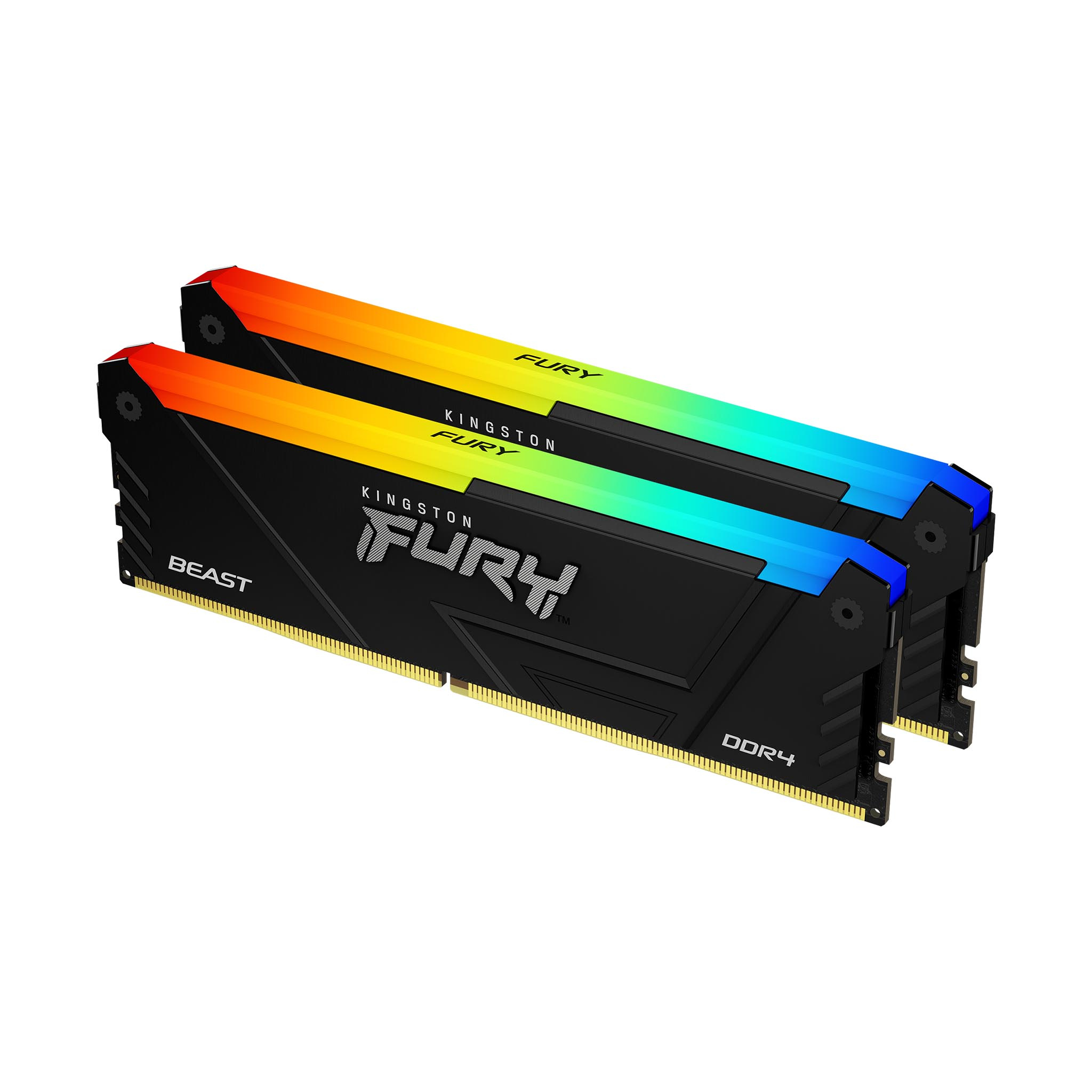
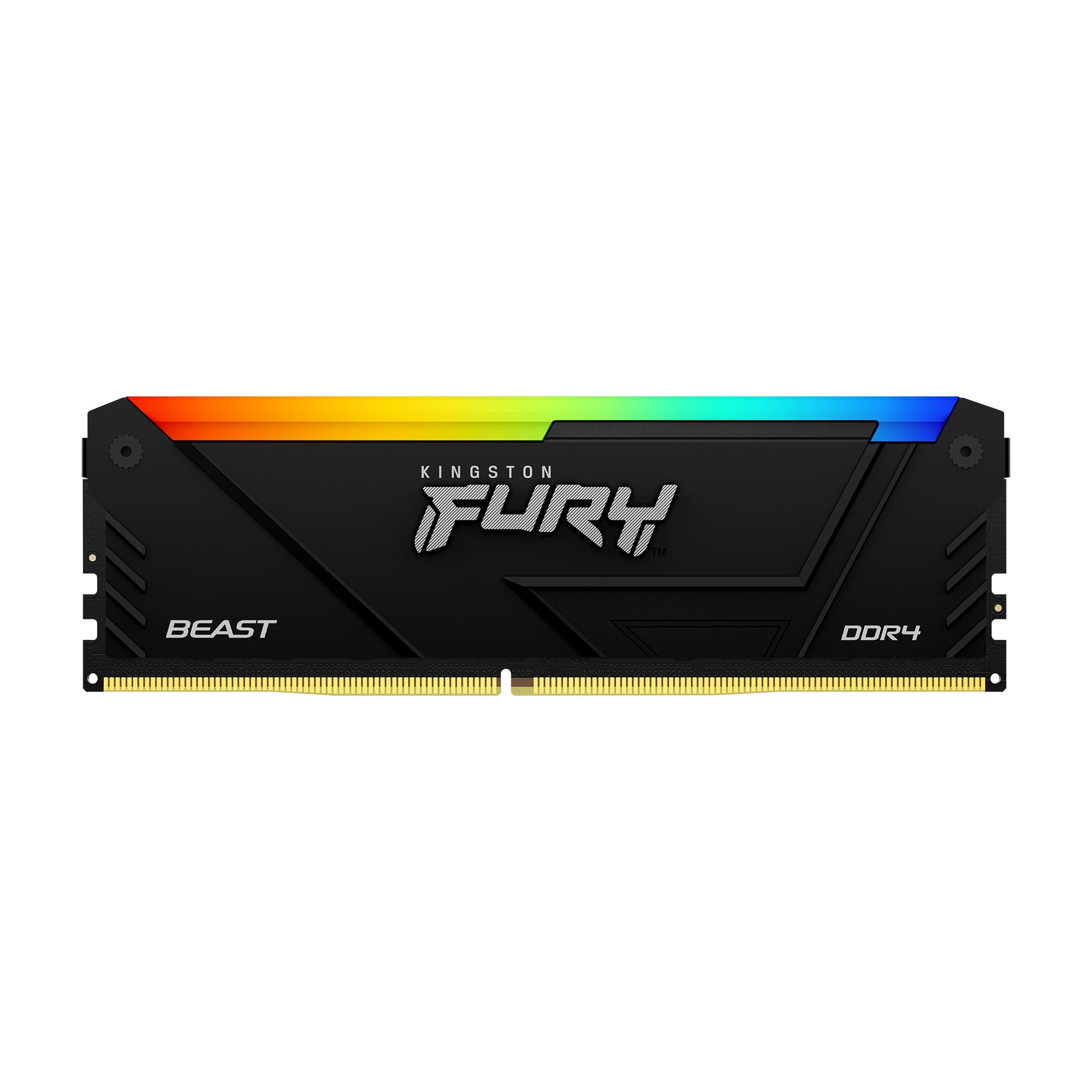


The Kingston FURY Beast 32GB DDR4 RGB kit at £319.50 ex-VAT is the kind of purchase that *looks* straightforward, but only really makes sense if you specifically want RGB and you’re buying into a very particular DDR4 platform. In most real office/SMB deployments, the money question isn’t “is it Kingston?”—it’s “is there a cheaper kit that gives the same stability and performance?” At this price, you’re paying a noticeable premium for the RGB styling, and DDR4 kits in the UK vary a lot on cost depending on timings and supplier—so unless your build aesthetic or standard is set around the FURY line, I’d shop around before committing.
Who should buy it? Teams building creator workstations, budget gaming rigs for staff, or any environment where you want decent 32GB capacity *and* you care about synced lighting in a managed IT image/standard. Who should *avoid* it? If this is for general business use (VDI, line-of-business apps, light server roles), you’ll usually get better value by putting that spend into either higher-capacity sticks at a lower overall cost, or—if the platform allows—moving to newer memory/CPU platforms entirely. Also worth flagging: “3600MT/s” only helps if the motherboard and CPU actually run it at that rate reliably; otherwise you end up paying for headroom you’re not going to see in day-to-day performance.
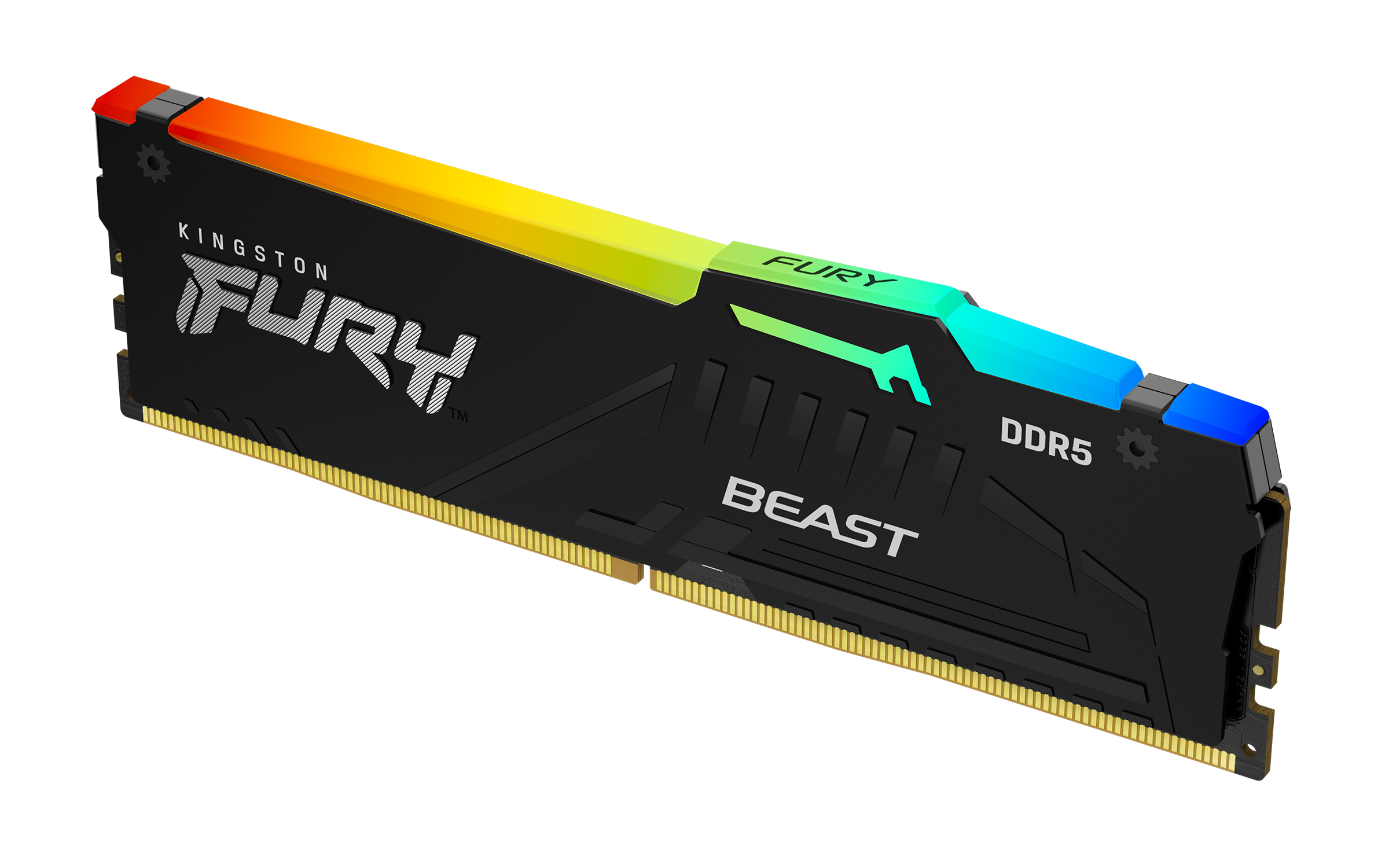
Kingston
Kingston FURY Beast RGB - DDR5 - module - 8 GB - DIMM 288-pin - 6000 MT/s / PC5-48000 - CL36 - 1.35 V - unbuffered - on-die ECC - black
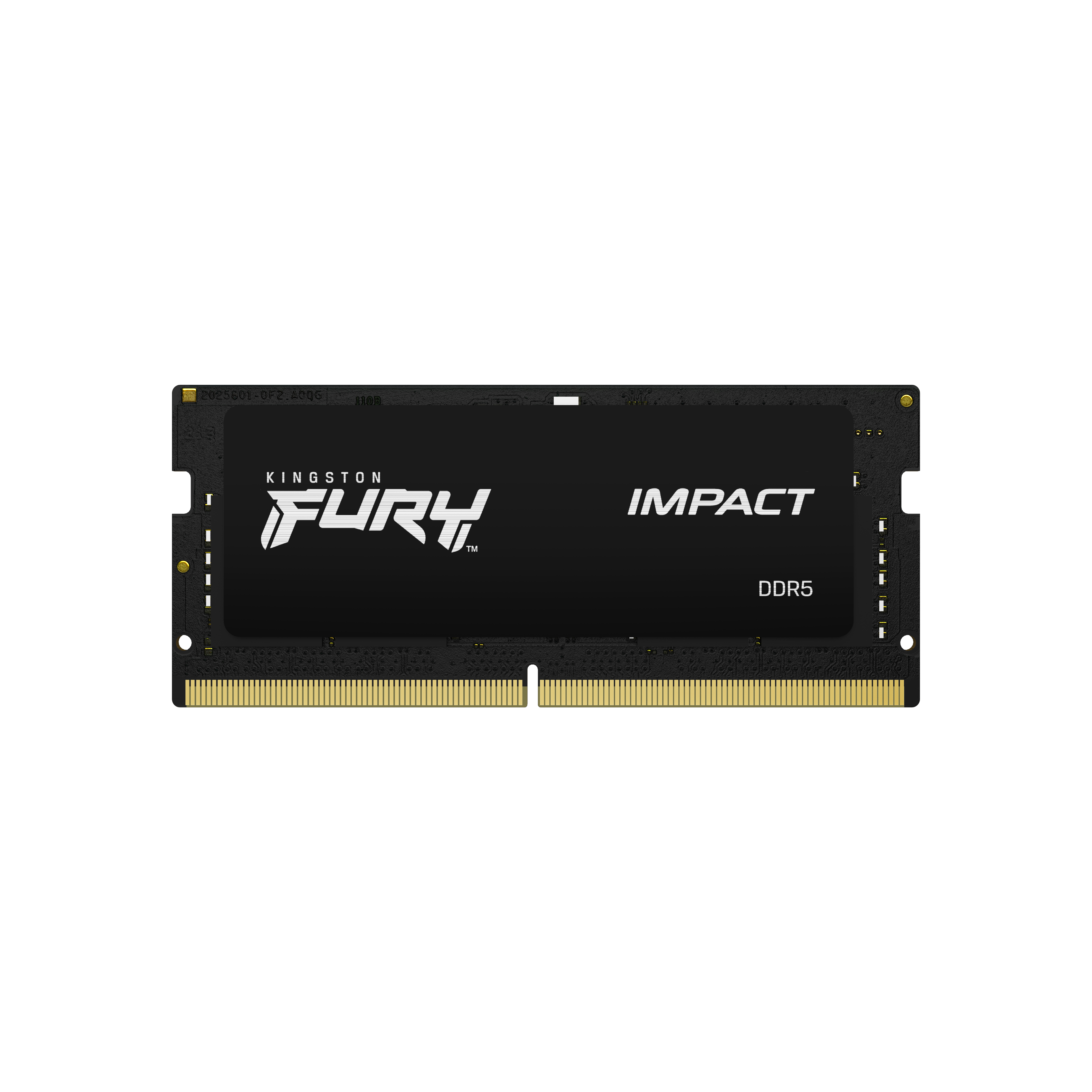
Kingston
Kingston FURY Impact - DDR5 - kit - 64 GB: 2 x 32 GB - SO-DIMM 262-pin - 5600 MHz / PC5-44800 - CL40 - 1.1 V - unbuffered - on-die ECC
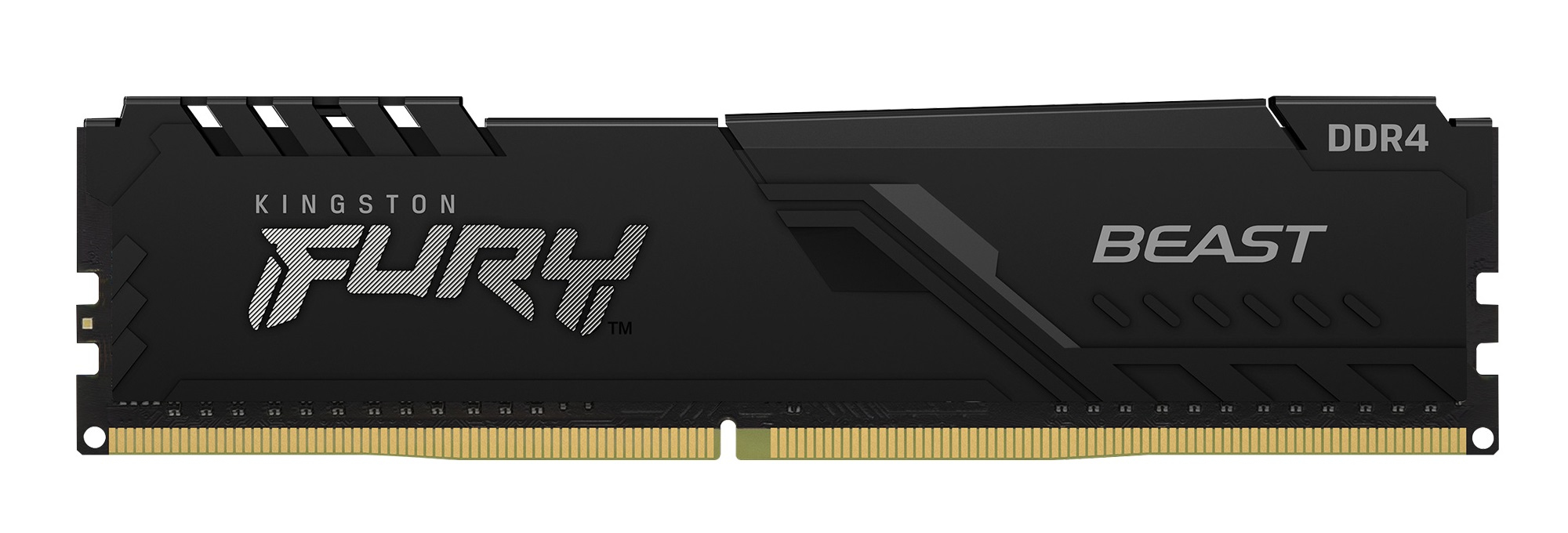
Kingston
Kingston FURY Beast - DDR4 - module - 32 GB - DIMM 288-pin - 3600 MHz / PC4-28800 - CL18 - 1.35 V - unbuffered - non-ECC - black
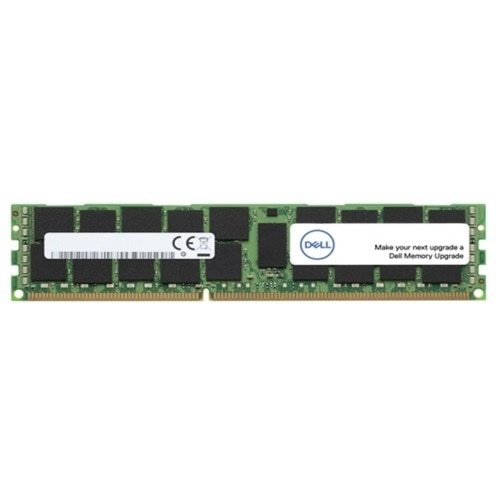
Dell
Dell - DDR5 - module - 16 GB - DIMM 288-pin - 6400 MT/s / PC5-51200 - registered - Upgrade