- Google Ads & PPC
How to Set Up Your First Google Ads Campaign
2 May, 2026
£2127.94 inc. VAT
AI-generated summary
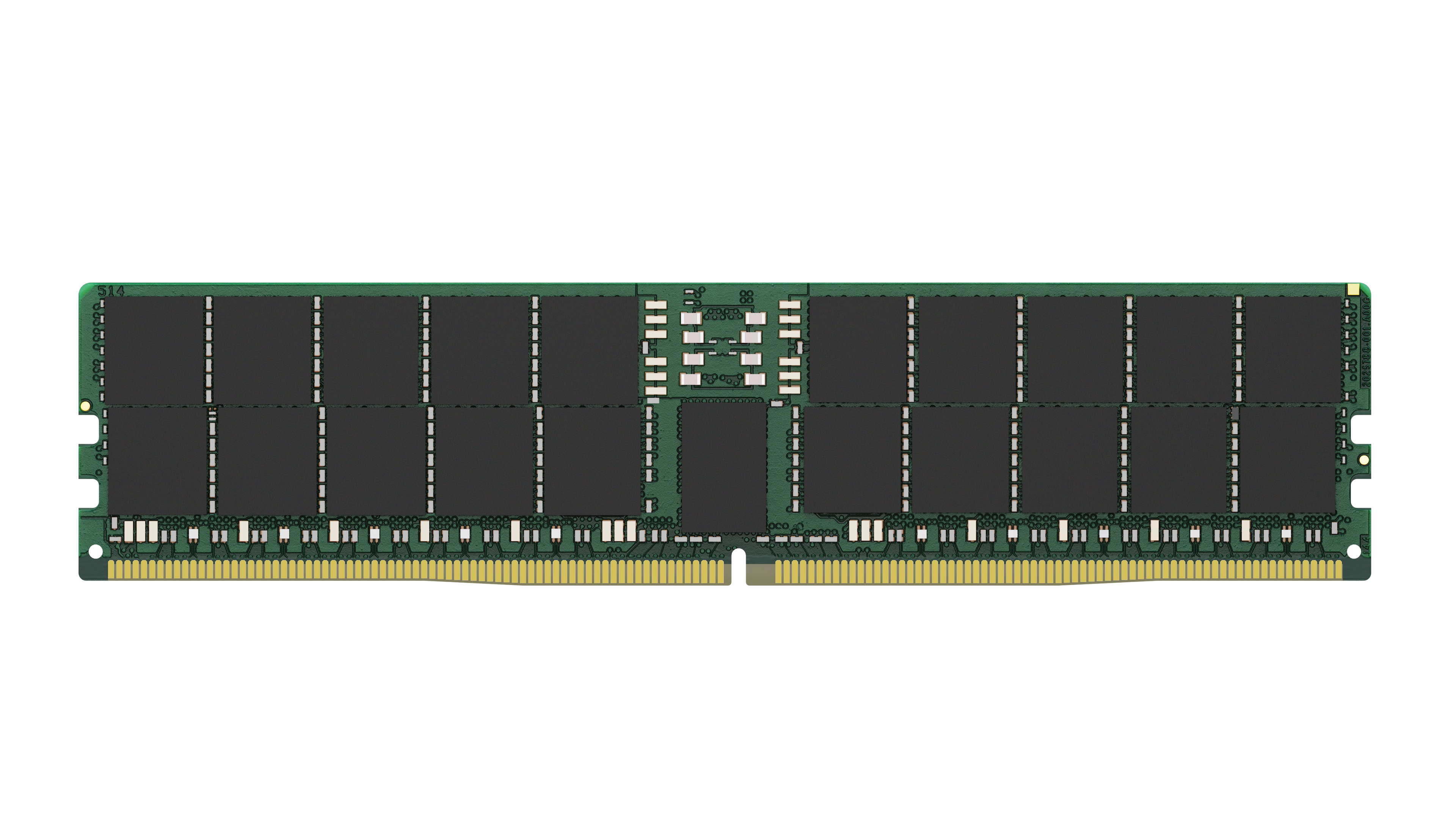
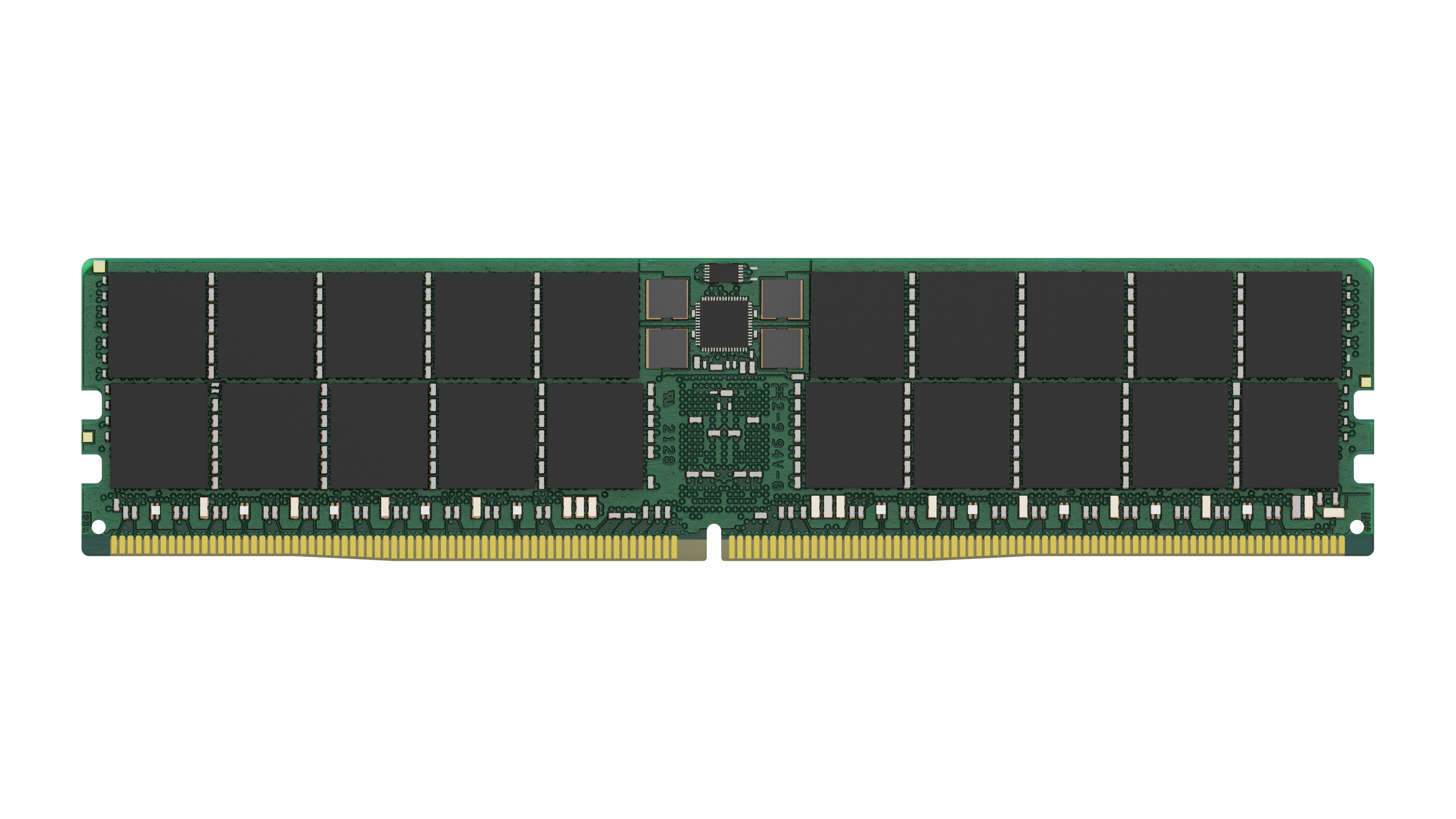
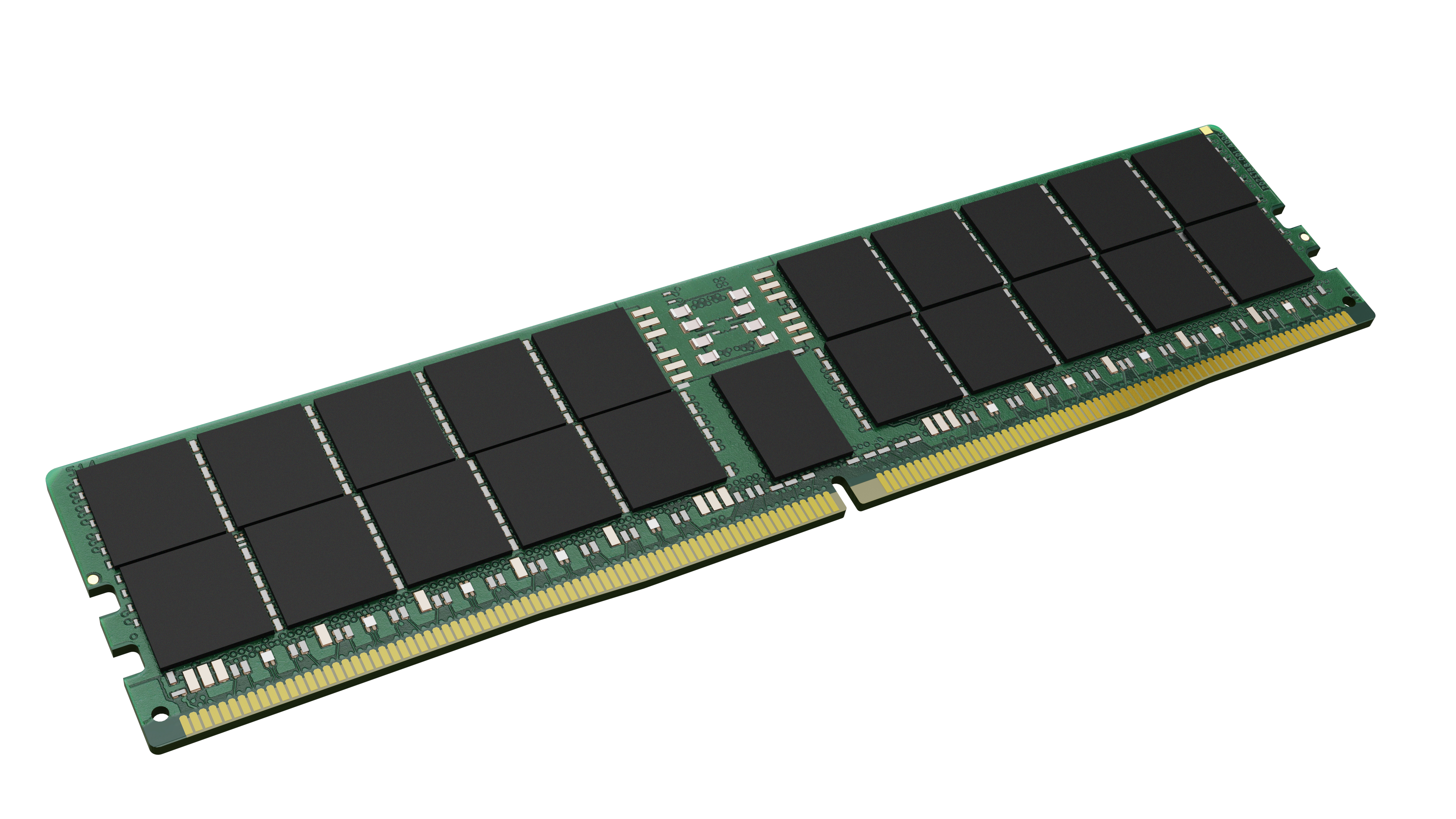
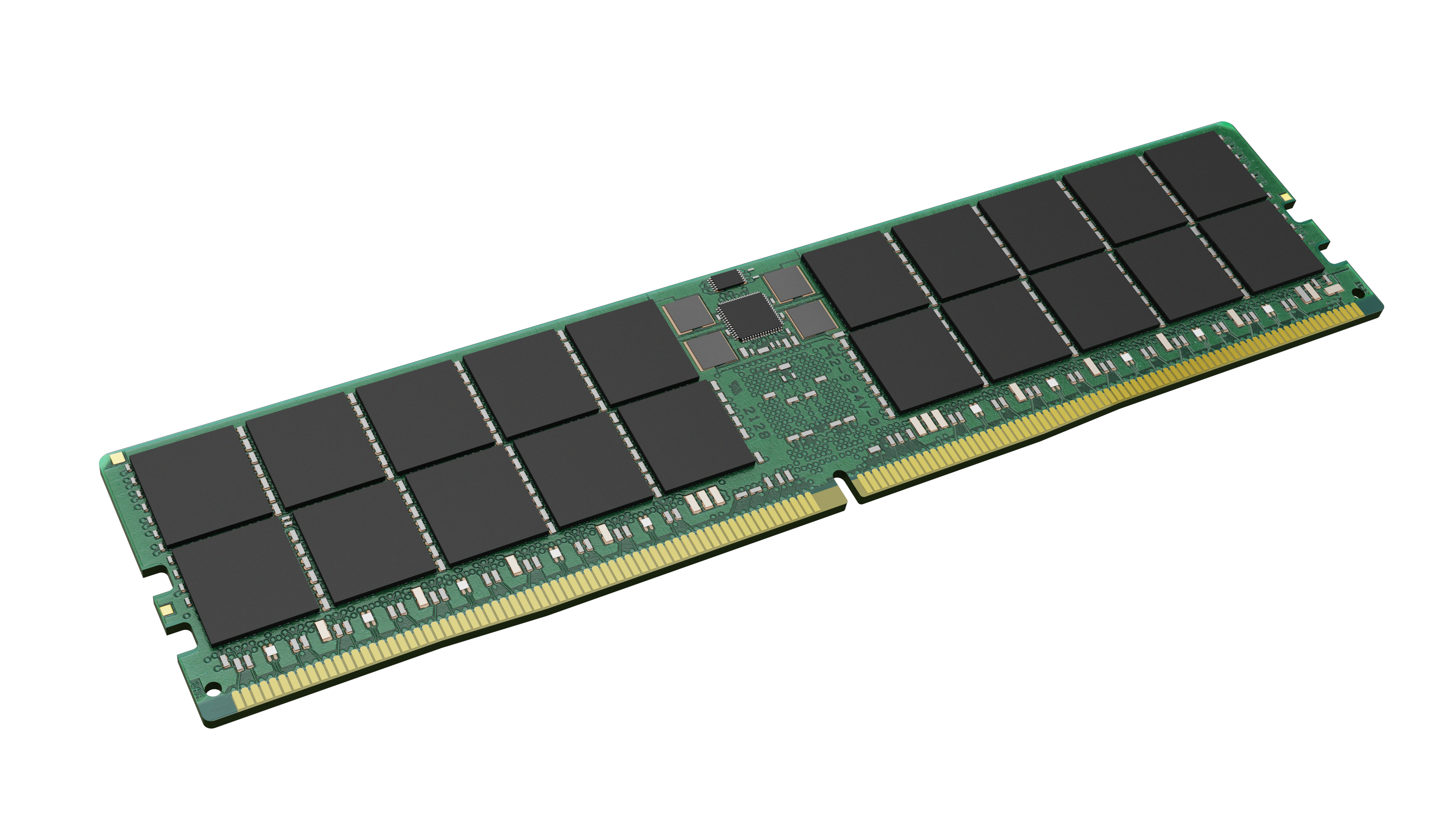
For the price (£1,773 ex-VAT for a single 96GB DDR5 ECC RDIMM), this Kingston KTL-TS556D4-96G kit only makes sense in a pretty narrow scenario: you need **maximum RAM density fast** for a server/workstation that has limited slot availability, and your platform specifically takes this module type/speed. In real deployments, I usually see people buying 48GB or 64GB sticks because they’re cheaper per GB and give you flexibility for incremental upgrades. Buying one huge stick can be efficient if you’re heading straight to a fixed target RAM amount and you know you won’t be swapping module counts later.
The “should buy” case is: **mission-critical workloads that care about ECC** (virtualisation, databases, mixed compute), running on a compatible Intel/AMD server board that will happily accept 96GB ECC DDR5 at that speed—typically you’ll want to sanity-check compatibility with the server vendor’s memory QVL. Why not: if you’re just upgrading capacity on a system that takes standard sizing options, you’ll often get **better value per pound** by spreading across more modules (assuming your motherboard/channel design supports it) and avoiding overpaying for density you don’t need.
If you tell me the server model (or motherboard) and your current RAM layout, I can give a straight answer on whether paying for a single 96GB stick is actually the smart move or whether you’d get the same outcome cheaper.
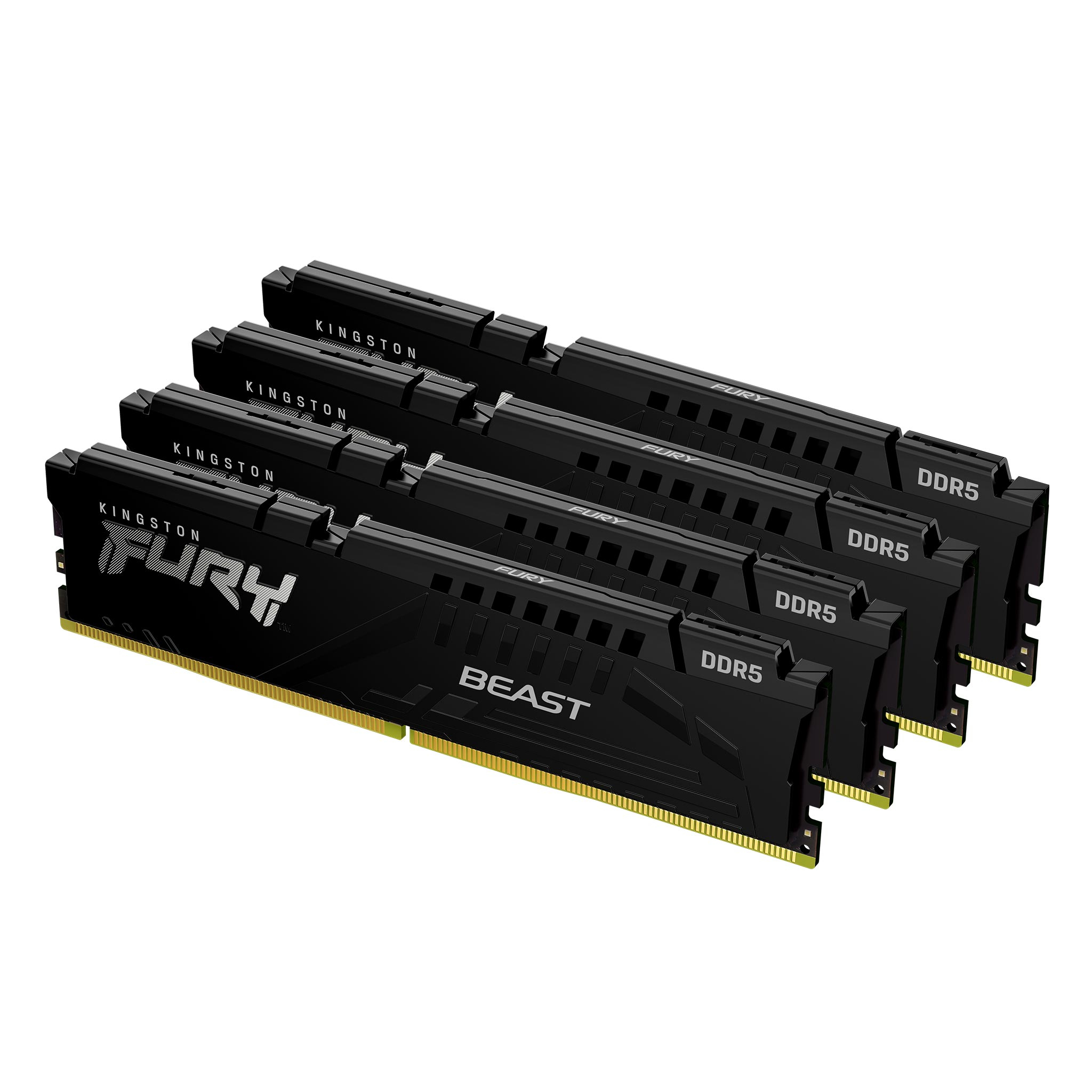
Kingston
Kingston FURY Beast - DDR5 - kit - 64 GB: 4 x 16 GB - DIMM 288-pin - 6000 MT/s / PC5-48000 - CL40 - 1.35 V - unbuffered - on-die ECC - black
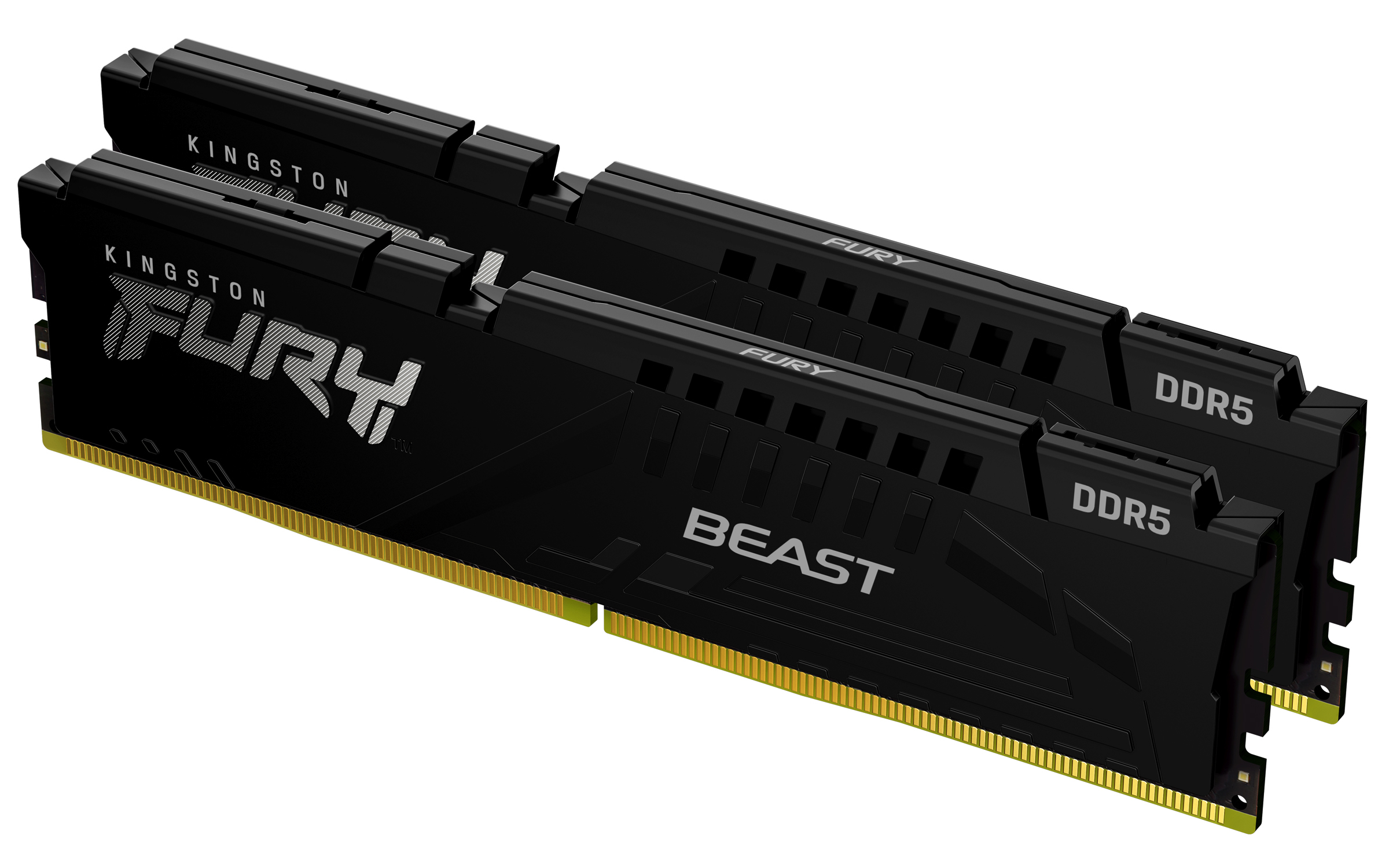
Kingston
Kingston FURY Beast - DDR5 - kit - 16 GB: 2 x 8 GB - DIMM 288-pin - 6000 MHz / PC5-48000 - CL30 - 1.4 V - unbuffered - on-die ECC - black

Qnap
QNAP - DDR4 - module - 8 GB - DIMM 288-pin - 3200 MHz / PC4-25600 - ECC
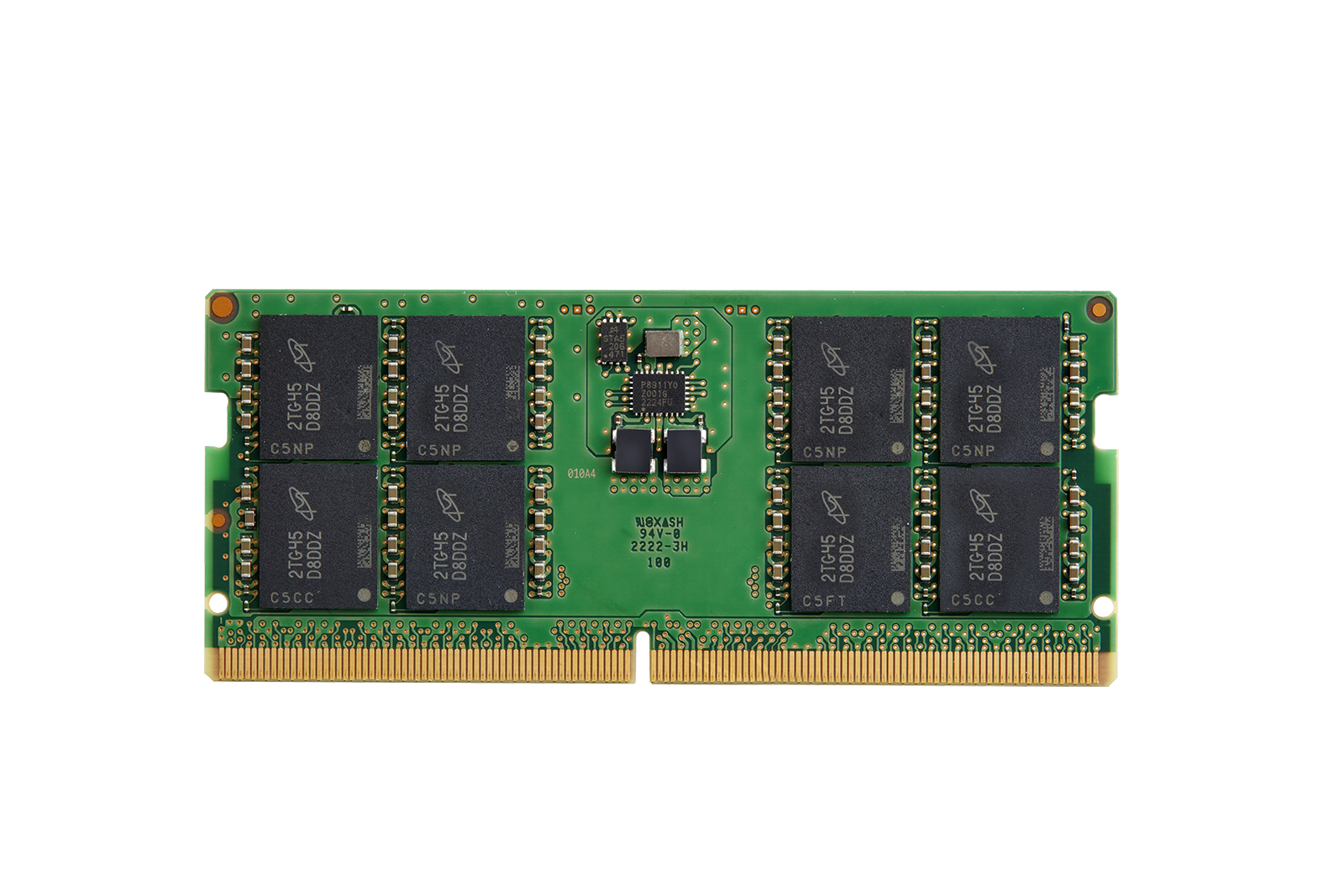
HP
HP - DDR5 - module - 32 GB - SO-DIMM 262-pin - 5600 MHz / PC5-44800 - 1.1 V