- Google Ads & PPC
How to Optimise PPC Landing Pages for Maximum Conversions
18 Mar, 2026
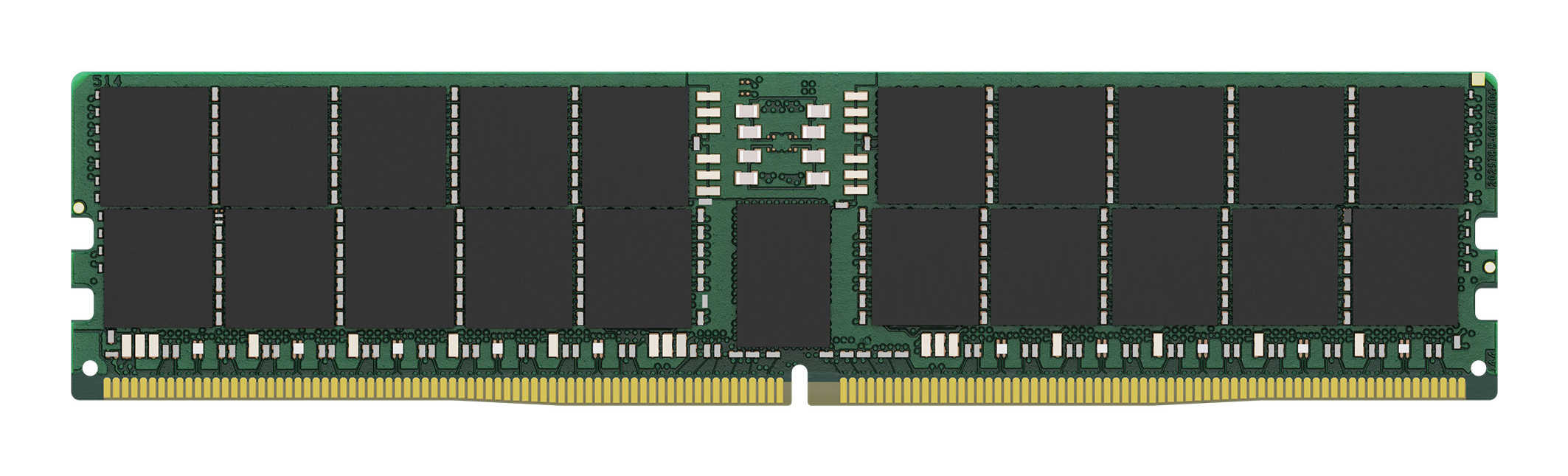
£1369.87 inc. VAT
AI-generated summary
If you’re paying £1,141.56 ex‑VAT for 64GB of DDR5 ECC Registered, you should only buy this if you’ve got a very specific server use case that genuinely needs **ECC Registered DIMMs** (typically populated in platforms designed for RDIMMs, not just any “DDR5 = good” situation). In real deployments, the value is less about raw speed and more about reliability, correct platform support, and avoiding the “it posts but behaves badly” headaches. If your host is picky (or you’re expanding a memory configuration that must stay consistent), Kingston is a safe, conservative choice.
That said, I’d be wary if this is being considered as a general-purpose upgrade. Many businesses overpay because they select the wrong memory type: if your server supports standard ECC UDIMMs (or non‑ECC), this won’t be the right fit. Also, at this price point, you should pressure-test whether you actually need **64GB per stick** versus a more cost-effective configuration for your workload (virtualisation, caching tiers, database servers, etc.). Bottom line: **buy it if you’re matching an RDIMM‑only server and need reliability**; **don’t buy it** if you’re guessing based on DDR5 alone or trying to squeeze maximum performance per pound.
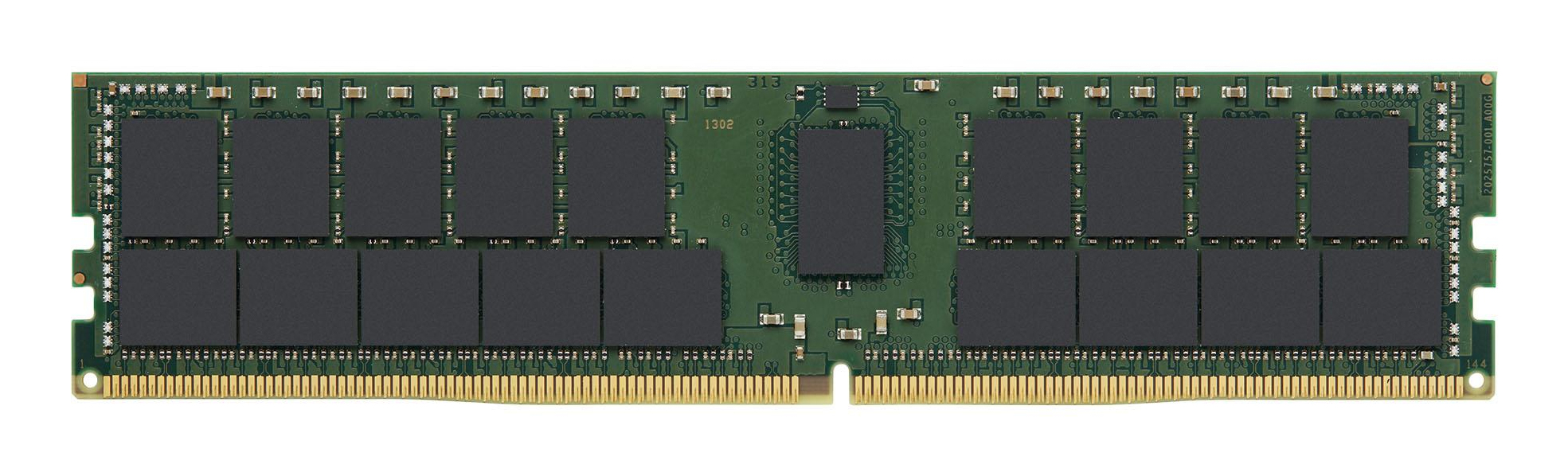
Kingston
Kingston - DDR4 - module - 32 GB - DIMM 288-pin - 3200 MT/s / PC4-25600 - CL22 - 1.2 V - registered - ECC

Kingston
Kingston FURY Beast - DDR5 - kit - 32 GB: 2 x 16 GB - DIMM 288-pin - 5600 MT/s / PC5-44800 - CL40 - 1.25 V - unbuffered - on-die ECC - white
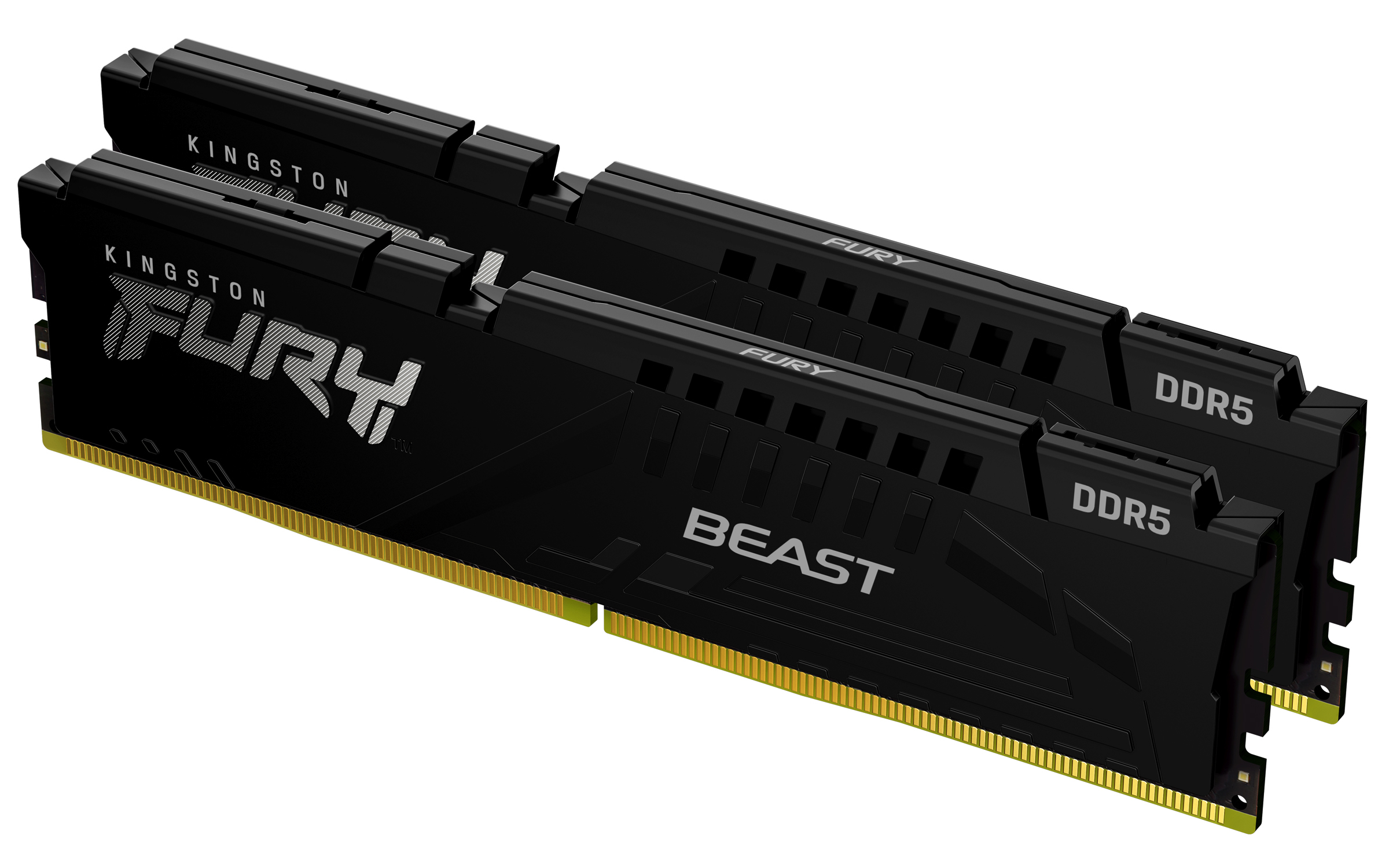
Kingston
Kingston FURY Beast - DDR5 - kit - 32 GB: 2 x 16 GB - DIMM 288-pin - 5600 MT/s / PC5-44800 - CL40 - 1.25 V - unbuffered - on-die ECC - black
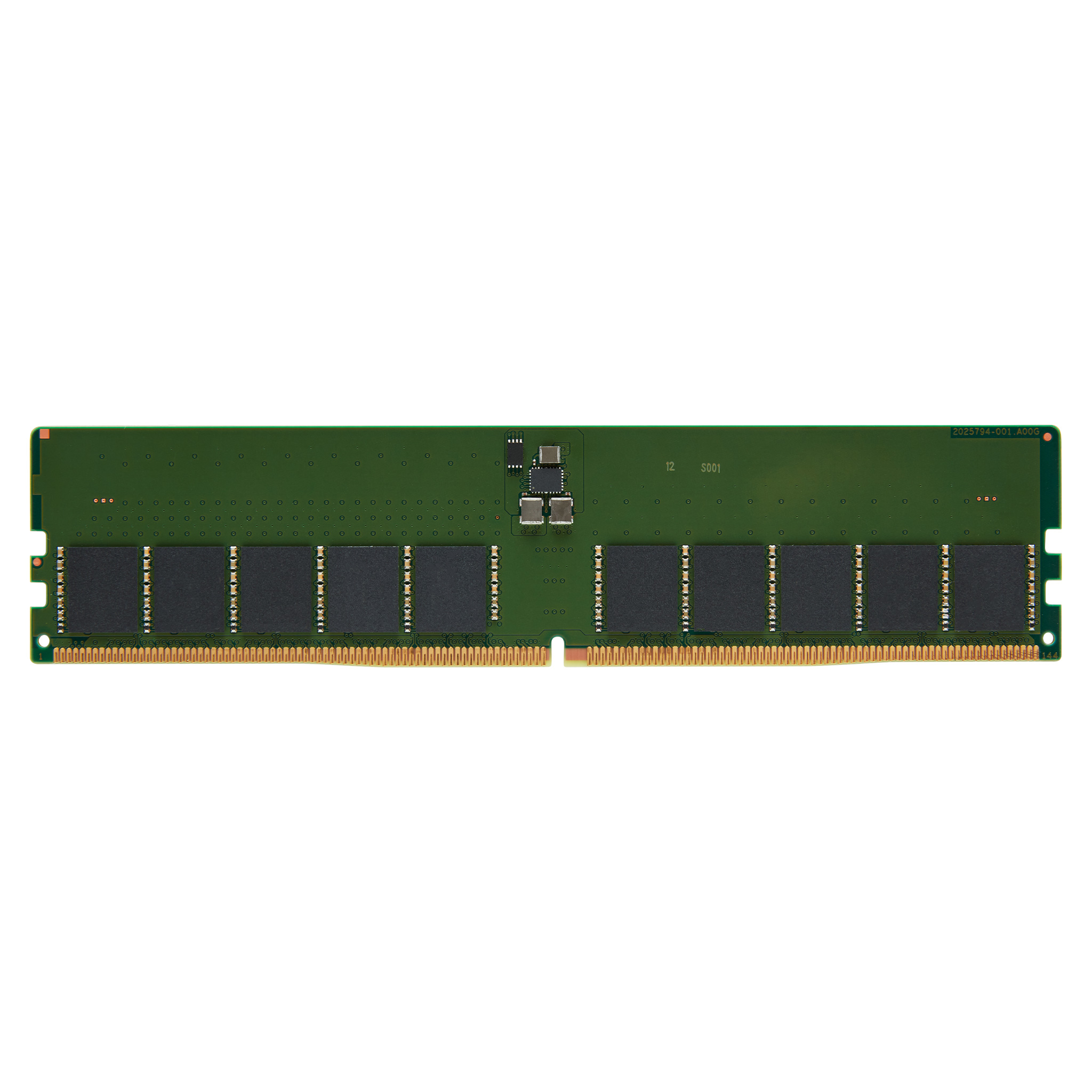
Kingston
Kingston - DDR5 - module - 32 GB - DIMM 288-pin - 5600 MT/s / PC5-44800 - CL46 - 1.1 V - unbuffered - ECC