- Cloud Networking
Meraki vs Ubiquiti: Which Cloud Networking Platform to Choose?
17 Jan, 2026
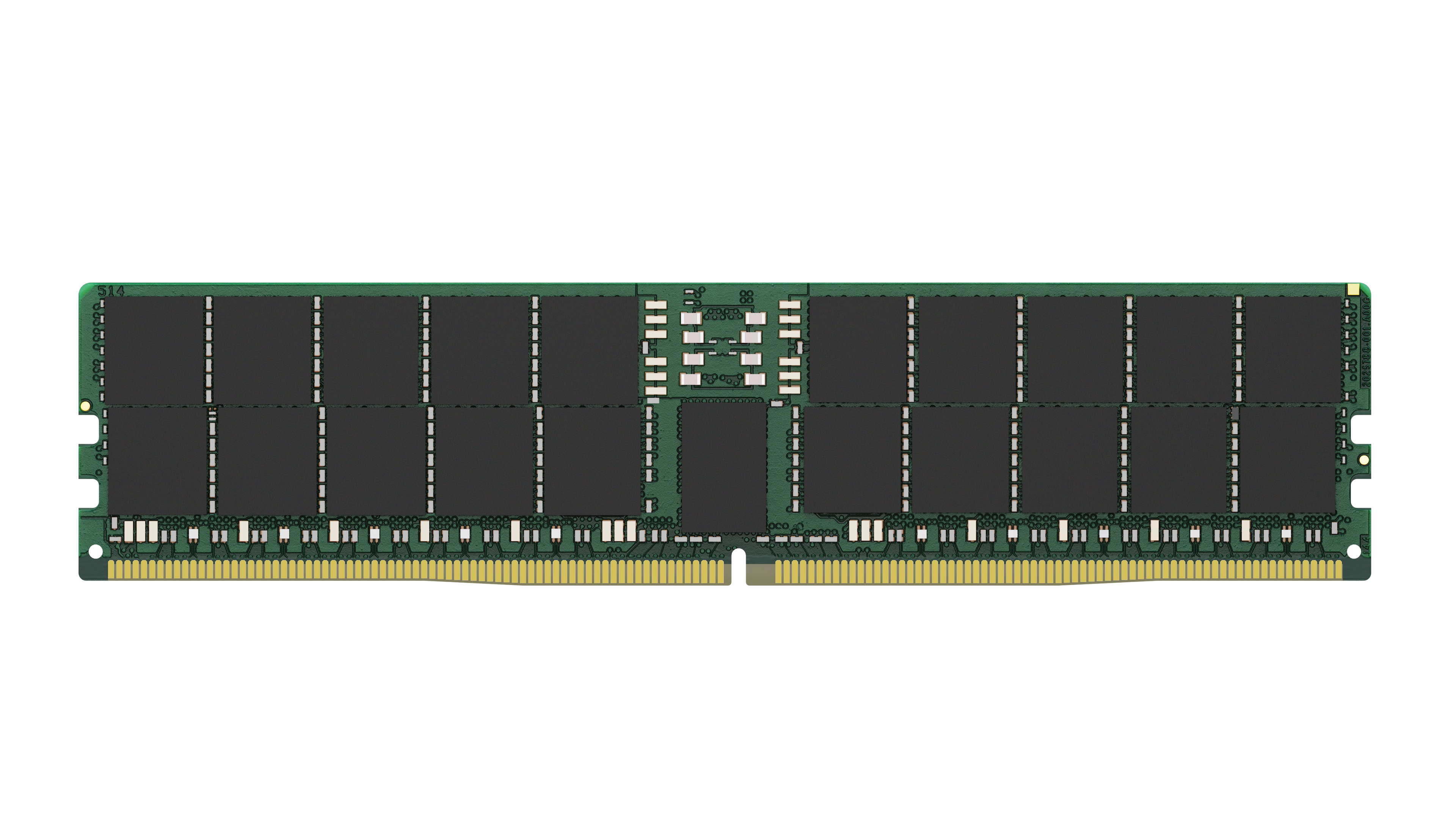
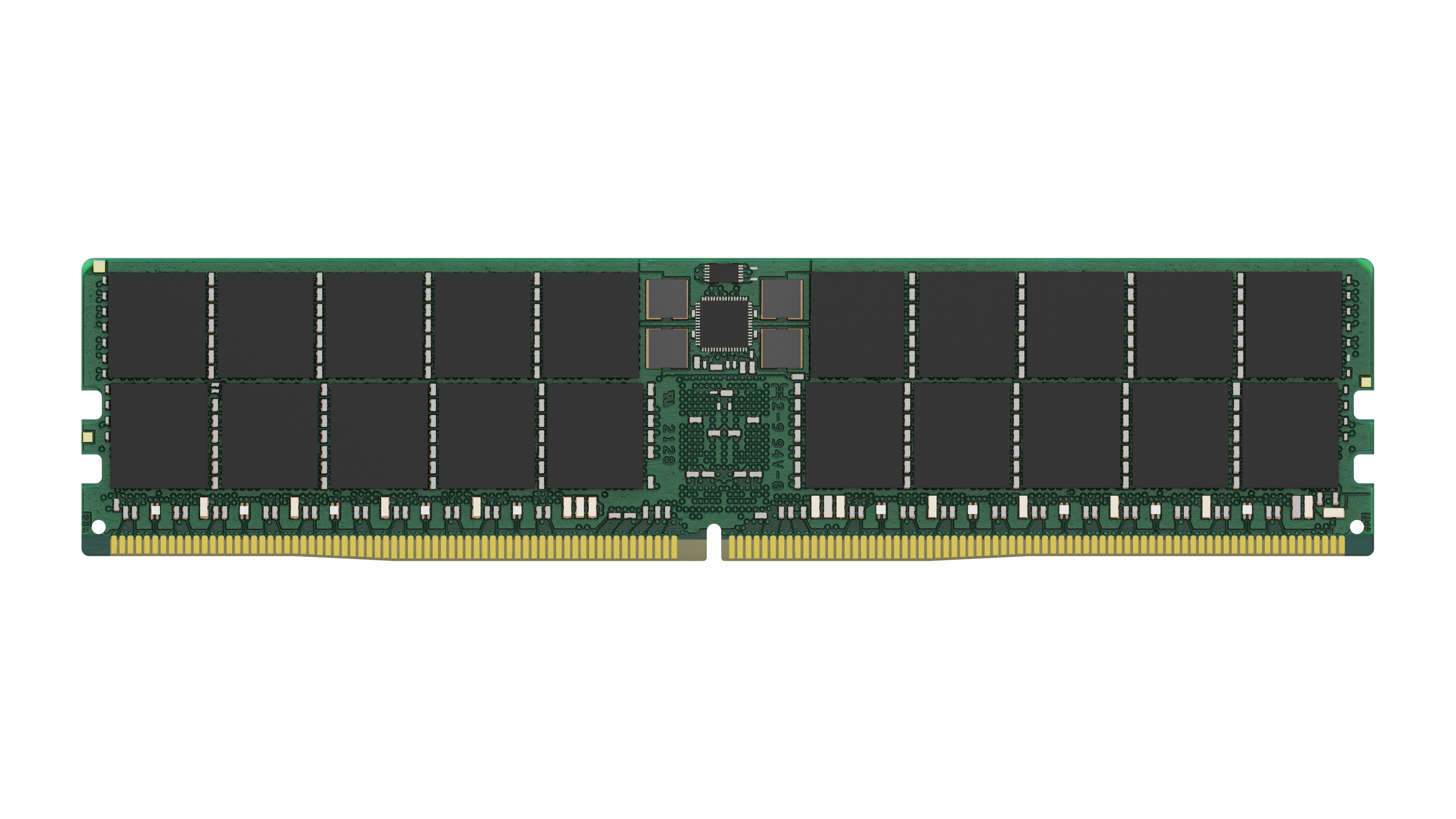
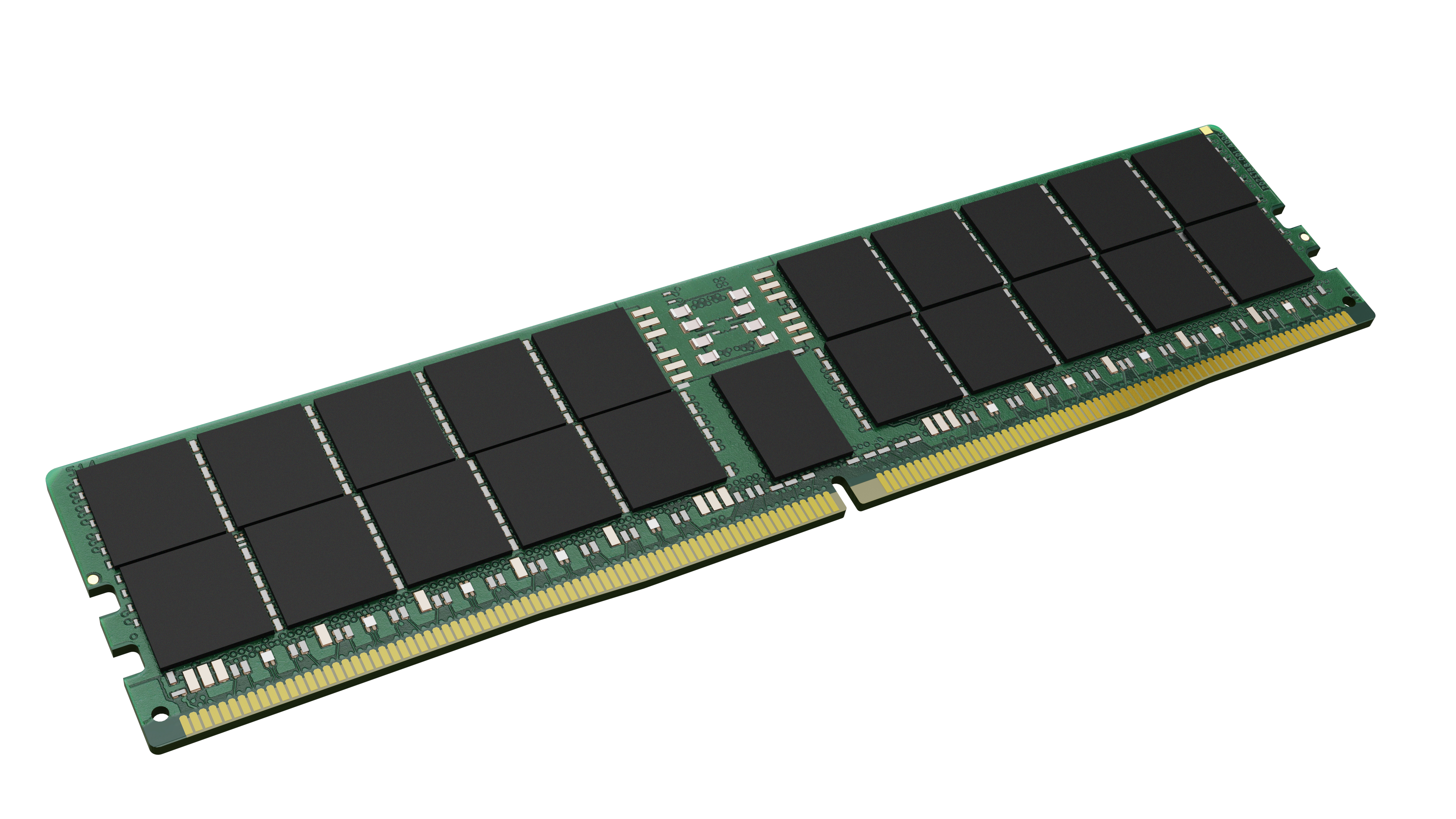
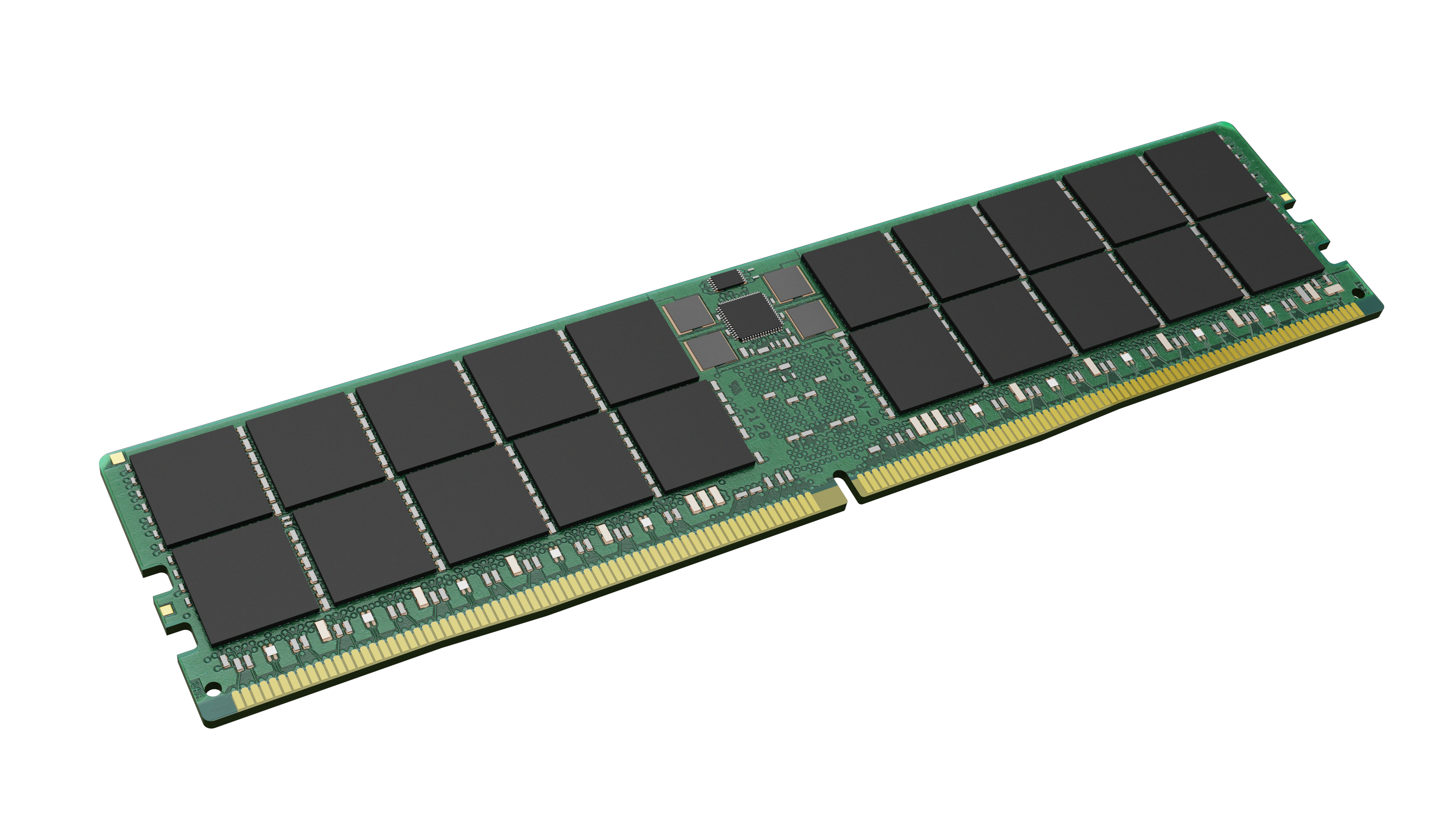
£1337.02 inc. VAT
AI-generated summary
For £1114.18 ex‑VAT, this Kingston 64GB DDR5 ECC DIMM is only going to make sense if you *actually* need a single large-capacity, reliability-focused stick and you’re standardising on Kingston for your server estate. ECC is a sensible choice for workloads where correctness matters more than squeezing every last bit of performance, and Kingston tends to be the “boring but compatible” option in UK data centre/IT environments—less drama than chasing cheaper brand compatibles. If you’re building or expanding a platform that supports DDR5 ECC DIMMs and you’re targeting smoother upgrades (one module vs a patchwork), it’s a reasonable fit.
That said, the price is the red flag. For many businesses, £1k+ for one module is hard to justify unless you’re filling a specific slot plan or you’re avoiding downtime by buying from a known vendor that your server BIOS is happy with. If you’re doing general-purpose compute, light virtualisation, or you just need more RAM cost-effectively, you’ll usually find better value by buying more smaller modules or shopping around for equivalent ECC capacity at a lower per-GB rate (or even checking whether your platform supports non‑ECC if your risk tolerance allows it). Bottom line: buy it if your hardware spec *demands* ECC DDR5 and you need that exact 64GB module—otherwise, I’d look hard for a cheaper path to the same total memory.
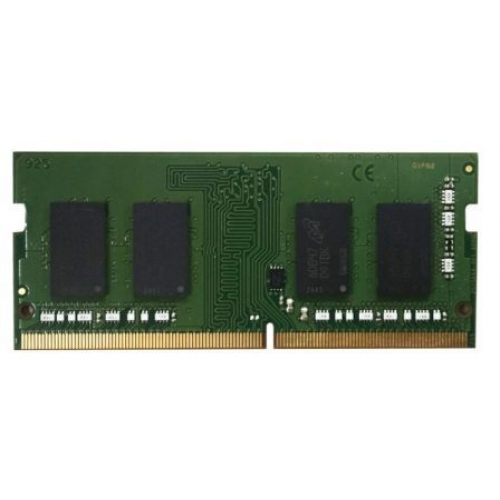
Qnap
QNAP - P0 version - DDR4 - module - 2 GB - SO-DIMM 260-pin - 2400 MT/s / PC4-19200 - 1.2 V - unbuffered - non-ECC
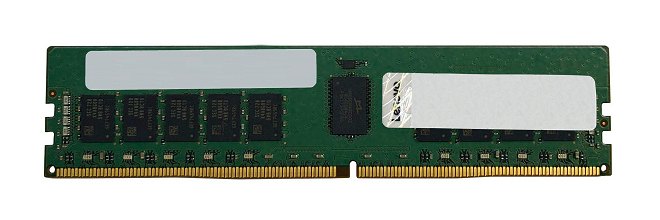
Lenovo
Lenovo TruDDR5 - DDR5 - module - 64 GB - DIMM 288-pin - 5600 MT/s / PC5-44800 - registered
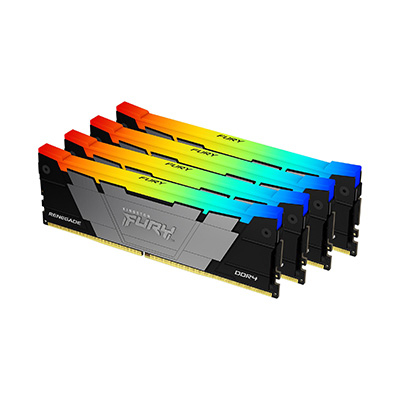
Kingston
Kingston FURY Renegade RGB - DDR4 - kit - 64 GB: 4 x 16 GB - DIMM 288-pin - 3600 MT/s / PC4-28800 - CL16 - 1.35 V - unbuffered - non-ECC - black

Kingston
Kingston FURY Beast - DDR5 - kit - 32 GB: 2 x 16 GB - DIMM 288-pin - 6000 MT/s / PC5-48000 - CL36 - 1.35 V - unbuffered - on-die ECC - white