- Network Admin
How to Optimise Wi-Fi Performance in a Dense Office
11 Jul, 2025

£264.70 inc. VAT
AI-generated summary
The Kingston KCP556SS8-16 is a fairly safe pick if you’re trying to upgrade a laptop or SFF device that’s currently running short on RAM and supports DDR5 SO-DIMM. Kingston tends to be “boring in a good way” here: good compatibility track record, sensible speed for everyday work, and no nonsense performance. At £193.70 ex-VAT for a single 16GB stick, it’s not the cheapest way to get to “more RAM,” but it’s also not wildly overpriced—more like a practical replacement option when you don’t want to change everything.
That said, I wouldn’t buy this if your real goal is performance scaling across lots of workloads. With only one 16GB module, you may be stuck in single-channel depending on your system’s RAM layout, and that can limit real-world gains versus going to a matched 2x16GB setup. If you’ve got an empty slot and the machine supports dual-channel, you’ll usually get better value by buying a second identical stick rather than paying for incremental upgrades piecemeal.
Who it suits: SMEs/IT teams doing straightforward upgrades for compatible DDR5 SO-DIMM systems, plus anyone needing a reliable, low-risk “drop-in” module. Who should avoid it: buyers aiming for maximum performance uplift, or those whose device can take two matching modules—because spending a bit more on a matched pair will often feel noticeably better than adding just one stick.
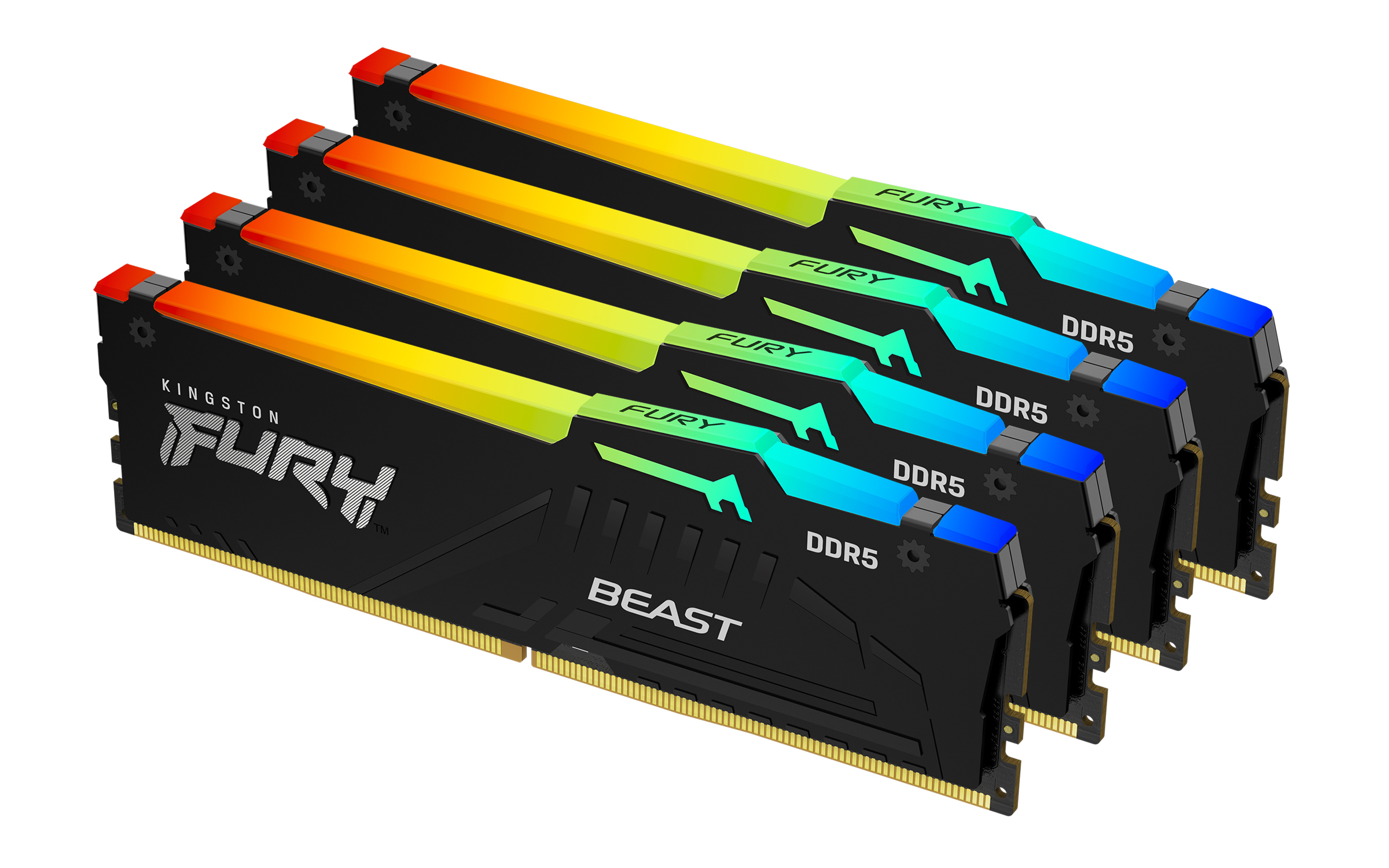
Kingston
Kingston FURY Beast RGB - DDR5 - kit - 64 GB: 4 x 16 GB - DIMM 288-pin - 5200 MT/s / PC5-41600 - CL40 - 1.25 V - unbuffered - on-die ECC - black
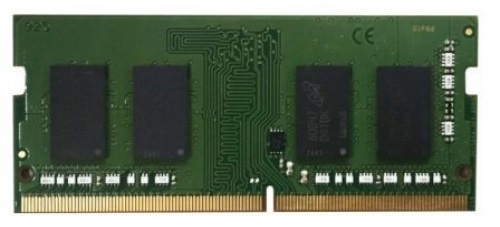
Qnap
QNAP - T0 version - DDR4 - module - 8 GB - SO-DIMM 260-pin - 2666 MT/s / PC4-21300 - 1.2 V - unbuffered - non-ECC - for QNAP TS-H973AX, TS-H973AX-32G, TS-H973AX-8G
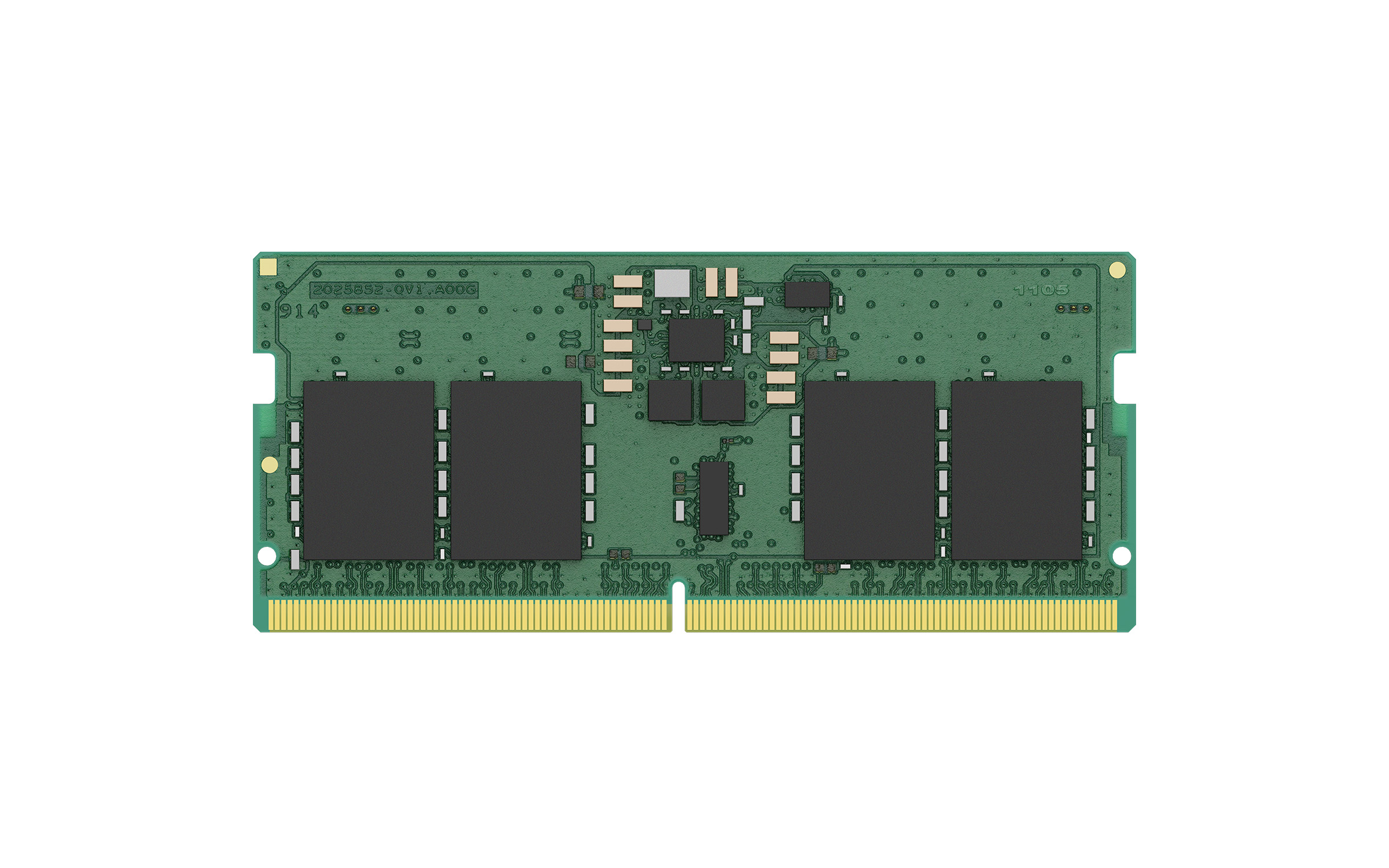
Kingston
8GB 6400MT/s DDR5 Non-ECC CL52 CSODIMM 1
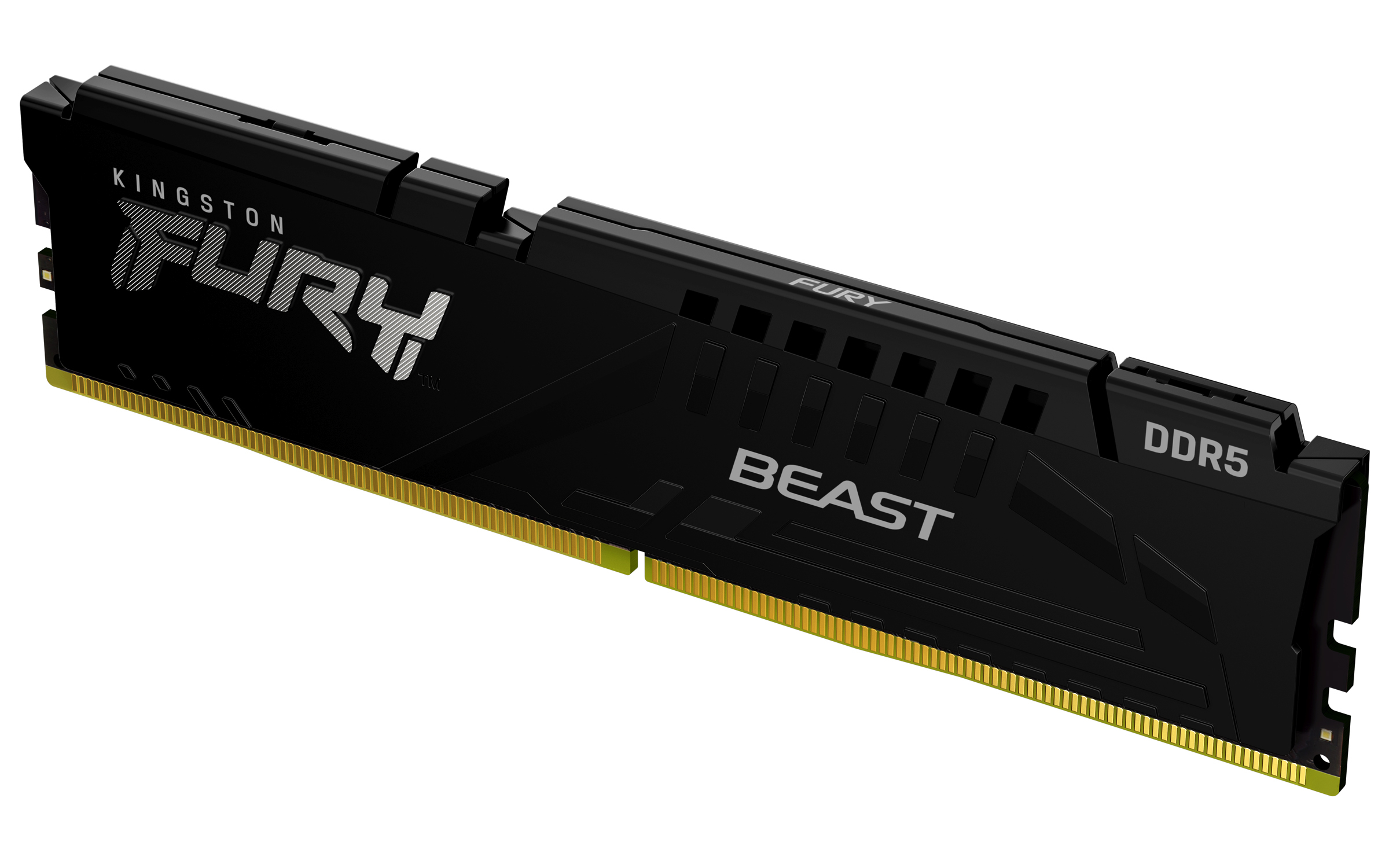
Kingston
Kingston FURY Beast - DDR5 - module - 16 GB - DIMM 288-pin - 6800 MHz / PC5-54400 - CL34 - 1.4 V - unbuffered - on-die ECC - black