- Virtual CIO
How to Create a Cybersecurity Budget That Works
18 Mar, 2026
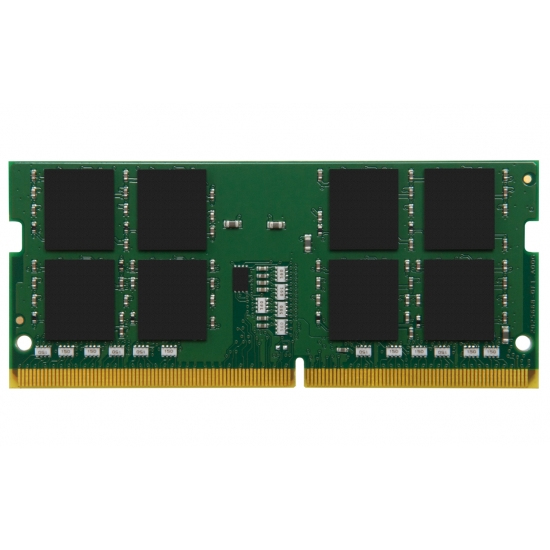
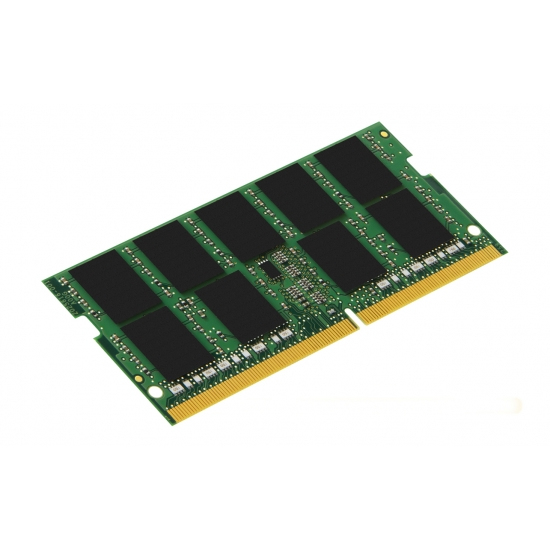
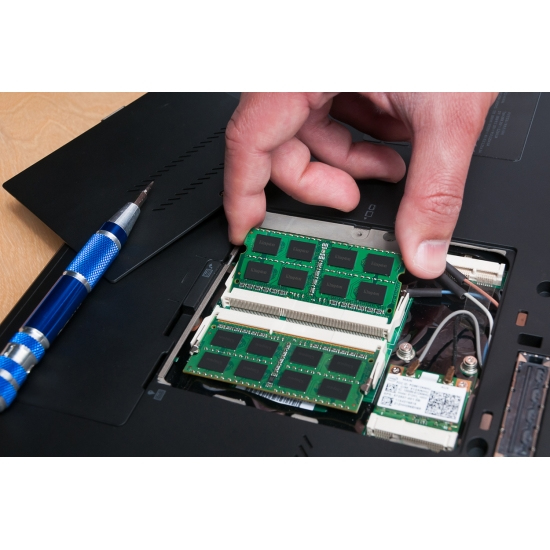
£152.84 inc. VAT
AI-generated summary
If you’ve got a small-form-factor business machine (laptop, thin client, mini PC) that supports DDR4 SO-DIMM, this Kingston 32GB stick is a solid, boring choice. The big win is simplicity: Kingston is consistently reliable, and paying ~£127 ex-VAT for 32GB typically lands you in “good value” territory for replacing older, smaller RAM or topping up a system that only has two memory slots. For day-to-day office work, light VM use, and general multitasking, 32GB is often the point where things feel noticeably less strained—especially if you were previously on 8/16GB.
That said, I wouldn’t buy this unless you’ve confirmed compatibility in your exact device (laptop/mini PC model and motherboard/BIOS support). DDR4 speed matters less than “does it actually run at the supported rate” and “is it stable with your existing module.” If your system already has the RAM maxed out, or if you’re expecting dramatic performance boosts in workloads that aren’t RAM-limited, this won’t magically transform anything. Also, if your machine supports dual-channel and you currently have one module installed, buying a matching second 32GB stick can outperform going single-channel—so check what you’re pairing it with.
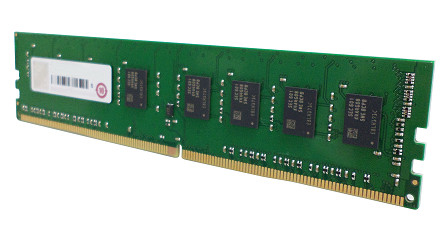
Qnap
QNAP - K0 version - DDR4 - module - 8 GB - DIMM 288-pin - 3200 MHz / PC4-25600 - ECC
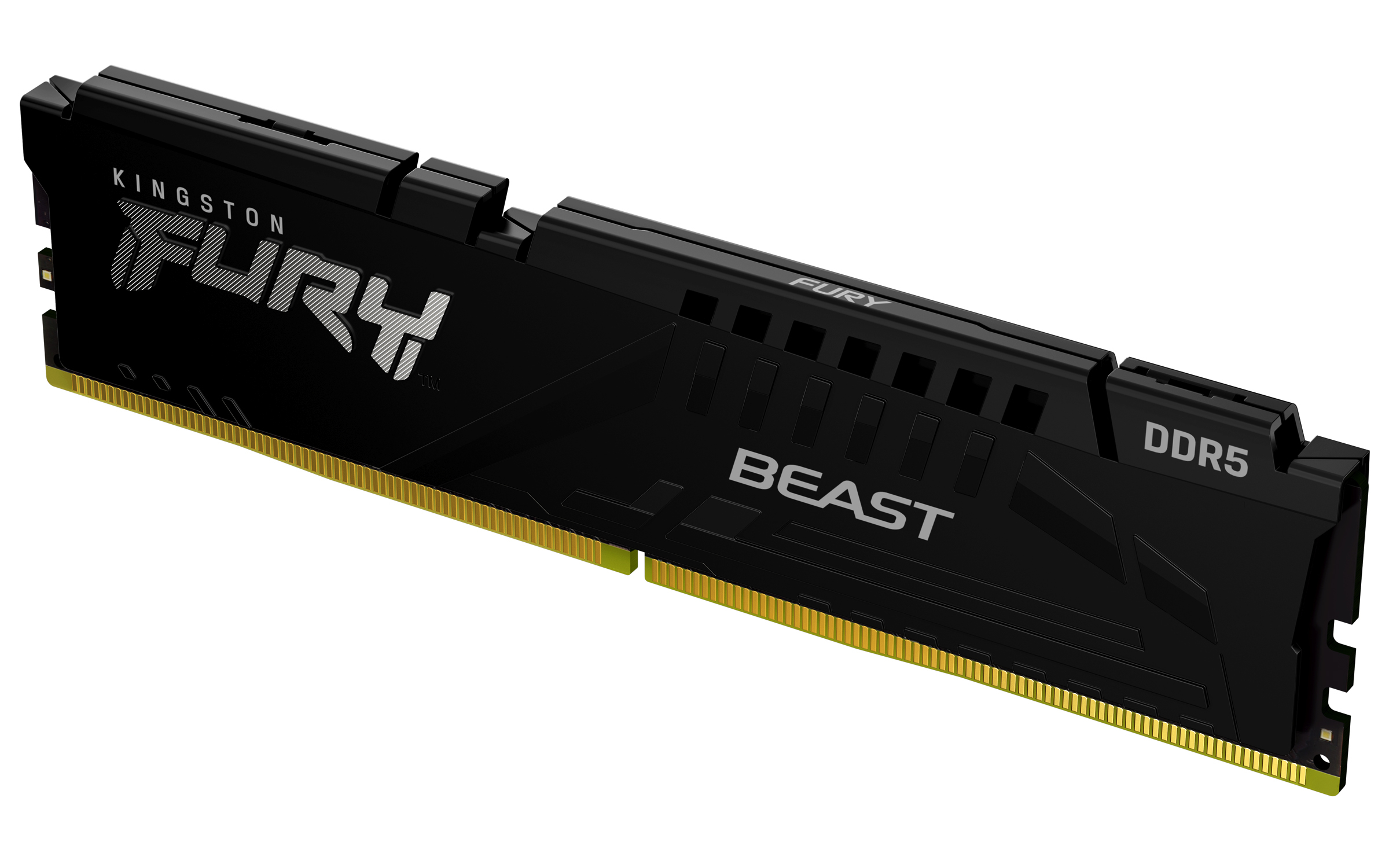
Kingston
Kingston FURY Beast - DDR5 - module - 64 GB - DIMM 288-pin - 2800 MHz / PC5-44800 - CL36 - 1.25 V - unbuffered - on-die ECC - black
Qnap
QNAP - DDR4 - module - 32 GB - DIMM 288-pin - 2133 MHz / PC4-17000 - 1.2 V - registered - ECC
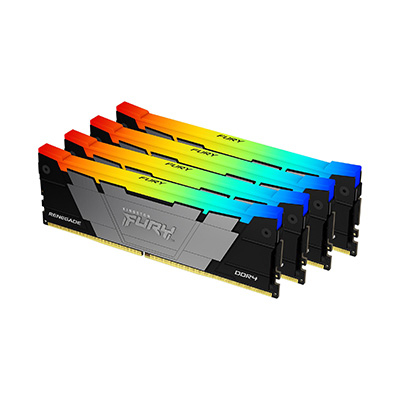
Kingston
Kingston FURY Renegade RGB - DDR4 - kit - 32 GB: 4 x 8 GB - DIMM 288-pin - 3600 MT/s / PC4-28800 - CL16 - 1.35 V - unbuffered - non-ECC - black