- Network Admin
The SME Guide to Network Monitoring and Management
10 Mar, 2026
£42.43 inc. VAT
AI-generated summary
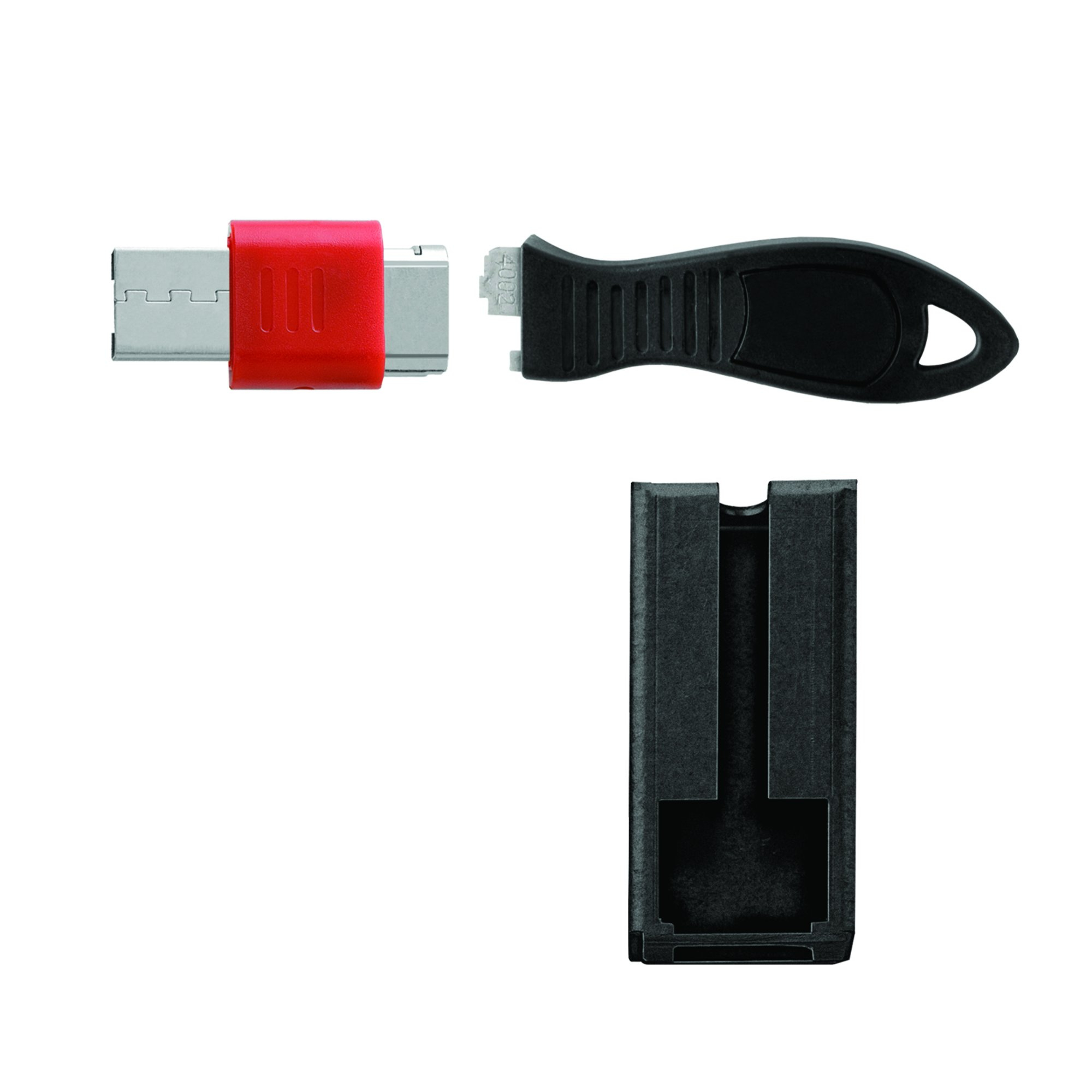
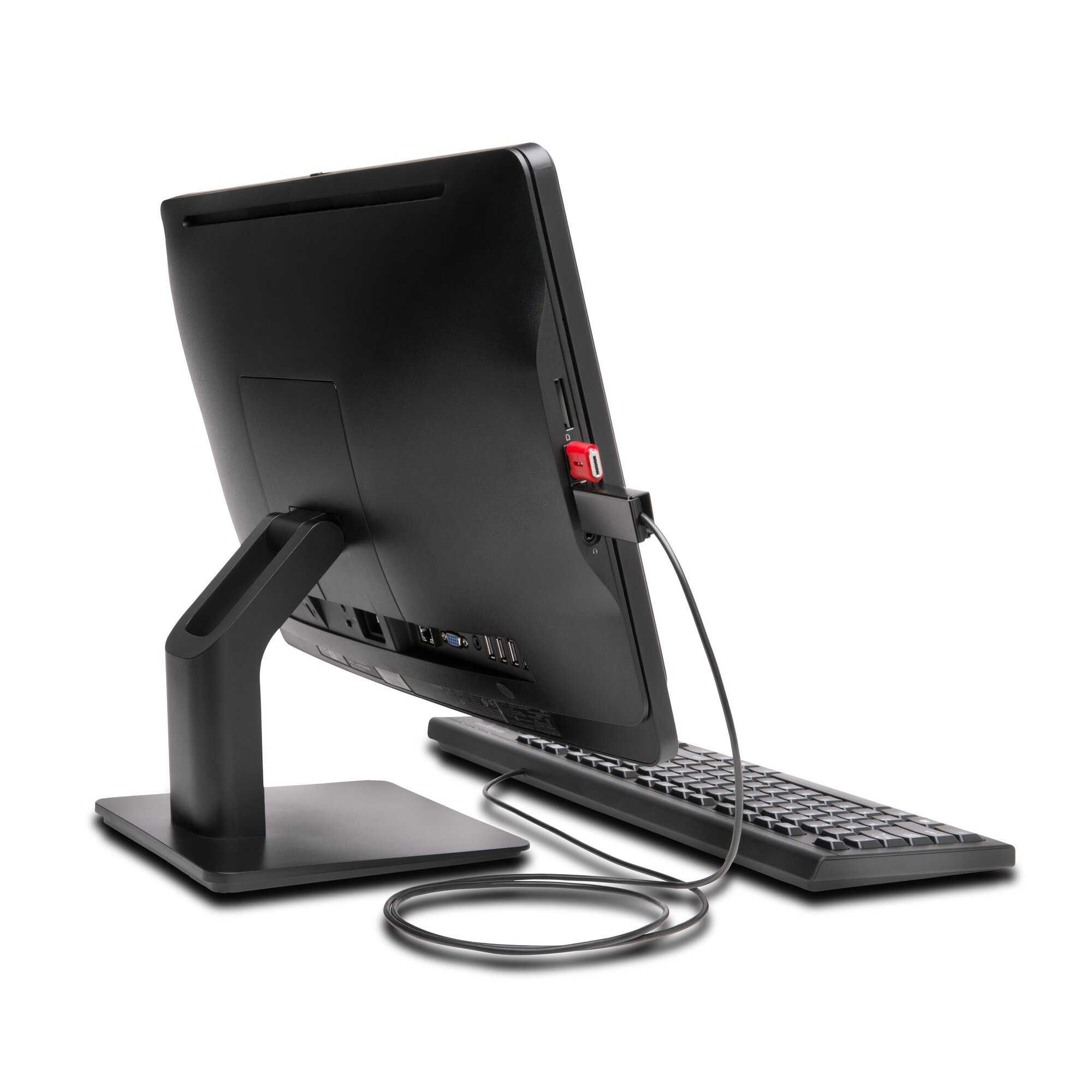
If you’re worried about USB ports being a free-for-all in shared areas (hot desks, training rooms, visitor PCs) then Kensington’s USB port lock with the security guard is a sensible, low-effort control. The appeal is that it’s quick to fit, it doesn’t require tools or software changes, and it gives you a physical barrier that actually stops “just plugging in a drive” rather than relying on policies people will ignore. At ~£35 ex-VAT, it’s the kind of spend that usually pays back the first time you prevent an incident—or even just avoid the hassle of repeated cleanup and device checks.
That said, it’s not a magic bullet. If you need frequent device swapping (engineers using different dongles daily, key peripherals that move around), the lock will annoy users and slow down workflows—so it’s better suited to fixed station setups and environments where USB use should be tightly controlled. Also, make sure your target ports are the right type and clearance isn’t an issue; these locks are great when they fit cleanly, but a mediocre fit turns into a bad day for IT support. If you’re protecting endpoints that must stay “clean” with minimal USB access, this is a good, practical choice; if your users legitimately need lots of USB connectivity, I’d look at alternative controls instead.
STARTECH
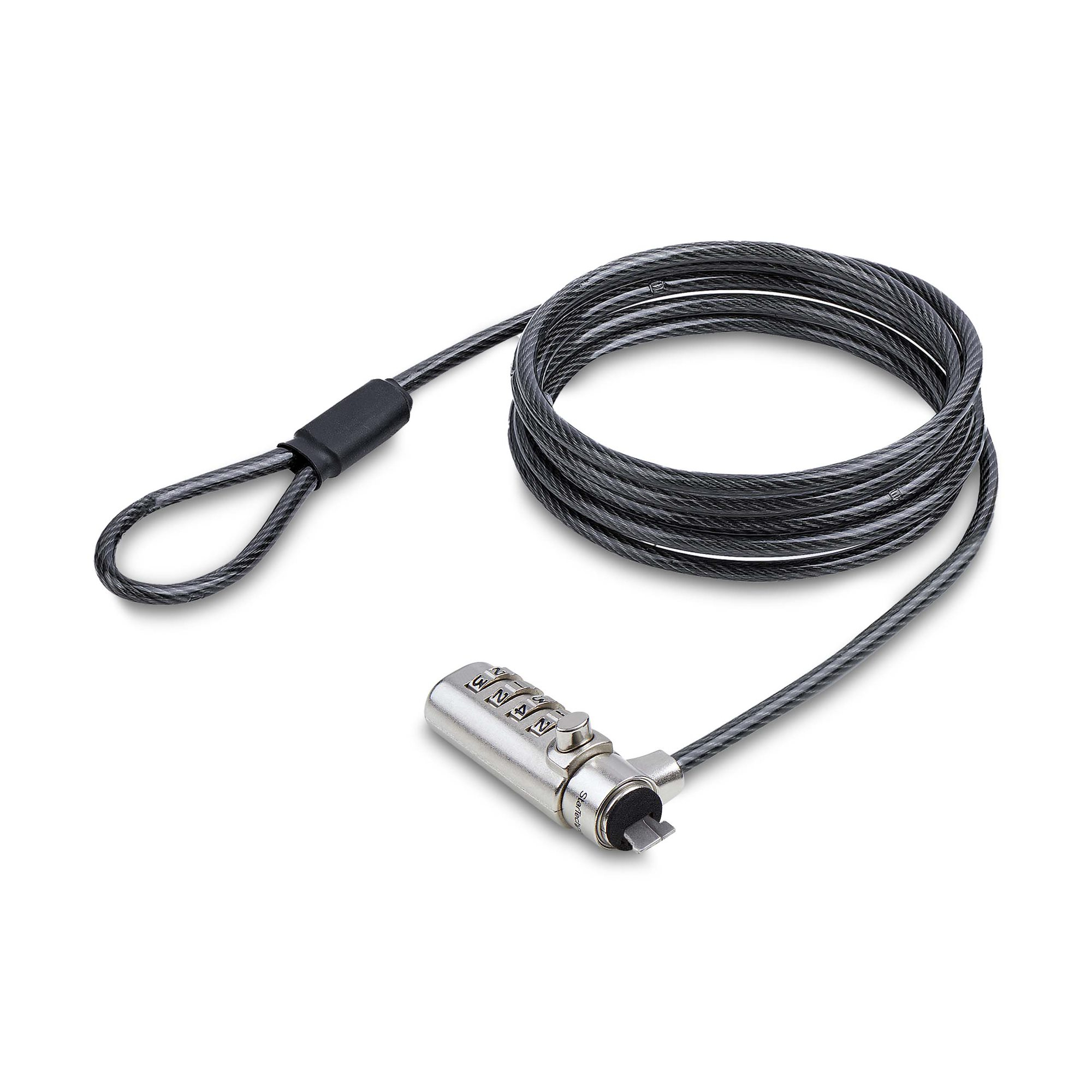
StarTech.com Slim Lock K-Slot Compatible, 6.6ft Combination Locking Cable - Security cable lock - black & silver - 2 m - TAA Compliant
Kensington
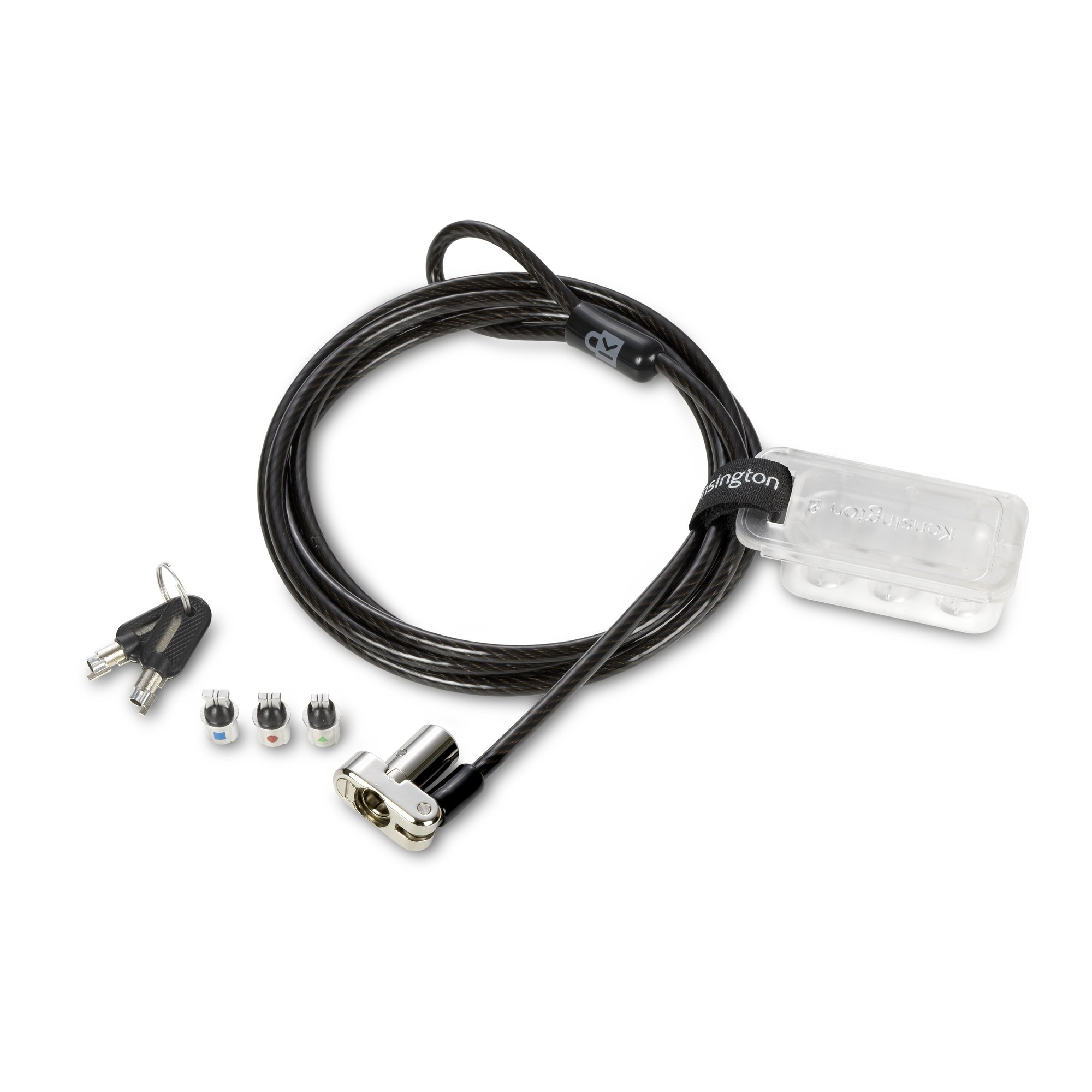
Kensington Universal 3-in-1 Keyed Laptop Lock - Security cable lock - 1.8 m
Kensington
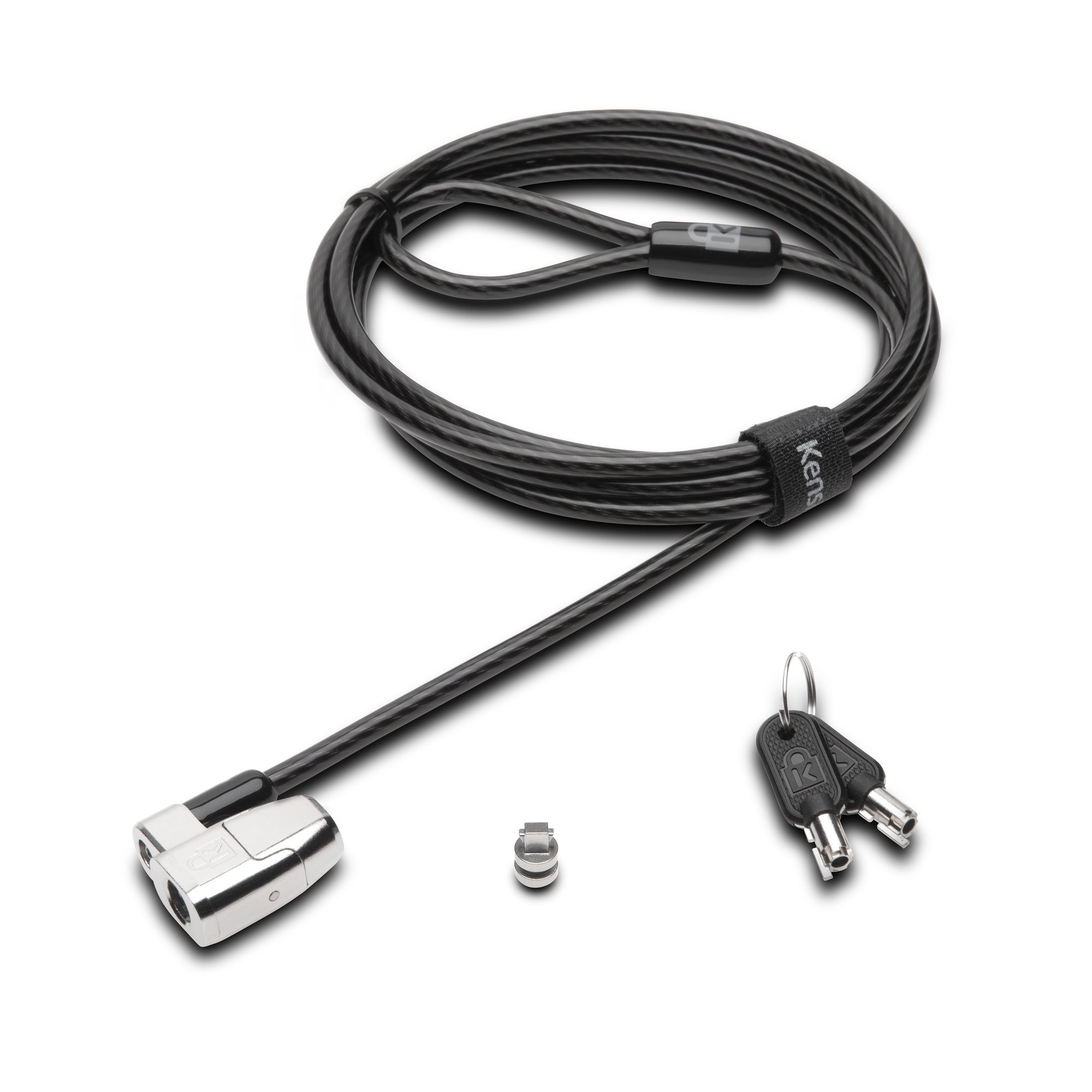
Pack comprises 25 locks plus 1 set of master keys inside the box Masterkey build: All the locks are different, each comes with its own 2 keys to be kept by the user. Master Keys supplied will open all locks.
Kensington
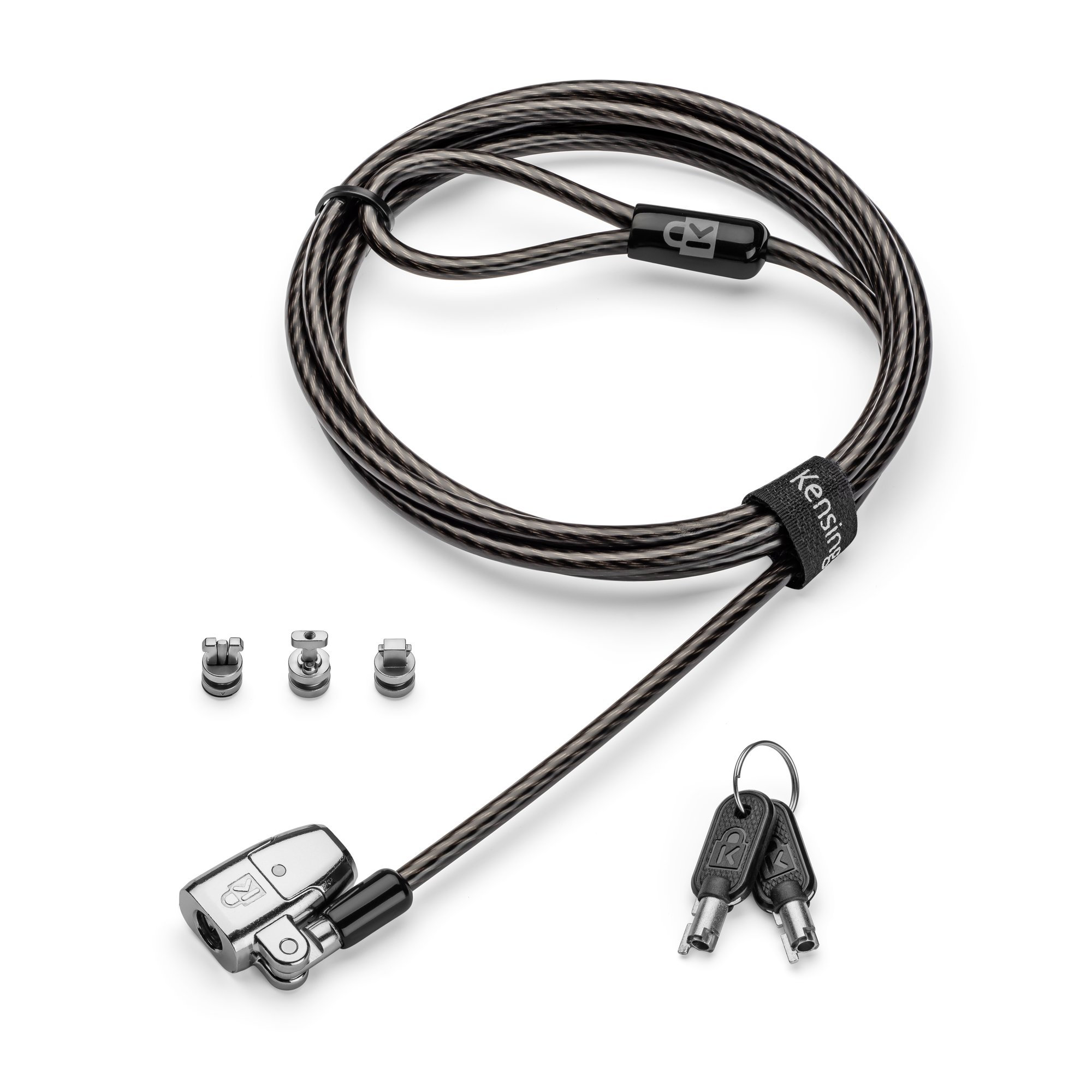
Kensington ClickSafe 2.0 Universal Keyed Laptop Lock - Security cable lock - single keyed - 1.8 m