- Cloud Email
The Business Guide to Microsoft Power Automate
6 Nov, 2025
£78.74 inc. VAT
AI-generated summary
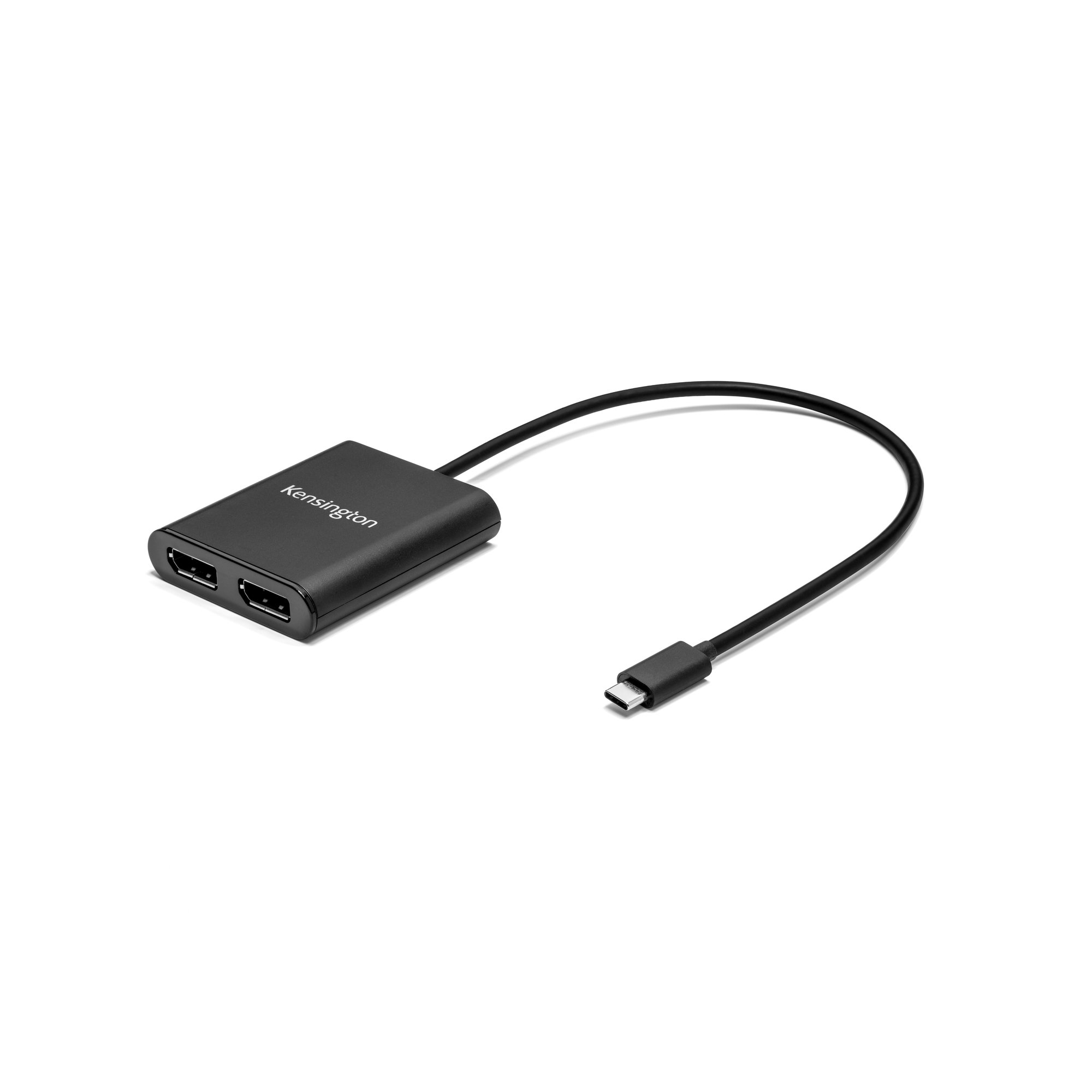
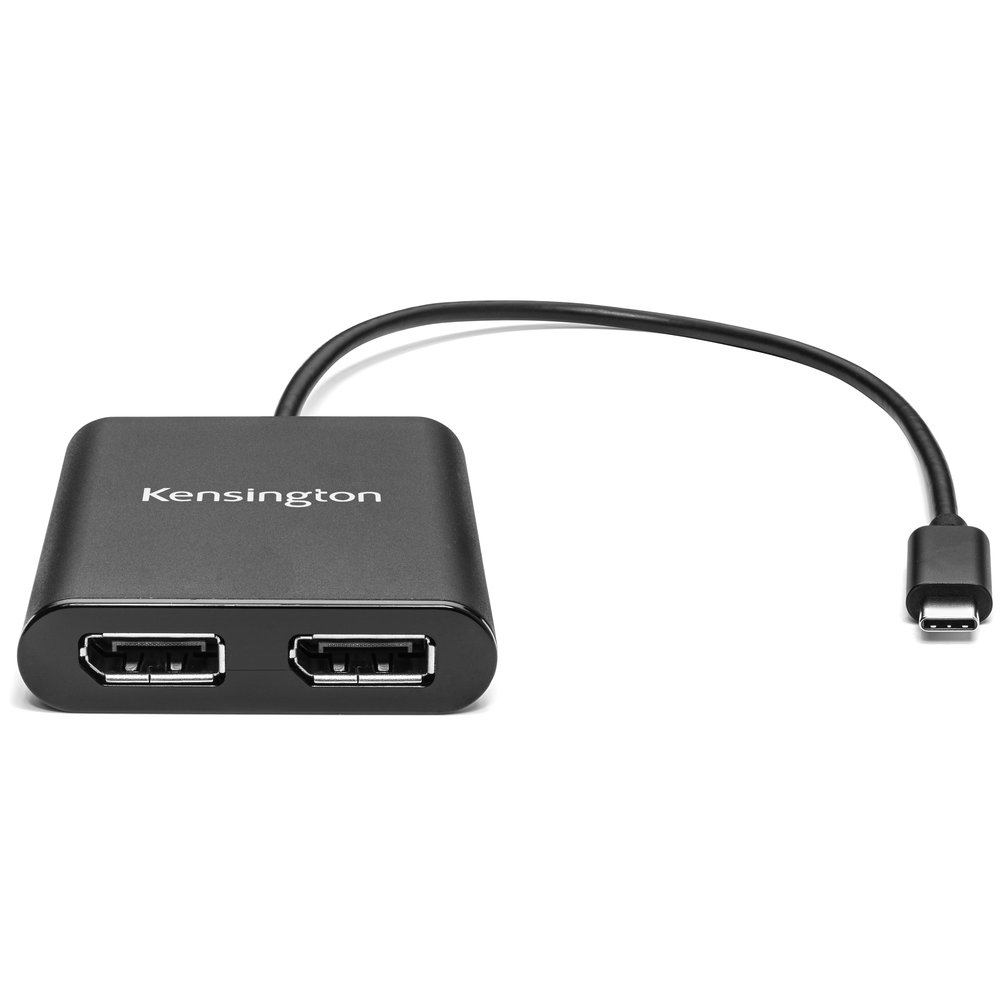
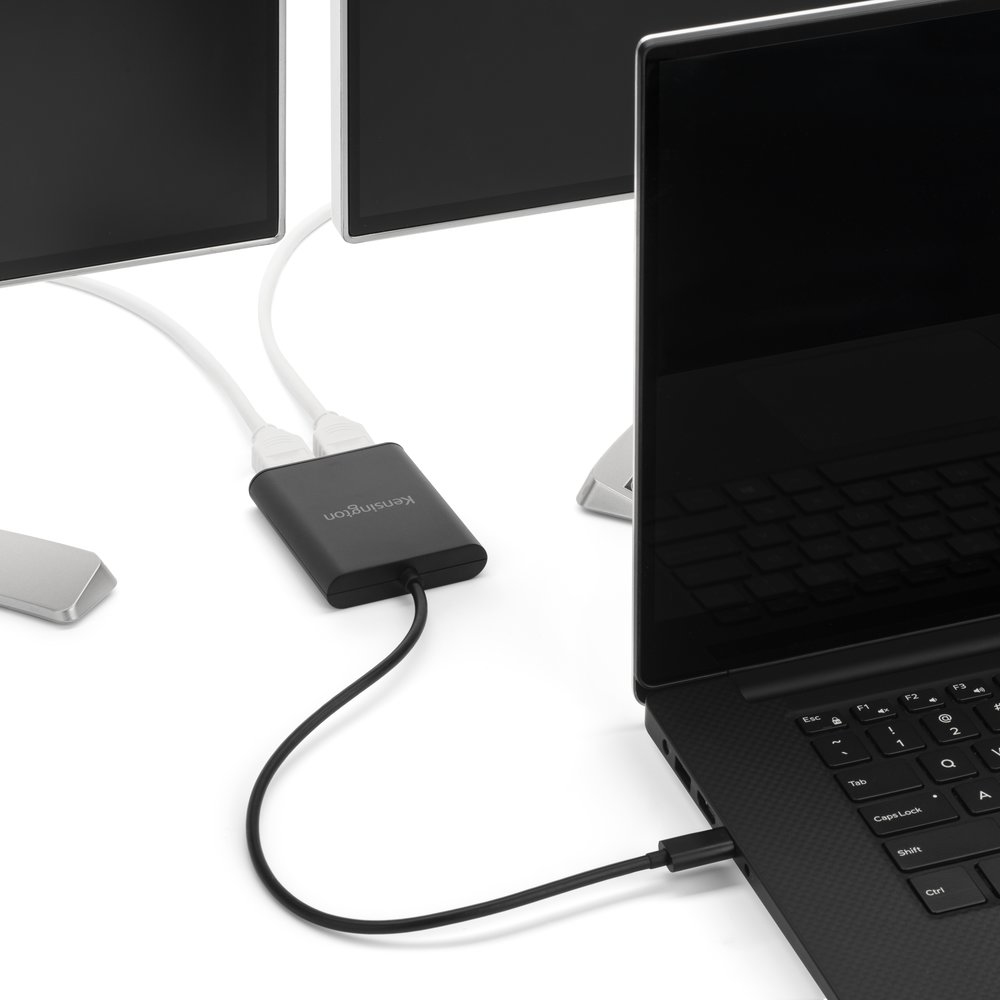
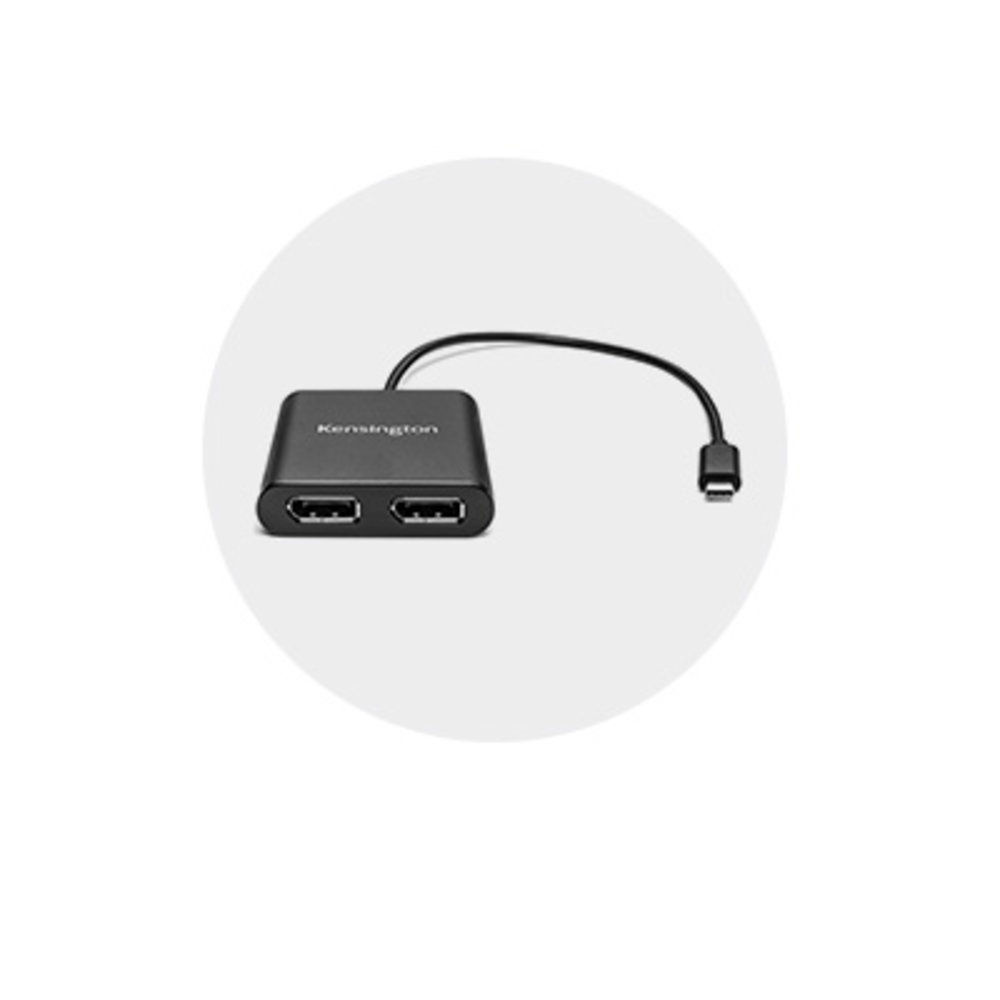
The Kensington USB‑C to Dual DisplayPort 1.2 adapter is one of those “just works” accessories—useful if you’ve got a laptop with USB‑C video output and you want a clean, low-fuss way to run two external DP monitors without docking. In day-to-day office use (spreadsheets, reports, Teams-heavy days), it’s a decent buy because it’s typically more reliable than generic no-name adapters, especially around waking from sleep and keeping the monitors stable.
That said, I wouldn’t call it the best value at ~£65 ex‑VAT unless you specifically need Kensington-level reliability. Dual-monitor adapters are where cheap ones often stumble: you can get flicker, odd resolution/refresh negotiation, or “it works until it doesn’t” after updates or docking/undocking. If you’re on a laptop where USB‑C video support is known to be strong (and you’re using DisplayPort monitors), it’s a solid choice. If you’re unsure about your device’s USB‑C alt-mode behaviour, or you’re trying to drive demanding setups, I’d test with a cheaper alternative first—or consider a proper docking station instead, because that tends to be more predictable for business environments.
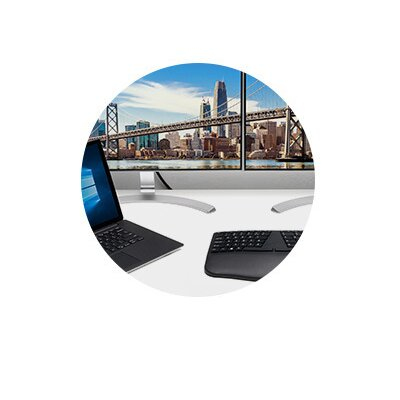
Stunning video quality from any USB-C Windows computer
Supports up to two 4K Ultra HD monitors @30Hz.

Plug-and-play ease
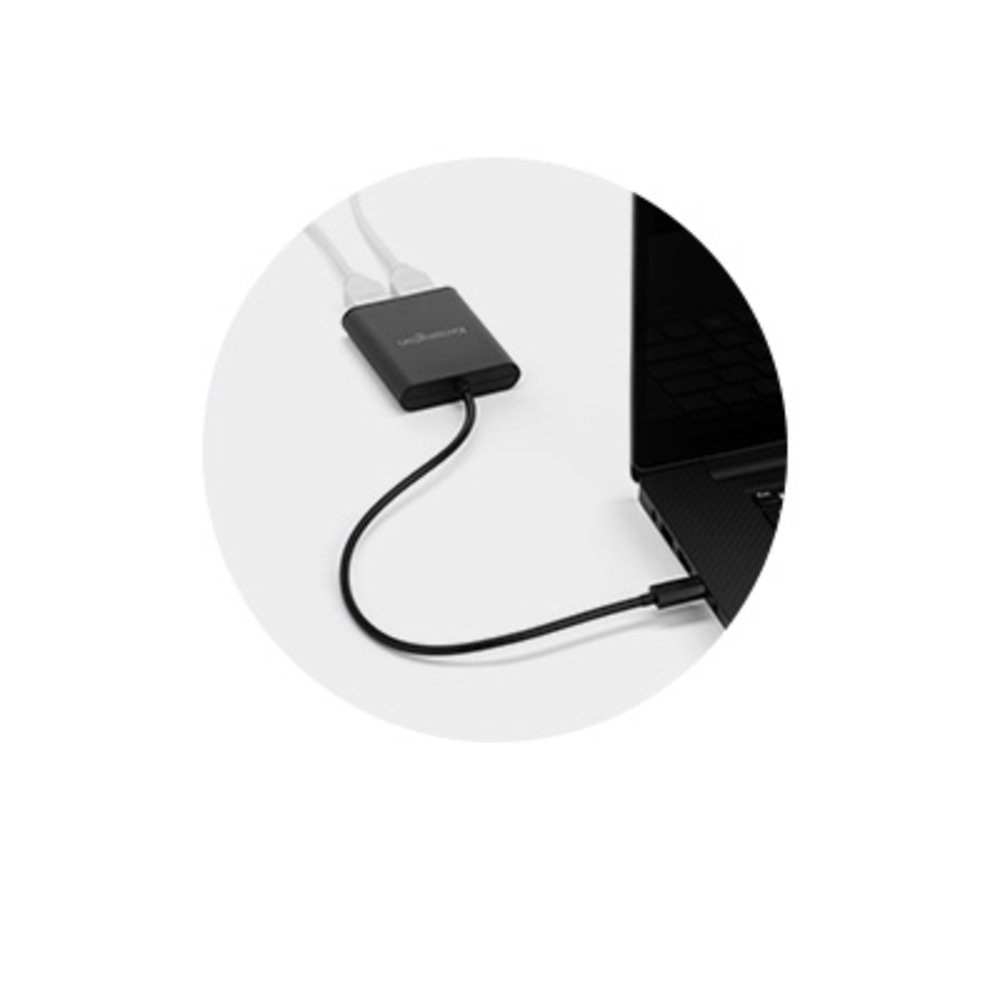
No drivers to install. Just connect the cable to a USB-C port that supports Alt Mode, connect your monitor cables, and it works.
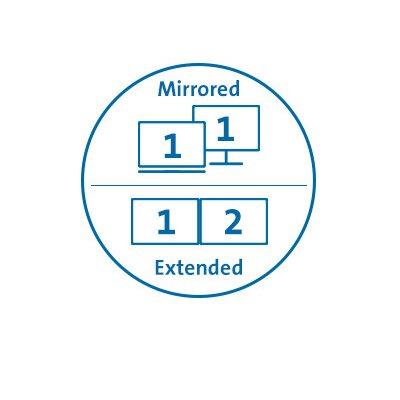
Mirror monitors or operate each independently
Whether you want each monitor to display identical information, have each monitor dedicated to a separate page, tab or application, you’ve got flexibility.

Improved productivity
Multiple monitors reduce side scrolling and clicking back and forth between tabs, applications, windows, etc., and enhance presentations, digital messages and signage.

2-year warranty
Rest assured knowing you’re covered by Kensington.
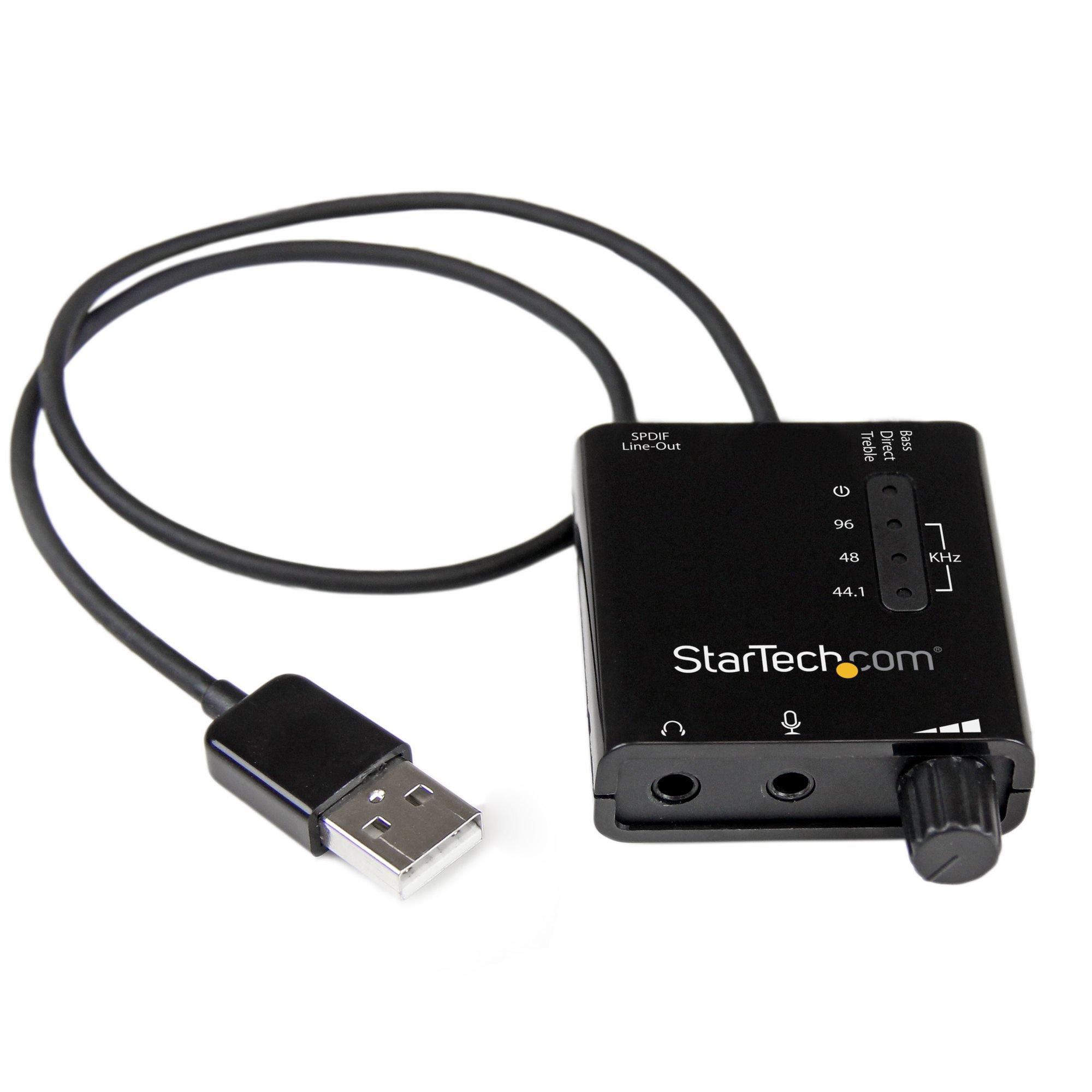
STARTECH
StarTech.com USB Sound Card w/ SPDIF Digital Audio & Stereo Mic - External Sound Card for Laptop or PC - SPDIF Output (ICUSBAUDIO2D) - Sound card - 24-bit - 96 kHz - stereo - USB 2.0 - for P/N: MU15MMS, MU6MMS
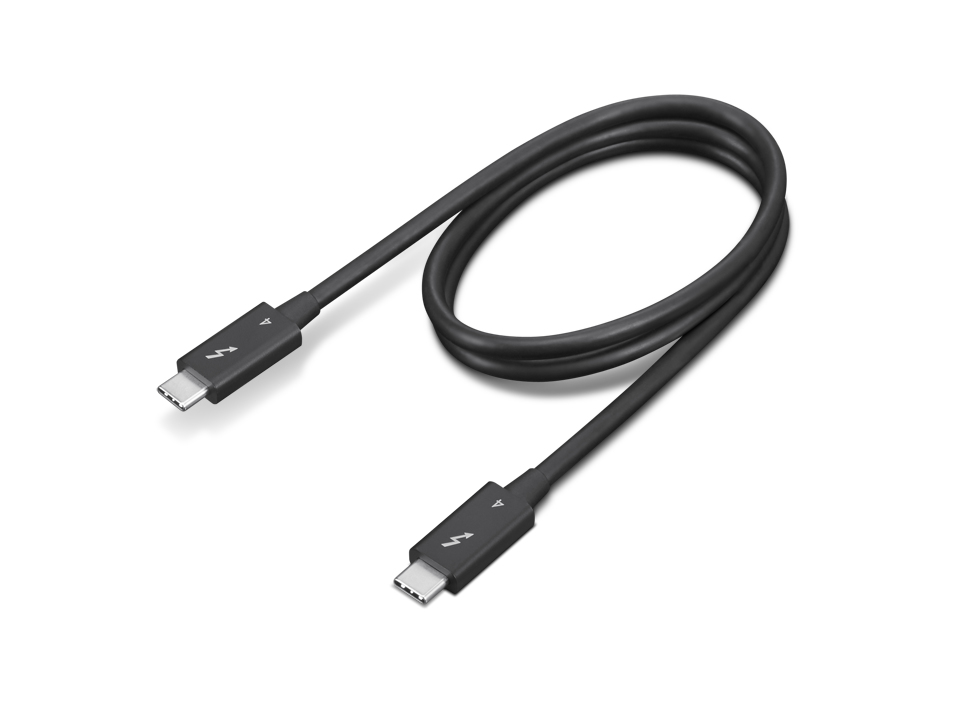
Lenovo
Lenovo - Thunderbolt cable - USB-C (M) to USB-C (M) - Thunderbolt 4 - 70 cm - 8K60Hz support, 4K60Hz support - black
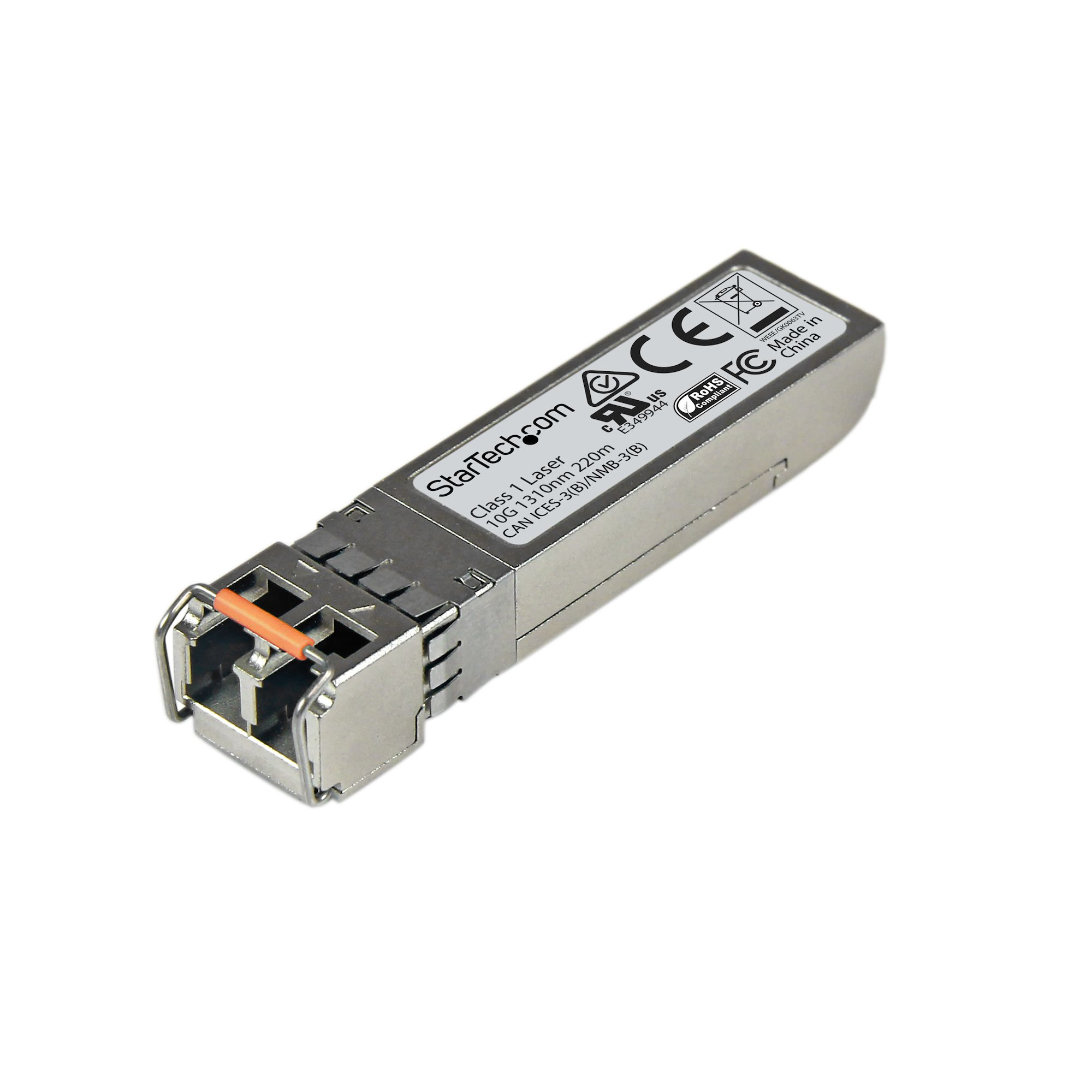
STARTECH
StarTech.com Juniper SFPP-10GE-LRM Compatible SFP+ Module, 10GBASE-LRM, 10GbE Multimode Fiber MMF Optic Transceiver, 10GE Gigabit Ethernet SFP+, LC Connector, 200m, 1310nm, DDM, 10Gbps - Lifetime Warranty (SFPP10GELRMS) - SFP+ transceiver module (equivalent to: Juniper SFPP-10GE-LRM) - 10GbE - 10GBase-LRM - LC multi-mode - up to 2 km - 1310 nm
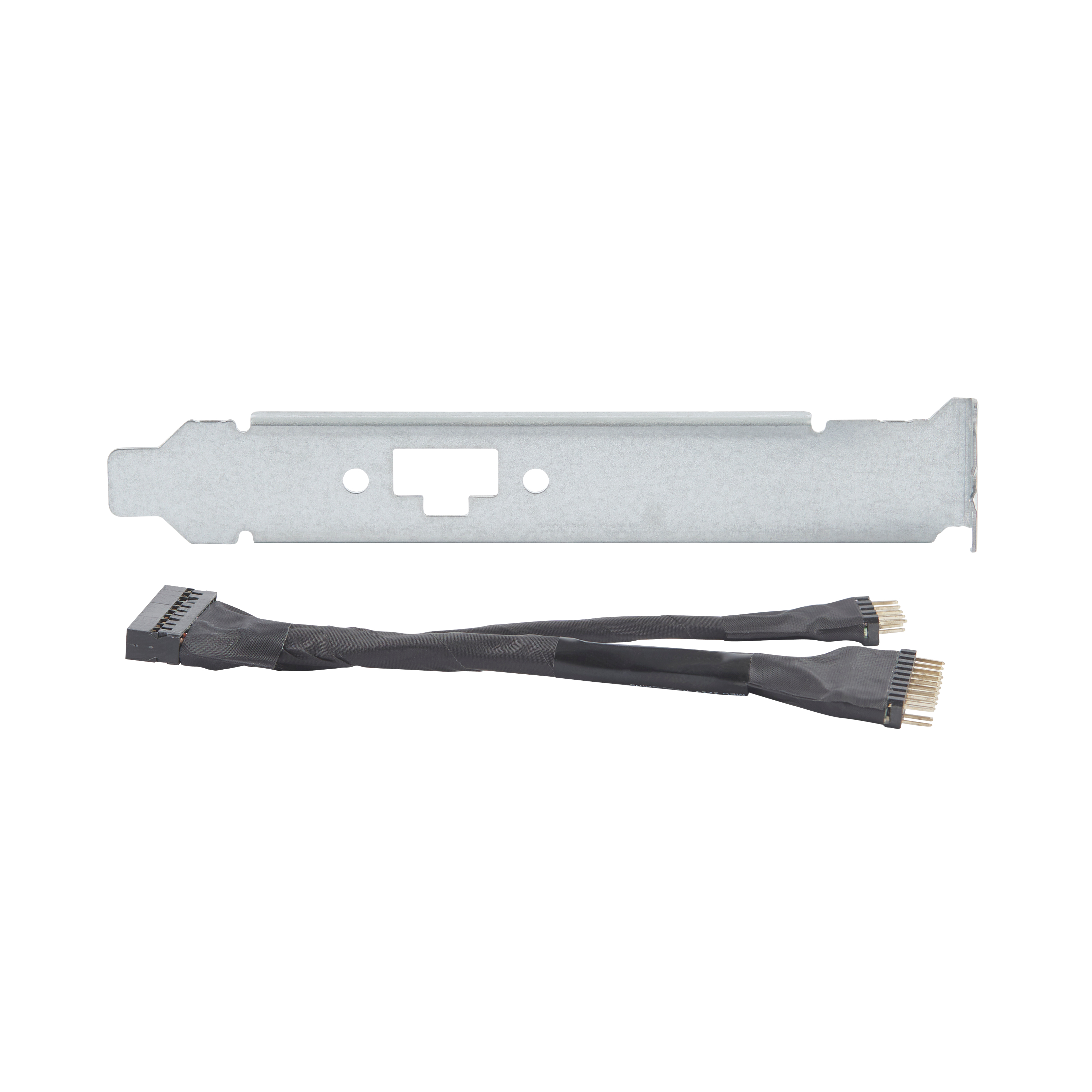
HP
HP Remote System Controller - Cable adapter - for ZCentral 4R