- Azure Cloud
How to Implement Zero Trust Security with Azure
7 Mar, 2026
£209.54 inc. VAT
AI-generated summary
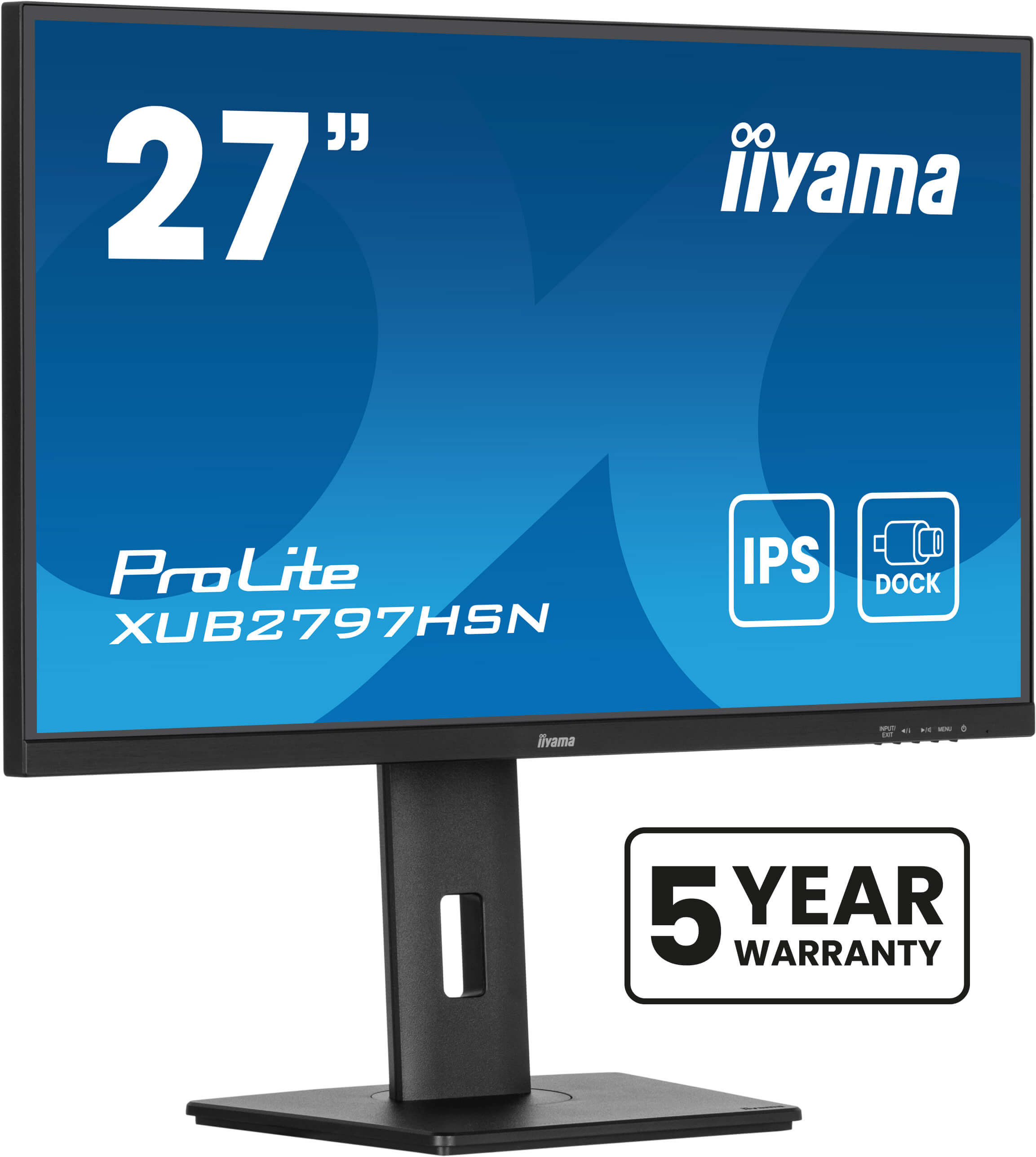
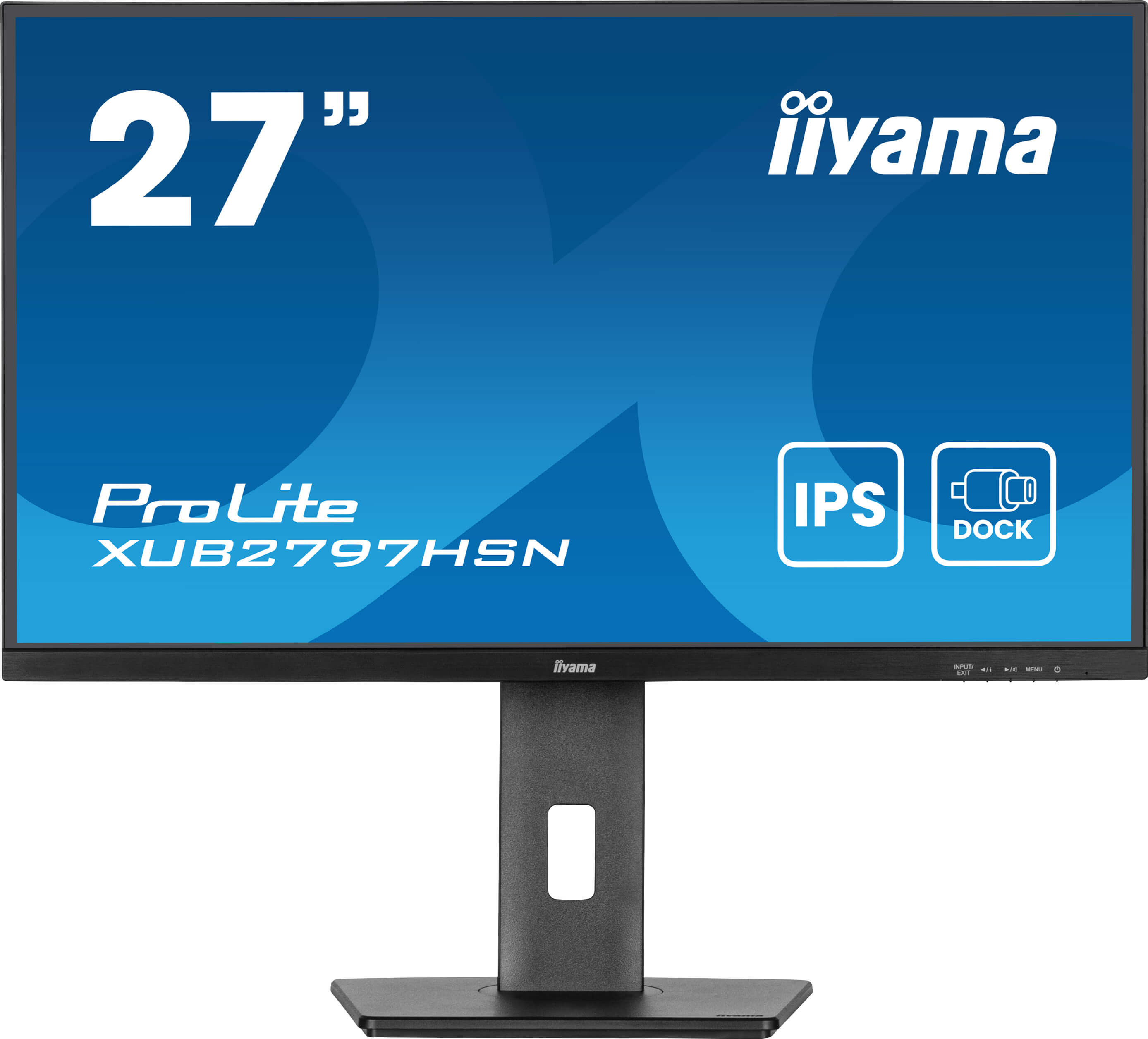
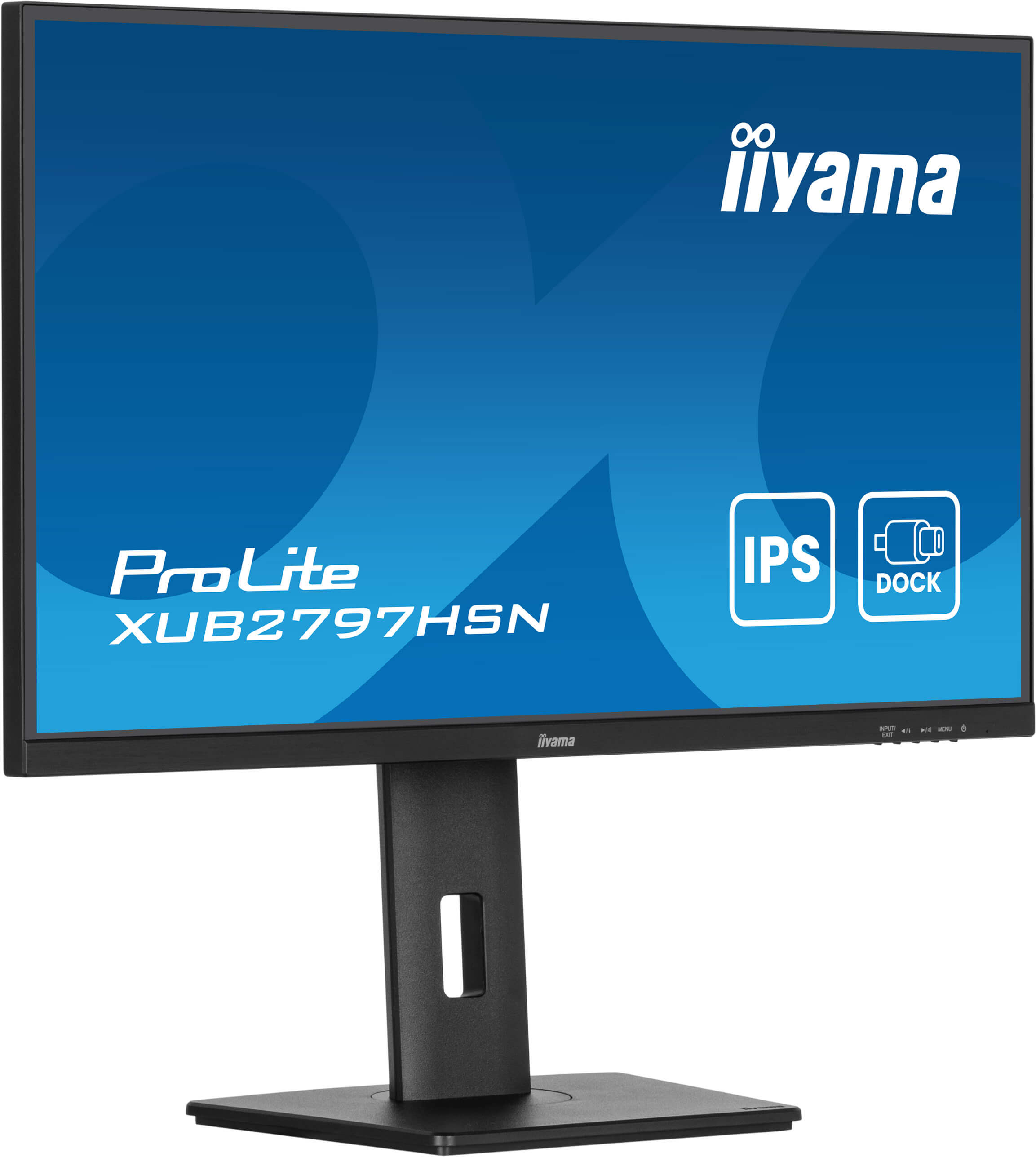
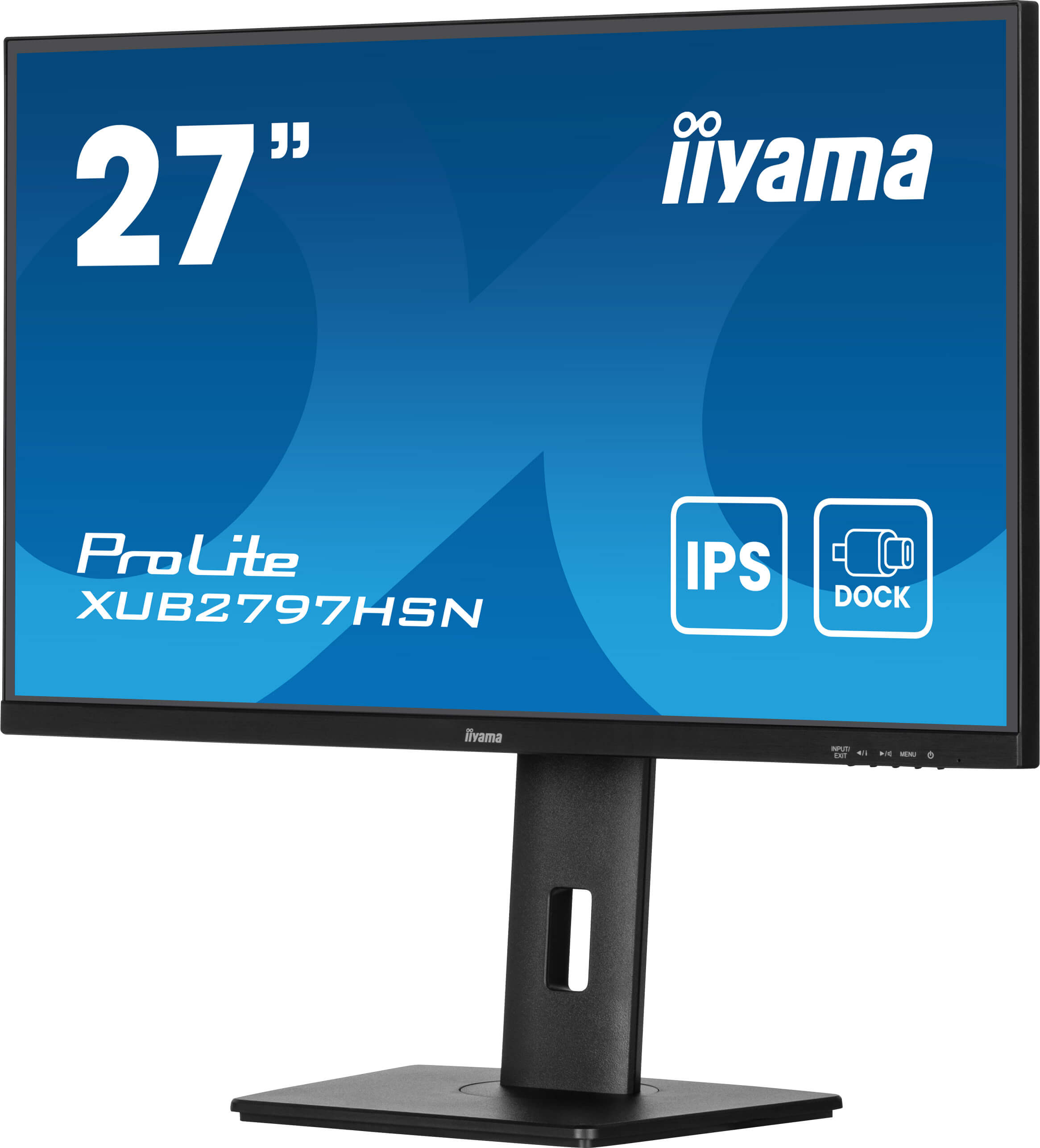
The iiyama ProLite XUB2797HSN-B2 is one of those “it just works” 27-inch office monitors that’s hard to argue with at £178 ex‑VAT. For day-to-day B2B use—spreadsheets, email, Teams calls, general business apps—it’s a sensible size without going into the budget-discomfort zone where you’re constantly fighting text clarity. iiyama tends to deliver good image consistency and decent ergonomics for the money, so you’re less likely to end up with that slightly washed-out look or annoying quality variance across units.
That said, you’re buying this more for practicality than wow-factor. If your team needs sharpness for very fine text at awkward viewing distances, or you’re doing serious design work, video grading, or fast competitive gaming, you may find Full HD on a 27-inch panel a bit limiting—higher-res options can feel noticeably crisper. It’s also not the kind of monitor I’d pick as a “main creative screen” for colour-critical work.
**Who should buy:** finance/admin teams, general office deployments, and anyone wanting a reliable, cost-effective 27-inch monitor that won’t create support headaches. **Who should skip or budget more:** designers, heavy spreadsheet power-users who sit close and want maximum text crispness, or users who need premium colour/performance features.
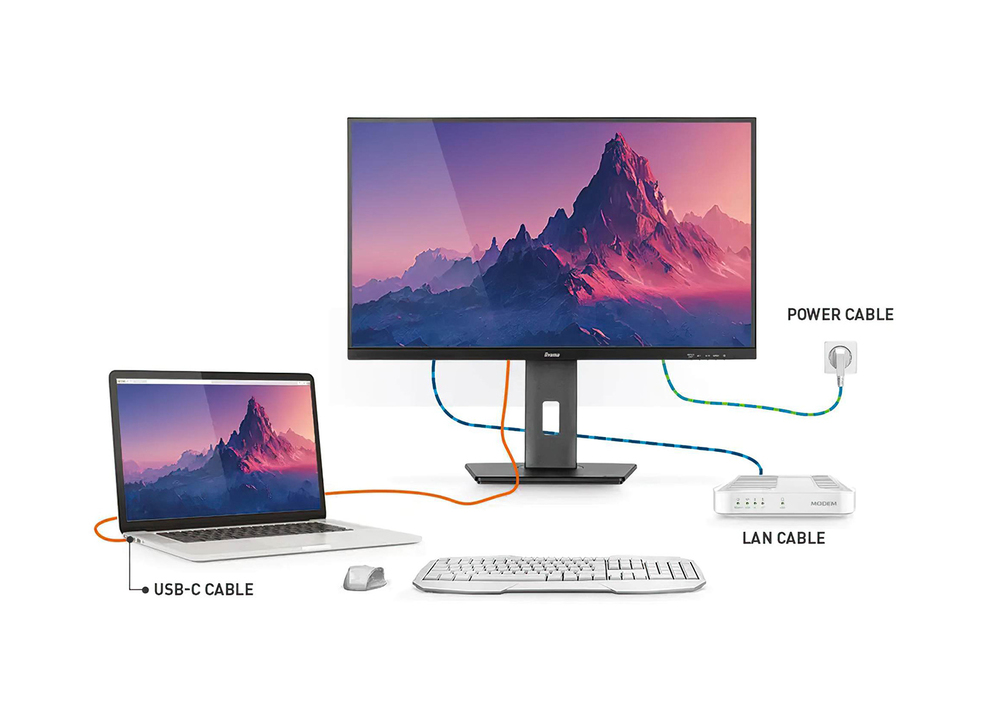
USB-C Dock
The dock allows you to connect your laptop with a single cable to the monitor to both make sure it is charged and connected to a wired network and signal from the laptop is sent to the monitor. A s...
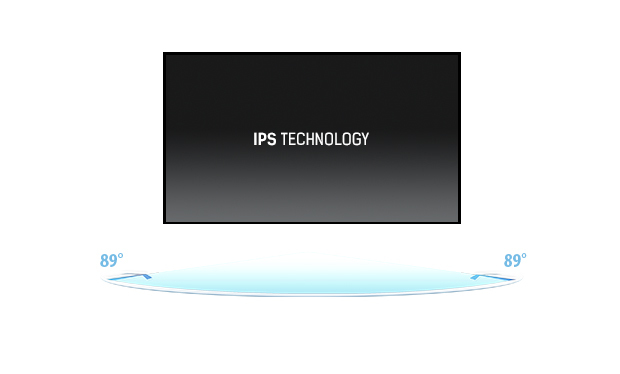
IPS Technology
IPS displays are best known for wide viewing angles and natural, highly accurate colours. They are especially suited for colour-critical applications.

Flicker-free + Blue light
The ultimate solution for the comfort and health of your eyes. Flicker-free monitors with the blue light reducer function substantially reduce the strain and fatigue caused by flickering and blue l...
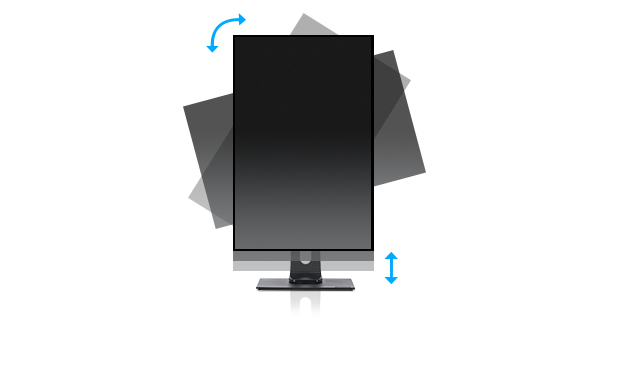
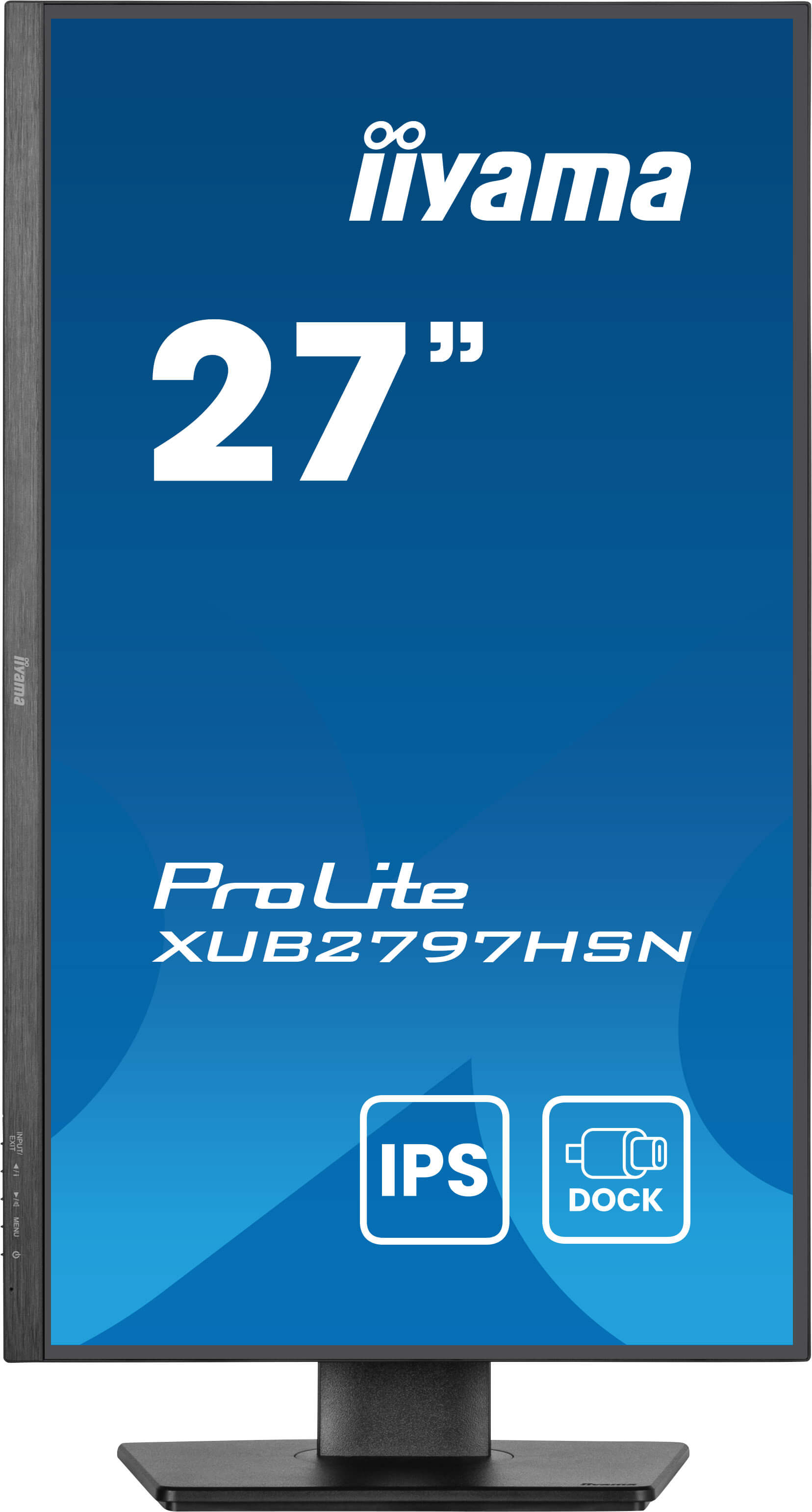
HAS (150mm) + Pivot (rotation both sides)
With a height adjustable stand you will create an ergonomic work posture and position that meets all health and safety requirements. This will not only prevent any health issues but will also incre...

Speakers and headphones
Playing with friends? Use the integrated high-quality speakers. Don’t want to disturb anybody? Plug your headset into the headphone socket and turn the volume up.
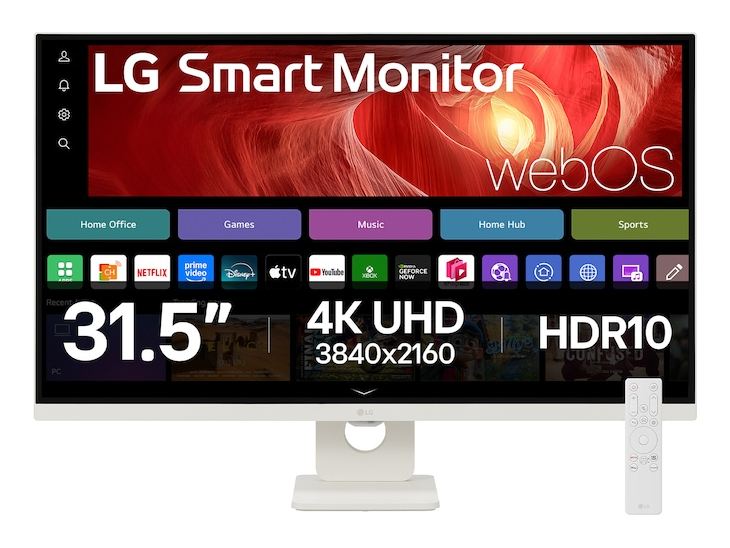
LG Electronics
32" 4K UHD Smart Monitor with webOS & US
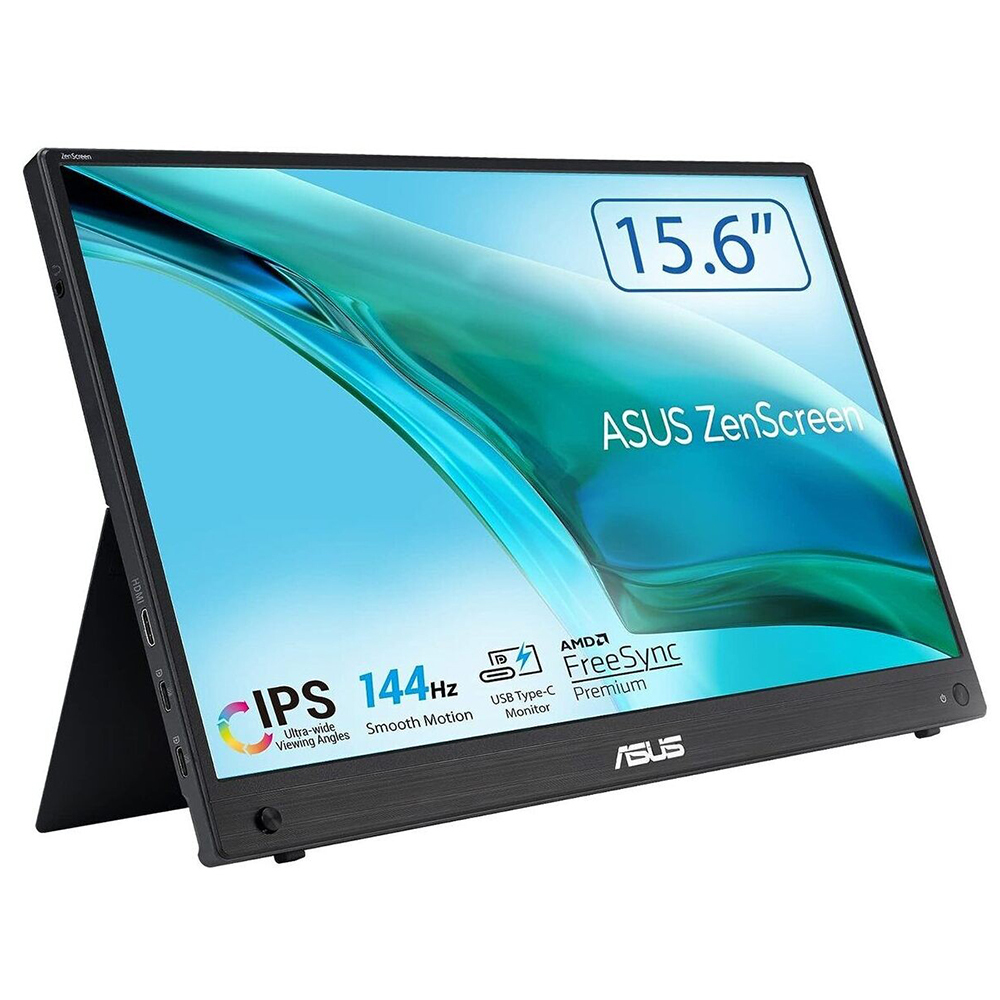
Asus
ASUS ZenScreen MB16AHG - LED monitor - 15.6" (16" viewable) - portable - 1920 x 1080 Full HD (1080p) @ 144 Hz - IPS - 300 cd/m� - 3 ms - Mini HDMI, 2xUSB-C
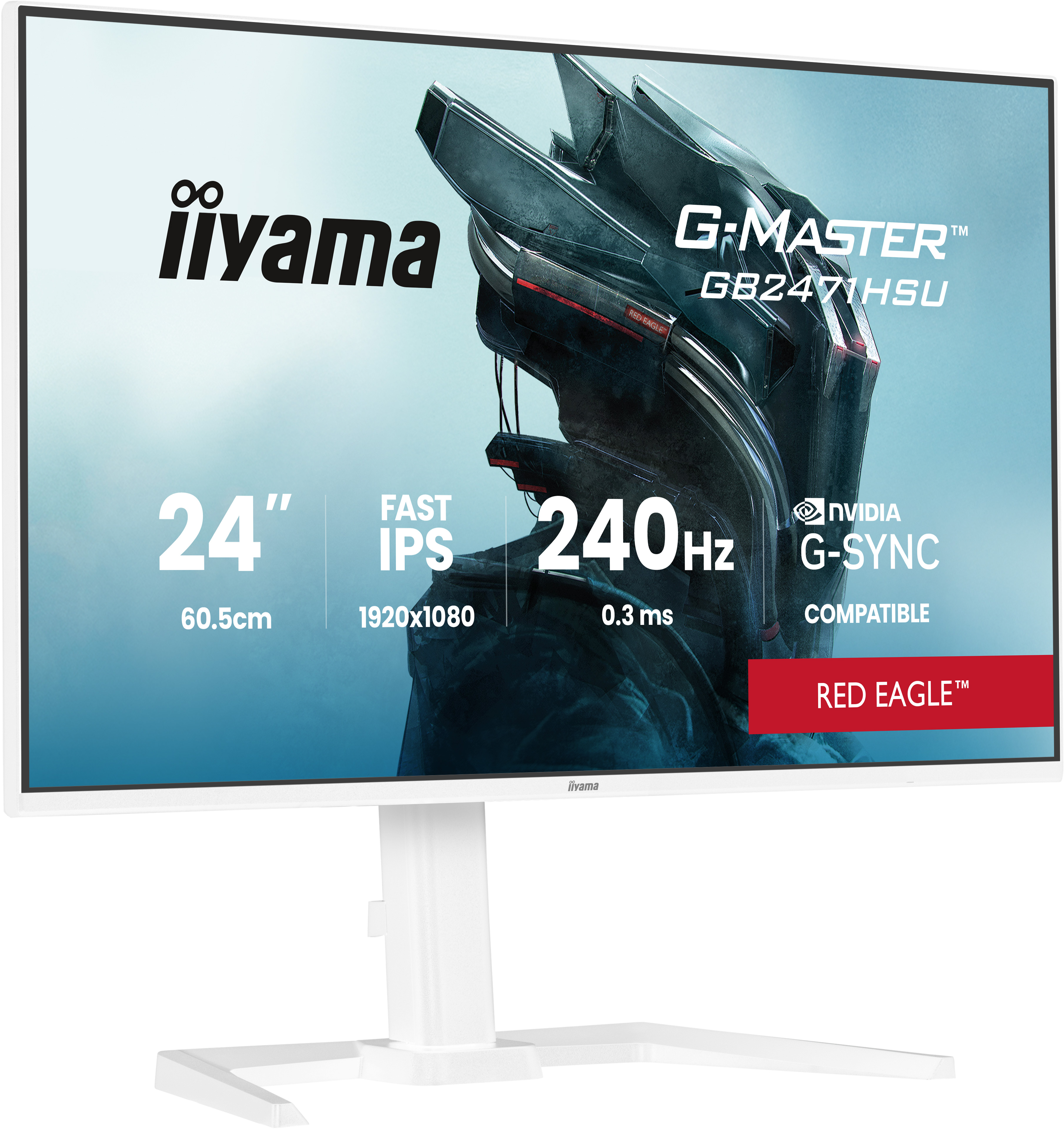
Iiyama
iiyama G-MASTER Red Eagle GB2471HSU-W1 - LED monitor - gaming - 24" (23.8" viewable) - 1920 x 1080 Full HD (1080p) @ 240 Hz - Fast IPS - 350 cd/m� - 1000:1 - HDR10 - 0.3 ms - 2xHDMI, DisplayPort - speakers - matte, white
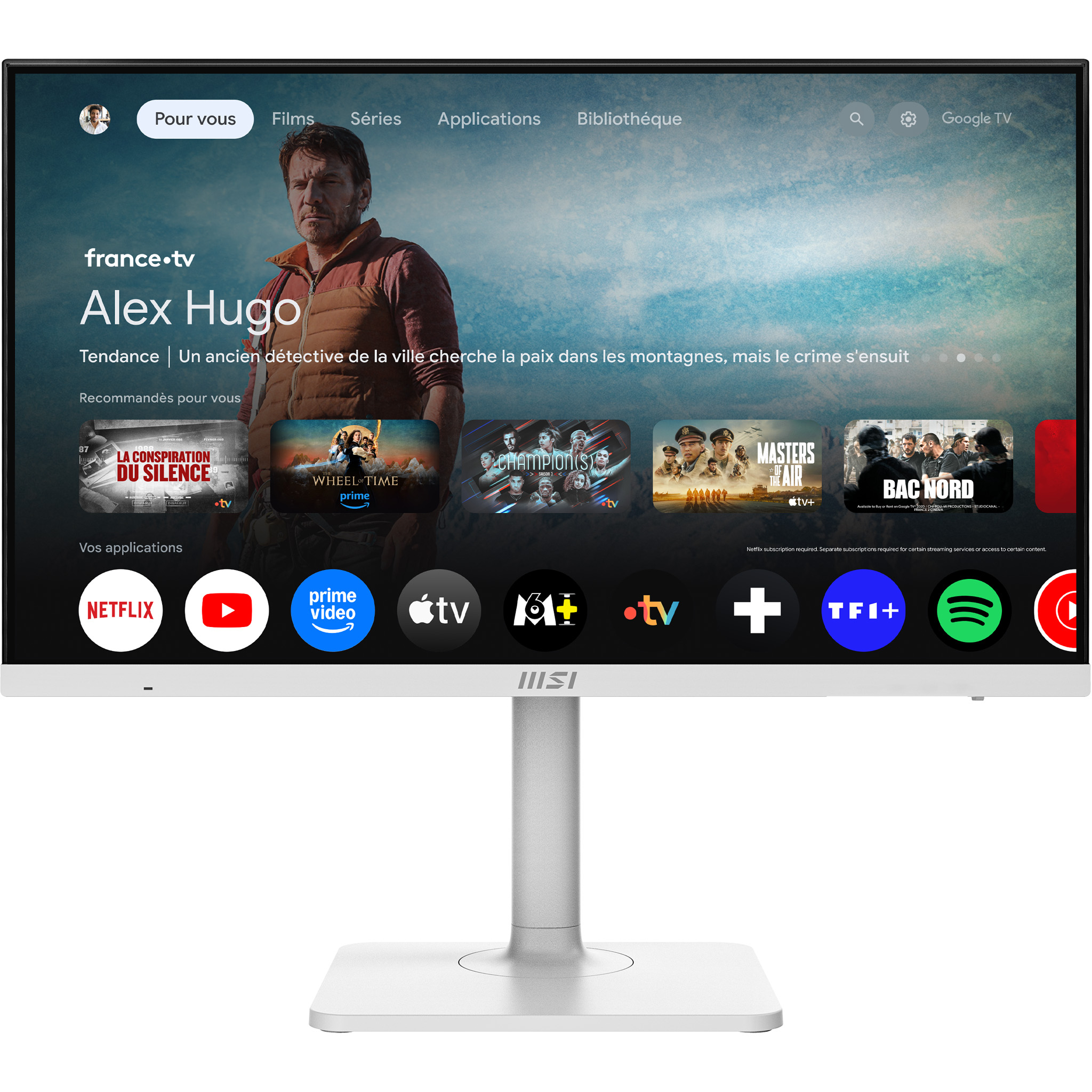
MSI
MSI Modern MD272UPSW - LED monitor - USB - 27" - 3840 x 2160 UHD @ 60 Hz - IPS - 300 cd/m� - 1000:1 - 4 ms - HDMI, DisplayPort, USB-C - speakers