- Azure Cloud
Azure Load Balancing for Business Applications
28 Oct, 2025
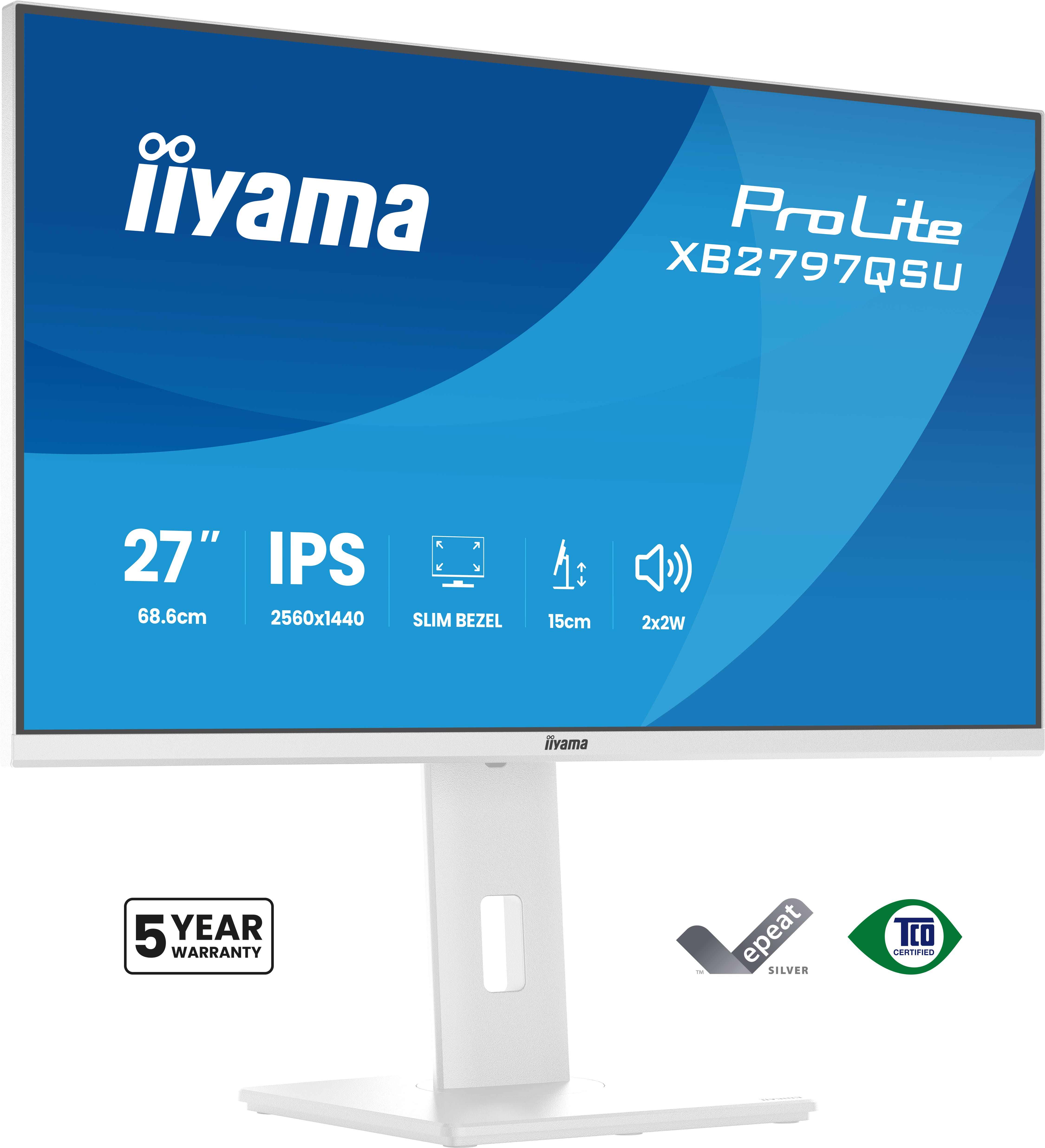
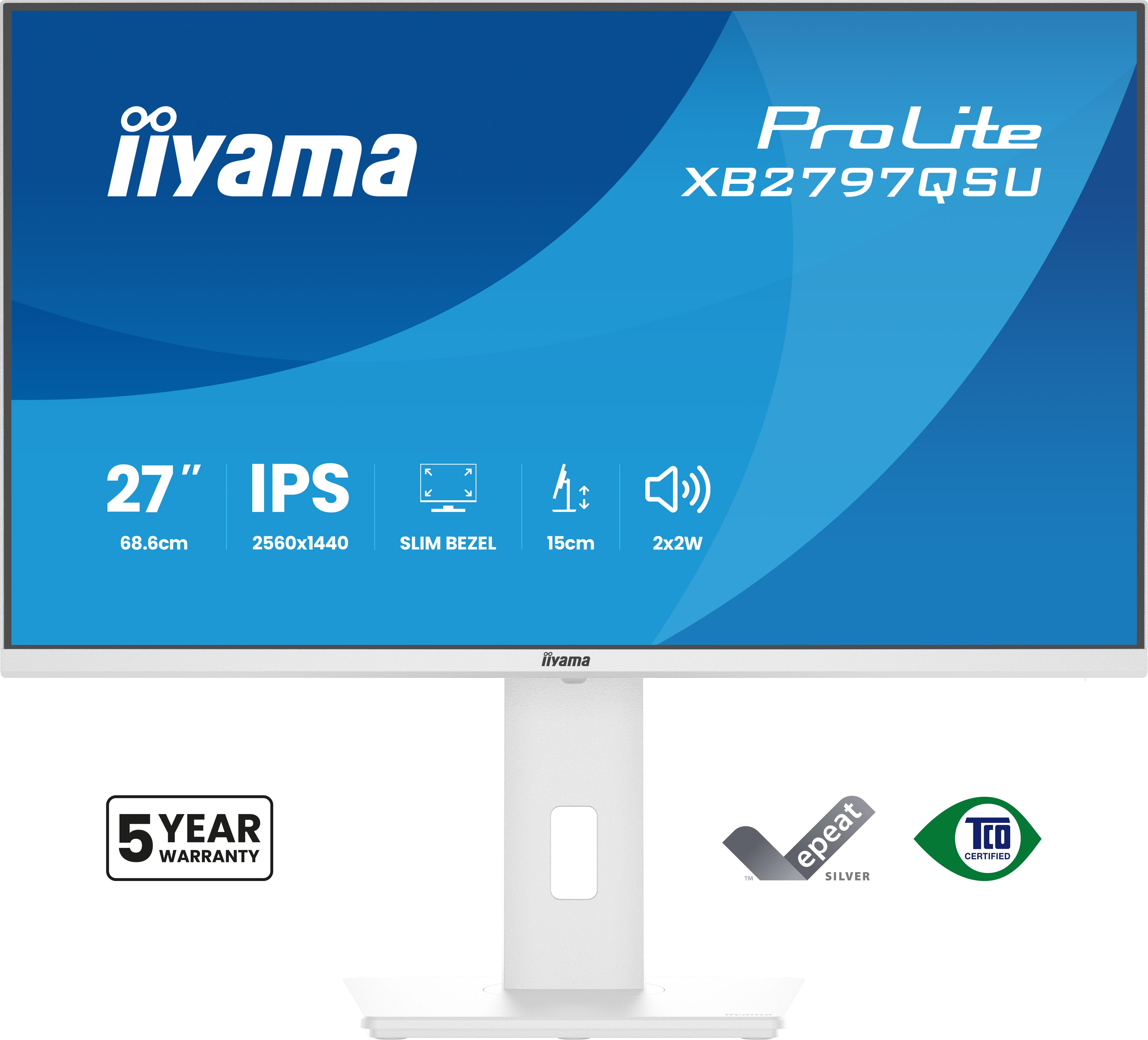
£185.09 inc. VAT
AI-generated summary
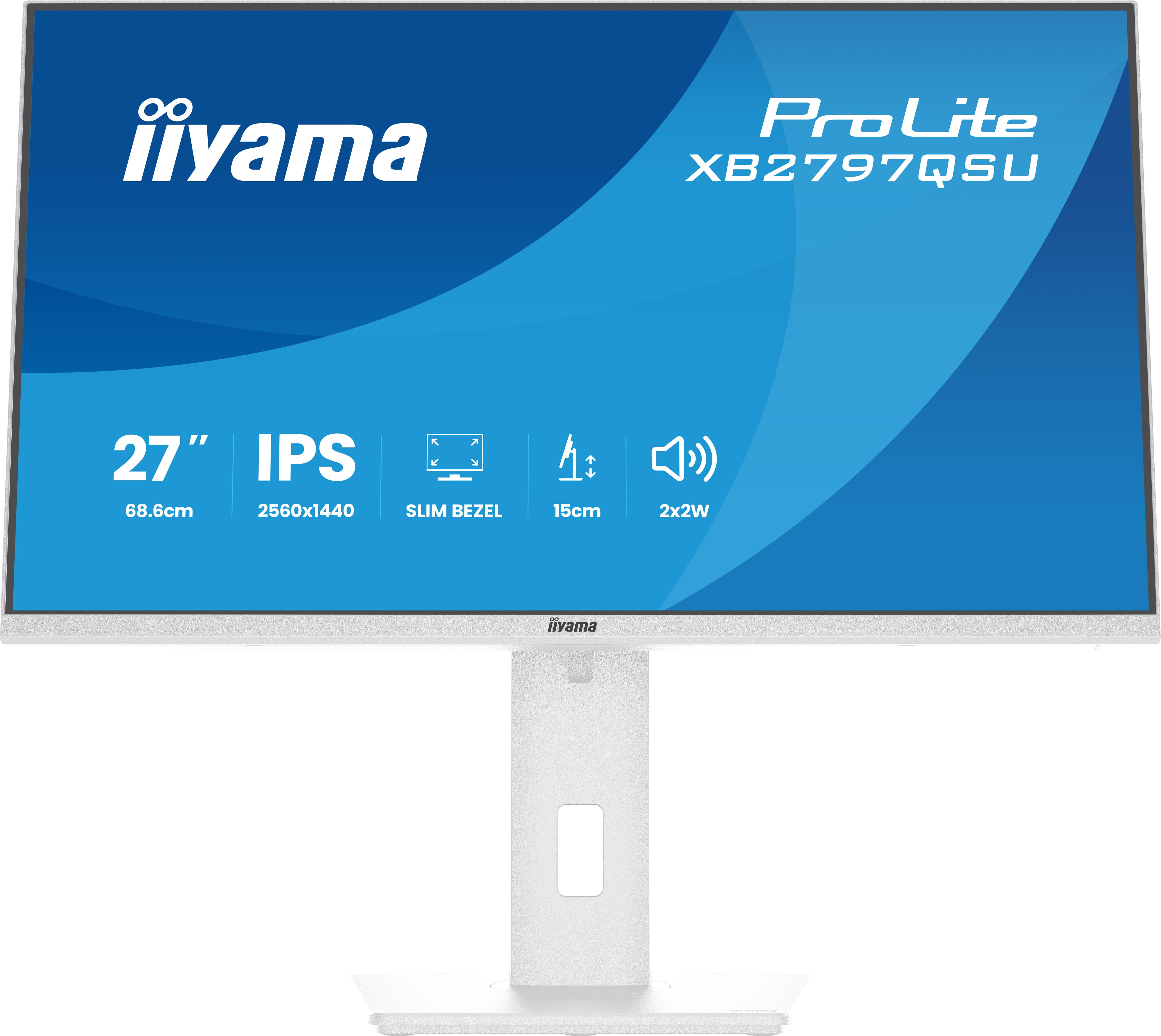
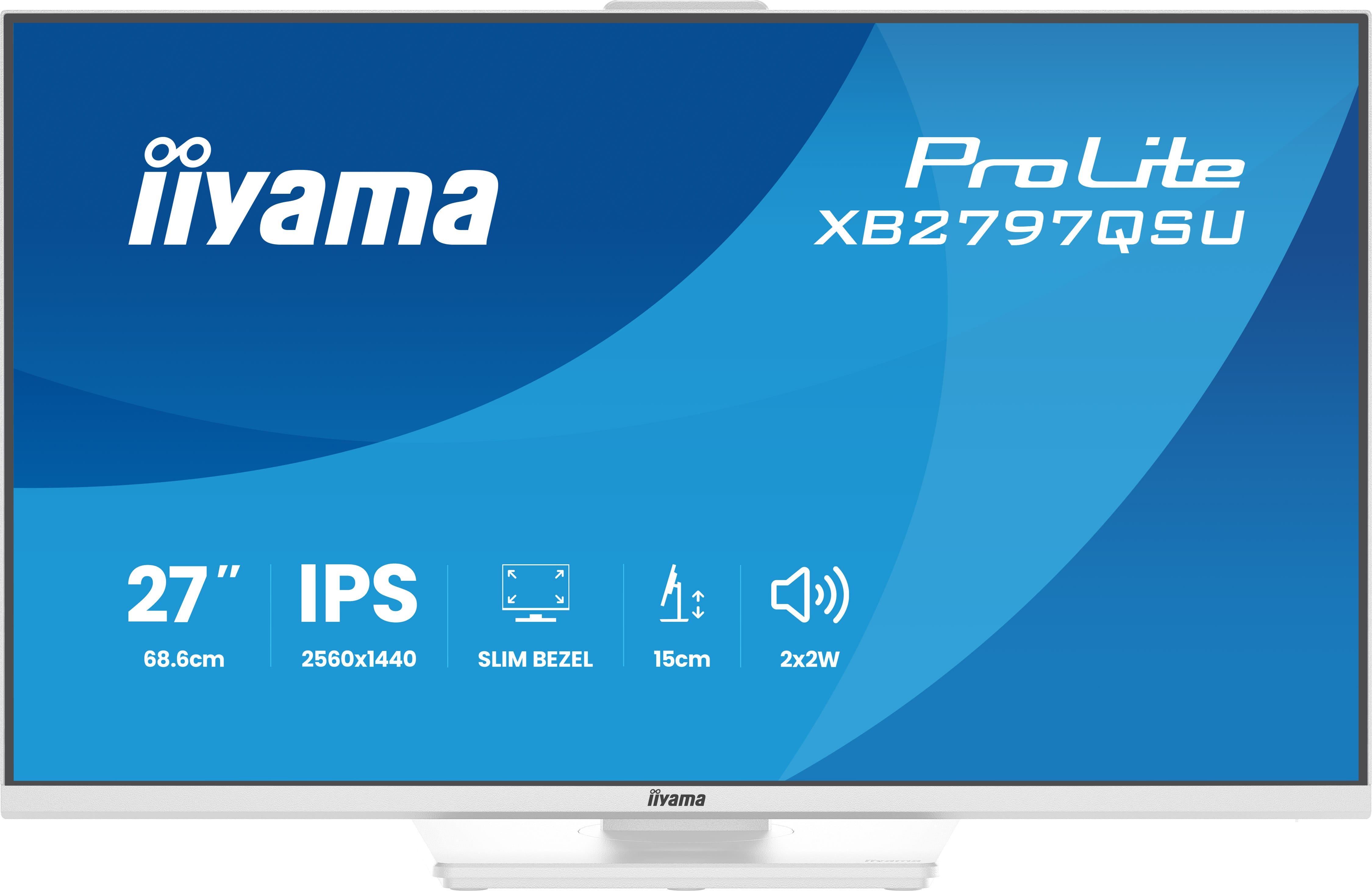
The iiyama ProLite XB2797QSU-W1 is the kind of sensible 27" Quad HD monitor you buy when you want a clean upgrade without paying “premium” brand money. For £157.70 ex‑VAT, you’re getting a solid day-to-day workhorse: crisp text from the higher pixel density, plenty of screen real estate for spreadsheets/tabs, and generally good ergonomics/value for money that suits most office setups. If you’re doing office work, light design, or general knowledge work, it’s the sort of monitor that won’t distract you—and will likely feel like a noticeable improvement over older 1080p panels.
That said, I wouldn’t treat it as a “creative colour” or “hard-core media” monitor. iiyama’s ProLite lines are typically focused on practical reliability rather than standout calibration/performance. If your workflow is colour-critical (print pre-press, client proofs, heavy photo/video grading) or you’re very picky about viewing angles and motion handling, you should compare against better-tuned models first. But for a UK B2B reseller customer looking for dependable, good-looking screen real estate at a sharp price, this one makes a lot of sense—especially if you’re standardising desks.
Expand your view with QHD
QHD 2560x1440 resolution offers up to 77% more screen space than Full HD, giving you plenty of room to multitask efficiently, view more content at once, and work with greater precision, without con...
Multi-screen setup for a panoramic workspace
Connect multiple ultra-slim bezel monitors to create a panoramic workspace, keep your apps in view, streamline multitasking, and boost productivity.
Versatile connectivity for all your devices
Connect multiple devices and accessories in one simple step with HDMI, DisplayPort and the USB hub, streamlining your workspace for maximum efficiency and ensuring a tidy, uninterrupted workflow.
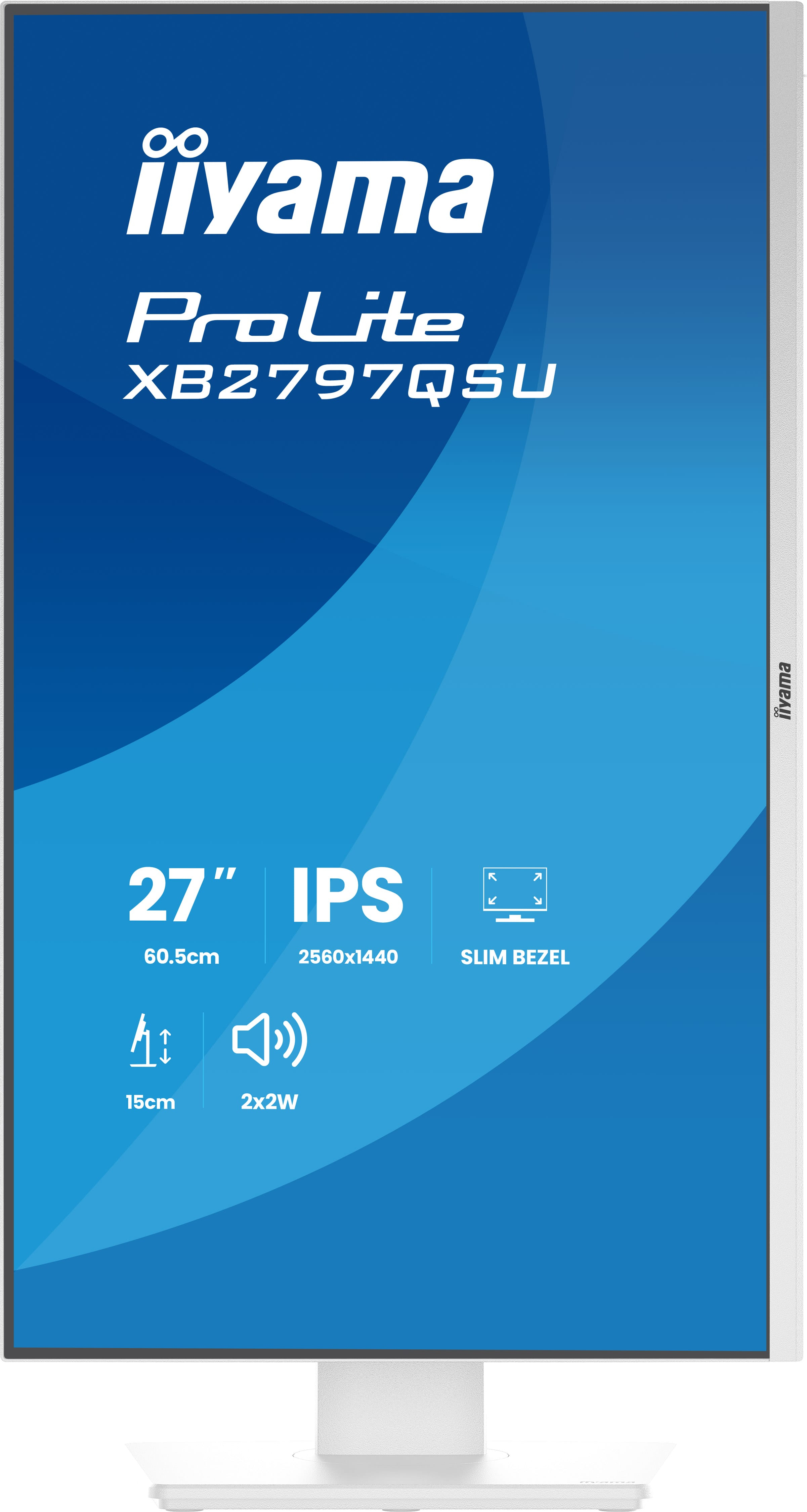
Adjustable stand for optimal comfort
Find your perfect screen position easily and maintain a healthy, comfortable posture all day long. Thanks to its fully adjustable stand, you can effortlessly adapt the monitor to your needs. Raise ...
Feel the difference with certified eye comfort
Flicker-free technology, blue light reduction, and true-to-life colour accuracy combine to reduce eye strain and support lasting visual comfort. Backed by TÜV Rheinland Eye Comfort certification, t...
Dell
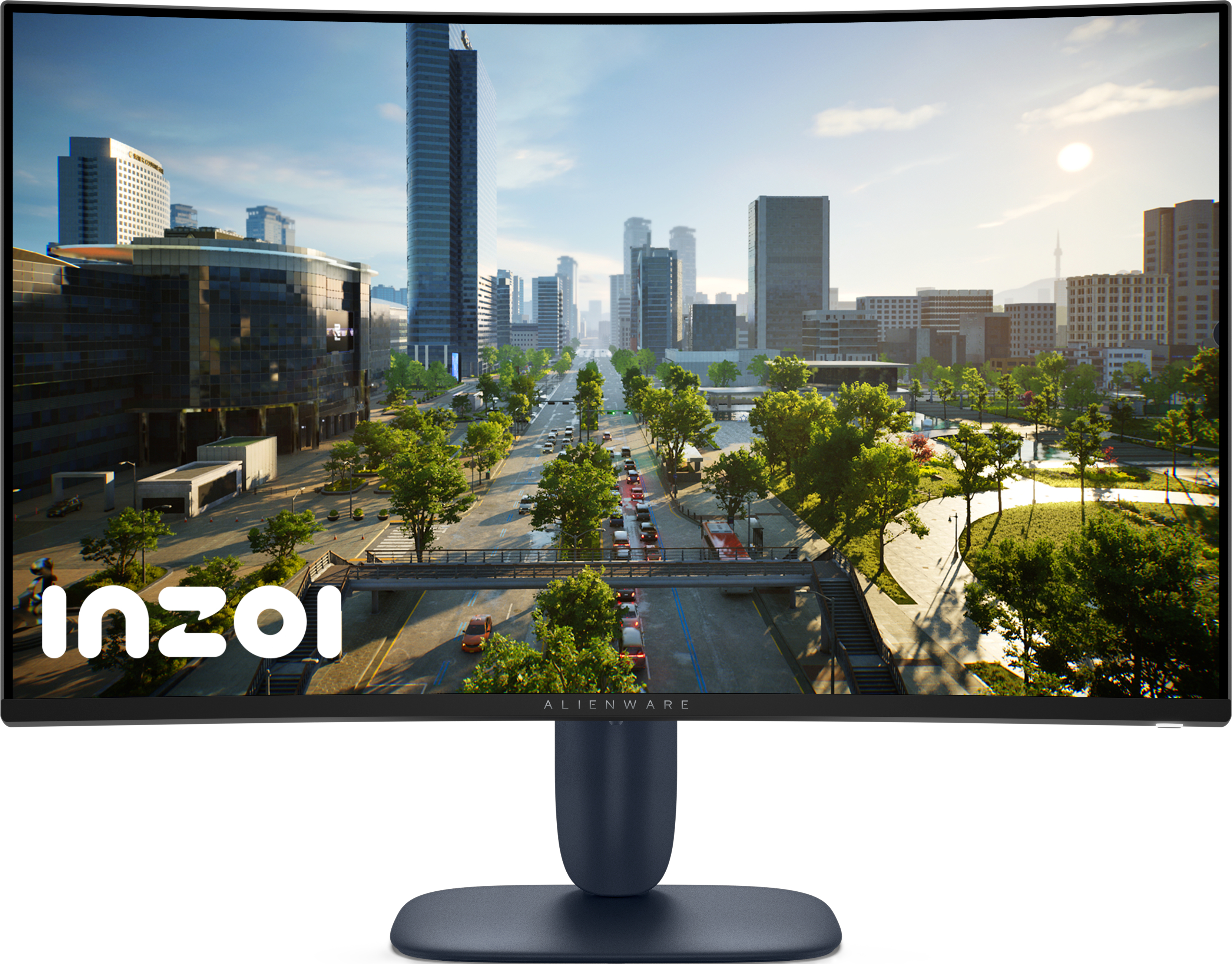
Alienware AW3225DM - LED monitor - gaming - curved - 32" (31.5" viewable) - 2560 x 1440 QHD @ 180 Hz - VA - 400 cd/m� - 3000:1 - DisplayHDR 400 - 1 ms - 2xHDMI, DisplayPort - BTO - with 3 years Basic Hardware Service with Advanced Exchange after remote diagnosis
Samsung
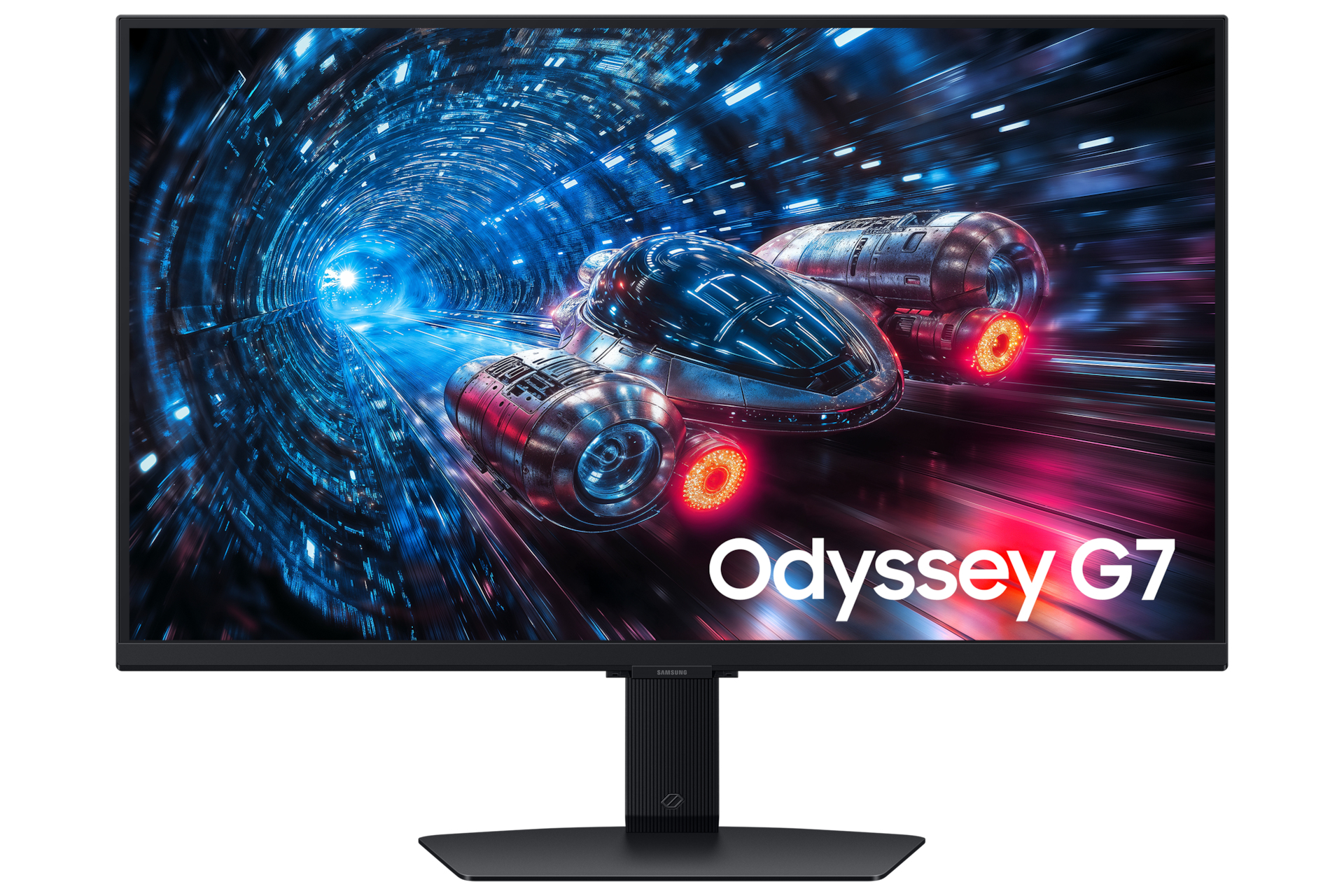
Samsung Odyssey G7 S27FG702EU - G70F Series - LED monitor - gaming - 27" - 3840 x 2160 4K UHD (2160p) @ 180 Hz - Fast IPS - 350 cd/m� - 1000:1 - HDR10, HDR10+ - 1 ms - 2xHDMI, DisplayPort - black
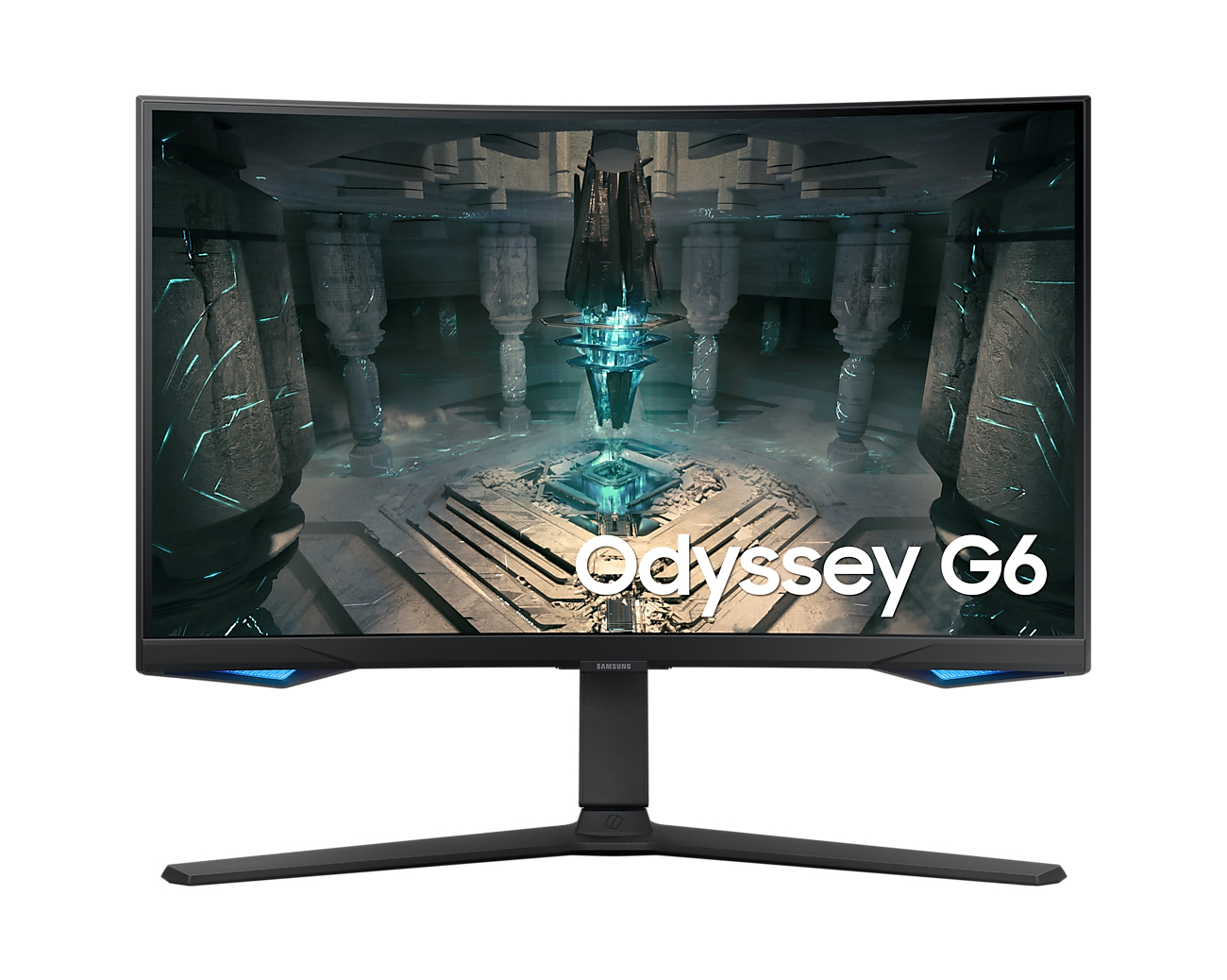
Samsung
Samsung Odyssey G6 S27BG650EU - G65B Series - LED monitor - Smart - gaming - curved - 27" - 2560 x 1440 QHD @ 240 Hz - VA - 350 cd/m� - 2500:1 - DisplayHDR 600 - 1 ms - 2xHDMI, DisplayPort - speakers - black
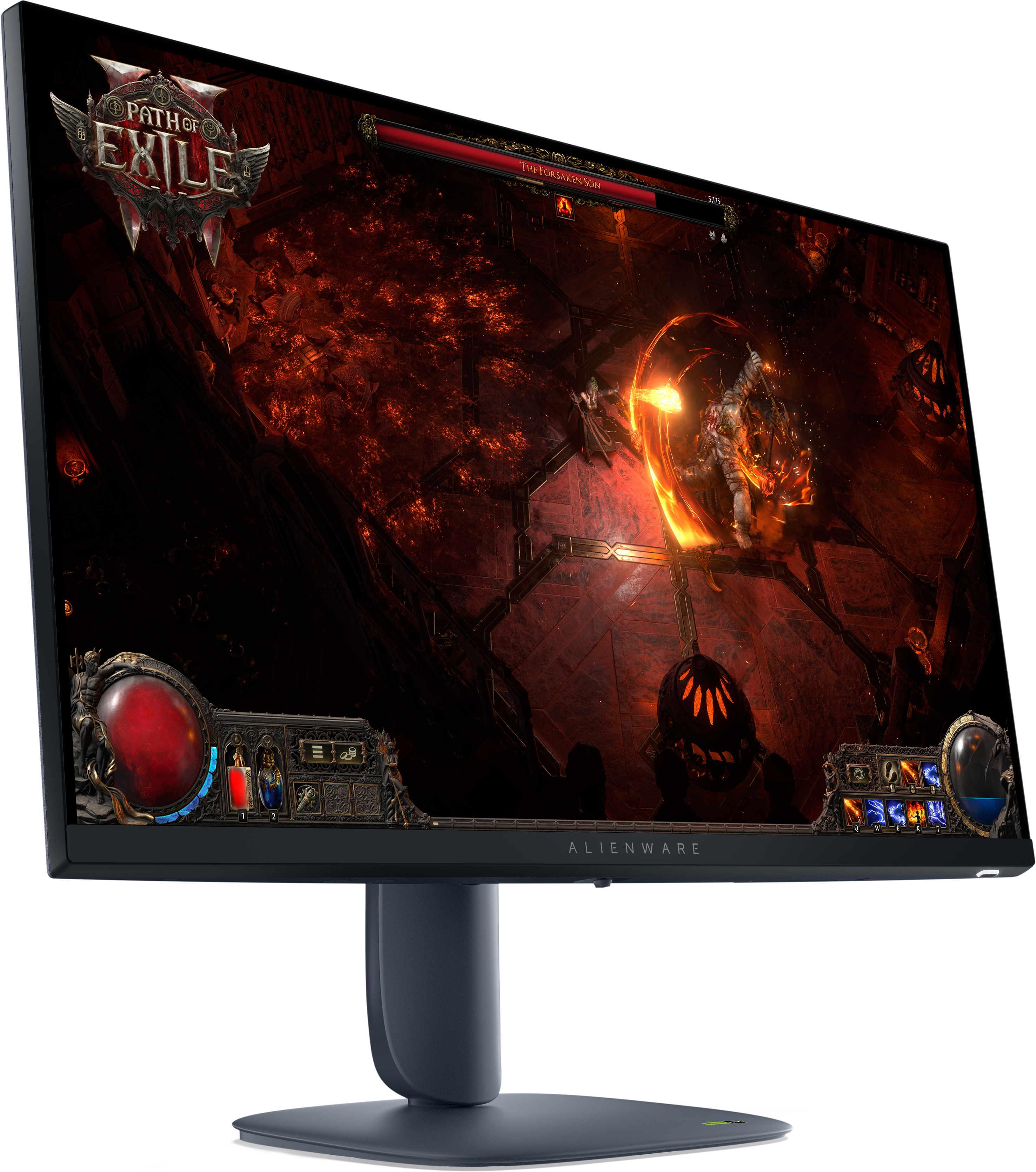
Dell
Alienware AW2725DM - LED monitor - gaming - 27" - 2560 x 1440 QHD @ 180 Hz - IPS - 400 cd/m� - 1000:1 - DisplayHDR 400 - 1 ms - 2xHDMI, DisplayPort - BTO - with 3 years Basic Hardware Service with Advanced Exchange after remote diagnosis