- Azure Cloud
How to Monitor Azure Performance and Costs
10 Jul, 2025
£185.09 inc. VAT
AI-generated summary
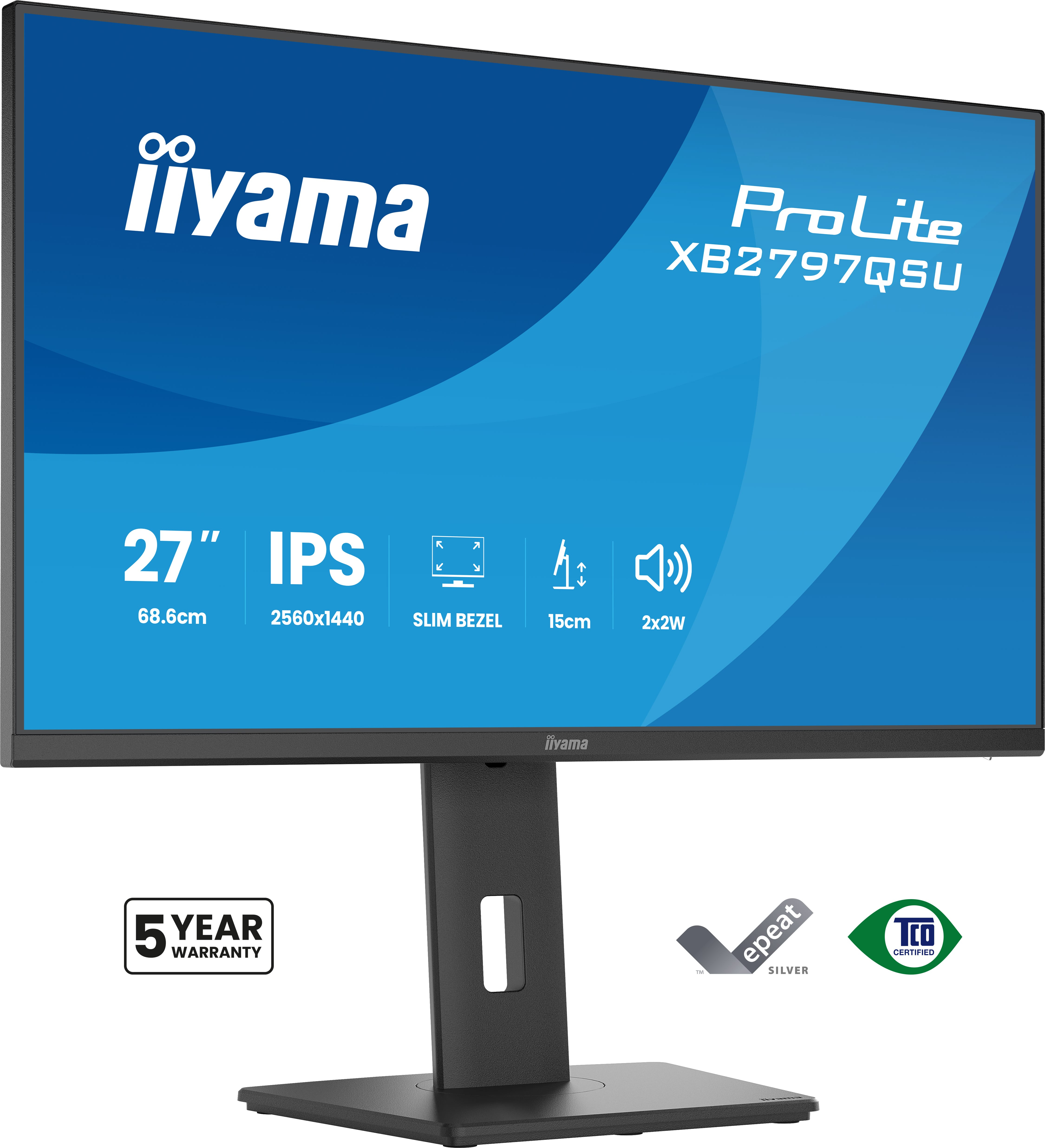
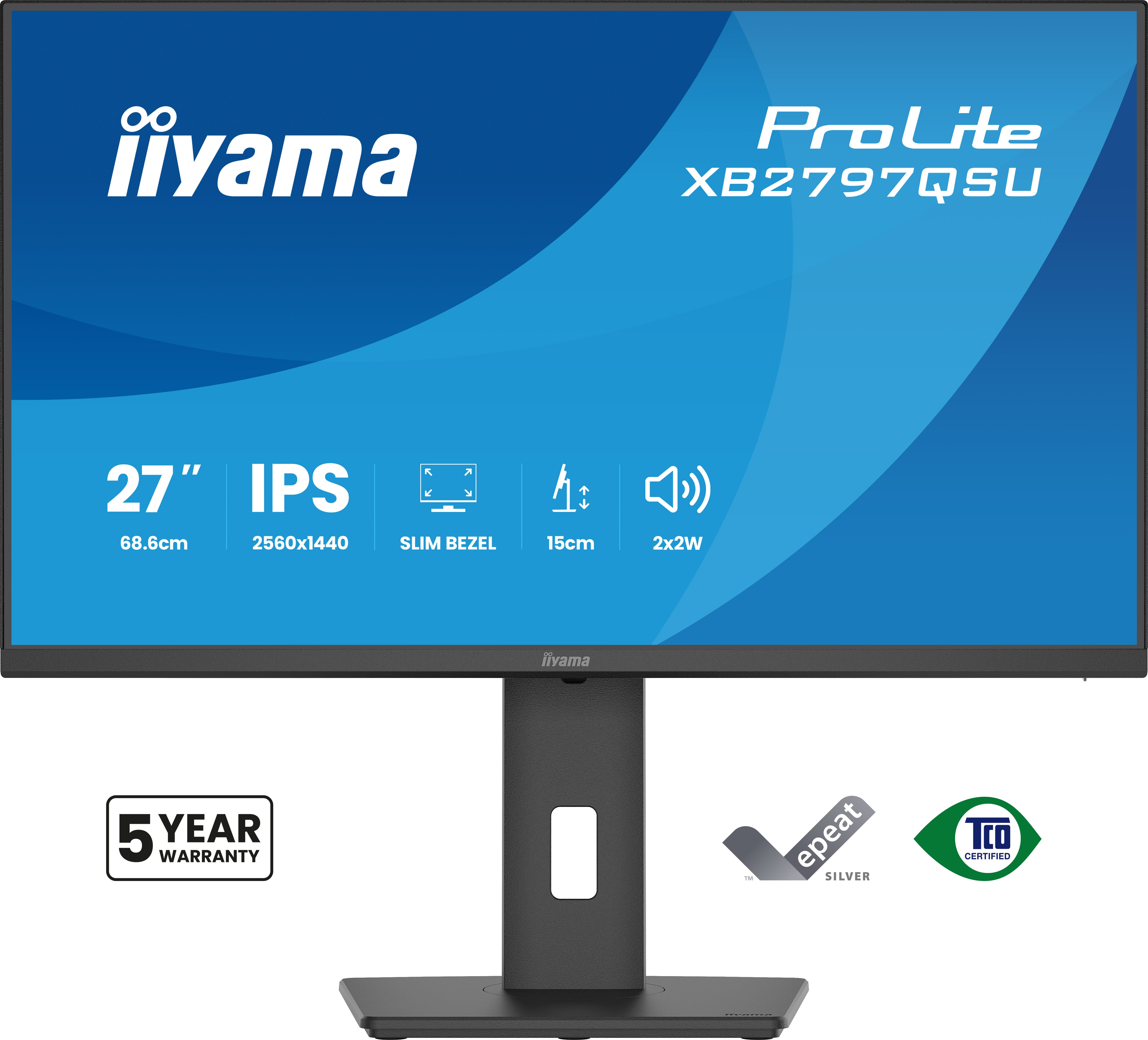
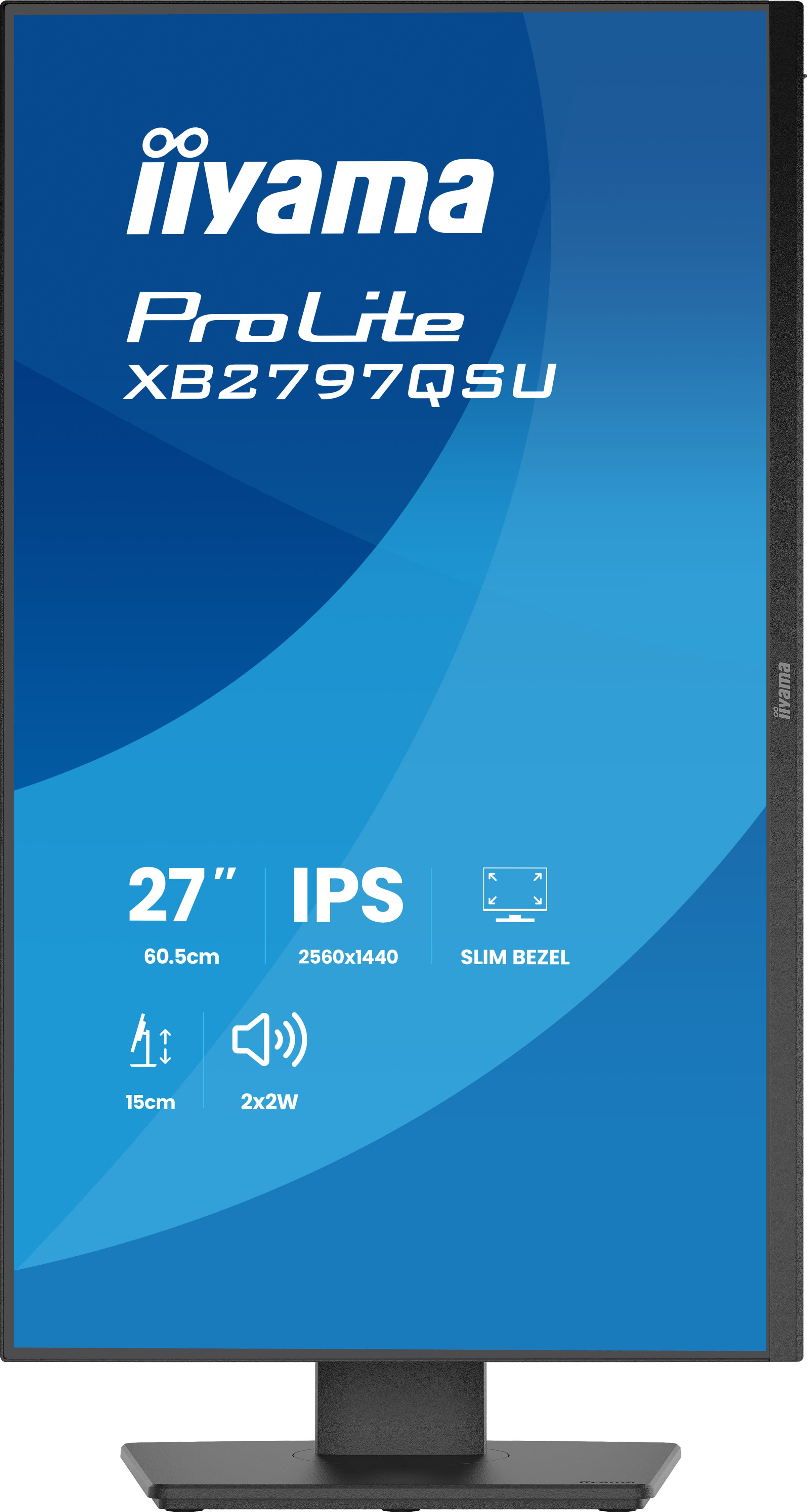
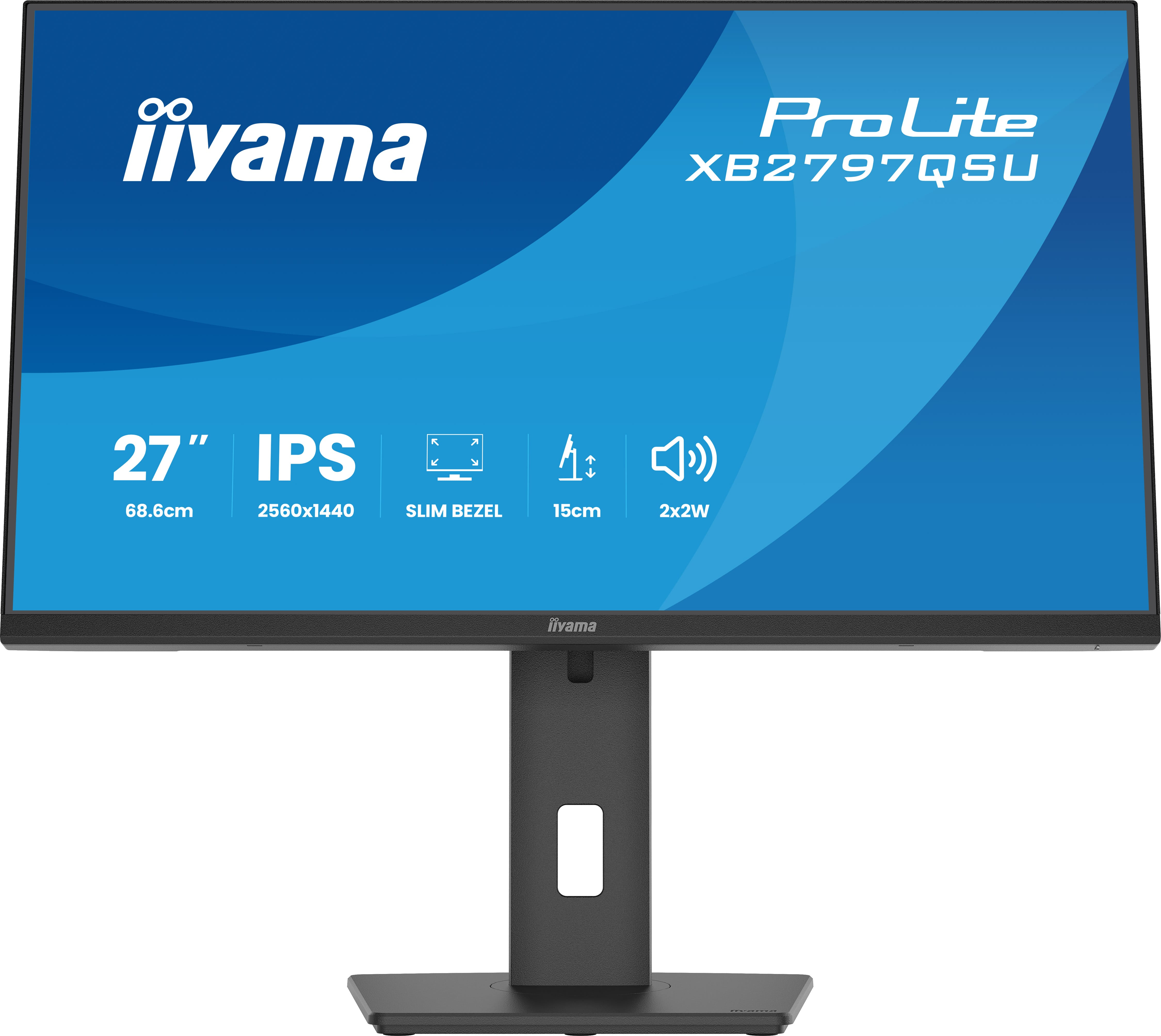
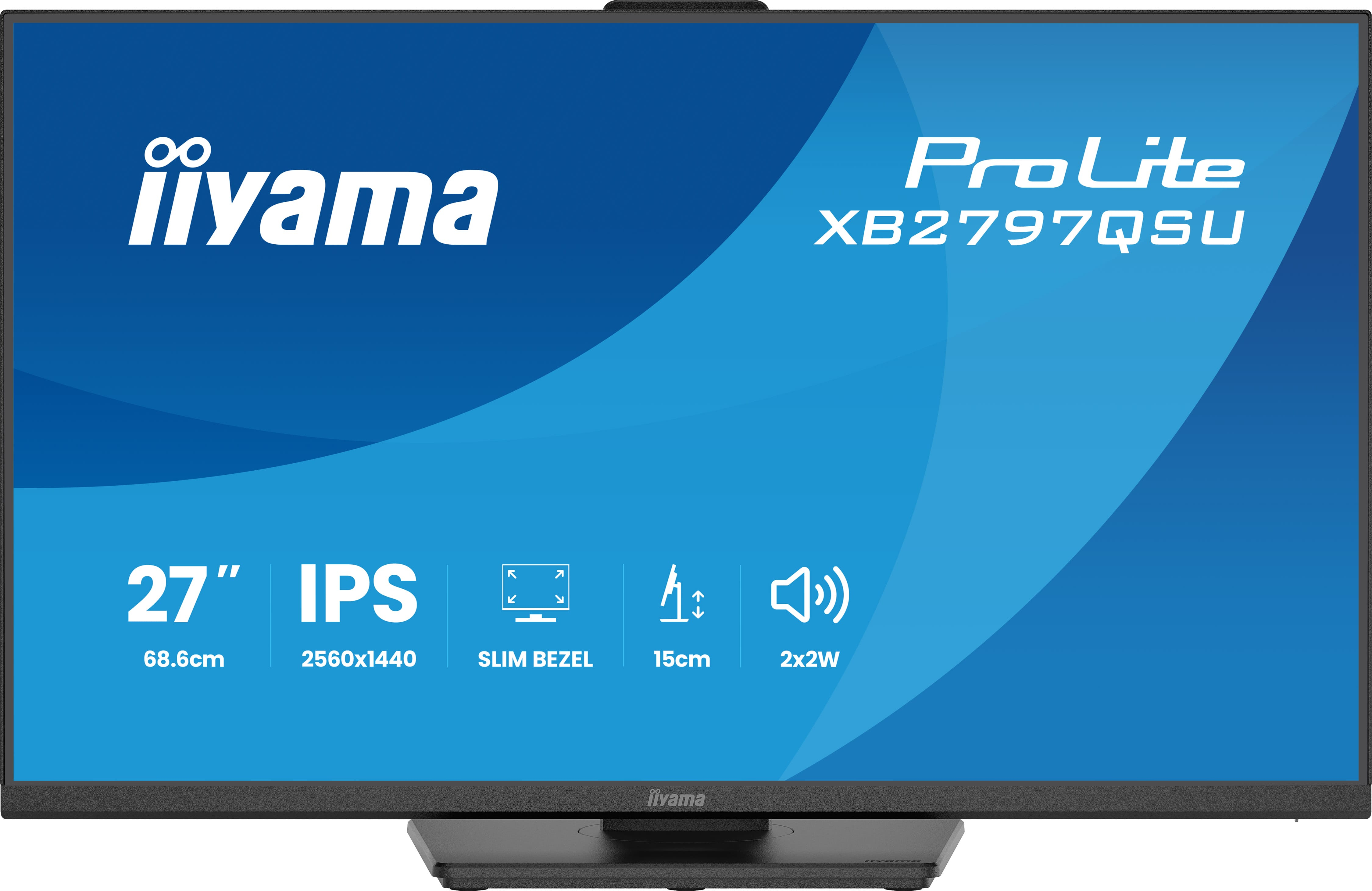
For £157.70 ex-VAT, the iiyama ProLite XB2797QSU-B1 looks like the kind of practical office monitor that actually makes sense: a 27" QHD screen is a nice sweet spot for day-to-day work where you want more usable space than full HD without jumping to the higher-cost tiers. iiyama’s ProLite range is generally aimed at buyers who care more about reliability and clarity than chasing “premium” extras, and this fits that pattern—good for spreadsheets, document-heavy roles, and mixed office use where you’ll be staring at the screen for hours.
That said, I wouldn’t treat it as a gaming-first or creative-production display. If you need deep colour accuracy, cutting-edge HDR, or very responsive high-end gaming features, you’ll likely find better value elsewhere depending on your priorities and refresh/performance expectations. Also, it’s worth checking whether it meets your ergonomics needs (stand height/tilt and how well it fits your workspace) because with office monitors, that’s often where “cheap but good” either becomes great—or quickly becomes annoying. Overall: a strong buy for standard business users who want a bigger, sharper 27" work screen at a sensible price, less ideal if you’re buying for colour-critical creative work or specialist performance.
Expand your view with QHD
QHD 2560x1440 resolution offers up to 77% more screen space than Full HD, giving you plenty of room to multitask efficiently, view more content at once, and work with greater precision, without con...
Multi-screen setup for a panoramic workspace
Connect multiple ultra-slim bezel monitors to create a panoramic workspace, keep your apps in view, streamline multitasking, and boost productivity.
Feel the difference with certified eye comfort
Flicker-free technology, blue light reduction, and true-to-life colour accuracy combine to reduce eye strain and support lasting visual comfort. Backed by TÜV Rheinland Eye Comfort certification, t...
Versatile connectivity for all your devices
Connect multiple devices and accessories in one simple step with HDMI, DisplayPort and the USB hub, streamlining your workspace for maximum efficiency and ensuring a tidy, uninterrupted workflow.
Built-in audio without extra clutter
Enjoy clear, pleasant sound for calls, videos, and music while keeping your desk free of extra speakers, thanks to the integrated audio.
ViewSonic
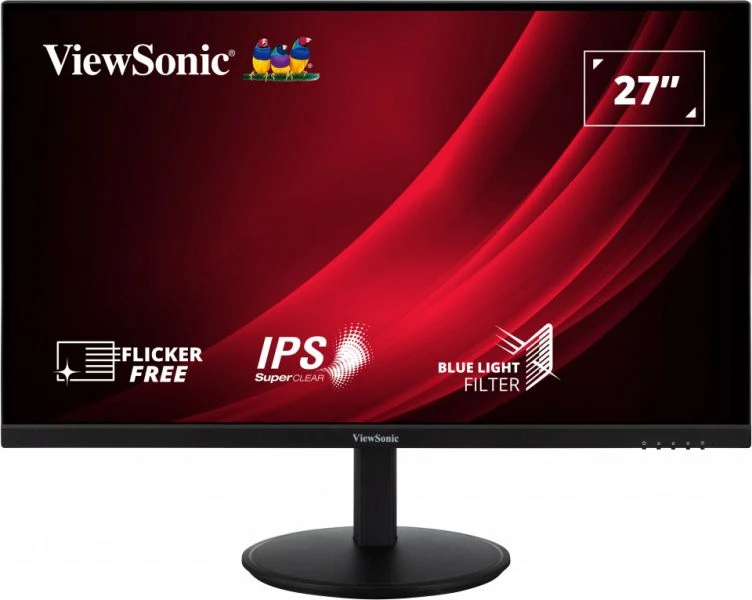
ViewSonic VG2709-2K-MHD-2 - LED monitor - 27" - 2560 x 1440 QHD @ 100 Hz - IPS - 350 cd/m� - 1000:1 - HDR10 - 4 ms - 2xHDMI, DisplayPort - speakers

Philips
Philips Evnia 3000 27M2N3201A - LED monitor - gaming - 27" - 1920 x 1080 Full HD (1080p) @ 180 Hz - Fast IPS - 300 cd/m� - 1000:1 - HDR10 - 0.5 ms - 2xHDMI, DisplayPort - speakers
Lenovo
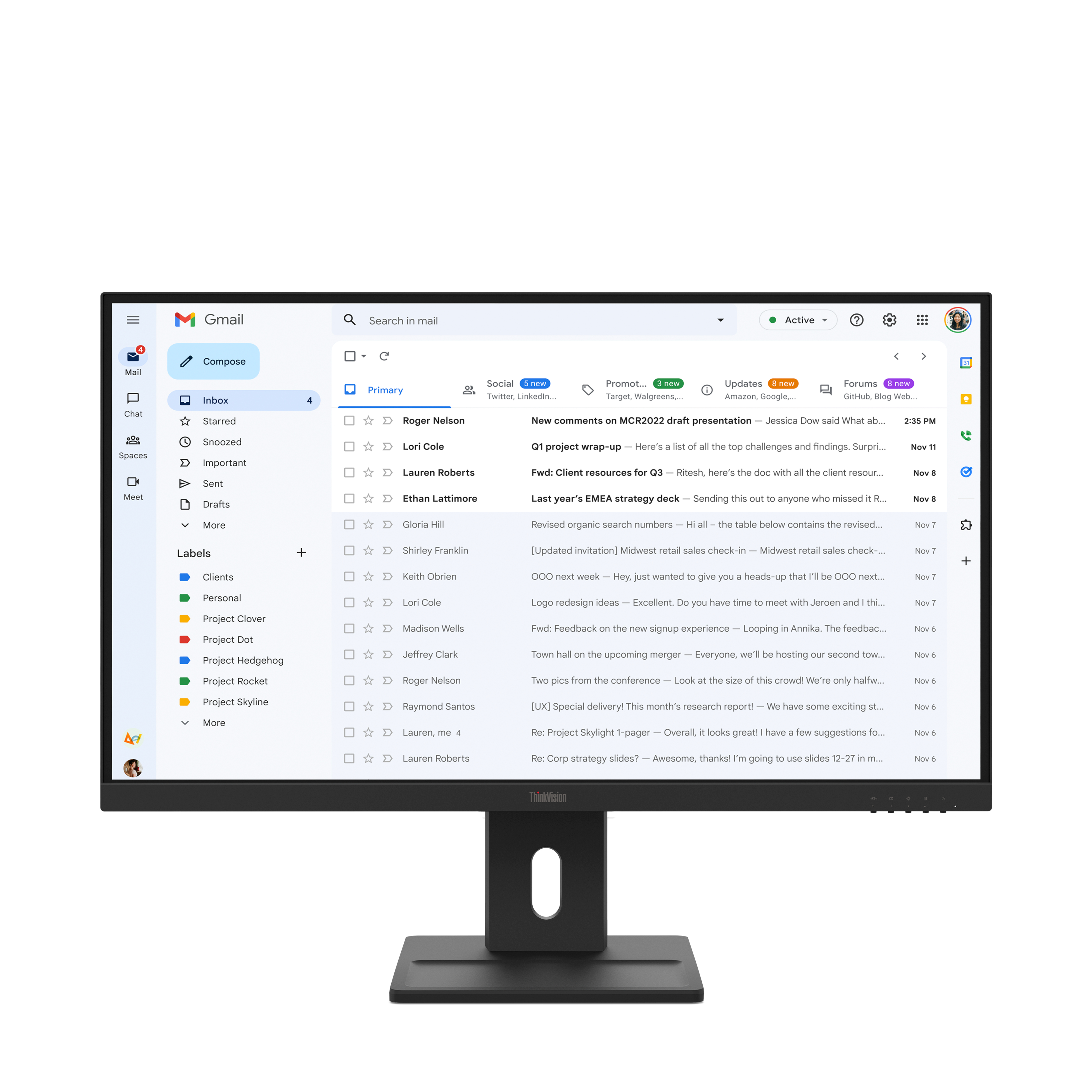
Lenovo ThinkVision E27-40 - LED monitor - 27" - 1920 x 1080 Full HD (1080p) - IPS - 300 cd/m� - 1500:1 - 4 ms - HDMI, VGA, DisplayPort - speakers - raven black
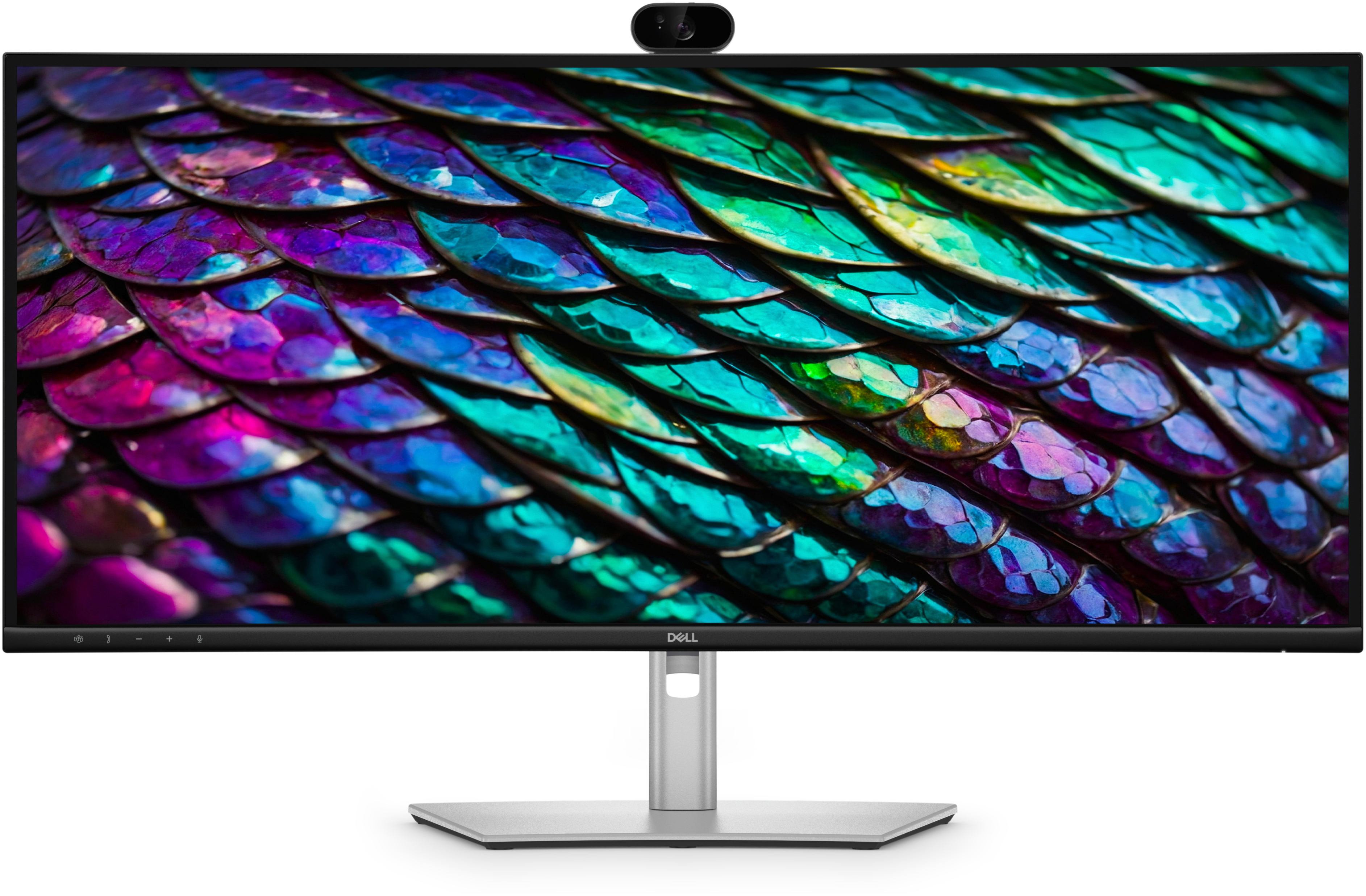
Dell
Dell Pro P 34 USB-C Hub Conferencing Monitor - P3426WEB