- AI
AI for Document Processing
20 Mar, 2026




£197.30 inc. VAT
AI-generated summary
The iiyama ProLite XB2796QSC-B1 is the kind of 27" QHD monitor that makes sense for day-to-day office work and solid “works-from-the-desk” productivity—especially if you want decent sharpness without paying premium brand money. At ~£167.70 ex-VAT, it’s priced like a sensible value option: QHD at this size is a sweet spot for reading lots of text, juggling spreadsheets, and having a bit more usable workspace than 1080p. iiyama generally delivers on practical design too—i.e., it doesn’t feel flimsy for the price and tends to be dependable for office fleets rather than being a flashy “gamer first” panel.
That said, I wouldn’t buy it if you’re expecting top-end colour, extreme viewing angles, or buttery responsiveness for competitive gaming. Budget QHD often means you’re trading “premium display performance” for “good enough, reliable, and affordable,” and that’s the story here. If your work is mainly documents, data, admin, and general multitasking, it’s a good buy. If you’re doing photo/video grading, or you’re picky about colour accuracy and gaming smoothness, you’ll likely be happier spending more or picking a model that’s explicitly aimed at those use cases.
Expand your view with QHD
QHD 2560x1440 resolution offers up to 77% more screen space than Full HD, giving you plenty of room to multitask efficiently, view more content at once, and work with greater precision, without con...
Sleek design, seamless viewing
With edges so thin they’re barely there, your screens blend together, creating a sleek, distraction‑free workspace that’s as comfortable as it is stylish.
Multi-screen setup for a panoramic workspace
Connect multiple ultra-slim bezel monitors to create a panoramic workspace, keep your apps in view, streamline multitasking, and boost productivity.
Connect with ease, work in comfort
With USB-C delivering up to 65W, your laptop stays charged while you work, using just a single, clutter-free connection. The reversible design means you never have to fumble or check which way to p...
Adjustable stand for optimal comfort
Find your perfect screen position easily and maintain a healthy, comfortable posture all day long. Thanks to its fully adjustable stand, you can effortlessly adapt the monitor to your needs. Raise ...
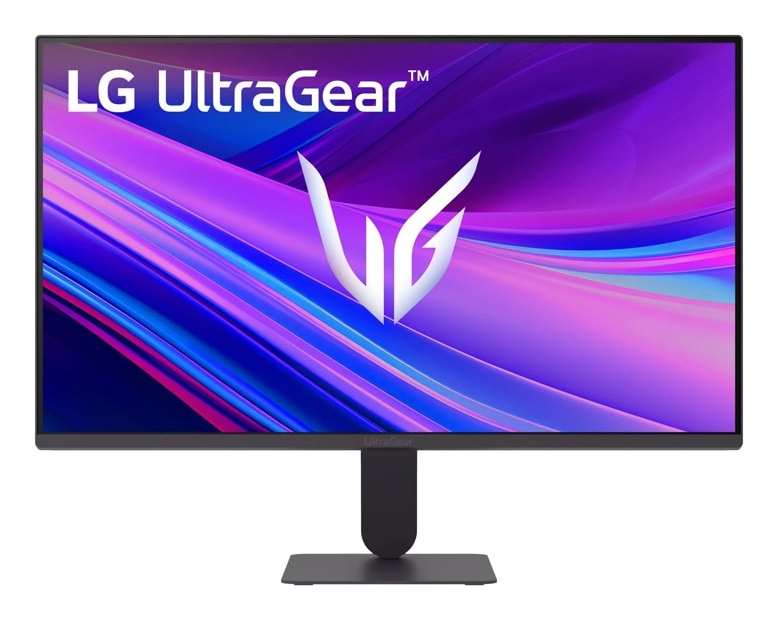
LG Electronics
LG UltraGear 24G411A-B - LED monitor - gaming - 24" (23.8" viewable) - 1920 x 1080 Full HD (1080p) @ 120 Hz - IPS - 250 cd/m� - 1500:1 - HDR10 - 5 ms - HDMI, DisplayPort
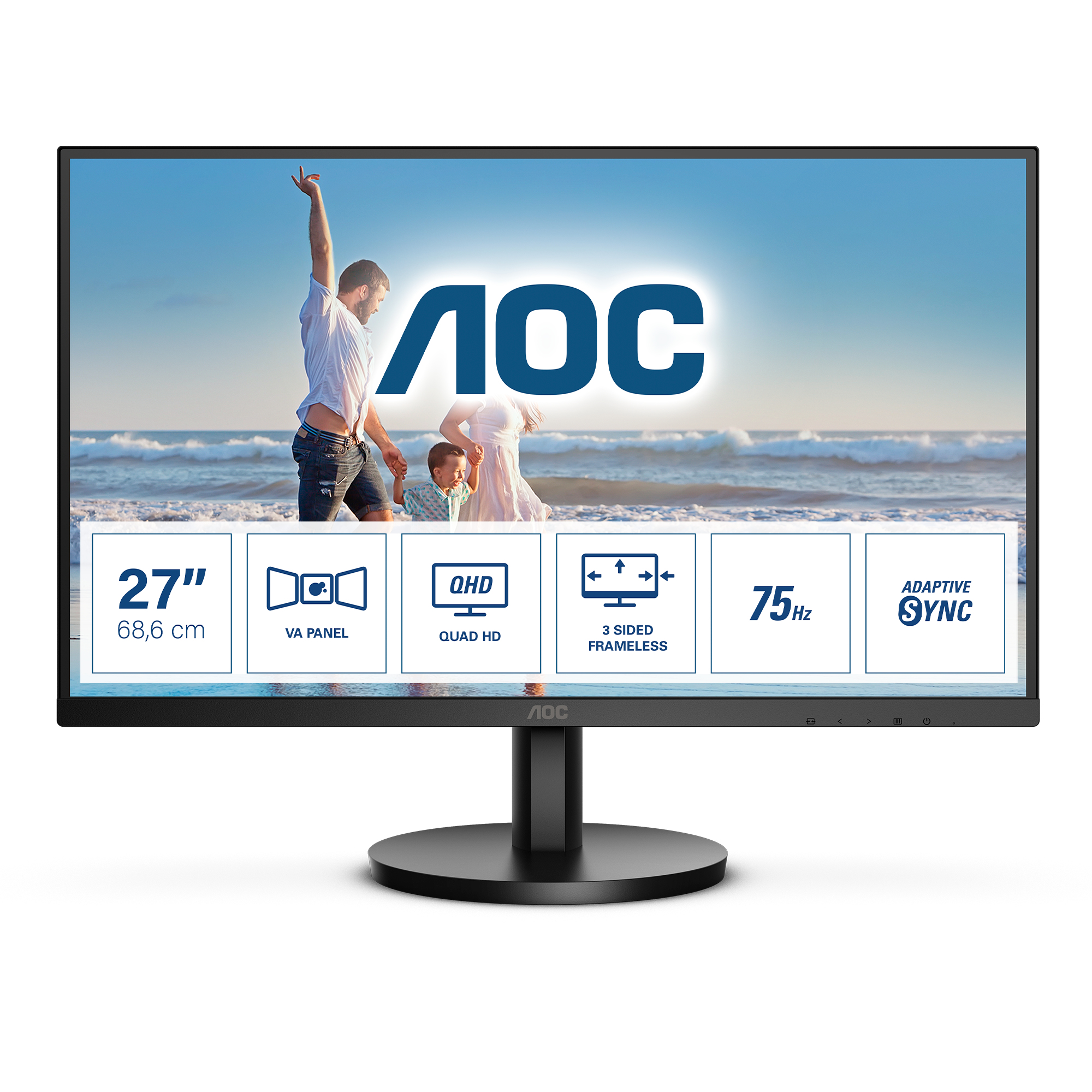
AOC
AOC Q27B3MA - B3 Series - LED monitor - 27" - 2560 x 1440 QHD @ 75 Hz - VA - 250 cd/m� - 4000:1 - 4 ms - HDMI, DisplayPort - speakers - black
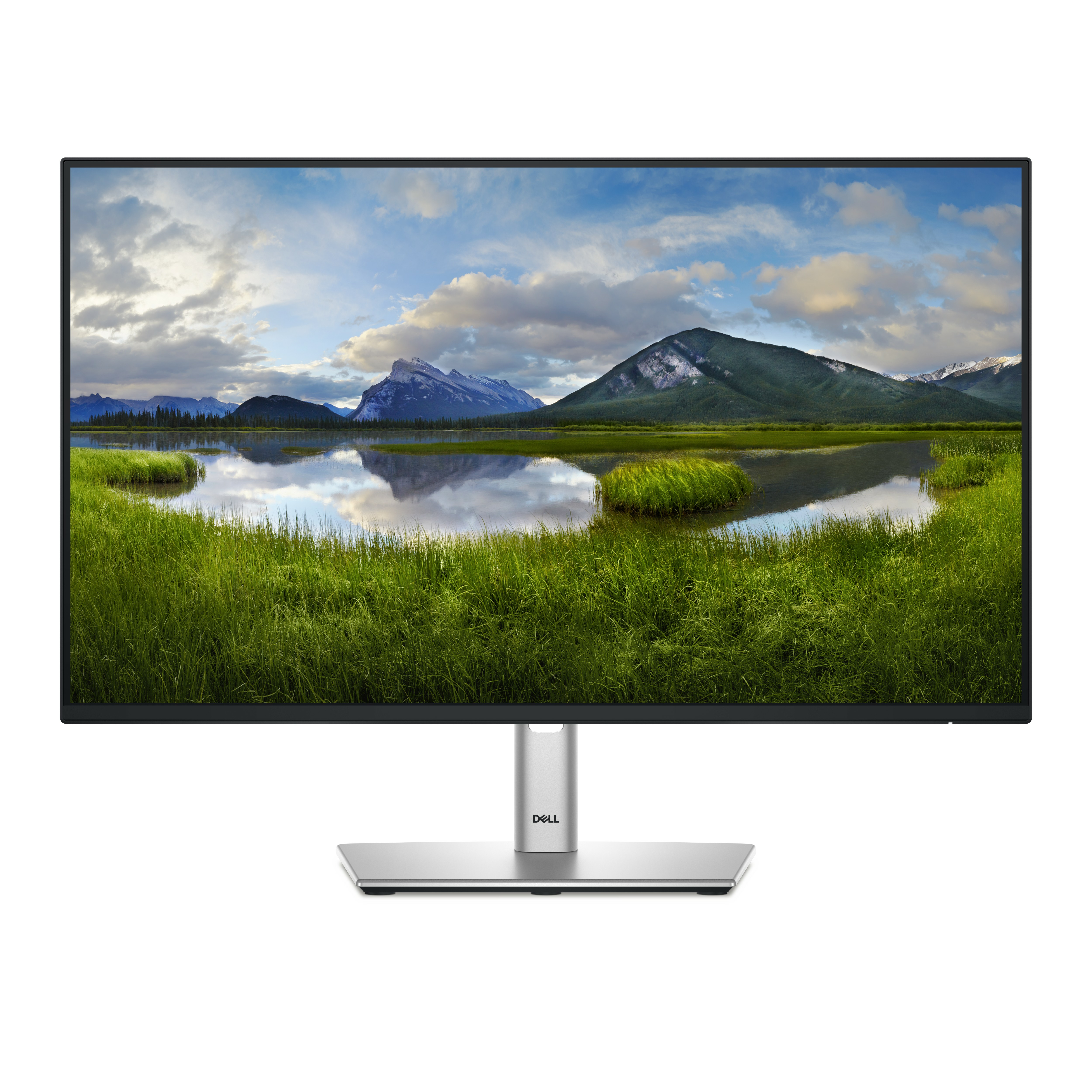
Dell
Dell P2425H - LED monitor - 24" - 1920 x 1080 Full HD (1080p) @ 100 Hz - IPS - 250 cd/m� - 1500:1 - 5 ms - HDMI, VGA, DisplayPort - BTO - with 3 years Basic Hardware Service with Advanced Exchange after remote diagnosis

AOC
AOC Gaming 27G4ZR - G4 Series - LED monitor - gaming - 27" - 1920 x 1080 Full HD (1080p) @ 240 Hz - Fast IPS - 350 cd/m� - 1000:1 - HDR10 - 0.3 ms - 2xHDMI, DisplayPort - black, red