- Google Ads & PPC
The Complete Guide to Google Ads for Small Businesses
1 May, 2026
£139.70 inc. VAT
AI-generated summary
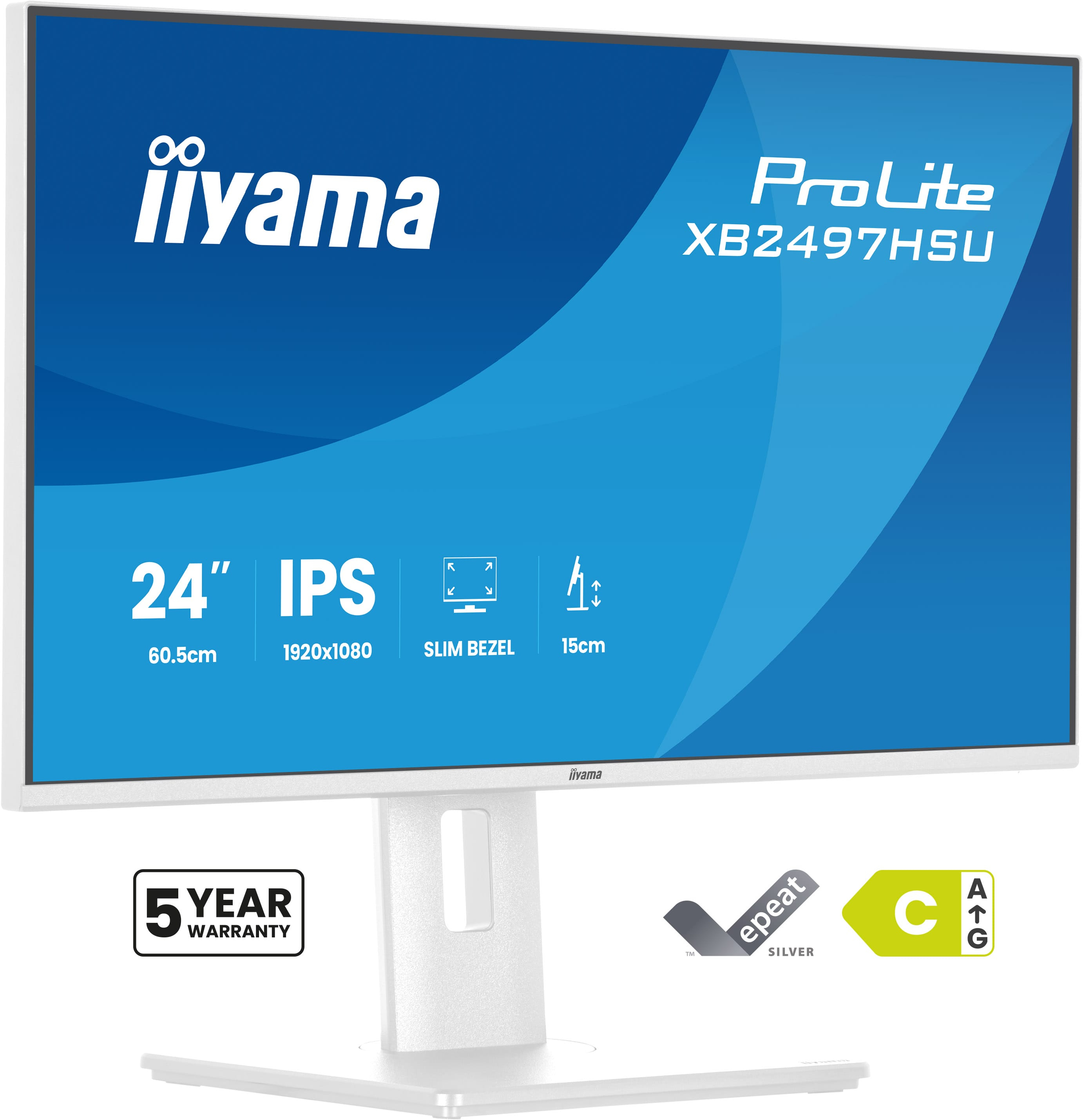
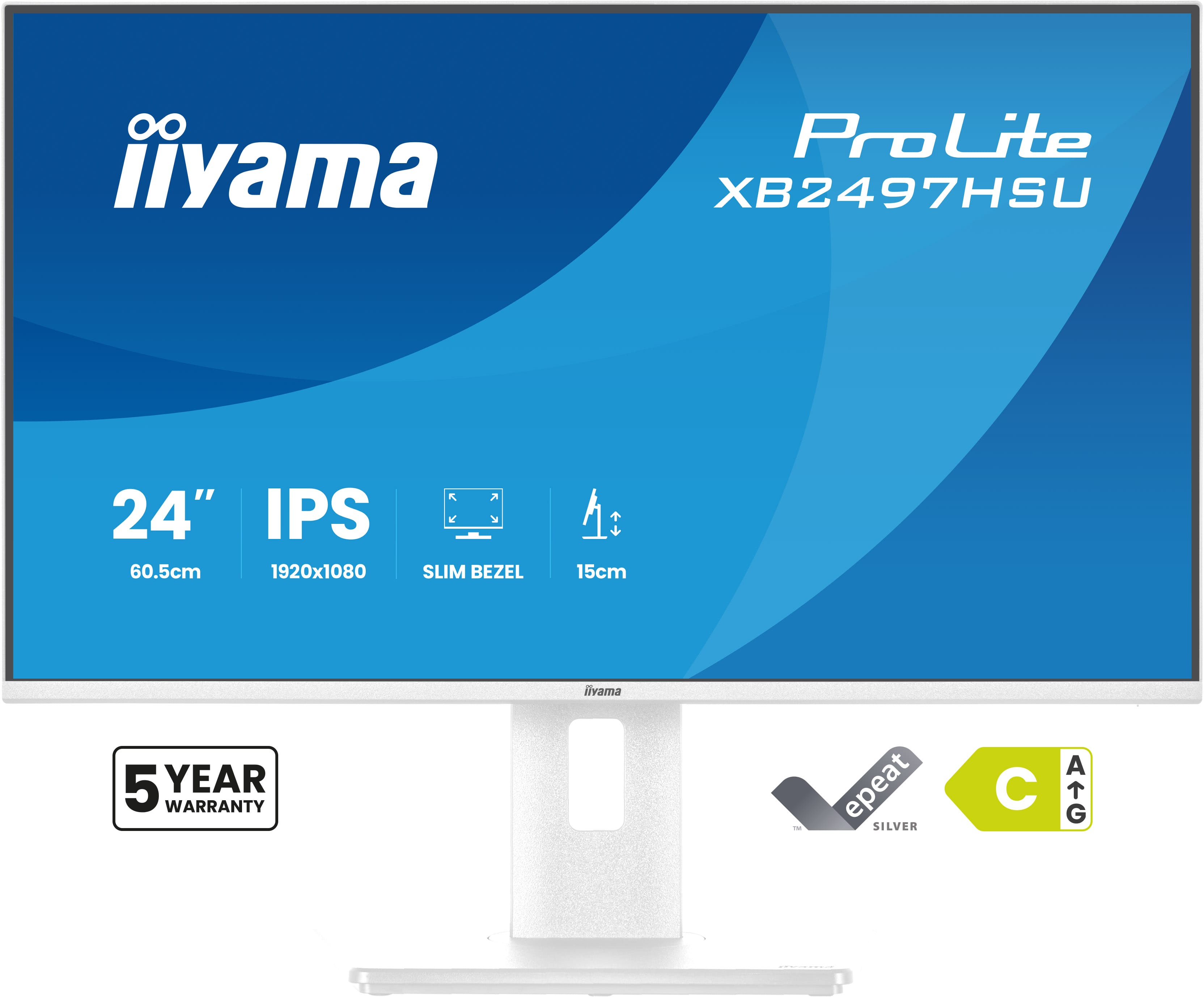
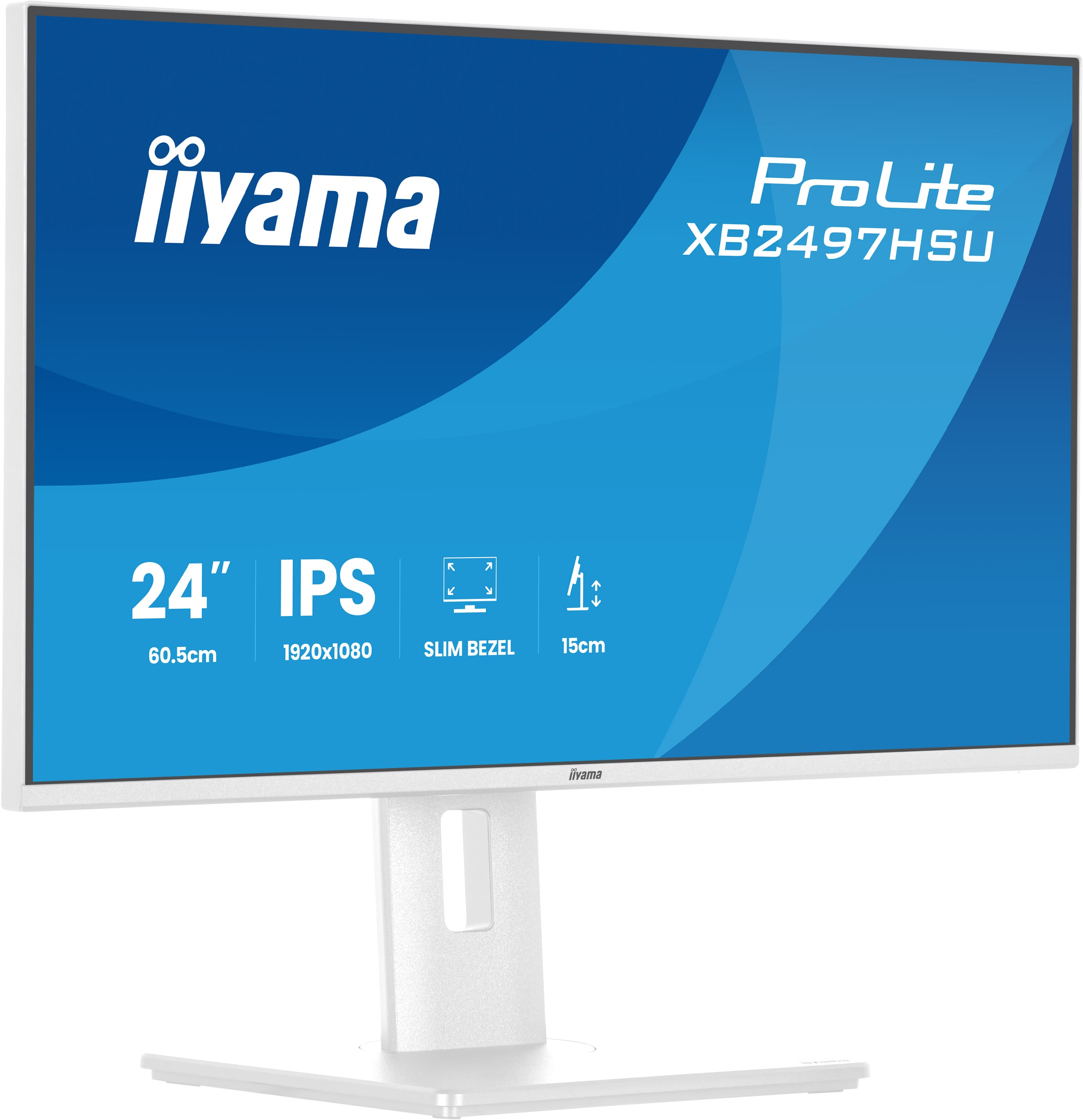
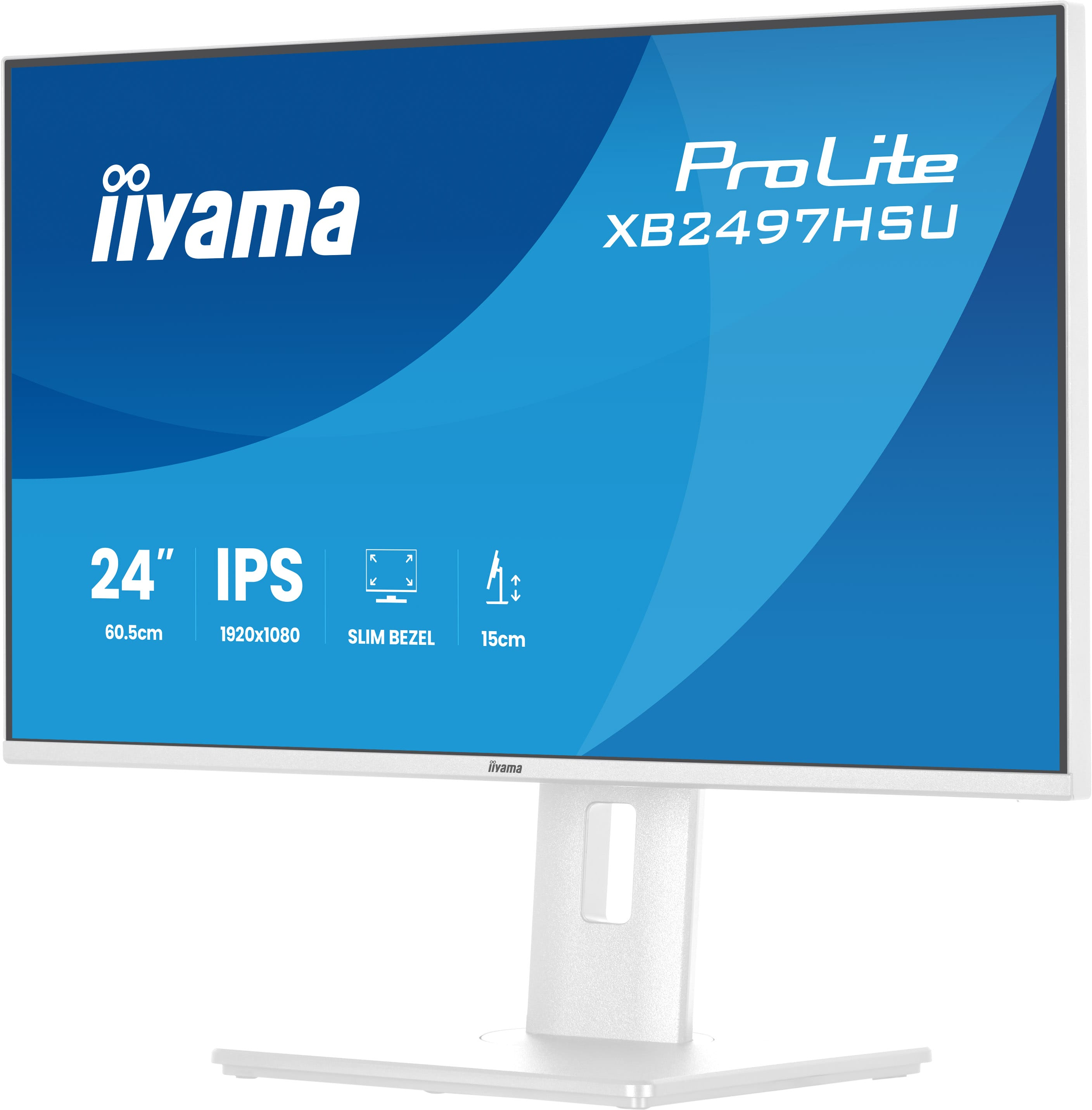
For £119 ex-VAT, the iiyama ProLite XB2497HSU-W1 is the kind of basic, no-drama monitor you buy when you just need dependable desktop space without spending “office tax.” It’s a 23.8" Full HD panel that’ll feel perfectly sensible for typical office tasks like spreadsheets, email, documentation and light data work. iiyama’s usually decent on day-to-day usability (legibility, fairly practical controls, good “works every day” reliability), and for this price it’s a straightforward value option for small teams or those setting up lots of desk stations on a budget.
That said, I wouldn’t buy it if your work involves lots of fine detail at close range, or if you’re picky about colour accuracy for design, video, or anything that needs calibration. Also, with a 1080p screen at this size, it’s fine—but if you’ve got people coming from higher-resolution displays, they may notice the difference. If you just want a competent, cost-effective office monitor and you’re not chasing premium features, it makes sense. If you need more workstation “wow” or longevity in demanding creative/graphics workflows, you’ll likely be happier stepping up.
Multi-screen setup for a panoramic workspace
Connect multiple ultra-slim bezel monitors to create a panoramic workspace, keep your apps in view, streamline multitasking, and boost productivity.
Versatile connectivity for all your devices
Connect multiple devices and accessories in one simple step with HDMI, DisplayPort and the USB hub, streamlining your workspace for maximum efficiency and ensuring a tidy, uninterrupted workflow.
Adjustable stand for optimal comfort
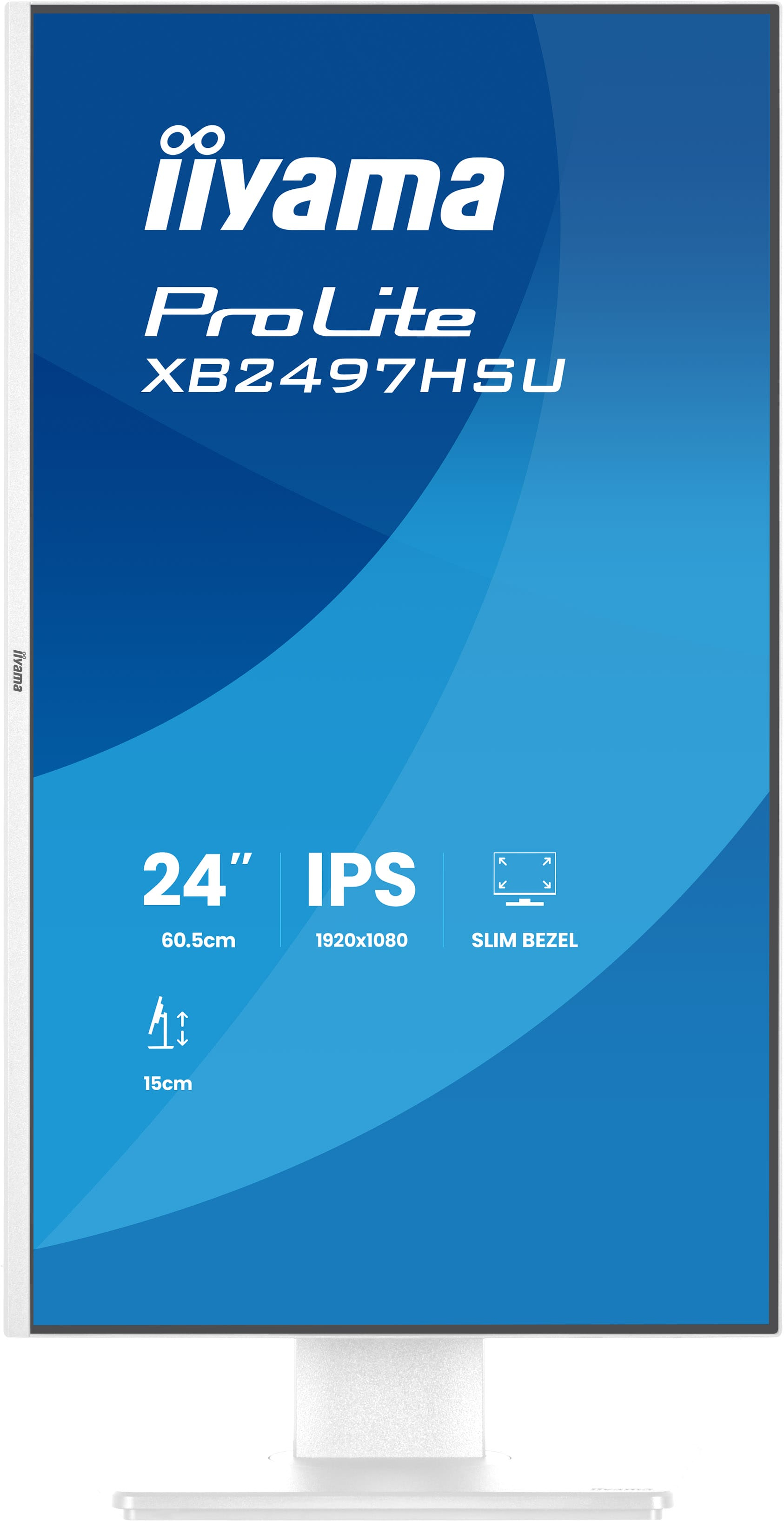
Find your perfect screen position easily and maintain a healthy, comfortable posture all day long. Thanks to its fully adjustable stand, you can effortlessly adapt the monitor to your needs. Raise ...
Feel the difference with certified eye comfort
Flicker-free technology, blue light reduction, and true-to-life colour accuracy combine to reduce eye strain and support lasting visual comfort. Backed by TÜV Rheinland Eye Comfort certification, t...
Save electricity, maintain picture performance
Compared to an E Energy class monitor of the same size, your C label iiyama display reduces energy costs by around 37%! Without sacrificing picture quality. The efficient LED backlight technology c...
Asus
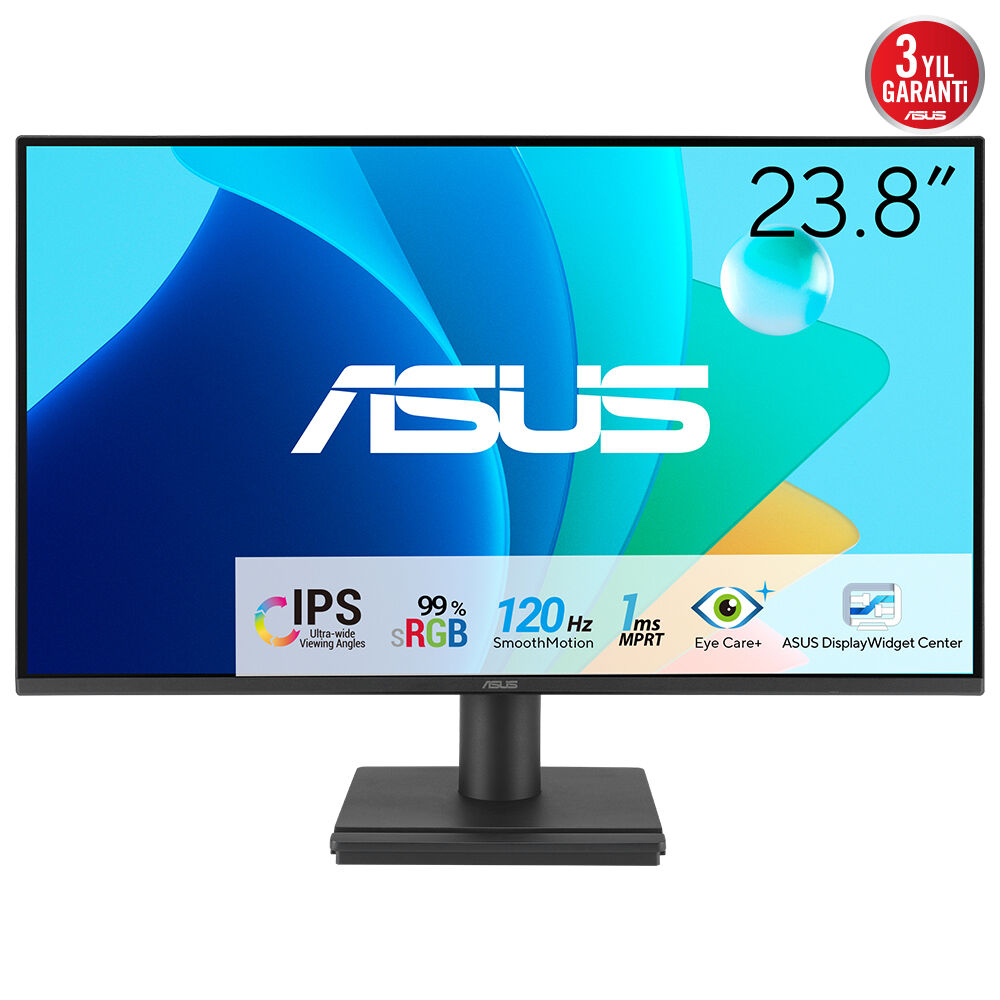
ASUS VA249HG - LED monitor - gaming - 24" (23.8" viewable) - 1920 x 1080 Full HD (1080p) @ 120 Hz - IPS - 300 cd/m� - 1500:1 - 1 ms - HDMI, VGA - black
Philips
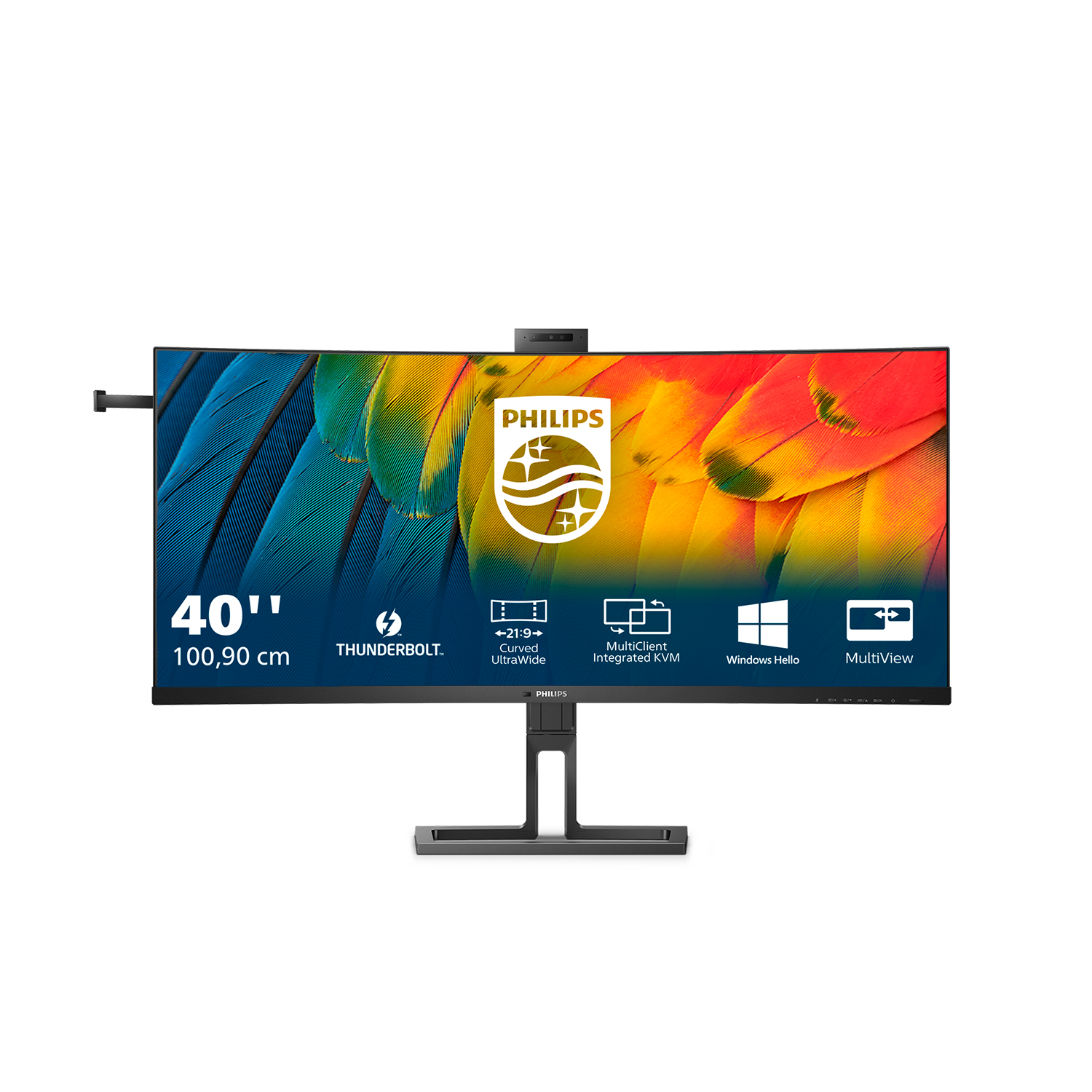
Philips 40B1U6903CH - 6000 Series - LED monitor - curved - USB - 39.7" - 5120 x 2160 WUHD @ 75 Hz - IPS - 300 cd/m� - 1000:1 - HDR10 - 4 ms - Thunderbolt 4, 2xHDMI, DisplayPort - speakers - textured black
Philips
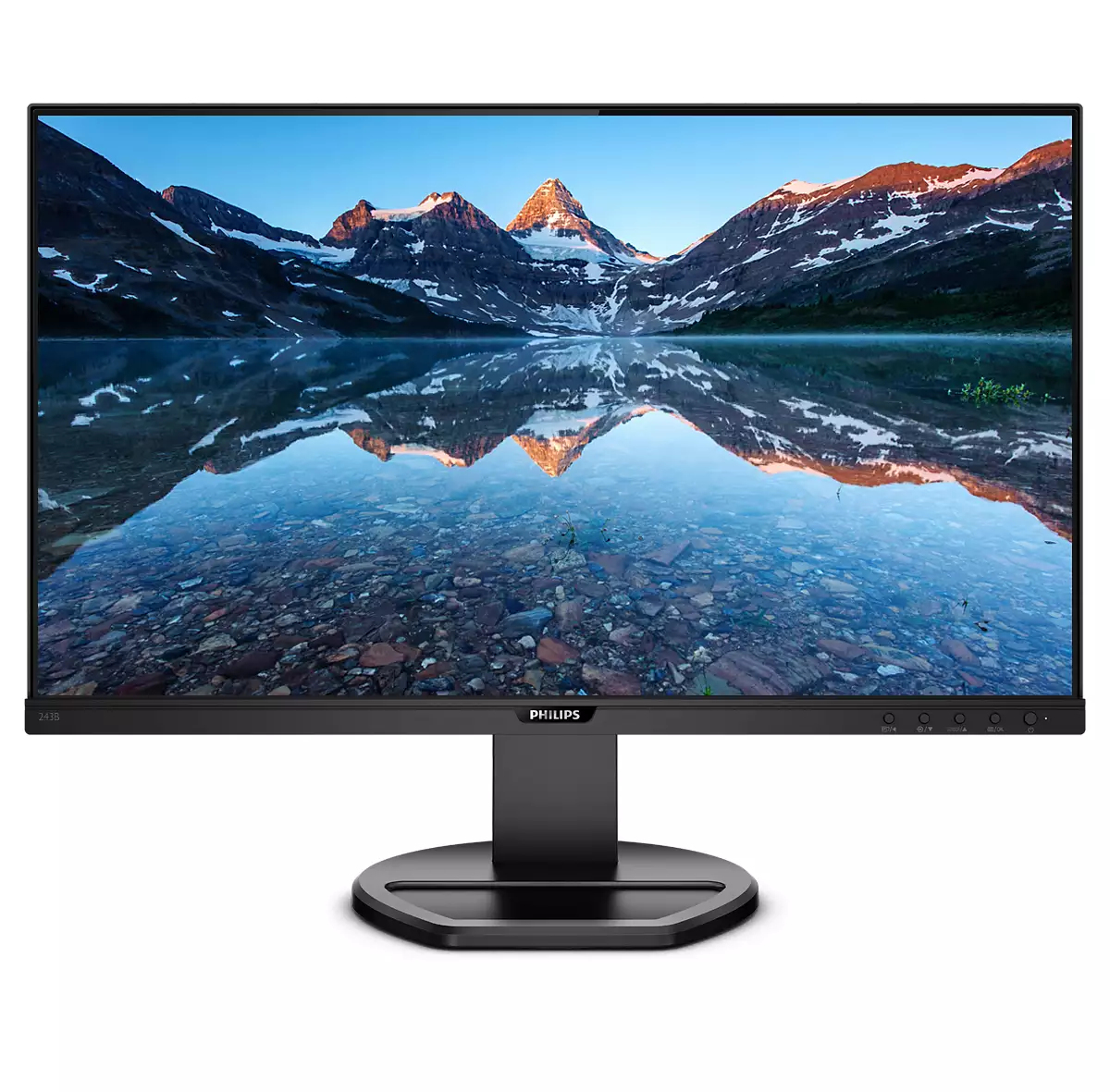
Philips B Line 243B9 - LED monitor - 24" - 1920 x 1080 Full HD (1080p) @ 75 Hz - IPS - 250 cd/m� - 1000:1 - 4 ms - HDMI, VGA, DisplayPort, USB-C - speakers - black texture
Samsung
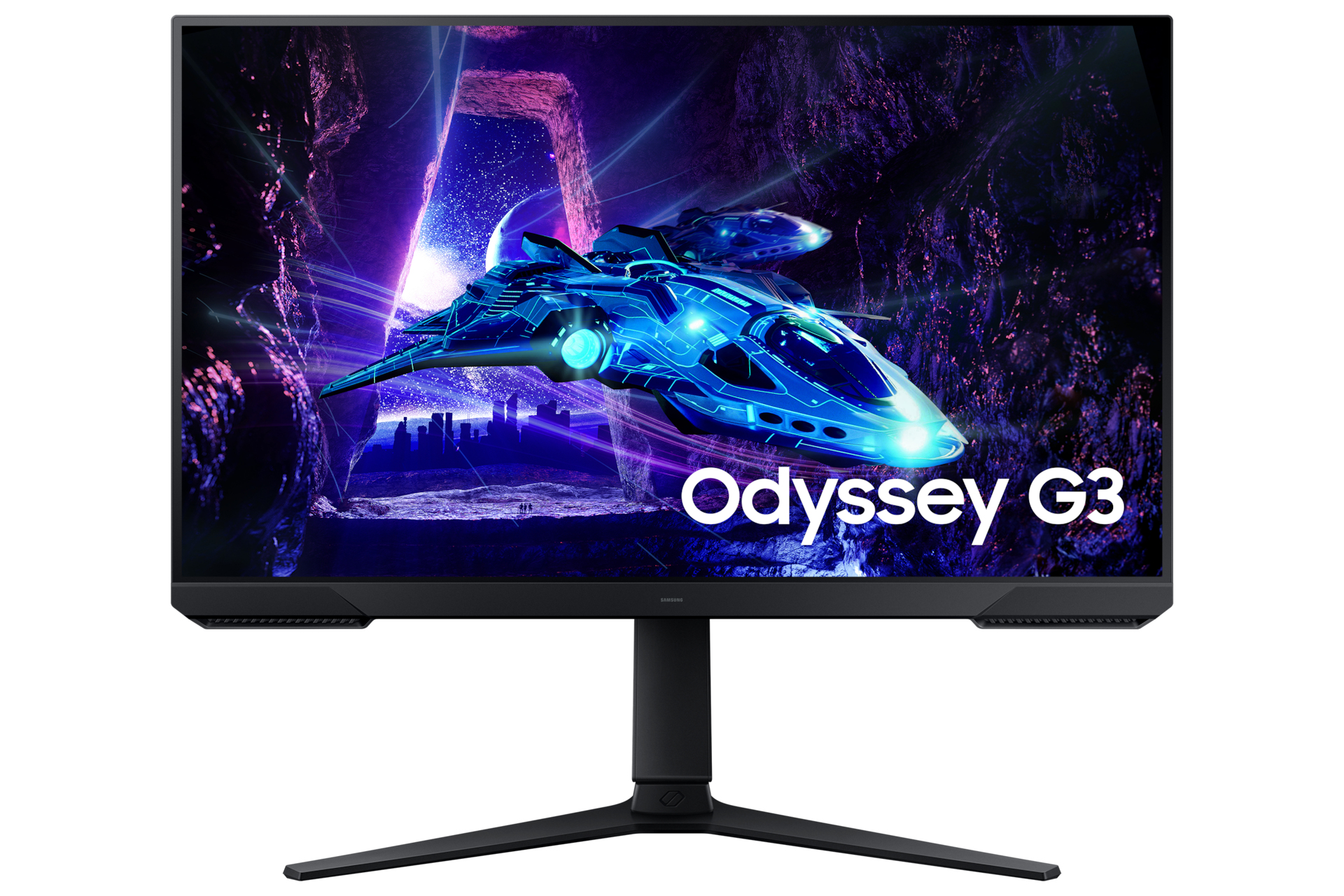
Samsung Odyssey G3 S27DG302EU - G30D Series - LED monitor - gaming - 27" - 1920 x 1080 Full HD (1080p) @ 180 Hz - VA - 250 cd/m� - 3000:1 - HDR10 - 1 ms - HDMI, DisplayPort - black