- Virtual CIO
How to Build a Data-Driven IT Strategy
18 Mar, 2026
£162.13 inc. VAT
AI-generated summary
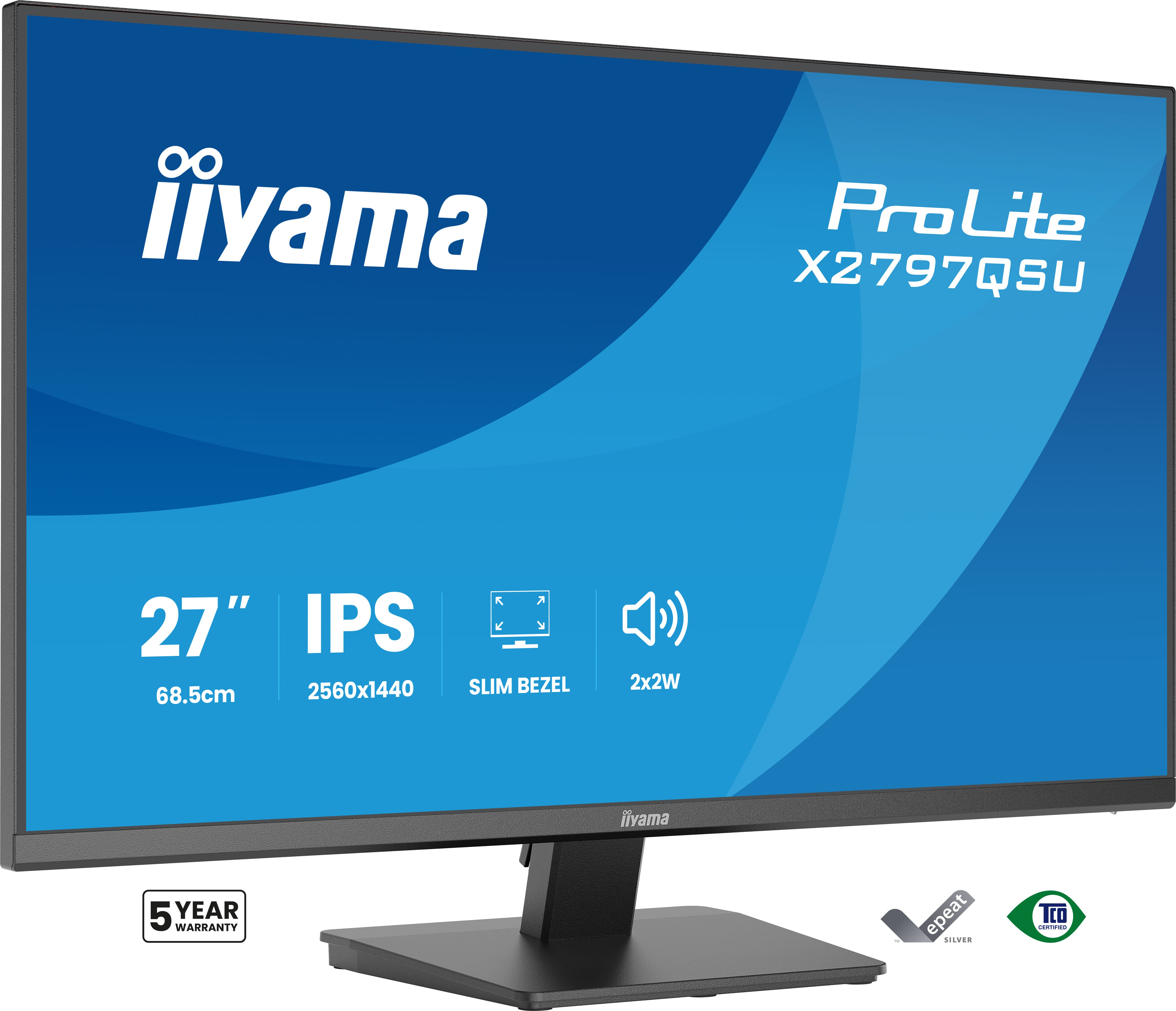
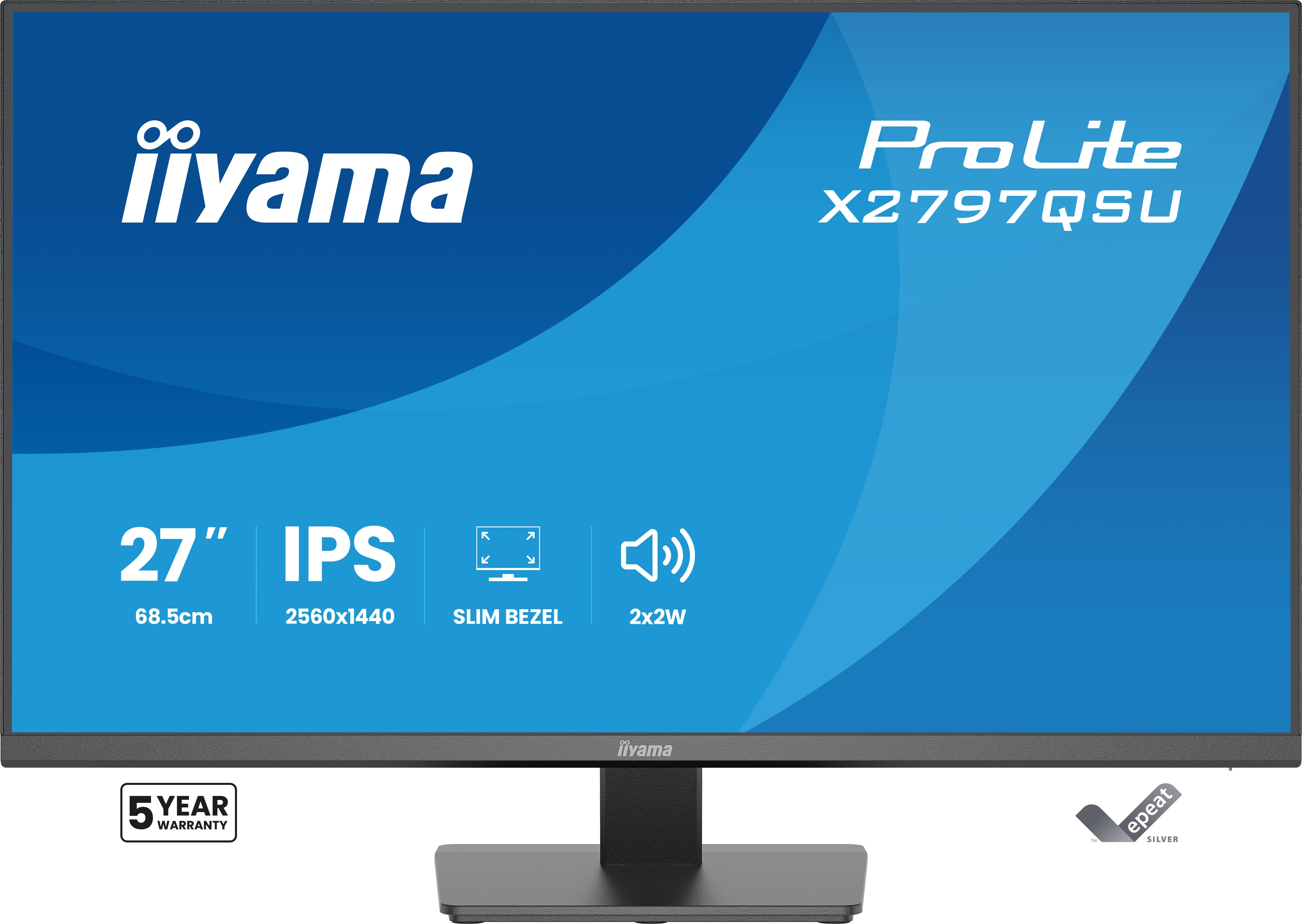
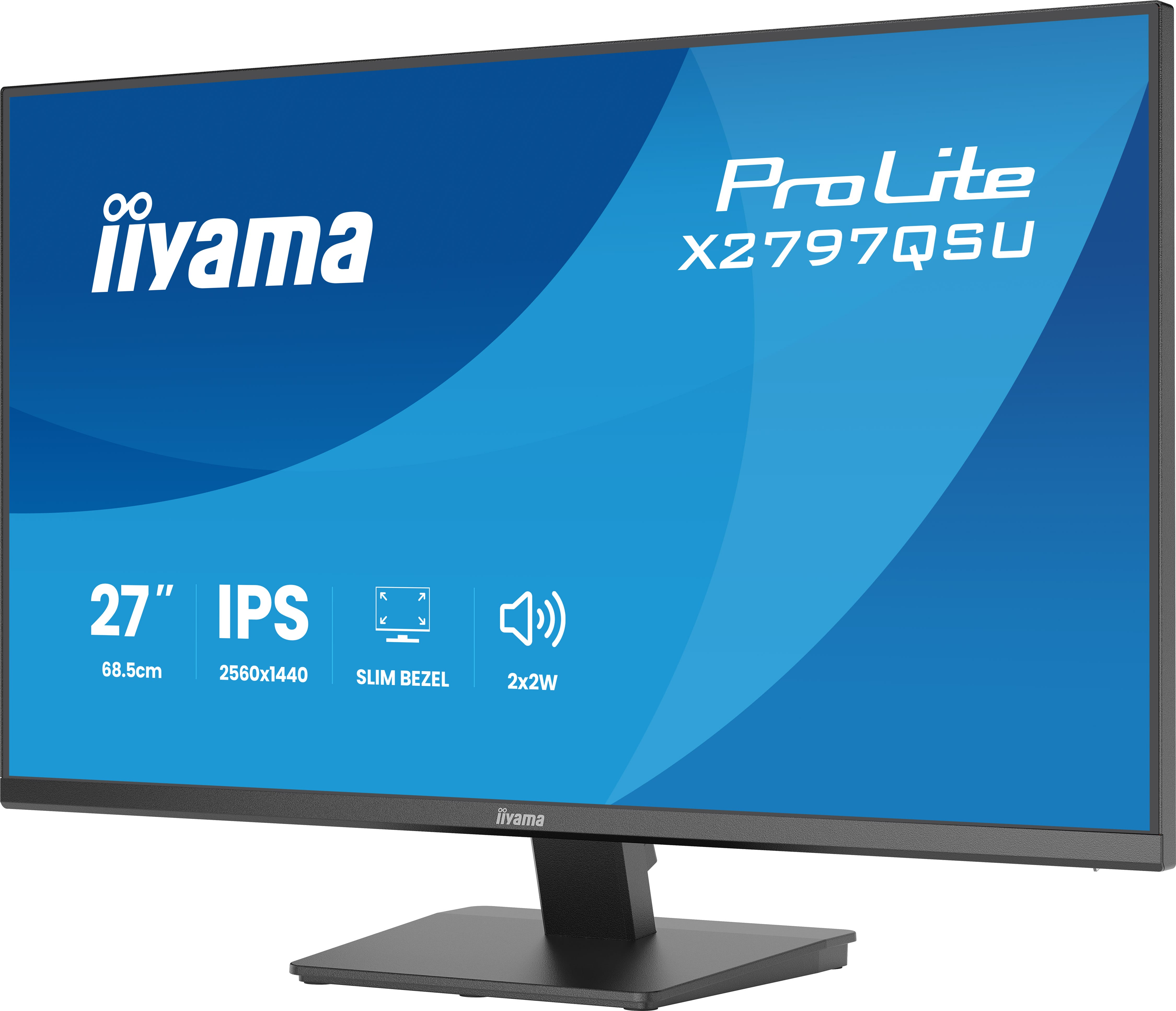
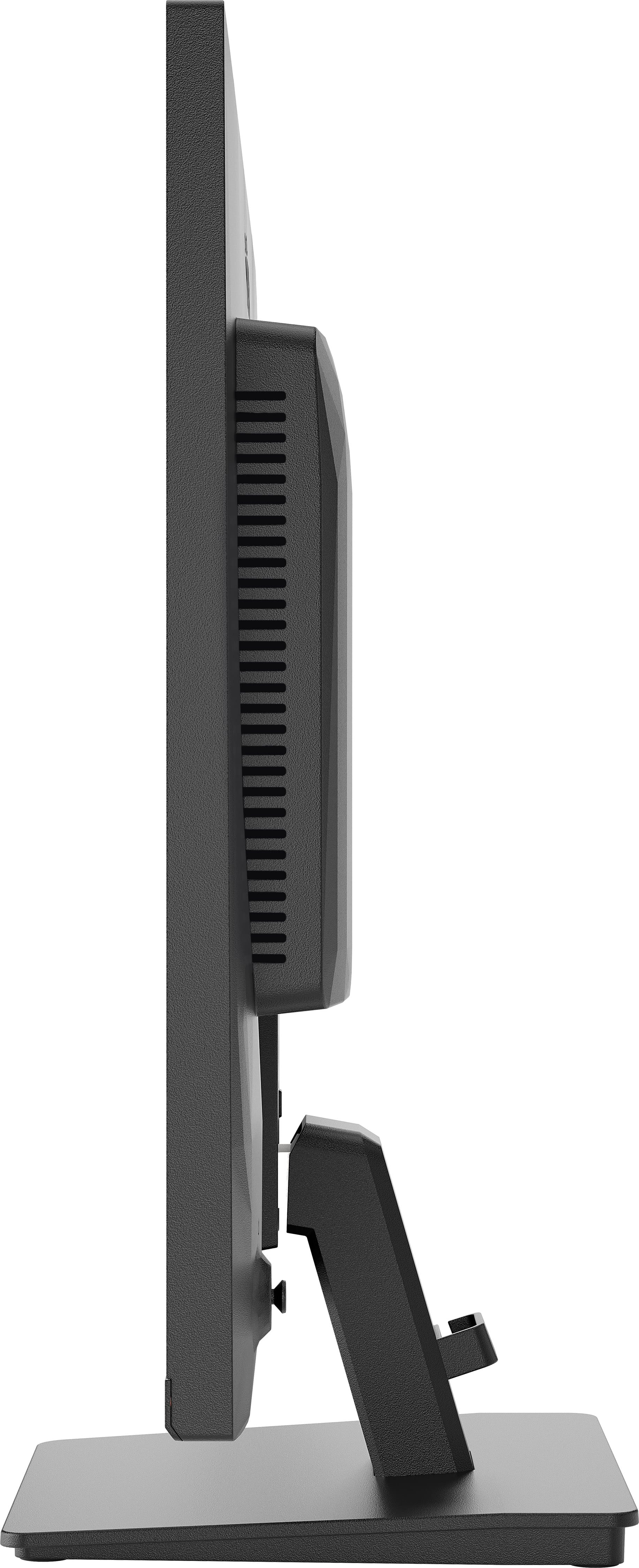
The iiyama ProLite X2797QSU-B1 at £138.16 ex-VAT is the sort of monitor you buy when you want a sensible 27" Quad HD upgrade without getting sucked into “premium” pricing. In day-to-day office and light design work, the 2560×1440 resolution is a sweet spot: noticeably sharper than 1080p, but not as demanding as higher-res options. iiyama also tends to be pretty practical—good enough factory setup, decent viewing angles for typical business use, and a generally reliable panel brand choice for this price bracket. If you’re standardising desks across a team, it’s a solid value pick.
That said, I wouldn’t treat this as a “creator” or “gaming-first” monitor. At this price, you’re unlikely to get the kind of colour consistency, HDR performance, or fast-response gaming polish that pricier models are known for—so if your work depends on accurate colour grading or you’re chasing high-end smoothness, look elsewhere. But for spreadsheets, document-heavy roles, general office productivity, and teams that just need a dependable step up in workspace real estate, it’s an easy recommendation. If you tell me your typical use (office only vs design vs mixed) and whether it needs to be used with a laptop, I can sanity-check the fit a bit more.
Expand your view with QHD
QHD 2560x1440 resolution offers up to 77% more screen space than Full HD, giving you plenty of room to multitask efficiently, view more content at once, and work with greater precision, without con...
Multi-screen setup for a panoramic workspace
Connect multiple ultra-slim bezel monitors to create a panoramic workspace, keep your apps in view, streamline multitasking, and boost productivity.
Feel the difference with certified eye comfort
Flicker-free technology, blue light reduction, and true-to-life colour accuracy combine to reduce eye strain and support lasting visual comfort. Backed by TÜV Rheinland Eye Comfort certification, t...
Versatile connectivity for all your devices
Connect multiple devices and accessories in one simple step with HDMI, DisplayPort and the USB hub, streamlining your workspace for maximum efficiency and ensuring a tidy, uninterrupted workflow.
Built-in audio without extra clutter
Enjoy clear, pleasant sound for calls, videos, and music while keeping your desk free of extra speakers, thanks to the integrated audio.

Lenovo
Lenovo ThinkVision P40WD-40 - LED monitor - curved - 40" (39.7" viewable) - 5120 x 2160 5K @ 120 Hz - IPS - 400 cd/m� - 2000:1 - HDR10 - 4 ms - Thunderbolt 4, HDMI, DisplayPort - speakers - eclipse black

Philips
Philips 24B2G5200 - LED monitor - 24" (23.8" viewable) - 1920 x 1080 Full HD (1080p) @ 100 Hz - IPS - 1500:1 - HDMI, VGA, DisplayPort - speakers - charcoal
AOC
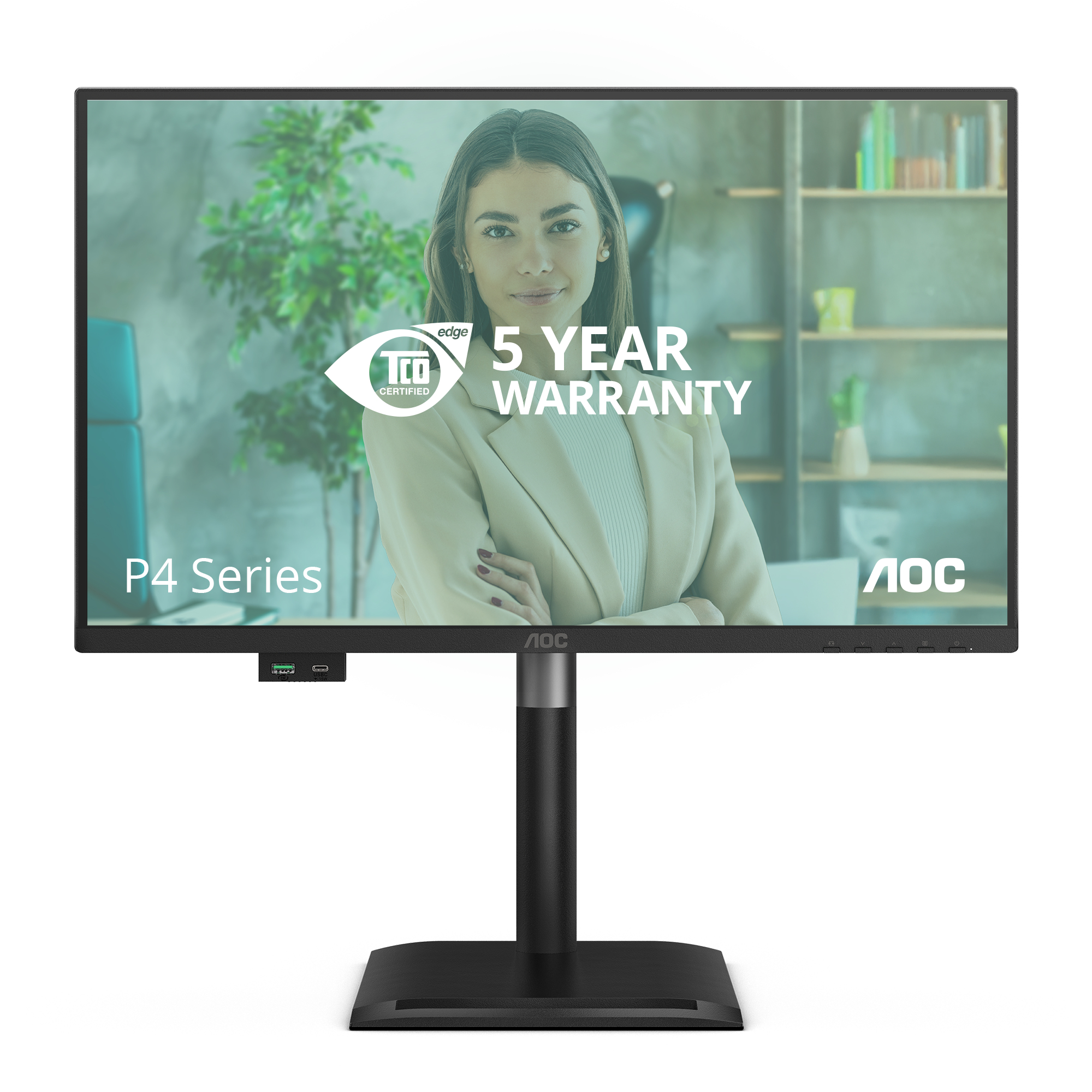
AOC 24P4U - LED monitor - 24" - 1920 x 1080 Full HD (1080p) @ 120 Hz - IPS - 1500:1 - 4 ms - HDMI, DisplayPort - speakers - black
ViewSonic
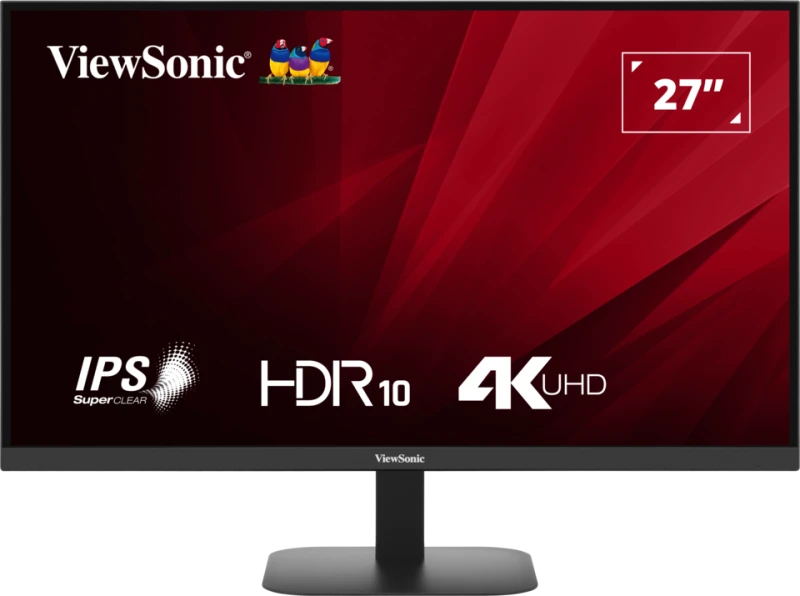
ViewSonic VA2708-4K-HD - LED monitor - 27" - 3840 x 2160 4K @ 60 Hz - IPS - 250 cd/m� - 1200:1 - HDR10 - 4 ms - HDMI, DisplayPort