- Cloud Backup
How to Choose a Cloud Backup Provider for Your Business
12 Jul, 2025
£392.35 inc. VAT
AI-generated summary
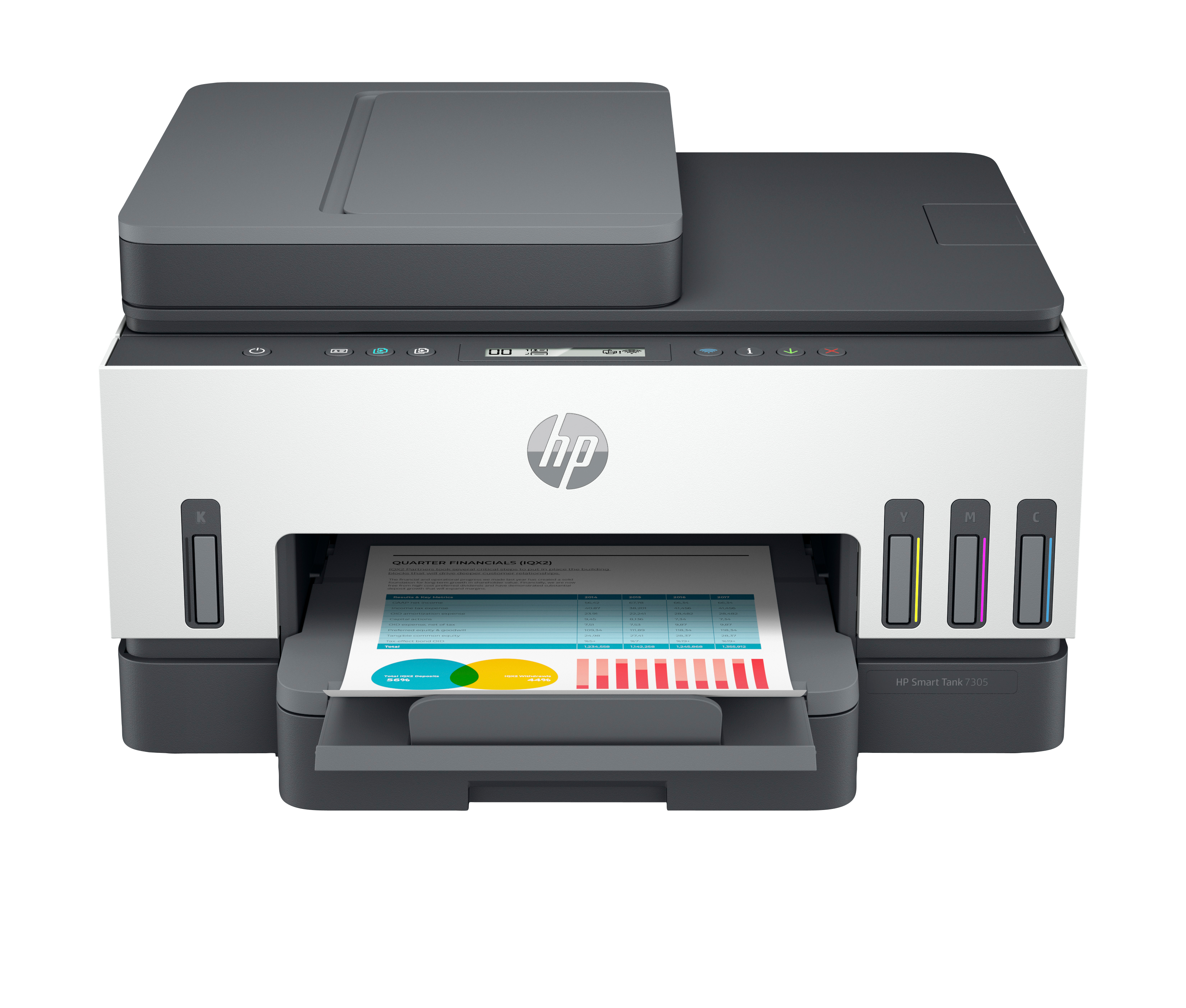
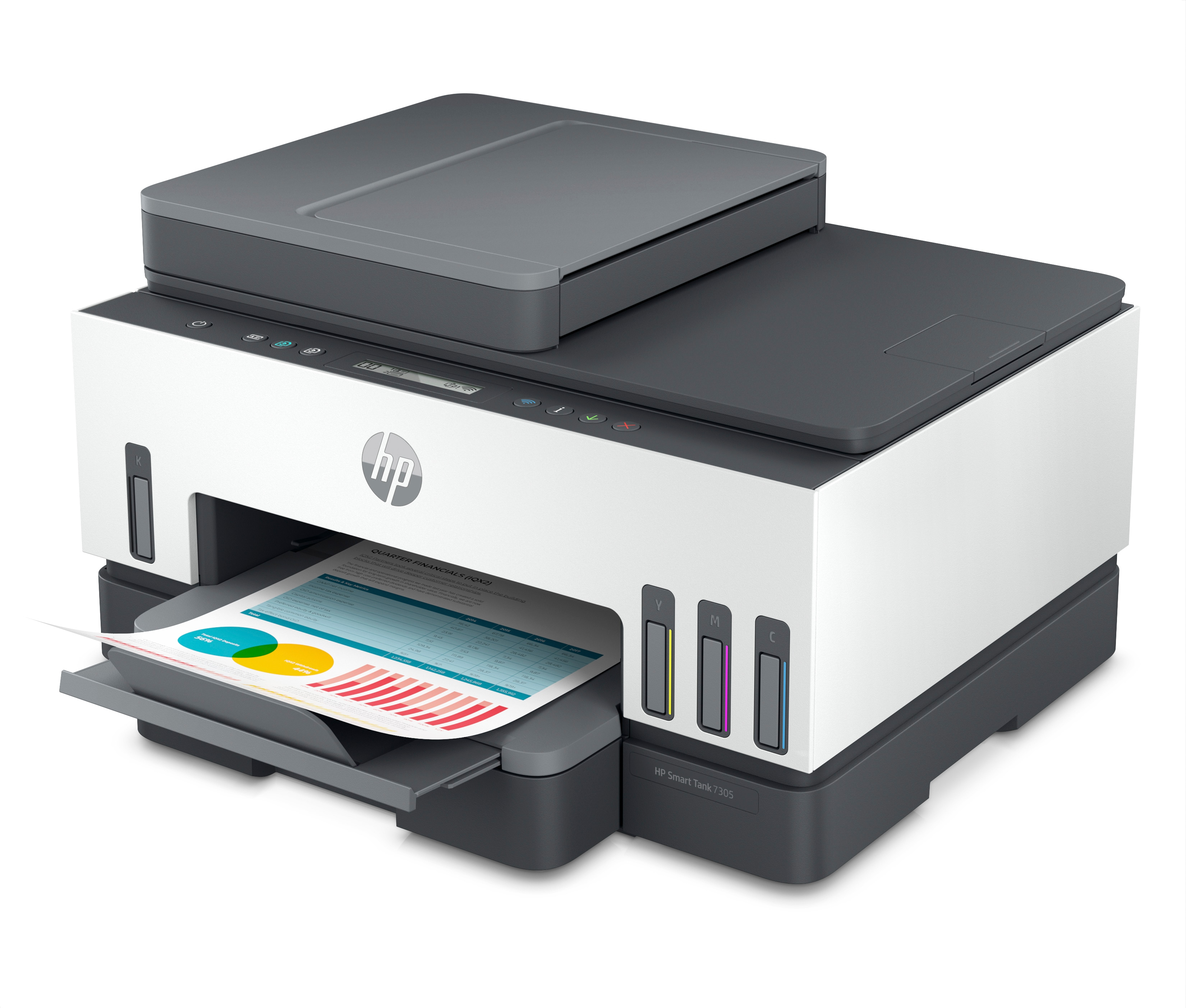
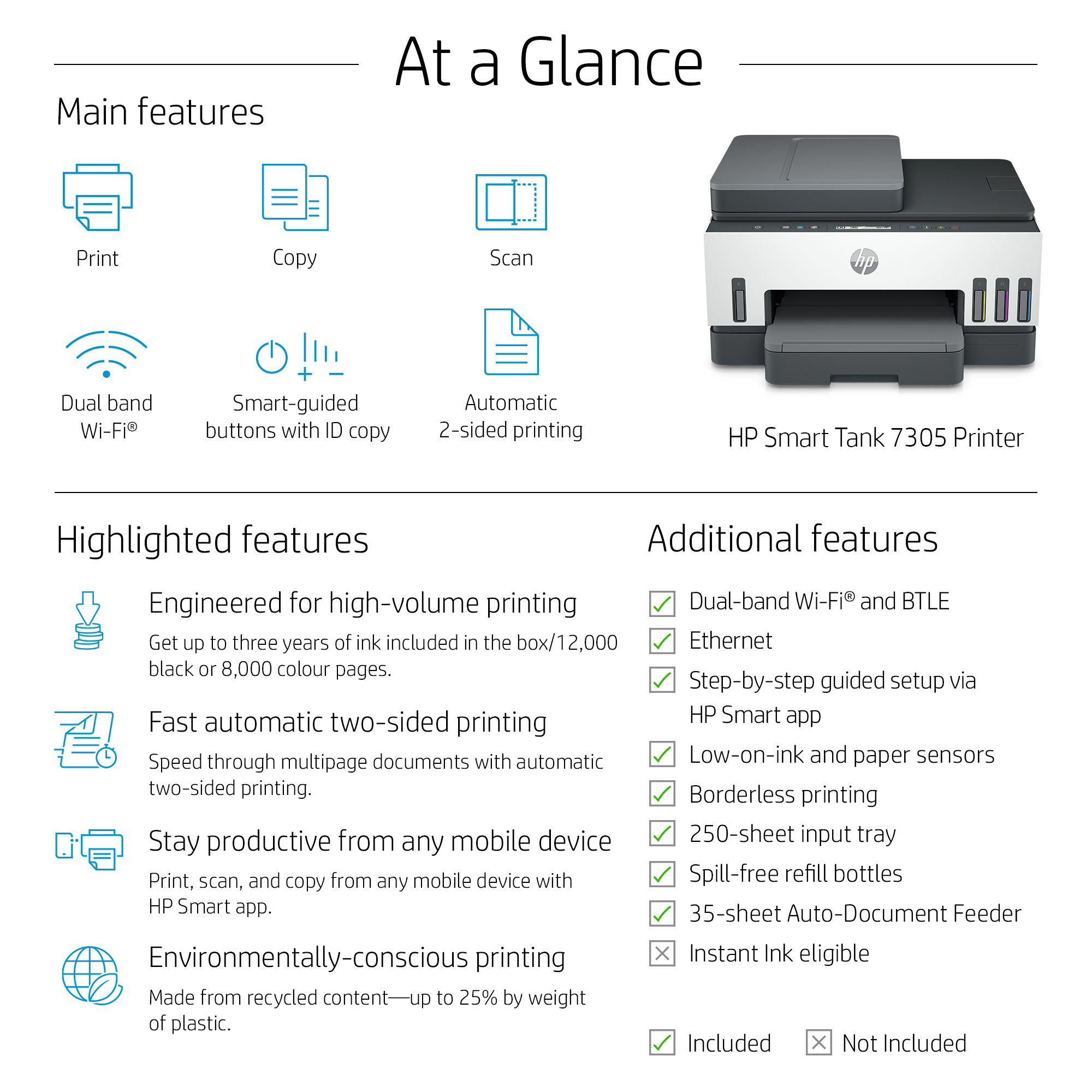
At £326.96 ex-VAT, the HP Smart Tank 7305 is the sort of “stop paying per-page” printer that makes sense for small offices and busy home workers who print *enough* to use up ink—not just occasional bursts. The refillable tank approach is typically where you win: once you’re running consistent volumes, your cost per print can drop dramatically compared with cartridge setups, and the two-sided/copy/scan capability covers the day-to-day without needing a separate device. If you’re fed up with cartridges drying out or recurring maintenance, this is the direction to go.
That said, I wouldn’t buy it if your business prints very lightly or only sporadically. Tank printers can still be great, but they’re not ideal for environments where paper use is low and the machine sits idle for weeks. Also, if your priority is ultra-fast, heavy-duty colour output, you may end up wishing you’d spent on something built for that workflow. For the right customer—SMBs, reception/admin teams, small print shops-for-the-office, anyone wanting predictable running costs—this looks like solid value; for low-volume printing, it’s probably an overcommitment.

Exceptional HP quality
Count on dark, crisp text, and get vibrant colour graphics for all your prints.
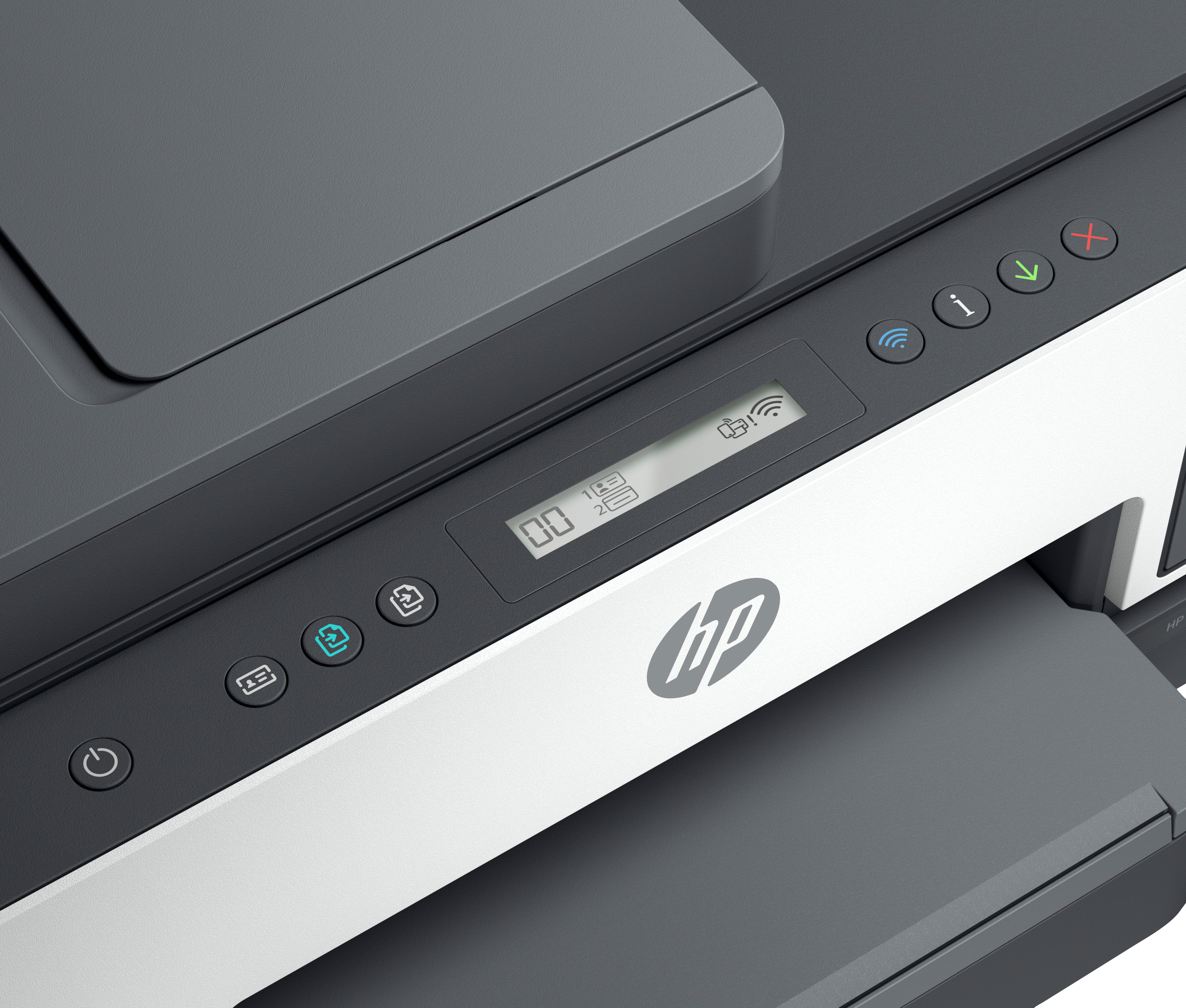
Smart-guided buttons
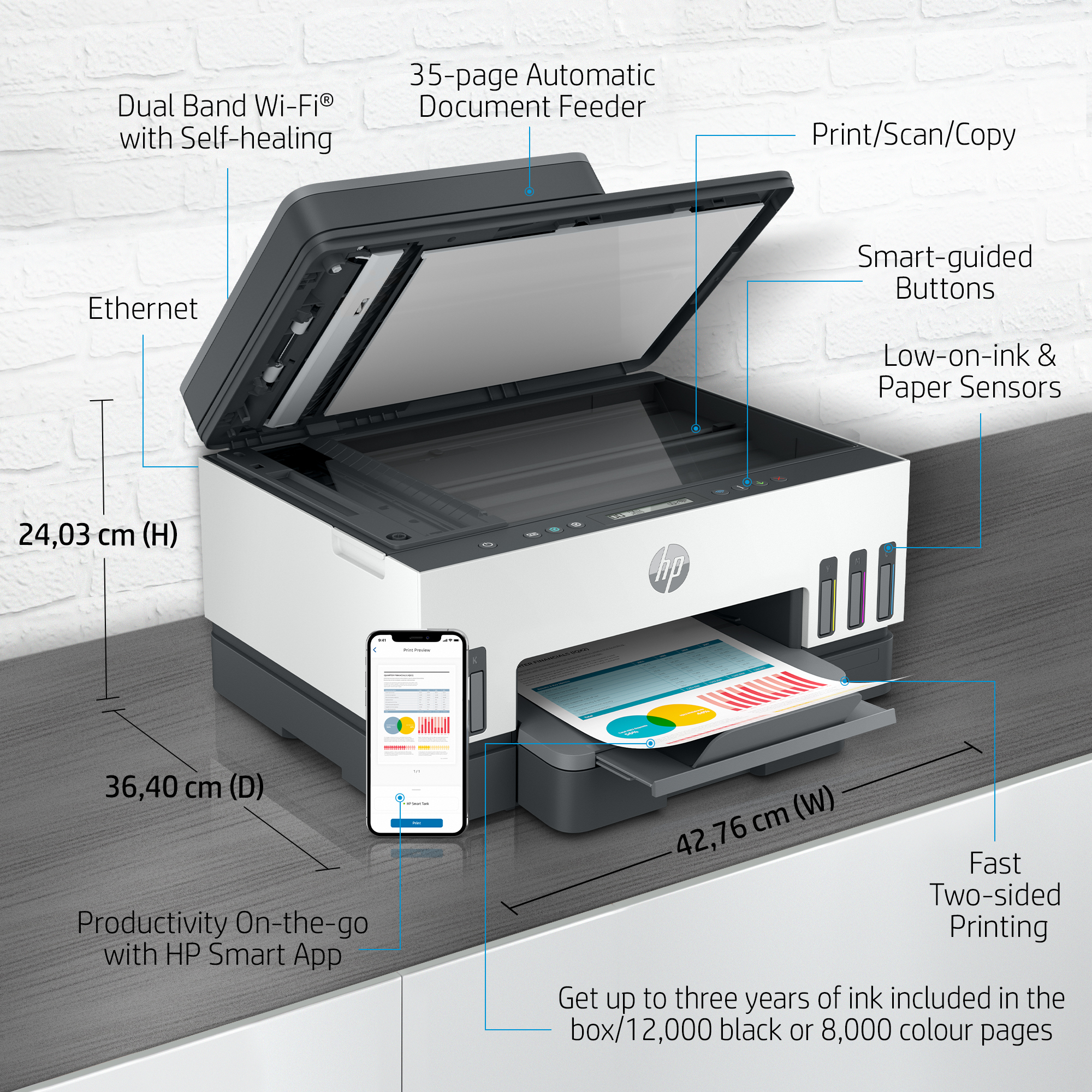
Easily manage tasks with smart-guided buttons that illuminate and guide you through the printing process.
Convenient ink and paper management
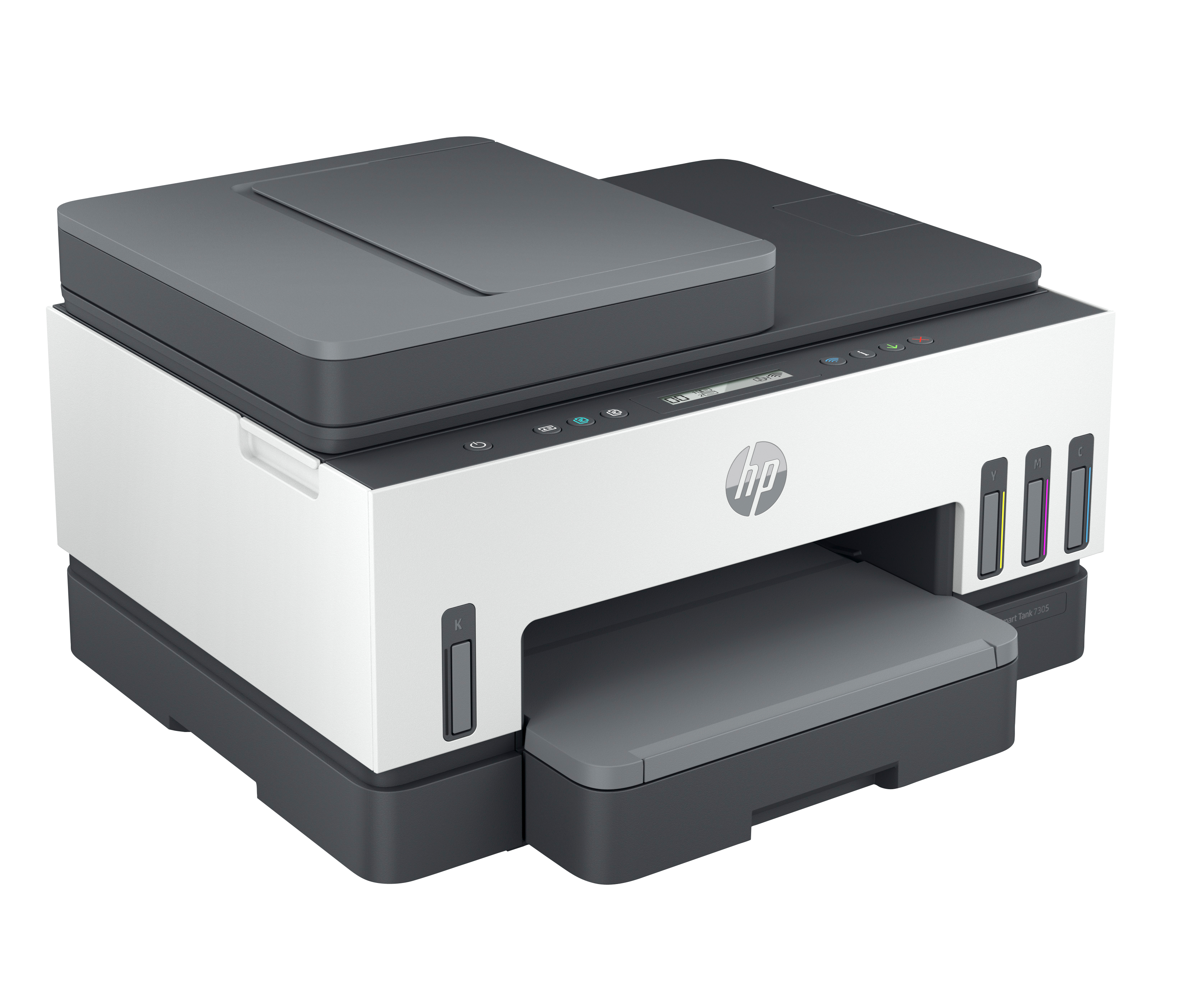
Easily monitor ink and paper levels with automatic Low on Ink and paper sensors.

Extend your printing reach
Easily share resources – access and print with wireless and Ethernet networking.[3]

Hands-free. Auto-fed
Work fast and hands-free – the 35 page auto-feeder helps you complete jobs quickly.
All the features you need
Get the features you need for work and other tasks with copy, and scan functions.

Epson
Epson EcoTank ET-5150 ET 5150 ET5150 - Multifunction printer - colour - ink-jet - A4/Legal (media) - up to 17 ppm (printing) - 250 sheets - USB, LAN, Wi-Fi
Epson
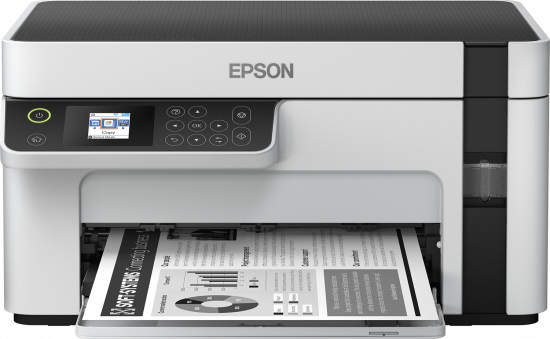
Epson EcoTank ET-M2120 ET M2120 ETM2120 2120 - Multifunction printer - B/W - ink-jet - A4/Legal (media) - up to 15 ppm (printing) - 150 sheets - USB, Wi-Fi - white

Epson
Epson EcoTank ET-M1180 ET M1180 ETM1180 1180 - Printer - B/W - Duplex - ink-jet - refillable - A4/Legal - 1200 x 2400 dpi - up to 20 ppm - capacity: 250 sheets - USB 2.0, LAN
Epson
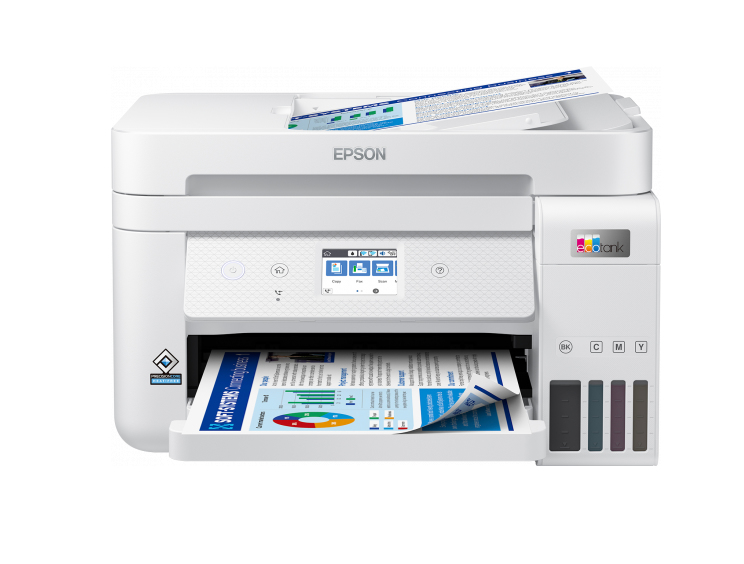
Epson EcoTank ET-4856 ET 4856 ET4856 - Multifunction printer - colour - ink-jet - refillable - A4 (media) - up to 15.5 ppm (printing) - 250 sheets - 33.6 Kbps - USB, LAN, Wi-Fi - white