- Cloud Email
Email Retention Policies: How Long Should You Keep Emails?
11 Mar, 2026
£104.52 inc. VAT
AI-generated summary
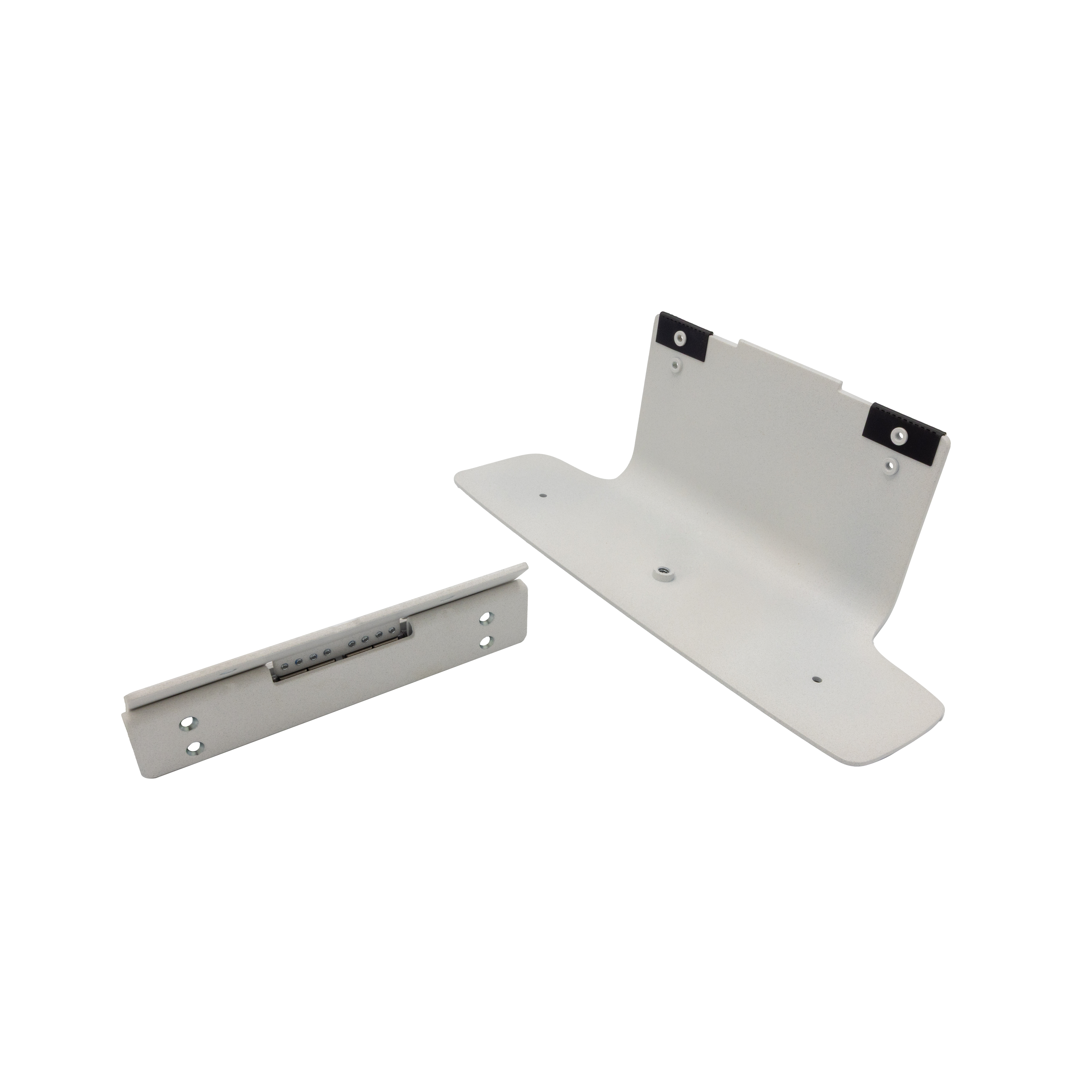
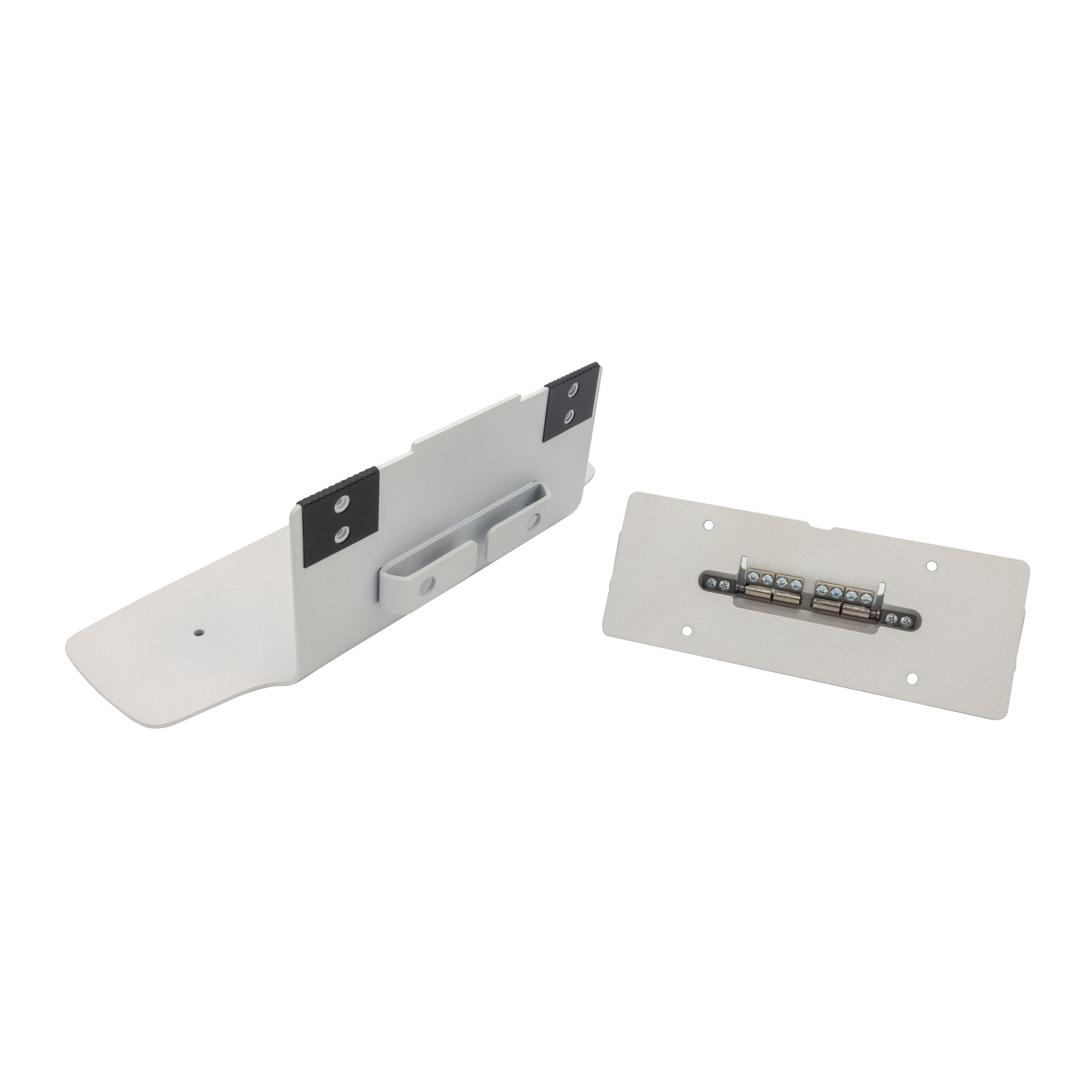
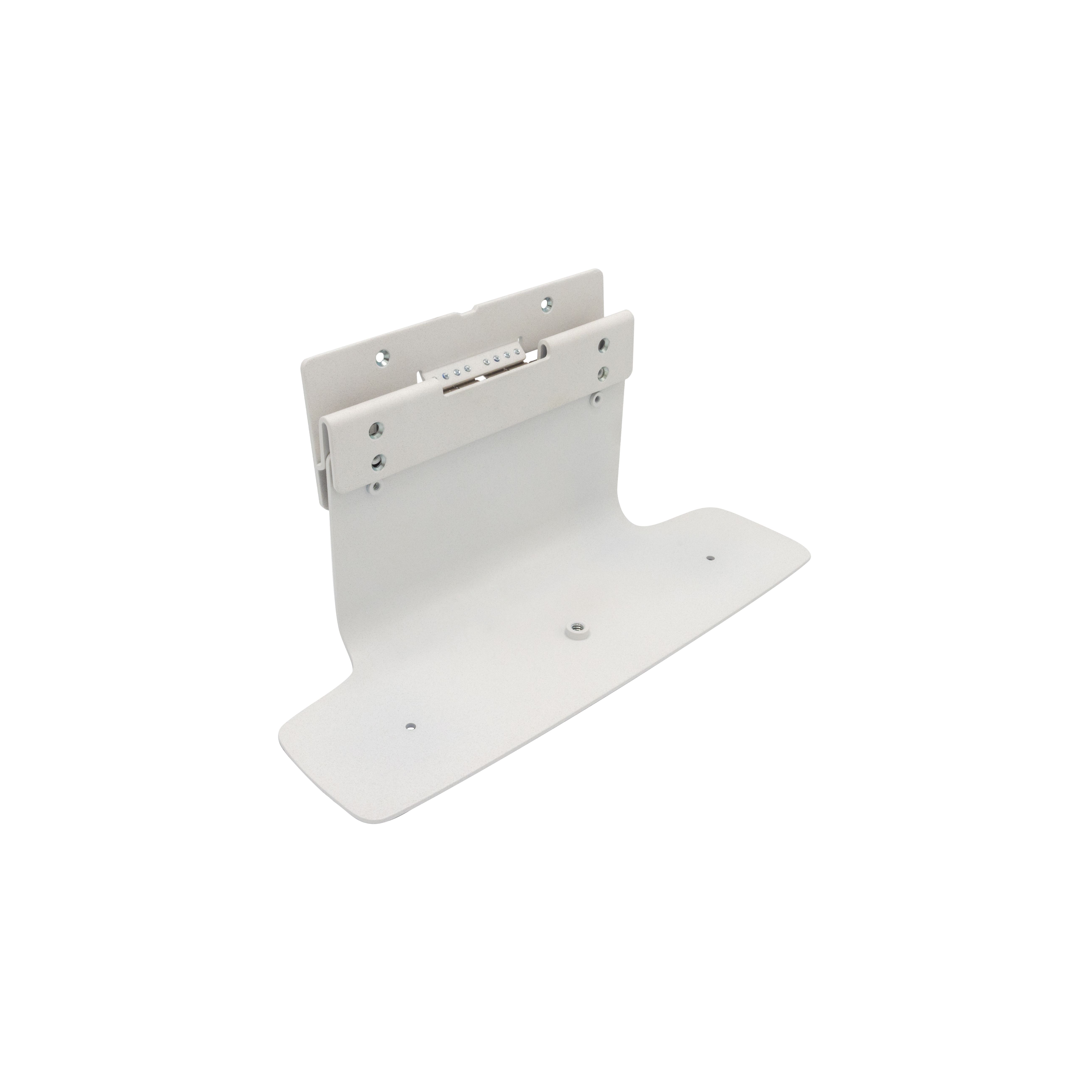
The HP Poly Studio table stand for the X50/X52/V52 is one of those “small” buys that actually saves hassle. If your setup involves swapping the camera between desks, moving it between rooms, or you just don’t want it balancing awkwardly on monitors/books, this stand gives you a clean, stable placement and a more consistent camera angle. At £87 ex-VAT, it’s not impulse pricing, but it’s also not outrageous—especially in a workplace where a decent, repeatable setup beats constant fiddling (and the support tickets that come with it).
That said, I wouldn’t buy it if you already have a secure way to mount/position the camera where you work day-to-day. If you’re using a wall mount, monitor mount, or you’re genuinely happy with your current placement, this is paying for tidiness more than performance. Who should buy? Teams with a lot of ad-hoc meetings, hot-desking, training rooms, or anyone who wants the Studio unit to sit “right” every time without extra gear. Who should avoid? Anyone with a fixed, well-positioned setup—because you’ll pay for convenience you may not notice.

HP
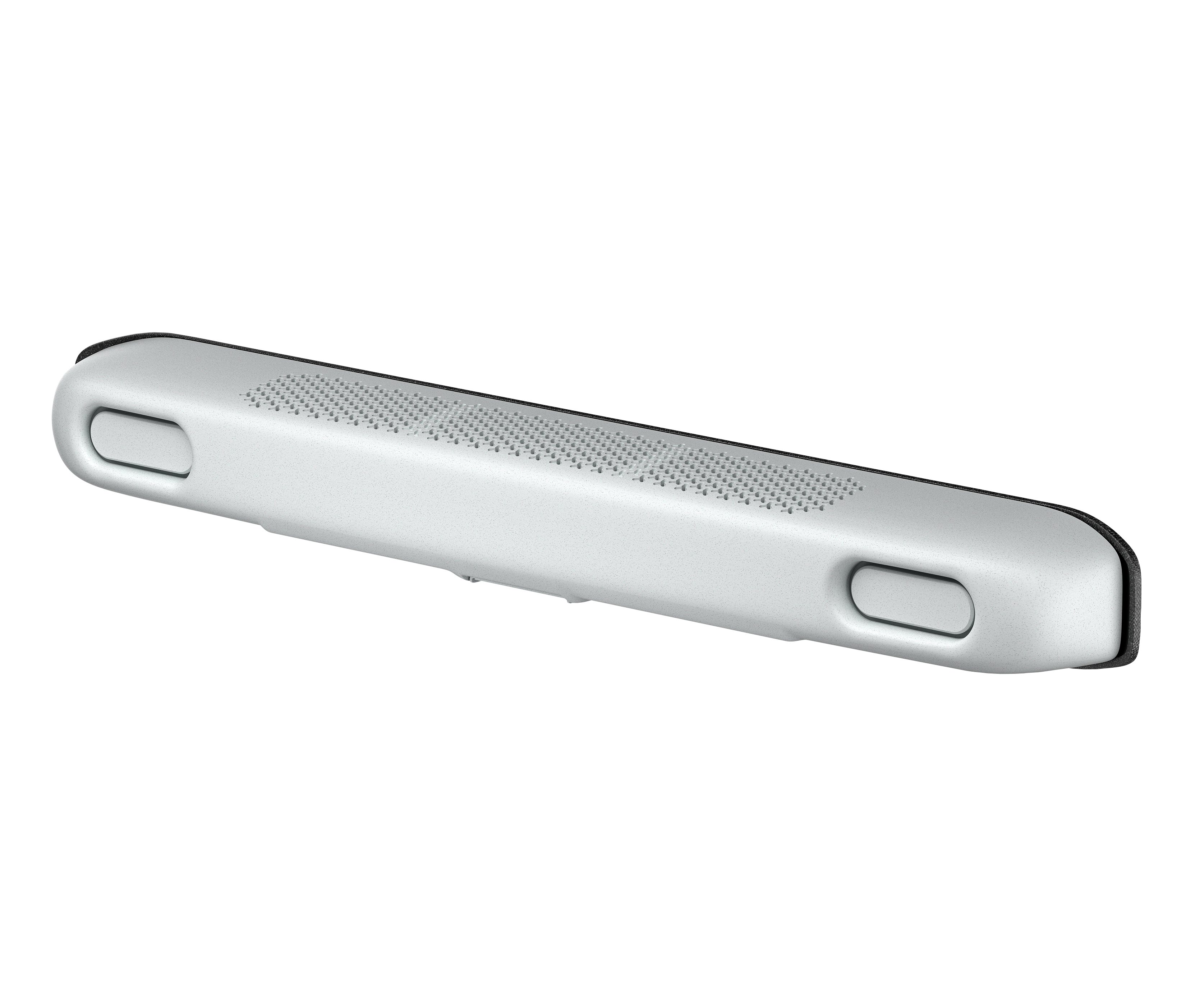
HP Poly Studio V72 - USB video bar - white
HP
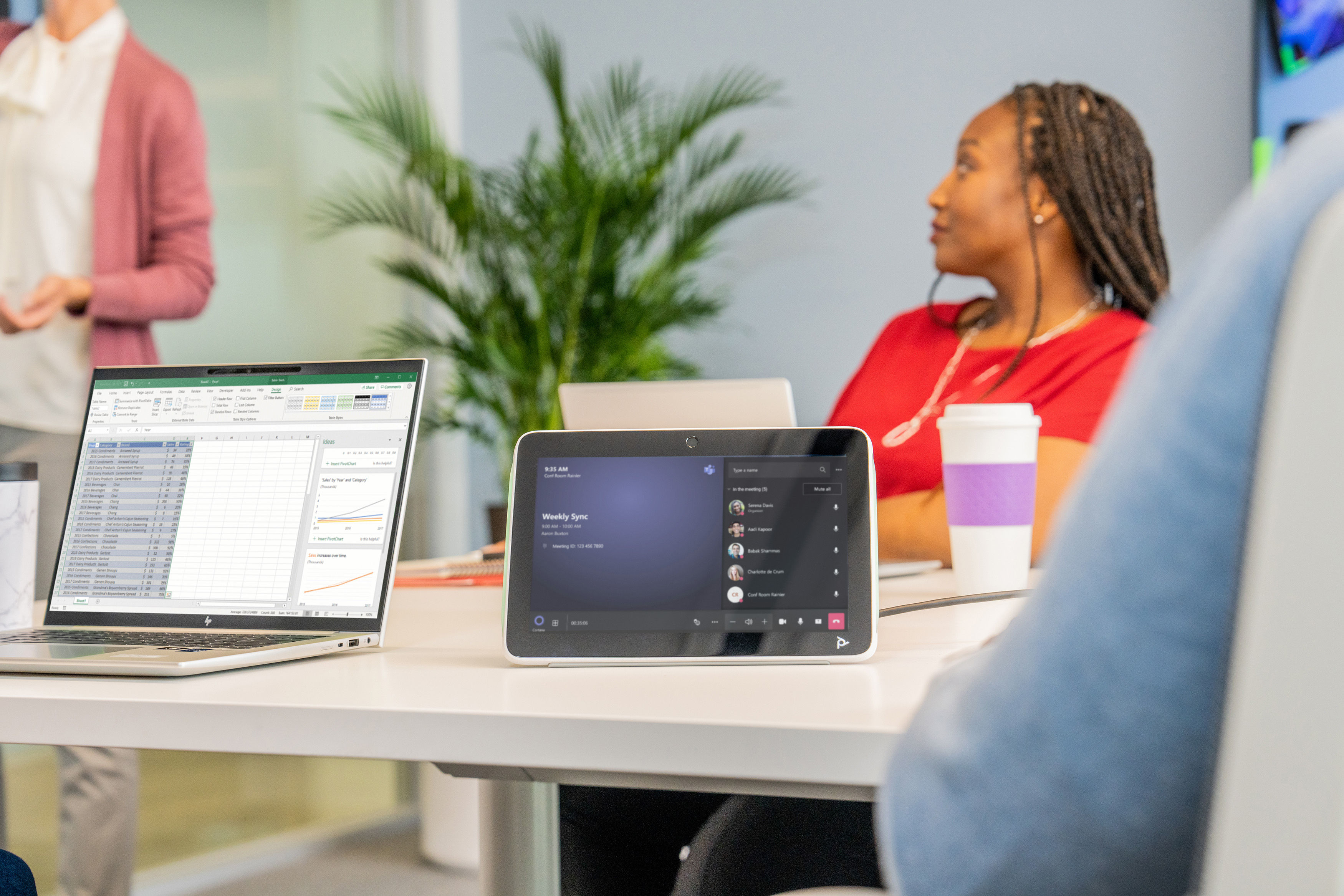
HP Poly Studio V12 - USB video bar - Certified for Microsoft Teams, Zoom Certified - white
HP
HP Poly TC10 - Mounting kit (glass mount) - for Poly TC10
HP
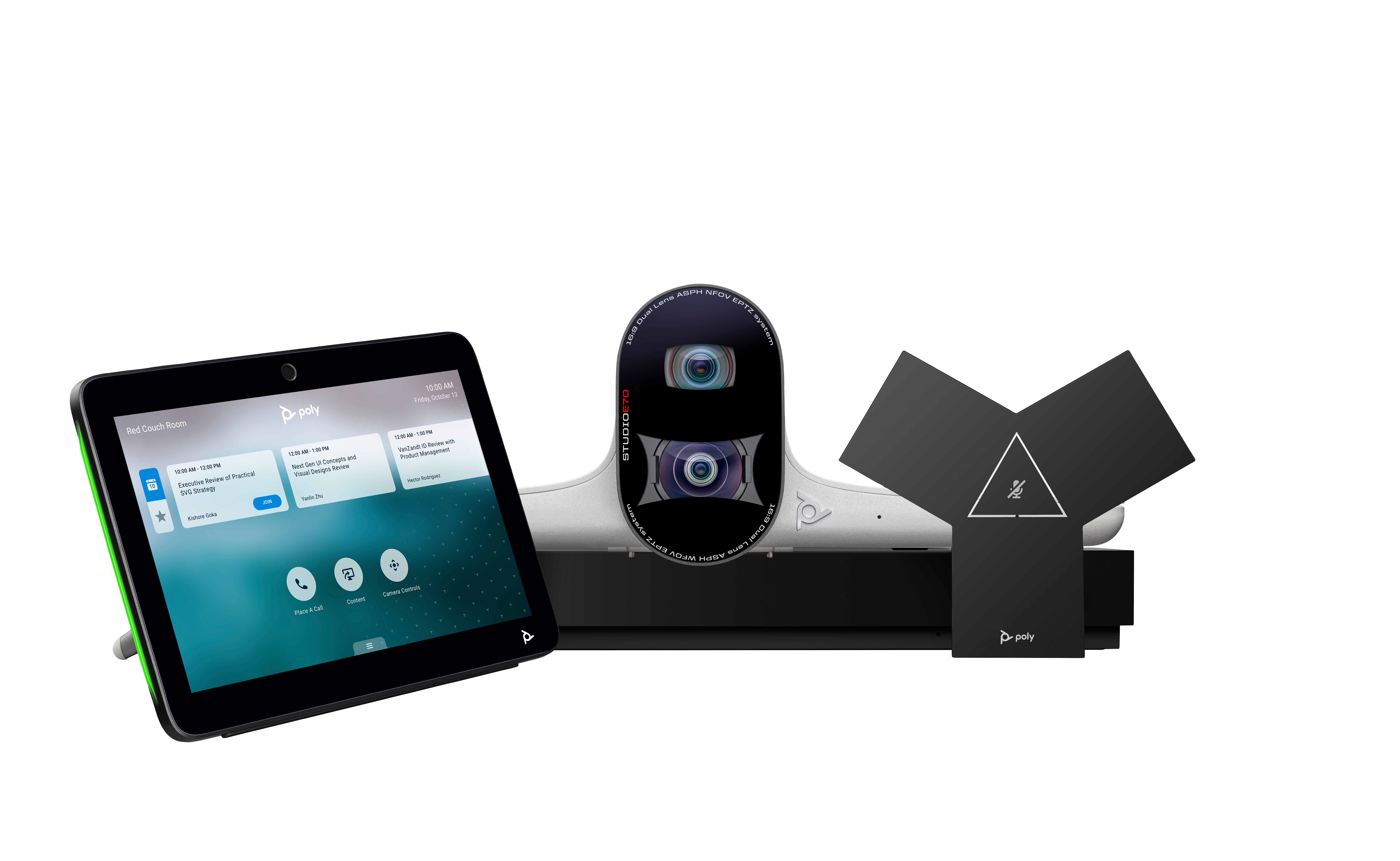
HP Poly G7500 - Video conference system (Poly Studio E70 camera, Poly TC10 touch controller, Poly G7500 codec) - Zoom Certified, Certified for Microsoft Teams - black - power adapter included