- Web Development
How to Write Website Content That Converts Visitors to Leads
11 Mar, 2026
£373.94 inc. VAT
AI-generated summary
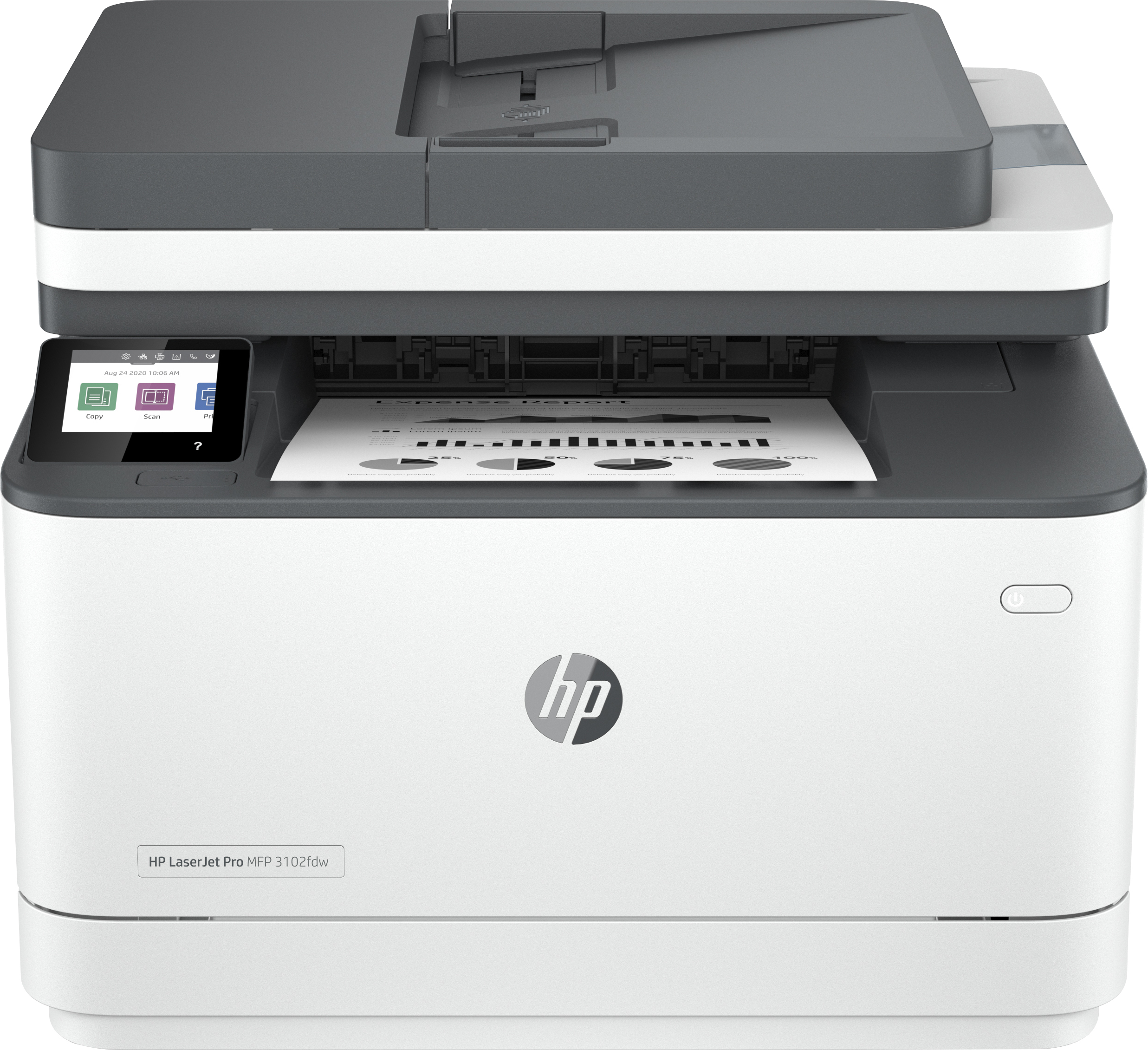
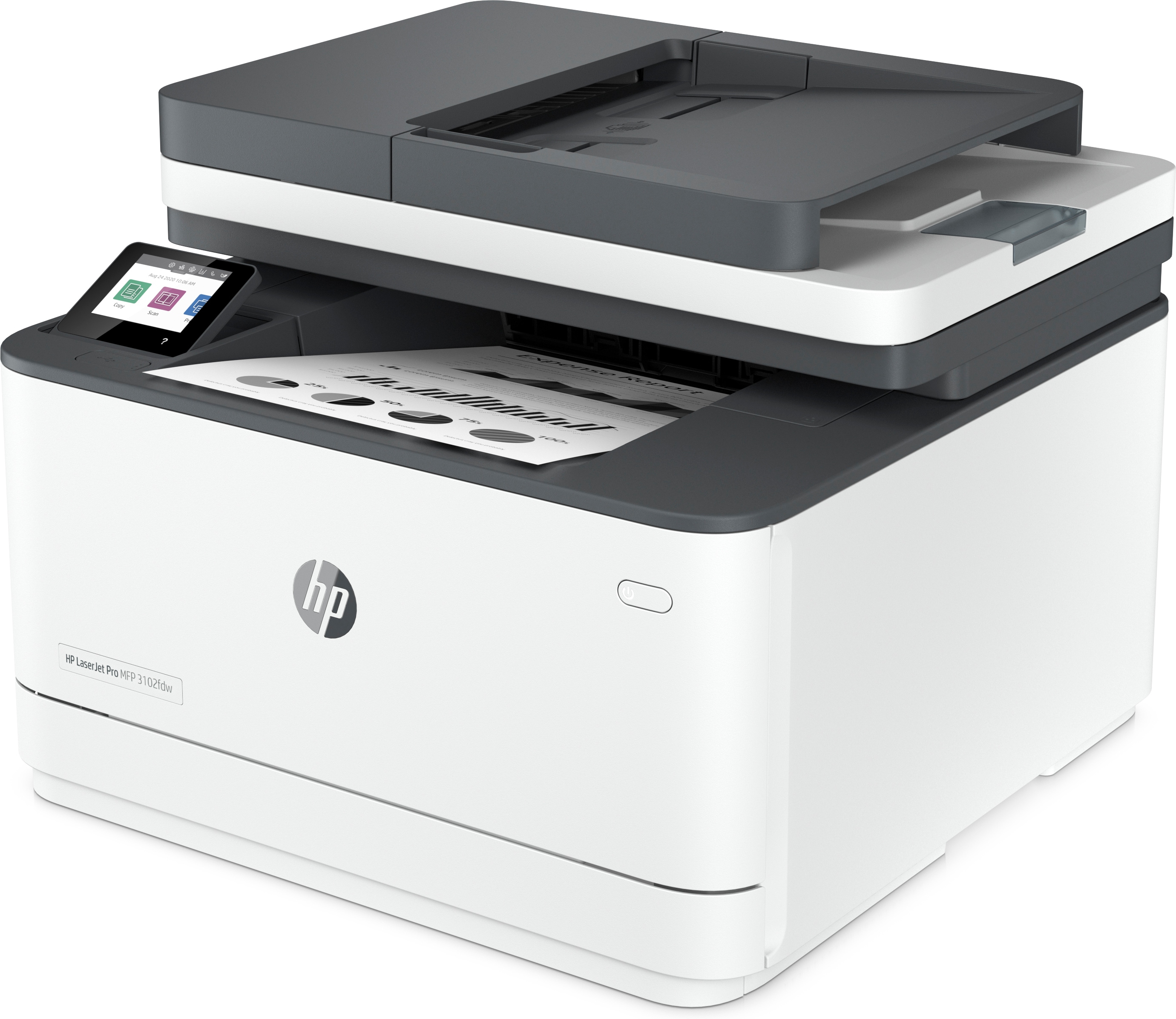
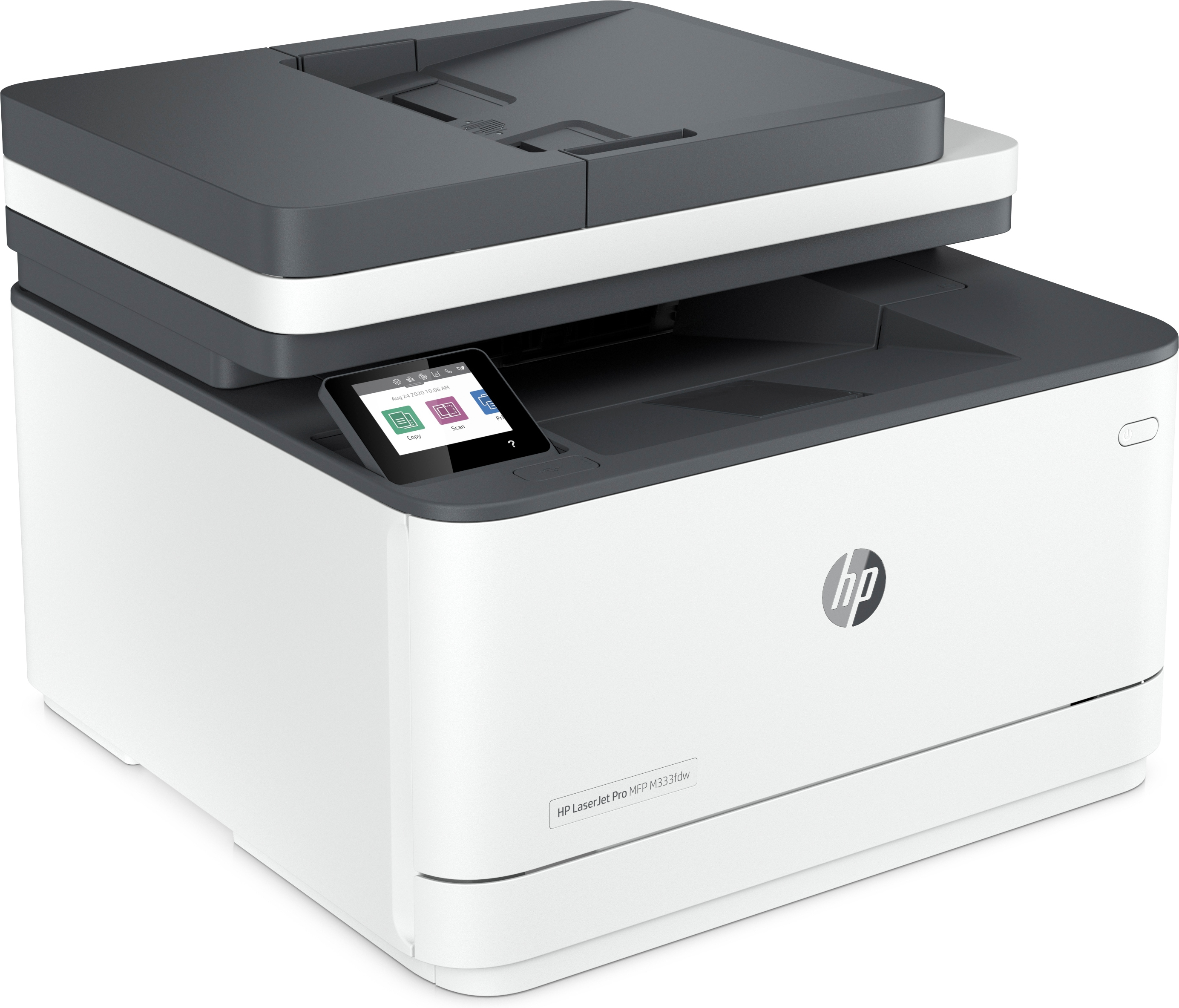
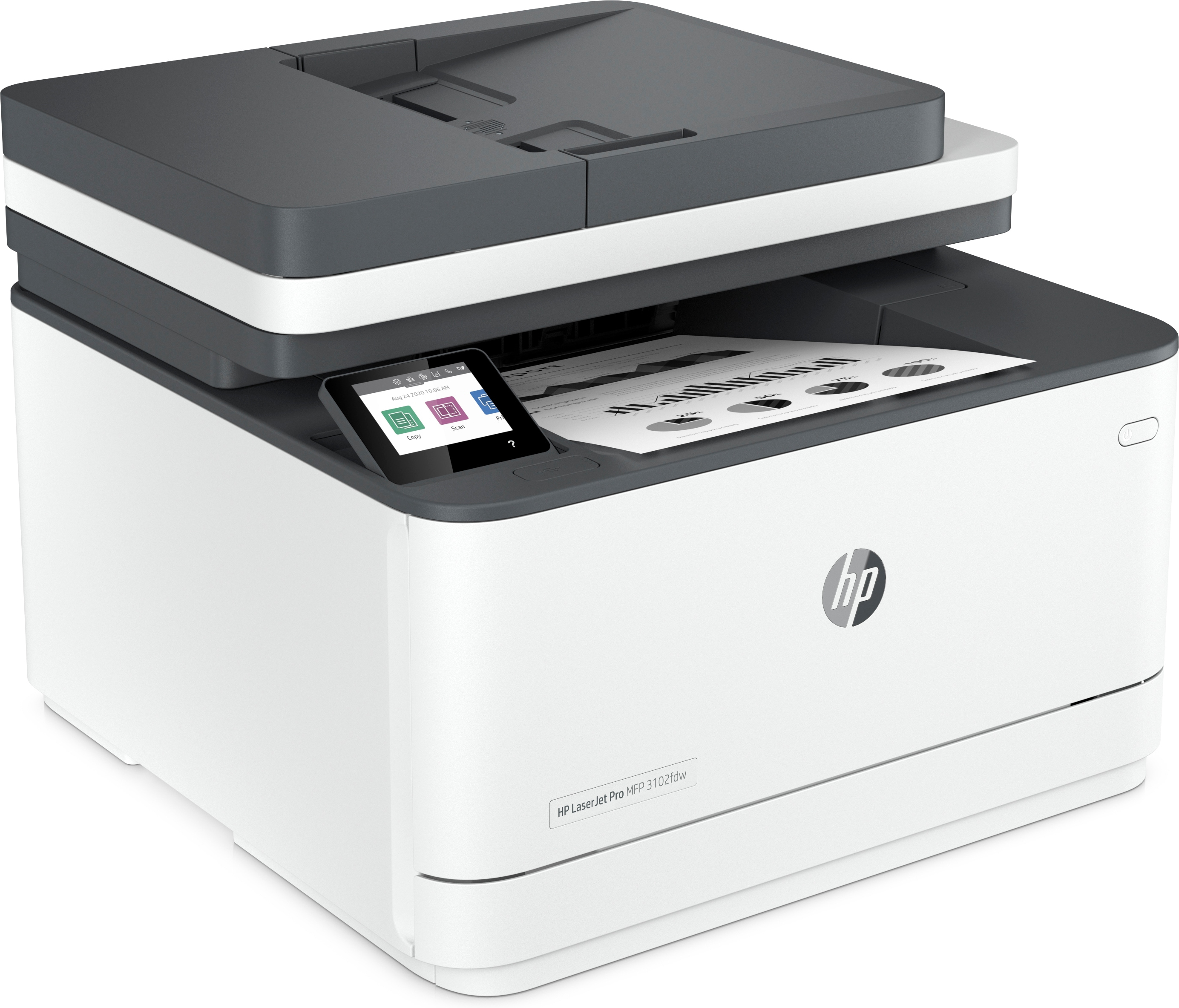
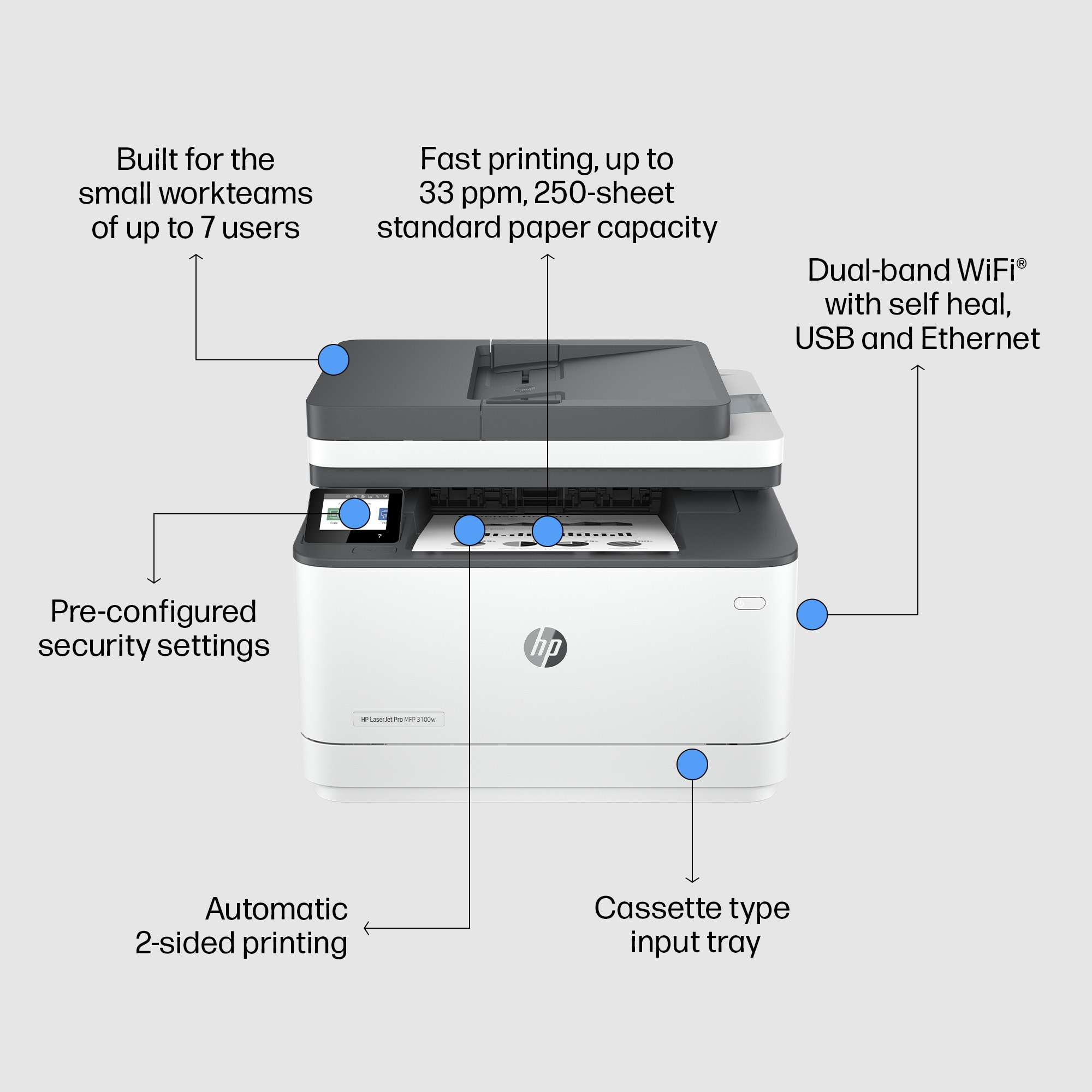
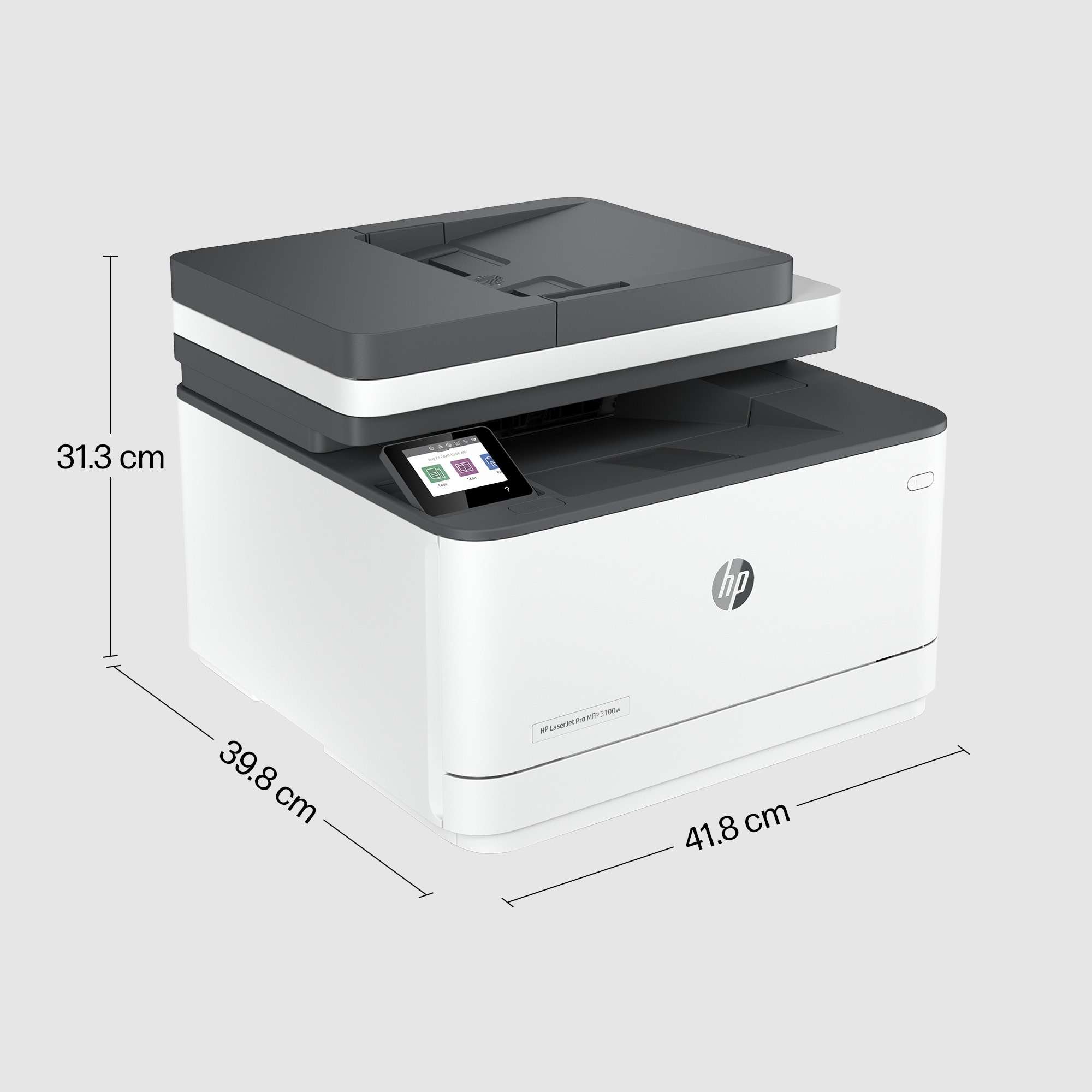
The HP LaserJet Pro MFP 3102fdw for £311.62 ex-VAT feels like a sensible “small office workhorse” if you need everyday printing plus scanning/copying without fuss. HP’s LaserJet ecosystem is usually straightforward for UK workplaces—driver setup is typically painless, toner replacement is predictable, and it copes well with the kind of mixed, moderate-volume documents offices actually print. If your team wants something reliable for deskside usage (and occasional higher-yield print jobs), this class of machine tends to deliver good value over the long run.
I’d recommend it for businesses that print regularly but don’t want the hassle of inkjet workflows or ink costs spiking—think admin teams, law firms, agencies, and service offices that need consistent text quality and fast outputs. That said, I’d be cautious if you’re chasing the absolute lowest cost per page or you print infrequently: multifunction lasers can still make sense, but their value really depends on steady usage and not getting caught with small print volumes. If you’re mainly scanning, emailing, or doing heavy document management, it’s worth checking your intended scan-to workflow (document handling and software/process fit) before buying—because that’s where many “budget-friendly” MFPs win or lose in day-to-day reality.
Powerful productivity
Support your small workteams with this laser printer, designed for up to 7 users. Print more efficiently. You can save time, paper, and costs with duplex speeds at 35 ppm. [1] Get productivity in t...
Seamless management
Centralise your print management. HP Web Jetadmin makes it easy with its suite of features.[3] Set up your printers quickly. Streamlined setup makes it easy to set up and get back to business. Help...
HP Wolf Pro Security
Get printer security out of the box. Preconfigured settings mean it's ready when you are. Add a layer of security. PIN/pull option authenticates your print jobs only when you're present. Set config...
Sustainable printing
Save up to 20% energy. EcoSmart toner with JetIntelligence balances premium quality with sustainability.[6] Start saving paper right out of the box. The default duplex setting prints on both sides ...
HP Smart
Get productivity in the palm of your hand. Print, scan, and save time with Shortcuts from HP Smart. [2]
Fast print and duplex speeds.
Print more efficiently. You can save time, paper, and costs with duplex speeds at 35 ppm. [1]
HP
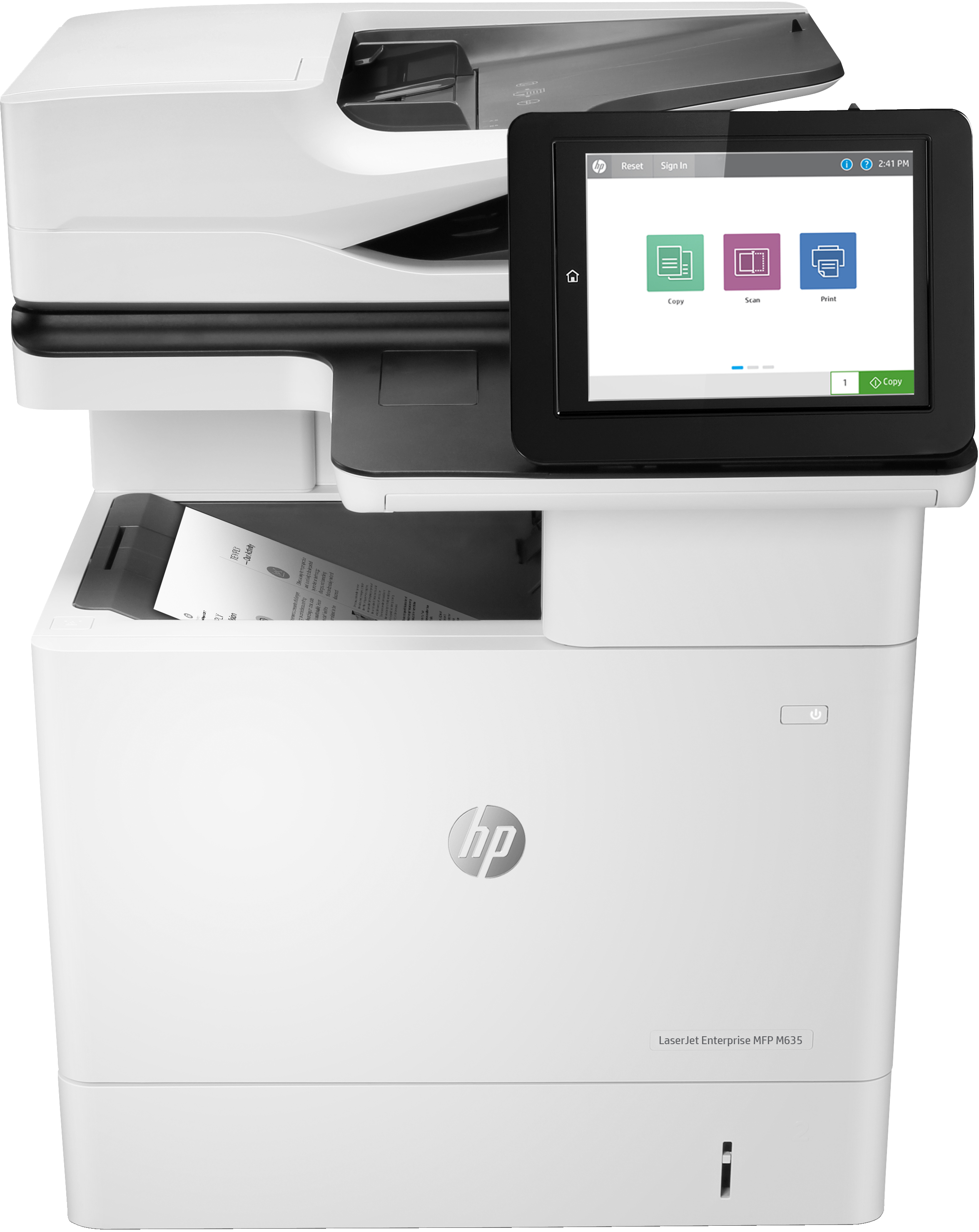
HP LaserJet Enterprise MFP M635h - Multifunction printer - B/W - laser - 216 x 864 mm (original) - A4/Legal (media) - up to 61 ppm (copying) - up to 61 ppm (printing) - 650 sheets - USB 2.0, Gigabit LAN, USB 2.0 host

HP
HP Color LaserJet Enterprise MFP M776dn - Multifunction printer - colour - laser - 297 x 864 mm (original) - A3 (media) - up to 46 ppm (copying) - up to 46 ppm (printing) - 650 sheets - USB 2.0, Gigabit LAN, USB 2.0 host
Canon
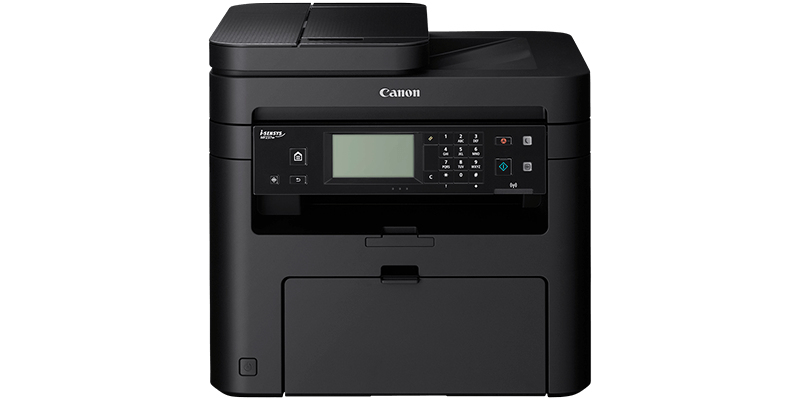
Canon i-SENSYS MF237w Bundle
HP
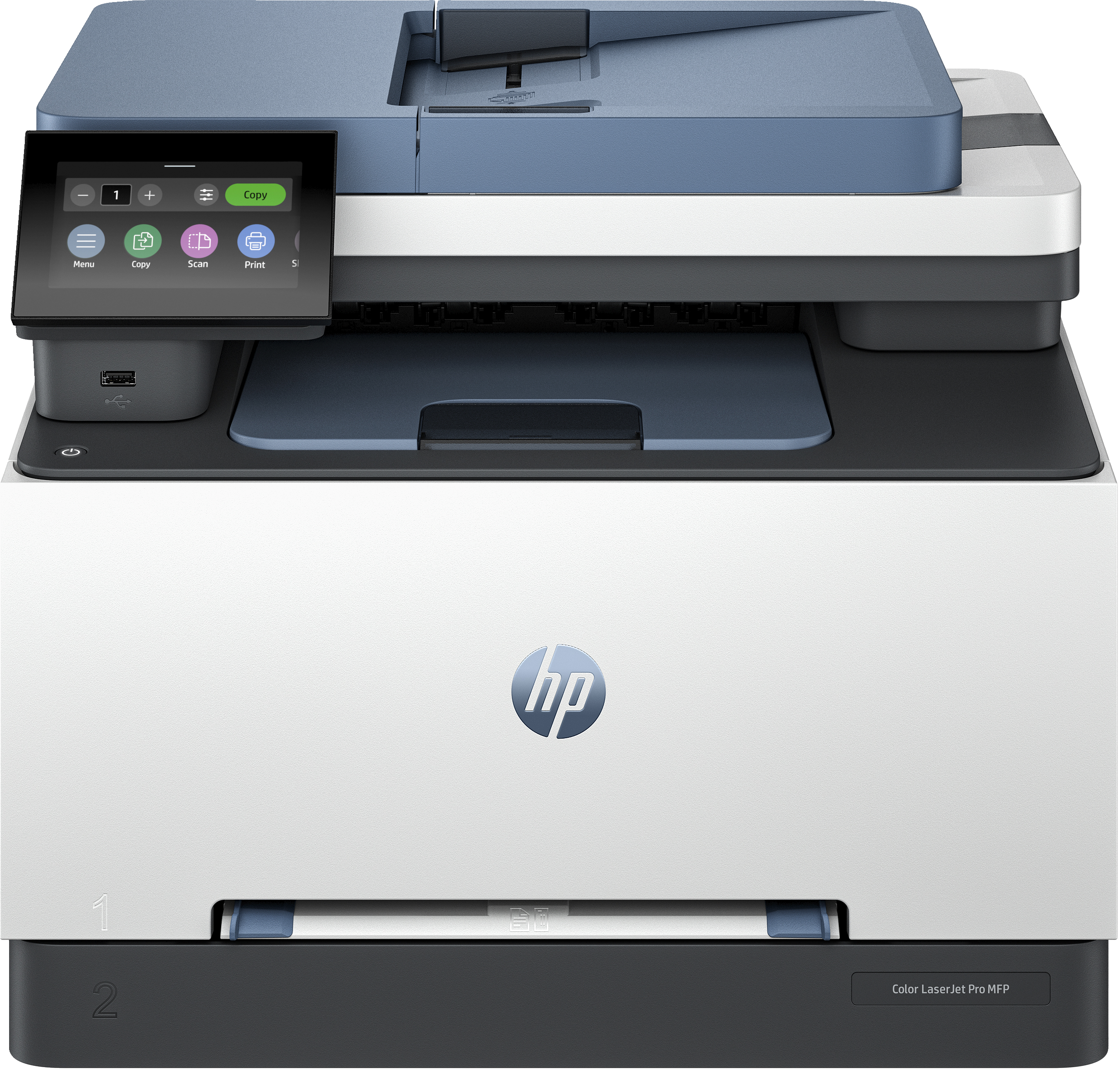
HP Color LaserJet Pro MFP 3302sdw - Multifunction printer - colour - laser - Legal (216 x 356 mm) (original) - A4/Legal (media) - up to 25 ppm (copying) - up to 25 ppm (printing) - 250 sheets - Gigabit LAN, USB 2.0, USB 2.0 host, Wi-Fi(ac)